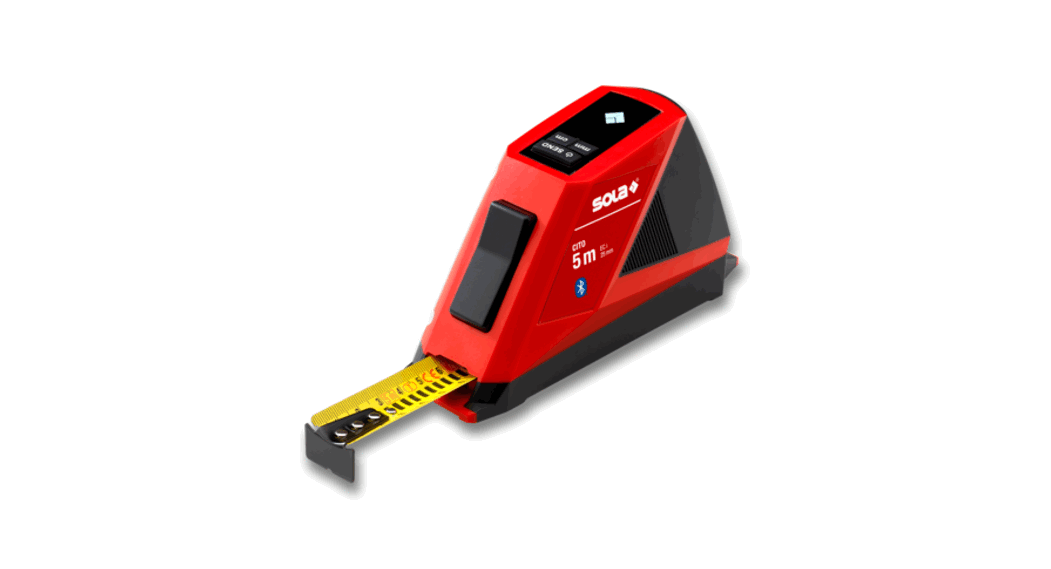
 CITO Digital Tape Measure with Bluetooth
User Guide
CITO Digital Tape Measure with Bluetooth
QUICK START
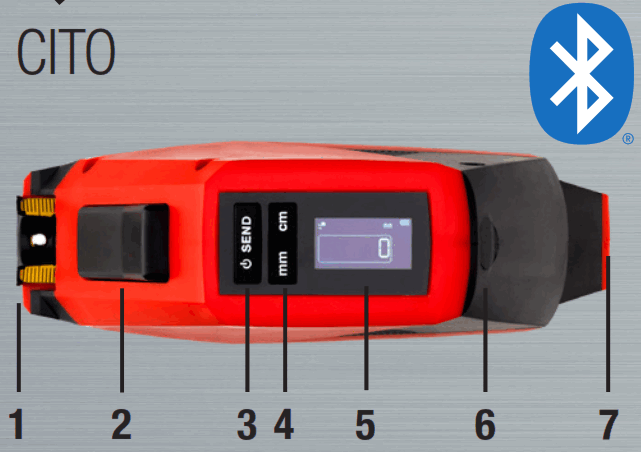
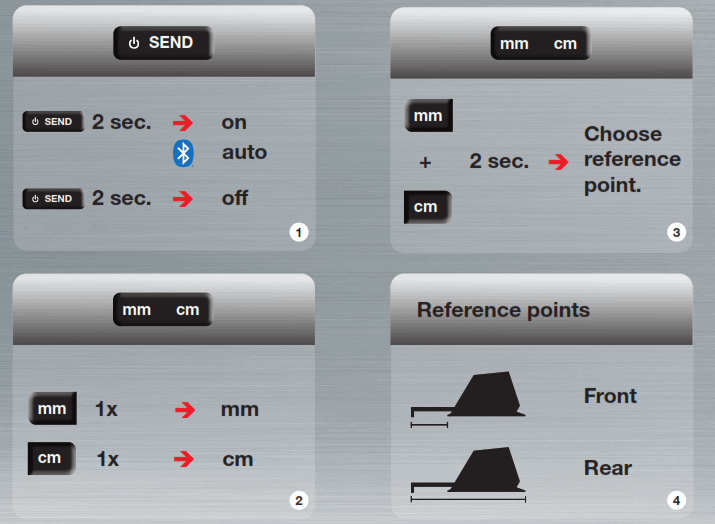
- Measuring reference point front
- Auto-lock brake release button
- ON | OFF | SEND measuring data
- Switch mm, cm | set measuring reference point
- Digital display
- USB charging port
- Measuring reference point rear
Auto-Lock
Blade automatically locked.
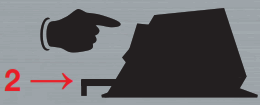
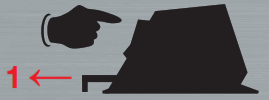
Push button to release auto-lock break when 1) pulling out and 2) retracting blade.
Measurement aid
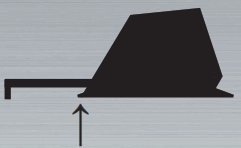
Use reference point as measurement aid. ON
ON
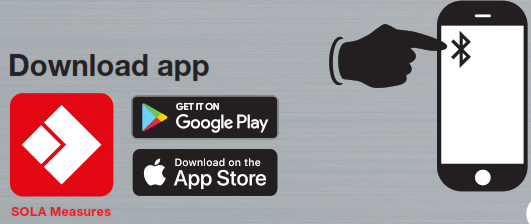
Connect with mobile phone: SOLA Measures app
 SEND
SEND
 Transfer measuring data to app SOLA Measures.
SOLA-Messwerkzeuge GmbH
Unteres Tobel 25, A-6840 Götzis
Tel: +43 (0)5523 53380-0
[email protected],
www.sola.at Please find the operating instructions on sola.at
Download free SOLA Measures app to connect
CITO to your smartphone via Bluetooth.
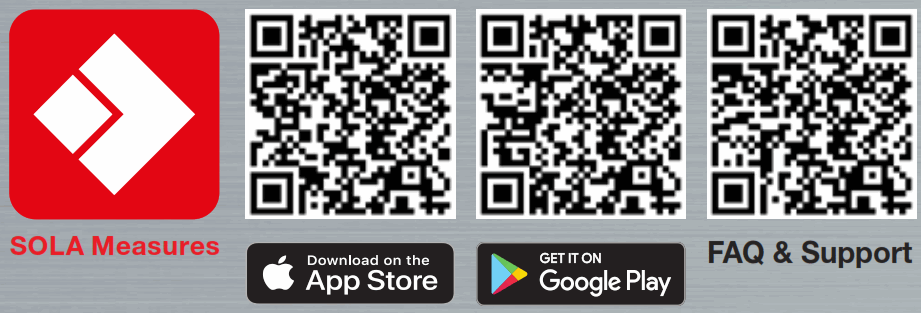 | ||
| https://www.sola.at/qr~-~code/qr_app_sola_measures_app_store | https://www.sola.at/qr~-~code/qr_app_sola_measures_google_play | https://www.sola.at/qr~-~code/qr_web_sola_measures_app_faq |
 Sola Measuring Tools U.S.A.
 Sola Measuring Tools U.S.A.