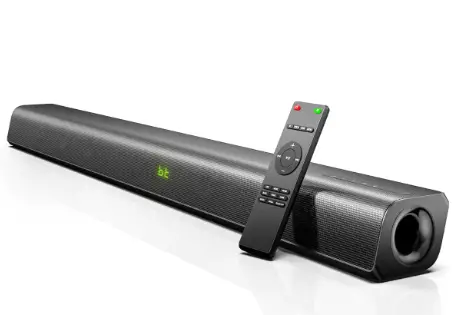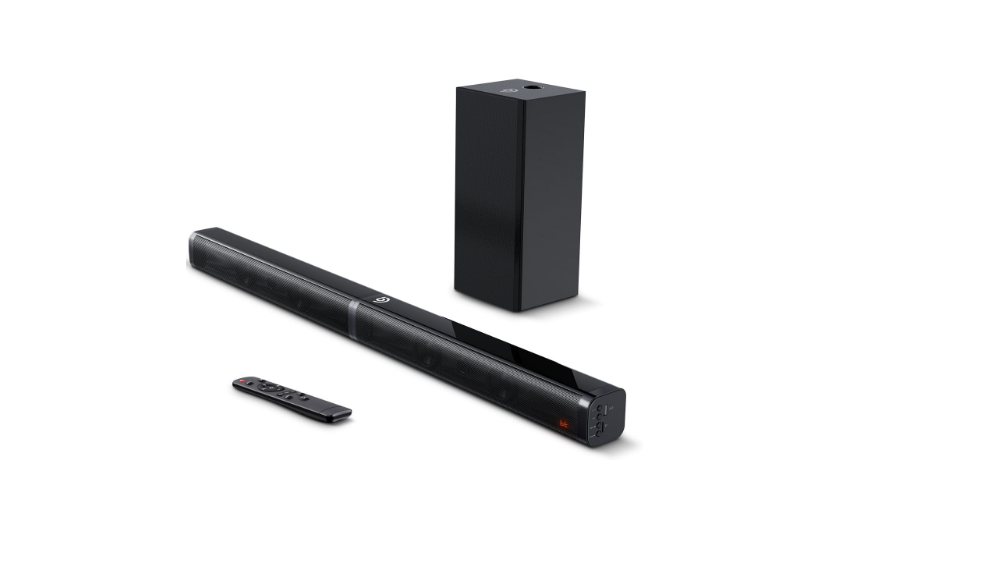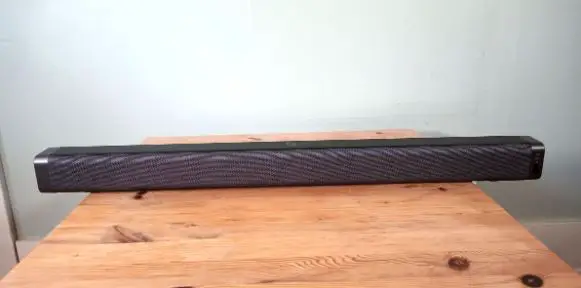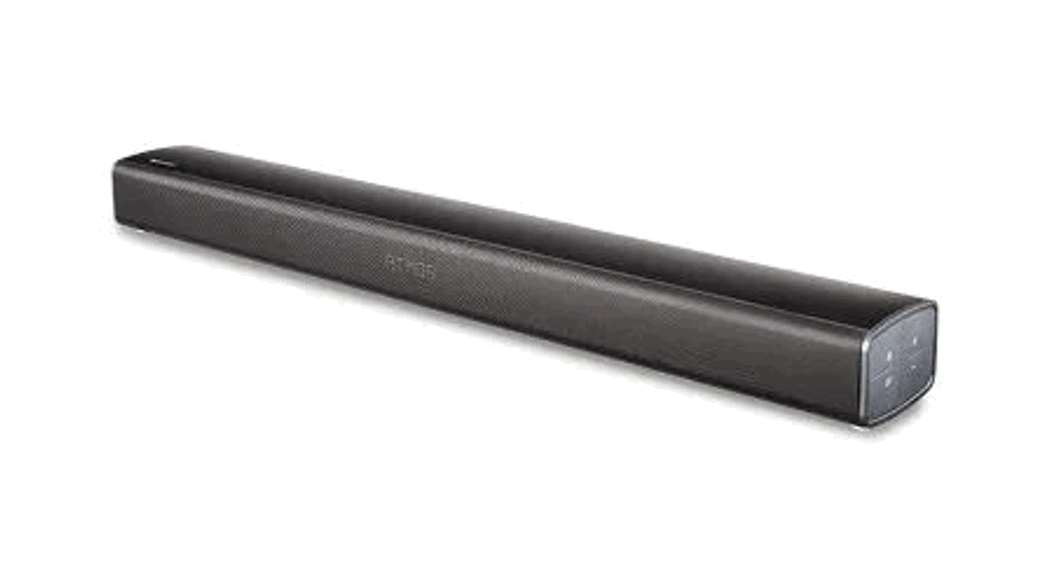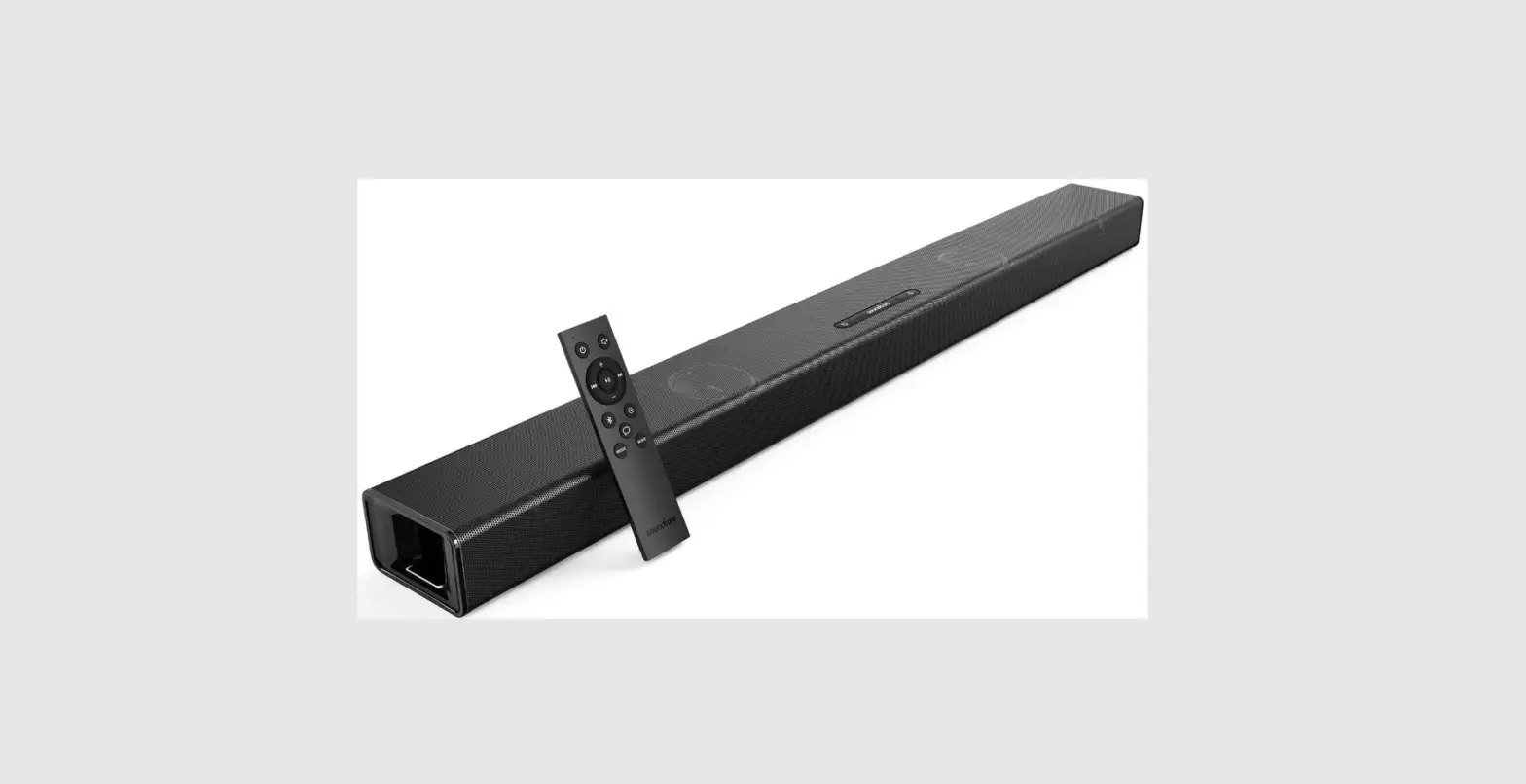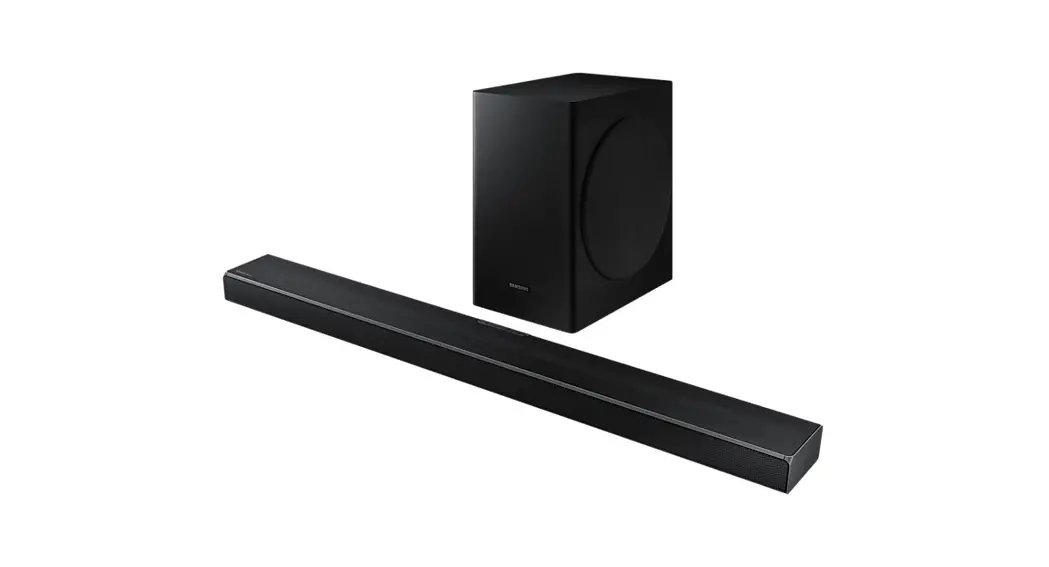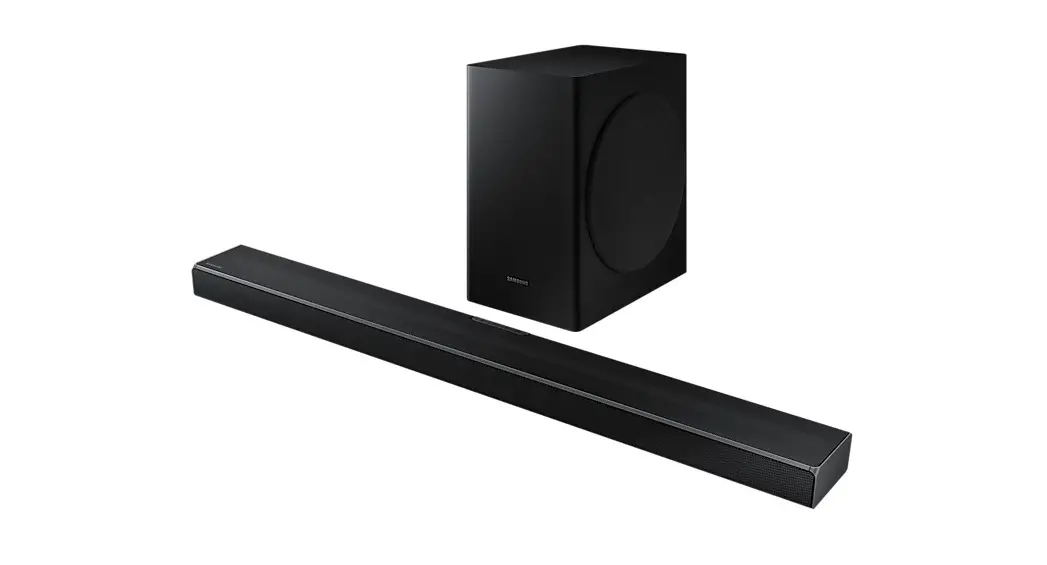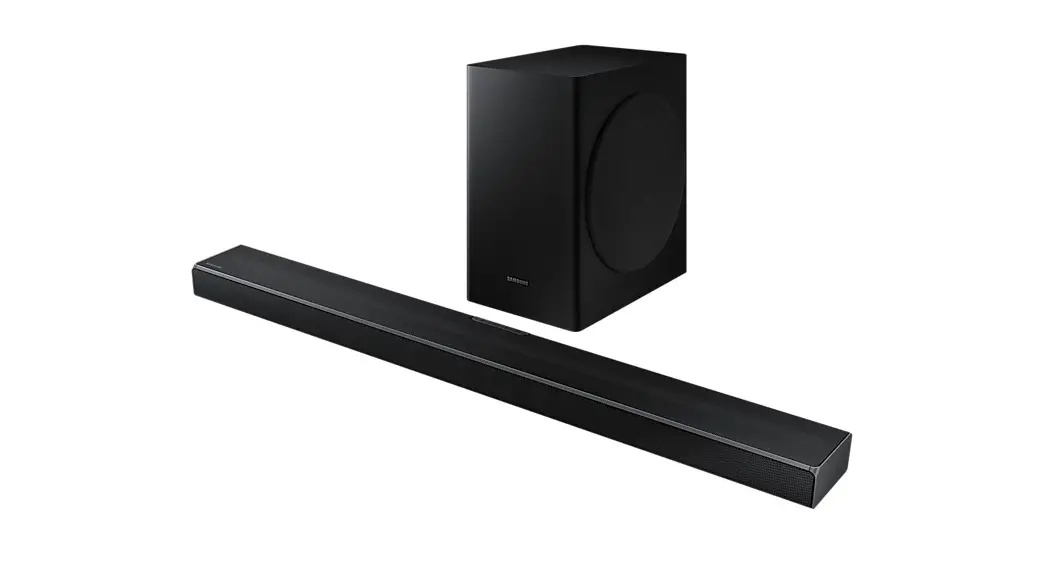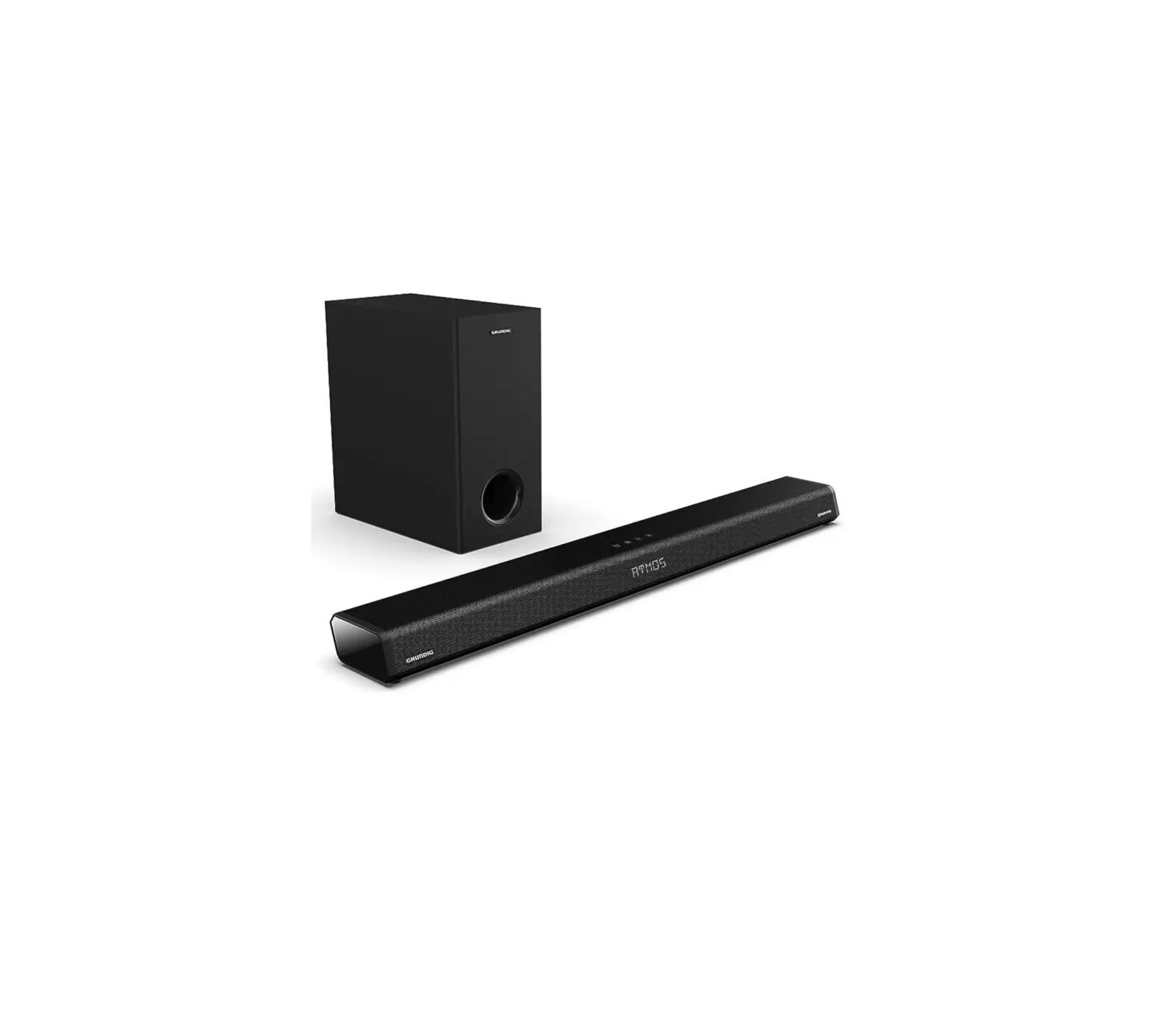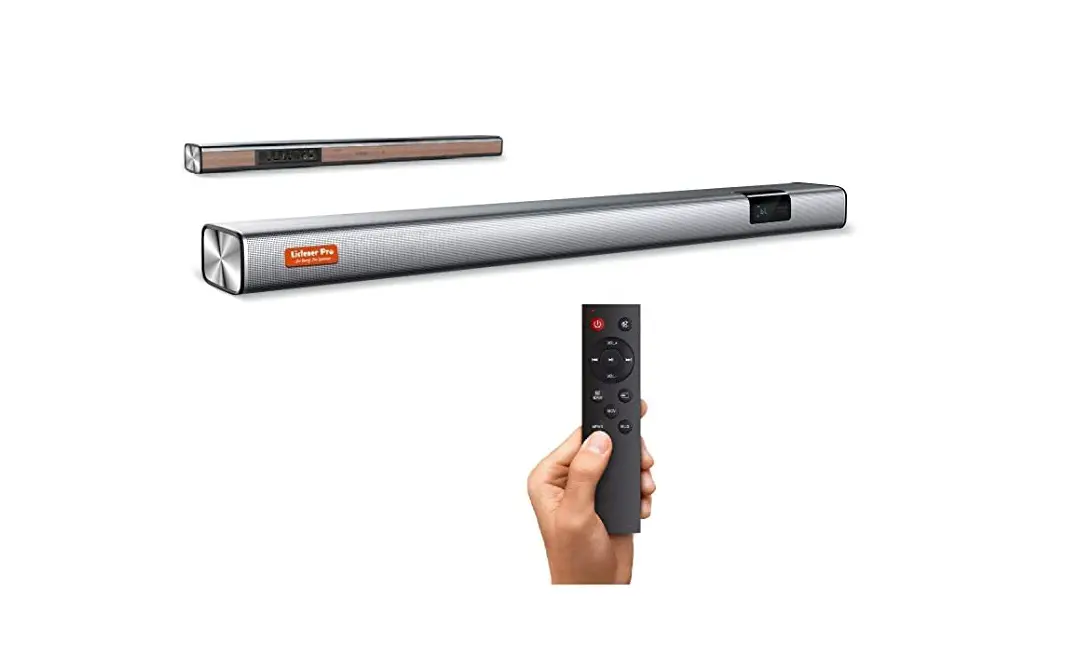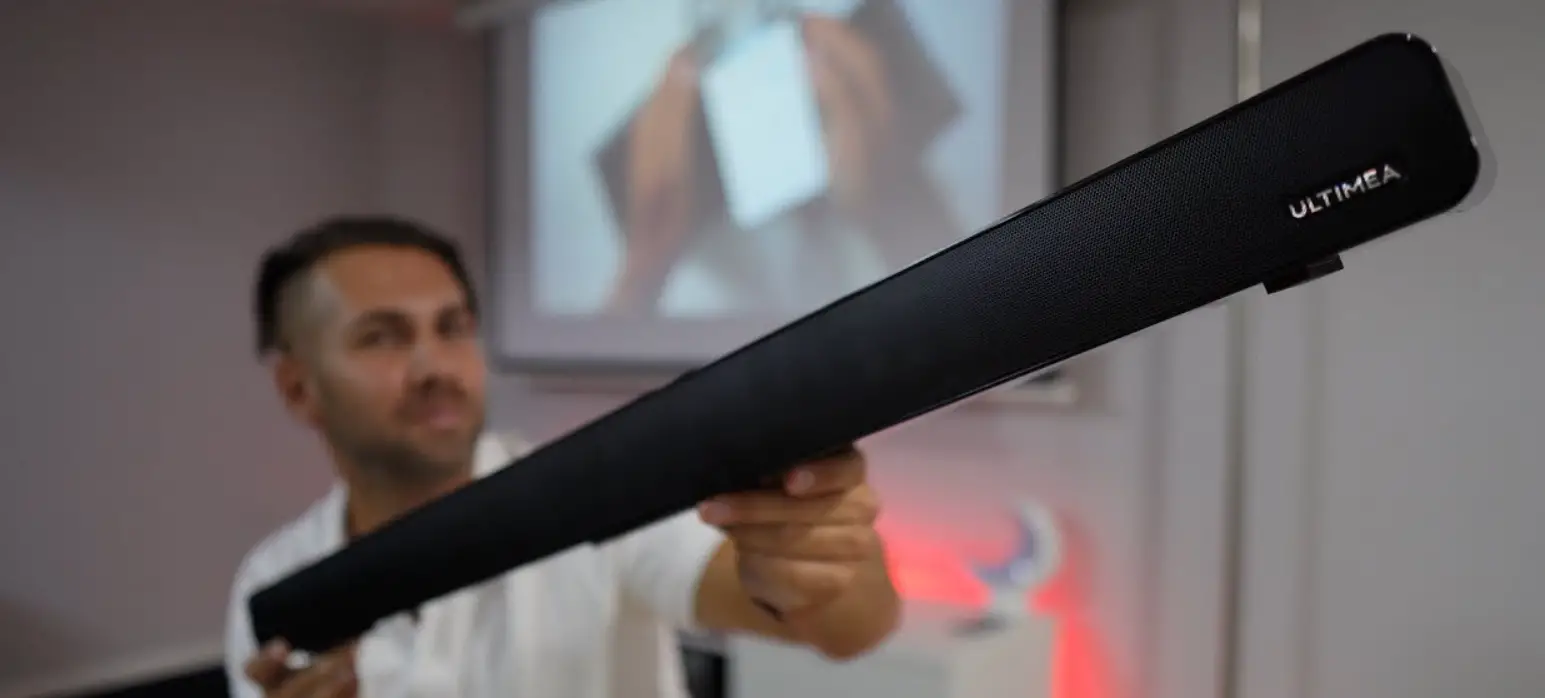

ULTIMEA Odine IV 2.0 Channel Soundbar
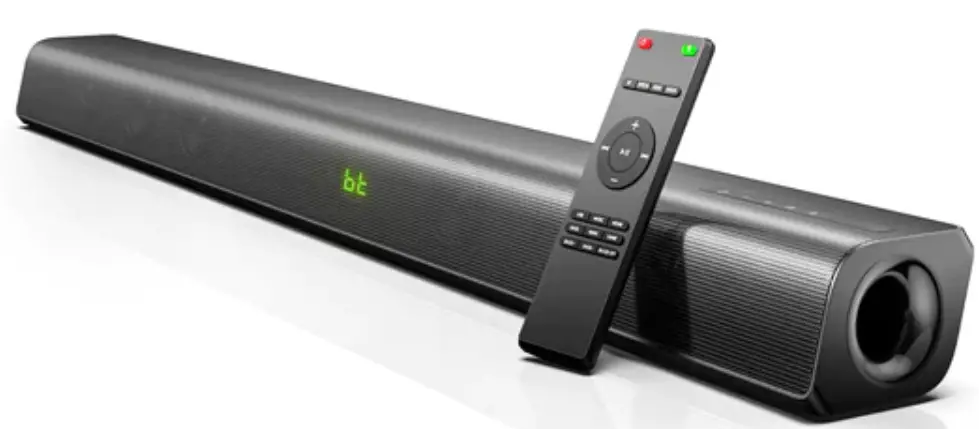
Thanks for purchasing Ultimea Odine IV. This guideline aims to offer you details on setting up this soundbar so that you can enjoy the ultimate sound experience.
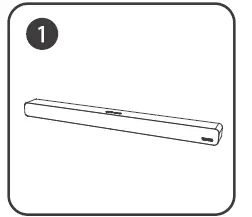
ACCESSORIES:


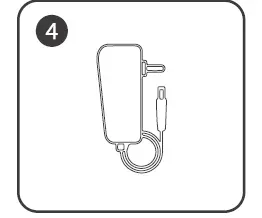
- Power adapter

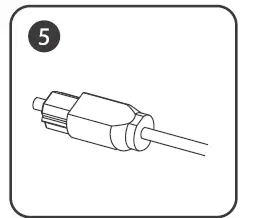
- Optical cable

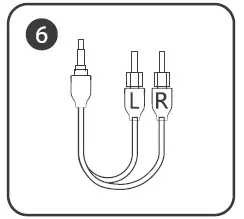
- AUX audio cable

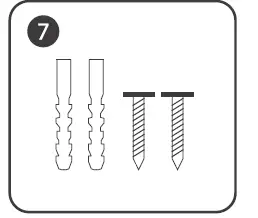
- Wall mounting bolts

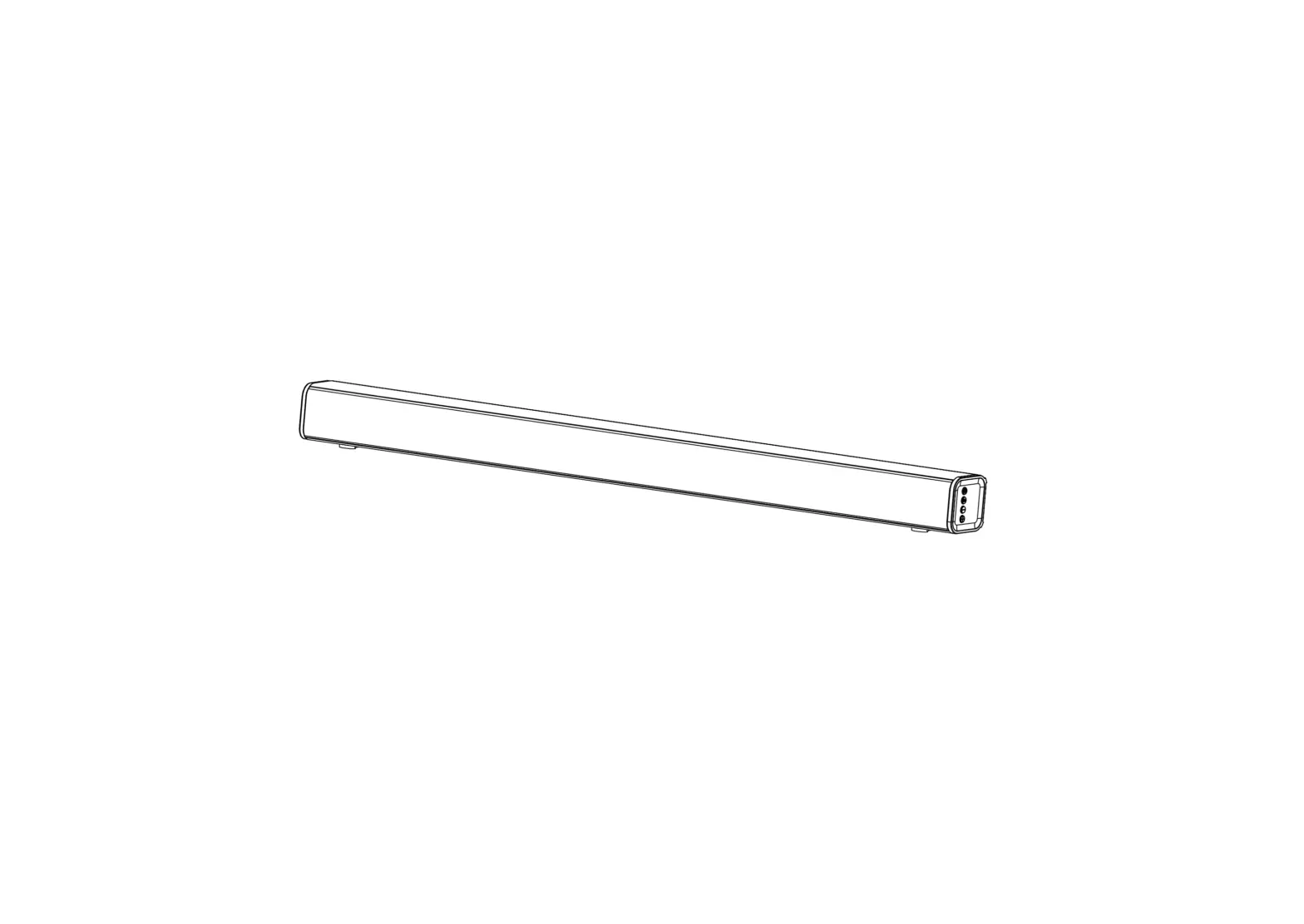
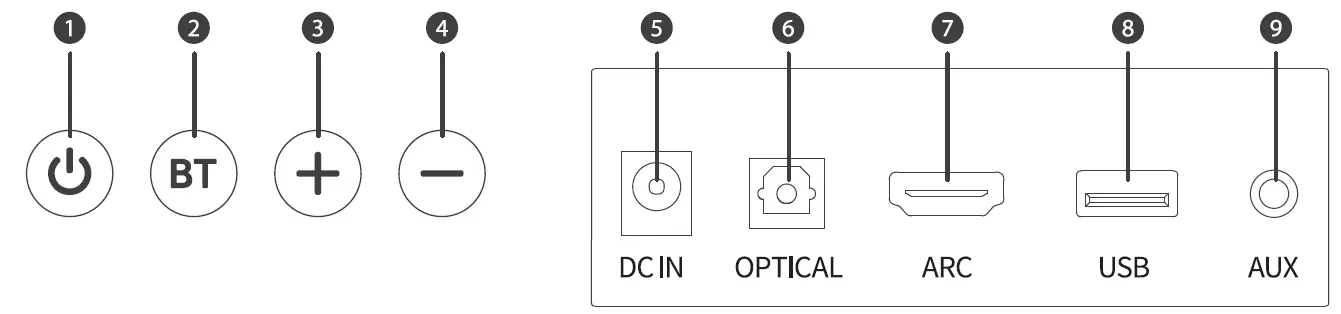
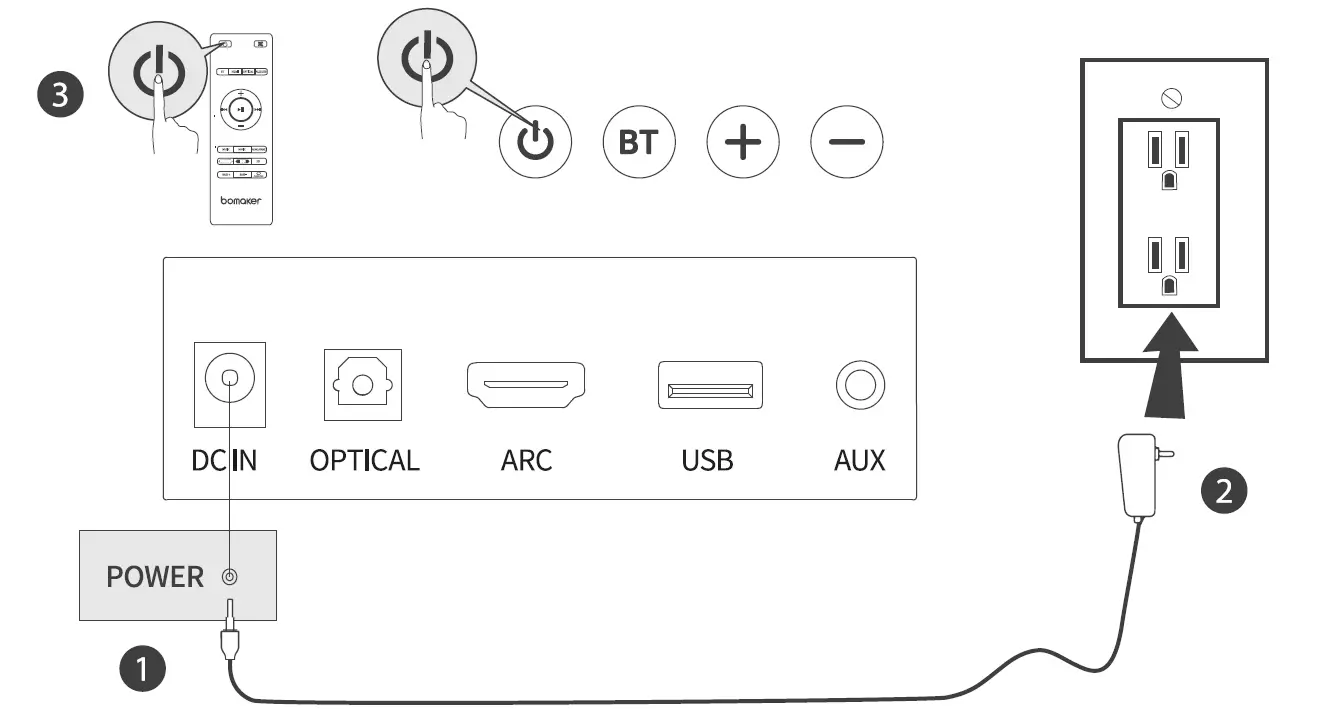
- Short press to turn on, long press to turn off. In the power-on state, short press to switch modes.
- Short press to switch to Bluetooth mode, long press to disconnect Bluetooth.
- Next song/Volume+.
- Previous Song/Volume-.
- DC18V IN Jack.
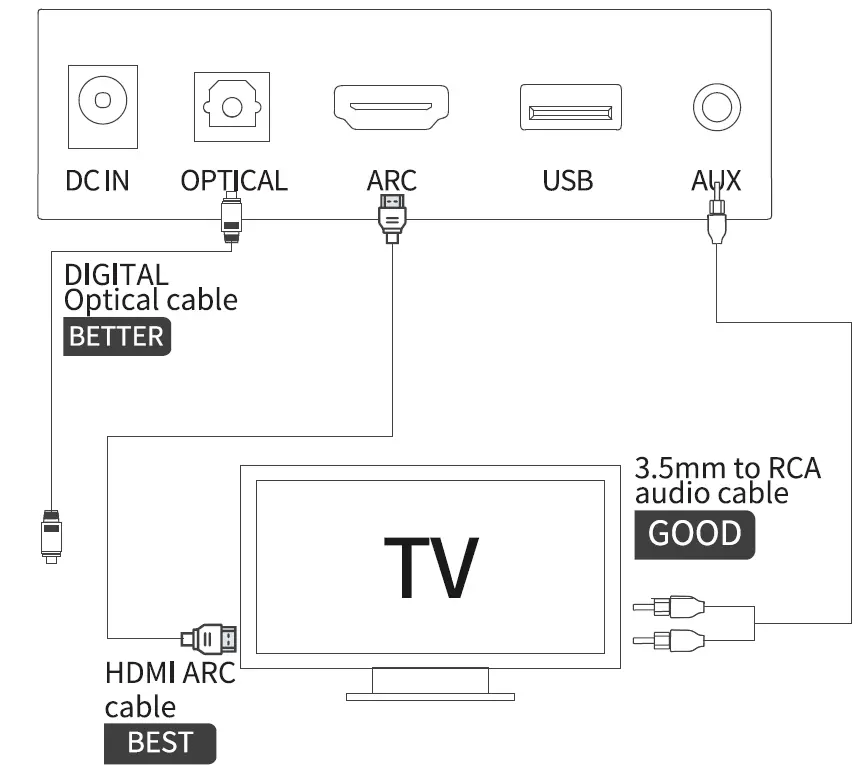
- OPTICAL IN: Connect to the compatible devices via an optical cable(provided)
- HDMl(ARC): Connect to the compatible devices via a HDMI cable(not provided)
- USB IN: Connect to the flash drive for playing MP3/WAV files (FAT32 format and 64GB max)
- AUX IN: Connect to the compatible devices via the 3.5mm-RCAstereo jack cable(provided)

MODE
 | HDMl{ARC)mode |  | Bluetooth mode |
 | USB media mode |  | Auxiliary input mode |
 | Optical mode |  | Hi-Fi mode |
 | DYNAMIC mode |
PLACEMENT
Table Placement
Place the sound bar on a solid surface.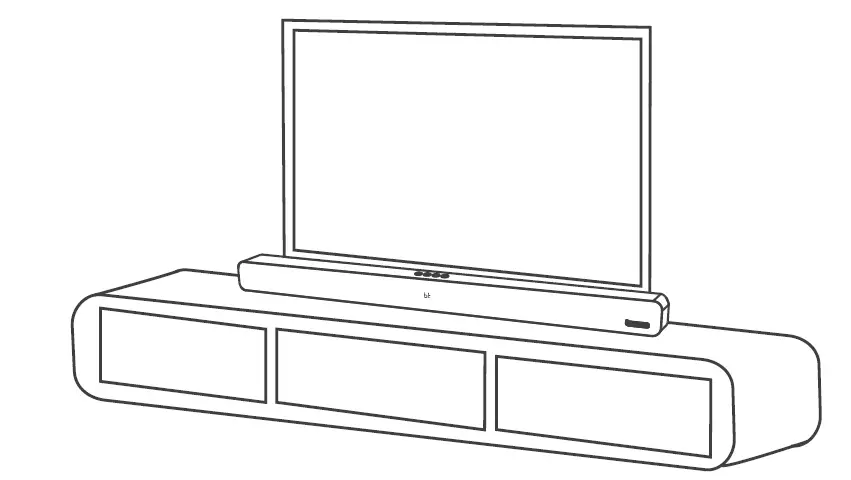
Wall Mounted
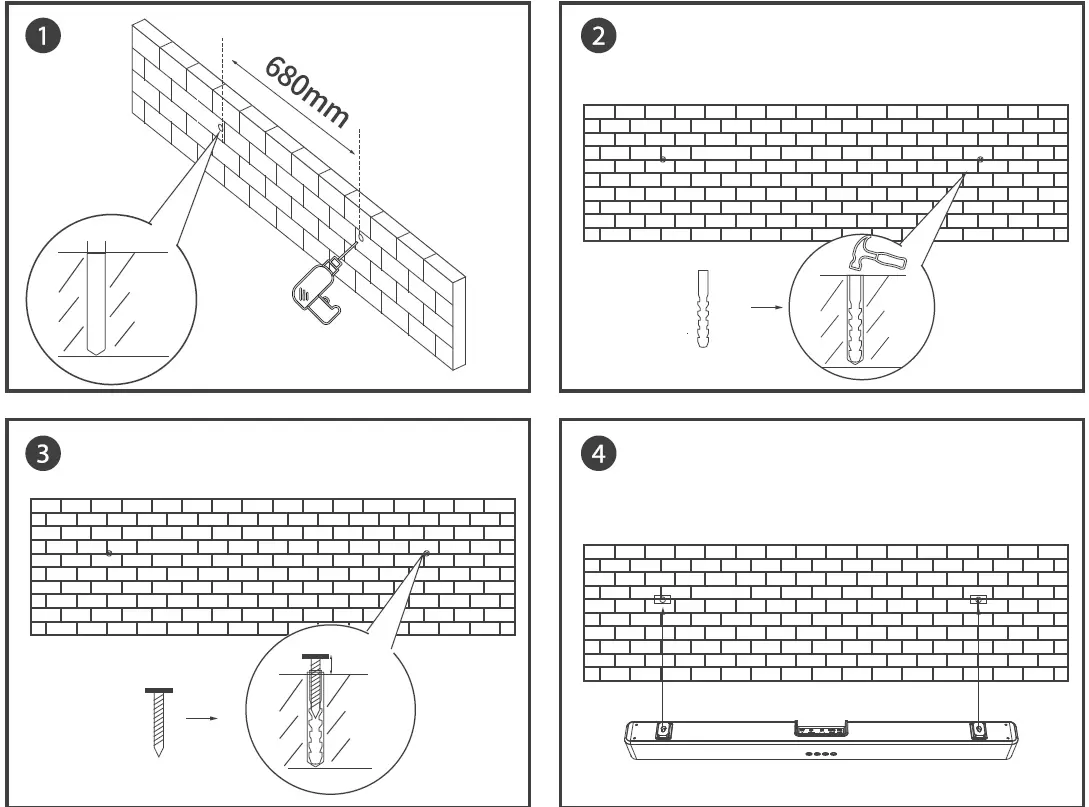
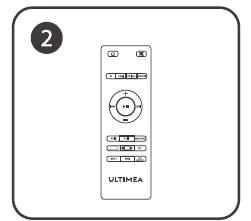
REMOTE CONTROL
Battery installation
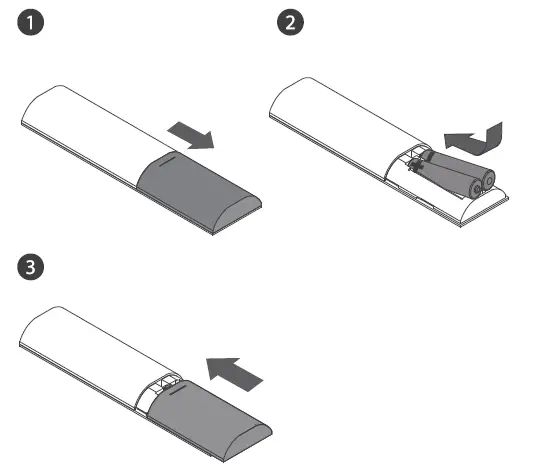
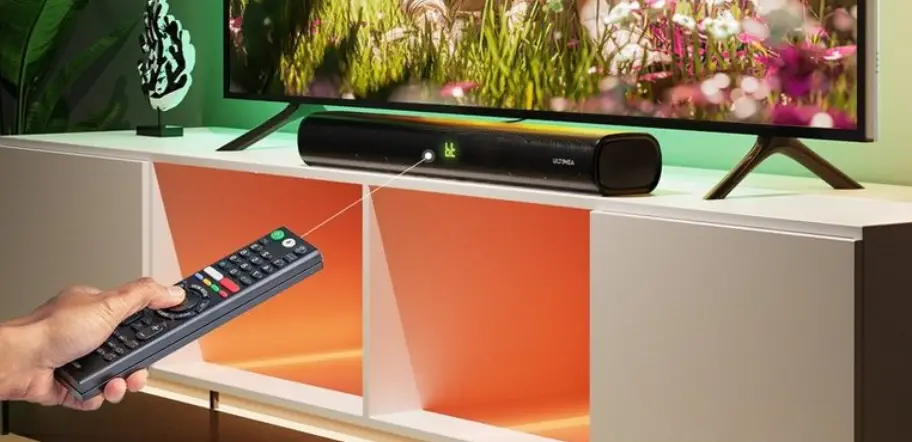
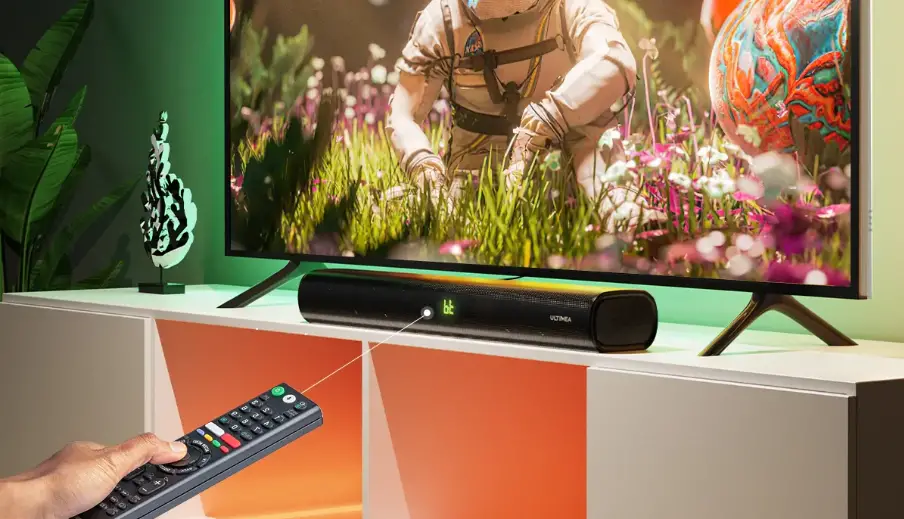
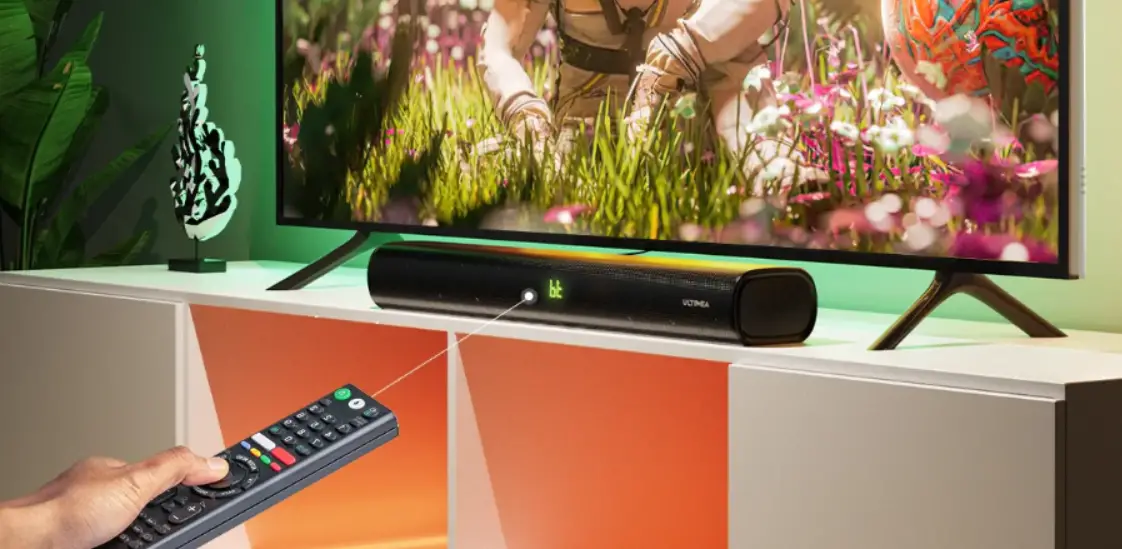
Use remote control
The working range of remote is +/-30° in both Vertical and Horizontal Direction.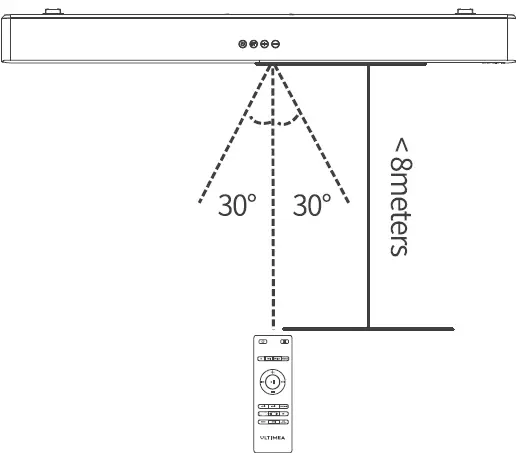
Controls
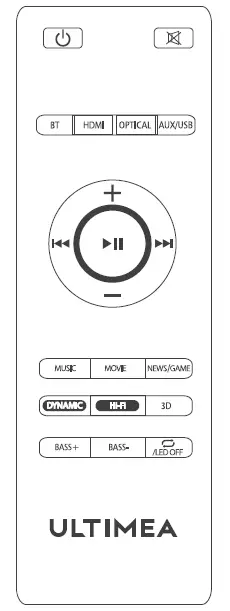
 | Short press to turn on, long press to turnoff | MUSIC | Music Mode/EQ 1 |
 | Mute/ RecovertheVolume | MOVIE | Movie Mode/EQ 2 |
| BT | GoTo BT Mode | NEWS/Game | News mode is displayed as EQ3/ Game mode is displayed as EQ4 |
| HDMI | GoTo HDMI Mode | OPTICAL | Go to Optical Mode |
| DYNAMIC | To enhance the dynamic effects of different EQ modes such as Music/Movie/News/Games/30,suitable for scenes of needing more powerful sound effects. | ||
| Hi-Fi | To adjust the sound effects on different EQ Modes such as Music/Movie/News/Games/30 to get clearer sound, suitable for some quiet scenes such as dialogue. | ||
| AUX/USB | GotoAux/USBMode | BASS+ | Increase the Bass |
| + | Volume Up | BASS- | Decrease the Bass |
| … | Volume Down | 30 | 3D Surround sound on/off, can only be turned on in movie mode |
 | Previous Track |  | Next Track |
 | Play/Pause |  | Short press button for Single loop or Fullloop in USB mode /Short press to turn on/off the LED indicator in standby mode. |
USING YOUR SOUND BAR
Power Connection
Connect to TV
 Use Remote Control or Button on Sound bar to change modes.
Note:
- Prior to usage, check whether your TV has HDMI ARC, Optical and Aux Output.
- Prior to using HDMI ARC connection, please ensure your TV supports HDMI ARC and HDMI Cable is not lower than HDMI 1.4.
- Turn on PCM settings of your TV When connected in Optical Mode in case there is no sound.
- 32 is the maximum volume of the Soundbar.
Connect to Other Devices
Need to purchase one3.5mm-3.5mm audio cable if there is only3.Smm female output on your Devices. 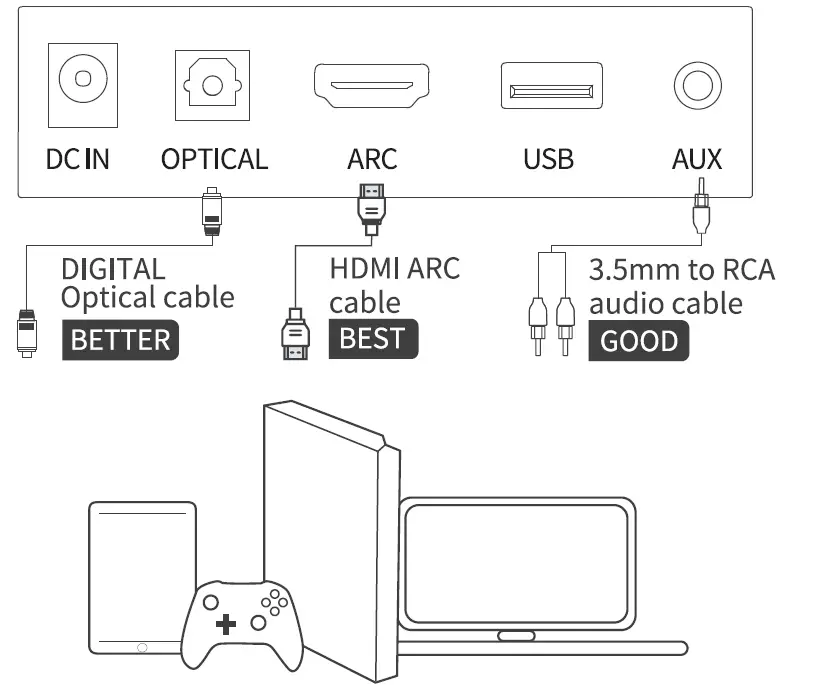
Connect to Bluetooth Device
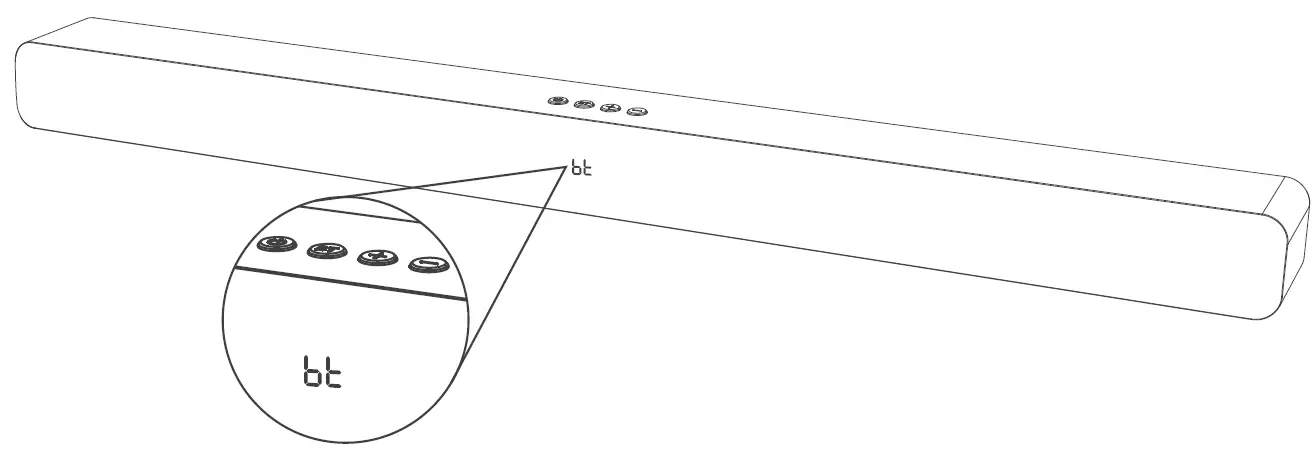
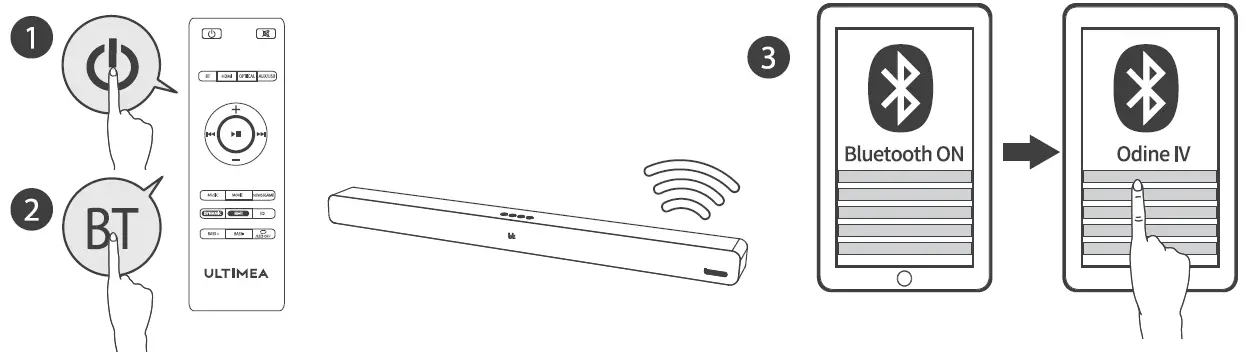 Short press “BT” button on the remote control or on the sound bar to enter Bluetooth mode. The BT bl: will flash when entering the pairing mode, and bl: will stop flashing once successfully paired
SPECIFICATION:
| Model: Odine IV | Distortion:<0.5% |
| Sound Channel: 2.0 | DC:18V/2.33A |
| Driver (45 X 00mm) X 4PCS | Peak Power: 100W |
| Functional Jacks:Optical X l,HDMI ARCXl,USBX 1,/\UXX 1 | BT Version:5.0 |
| Product Dimensions:L850x D78x H60mm | Product Weight: 2.1KG |
| Power Supply: AC100-24CV 50/60Hz |
Safety Instructions
- Avoid dropping
- Do not disassemble
- Avoid extreme temperatures
- Don’t use the device outdoors during thunderstorms
- Use original or certified cables
- Don’t use any corrosive cleaner/ oil to clean
- The products should not be exposed to dripping or splashing water
FCC Regulatory Compliance
Note: This equipment has been tested and found to comply with the limits for a Class Bdigital device, pursuant to Part 15 of the FCC Rules. These limits are designed to provide reasonable protection against harmful interference in a residential installation. This equipment generates, uses and can radiate radio frequency energy and, if not installed and used in accordance with the instructions, may cause harmful interference to radio communications. However, there is no guarantee that interference will not occur in a particular installation.
If this equipment does cause harmful interference to radio or television reception, which can be determined by turning the equipment off and on, the user is encouraged to try to correct the interference by one or more of the following measures:
- Reorient or relocate the receiving antenna.
- Increase the separation between the equipment and receiver.
- Connect the equipment into an outlet on a circuit different from that to which the receiver is connected.
- Consult the dealer or an experienced radio/TV technician for help.
Warning: changes or modifications not expressly approved by the party responsible for compliance could void the user’ s authority to operate the equipment.
RF Exposure Compliance
This equipment complies with FCC radiation exposure limits set forth for an uncontrolled environment. This equipment should be installed and operated with minimum distance20cm between the radiator and your body. This transmitter must not be co-located or operating in conjunction with any other antenna or transmitter.
FCC Compliance Statement
This device complies with Part 15 of the FCC Rules.
Operation is subject to the following two conditions:
- This device may not cause harmful interference, and
- this device must accept any interference received, including interference that may cause undesired operation.
Supplier’s Declaration of Conformity 47 CFR 5 2.1077
Compliance Information
Unique ldentifier Trade Name: Ultimea,
Model No.: Odine IV
Responsible Party – U.S.
Contact Information Substanbo Inc. Suite A 6911 216th St SW, Lynnwood, WA 98036 USA
TEL: +1(206)-979-390″
ISED WARNINGS
This device contains licence-exempt transmitter(s)/receiver(s) that comply with Innovation, Science and Economic Development Canada’ licence-exempt RSS(s). Operation is subject to |the following two conditions:
- This device may not cause interference.
- This device must accept any interference, including interference that may cause undesired operation of the device
This transmitter must not be co-located or operating in conjunction with any other antenna or transmitter. This equipment should be installed and operated with a minimum distance of 20 centimeters between the radiator and vour body.
Correct Disposal of This Product
(Waste Electrical& Electronic Equipment) This mark shown on the product or its packaging, indicates that this product should not be disposed with other household wastes at the end of its working life. To prevent possible harm to the environment or human health from uncontrolled waste disposal, please separate this from other types of wastes and recycle it responsibly to promote the sustainable reuse of material resources. Household user should contact either the retailer where they purchased this product, or their local government office, for details of where and how they can take this item for environmentally sate recycling. Business users should contact their supplier and check the terms and conditions of the purchase contact. This product should not be mixed with other commercial wastes for disposal,
Declaration of Conformity
We (Manufacturer is responsible for this declaration)
Guang Dong Substanbo Technology Co., Ltd. (Company name) Room 2008, Bd.4, Tianan yungu 2nd Industrial Park, Longgang District Shenzhen, China (Company address) declare under our sole responsibility that the product
Trade name: Ultimea Equipment: 2.0 Soundbar system
Model No.: Odine IVN to which this declaration relates is in conformity with the essential requirement set out in the Council Directive on the Approximation of the laws of the Member States relating to RED Directive(2014/53/EU) & RoHS(2011/65/EU) product is responsible to affix CE marking, the following standards were applied:
- EN 55032:2015 EN 55035:2017
- EN IC 61000-3-2:2019,
- EN 61000-3-3:2013+A1:2019 ETSI
- EN 301 489-1 V2.2.3 (2019-11) ETSI
- EN 301 489-17 v3.2.4 (2020-09)
- EN 300 328 V2.2.2 (2019-07)
- EN 62311: 2008
- EN 62368-1:2014/A11:2017 IEC62321
Full Name: Lion Liao
Position: Approbation Manager
 Ultimea – Affordable Soundbars, Projectors and Home Audio Systems