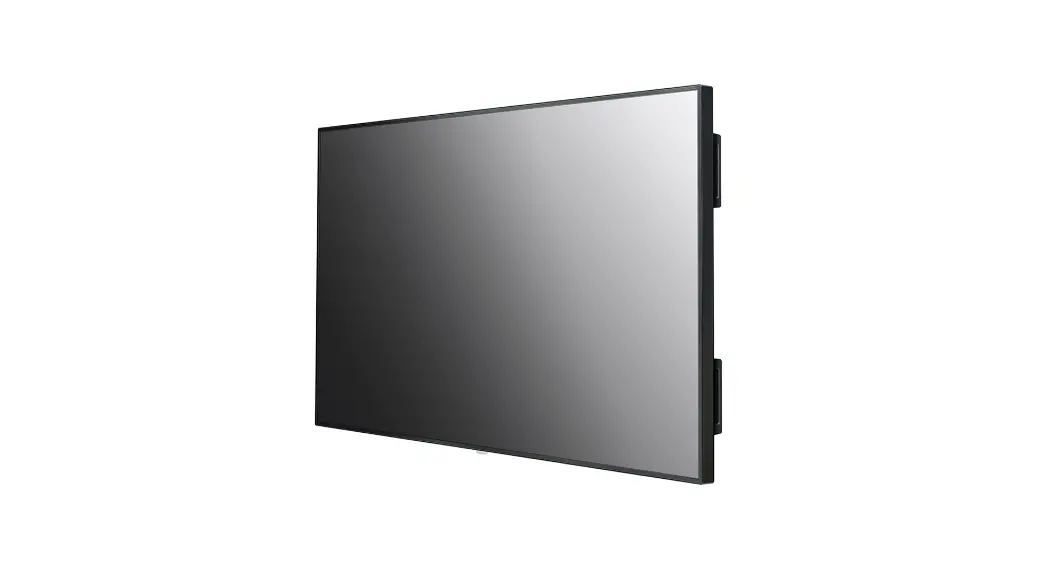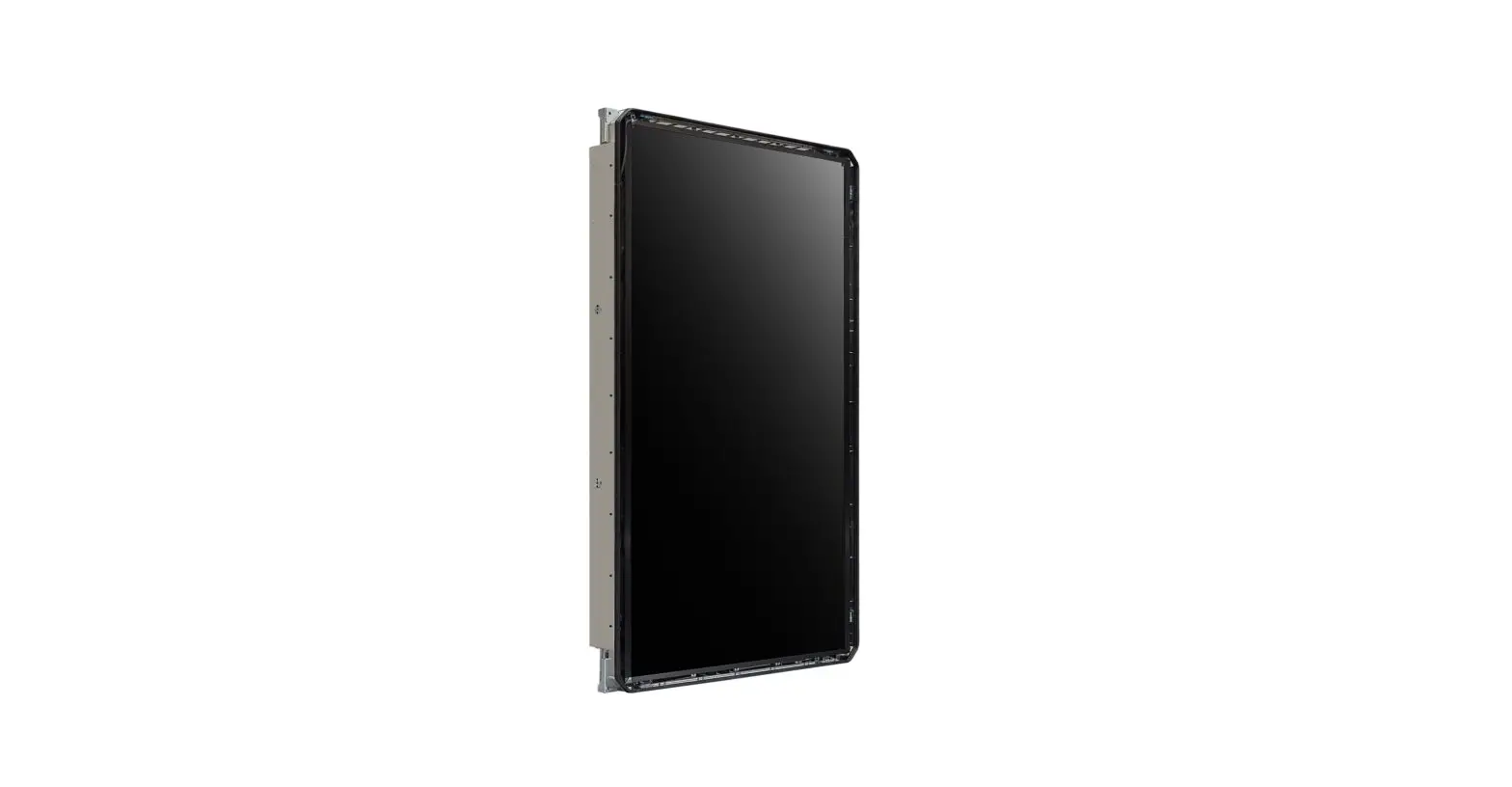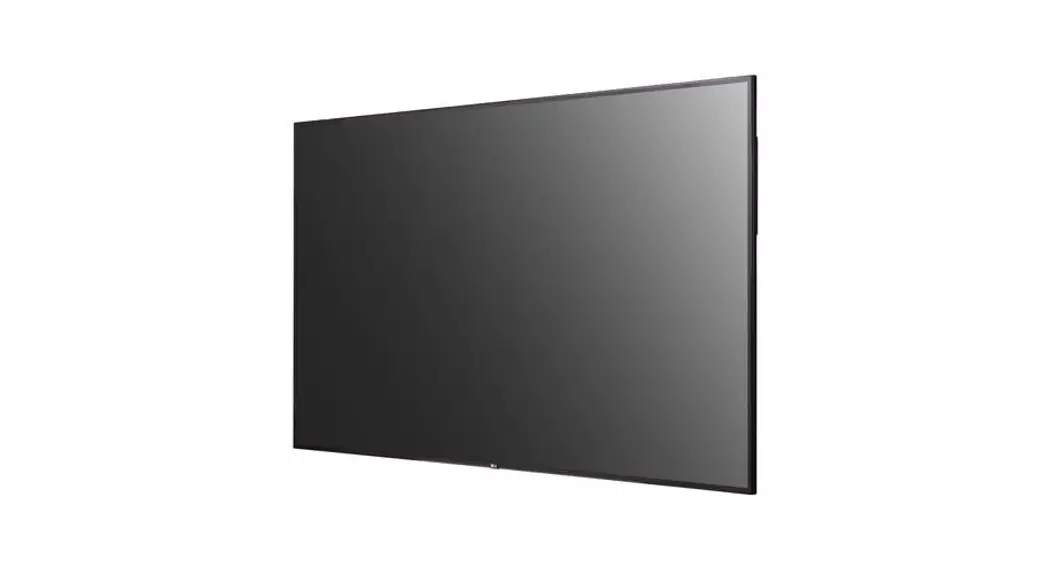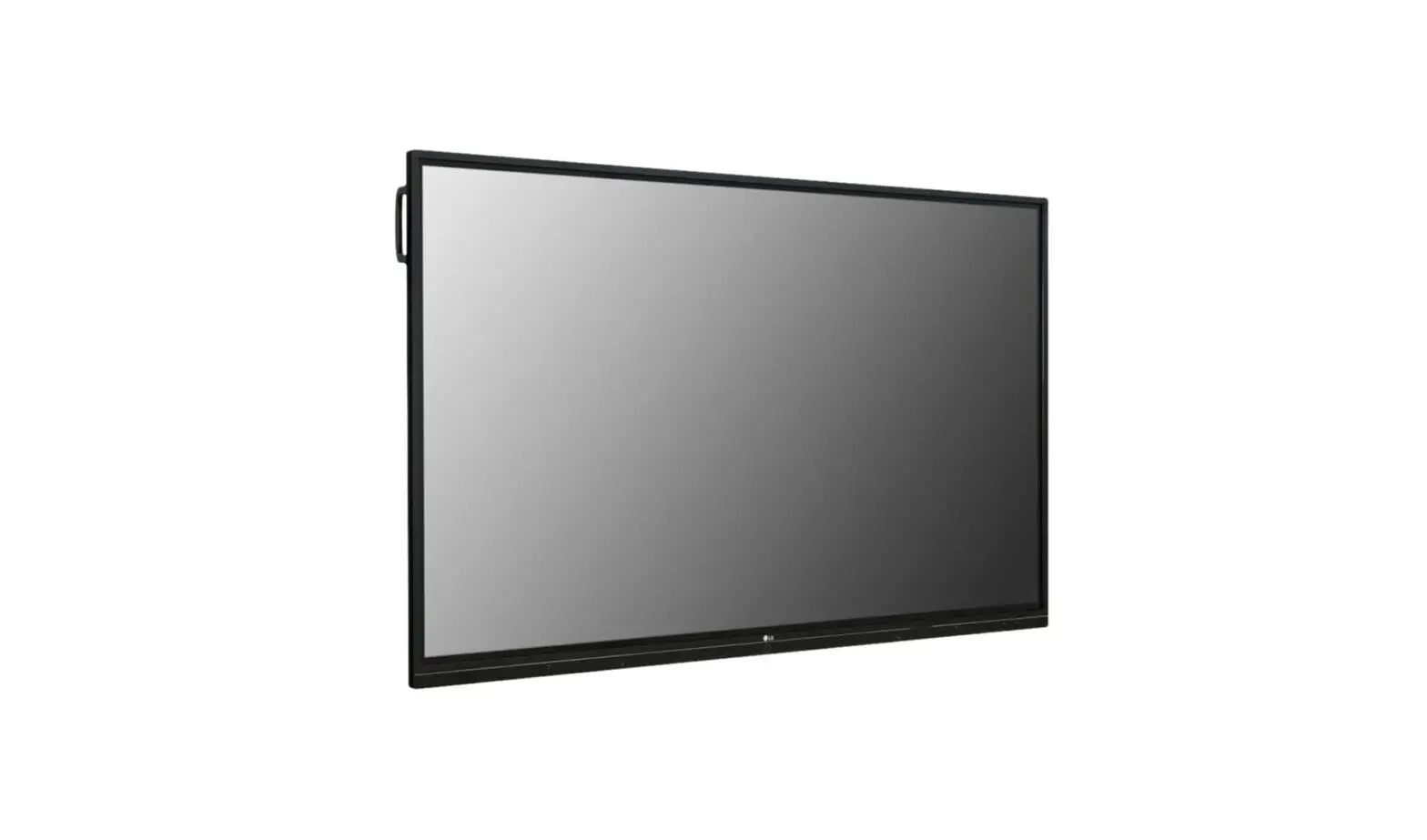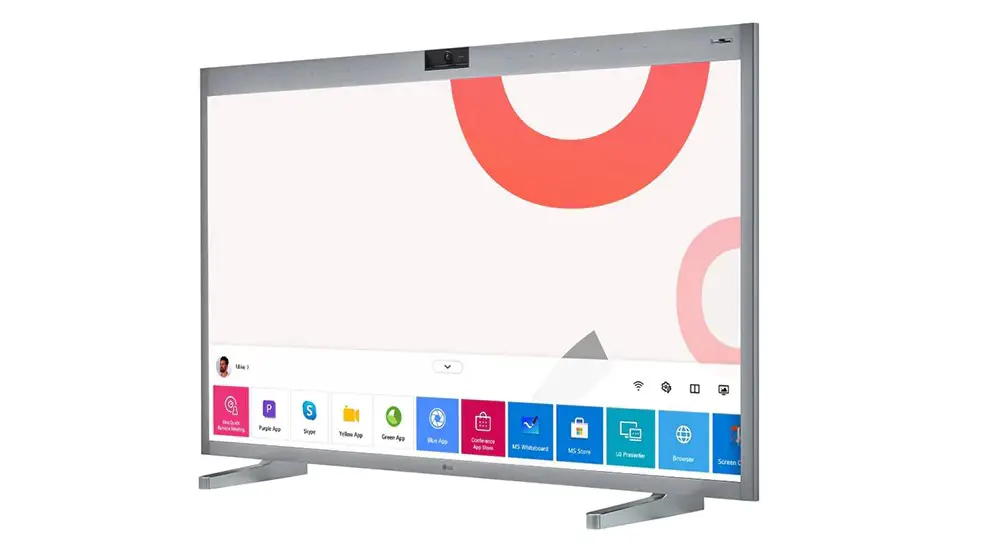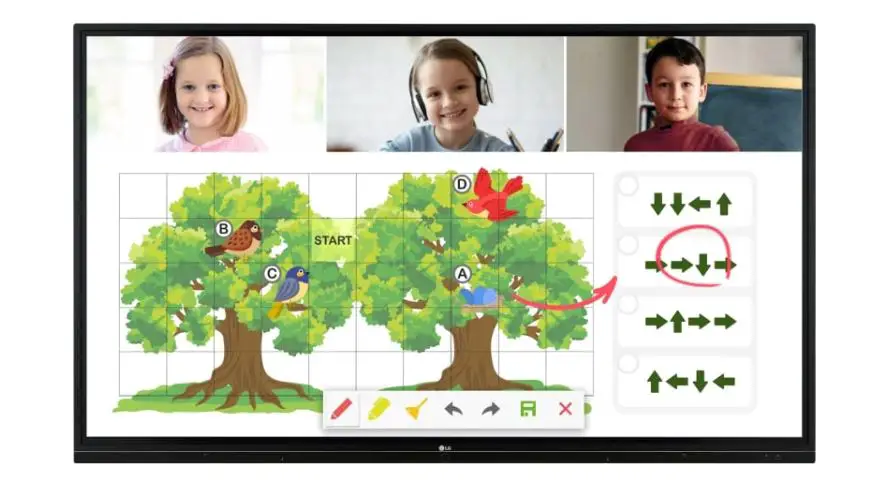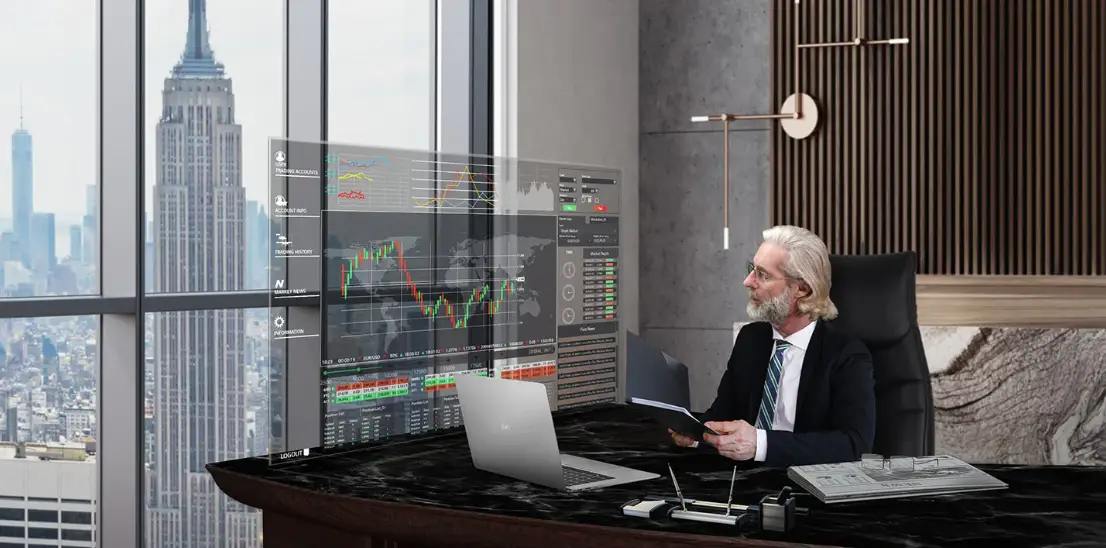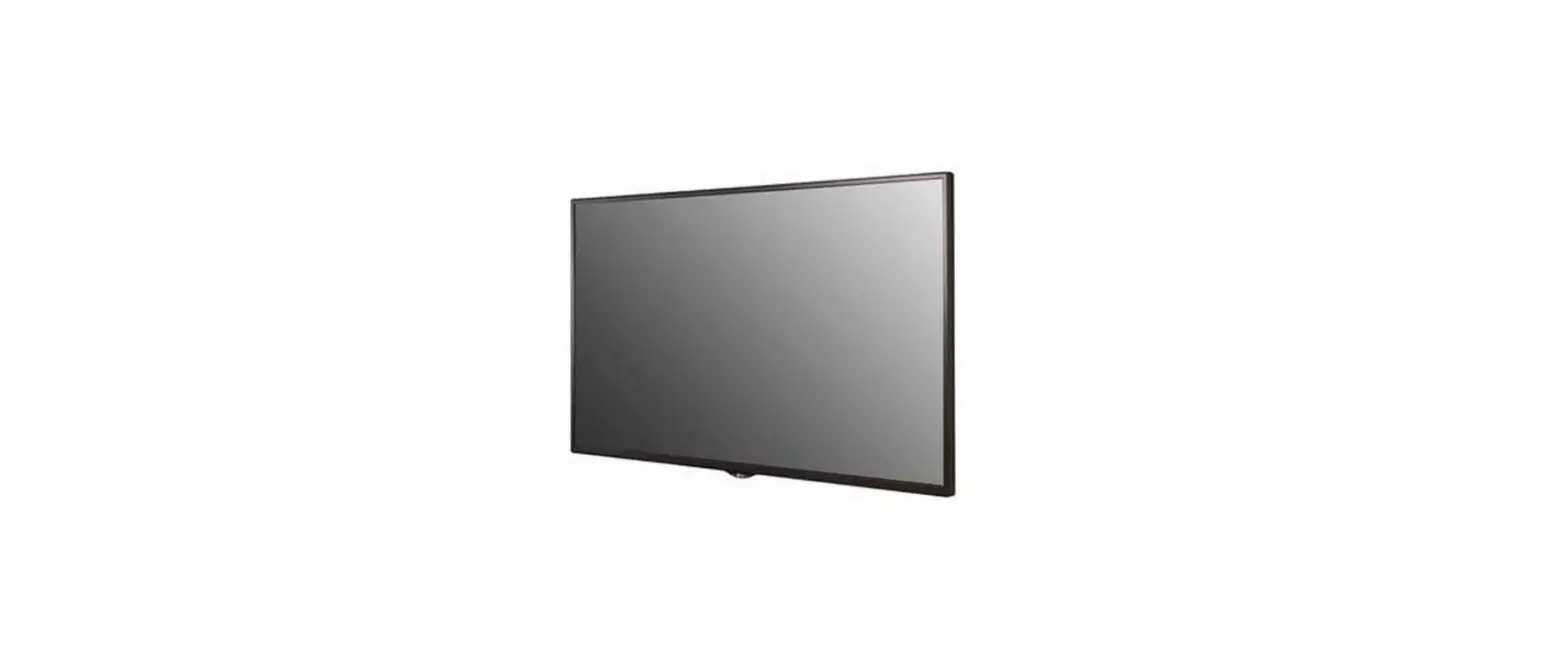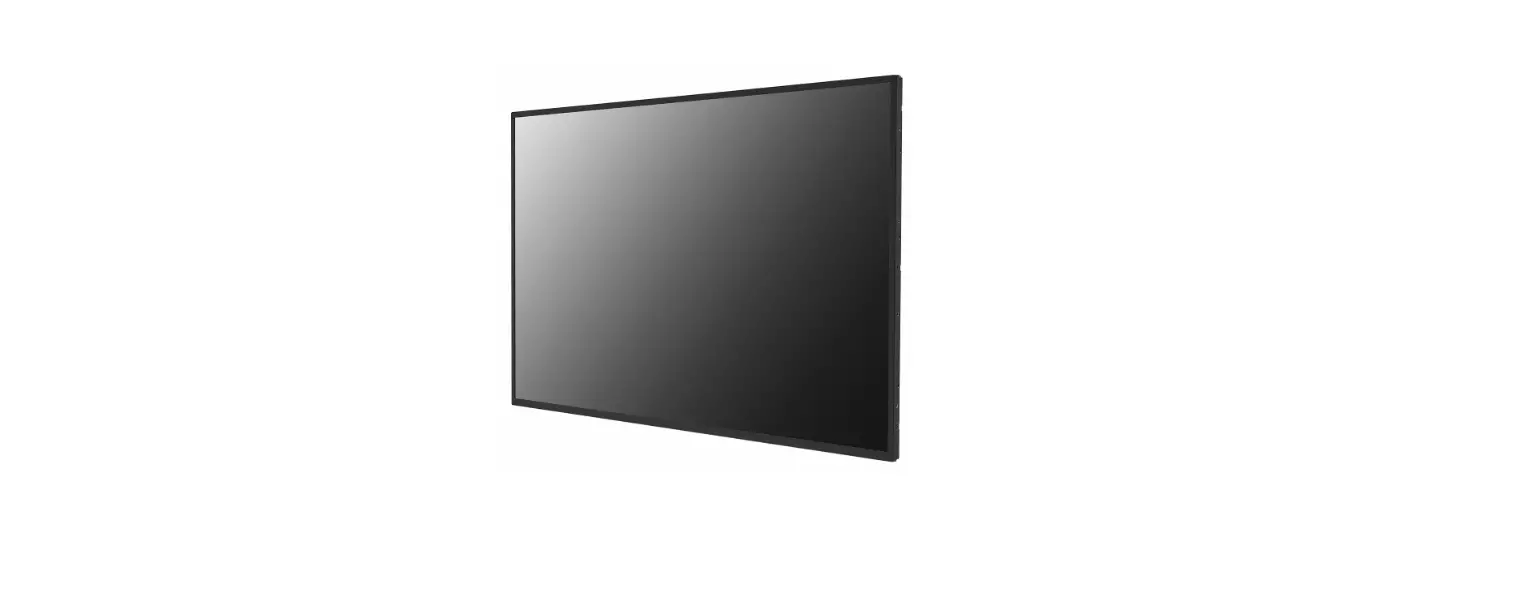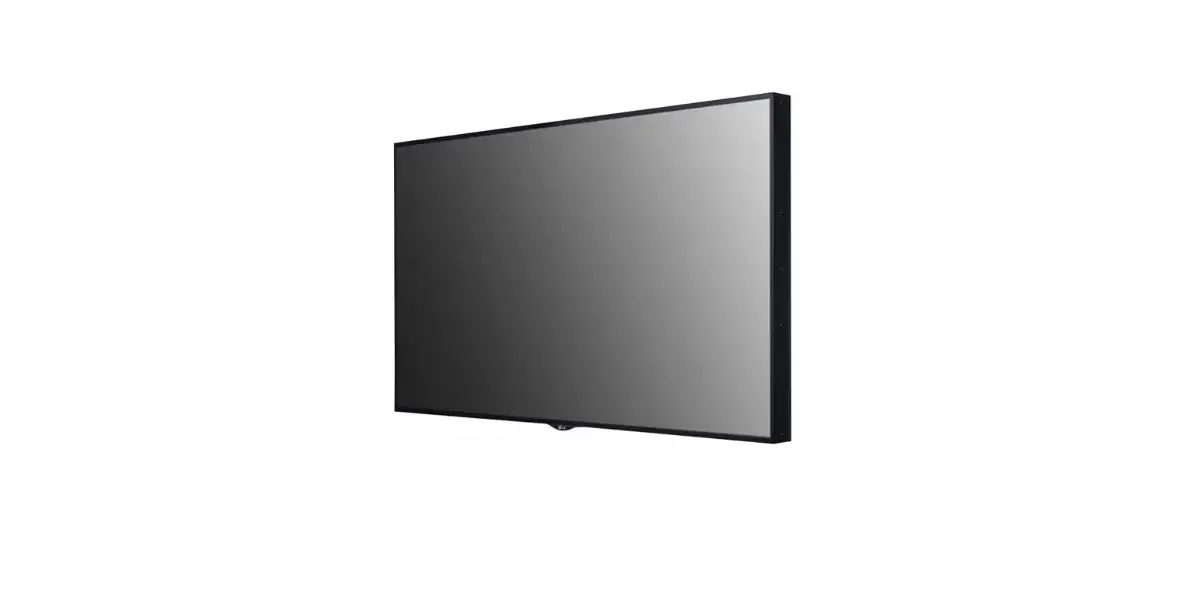
 98TR3PJ-I Digital Signage Monitor
Owner’s Manual
| 65TR3PJ-B | 65TR3PJ-I |
| 75TR3PJ-B | 75TR3PJ-I |
| 86TR3PJ-B | 86TR3PJ-I |
| 98TR3PJ-B | 98TR3PJ-I |
Warning: This equipment is compliant with Class A of CISPR 32. In a residential environment, this equipment may cause radio interference.
BASIC
NOTE
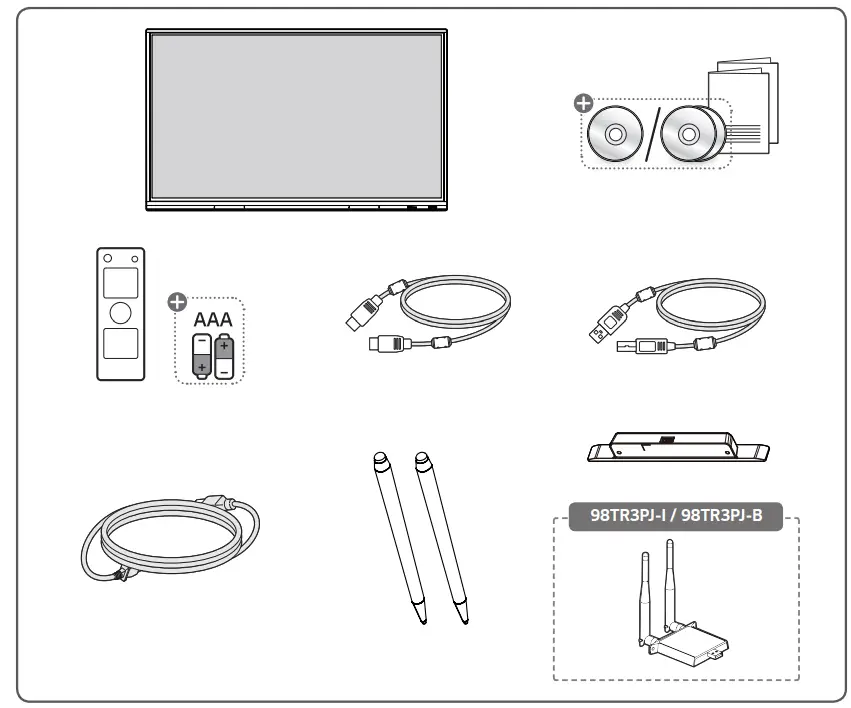
- The accessories provided with your product may vary depending on the model or region.
- Product specifications or contents in this manual may be changed without prior notice due to the upgrade of product functions.
Checking the Accessories
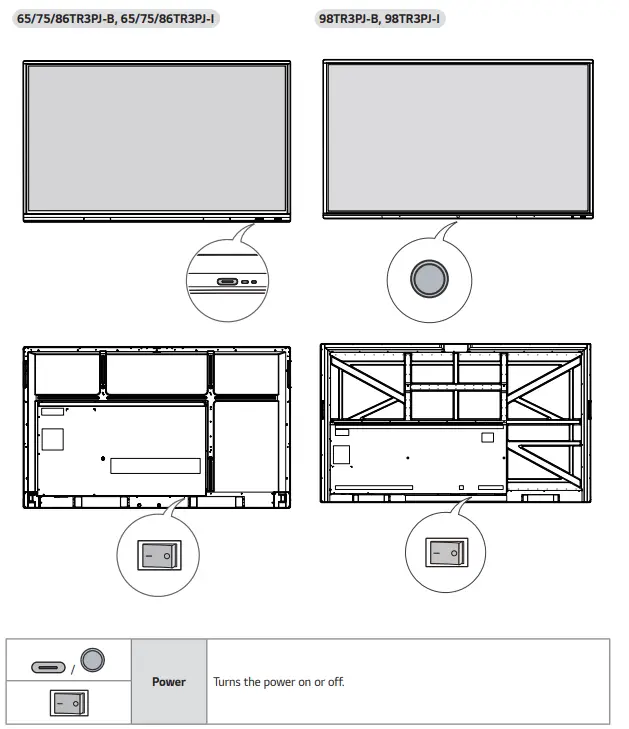
Learning the Buttons
The image may be different according to the model.
GETTING READY
 CAUTION
- Always use genuine components to ensure safety and product performance.
- The product warranty will not cover damage or injury caused by the use of counterfeit components.
 NOTE
NOTE
- The accessories provided with your product may vary depending on the model or region.
- Product specifications or contents in this manual may be changed without prior notice due to upgrade of product functions.
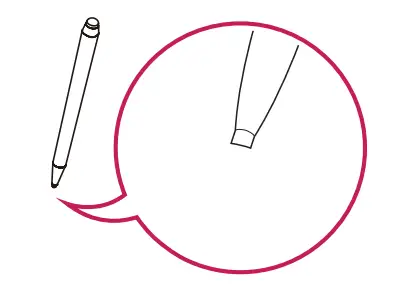
Precaution When Using the Touch Pen
When the touch pen is worn as shown in the figure, replace it.
CHECKING BEFORE INSTALLATION
We are not responsible for product damage caused by failure to follow the guide.
Installation Orientation
Tilt Angle 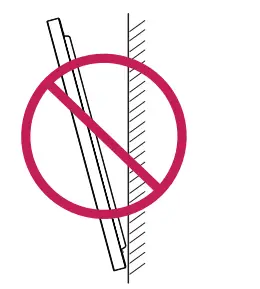
Ceiling, Floor Orientation
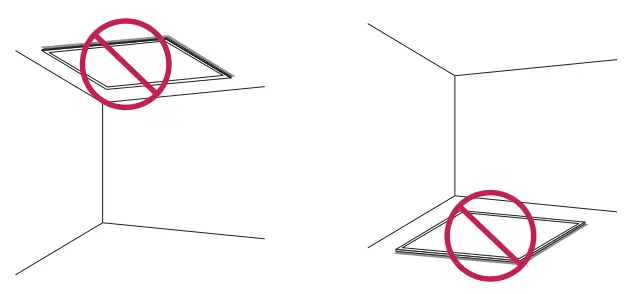
Installation Location
We are not responsible for product damage caused by failure to follow the guide.
Indoor
Installing on a Wall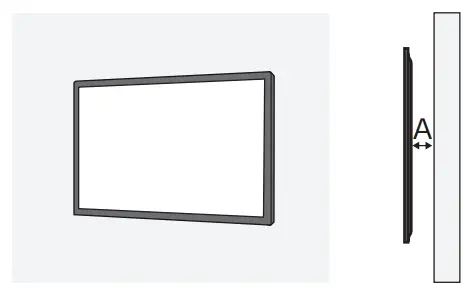
A: 100 mm or more
- The warranty will not cover any damage caused by using the product in direct sunlight on the front panel.
Installing on a Recessed Wall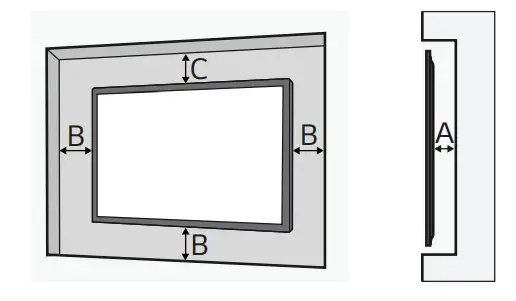
A: 100 mm or more
B: 100 mm or more
C: 100 mm or more
- The warranty will not cover any damage caused by using the product in direct sunlight on the front panel.
Outdoor
Outdoor Enclosed
Wall Mount Holder
To install the monitor on a wall, attach a wall mount holder (optional) to the back of the monitor.
Take caution, and ensure that the wall mount holder (optional) is securely fixed to the monitor and to the wall.
The VESA dimensions of the wall mount by the model are as follows.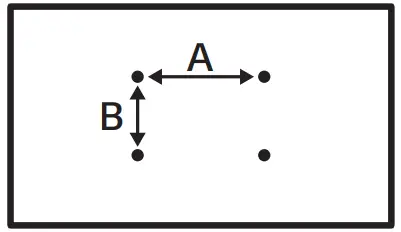
Model | VESA Dimensions (A x B) (mm) | Standard Dimensions | Length (Maximum) (mm) | Quantity |
| 65TR3PJ-B 65TR3PJ-I | 600 x 400 | M8 | 25 | 4 |
| 75TR3PJ-B 75TR3PJ-I | 800 x 400 | M8 | 25 | 4 |
| 86TR3PJ-B 86TR3PJ-I | 800 x 600 | M8 | 25 | 4 |
| 98TR3PJ-B 98TR3PJ-I | 800 x 600 | M8 | 25 | 4 |
CAUTION
- Disconnect the power cord first, and then move or install the monitor. Otherwise, it may result in an electric shock.
- If the monitor is installed on a ceiling or inclined wall, it may fall and result in injury.
- Damage to the monitor by tightening the screws too tightly may void your warranty.
- Use screws and wall mount plates conforming to VESA standards. Breakage or personal injury due to the use or misuse of inappropriate components is not covered by the warranty of this product.
NOTE
- Using screws longer than the indicated depth may damage the inside of the product. Be sure to use the proper length.
- For more information on installation, please refer to the user manual for the wall mount.
PRECAUTIONS FOR USE
Dust
The warranty will not cover any damage caused by using the product in an excessively dusty environment.
Afterimage
- After-image appears when the product is turned off.
- Pixels may be damaged rapidly if a still image is displayed on the screen for a long period of time. Use the screensaver function.
- Switching from a screen with high differences in luminance (black and white or grey) to a darker screen may cause an afterimage. This is normal due to the display characteristics of this product.
- When the LCD screen is in a still pattern for extended periods of use, a slight voltage difference may occur between the electrodes that operate the liquid crystal (LC). The voltage difference between the electrodes increases over time and tends to keep the liquid crystal aligned in one direction. At this time, the previous image remains, which is called an afterimage.
- Afterimages do not occur when continuously changing images are used but take place when a certain screen is fixed for a long time. The following are operational recommendations for reducing the occurrence of afterimages when using a fixed screen. The maximum recommended time for switching the screen is 12 hours. Shorter cycles are better for preventing afterimages.
- Recommended Usage Condition
1 Change the background color and text color at equal intervals.
– Afterimages occur less when the colors to be changed are complementary to one another.
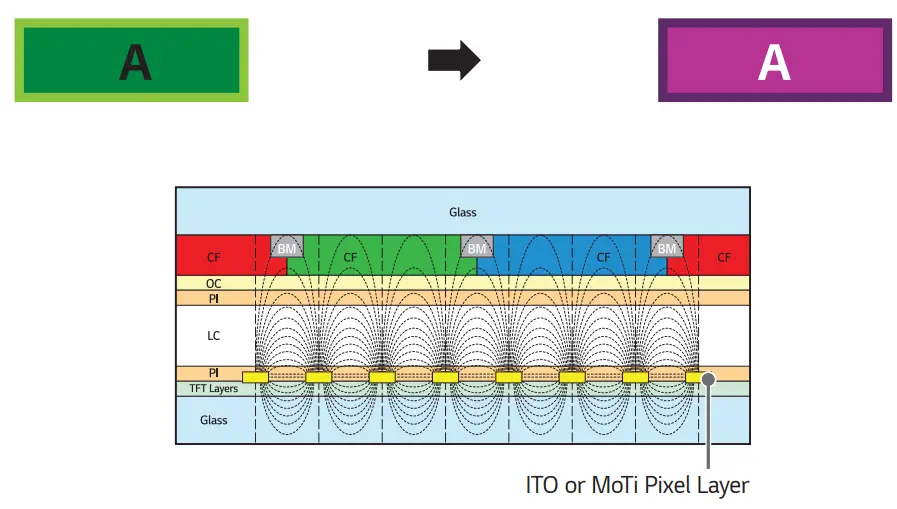
2 Switch the screen at equal time intervals.
- Take caution, and ensure that text or images from before the screen change are not left in the same location after the screen change.

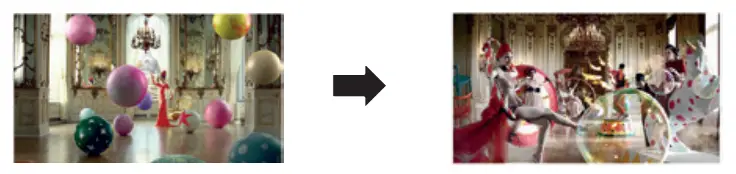
PRODUCT SPECIFICATIONS
The product specifications below may be changed without prior notice due to the upgrade of product functions.
“ ∼” refers to alternating current (AC), and “ ” refers to direct current (DC).
| Output ports rts | HDMI IN 1, HDMI IN 2, HDMI IN 3, VGA IN, USB 3.0 IN, USB 2.0 IN, LAN, AUDIO IN/OUT, RS-232C IN, TOUCH USB, OPS, SPDIF, HDMI OUT, USB 3.1 IN (USB Type-C) | |
| Embedded battery | Applied | |
| Resolution | Recommended Resolution Maximum Resolution | VGA: 1920 x 1080 @ 60 Hz HDMI1 / HDMI2/ HDMI3: 3840 x 2160 @ 60 Hz – This may not be supported on some OS or graphic card types. |
| Environmental Conditions | Operating Temperature Operating Humidity | 0 °C to 40 °C 10 % to 80 % (Condition for preventing condensation) |
| Storage Temperature Storage Humidity | -20 °C to 60 °C 5 % to 85 % (Condition for preventing condensation) * Product box packaging storage conditions | |
* Touch Screen
| OS (Operating System) | Windows 10/ Windows 8/ Windows 7/ Android/ Linux/ macOS (Linux/ macOS are supported with the 1 Point touch function.) | 20 Points |
| Chrome OS | 16 Points | |
| Space between touches: at least 25 mm or more | ||
* Applicable only for models that support the speakers
| Audio | RMS Audio Output | 65/75/86TR3PJ-B | 12 W + 12 W (R + L) |
| 65/75/86TR3PJ-I | |||
| 98TR3PJ-B | 16 W + 16 W (R + L) | ||
| 98TR3PJ-I | |||
| Input Sensitivity | 0.2 ~ 2 Vrms | ||
| Speaker Impedance | 65/75/86TR3PJ-B | 8 Ω | |
| 65/75/86TR3PJ-I | |||
| 98TR3PJ-B | 6 Ω | ||
| 98TR3PJ-I | |||
65TR3PJ-B | ||
| Power | Power Voltage | 100-240 V~ 50/60 Hz 4.0 A |
| Power Consumption | On Mode: 400 W (Max) Standby Mode: ≤ 0.5 W | |
| Dimensions (Width x Height x Thickness)/Weight | 1,488.4 mm x 896.7 mm x 86.3 mm/ 40.2 kg | |
75TR3PJ-B | ||
| Power | Power Voltage | 100-240 V~ 50/60 Hz 5.0 A |
| Power Consumption | On Mode: 500 W (Max) Standby Mode: ≤ 0.5 W | |
| Dimensions (Width x Height x Thickness)/Weight | 1,709.4 mm x 1,020 mm x 86.3 mm/ 52.2 kg | |
86TR3PJ-B | ||
| Power | Power Voltage | 100-240 V~ 50/60 Hz 6.0 A |
| Power Consumption | On Mode: 600 W (Max) Standby Mode: ≤ 0.5 W | |
| Dimensions (Width x Height x Thickness)/ Weight | 1,957 mm x 1,159.8 mm x 86.3 mm/ 65.75 kg | |
98TR3PJ-B | ||
| Power | Power Voltage | 100-240 V~ 50/60 Hz 6.0 A |
| Power Consumption | On Mode: 630 W (Max) Standby Mode: ≤ 0.5 W | |
| Dimensions (Width x Height x Thickness)/ Weight | 2,244.7 mm × 1,323.2 mm × 89.5 mm/ 103.55 kg | |
VGA (PC) Support mode
Resolution | Horizontal frequency (kHz) | Vertical frequency (Hz) | Remark |
| 640 x 480 | 31.469 | 59.94 | |
| 800 x 600 | 37.879 | 60.317 | |
| 1024 x 768 | 48.363 | 60.004 | |
| 1280 x 768 | 47.396 | 59.99 | |
| 1280 x 960 | 60 | 60 | |
| 1280 x 1024 | 63.981 | 60.002 | |
| 1360 x 768 | 47.712 | 60.015 | |
| 1440 x 900 | 55.469 | 59.9 | |
| 1680 x 1050 | 65.29 | 59.954 | |
| 1920 x 1080 | 67.5 | 60 |
USB Type-C Support Mode
Resolution | Horizontal frequency (kHz) | Vertical frequency (Hz) | Remark |
| 640 x 480/60 Hz | 37.927 | 59.94 | |
| 800 x 600/60 Hz | 37.879 | 60.317 | |
| 1024 x 768/60 Hz | 48.363 | 60.004 | |
| 1280 x 768/60 Hz | 47.396 | 59.995 | |
| 1280 x 960/60 Hz | 60 | 60 | |
| 1280 x 1024/60 Hz | 63.981 | 60.002 | |
| 1360 x 768/60 Hz | 47.712 | 60.015 | |
| 1440 x 900/60 Hz | 55.469 | 59.901 | |
| 1680 x 1050/60 Hz | 65.29 | 59.954 | |
| 1920 x 1080/60 Hz | 67.5 | 60 | |
| 480p/60 Hz | 31.5 | 60 | |
| 576p/50 Hz | 31.25 | 50 | |
| 720p/60 Hz | 45 | 60 | |
| 1080p/60 Hz | 67.5 | 60 | |
| 1080p/50 Hz | 56.25 | 50 | |
| 1080p/30 Hz | 33.75 | 30 | |
| 1080p/25 Hz | 28.125 | 25 | |
| 1080p/24 Hz | 27 | 24 | |
| 1080p/23 Hz | 26.973 | 23.976 | |
| 3840 x 2160/60 Hz | 135 | 60 | |
| 3840 x 2160/50 Hz | 112.5 | 50 | |
| 3840 x 2160/30 Hz | 67.5 | 29.97 | |
| 3840 x 2160/25 Hz | 56.25 | 25 | |
| 3840 x 2160/24 Hz | 54 | 23.982 |
HDMI/ OPS Support Mode
Resolution | Horizontal frequency (kHz) | Vertical frequency (Hz) | Remark |
| 720(1440) x 480i/60 Hz | 15.734 | 60 | |
| 480p/59 Hz | 31.469 | 59.94 | |
| 480p/60 Hz | 31.5 | 60 | |
| 576i/50 Hz | 15.625 | 50 | |
| 576p/50 Hz | 31.25 | 50 | |
| 720p/60 Hz | 45 | 60 | |
| 1080i/60 Hz | 33.75 | 60 | |
| 1080i/59 Hz | 33.716 | 59.94 | |
| 1080i/50 Hz | 28.125 | 50 | |
| 1080p/60 Hz | 67.5 | 60 | |
| 1080p/59 Hz | 67.443 | 59.94 | |
| 1080p/50 Hz | 56.25 | 50 | |
| 1080p/23 Hz | 26.973 | 23.976 | |
| 1080p/24 Hz | 27 | 24 | |
| 1080p/25 Hz | 28.125 | 25 | |
| 1080p/29 Hz | 33.716 | 29.97 | |
| 1080p/30 Hz | 33.75 | 30 | |
| 3840 x 2160/24 Hz | 54 | 23.982 | |
| 3840 x 2160/25 Hz | 56.25 | 25 | |
| 3840 x 2160/30 Hz | 67.5 | 30 | |
| 3840 x 2160/50 Hz | 112.5 | 50 | |
| 3840 x 2160/60 Hz | 135 | 60 |
NOTE
- Vertical frequency: The product display functions by the screen image changing dozens of times every second like a fluorescent lamp. The vertical frequency or refresh rate is the number of image displays per second. The unit is Hz.
- Horizontal frequency: The horizontal interval is the time taken to display one horizontal line. When 1 is divided by the horizontal interval, the number of horizontal lines displayed every second can be tabulated as the horizontal frequency. The unit is kHz.
LICENSES
Supported licenses may differ by model. For more information of the licenses, visit www.lg.com.

The terms HDMI, HDMI High-Definition Multimedia Interface, and the HDMI Logo are trademarks or registered trademarks of HDMI Licensing Administrator, Inc.
The model and a serial number of the product are located on the back and on one side of the product.
Record them below in case you ever need service.
MODEL—————
SERIAL NO.—————
Temporary noise is normal when powering ON or OFF this device.
 LG Electronics & Home Appliances | Shop Now | LG USA