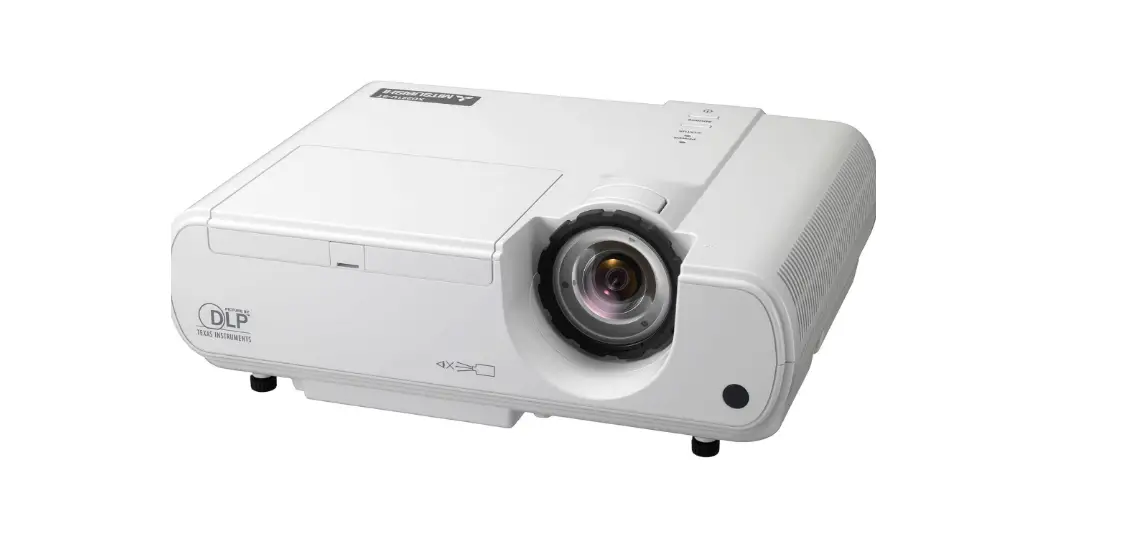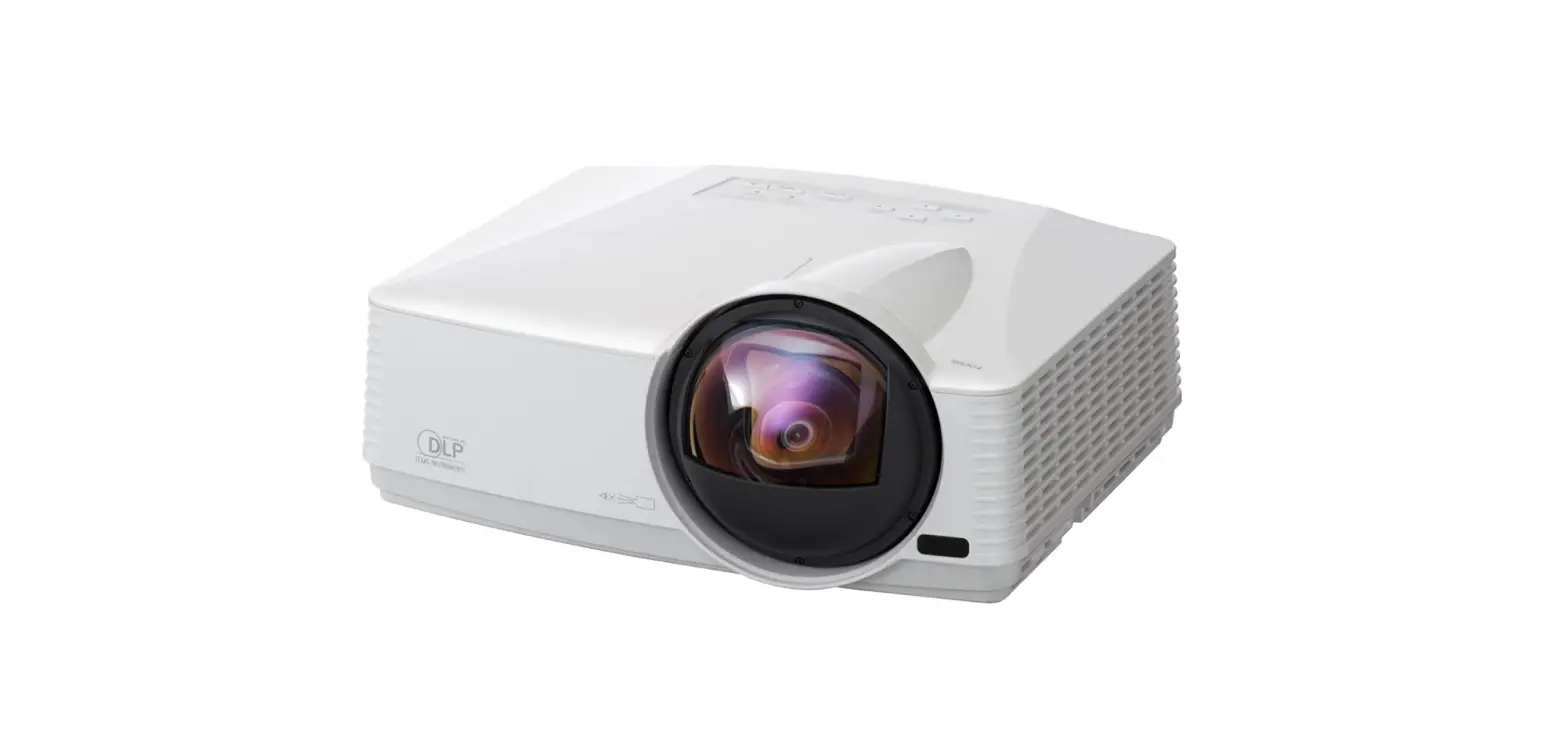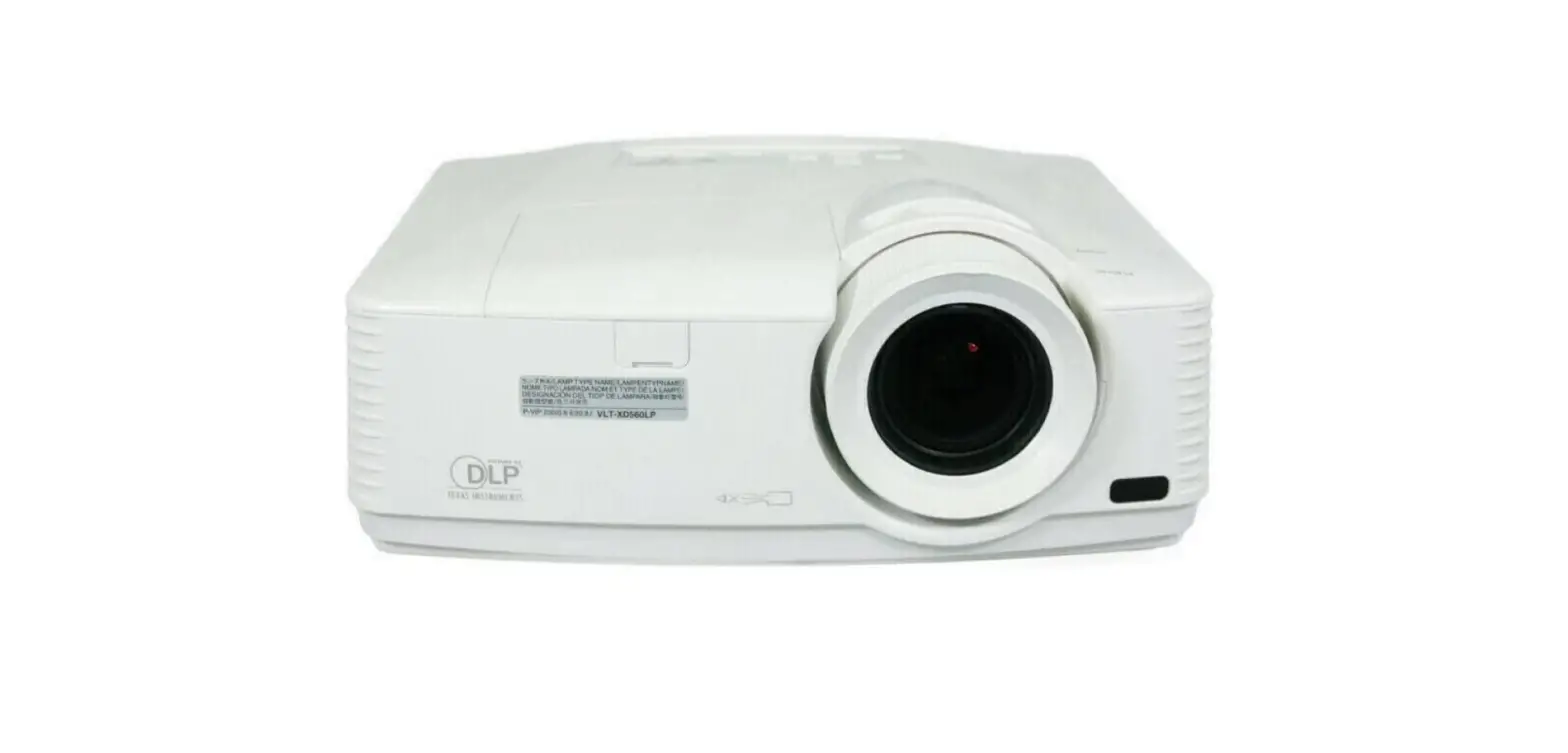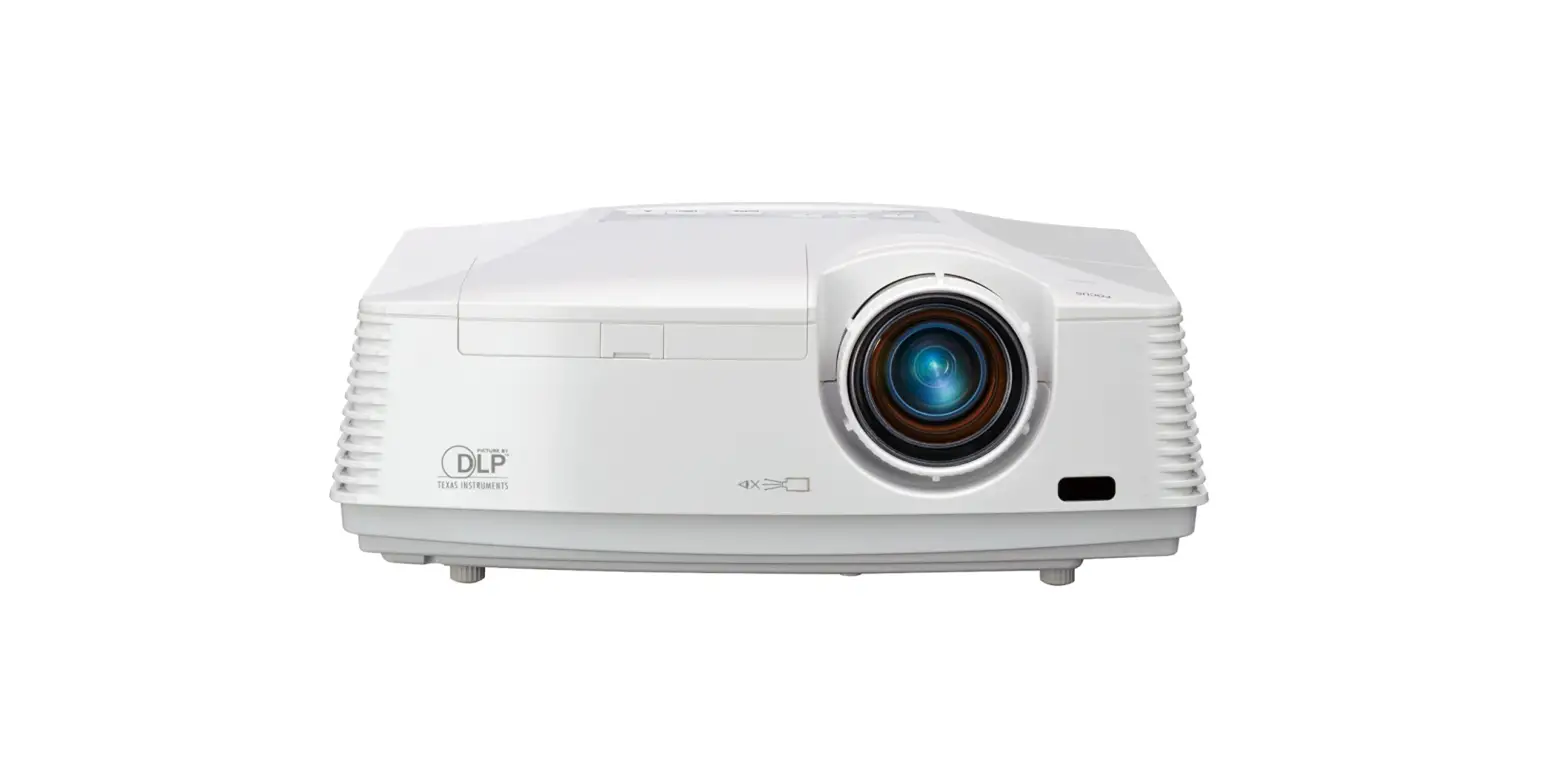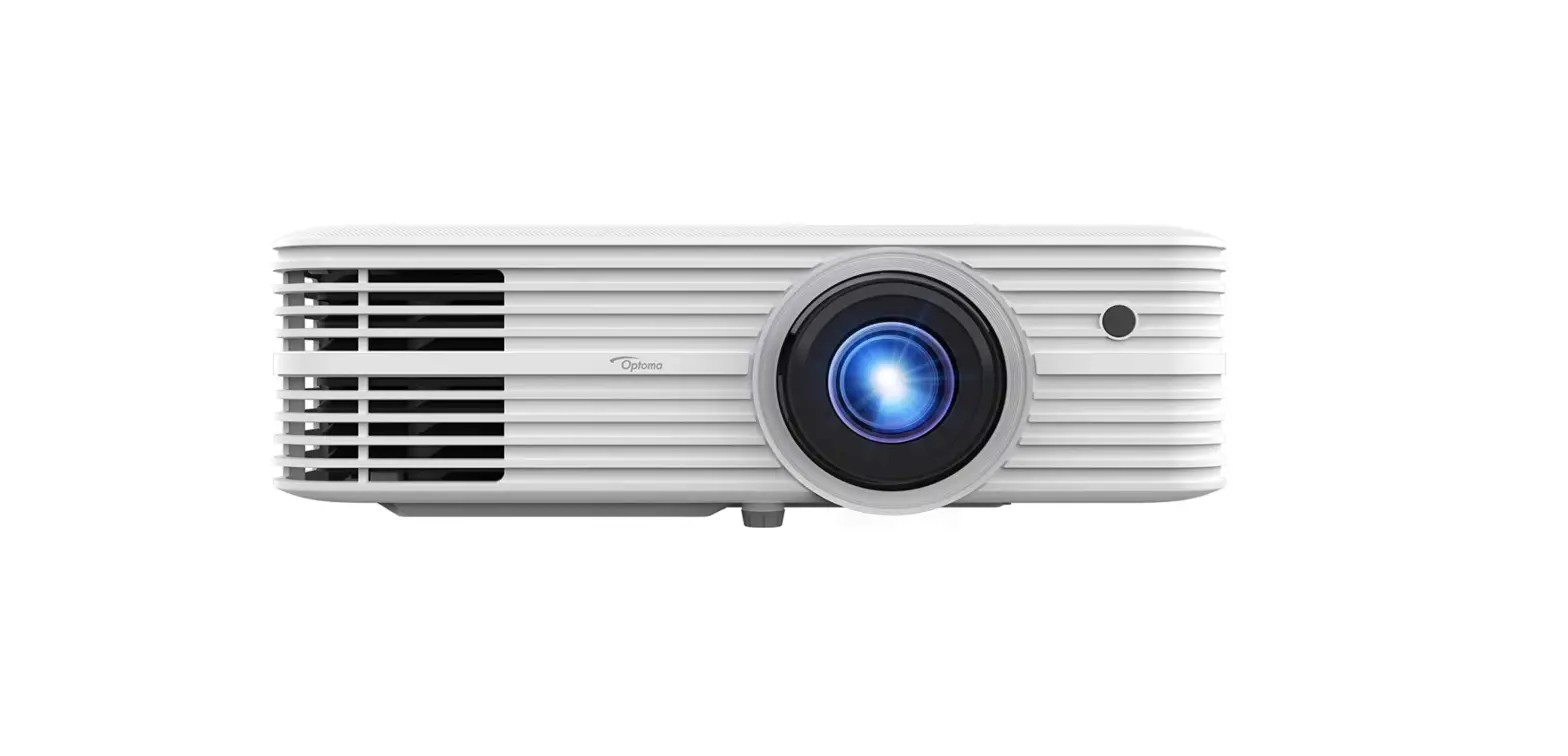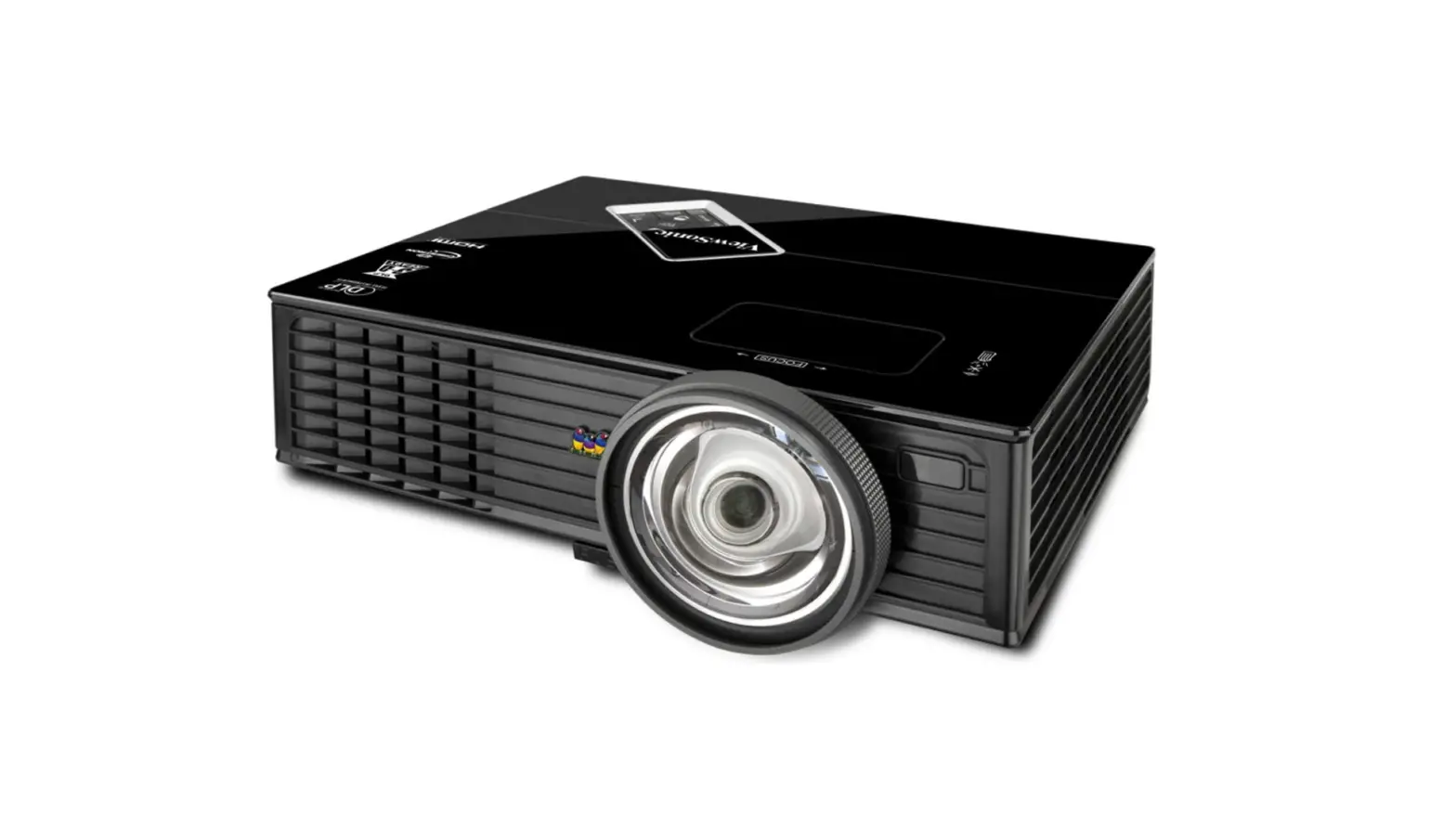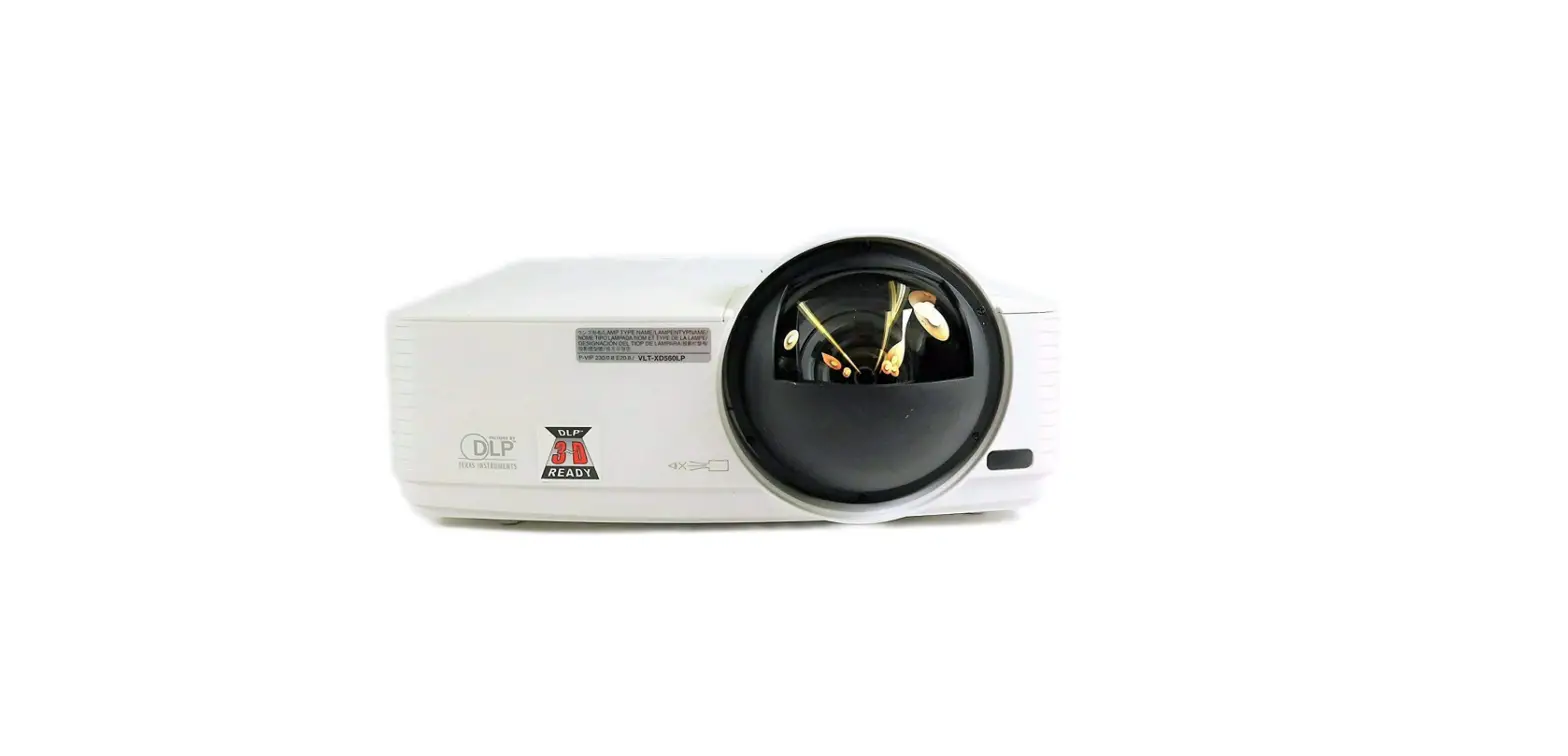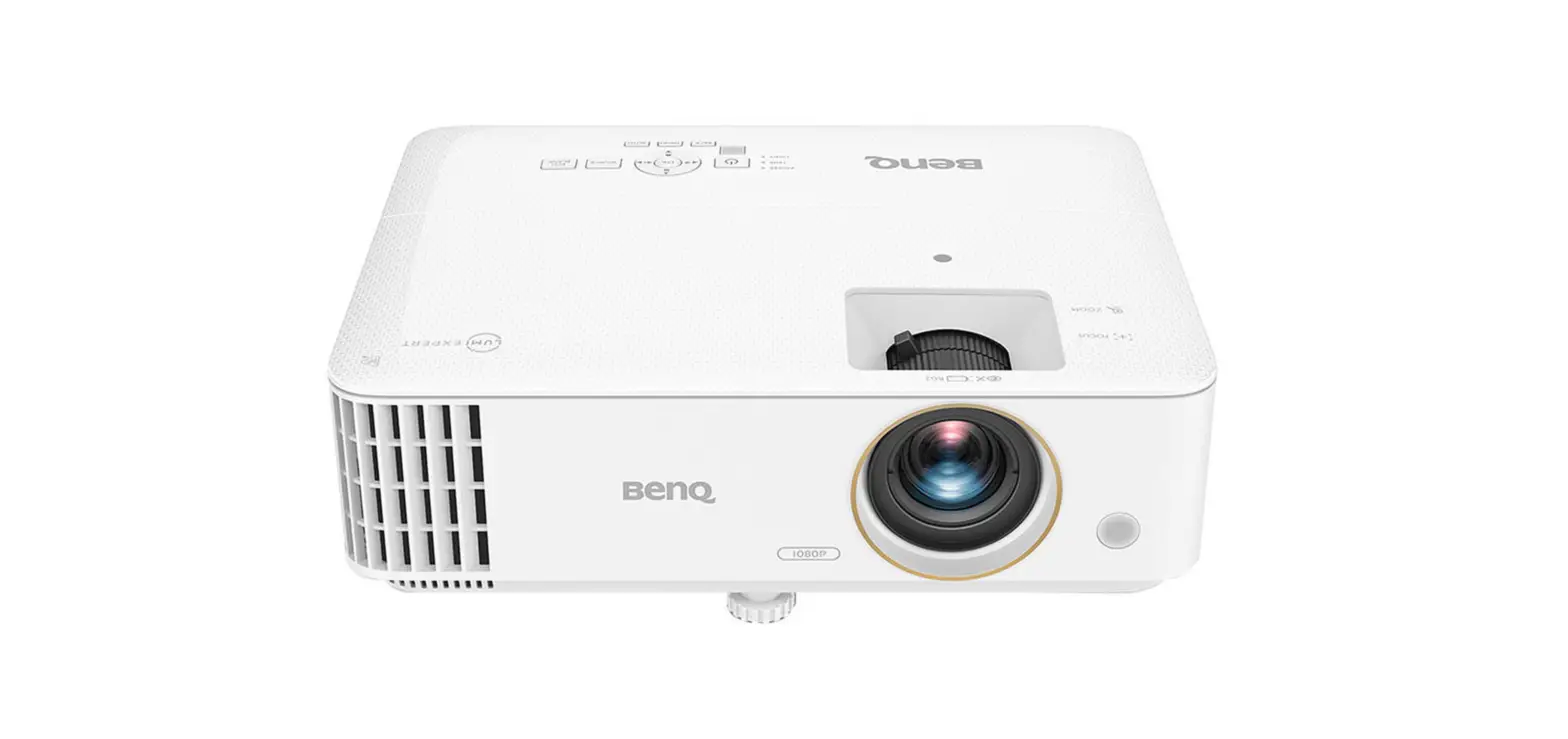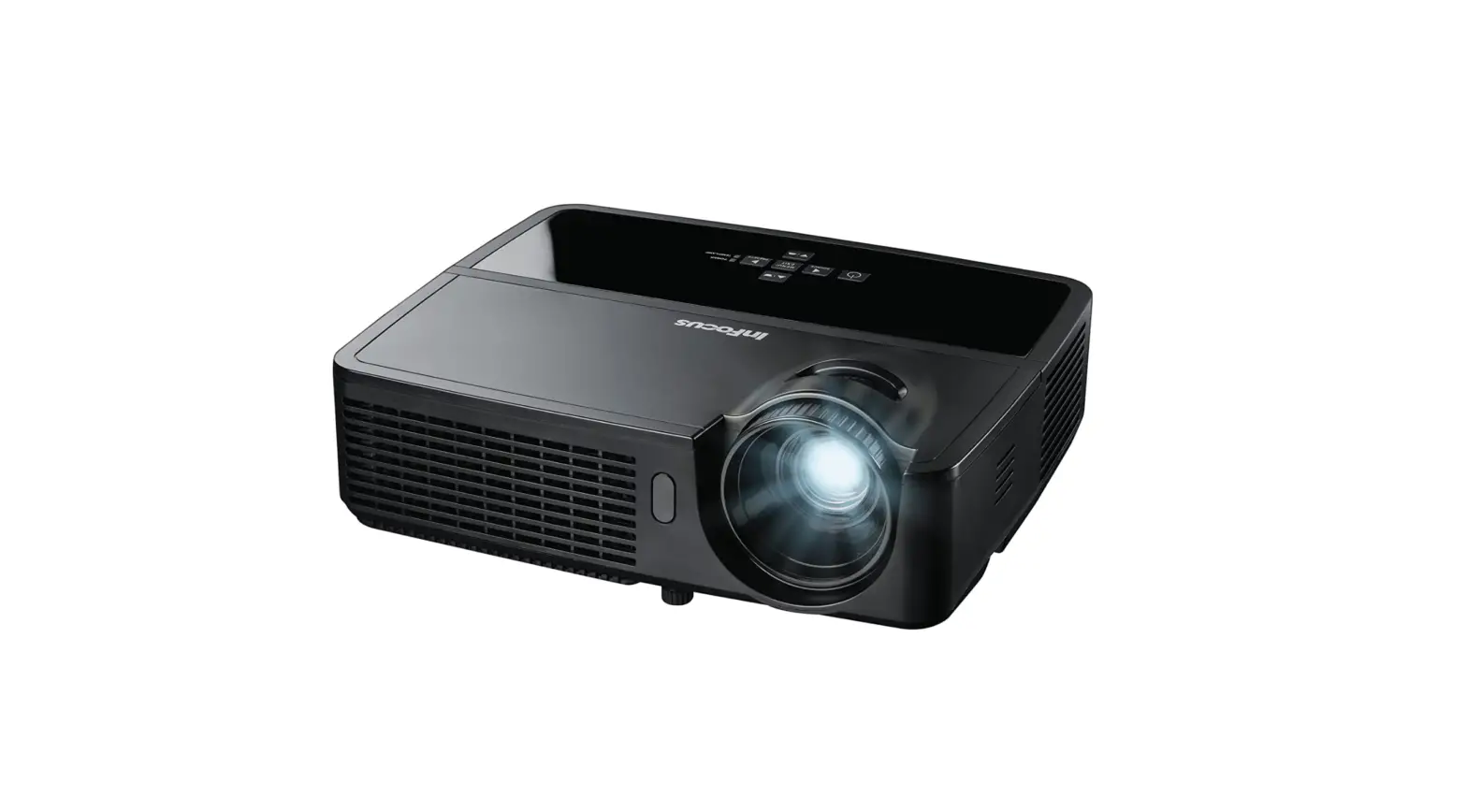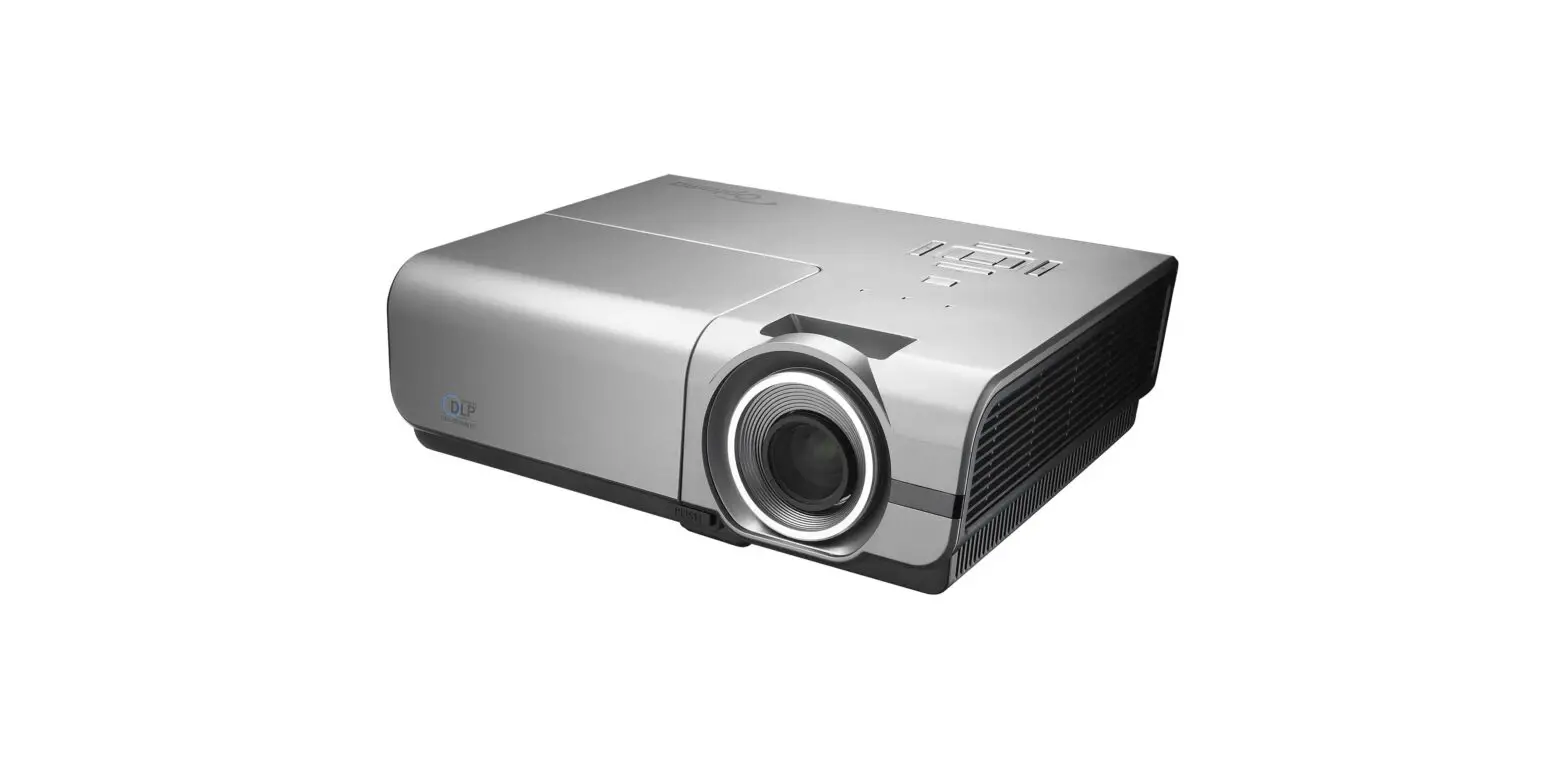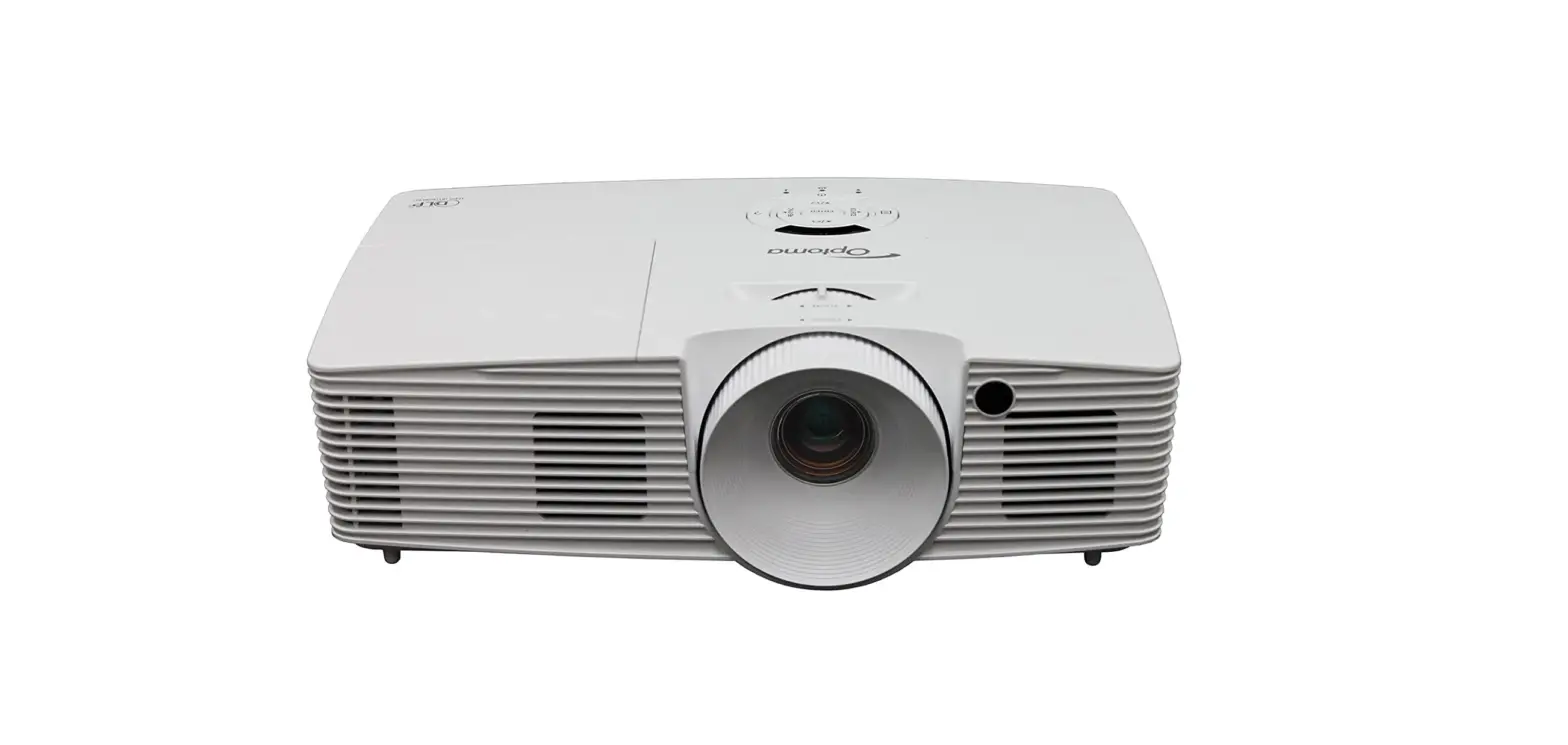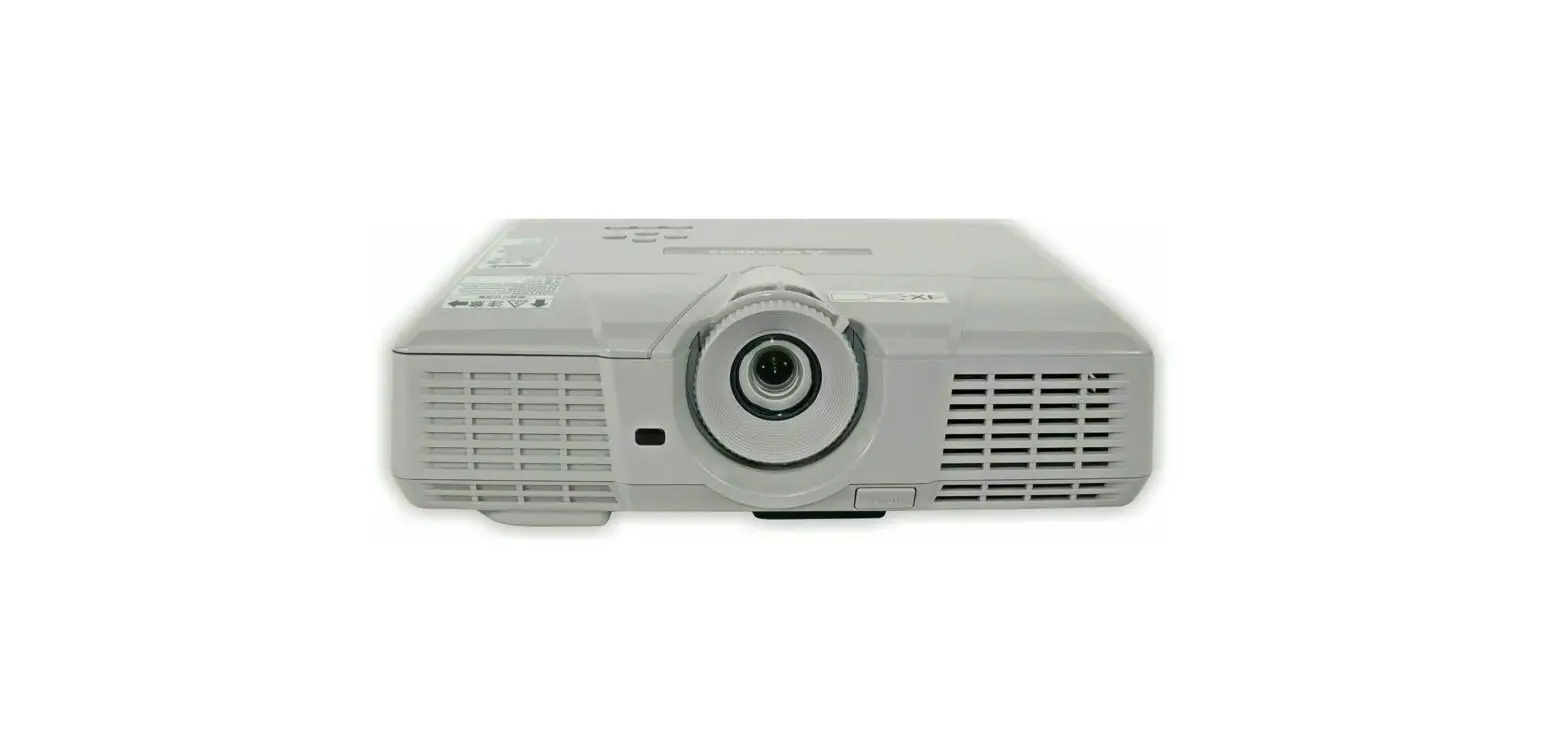

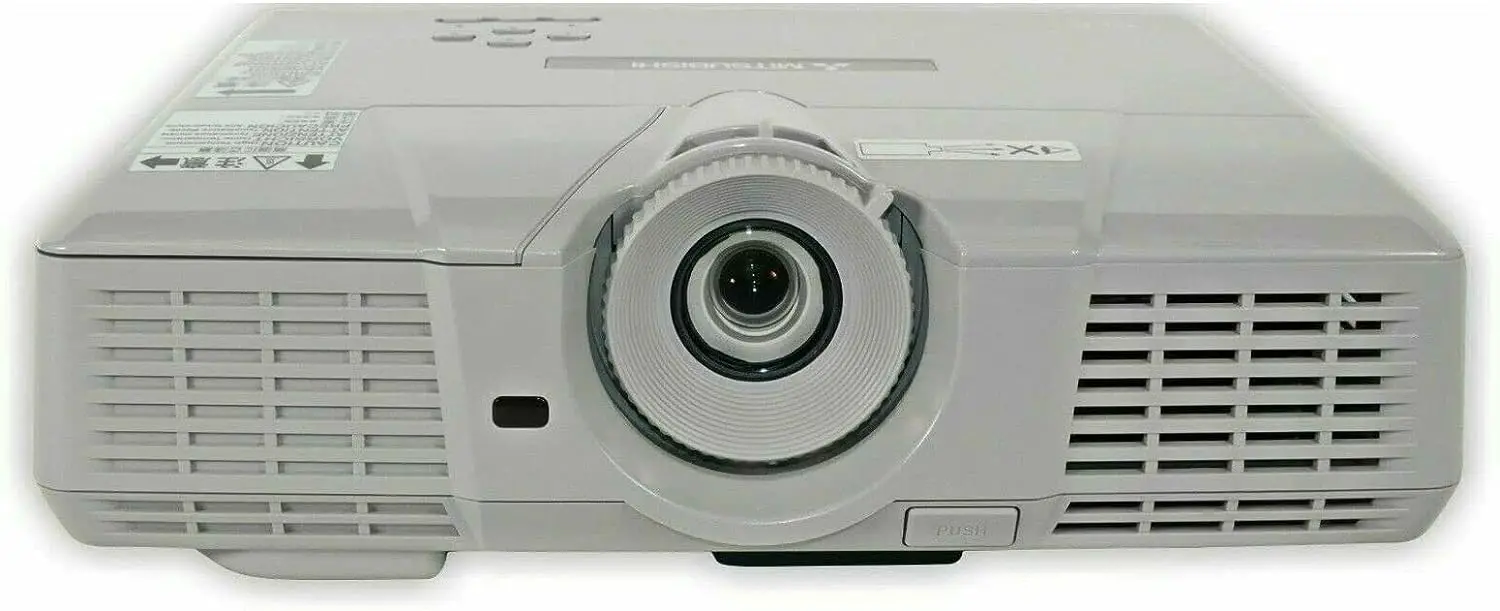
Mitsubishi EX51U DLP Projector
 Introduction
The Mitsubishi EX51U DLP Projector is a high-quality multimedia projection solution designed to deliver immersive and vibrant visuals for both professional and personal use. Featuring DLP (Digital Light Processing) technology, this projector ensures sharp, crisp images with remarkable color accuracy. Its versatile range of connectivity options and user-friendly features make it a reliable choice for presentations, movies, gaming, and more.
Specifications
- Display Technology: DLP
- Native Resolution: XGA (1024 x 768)
- Brightness: 3000 ANSI lumens
- Contrast Ratio: 2200:1
- Lamp Life: Up to 4000 hours (Standard mode) / 5000 hours (Low mode)
- Throw Ratio: 1.9 – 2.1 (distance/width)
- Projection Screen Size: 40″ – 300″
- Keystone Correction: Vertical ±30 degrees, Horizontal ±20 degrees
- Input Terminals: HDMI, VGA, Composite, S-video, USB
- Speaker: 2W mono speaker
- Weight: Approx. 5.7 lbs (2.6 kg)
- Dimensions: 12.4″ x 9.6″ x 3.8″ (W x D x H)
Features
- High Brightness: With a brightness of 3000 ANSI lumens, the EX51U projector delivers clear and bright visuals even in well-lit environments.
- XGA Resolution: The native XGA resolution ensures crisp and detailed images, making it ideal for presentations and data display.
- DLP Technology: The DLP technology ensures accurate color reproduction and reduced motion blur for an immersive viewing experience.
- Flexible Connectivity: The projector offers multiple input options, including HDMI, VGA, composite, S-video, and USB, allowing seamless connection to various devices.
- Keystone Correction: The vertical and horizontal keystone correction features enable easy adjustment of distorted images, ensuring a squared projection.
- Long Lamp Life: The lamp can last up to 4000 hours in Standard mode or up to 5000 hours in Low mode, reducing maintenance costs.
- Lightweight and Portable: Weighing only 5.7 lbs, the EX51U is easy to carry and set up in different locations.
- Quiet Operation: The projector operates quietly, ensuring minimal distraction during presentations or movie screenings.
- 3D Ready: The EX51U supports 3D content, providing an immersive experience for compatible movies and games.
- Built-in Speaker: The 2W mono speaker eliminates the need for external audio devices for small to medium-sized rooms.
- Energy-Efficient: The projector is designed with energy-saving features, reducing power consumption and extending the lamp life.
- Remote Control: The included remote control offers convenient access to various settings and features from a distance.
User Manual
FAQ’s
Can the Mitsubishi EX51U projector display high-definition content?
While the native resolution is XGA, the projector can accept high-definition input signals but downscales them to their native resolution.
Does the projector support 3D content?
Yes, the Mitsubishi EX51U is 3D-ready and can display 3D content from compatible sources when paired with appropriate 3D glasses.
How long does the projector lamp last, and is it replaceable?
The lamp can last up to 4000 hours in Standard mode or 5000 hours in Low mode. Yes, the lamp is replaceable when it reaches the end of its life.
Can I connect my laptop or computer to the projector via HDMI?
Yes, the projector features an HDMI input, allowing you to connect laptops, computers, gaming consoles, and other HDMI-enabled devices.
Does the Mitsubishi EX51U projector have built-in Wi-Fi connectivity?
No, the projector does not have built-in Wi-Fi connectivity. However, you can connect compatible devices via HDMI or other available ports.
Is the projector suitable for outdoor use?
The Mitsubishi EX51U projector is primarily designed for indoor use. For outdoor use, it is recommended to have appropriate weather protection.
What is the maximum screen size that the projector can display?
The projector can project a screen size ranging from 40 inches to 300 inches diagonally, depending on the distance from the screen.
Can I use the Mitsubishi EX51U projector for gaming purposes?
Yes, the projector is suitable for gaming, offering low input lag and decent color performance for an enjoyable gaming experience.
Does the projector come with a carrying case?
The package does not include a carrying case, but one can be purchased separately for added portability and protection.
Can the projector be ceiling-mounted?
Yes, the Mitsubishi EX51U projector is designed for ceiling mount installation, offering versatile placement options.
Does the projector have a built-in cooling system?
Yes, the projector is equipped with a built-in cooling system to prevent overheating during prolonged use.
Is the Mitsubishi EX51U projector compatible with Mac computers?
Yes, the projector is compatible with Mac computers via the VGA or HDMI connection. Adapters may be required for some Mac models.