GMCiuk
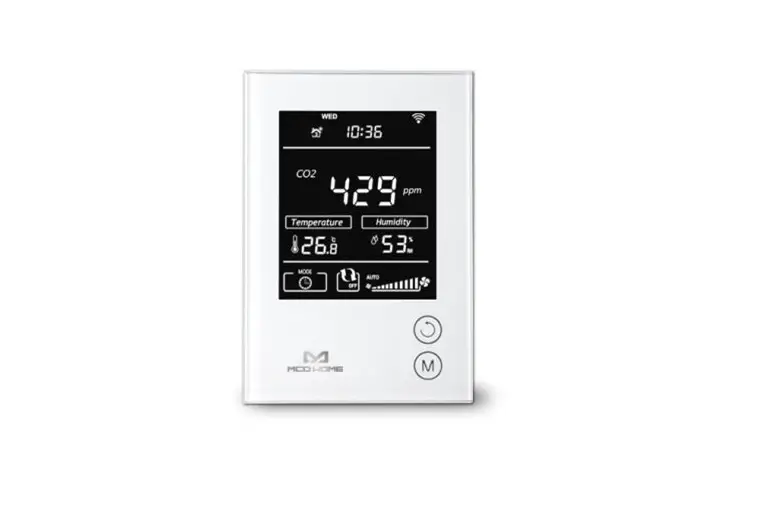
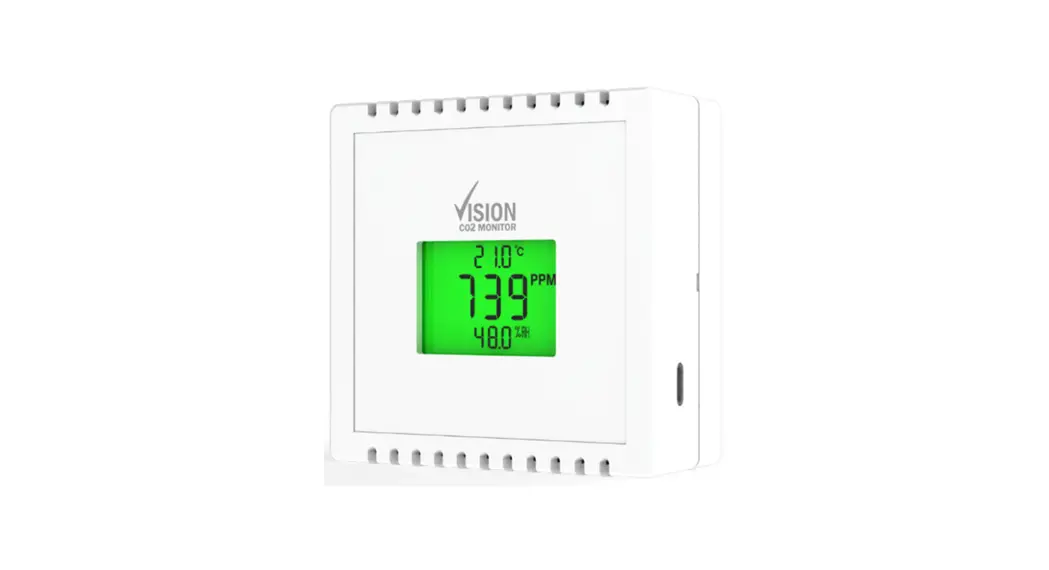
800ppm Vision CO2 Monitor
USB Powered
User Manual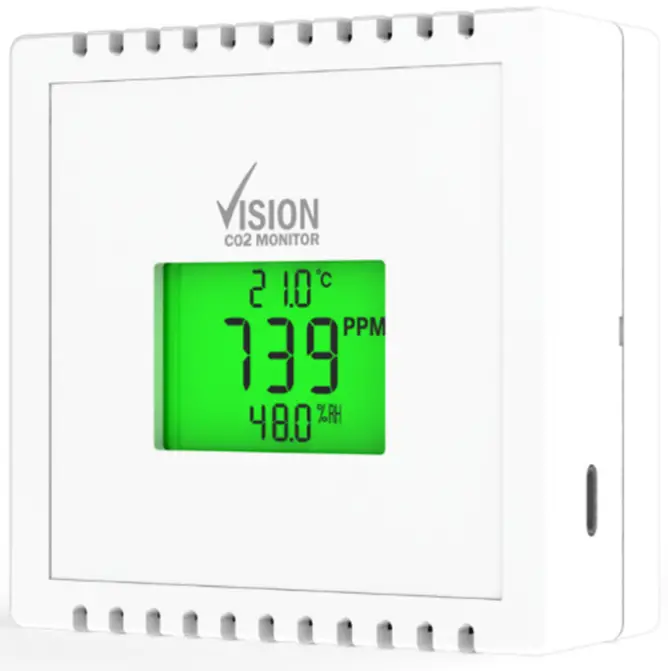
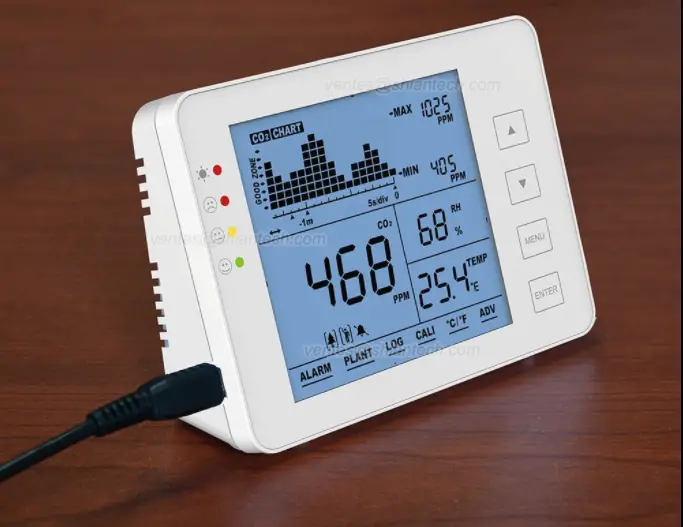
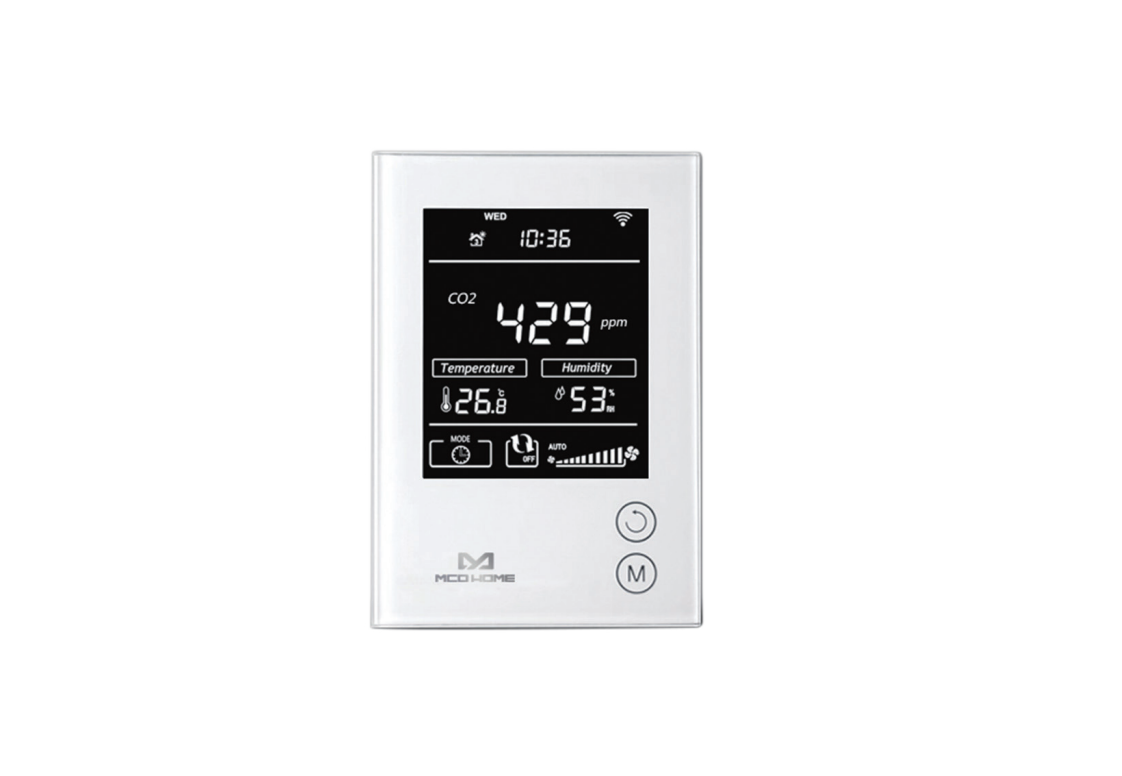
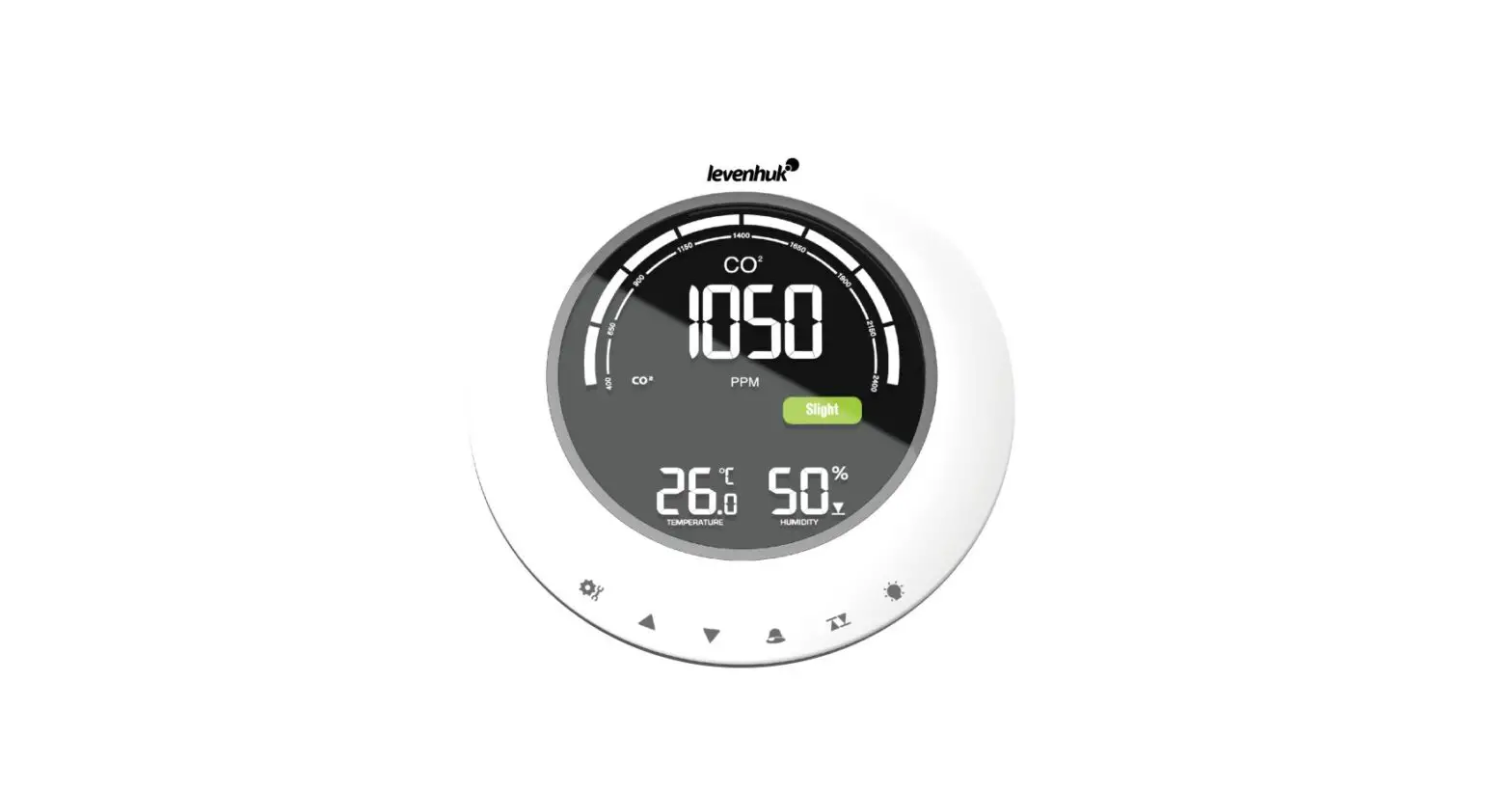
The Vision CO2 Monitor is designed to provide a clear indication of when further ventilation is required. Poor ventilation and increased levels of CO2 can reduce productivity, has long-term adverse health effects, and can significantly increase the transmission risk of airborne viruses.
There is 400ppm CO2 in air and we breathe out approximately 40,000ppm with each breath, so CO2 is the most reliable proxy for poor ventilation available in occupied spaces.
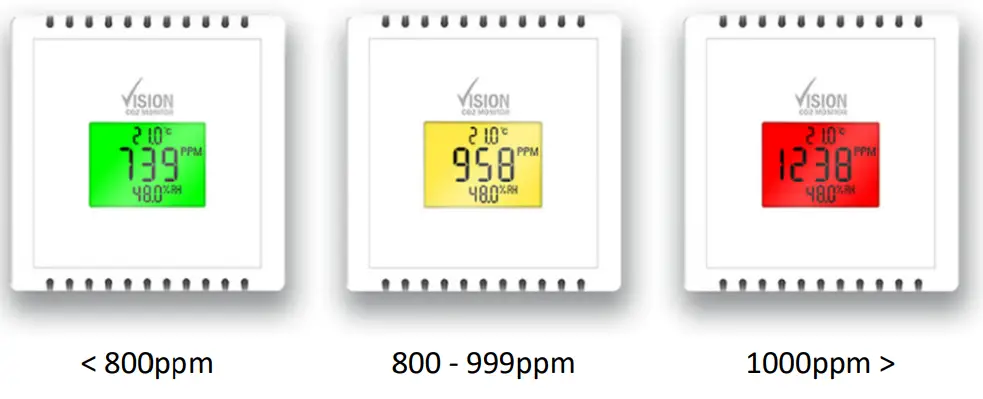
TRAFFIC LIGHT SET POINTS
CONTENTS
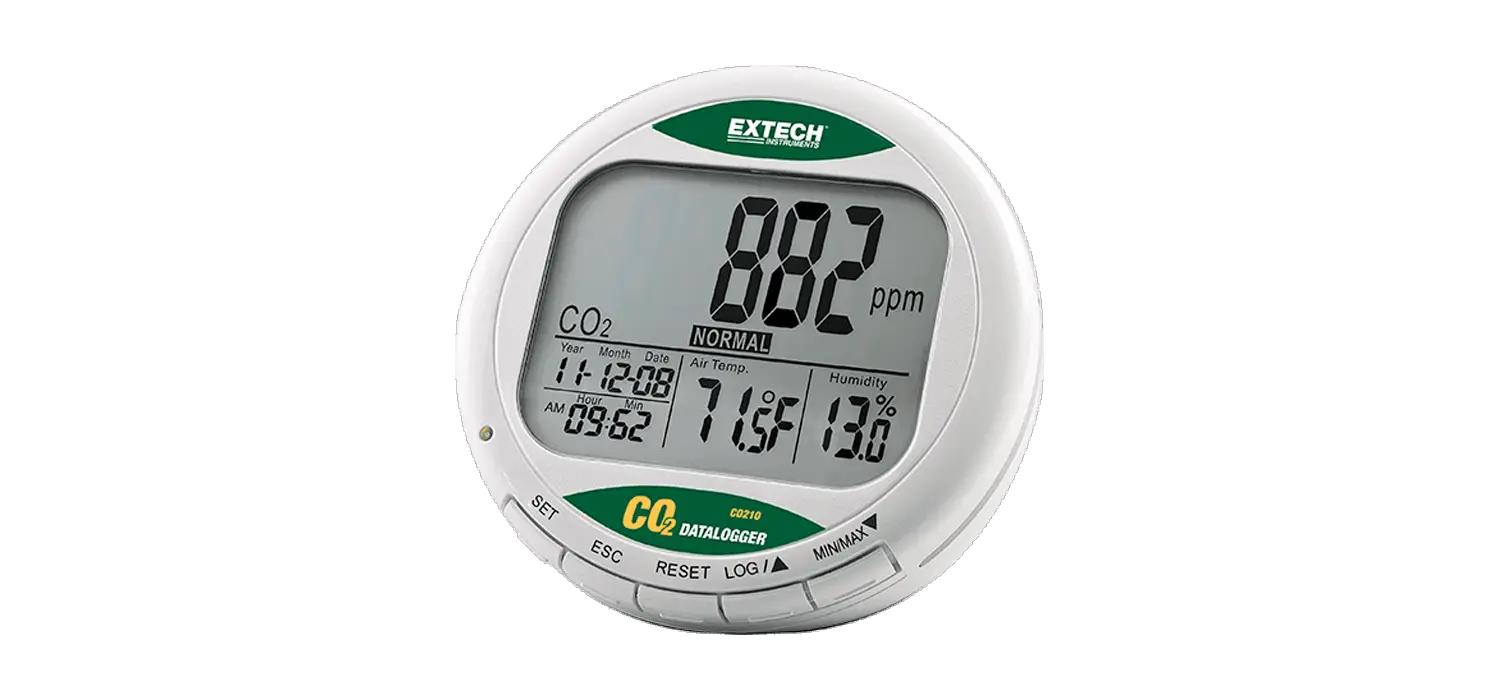
Vision CO2 Monitor
USB 2.0 to USB Type C Cable (2m)
2x Mounting Pads
USB Mains Adapter Plug (If this option is ordered)
TECHNICAL SPECIFICATION
| Power Supply | 5V DC – USB Type C |
| Power Consumption | <500mA |
| CO2 Range | 0 – 10,000ppm |
| CO2 Accuracy | ±40 ppm +3% @ NTP |
| CO2 Display Resolution | 1ppm |
| CO2 Sensing Method | Non Dispersive Infra-red (NDIR) |
| CO2 Typical Sensor Life | 10 Years |
| Temp Range | 0 – 40°C |
| Temp Accuracy | ±0.3°C @ 25°C |
| Temp Display Resolution | 0.1°C |
| RH Range | 0 – 95% (NC) |
| RH Accuracy | ±2% @ 20 – 80% |
| RH Display Resolution | 0.10% |
| Operating Conditions | Temp 0 – 40°C Humidity 0 – 95% (NC) |
| Sampling Method | Diffusion |
| IP Rating | IP40 |
| Housing Material | Flame Retardant ABS |
| Colour | Pure White (RAL9010) |
| Approval | CE, UKCA |
DIMENSIONS
H: 84mm W: 84mm D: 36mm IMPORTANT Please read carefully
- The Vision CO2 Monitor is for indoor use only under normal temperature and pressure.
- It is recommended that the unit be powered from a Laptop/PC or with the optional USB Mains Adapter Plug. The use of poor quality or unstable supplies may result in damage to the monitor.
- Whilst the display may show as Green, there should always be a level of background ventilation to ensure that any pollutants are removed.
- This is not a safety device and should only be used for general air quality monitoring. This is not suitable where large concentrations of CO2 may be present.
- Whilst this device may be considered portable, it is designed to be permanently powered in a single location. Regularly removing power from the device will disrupt the Automatic Background Calibration and affect the sensor accuracy.
- To self-calibrate accurately, the monitor should be exposed to outside levels of CO2 at least once every 8 days. This can be achieved by ensuring that a room is purged by opening windows and doors for a period of time.
INSTALLATION & LOCATION
When fixed to the wall, the Vision CO2 Monitor should be mounted at 1500mm from the floor, and careful consideration should be given to ensure that the power cable is secured to avoid snagging. Supplied with the Vision CO2 Monitor are 2 x Double-Sided Mounting Squares. These can be used to provide a long-lasting permanent bond to a variety of surfaces including Glass, Ceramic, Metal, Wood, Brick, Stone, and Plastic. This is considered to be a permeant bond and if removed at a later date could cause damage to delicate plastics or wall coverings.
Directions for mounting Double-Sided Mounting Squares.
- The location surface must be flat, dry, and free of dirt and oil.
- Remove square from the bottom liner, leaving the top liner on
- Apply one square to the back of the case near the top and another near the bottom.
- Remove the clear top liner and align the Vision CO2 in the desired location.
- Press the case firmly into position to create a strong, permanent bond.