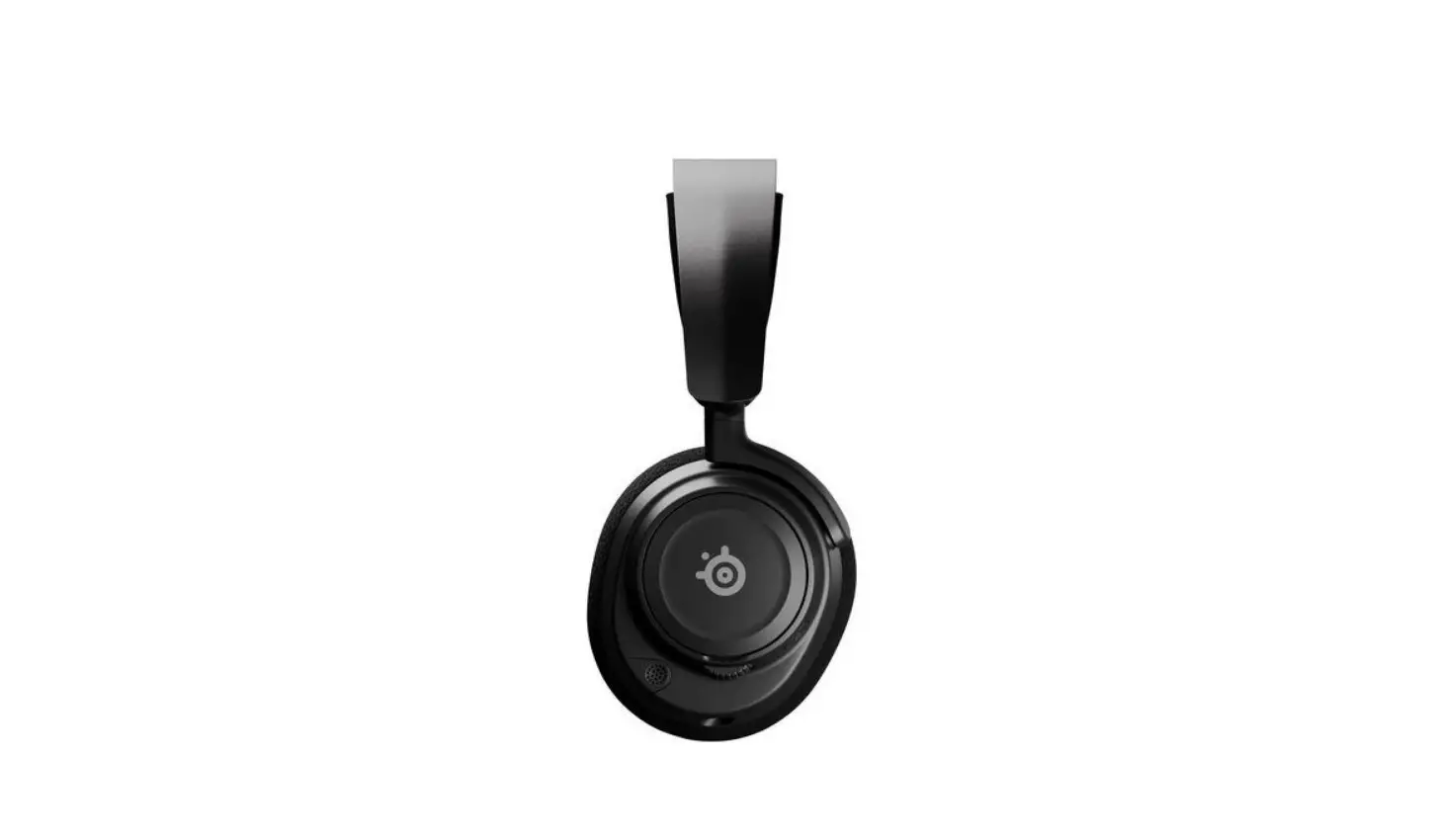
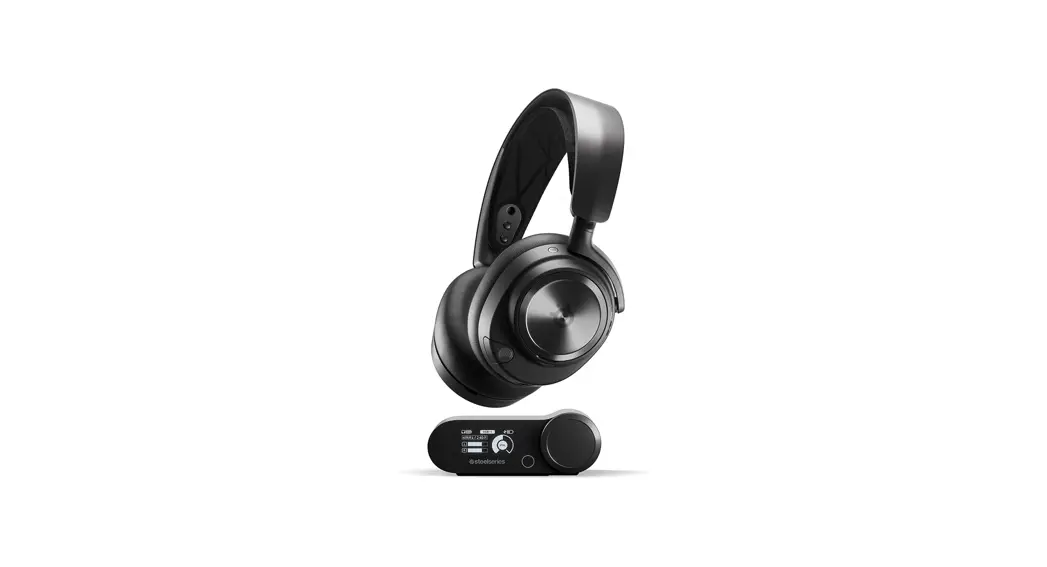
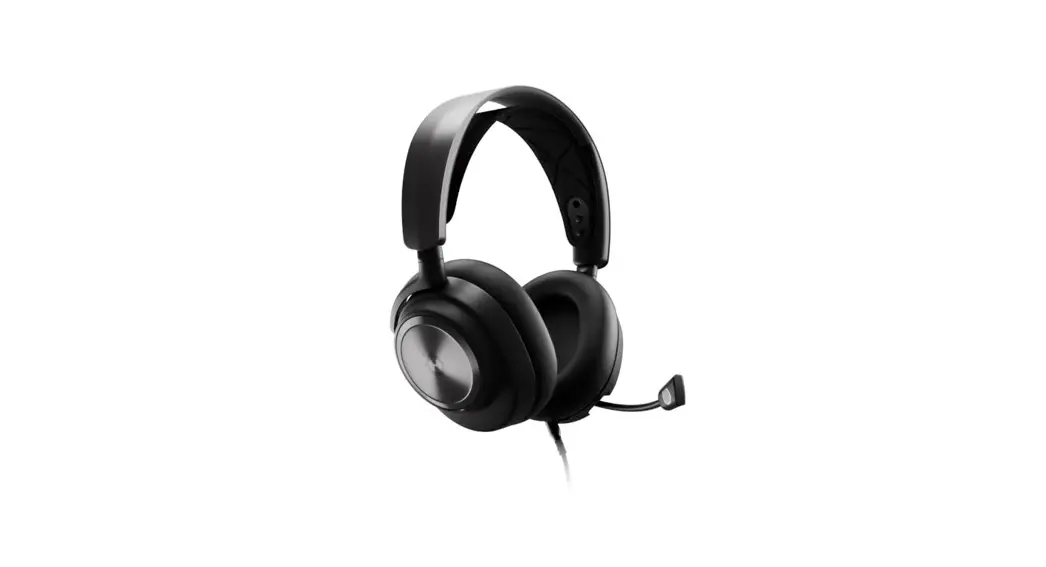
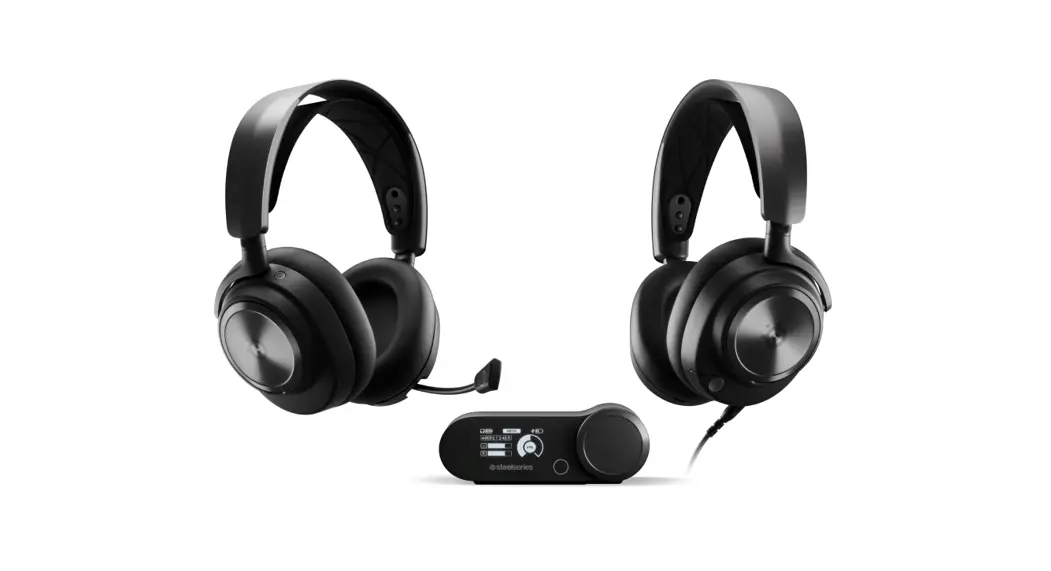
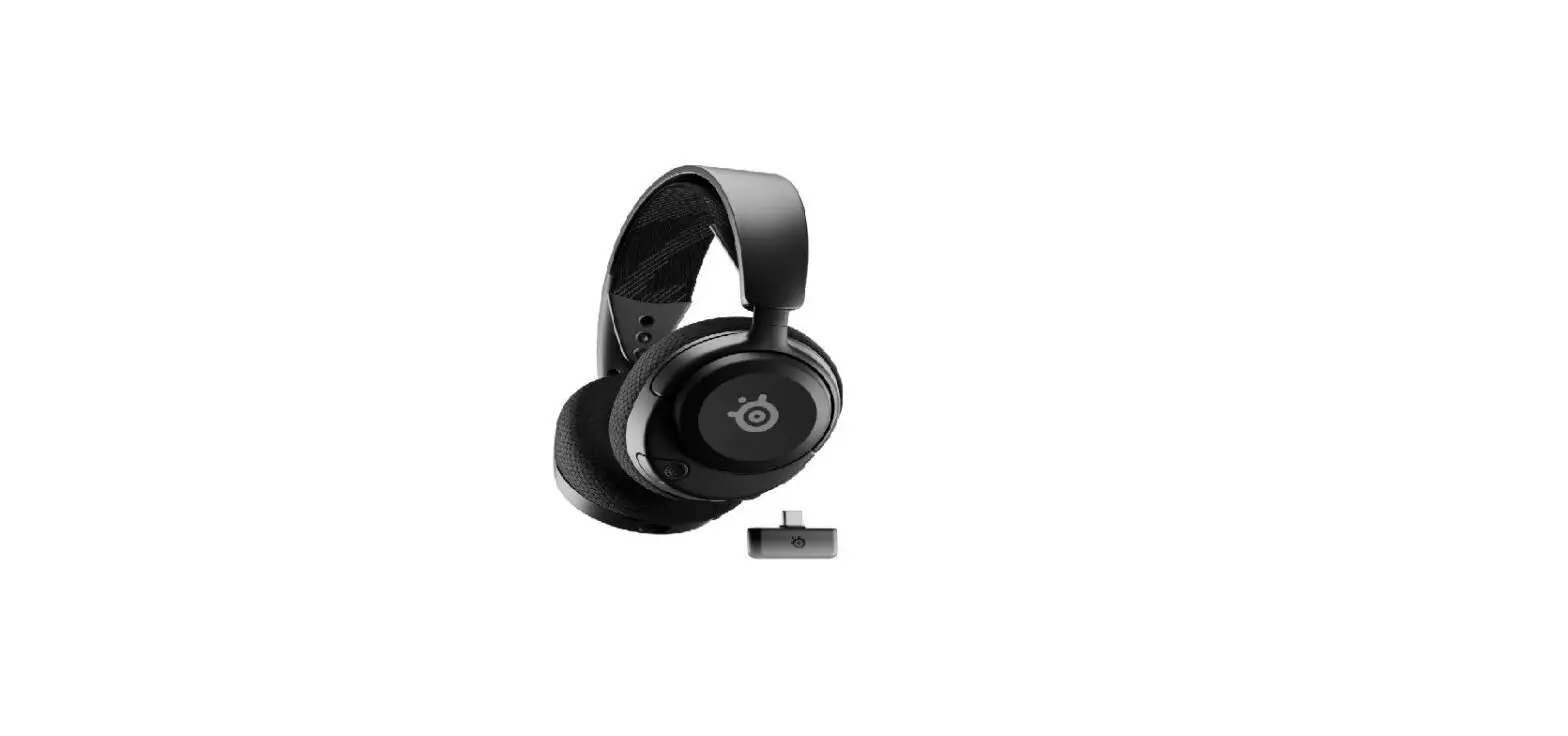
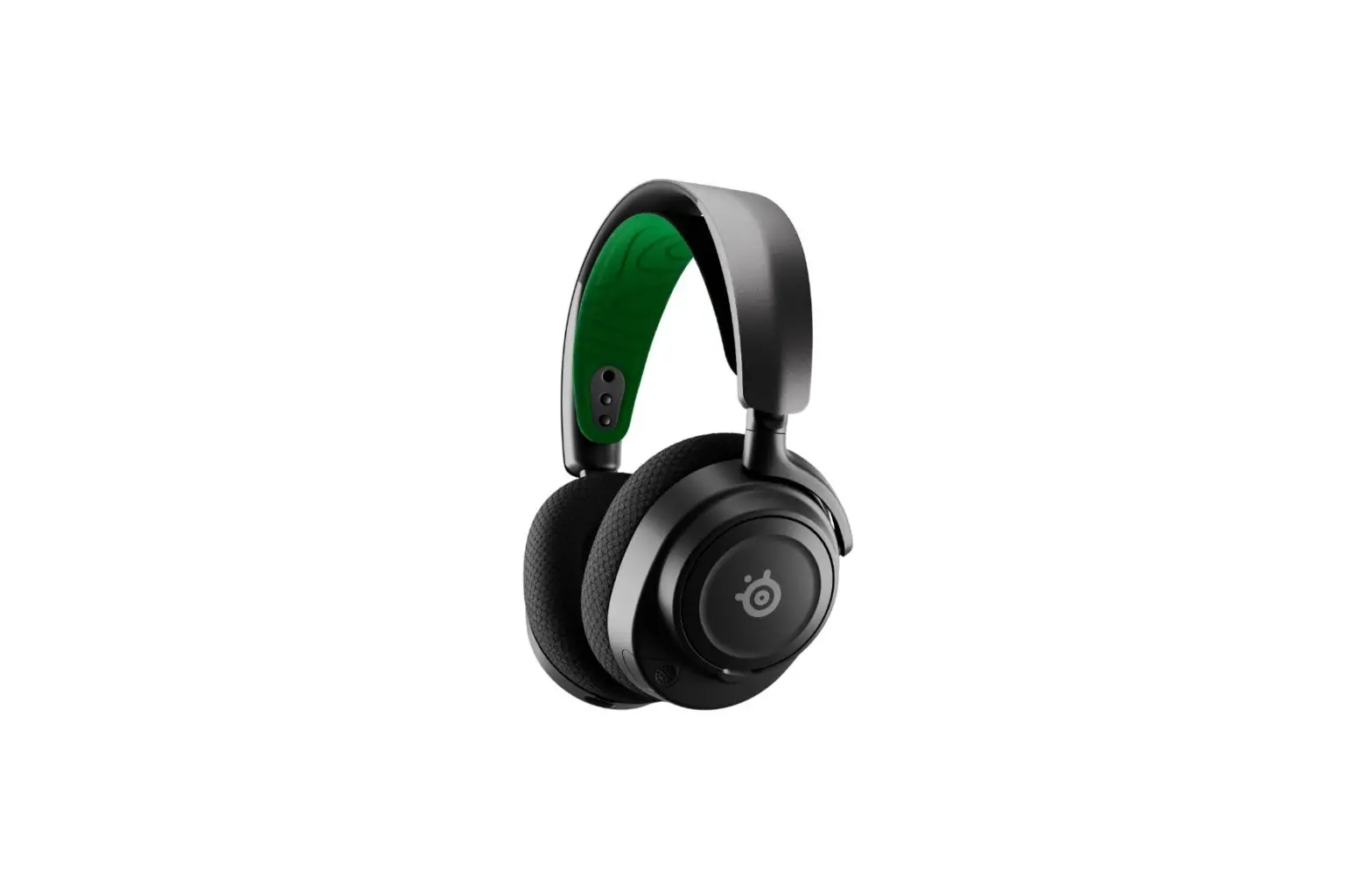
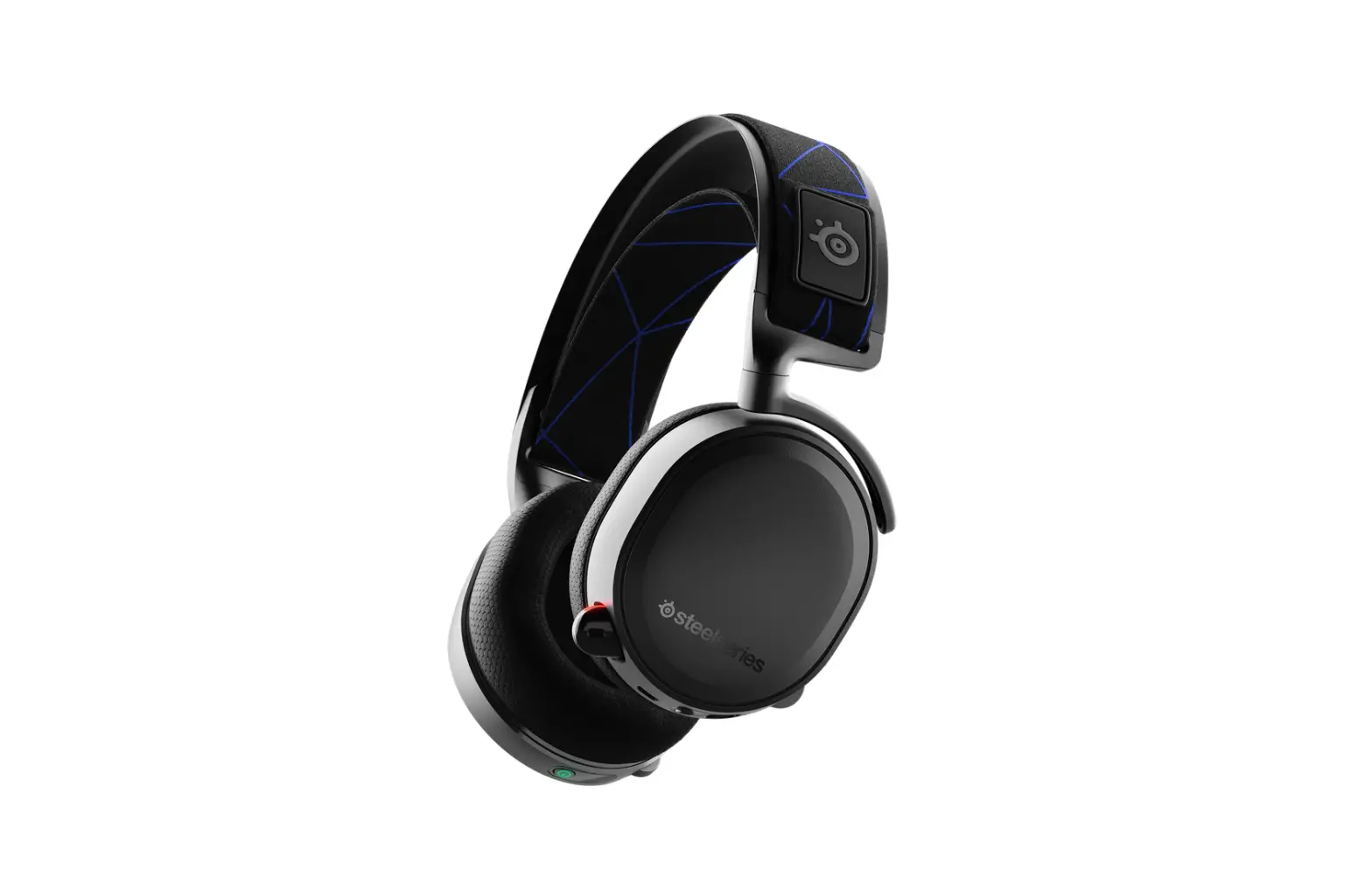
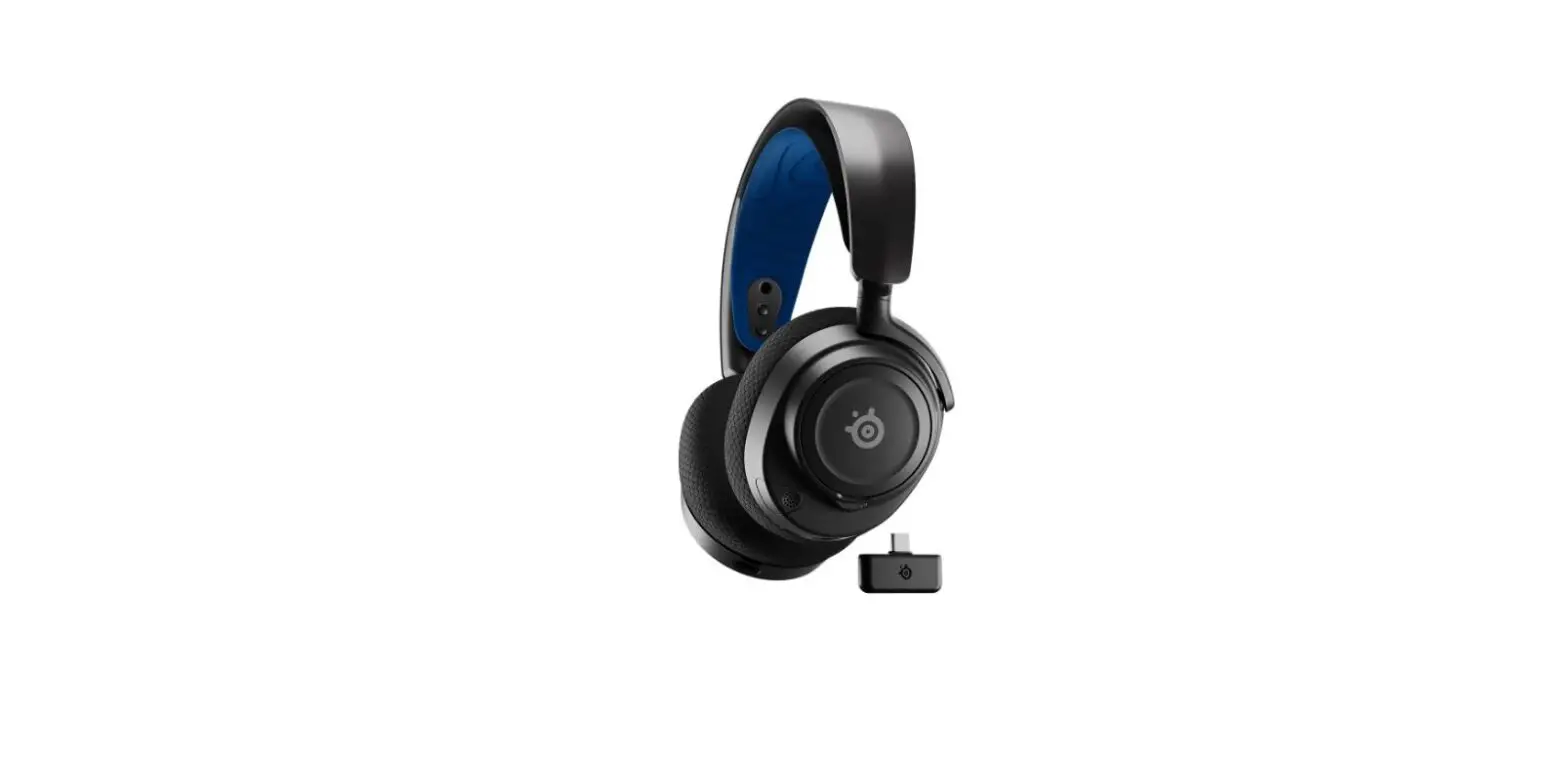
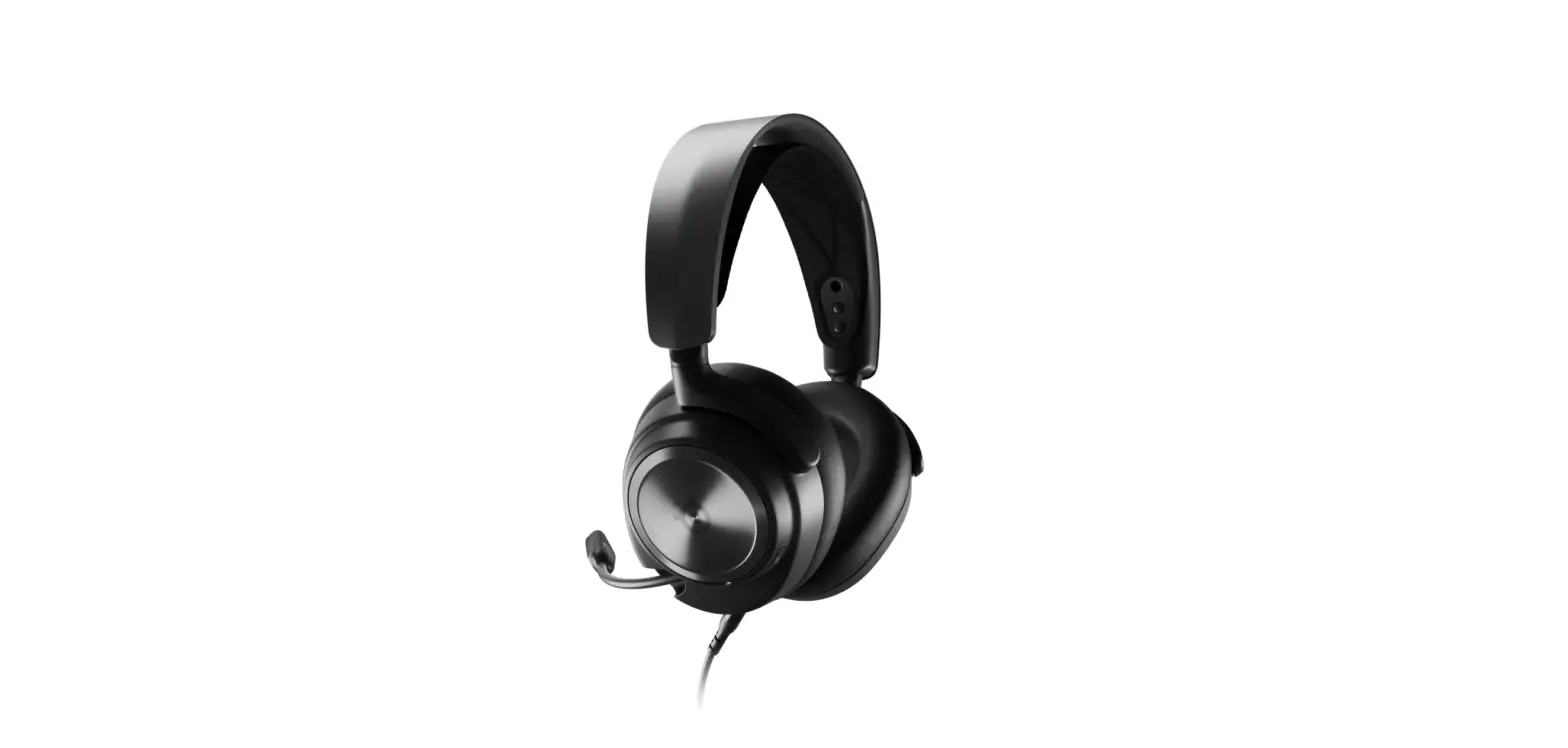
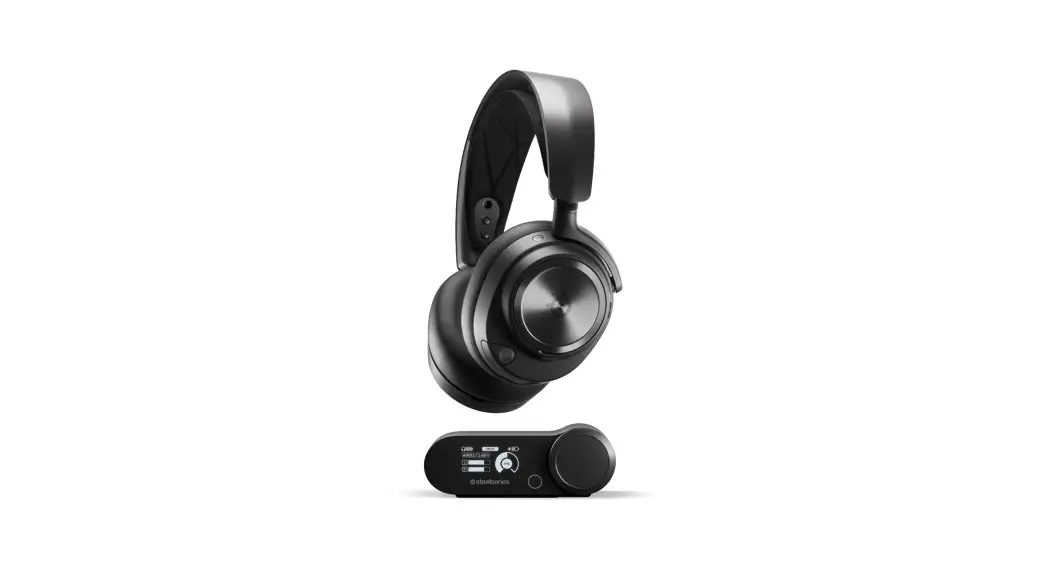
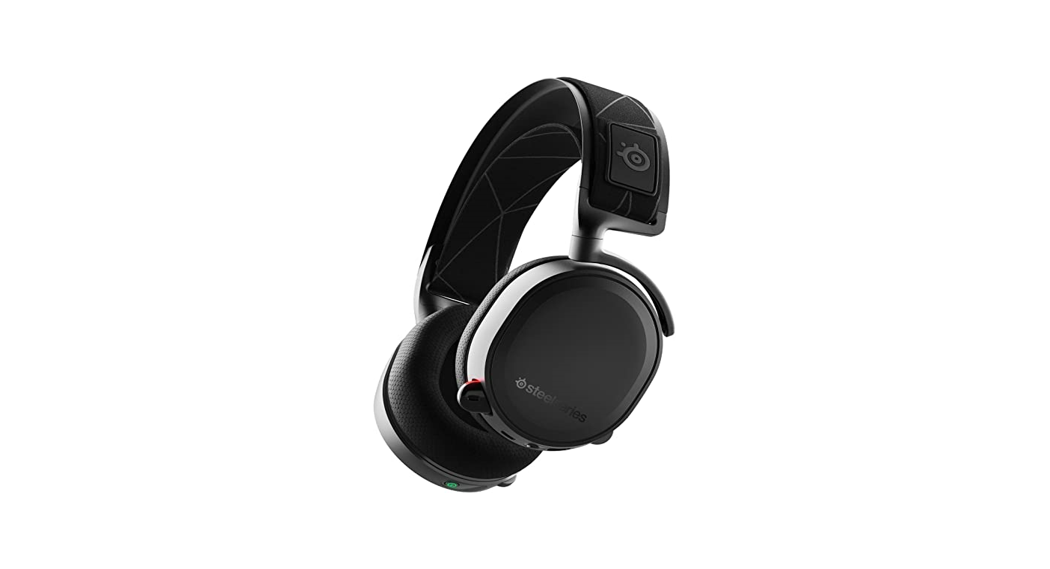
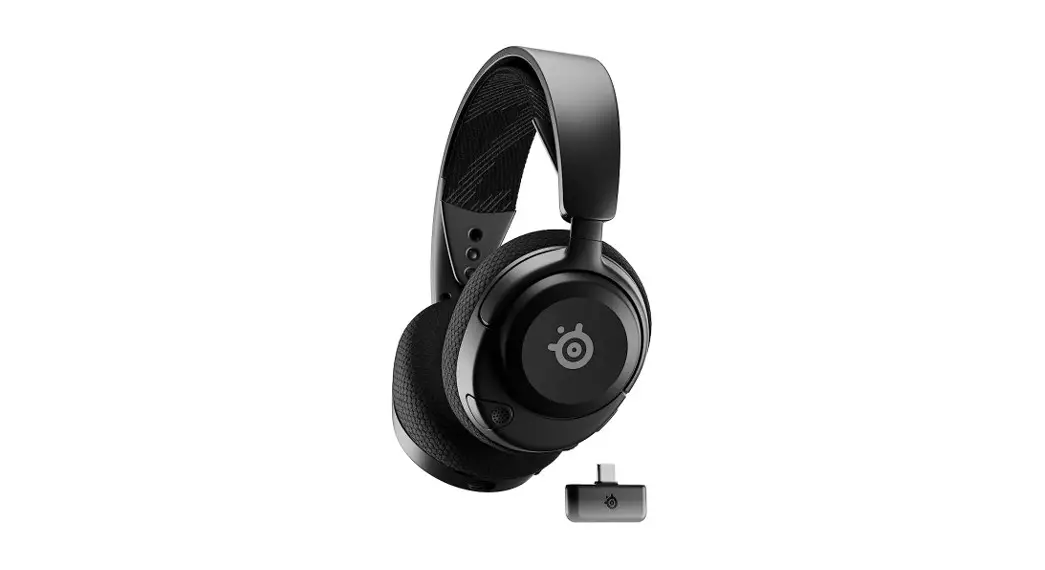
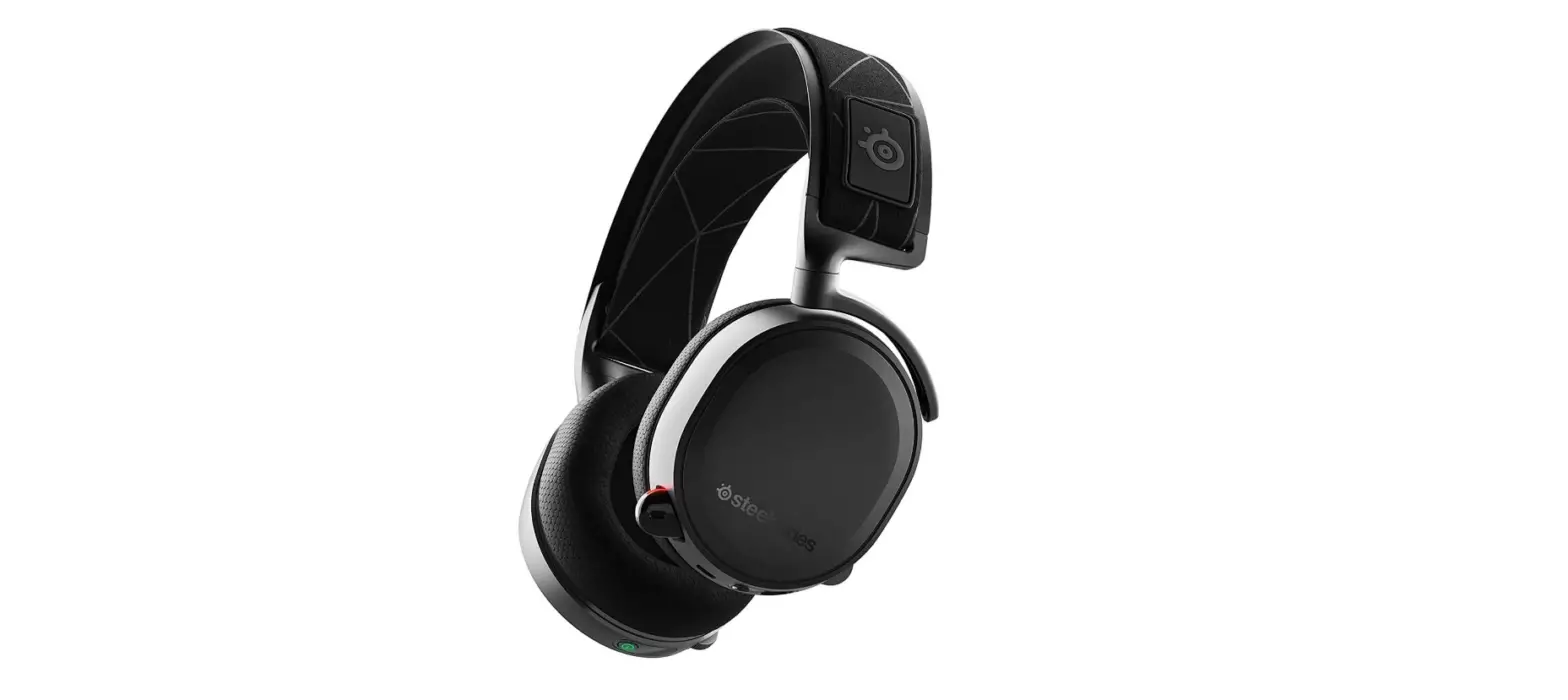
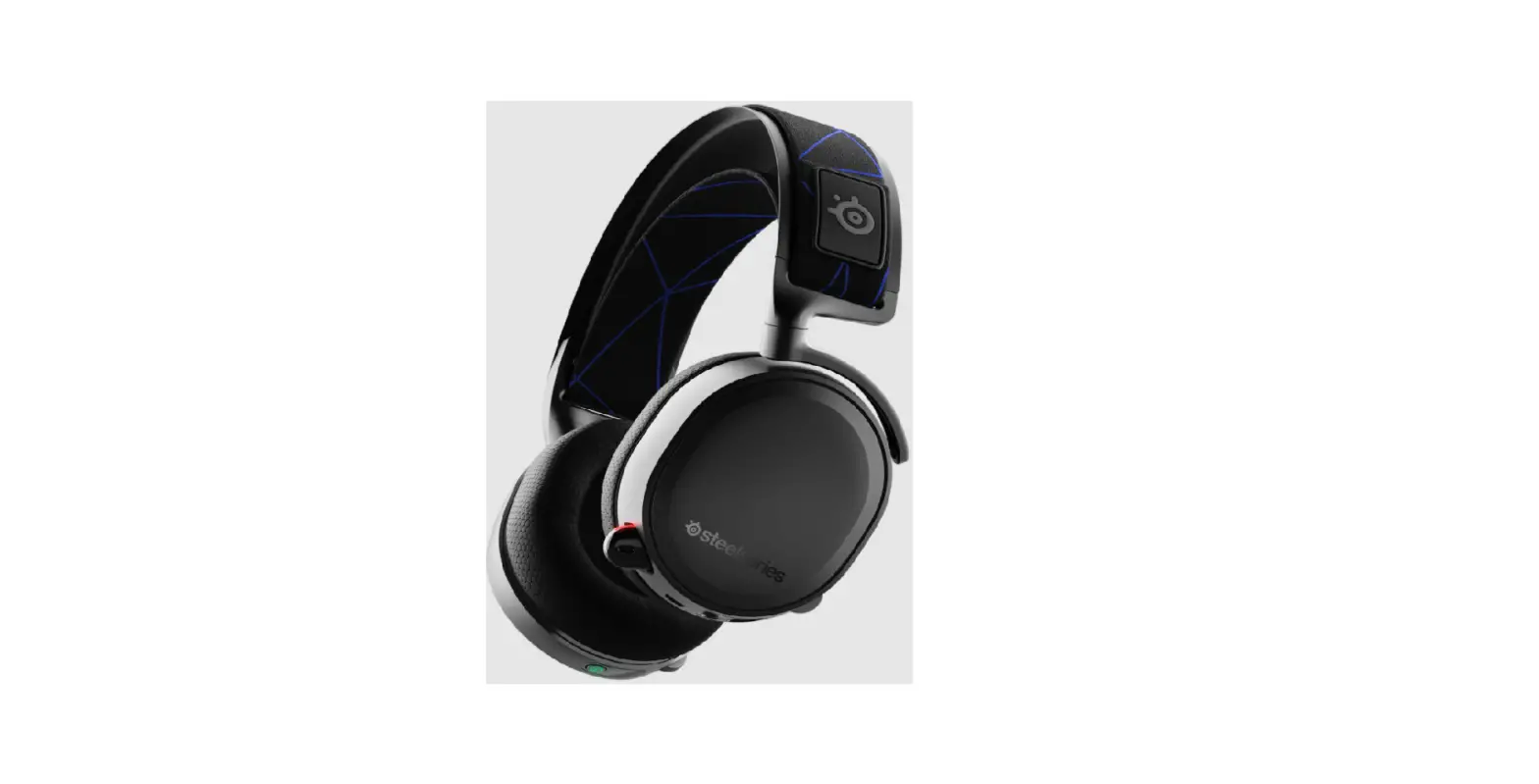
61520 Arctis Nova Pro Wireless Headset for PC and PlayStation
Product Information: ARCTIS NOVA PRO WIRELESS
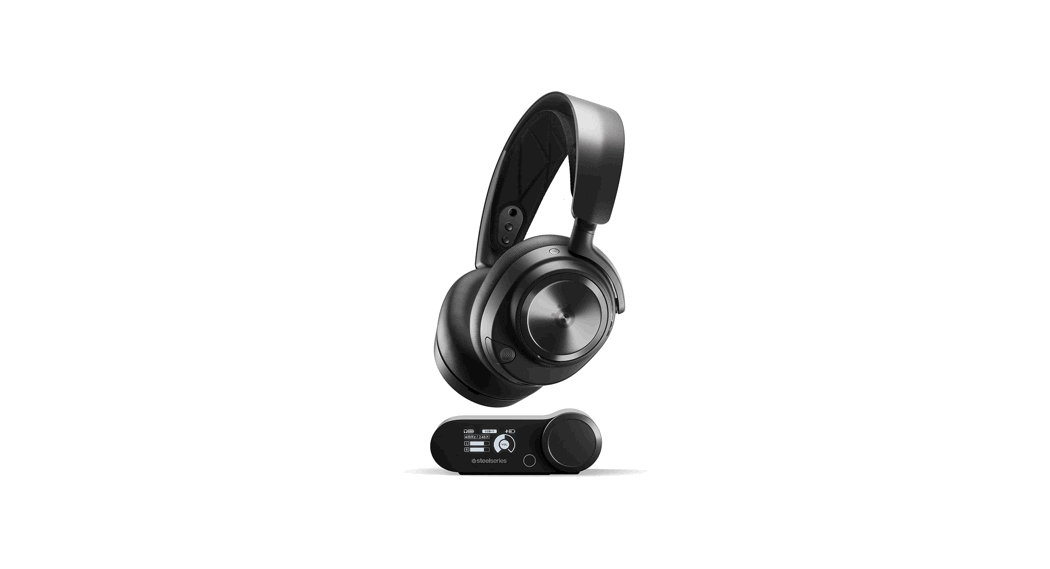
The ARCTIS NOVA PRO WIRELESS is a high-performance gaming
headset designed for use with various devices including PC,
PlayStation 5, PlayStation 4, Nintendo Switch (TV Mode), Mobile
(with USB-C), and Mac. It features a retractable ClearCast
microphone, premium leatherette ear cushions, an elastic headband,
a 3.5 mm audio jack, a volume/control wheel, a microphone mute
button, removable speaker plates, a mobile charging jack, a power
button, a swappable battery, a Bluetooth button, and LED indicators
for power and Bluetooth.
The headset comes with accessories such as USB-C to USB-A
cables, a 4-pole 3.5 mm audio cable, a microphone pop filter, and
lithium-ion batteries. Additional accessories and replacement parts
can be found at steelseries.com/gaming-accessories.
The wireless base station features an OLED screen, secondary
button, control wheel, battery charging slot, line-out jack,
line-in jack, and USB ports.
Product Usage Instructions
Setup
To set up the ARCTIS NOVA PRO WIRELESS headset:
- Connect one of the USB-C to USB-A cables to the USB 1 jack on
the base station and the other end to your PC or console. - Optionally, connect the second USB-C to USB-A cable from the
base station’s USB 2 jack to a second PC or console. - Change input sources via the OLED screen menu on the base
station.
Functions
Base Station Charging
To charge the second lithium-ion battery, place it in the
battery charging slot of the base station.
Changing Batteries
To change the battery:
- Remove the right-side removable speaker plate by lifting from
the groove on the bottom. - Then, remove the swappable battery by pushing downward and out
to release.
Mobile Charging
The USB-C to USB-A cable can be used to charge the headset while
on the go:
- Remove the left-side removable speaker plate.
- Connect the cable from the mobile charging jack to a USB power
source.
Power On/Off
To power the headset on or off, press and hold the power button
for 1 second.
Pairing
The headset is already paired to the base station when it
arrives. In case of re-pairing:
- Open the base station menu and navigate to Wireless 2.4G
Pairing. - While the headset is powered off, hold the power button for 6
seconds until you hear a beep and the light on the headset is
flashing rapidly.
Bluetooth
Bluetooth can be powered on or off independently of the 2.4G
wireless:
- To power Bluetooth on or off, press and hold the Bluetooth
button for 1 second. - To pair Bluetooth, with Bluetooth off, press and hold the
Bluetooth button for 4 seconds.
Base Station Operation
On the home screen, press and release the control wheel or the
headset’s corresponding button to navigate and select options.
ARCTIS NOVA PRO WIRELESS
PRODUCT INFORMATION GUIDE
TABLE OF CONTENTS
General . . . . . . . . . . . . . . . . . . . . . . . . . . . . . . . . . . . . . . . . . . . . . . . . . . 3 Product Overview . . . . . . . . . . . . . . . . . . . . . . . . . . . . . . . . . . . . . . . . . 4 Setup . . . . . . . . . . . . . . . . . . . . . . . . . . . . . . . . . . . . . . . . . . . . . . . . . . . 6 Functions . . . . . . . . . . . . . . . . . . . . . . . . . . . . . . . . . . . . . . . . . . . . . . . . 7 Power on/off . . . . . . . . . . . . . . . . . . . . . . . . . . . . . . . . . . . . . . . . . . . . . 8 Pairing . . . . . . . . . . . . . . . . . . . . . . . . . . . . . . . . . . . . . . . . . . . . . . . . . . 8 Bluetooth . . . . . . . . . . . . . . . . . . . . . . . . . . . . . . . . . . . . . . . . . . . . . . . . 9 Base Station Operation . . . . . . . . . . . . . . . . . . . . . . . . . . . . . . . . . . . . . 10 Audio Options . . . . . . . . . . . . . . . . . . . . . . . . . . . . . . . . . . . . . . . . . . . . . 11 Audio Output Settings . . . . . . . . . . . . . . . . . . . . . . . . . . . . . . . . . . . . . . 12 Active Noise Cancellation . . . . . . . . . . . . . . . . . . . . . . . . . . . . . . . . . . . 13 Microphone . . . . . . . . . . . . . . . . . . . . . . . . . . . . . . . . . . . . . . . . . . . . . . 14 Perfect Fit . . . . . . . . . . . . . . . . . . . . . . . . . . . . . . . . . . . . . . . . . . . . . . . 15 Speaker Plates . . . . . . . . . . . . . . . . . . . . . . . . . . . . . . . . . . . . . . . . . . . . 16 Translations . . . . . . . . . . . . . . . . . . . . . . . . . . . . . . . . . . . . . . . . . . . . . . 18
Deutsch . . . . . . . . . . . . . . . . . . . . . . . . . . . . . . . . . . . . . . . . . . . . . . . . . . . 18 Español . . . . . . . . . . . . . . . . . . . . . . . . . . . . . . . . . . . . . . . . . . . . . . . . . . . . 21 Français . . . . . . . . . . . . . . . . . . . . . . . . . . . . . . . . . . . . . . . . . . . . . . . . . . . 24 Italiano . . . . . . . . . . . . . . . . . . . . . . . . . . . . . . . . . . . . . . . . . . . . . . . . . . . . 27 Polski . . . . . . . . . . . . . . . . . . . . . . . . . . . . . . . . . . . . . . . . . . . . . . . . . . . . . 30 Português . . . . . . . . . . . . . . . . . . . . . . . . . . . . . . . . . . . . . . . . . . . . . . . . . . 33 . . . . . . . . . . . . . . . . . . . . . . . . . . . . . . . . . . . . . . . . . . . . . . . . . . . . . . 36 . . . . . . . . . . . . . . . . . . . . . . . . . . . . . . . . . . . . . . . . . . . . . . . . . . . . 39 . . . . . . . . . . . . . . . . . . . . . . . . . . . . . . . . . . . . . . . . . . . . . . . . . . 41 . . . . . . . . . . . . . . . . . . . . . . . . . . . . . . . . . . . . . . . . . . . . . . . . . . 44 . . . . . . . . . . . . . . . . . . . . . . . . . . . . . . . . . . . . . . . . . . . . . . . . . . . . . . . . 47 Regulatory . . . . . . . . . . . . . . . . . . . . . . . . . . . . . . . . . . . . . . . . . . . . . . . 50
GENERAL
PACKAGE CONTENTS Arctis Nova Pro Wireless Headset Wireless Base Station Second Battery USB-C to USB-A Cable (×2) 3 .5 mm Audio Cable Microphone Pop Filter Product Information Guide
SYSTEM COMPATIBILITY PC PlayStation 5, PlayStation 4 Nintendo Switch (TV Mode) Mobile (with USB-C) Mac
SOFTWARE
GG
Home Moments Engine
ARCTIS NOVA PRO WIRELESS
Use Engine inside SteelSeries GG to set custom equalizer settings and control your mic . GG also has other amazing apps like Sonar, a breakthrough in gaming sound, that allows you to hear what matters most, through cutting-edge audio tools .
DOWNLOAD NOW steelseri.es/gg
3
PRODUCT OVERVIEW
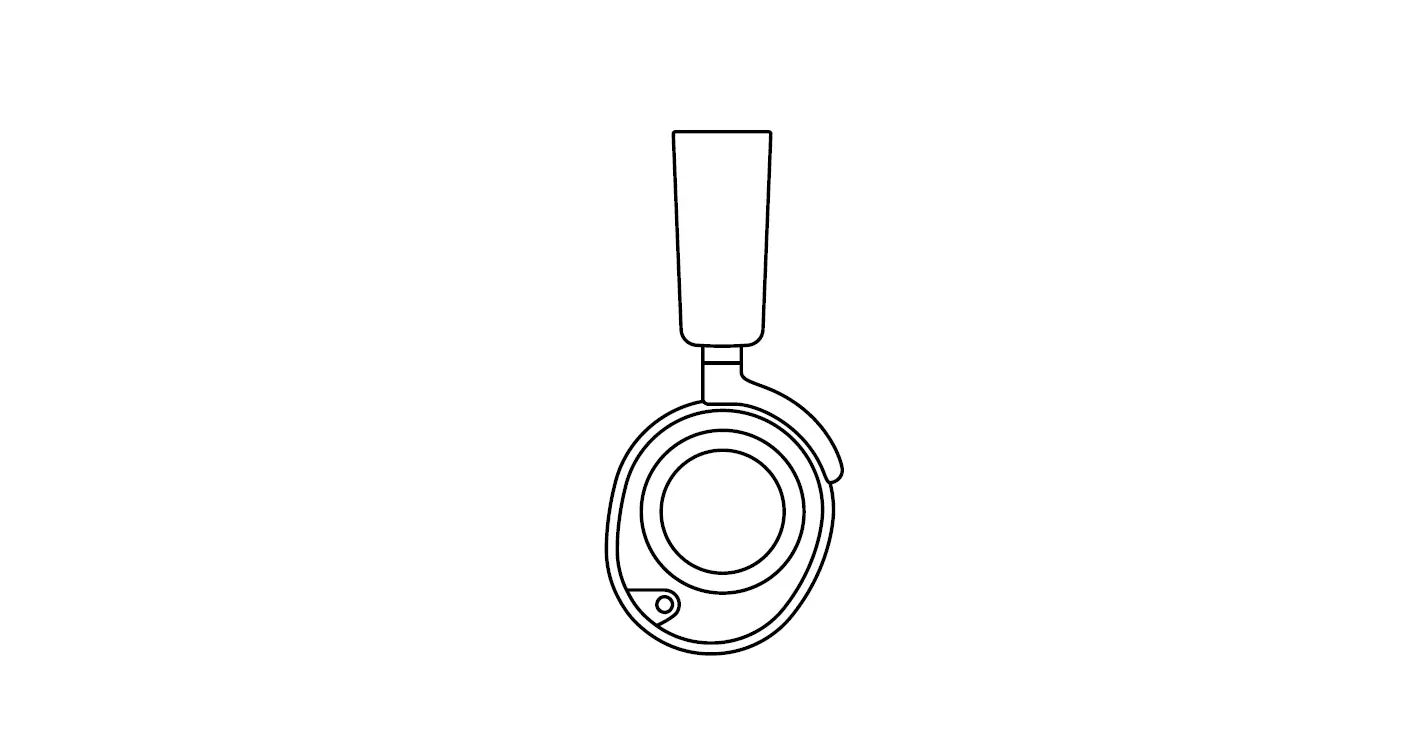
HEADSET 1 Retractable ClearCast Microphone 2 Premium Leatherette Ear Cushions* 3 Elastic Headband 4 3 .5 mm Audio Jack 5 Volume/Control Wheel 6 Microphone Mute Button 7 Removable Speaker Plates* 8 Mobile Charging Jack (Below the Speaker Plate) 9 Power Button 10 Swappable Battery (Below the Speaker Plate) 11 Bluetooth Button 12 Bluetooth LED Indicator 13 Power LED Indicator
1
7
4
5
10
6
11
2
7
12
8
9 3
13
4
*Find accessories and replacement parts at steelseries .com/gaming-accessories
ACCESSORIES* 14 USB-C to USB-A Cable (x2) 15 4-Pole 3 .5 mm Audio Cable 16 Microphone Pop Filter 17 Lithium-Ion Battery (x2)
14
16
15 17
WIRELESS BASE STATION
18 OLED Screen
19 Secondary Button
20 Control Wheel
21 Battery Charging Slot
22 Line-Out Jack
23 Line-In Jack
24 USB 1 Jack
25 USB 2 Jack
18
19
20
21
23 22 24 25
5
SETUP
CONNECTIONS
Plug one of the USB-C to USB-A Cables (14) into the USB 1 Jack (24), and connect the other end to your PC or console . Optionally connect the second USB-C to USB-A Cable (14) from the Base Station’s USB 2 Jack (25) to a second PC or console . Change input sources via the OLED Screen (18) menu .
PC PlayStation 4 PlayStation 5 Switch (TV mode)
Mac
PC PlayStation 4 PlayStation 5 Switch (TV mode) Mac
12
6
FUNCTIONS
BASE STATION CHARGING To charge the second Lithium-Ion Battery (17) place it in the Battery Charging Slot (21) of the base station .
CHANGING BATTERIES To change the battery, first remove the right-side Removable Speaker Plate (7) by lifting from the groove on the bottom . Then remove the Swappable Battery (10) by pushing downward and out to release .
MOBILE CHARGING The USB-C to USB-A Cable (14) can be used to charge the headset while on the go . Remove the left-side Removable Speaker Plate (7), and connect the cable from the Mobile Charging Jack (8) to a USB power source .
7
POWER ON/OFF
POWER To power the headset on or off press and hold the Power Button (9) for 1 second .
PAIRING
The headset is already paired to the base station when it arrives . In the event you need to re-pair, open the base station menu, and navigate to the following: Wireless 2 .4 G 2 .4 G Pairing Next, while the headset is powered off, hold the power button for 6 seconds until you hear a beep and the light on the headset is flashing rapidly .
8
BLUETOOTH
BLUETOOTH POWER Bluetooth can be powered on or off independently of the 2 .4 G wireless by pressing and holding the Bluetooth Button (11) for 1 second PAIRING With Bluetooth off, press and hold the Bluetooth Button (11) for 4 seconds . CONTROL
Answer/End Voice Call Single · press the Bluetooth Button (11) Play/Pause Music Single · press the Bluetooth Button (11) Skip Track Double · · press the Bluetooth Button (11) Previous Track Triple · · · press the Bluetooth Button (11)
9
BASE STATION OPERATION
HOME SCREEN 1 Press and release the Control Wheel (20) or the Headset’s
Volume/Control Wheel (5) to toggle between Volume and ChatMix (PC only, requires software install) .
2 Rotate the Control Wheel (20) or the Headset’s Volume/ Control Wheel (5) to adjust the selected parameter .
3 Press and hold the Control Wheel (20) or the Headset’s Volume/Control Wheel (5) to bring up the main menu .
MAIN MENU 1 Rotate the Control Wheel (20) or the Headset’s
Volume/Control Wheel (5) to cycle menu items .
2 Press and release the Control Wheel (20) or the Headset’s Volume/Control Wheel (5) to select .
3 Press and release the Secondary Button (19) or the Headset’s Power Button (9) to move back in the menu .
10
AUDIO OPTIONS
SURROUND Toggle Software Surround Sound On/Off (PC only, requires software install) EQUALIZER Customize your sound with included presets or fully adjustable 10-band EQ GAIN Changes the maximum output level of the GameDAC SIDETONE Select the amount of your own voice you wish to hear in the headphones MIC VOLUME Optimize the level of the microphone for your system
11
AUDIO OUTPUT SETTINGS
SPEAKERS Play game and chat audio through a pair of external speakers . 1 Connect a 3 .5 mm cable (not included) from the Base
Station’s Line-Out Jack (22) to your speakers . 2 In the OLED Screen (18) Menu set the Line Out option to `Speakers’ .
LINE OUT
STREAM Mix your Main, Aux, and Mic audio together to send to a PC for streaming . 1 Connect a 3 .5 mm cable (not included) from the Base Station’s
Line-Out Jack (22) to your stream PC’s Soundcard input . 2 In the OLED Screen (18) Menu set the Line Out option to `Stream’ . 3 Adjust your custom mix via the Stream Mixer on the OLED Screen
(18) .
LINE OUT
12
ACTIVE NOISE CANCELLATION
ANC To toggle ANC on/off, single press the Headset’s Power Button (9) . TRANSPARENCY To enable transparency mode, double press the Headset’s Power Button (9) .
13
MICROPHONE
RETRACTABLE MICROPHONE Out of the box, the Retractable ClearCast Microphone (1) is retracted . To use the microphone, slide it away from the headset until it reaches full extension .
POSITIONING Position the Retractable ClearCast Microphone (1) close to the corner of your mouth with the front surface facing you . Note: The microphone should not be used when retracted .
14
PERFECT FIT
EARCUP ADJUSTMENT Slide the Earcups up or down to change the overall height .
HEADBAND ADJUSTMENT Change the position of the Elastic Headband (3) on one or both sides to achieve the desired tension and flex .
15
SPEAKER PLATES
The Removable Speaker Plates (7) are attached with magnets . To remove for replacement, place your fingernail in the groove at the bottom of the plate and gently lift .
16
17
TRANSLATIONS
DEUTSCH
ALLGEMEIN
LIEFERUMFANG Arctis Nova Pro Wireless Headset Wireless-Basisstation Sekundärakku USB-C- auf USB-A-Kabel (x2) 3,5-mm-Audiokabel Mikrofon-Popschutz Produkt-Informationshandbuch
KOMPATIBILITÄT PC, PlayStation 5, PlayStation 4, Nintendo Switch (TVModus), Mobiltelefon (per USB-C), Mac
SOFTWARE Mit Engine in SteelSeries GG kannst du die Equalizer- und dein Mikrofon-Einstellungen an deine Vorlieben anpassen . In GG findest du auch weitere spannende Anwendungen wie Sonar, eine innovative App im Bereich Gaming-Audio, mit der du dank modernster Audiotools genau die Sounds hören kannst, die am wichtigsten sind . JETZT HERUNTERLADEN steelseri.es/gg
PRODUKTÜBERSICHT
HEADSET 1 Einziehbares ClearCast-Mikrofon 2 Hochwertige Ohrpolster
mit Kunstlederbezug* 3 Flexibler Kopfbügel 4 3,5-mm-Audiobuchse 5 Lautstärkeregler/Steuerrad 6 Mikrofon-Stummschalttaste 7 Abnehmbare
Lautsprecherabdeckungen*
8 Mobiler Ladeanschluss (unter der Lautsprecherabdeckung)
9 Power-Taste 10 Austauschbarer Akku (unter der
Lautsprecherabdeckung) 11 Bluetooth-Taste 12 Bluetooth LED-Anzeige 13 Power LED-Anzeige
ZUBEHÖR* 14 USB-C- auf USB-A-Kabel (x2) 15 4-poliges 3,5-mm-Audiokabel
16 Mikrofon-Popschutz 17 Lithium-Ionen-Akku (x2)
WIRELESS-BASISSTATION
18 OLED-Anzeige
22 Line-Out-Ausgang
19 Sekundärregler
23 Line-In-Eingang
20 Steuerrad
24 USB-Anschluss 1
21 Akku-Ladeanschluss
25 USB-Anschluss 2
* Zubehör und Ersatzteile gibt es unter steelseries .com/gaming-accessories
EINRICHTUNG
ANSCHLÜSSE Stecke eines der USB-C- auf USB-A-Kabel (14) in den USB-Anschluss 1 (24) und verbinde das andere Ende des Kabels mit deinem PC oder deiner Konsole . Alternativ kannst du das sekundäre USB-C- auf USB-A-Kabel (14) aus dem USB-
18
Anschluss 2 (25) der Basisstation in einen zweiten PC bzw . Konsole stecken . Die Eingangsquellen kannst du über das Menü in der OLED-Anzeige (18) auswählen .
FUNKTIONEN
LADEVORGANG PER BASISSTATION Um den sekundären Lithium-Ionen-Akku (17) zu laden, stecke ihn in den Akku-Ladeanschluss (21) der Basisstation .
AKKUWECHSEL Um den Akku zu wechseln, entferne zunächst die Abnehmbare Lautsprecherabdeckungen (7) auf der rechten Seite, in dem du sie mithilfe der Einkerbung an der Unterseite löst . Entferne anschließend den Austauschbarer Akku (10), indem du ihn nach unten und dann nach außen drückst .
MOBILER LADEVORGANG Über das USB-C- auf USB-A-Kabel (14) kann das Headset auch unterwegs geladen werden . Entferne die Abnehmbare Lautsprecherabdeckungen (7) auf der linken Seite und verbinde dann das Kabel vom Mobiler Ladeanschluss (8) mit einer USB-Stromquelle .
VERWENDUNG
EIN- UND AUSSCHALTEN Um das Headset ein- und auszuschalten, halte die Power-Taste (9) 1 Sekunde gedrückt .
KOPPELN Das Headset ist bereits von Werk aus mit der Basisstation gekoppelt . Falls eine erneute Kopplung erforderlich ist, öffne dazu das Menü der Basisstation und navigiere wie folgt durch das Menü: Wireless 2,4 G 2,4 G-Kopplung Halte dann bei ausgeschaltetem Headset die Power-Taste 6 Sekunden lang gedrückt, bis ein Signalton ertönt und die LED am Headset schnell blinkt .
BLUETOOTH
BLUETOOTH-NUTZUNG Bluetooth kann unabhängig von der 2 .4 G-Funkverbindung ein- oder ausgeschaltet werden, indem die Bluetooth-Taste (11) 1 Sekunde lang gedrückt wird .
KOPPELN Wenn Bluetooth deaktiviert ist, drücke und halte die Bluetooth-Taste (11) 4 Sekunden lang .
STEUERUNG Anruf entgegennehmen/beenden Bluetooth-Taste (11) einmal drücken Musik abspielen/pausieren Bluetooth-Taste (11) einmal drücken Nächster Titel Bluetooth-Taste (11) zweimal drücken Vorheriger Titel Bluetooth-Taste (11) dreimal drücken
NUTZUNG DER BASISSTATION
STARTBILDSCHIRM 1 Drücke und lasse das Steuerrad (20) oder die Lautstärkeregler/Steuerrad
(5) des Headsets los, um zwischen Lautstärkeregelung und ChatMix umzuschalten (verfügbar auf PC, entsprechende Software erforderlich) . 2 Drehe das Steuerrad (20) oder den Lautstärkeregler/Steuerrad (5) des Headsets, um den ausgewählten Parameter einzustellen . 3 Drücke und halte das Steuerrad (20) oder den Lautstärkeregler/ Steuerrad (5) des Headsets, um das Hauptmenü aufzurufen .
19
HAUPTMENÜ 1 Drehe das Steuerrad (20) oder den Lautstärkeregler/Steuerrad
(5) des Headsets, um durch die Menüpunkte zu wechseln . 2 Drücke einmal kurz das Steuerrad (20) oder den Lautstärkeregler/Steuerrad
(5) des Headsets und lass es wieder los, um eine Menüoption auszuwählen . 3 Drücke einmal kurz das Sekundärregler (19) oder den Power-Taste (9) des
Headsets und lasse es los, um im Menü einen Schritt zurückzugehen .
AUDIOEINSTELLUNGEN
SURROUND-SOUND Software Surround-Sound Ein/Aus (nur für PC verfügbar, Software erforderlich)
EQUALIZER Passe den Sound anhand der Voreinstellungen nach Belieben an oder nutze die Feineinstellungsoptionen des 10-Band-Equalizers .
VERSTÄRKER Reguliert den maximalen Ausgangspegel des GameDAC
SIDETONE-FUNKTION Passe die Lautstärke der Wiedergabe deiner eigenen Stimme über die Kopfhörer an
MIKROFON-LAUTSTÄRKE Stelle die optimale Lautstärke des Mikrofons für dein System ein
AUDIOAUSGABE-EINSTELLUNGEN
LAUTSPRECHER So kannst du die Wiedergabe von Spiele- und Chat-Audio über zwei externe Lautsprecher aktivieren: 1 Verbinde ein 3,5-mm-Kabel (nicht im Lieferumfang enthalten) vom Line-
Out-Ausgang (22) der Basisstation mit deinen Lautsprechern . 2 Ändere im Menü der OLED-Anzeige (18) die Line-Out-Option auf ,,Lautsprecher” .
STREAMING Mixe dein Primär-, Aux- und Mikrofon-Audio zusammen, um es zum Streamen an deinen PC zu senden . 1 Verbinde ein 3,5-mm-Kabel (nicht im Lieferumfang enthalten) vom Line-Out-Ausgang
(22) der Basisstation mit dem Soundcard-Eingang deines Streaming-PCs . 2 Ändere im Menü der OLED-Anzeige (18) die Line-Out-Option auf ,,Stream” . 3 Passe den Audiomix über den Stream Mixer auf der OLED-
Anzeige (18) nach deinen Vorlieben an .
ACTIVE NOISE CANCELLATION
ANC Um ANC zu ein-/auszuschalten, drücke die Power-Taste (9) des Headsets .
TRANSPARENCY-MODUS Um den Transparency-Modus zu aktivieren, drücke die Power-Taste (9) des Headsets zweimal .
MIKROFON
EINZIEHBARES MIKROFON Wenn du das Headset zum ersten Mal aus der Verpackung nimmst, ist das Einziehbares ClearCast-Mikrofon (1) eingezogen . Wenn du das Mikrofon aktivieren willst, musst du es vollständig aus dem Headset herausziehen .
POSITIONIERUNG Positioniere das Einziehbares ClearCast-Mikrofon (1) nahe an deinem Mundwinkel, mit der Vorderseite Richtung Gesicht . Hinweis: Das Mikrofon sollte nicht verwendet werden, wenn es eingefahren ist .
20
PERFEKTE PASSFORM
ANPASSEN DER OHRMUSCHELN Schiebe die Ohrmuscheln nach oben oder unten, bis die gewünschte Höhe erreicht ist .
ANPASSUNG DES KOPFBÜGELS Ändere die Position des Flexibler Kopfbügel (3) auf einer oder beiden Seiten, um den gewünschten Druck und die bevorzugte Flexibilität zu einzustellen .
LAUTSPRECHERABDECKUNGEN Die Abnehmbare Lautsprecherabdeckungen* (7) sind magnetisch . Um die Abdeckungen auszutauschen, führe deinen Fingernagel in die Rille an der Unterseite der Abdeckung ein und hebe sie vorsichtig an .
ESPAÑOL
GENERAL
CONTENIDO DEL PAQUETE Auriculares Arctis Nova Pro Wireless Estación base inalámbrica Batería de repuesto Cable USB-C a USB-A (x2) Cable de audio de 3,5 mm Filtro antipop para micrófono Guía de información sobre el producto
COMPATIBILIDAD DEL SISTEMA PC, PlayStation 5, PlayStation 4, Nintendo Switch (modo TV), Móvil (con USB-C), Mac
SOFTWARE Utiliza Engine dentro de Steelseries GG para configurar los ajustes personalizados del ecualizador y controlar tu micrófono . GG también tiene otras aplicaciones asombrosas como Sonar, pionera en sonido gaming, que te permite escuchar lo que más importa, gracias a herramientas vanguardistas de audio . DESCARGAR AHORA, steelseri.es/gg
RESUMEN DEL PRODUCTO
AURICULARES 1 Micrófono retráctil ClearCast 2 Almohadillas de polipiel para
aislamiento sonoro* 3 Diadema elástica 4 Conector audio de 3,5 mm 5 Control del volumen/perilla 6 Botón para silenciar el micrófono 7 Placas desmontables*
8 Conector para carga móvil (debajo de la placa del altavoz)
9 Botón de encendido 10 Batería intercambiable (debajo
de la placa del altavoz) 11 Botón Bluetooth 12 Indicador LED de Bluetooth 13 LED de encendido
ACCESORIOS* 14 Cable USB-C a USB-A (x2) 15 Cable de audio de 3,5 mm, 4 polos
16 Filtro antipop para micrófono 17 Batería de ion de litio (x2)
ESTACIÓN BASE INALÁMBRICA
18 Pantalla OLED
22 Conector de salida de línea
19 Botón secundario
23 Conector de entrada de línea
20 Rueda de control
24 Conector USB 1
21 Ranura para la carga de la batería
25 Conector USB 2
* Los accesorios y piezas de sustitución están en steelseries .com/gaming-accessories
21
CONFIGURACIÓN
CONEXIONES Enchufa uno de los Cable USB-C a USB-A (14) al Conector USB 1 (24) y conecta el otro extremo a tu ordenador o consola . También dispone de la opción de conectar el segundo Cable USB-C a USB-A (14) desde la estación base Conector USB 2 (25) a un segundo PC o a la consola . Modifica las fuentes de entrada a través del menú de Pantalla OLED (18) .
FUNCIONES
CARGAR EN LA ESTACIÓN BASE Para cargar la segunda Batería de ion de litio (17) colóquela en la Ranura para la carga de la batería (21) de la estación base .
CARGAR BATERÍAS Para cargar la batería, en primer lugar se debe extraer Placas desmontables (7) del lado derecho levantándola desde la ranura en la parte baja . Después, retira la Batería intercambiable (10) empujándola hacia abajo y hacia afuera para que se suelte .
CARGA MÓVIL El Cable USB-C a USB-A (14) se puede utilizar para cargar los auriculares sobre la marcha . Separa el Placas desmontables (7)de la parte izquierda y conecta el cable desde el Conector para carga móvil (8)a una fuente de alimentación USB .
ALIMENTACIÓN
ENCENDER/APAGAR Para encender o apagar los auriculares, mantén pulsado el Botón de encendido (9) durante 1 segundo .
EMPAREJAMIENTO El auricular se entrega ya emparejado con la estación base . En caso de que tengas que volver a emparejarlo, abre el menú de la estación base y navega a: Inalámbrico 2 .4 G 2 .4 G emparejamiento A continuación, mientras el auricular está apagado, mantén pulsado el botón durante 6 segundos hasta que oigas un sonido y la luz del auricular parpadee rápidamente .
BLUETOOTH
ALIMENTACIÓN BLUETOOTH El Bluetooth se puede encender o apagar independientemente del 2 .4G inalámbrico manteniendo pulsando el Botón Bluetooth (11) durante 1 segundo .
EMPAREJAMIENTO Con el Bluetooth apagado, pulsa y mantén pulsado el Botón Bluetooth (11) durante 4 .
CONTROL Responder/finalizar llamada de voz Pulsar una vez el Botón Bluetooth (11) Reproducir/pausar música pulsar una vez el Botón Bluetooth (11) Saltar pista pulsar dos veces el Botón Bluetooth (11) Pista anterior Pulsar tres veces el Botón Bluetooth (11)
MANEJO DE LA ESTACIÓN BASE
PANTALLA DE INICIO 1 Pulsa y suelta la Rueda de control (20) o la Control del volumen/
perilla (5)del auricular para alternar entre volumen y ChatMix (solo para PC necesita instalación del software) . 2 Gira la Rueda de control (20) o la Control del volumen/perilla (5) del auricular para ajustar el parámetro seleccionado .
22
3 Pulsa y mantén pulsada la Rueda de control (20) o la Control del volumen/perilla (5) del auricular para recuperar el menú principal .
MENÚ PRINCIPAL 1 Gira la Rueda de control (20) o la Control del volumen/perilla (5)
de los auriculares para desplazarte por los puntos del menú . 2 Pulsa y suelta la Rueda de control (20) o la Control del volumen/
perilla (5) de los auriculares para seleccionar . 3 Pulsa y suelta la Botón secundario (19) o la Botón de encendido
(9) de los auriculares para retroceder por el menú .
OPCIONES DE AUDIO
ENVOLVENTE Alterna entre software de sonido envolvente activado/ desactivado (solo PC, requiere instalación de software)
ECUALIZADOR Personaliza tu sonido con los preajustes incorporados o con el ecualizador de 10 bandas totalmente configurable
GANANCIA Modifica el nivel máximo de salida del GameDAC
SIDETONE Selecciona cuánto quieres oír de tu propia voz en los auriculares .
VOLUMEN DEL MICRÓFONO Optimiza el nivel del micrófono para tu sistema
AJUSTES DE SALIDA DE AUDIO
ALTAVOCES El audio del juego y el chat se oyen a través de un par de altavoces externos . 1 Conecta un cable de 3,5 mm (no incluido) de la estación base
Conector de salida de línea (22)a tus altavoces . 2 En el Pantalla OLED (18) selecciona la opción salida de línea «Altavoces» .
STREAM Mezcla los audios principal, auxiliar y micrófono para así enviar a un PC para streaming . 1 Conecta un cable de 3,5 mm (no incluido) de la estación base Conector de salida
de línea (22) a la entrada de la tarjeta de audio de tu PC para el streaming . 2 En el menú Pantalla OLED (18) selecciona la opción salida de línea «Altavoces» . 3 Configura tu mezcla personal a través del Stream Mixer en la Pantalla OLED (18) .
CANCELACIÓN ACTIVA DE RUIDO
CCR Para alternar entre activar/desactivar la CR pulsa el Botón de encendido (9) .
TRANSPARENCIA Para habilitar el modo transparencia, pulsa dos veces el Botón de encendido (9) del altavoz .
MICRÓFONO
MICRÓFONO RETRÁCTIL El Micrófono retráctil ClearCast (1) se suministra replegado . Para utilizar el micrófono, extiéndelo hasta que alcance la longitud máxima .
COLOCACIÓN Coloca el Micrófono retráctil ClearCast (1) cerca de la comisura de los labios con la superficie frontal apuntando hacia ti . Aviso: El micrófono no se debe utilizar cuando está replegado .
23
AJUSTE PERFECTO
AJUSTE DE LOS AURICULARES Sube o baja los auriculares para cambiar su altura en conjunto .
AJUSTE DE DIADEMA Cambia la posición de la Diadema elástica (3) en uno o en ambos lados para que logres la tensión y flexibilidad que buscas .
PLACAS Las Placas desmontables (7) están fijadas por imanes . Para retirarlas, coloca la uña en la ranura de la parte baja de la placa y levántala suavemente .
FRANÇAIS
GÉNÉRAL
CONTENU DE L’EMBALLAGE Casque audio sans fil Arctis Nova Pro Station de base sans fil Deuxième batterie Câble USB-C vers USB-A (×2) Câble audio 3,5 mm Filtre anti-pop pour microphone Guide d’information sur le produit
COMPATIBILITÉ SYSTÈME PC, PlayStation 5, PlayStation 4, Nintendo Switch (Mode TV), Téléphone mobile (avec USB-C), Mac
LOGICIEL Utilisez Engine dans SteelSeries GG pour définir des paramètres d’égaliseur personnalisés et contrôler votre micro . GG dispose aussi d’autres applications exceptionnelles comme Sonar, une révolution en termes de son de jeu, qui vous permet d’entendre ce qui compte le plus, par le biais d’outils audio de pointe . TÉLÉCHARGER MAINTENANT steelseri.es/gg
APERÇU DU PRODUIT
CASQUE D’ÉCOUTE 1 Microphone ClearCast rétractable 2 Coussinets pour oreilles en
similicuir de qualité supérieure* 3 Bandeau élastique* 4 Prise audio 3,5 mm 5 Molette de volume/contrôle 6 Bouton de sourdine du microphone 7 Plaques d’écouteurs amovibles*
8 Prise de chargement mobile (sous la plaque de l’écouteur)
9 Bouton d’alimentation 10 Batterie remplaçable
(sous la plaque de l’écouteur) 11 Bouton Bluetooth 12 Indicateur LED Bluetooth 13 LED d’alimentation
ACCESSOIRES* 14 Câble USB-C vers USB-A (x2) 15 Câble audio 3,5 mm à 4 pôles
16 Filtre anti-pop pour microphone 17 Batterie lithium-ion (x2)
STATION DE BASE SANS FIL
18 Écran OLED
22 Prise de sortie de ligne
19 Bouton secondaire
23 Prise d’entrée de ligne
20 Molette de contrôle
24 Prise USB 1
21 Logement de recharge de la batterie
25 Prise USB 2
* Retrouvez les accessoires et les pièces de rechange sur steelseries .com/gaming-accessories
24
CONFIGURATION
CONNEXIONS Branchez l’un des Câble USB-C vers USB-A (14) à la Prise USB 1 (24), et connectez l’autre extrémité à votre PC ou à votre console . En option, connectez le second Câble USB-C vers USB-A (14) de la Prise USB 2 (25) de la station de base à un second PC ou une seconde console . Changez les sources d’entrée via le menu Écran OLED (18) .
FONCTIONS
CHARGEMENT DE LA STATION DE BASE Pour recharger la seconde Batterie lithium-ion (17), placez-le dans le Logement de recharge de la batterie (21) de la station de base .
CHANGEMENT DE LA BATTERIE Pour changer la batterie, retirez d’abord la Plaques d’écouteurs amovibles (7) du côté droit en la soulevant de la rainure située sur le fond . Retirez ensuite la Batterie remplaçable (10) en la poussant vers le bas et vers l’extérieur pour la libérer .
CHARGEMENT MOBILE Le Câble USB-C vers USB-A (14) peut être utilisé pour recharger le casque lors de vos déplacements . Retirez la Plaques d’écouteurs amovibles (7) de la partie gauche, et connectez le câble de la Prise de chargement mobile (8) à une source d’alimentation USB .
ALIMENTATION
ALLUMER / ÉTEINDRE Appuyez sur le Bouton d’alimentation (9) et maintenez-le enfoncé pendant 1 seconde pour allumer ou éteindre le casque .
APPAIRAGE À son arrivée, le casque est déjà appairé à la station de base . Dans le cas où vous devez procéder à un nouvel appairage, ouvrez le menu de la station de base et naviguez jusqu’à ce qui suit . Sans fil 2,4 GHz Appairage 2,4 GHz Ensuite, tandis que le casque est éteint, maintenez le bouton d’alimentation pendant 6 secondes jusqu’à ce que vous entendiez un bip et que le voyant du casque clignote rapidement .
BLUETOOTH
ALIMENTATION BLUETOOTH La technologie Bluetooth peut être activée ou désactivée indépendamment de la technologie sans fil 2 .4G en appuyant sur le Bouton Bluetooth (11) pendant 1 seconde .
APPAIRAGE Lorsque la fonction Bluetooth est désactivée, maintenez le Bouton Bluetooth (11) enfoncé pendant 4 secondes .
CONTRÔLE Répondre à/terminer un appel vocal Une seule fois appuyez sur le Bouton Bluetooth (11) Lecture/pause d’un titre musical Une seule fois appuyez sur le Bouton Bluetooth (11) Sauter une piste Deux fois appuyez sur le Bouton Bluetooth (11) Piste précédente Trois fois appuyez sur le Bouton Bluetooth (11)
FONCTIONNEMENT DE LA STATION DE BASE
ÉCRAN D’ACCUEIL 1 Appuyez et relâchez la Molette de contrôle (20) ou la Molette
de volume/contrôle (5) du casque pour basculer entre Volume et ChatMix (PC uniquement, nécessite l’installation du logiciel) . 2 Tournez la Molette de contrôle (20) ou le Molette de volume/ contrôle (5) du casque pour régler le paramètre sélectionné .
25
3 Appuyez et maintenez la Molette de contrôle (20) ou la Molette de volume/ contrôle (5) du casque pour faire apparaître le menu principal .
MENU PRINCIPAL 1 Tournez la Molette de contrôle (20) ou la Molette de volume/
contrôle (5) du casque pour faire défiler les éléments du menu . 2 Appuyez et relâchez le Molette de contrôle (20) ou le Molette
de volume/contrôle (5) du casque pour sélectionner . 3 Appuyez et relâchez le Bouton secondaire (19) ou le Bouton
d’alimentation (9) du casque pour revenir en arrière dans le menu .
OPTIONS AUDIO
SURROUND Activer/désactiver le son Surround logiciel (sur PC uniquement, nécessite l’installation du logiciel)
ÉGALISEUR Personnalisez votre son avec les préréglages inclus ou l’égaliseur 10 bandes entièrement ajustable
GAIN Modifie le niveau de sortie maximum du GameDAC
SIDETONE Sélectionnez le volume de votre propre voix que vous souhaitez entendre dans le casque .
VOLUME DU MICRO Optimise le niveau du microphone pour votre système
PARAMÈTRES DE SORTIE AUDIO
HAUT-PARLEURS Diffusez l’audio des jeux et des chats via une paire de haut-parleurs externes . 1 Connectez un câble de 3,5 mm (non inclus) de la Prise de sortie
de ligne (22) de la station de base à vos haut-parleurs . 2 Dans le menu Écran OLED (18), réglez l’option Sortie ligne sur « Haut-parleurs » .
STREAM Mixez votre audio principal, auxiliaire et micro ensemble pour l’envoyer à un PC pour le streaming . 1 Connectez un câble de 3,5 mm (non inclus) de la Prise de sortie de ligne
(22) de la station de base à l’entrée Carte son de votre PC de streaming . 2 Dans le menu Écran OLED (18), réglez l’option Sortie ligne sur « Stream » . 3 Ajustez votre mixage personnalisé via le Stream Mixer sur l’Écran OLED (18) .
SUPPRESSION ACTIVE DU BRUIT
SAB Pour activer/désactiver la SAB, appuyez une fois sur le Bouton d’alimentation (9) du casque .
TRANSPARENCE Pour activer le mode transparence, appuyez deux fois sur le Bouton d’alimentation (9) du casque .
MICROPHONE
MICROPHONE RÉTRACTABLE À la sortie de l’emballage, le Microphone ClearCast rétractable (1) est rétracté . Pour utiliser le microphone, faites-le glisser en l’éloignant du casque jusqu’à ce qu’il atteigne sa pleine extension .
POSITIONNEMENT Positionnez le Microphone ClearCast rétractable (1) près du coin de votre bouche, la surface avant vous faisant face . Remarque : Le microphone ne doit pas être utilisé lorsqu’il est rétracté .
26
AJUSTEMENT PARFAIT
RÉGLAGE DES ÉCOUTEURS Faites glisser les écouteurs vers le haut ou vers le bas pour modifier la hauteur totale .
RÉGLAGE DU BANDEAU POUR LA TÊTE Modifiez la position du Bandeau élastique (3) d’un ou des deux côtés pour obtenir la tension et la souplesse souhaitées .
PLAQUES D’ÉCOUTEURS Les Plaques d’écouteurs amovibles (7) sont fixées par des aimants . Pour les retirer afin de les remplacer, placez votre ongle dans la rainure située au bas de la plaque et soulevez doucement .
ITALIANO
GENERALITÀ
CONTENUTO DELLA CONFEZIONE Cuffia wireless Arctis Nova Pro Stazione base wireless Batteria di riserva Cavo da USB-C a USB-A (×2) Cavo audio principale da 3,5 mm Filtro pop del microfono Guida alle informazioni sul prodotto
COMPATIBILITÀ DEL SISTEMA PC, PlayStation 5, PlayStation 4, Nintendo Switch (modalità TV), Cellulare (con USB-C), Mac
SOFTWARE Usa Engine all’interno di SteelSeries GG per impostare le impostazioni dell’equalizzatore personalizzato e controllare il tuo microfono . GG offre anche altre applicazioni sorprendenti quali Sonar, una vera svolta nel suono per i giochi, che ti permette di sentire ciò che conta di più, attraverso strumenti audio all’avanguardia . SCARICALO ORA steelseri.es/gg
PANORAMICA SUL PRODOTTO
CUFFIE 1 Microfono ClearCast retrattile 2 Padiglioni premium in similpelle* 3 Archetto elastico* 4 Jack audio da 3,5 mm 5 Rotella per volume/controllo 6 Pulsante di mute sul microfono 7 Piastre degli altoparlanti rimovibili* 8 Jack di ricarica mobile
(sotto la piastra dei diffusori) 9 Pulsante di accensione 10 Batteria sostituibile
(sotto la piastra dei diffusori) 11 Pulsante Bluetooth 12 Indicatore LED Bluetooth 13 Indicatore LED di accensione
ACCESSORI* 14 Cavo da USB-C a USB-A (×2) 15 Cavo audio da 3,5 mm a 4 poli*
16 Filtro pop del microfono 17 Batteria agli ioni di litio (x2)
STAZIONE BASE WIRELESS
18 Schermo OLED 19 Pulsante secondario 20 Rotella di controllo 21 Scomparto per la ricarica della batteria
22 Jack linea in uscita 23 Jack linea in ingresso 24 Jack USB 1 25 Jack USB 2
* Trovi accessori e ricambi su steelseries .com/gaming-accessories
27
CONFIGURAZIONE
COLLEGAMENTI Inserisci uno dei Cavo da USB-C a USB-A (14) nel Jack USB 1 (24), e collega l’altra estremità al tuo PC o alla tua console . In alternativa, collega il secondo Cavo da USB-C a USB-A (14) dal Jack USB 2 (25) della Stazione base a un secondo PC o console . Cambia le fonti in ingresso tramite il menu Schermo OLED (18) .
FUNZIONI
RICARICA DELLA STAZIONE BASE Per caricare la seconda Batteria agli ioni di litio (17), mettila nello Scomparto per la ricarica della batteria (21) della Stazione base .
COME CAMBIARE LE BATTERIE Per cambiare la batteria, rimuovere prima il lato destro Piastre degli altoparlanti rimovibili (7) sollevandolo dalla scanalatura sul fondo . Poi rimuovi la Batteria sostituibile (10) spingendo verso il basso e verso l’esterno per rilasciarla .
RICARICA IN MOBILITÀ Il Cavo da USB-C a USB-A (14) può essere usato per caricare le cuffie mentre sei in giro . Rimuovi il lato sinistro Piastre degli altoparlanti rimovibili (7) e collega il cavo proveniente dal Jack di ricarica mobile (8)a una fonte di alimentazione USB .
ALIMENTAZIONE
ACCENSIONE/SPEGNIMENTO Tenere premuto il Pulsante di accensione (9) per 1 secondo per accendere/spegnere le cuffie .
ASSOCIAZIONE L’auricolare è già accoppiato alla Stazione base quando arriva . Nel caso in cui sia necessaria una nuova associazione, aprire il menu della stazione base e spostarsi fino a: Wireless 2 .4G 2 .4G Pairing Quindi, mentre l’auricolare è spento, tenere premuto il pulsante di accensione per 6 secondi fino a quando non si sente un segnale acustico e la luce sull’auricolare lampeggia rapidamente .
BLUETOOTH
ALIMENTAZIONE BLUETOOTH Il Bluetooth può essere acceso o spento indipendentemente dal wireless 2 .4 G premendo e tenendo premuto il Pulsante Bluetooth (11) per 1 secondo
ASSOCIAZIONE Con il Bluetooth spento, tieni premuto Pulsante Bluetooth (11) per 4 secondi .
CONTROLLO Risposta/fine chiamata vocale Premere una volta il Pulsante Bluetooth (11) Riproduzione/messa in pausa della musica Premere una volta il Pulsante Bluetooth (11) Traccia successiva Premere due volte il Pulsante Bluetooth (11) Traccia precedente Premere tre volte il Pulsante Bluetooth (11)
FUNZIONAMENTO DELLA STAZIONE DI BASE
SCHERMATA HOME 1 Premi e rilascia la Rotella di controllo (20) o la Rotella per volume/
controllo (5) delle cuffie per passare tra Volume e ChatMix (disponibile solo su PC, richiede installazione software) . 2 Ruota la Rotella di controllo (20) o la Rotella per volume/ controllo (5) delle cuffie per regolare il parametro selezionato .
28
3 Tieni premuta la Rotella di controllo (20) o la Rotella per volume/ controllo (5) delle cuffie per visualizzare il menu principale .
MENU PRINCIPALE 1 Ruota la Rotella di controllo (20) o la Rotella per volume/
controllo (5) delle cuffie per scorrere le voci di menu . 2 Premi e rilascia la Rotella di controllo (20) o la Rotella per
volume/controllo (5) delle cuffie per selezionare . 3 Premi e rilascia la Pulsante secondario (19) o la Pulsante di
accensione (9) delle cuffie per tornare indietro nel menu .
OPZIONI AUDIO
SURROUND Attiva/disattiva il suono surround software (solo per PC, richiede l’installazione di un software)
EQUALIZZATORE Personalizza il tuo suono con i preset inclusi o con l’EQ a 10 bande completamente regolabile
GUADAGNO Cambia il livello massimo di uscita del GameDAC
SIDETONE Seleziona il volume della tua voce che desideri sentire nelle cuffie
VOLUME MICROFONO Ottimizza il livello del microfono per il tuo sistema
IMPOSTAZIONI DI USCITA AUDIO
ALTOPARLANTI Riproduci l’audio del gioco e della chat attraverso una coppia di altoparlanti esterni . 1 Collega un cavo da 3,5 mm (non incluso) dal Jack linea in
uscita (22) della Stazione base dei tuoi altoparlanti . 2 Nel menu Schermo OLED (18) imposta l’opzione della linea in uscita su ‘Altoparlanti’ .
STREAM Mixa il tuo audio principale, Aux e Mic insieme per inviarlo a un PC per lo streaming . 1 Collega un cavo da 3,5 mm (non incluso) dal Jack linea in uscita (22) della
Stazione base all’ingresso dello streaming della scheda audio del tuo PC . 2 Nel menu Schermo OLED (18) imposta l’opzione della linea in uscita su ‘Stream’ . 3 Regola il tuo mix personalizzato tramite lo Stream Mixer sul Schermo OLED (18) .
CANCELLAZIONE ATTIVA DEL RUMORE
ANC Per attivare/disattivare l’ANC, premere una sola volta il Pulsante di accensione (9) delle cuffie .
TRASPARENZA Per attivare la modalità trasparenza, premere due volte il Pulsante di accensione (9) delle cuffie .
MICROFONO
MICROFONO RETRAIBILE Quando lo tiri fuori dalla scatola, il Microfono ClearCast retrattile (1) è retratto . Per usare il microfono, fallo scorrere fuori dalle cuffie finché non raggiunge la massima estensione .
POSIZIONAMENTO Posiziona il Microfono ClearCast retrattile (1) vicino all’angolo della tua bocca con la superficie frontale rivolta verso di te . Nota: Il microfono non deve essere usato quando è retratto .
29
ADATTABILITÀ PERFETTA
REGOLAZIONE DEI PADIGLIONI Fai scorrere i padiglioni verso l’alto o verso il basso per cambiare l’altezza delle cuffie .
REGOLAZIONE DELL’ARCHETTO Cambiate la posizione dell’Archetto elastico (3) su uno o entrambi i lati per ottenere la tensione e la flessione desiderate .
PIASTRE DEGLI ALTOPARLANTI Le Piastre degli altoparlanti rimovibili (7) sono attaccate con dei magneti . Per rimuoverle per la sostituzione, metti l’unghia nella scanalatura alla base della piastra e sollevala delicatamente .
POLSKI
OGÓLNE
ZAWARTO OPAKOWANIA Bezprzewodowy zestaw sluchawkowy Arctis Nova Pro Bezprzewodowa stacja bazowa Druga bateria Kabel USB-C do USB-A (×2) Przewód Audio 3,5 mm Pop filtr mikrofonu Przewodnik informacyjny dla produktu
KOMPATYBILNO SYSTEMOWA PC, PlayStation 5, PlayStation 4, Nintendo Switch(tryb TV), Telefon komórkowy (z USB-C), Mac
OPROGRAMOWANIE Uyj Engine w ramach Steelseries GG, aby wprowadzi indywidualne ustawienia korekcji dwiku i sterowa swoim mikrofonem . GG ma równie inne niesamowite aplikacje, jak np . Sonar – przelom w dziedzinie dwiku w grach, która to aplikacja pozwoli Ci uslysze to, co najwaniejsze dziki najnowoczeniejszym narzdziom audio . POBIERZ TERAZ steelseri.es/gg
OPIS PRODUKTU
ZESTAW SLUCHAWKOWY 1 Wysuwany mikrofon ClearCast 2 Poduszki uszne Premium
z imitacji skóry* 3 Elastyczny palk 4 Zlcze Audio typu jack 3,5 mm 5 Regulator glonoci/sterowania 6 Przycisk wyciszenia mikrofonu 7 Zdejmowane talerze/plyty glonikowe*
8 Mobilne gniazdo ladowania (pod plyt/talerzem glonika)
9 Przycisk zasilania 10 Wymienna bateria
(pod plyt/talerzem glonika) 11 Przycisk Bluetooth 12 Wskanik LED Bluetooth 13 Wskanik LED zasilania
AKCESORIA* 14 Kabel USB-C do USB-A (×2) 15 4-biegunowy przewód audio 3,5 mm
16 Pop filtr mikrofonu 17 Bateria litowo-jonowa (x2)
BEZPRZEWODOWA STACJA BAZOWA
18 Ekran OLED
22 Zlcze jack – wyjcie (Line-Out)
19 Dodatkowy przycisk
23 Zlcze jack – wejcie (Line-In)
20 Pokrtlo sterowania
24 Zlcze jack USB-1
21 Gniazdo ladowania baterii
25 Zlcze jack USB-2
* Akcesoria i czci zamienne dostpne s pod adresem: steelseries .com/gaming-accessories
30
KONFIGURACJA
POLCZENIA Podlcz jeden z kabli Kabel USB-C do USB-A (14) do Zlcze jack USB-1 (24), natomiast drugi koniec podlcz do komputera lub konsoli . Opcjonalnie podlcz drugi kabel Kabel USB-C do USB-A (14) ze stacji bazowej Zlcze jack USB-2 (25) do drugiego komputera lub konsoli . Zmie ródla wejciowe poprzez menu Ekran OLED (18) .
FUNKCJE
LADOWANIE STACJI BAZOWEJ Aby naladowa drug Bateria litowo-jonowa (17) umie j w Gniazdo ladowania baterii (21) stacji bazowej .
WYMIANA BATERII Aby wymieni bateri, najpierw zdejmij prawostronny Zdejmowane talerze/ plyty glonikowe (7), unoszc z rowka na dole Nastpnie usu Wymienna bateria (10), naciskajc w dól i na zewntrz, aby uwolni .
LADOWANIE MOBILNE Kabel USB-C do USB-A (14) mona uywa do ladowania zestawu sluchawkowego w trakcie podróy . Usu lewostronny Zdejmowane talerze/plyty glonikowe (7) i podlcz kabel z Mobilne gniazdo ladowania (8) do ródla USB .
ZASILANIE
WLCZANIE/WYLCZANIE ZASILANIA Wcinij i przytrzymaj Przycisk zasilania (9) przez 1 sekund, aby wlczy/wylczy zestaw sluchawkowy .
PAROWANIE Zestaw sluchawkowy zostal ju w pelni sparowany ze stacj bazow po dostarczeniu . W przypadku koniecznoci ponownego parowania otwórz menu stacji bazowej i przejd do nastpujcych sekcji: Lczno bezprzewodowa 2 .4 G Parowanie 2 .4 G Nastpnie, gdy zestaw sluchawkowy jest wylczony, przytrzymaj przycisk zasilania przez 6 sekund, a uslyszysz sygnal dwikowy i dioda na zestawie sluchawkowym zacznie szybko miga .
BLUETOOTH
ZASILANIE BLUETOOTH Bluetooth moe by wlczany i wylczany niezalenie od sieci bezprzewodowej 2 .4 G poprzez nacinicie i przytrzymanie Przycisk Bluetooth (11) przez 1 sekund
PAROWANIE Nacinij i przytrzymaj Przycisk Bluetooth (11) przez 4 sekundy przy wylczonym Bluetooth .
STEROWANIE Odbierz/zakocz polczenie glosowe Jedno nacinicie Przycisk Bluetooth (11) Odtwórz/zatrzymaj muzyk Jedno nacinicie Przycisk Bluetooth (11) Pomi utwór Dwa nacinicia Przycisk Bluetooth (11) Poprzedni utwór Trzy nacinicia Przycisk Bluetooth (11)
DZIALANIE STACJI BAZOWEJ
EKRAN STARTOWY 1 Nacinij i zwolnij Pokrtlo sterowania (20) lub Regulator glonoci/
sterowania (5) na zestawie sluchawkowym, aby przelcza pomidzy glonoci a ChatMix (tytko dla PC, wymaga instalacji oprogramowania) .
31
2 Obró Pokrtlo sterowania (20) lub Regulator glonoci/sterowania (5) na zestawie sluchawkowym, aby dostosowa wybrany parametr .
3 Nacinij i przytrzymaj Pokrtlo sterowania (20) lub Regulator glonoci/ sterowania (5) na zestawie sluchawkowym, aby przywola menu glówne .
MENU GLÓWNE 1 Obró Pokrtlo sterowania (20)lub Regulator glonoci/sterowania
(5) na zestawie sluchawkowym, aby przelcza pozycje menu . 2 Nacinij i zwolnij Pokrtlo sterowania (20) lub Regulator glonoci/
sterowania (5) na zestawie sluchawkowym, aby wybra . 3 Nacinij i zwolnij Dodatkowy przycisk (19) lub Przycisk zasilania
(9) na zestawie sluchawkowym, aby powróci do menu .
OPCJE AUDIO
DWIK PRZESTRZENNY (SURROUND) Wlcz lub wylcz programowy dwik przestrzenny (tylko dla PC, wymagane zainstalowane oprogramowanie)
KOREKCJA DWIKU (EQ) Dostosuj brzmienie za pomoc dostpnych presetów lub 10-pasmowego korektora dwiku z regulacj pelnozakresow .
WZMOCNIENIE Zmienia maksymalny poziom wyjciowy GameDAC
SAMOSLYSZALNO Wybierz, w jakim zakresie chcesz slysze wlasny glos w sluchawkach
GLONO MIKROFONU Optymalizacja poziomu mikrofonu dla Twojego systemu
USTAWIENIA WYJCIA AUDIO
GLONIKI Graj w gry i czatuj audio przy wykorzystaniu pary gloników zewntrznych . 1 Podlcz kabel 3,5 mm (brak w zestawie) z Zlcze jack – wyjcie
(Line-Out) (22) stacji bazowej do gloników . 2 W menu Ekran OLED (18) ustaw opcj Line Out na ,,Gloniki” .
STREAMING Miksuj audio kanalu glównego, pobocznego (Aux) i mikrofonu, aby przesla do komputera w celu realizacji strumieniowania . 1 Podlcz kabel 3,5 mm (brak w zestawie) z Zlcze jack – wyjcie (Line-Out)
(22) stacji bazowej do wejcia karty dwikowej komputera strumieniujcego . 2 W menu Ekran OLED (18) ustaw opcj Line Out na ,,Streaming” . 3 Dostosuj swój wlasny miks za pomoc miksera strumieniowego na Ekran OLED (18) .
AKTYWNA REDUKCJA SZUMÓW
ANC Aby wlczy/wylczy ANC, nacinij jeden raz Przycisk zasilania (9) na zestawie sluchawkowym .
PRZEZROCZYSTO Aby aktywowa tryb przezroczystoci, dwukrotnie nacinij Przycisk zasilania (9) na zestawie sluchawkowym .
MIKROFON
WYSUWANY MIKROFON Po wyjciu z pudelka Wysuwany mikrofon ClearCast (1) jest wsunity . Aby uy mikrofonu, wysu go na maksymaln dlugo z zestawu .
POZYCJONOWANIE Ustaw Wysuwany mikrofon ClearCast (1) blisko kcika ust,
32
z przedni powierzchni skierowan do Ciebie . Uwaga: Mikrofonu nie naley uywa, gdy jest wsunity .
IDEALNE DOPASOWANIE
REGULACJA NAUSZNIKÓW Przesuwaj nauszniki w gór lub w dól, aby regulowa ogóln wysoko .
REGULACJA PALKA Zmie poloenie Elastyczny palk (3) z jednej lub z obu stron, aby ustawi odpowiednie naprenie i elastyczno .
TALERZE GLONIKÓW Zdejmowane talerze/plyty glonikowe (7) przymocowane s magnesami . Aby je zdj w celu wymiany, wsu paznokie w lobek na spodzie i delikatnie unie .
PORTUGUÊS
GERAL
CONTEÚDO DO PACOTE Auscultadores sem fios Arctis Nova Pro Estação de base sem fios Segunda Bateria Cabo USB-C para USB-A (×2) Cabo de áudio 3 .5 mm Microfone Pop Filter Guia de informação sobre o produto
COMPATIBILIDADE DO SISTEMA PC, PlayStation 5, PlayStation 4, Nintendo Switch, (Modo TV), Telemóvel (com USB-C), Mac
SOFTWARE Utilize o Engine dentro do SteelSeries GG para definir as definições do equalizador personalizadas e controlar o seu microfone . A GG também tem outras aplicações fantásticas, como a Sonar, uma inovação em termos de som de jogo que permite ouvir o que mais importa através de ferramentas de áudio de última geração . TRANSFERIR AGORA steelseri.es/gg
DESCRIÇÃO GERAL DO PRODUTO
AUSCULTADORES 1 Microfone ClearCast retráctil 2 Almofadas Auriculares
Premium Leatherette* 3 Arco de suporte elástico 4 Conector áudio de 3,5 mm 5 Volume/Roda de controlo 6 Botão de silêncio do microfone 7 Chapas de altifalante amovíveis*
8 Dispositivo de carregamento móvel (Por baixo Da Placa do Altifalante)
9 Botão de energia 10 Bateria permutável
(Por baixo Da Placa do Altifalante) 11 Botão Bluetooth 12 Indicador Led Bluetooth 13 Indicador Led de energia
ACESSÓRIOS* 14 Cabo USB-C para USB-A (x2) 15 Cabo de áudio de 3,5 mm de 4 polos
16 Microfone Pop Filter 17 Bateria de Íon-Lítio (x2)
ESTAÇÃO DE BASE SEM FIOS
18 Ecrã OLED 19 Botão secundário 20 Controlo do Volante
21 Entrada para Carregamento da Bateria 22 Conector Line-Out 23 Conector Line-In
33
24 Conector USB-1
25 Conector USB-2
* Encontrar acessórios e peças de substituição em steelseries .com/gaming-accessories
CONFIGURAÇÃO
LIGAÇÕES
Ligue um dos Cabo USB-C para USB-A (14) ao Conector USB-1 (24) e ligue a outra extremidade ao PC ou à consola . Também pode ligar o segundo Cabo USB-C para USB-A (14) da Estação de Base Conector USB-2 (25) a um segundo PC ou consola . Altere as fontes de entrada através do Ecrã OLED (18) menu .
FUNÇÕES
CARREGAMENTO DA ESTAÇÃO DE BASE
Para carregar o segundoBateria de Íon-Lítio (17) coloque-o na Entrada para Carregamento da Bateria (21) da estação de base .
TROCAR BATERIAS
Para mudar a bateria, primeiro remova o lado direito Chapas de altifalante amovíveis (7) ao levantar a ranhura no fundo . Em seguida, remova o Bateria permutável (10) ao empurrar para baixo e para fora para soltar .
CARREGAMENTO
O Cabo USB-C para USB-A (x2) (14) pode ser utilizado para carregar os auscultadores quando viaja . Remova o lado esquerdo Chapas de altifalante amovíveis (7), e ligue o cabo da Dispositivo de carregamento móvel (8) fonte para um cabo de alimentação USB .
ENERGIA
LIGAR/DESLIGAR
Para ligar ou desligar o auscultador pressione e mantenha Botão de energia (9) durante 1 segundo .
EMPARELHAR Os auscultadores já estão emparelhados com a estação de base quando chegam . No caso de precisar de reparar, abra o menu da estação base, e navegue para o seguinte:
Sem fios 2 .4 G Emparelhamento 2 .4 G
A seguir, enquanto o auricular é desligado, mantenha o botão de alimentação durante 6 segundos até ouvir um bip e a luz do auricular piscar rapidamente .
BLUETOOTH
BLUETOOTH
O Bluetooth pode ser ligado ou desligado independentemente do sistema sem fios de 2,4 G, ao premir e segurar o Botão Bluetooth (11) durante 1 segundo
EMPARELHAR
Com o Bluetooth desligado, carregue e mantenha Botão Bluetooth (11) durante 4 segundos .
CONTROLO Atender/Terminar Chamada de Voz Uma vez carregue Botão Bluetooth (11)
Reproduzir/Pausar Música Uma vez carregue Botão Bluetooth (11)
Avançar Faixa Duas vezes carregue Botão Bluetooth (11)
Faixa Anterior Três vezes carregue Botão Bluetooth (11)
FUNCIONAMENTO DA ESTAÇÃO DE BASE
ECRÃ INICIAL 1 Pressione e liberte o Controlo do Volante (20) ou os Auscultadores
34
Volume/Roda de controlo (5) para alternar entre Volume e ChatMix (apenas PC, requer instalação de software) . 2 Rode Controlo do Volante (20) ou os Auscultadores Volume/ Roda de controlo (5) para ajustar o parâmetro selecionado . 3 Mantenha premido Controlo do Volante (20) ou os Auscultadores Volume/Roda de controlo (5) para abrir o menu principal .
MENU PRINCIPAL 1 Rode Controlo do Volante (20) ou os auscultadores Volume/
Roda de controlo (5) para fazer o ciclo dos itens do menu . 2 Prima e solte Controlo do Volante (20) ou os auscultadores
Volume/Roda de controlo (5) para selecionar . 3 Prima e solte o Botão secundário (19) ou os auscultadores
Botão de energia (9) para voltar ao menu anterior .
OPÇÕES DE ÁUDIO
SURROUND Ative/desative o software de som surround (apenas para PC, requer instalação de software)
EQUALIZADOR Personalize o som através das predefinições incluídas ou do equalizador completamente ajustável de 10 bandas
GANHO Altere o nível máximo de saída do GameDAC
EFEITO LOCAL Selecione quanto da sua voz pretende ouvir nos auscultadores
VOLUME DO MICROFONE Otimize o nível do microfone para o seu sistema
DEFINIÇÕES DE SAÍDA DE ÁUDIO
ALTIFALANTES Reproduza o áudio do jogo e do chat através de um par de altifalantes externos . 1 Ligue um cabo de 3,5 mm (não incluído) da Estação de
Base Conector Line-Out (22) aos altifalantes . 2 No Ecrã OLED (18) Menu, definir a opção Line Out para `Altifalantes’ .
TRANSMISSÃO Misture o áudio Principal, Auxiliar e do Microfone para enviar para um PC para transmissão . 1 Ligue um cabo de 3,5 mm (não incluído) da Estação de Base Conector Line-
Out (22) à entrada da placa de som do PC utilizado para a transmissão . 2 No Ecrã OLED (18) Menu, definir a opção Line Out para “`Transmissão’ . 3 Ajuste a mistura personalizada através do Mix de Transmissão no Ecrã OLED (18) .
CANCELAMENTO DE RUÍDO ATIVO
ANC Para ligar/desligar o ANC, pressione uma única vez os Auscultadores Botão de energia (9) .
TRANSPARÊNCIA Para permitir o modo de transparência, prima duas vezes os Auscultadores Botão de energia (9) .
MICROFONE
MICROFONE RETRÁTIL Fora da caixa, o Microfone ClearCast retráctil (1) vem retraído de fábrica . Para utilizar o microfone, estique-o até atingir a sua extensão total .
35
POSICIONAMENTO Posiciona o Microfone ClearCast retráctil (1) perto do canto da boca com a superfície frontal voltada para si . Nota: o microfone não deve ser utilizado quando retraído .
AJUSTE PERFEITO
AJUSTE DAS ALMOFADAS Deslize as Almofadas para cima ou para baixo para alterar a altura total .
AJUSTE DO ARCO DE SUPORTE Altere a posição do Arco de suporte elástico (3) num ou em ambos os lados para alcançar a tensão e flexibilidade pretendidas .
CHAPAS DE ALTIFALANTE As Chapas de altifalante amovíveis (7) são fixadas através de ímanes . Para remover para substituição, coloque a unha na ranhura no fundo da chapa e levante gentilmente .
Arctis Nova Pro USB-C — USB-A (2 .) 3,5 –
, PlayStation 5, PlayStation 4, Nintendo Switch ( TV), ( USB-C), Mac
Engine SteelSeries GG .
GG , Sonar, .
— steelseri.es/gg
1 ClearCast 2 –
* 3 4 3,5 5 / 6 7 *
* 14 USB-C — USB-A(2 .) 15 4- 3,5
18 OLED-
8 ( )
9 10 (
) 11 Bluetooth 12 Bluetooth 13
16 – 17 – (2 .)
19
36
20 21 22
23 24 USB-1 25 USB 2
* steelseries.com/gaming-accessories
USB-C — USB-A (14) USB-1 (24) . USB-C — USB-A (14) USB 2 (25) . OLED- (18).
– (17) (21) .
, (7), , . (10), .
USB-C — USB-A (14) , . * (7) (8) USB.
/ (9) 1 , / .
. :
2.4 G 2.4 G
6 ; , .
BLUETOOTH
BLUETOOTH Bluetooth 2.4G, Bluetooth (11) 1
Bluetooth, Bluetooth (11) 4 .
/ Bluetooth (11)
/ Bluetooth (11)
Bluetooth (11)
37
Bluetooth (11)
1 (20)
/ (5) , ChatMix ( ). 2 (20) / (5) , . 3 (20) / (5) .
1 (20) /
(5) . 2 (20)
/ (5) . 3 (19)
(9) .
./. ( , )
10-
GameDAC
SIDETONE ,
. 1 3,5 ( )
(22) . 2 OLED- (18)
« » «».
, Aux . 1 3,5 ( )
(22) . 2 OLED- (18)
« » «». 3
Stream Mixer OLED- (18).
ANC / ANC,
38
(9) .
, (9) .
ClearCast (1) . , .
ClearCast (1) , . . .
, .
(3) .
* (7) . , .
Arctis Nova Pro USB-C & USB-A×2 3.5 mm
PCPlayStation 5PlayStation 4Nintendo SwitchTV USB-CMac
SteelSeries GGEngine GGSonar steelseri.es/gg
1 ClearCast 2 * 3 4 3.5 mm
5 / 6 7 * 8
39
9 10
11 Bluetooth 12 Bluetooth LED 13 LED
*
14 USB-C & USB-A×2 15 43.5 mm
16 17 ×2
18 OLED
22
19
23
20
24 USB 1
21
25 USB 2
* steelseries.com/gaming-accessories
USB-C & USB-A (14)1USB 1 (24)PC USB 2 (25) 2USB-C & USB-A (14)2PC OLED (18)
2 (17) (21)
(7) (10)
USB-C & USB-A (14) (7) (8)USB
/ / (9)1
2.4 G 2.4 G
6
BLUETOOTH
BLUETOOTH 2.4 GBluetooth (11)1 Bluetooth/
BluetoothBluetooth (11)4
/ Bluetooth (11)1
/
40
Bluetooth (11)1 Bluetooth (11)2 Bluetooth (11)3
1 (20)/ (5)
ChatMixPC 2 (20)/
(5) 3 (20)/
(5)
1 (20)/
(5) 2 (20)/
(5) 3 (19) (9)
/PC
10EQ
GameDAC
SIDETONE
1 (22)3.5 mm
2 OLED (18)LINE OUT
AUX PC 1 (22)3.5 mm
PC 2 OLED (18)LINE OUT 3 OLED (18)
ANC ANC/ (9)1
(9)2
41
ClearCast (1)
ClearCast (1)
(3)
(7)
Arctis Nova Pro USB-C USB-A (×2) 3.5 mm
PCPlayStation 5PlayStation 4Nintendo USB-CMac
SteelSeries GG Engine GG Sonar steelseri.es/gg
1 ClearCast 2 * 3 4 3.5 mm 5 / 6 7 *
* 14 USB-C USB-A (x2) 15 4 3.5 mm
8 9 10 11 Bluetooth 12 Bluetooth LED 13 Power LED
16 17 (x2)
42
18 OLED 19 20 21
22 23 24 USB 1 25 USB 2
* * steelseries.com/gaming-accessories
USB-C USB-A (14)USB 1 (24) PC USB-C USB-A (14) USB 2 (25) PC OLED (18)
(17) (21)
(7) (10)
USB-C USB-A (14) (7) (8) USB
/ (9) 1
“” Wireless 2.4 G 2.4 G Pairing
6
BLUETOOTH
BLUETOOTH Bluetooth (11) 1 2.4 G Bluetooth
Bluetooth Bluetooth (11) 4
/ Bluetooth (11) / Bluetooth (11) Bluetooth (11) Bluetooth (11)
1 (20) / (5)
ChatMix PC 2 (20) / (5) 3 (20) / (5)
43
1 (20) / (5) 2 (20) / (5) 3 (19) (9)
/ PC
10
GameDAC
SIDETONE
1 3.5 mm (22) 2 OLED (18) `’`’
PC 1 3.5 mm
(22) PC 2 OLED (18) `’`’ 3 OLED (18) Stream Mixer
ANC / ANC (9)
(9)
ClearCast (1)
ClearCast (1)
(3)
(7)
44
Arctis Nova Pro USB-C USB-A (×2) 3.5 mm
PCPlayStation 5PlayStation 4Nintendo USB-CMac
SteelSeries GG Engine GG Sonar steelseri.es/gg
1 ClearCast 2 * 3 4 3.5 mm 5 / 6 7 *
8 9 10 11 Bluetooth 12 Bluetooth LED 13 LED
*
14 USB-C USB-A (x2) 15 4 3.5 mm
16 17 (x2)
18 OLED
22
19
23
20
24 USB 1
21
25 USB 2
* * steelseries.com/gaming-accessories
USB-C USB-A (14)USB 1 (24) PC USB-C USB-A (14) USB 2 (25) PC OLED (18)
(17) (21)
(7) (10)
USB-C USB-A (14) (7) (8) USB
45
/ (9) 1
Wireless 2.4 G 2.4 G Pairing 6
BLUETOOTH
BLUETOOTH Bluetooth (11) 1 2.4 G Bluetooth
Bluetooth Bluetooth (11) 4
/ Bluetooth (11) / Bluetooth (11) Bluetooth (11) Bluetooth (11)
1 (20) / (5)
ChatMix PC 2 (20) / (5) 3 (20) / (5)
1 (20) / (5) 2 (20) / (5) 3 (19) (9)
/ PC
10
GameDAC
SIDETONE
1 3.5 mm (22)
46
2 OLED (18)
PC 1 3.5 mm
(22) PC 2 OLED (18) 3 OLED (18) Stream Mixer
ANC / ANC (9)
(9)
ClearCast (1)
ClearCast (1)
(3)
(7)
Arctis Nova Pro USB-C – USB-A (2) 3.5 mm
PC, PlayStation 5, PlayStation 4, Nintendo Switch (TV ), (USB-C ), Mac
Engine SteelSeries GG . GG Sonar . steelseri.es/gg
47
1 ClearCast 2 * 3 * 4 3.5 mm 5 / 6 7 *
8 ( ) 9 10 ( ) 11 12 LED 13 LED
*
14 USB-C – USB-A (2) 15 4- 3.5 mm
16 17 (2)
18 OLED 19 20 21
22 23 24 USB 1 25 USB 2
* steelseries.com/gaming-accessories .
USB-C – USB-A (14) USB 1 (24) PC . USB-C – USB-A (14)() PC USB 2 (25) . OLED (18) .
(17)() (21) .
, (7) () . (10)() .
USB-C – USB-A (14)() . * (7)() (8) USB .
/ (9)() 1 /.
. , . 2.4 G 2.4 G
, , 6 .
(11)() 1 2.4 G .
, (11)() 4 .
48
/ (11)() / (11)() (11)() (11)()
1 ChatMix (20) /
(5)() (*PC , ). 2 (20)
/ (5) . 3 (20) /
(5)() .
1 (20)
/ (5)() . 2 (20) / (5)() . 3 (19) (9)() .
/ (PC , )
10- EQ .
GameDAC
.
.
. 1 (22) 3.5 mm
() . 2 OLED (18) , `’ .
, Aux PC . 1 (22) 3.5 mm ()
PC . 2 OLED (18) , `’ . 3 OLED (18) .
ANC To toggle ANC / (9)() .
49
, (9)() . , ClearCast (1)() . , . ClearCast (1)() . : . , . * (3) . (7) . , .
50
51
REGULATORY
Europe EU Declaration of Conformity Hereby, SteelSeries ApS . declares that the equipment which is compliance with directive RoHS 2 .0 (2015/863/EU), R .E .D (2014/53/EU), EMC Directive (2014/30/EU), and LVD (2014/35/ EU) which are issued by the Commission of the European Community . The full text of the EU declaration of conformity is available at the following internet address: https://steelseries .com/ SteelSeries ApS . hereby confirms, to date, based on the feedback from our suppliers indicates that our products shipping to the EU territory comply with REACH (Registration, Evaluation, Authorization, and Restriction of Chemicals – (EC) 1907/2006) compliance program . We are fully committed to offering REACH compliance on the products and posting accurate REACH compliance status for the all of products . Frequency bands and Powers (Headset and Transceiver)
a . Frequency band(s) in which the radio equipment operates: 2 .400 – 2 .4835 GHz b . Maximum radio-frequency power transmitted in the frequency band(s) in which the
radio equipment operates: · EIRP: GFSK: 3 .71 dBm (Headset/BLE) · EIRP: GFSK: 3 .92 dBm (Headset/BT) · EIRP: GFSK: 4 .37 dBm (Headset/SRD) · EIRP: GFSK: 9 .22 dBm (Transceiver-PC/PS5 Version/SRD) c . Firmware Version: P1 .20 .00
UK Declaration of Conformity Hereby, SteelSeries ApS . declares that the following equipment which is compliance with Electromagnetic Compatibility Regulations 2016, Electrical Equipment (Safety) Regulations 2016, Radio Equipment Regulations 2017 and The Restriction of the Use of Certain Hazardous Substances in Electrical and Electronic Equipment Regulations 2012 issued by the Department for Business, Energy& Industrial Strategy . The full text of the UK declaration of conformity is available at the following internet address: www .steelseries .com
WEEE This product must not be disposed of with your other household waste or treat them in compliance with the local regulations or contact your local city office, your household waste disposal service or the shop where you purchased the product . Turkey RoHS Compliance Republic of Turkey: In conformity with the EEE Regulation Türkiye Cumhuriyeti: EEE Yönetmeliine Uygundur
52
Safety Guideline for Lithium Battery This battery must not be disposed of with your other household waste or treat them in compliance with the local regulations or contact your local city office, your household waste disposal service or the shop where you purchased the product .
Federal Communication Commission Interference Statement This device complies with Part 15 of the FCC Rules . Operation is subject to the following two conditions:
1 . This device may not cause harmful interference, and 2 . this device must accept any interference received, including interference that may cause
undesired operation .
This equipment has been tested and found to comply with the limits for a Class B digital device, pursuant to Part 15 of the FCC Rules . These limits are designed to provide reasonable protection against harmful interference in a residential installation . This equipment generates, uses and can radiate radio frequency energy and, if not installed and used in accordance with the instructions, may cause harmful interference to radio communications . However, there is no guarantee that interference will not occur in a particular installation . If this equipment does cause harmful interference to radio or television reception, which can be determined by turning the equipment off and on, the user is encouraged to try to correct the interference by one of the following measures:
· Reorient or relocate the receiving antenna . · Increase the separation between the equipment and receiver . · Connect the equipment into an outlet on a circuit different from that to which the
receiver is connected . · Consult the dealer or an experienced radio/TV technician for help . FCC Caution: Any changes or modifications not expressly approved by the party responsible for compliance could void the user’s authority to operate this equipment . This transmitter must not be co-located or operating in conjunction with any other antenna or transmitter .
Radiation Exposure Statement: The device has been evaluated to meet general RF exposure requirement, the device can be used in portable exposure condition without restriction . FCC ID: ZHK-HS25 (Wireless Headset) FCC ID: ZHK-HS25TX(Transceiver)
Industry Canada Statement This device complies with Industry Canada license-exempt RSS standard(s) . Operation is subject to the following two conditions:
1 . this device may not cause interference, and 2 . this device must accept any interference, including interference that may cause undesired
operation of the device .
Le présent appareil est conforme aux CNR d’Industrie Canada applicables aux appareils radio exempts de licence . L’exploitation est autorisée aux deux conditions suivantes:
1 . l’appareil ne doit pas produire de brouillage, et
53
2 . l’utilisateur de l’appareil doit accepter tout brouillage radioélectrique subi, même si le brouillage est susceptible d’en compromettre le fonctionnement .
This Class B digital apparatus complies with Canadian ICES-003 . Cet appareil numérique de la classe B est conforme à la norme NMB-003 du Canada .
This device and its antenna(s) must not be co-located or operating in conjunction with any other antenna or transmitter, except tested built-in radios . Cet appareil et son antenne ne doivent pas être situés ou fonctionner en conjonction avec une autre antenne ou un autre émetteur, exception faites des radios intégrées qui ont été testées . The County Code Selection feature is disabled for products marketed in the US/ Canada . La fonction de sélection de l’indicatif du pays est désactivée pour les produits commercialisés aux États-Unis et au Canada .
The appliance must not be exposed to splashes or drops of water and it should not be used as a support for any object filled with liquid, such as a vase . L’appareil ne doit pas être exposé à des éclaboussures ou à des gouttes d’eau et il ne doit pas servir de support à un quelconque objet rempli de liquide, tel qu’un vase .
“CAUTION!” RISK OF EXPLOSION IF BATTERY PACK IS NOT REPLACE BY SAME TYPE AS SPECIFIED BY THE MANUFACTURER .
Please keep follow all listed important warnings and cautions below while using this battery pack to avoid any damage or hazard .
1 . The battery polarity (+) and (-) shall not be connected and charged reversely . Risk of explosion if the battery polarity (+) and (-) is reversed .
2 . Please keep this battery pack away from fire and high heat sources due to the explosion that might happen . Do not place your battery pack close to any heater or hot location .
3 . This battery pack shall not be hit or impacted . This battery pack shall not be dealt with any sharp or keen objects either .
4 . This battery pack shall not be exposed to moisture, dripping or splashing . 5 . If any electrolyte flows out of this battery pack when touching the user’s eyes and skin,
please seek medical advice immediately .
“MISE EN GARDE!” RISQUE D’EXPLOSION SI LE BLOC-PILES N’EST PAS REMPLACÉ PAR LE MÊME TYPE QUE SPÉCIFIÉ PAR LE FABRICANT .
Veuillez suivre tous les avertissements et mises en garde ci-dessous lors de l’utilisation de cette batterie pour éviter tout dommage ou danger .
1 . La polarité (+) et (-) de la batterie ne doit pas être connectée et chargée à l’envers . Risque d’explosion si la polarité (+) et (-) de la batterie est inversée .
2 . Gardez cette batterie à l’écart du feu et des sources de chaleur élevées en raison de l’explosion qui pourrait se produire . Ne placez pas votre batterie près d’un radiateur ou d’un endroit chaud .
3 . Cette batterie ne doit pas être heurtée ni impactée . Ce bloc-batterie ne doit pas non plus être traité avec des objets tranchants ou vifs .
4 . Cette batterie ne doit pas être exposée à l’humidité, aux gouttes ou aux éclaboussures . 5 . Si un électrolyte s’écoule de cette batterie lorsque vous touchez les yeux et la peau de
l’utilisateur, consultez immédiatement un médecin .
Radiation Exposure Statement: The device has been evaluated to meet general RF exposure requirement, The device can be used in portable exposure condition without restriction .
54
Déclaration d’exposition aux radiations: L’appareil a ete evalue pour repondre aux exigencies generals d’ exposition aux radio frequencies . L’appareil peut etre utilise en condition d’ exposition portable sans restriction Headset IC: 9638A-HS25 Transceiver IC: 9638A-HS25TX
VCCI-B
1
2
3
(B) ,
1 . : 2 . : 3 . : 4 . : 5 . /:
SteelSeries ApS . Wireless Headset / Transceiver HS25 / HS25TX R-R-SS4-HS25 / R-R-SS4-HS25TX SteelSeries ApS ./China
55
:
1 . + – 2 . 3 . 4 . 5 . “”
ISM
5000
* : + – (60)
56
Custom Union Compliance . (Russia / Belarus / Kazakhstan / Armenia / Kyrgyzstan)
ACMA Compliance (Australia/ New Zealand)
Complies with IMDA Standards
DA 106032
Singapore approval (IMDA)
HIDF16000265
Malaysia Approval (SIRIM)
Direct Current
:
(Pb)
(Hg)
(Cd)
(Cr(VI))
(PBB)
(PBDE)
*
SJ/T 11364 GB/T 26572 GB/T 26572
” “GB/T 26572RoHS ()
57
Region Asia
Europe
USA
Address
4F and 4F .-4, No . 186, Jian 1st Rd ., Zhonghe Dist ., New Taipei City 235 , Taiwan (R .O .C .) 1864F4F-4
Havneholmen 8, 1st Floor, DK-2450 Copenhagen SV, Denmark
SteelSeries ApS ., 656 W Randolph St ., Suite 3E, Chicago, IL 60661, USA
More information and support from steelseries .com
Telephone +886 2 8227 1999
+45 702 500 75 +1 312 258 9467
Product Name (/): Model No . (/): Rated (/):
Wireless Headset (/) HS25 (HS-25) 5V 500mA
Accessories information (/)
Product Name (/): Transceiver (/)
Model No . (/):
HS25TX
Rated (/):
5V 500mA
Made in China (/) Operating Temperature: 0 to + 40 °C : 0 – 40
58
61522
59
learn more at steelseries .com
 SteelSeries GG | Connect with your people, gear and game | SteelSeries
 Gaming Accessories | SteelSeries