
SPEAKER
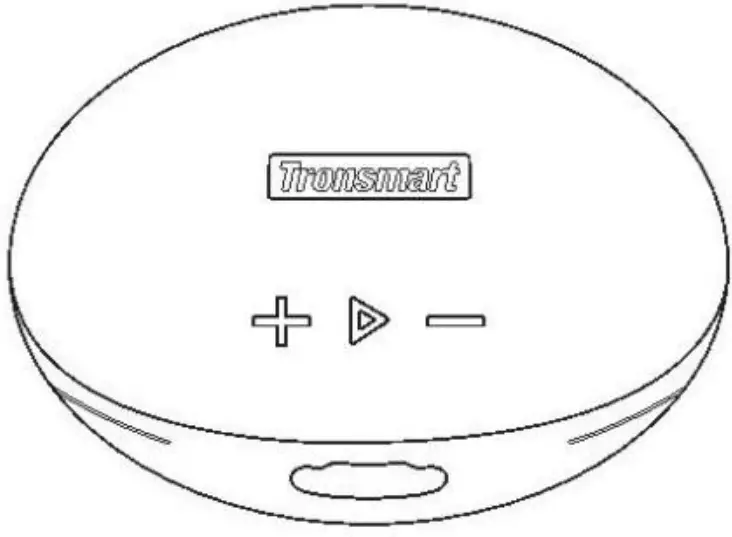
Usermanual
please read the instructions carefully before using the product
Power On/Off:
Power on: When the speaker power off, please long Press the power on button for 3 seconds speaker will be turn on and indicate blue lights flashing.
Power off:When the speaker power on , please long press the power on button for 3 seconds then the speaker power off.
Wireless Connection:
- Power on, the speaker will enter Bluetooth mode with blue light flash& waiting pairing; the phone will search for the Bluetooth pairing name BTspeaker,click can be successfi lly connected.
- The speaker will automatically connect with the phone that was connected for the last time(The phone wireless BTopen), no need to search and connect again.
Music Play:
- When playing music, Short click the PLAY&PAUSEBUTTON to pause the music and then click button again to restart to play;
- When playing music, press“-”the volume will decrease;
- When playing music, press“+”the volume will increase;
- Long press“-”to play the previoussong;
- Long press“+”to play the next song.
Mode Switch:
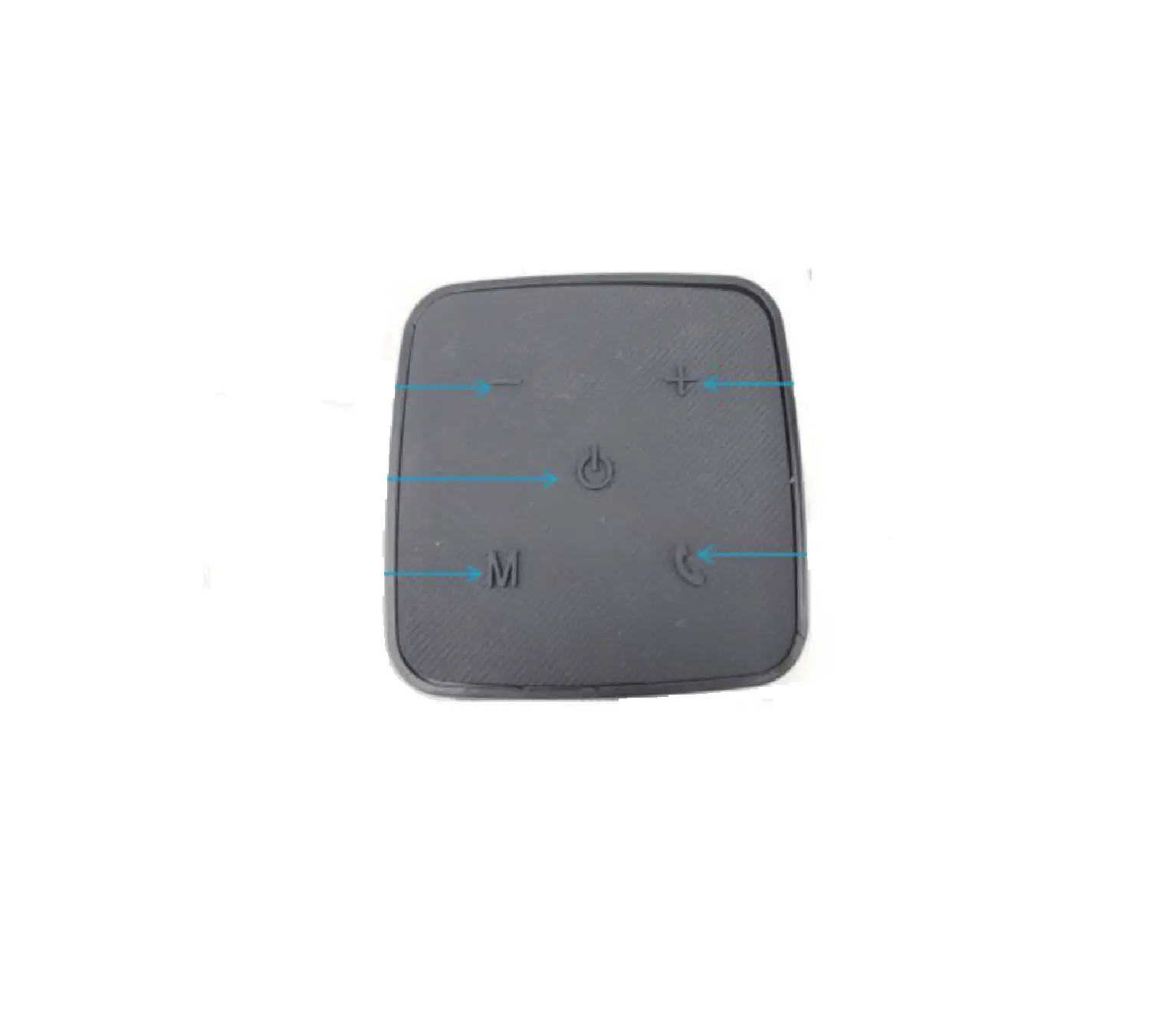
In the initial state of booting, long press the “M” key to selectAUX/ Bluetooth mode.
Function parameters:
Power: 15W
Charging voltage: 5V 1A
Size: 111*50*111mm
Frequency response: 60HZ-20KHZ
Battery capacity: 2200mAh
Packing list:
Wireless Speaker——————–1
USB charging cable —————-1
Product manual———————–1
Charging:
- The product has built in non-removable rechargeable battery, which can be charged by USB cable.
- Charging voltage and current 5V 0.3A, Maximum 5V 1A;
- When Speaker Charging, the red light on. Lights will be off whenit’S fully charged;
- Repeat charging and discharging willlead to the decline of battery life, which is a normal phenomenonfor all possible rechargeable batteries.
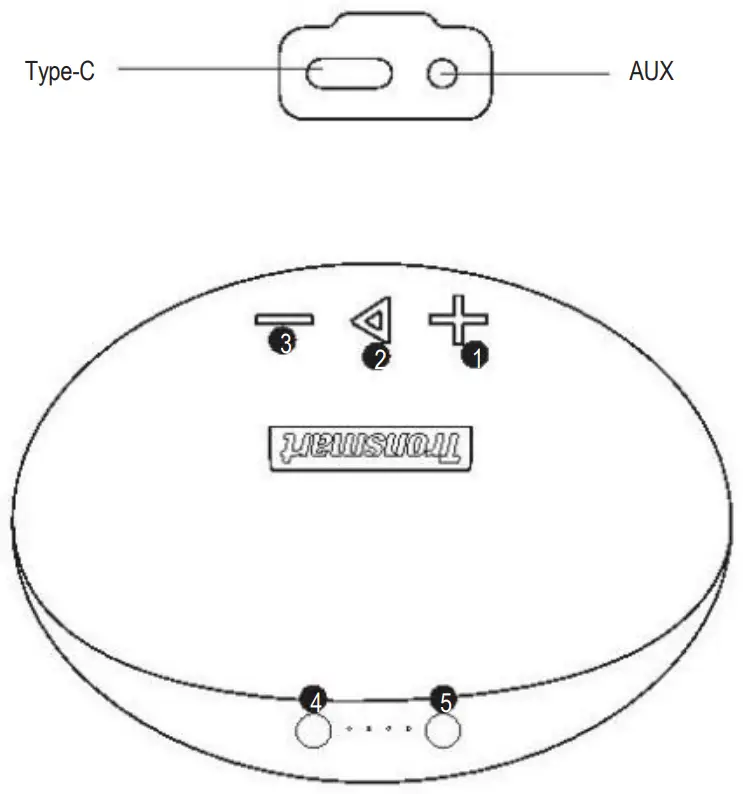
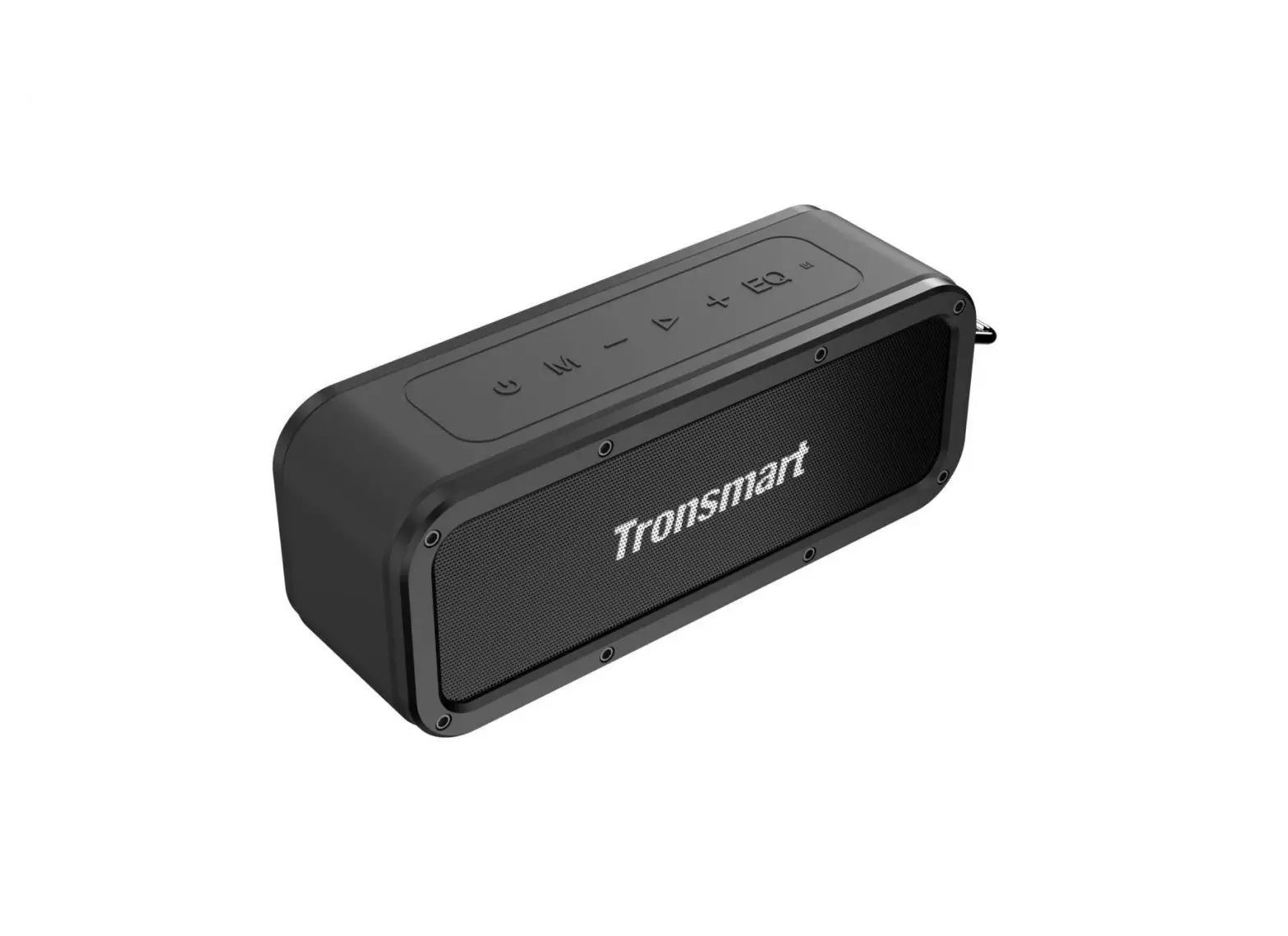
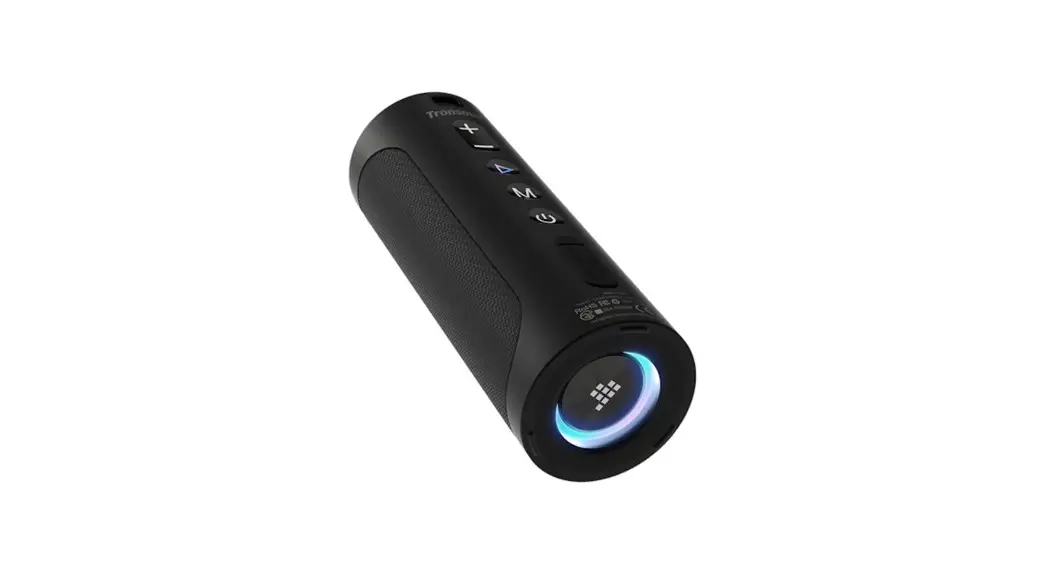
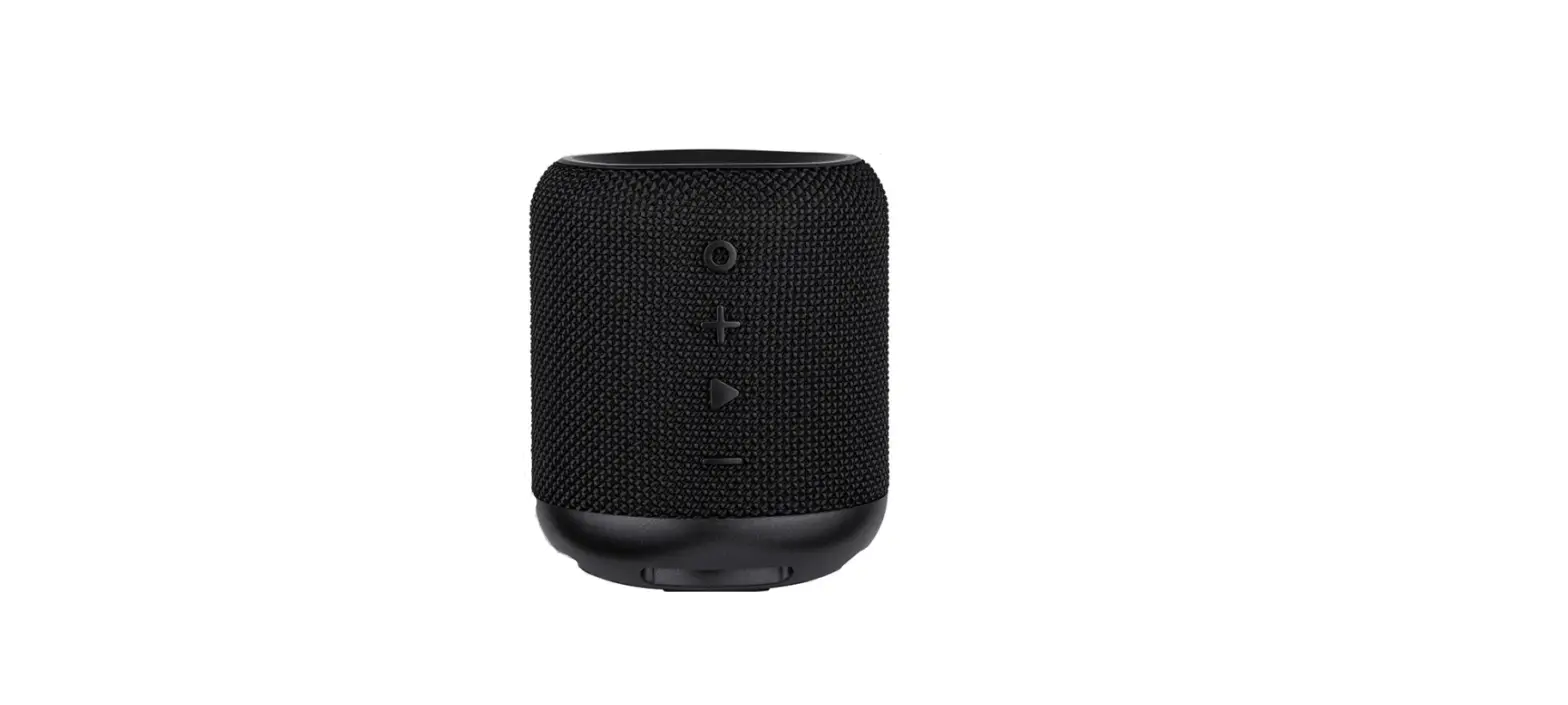
- V+/Next
- Play/Pause
- V-/Previous
- ON/OFF
- Mode
Thankyou forusing ourproduct.Wishyouahappylife!