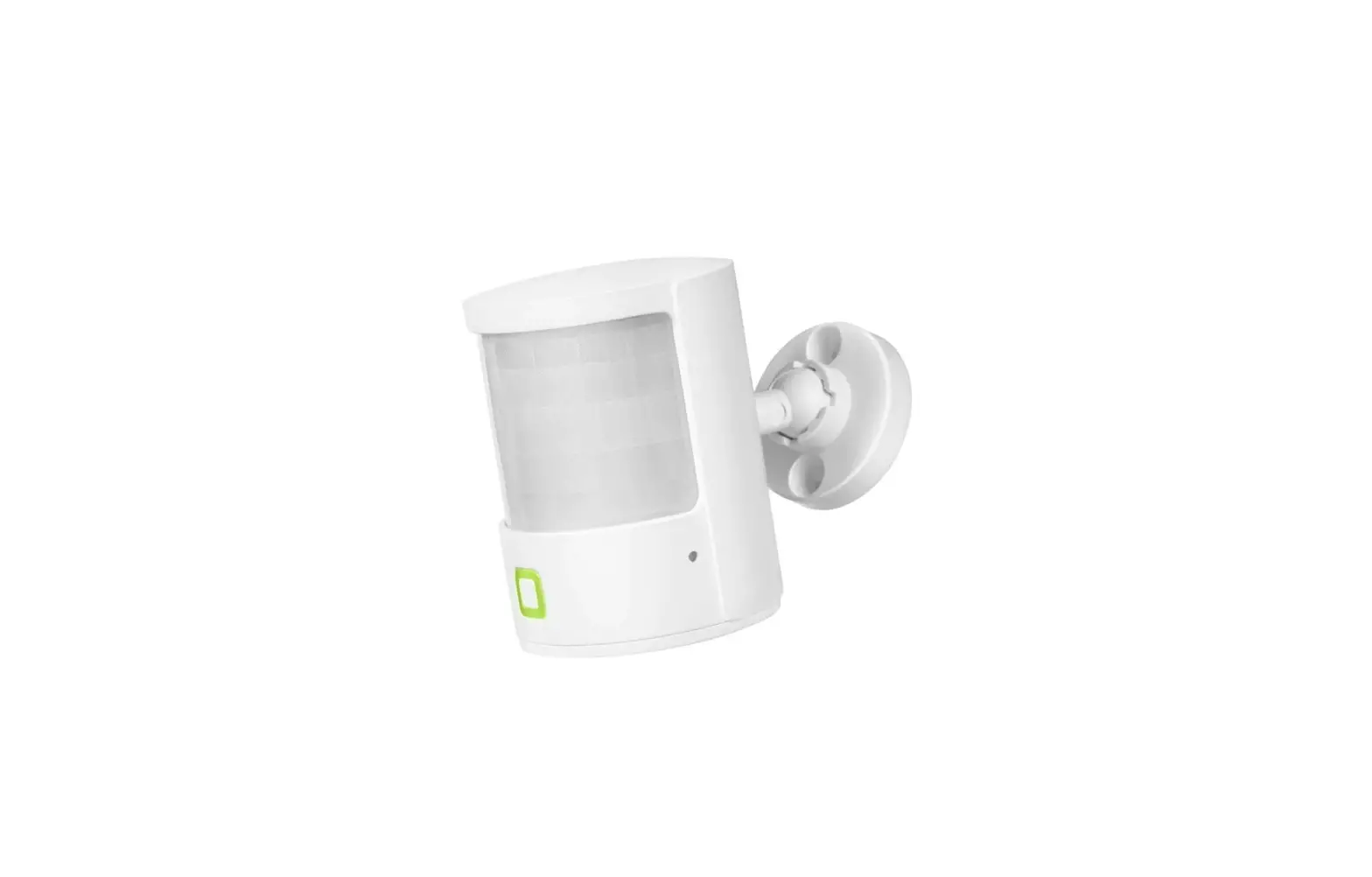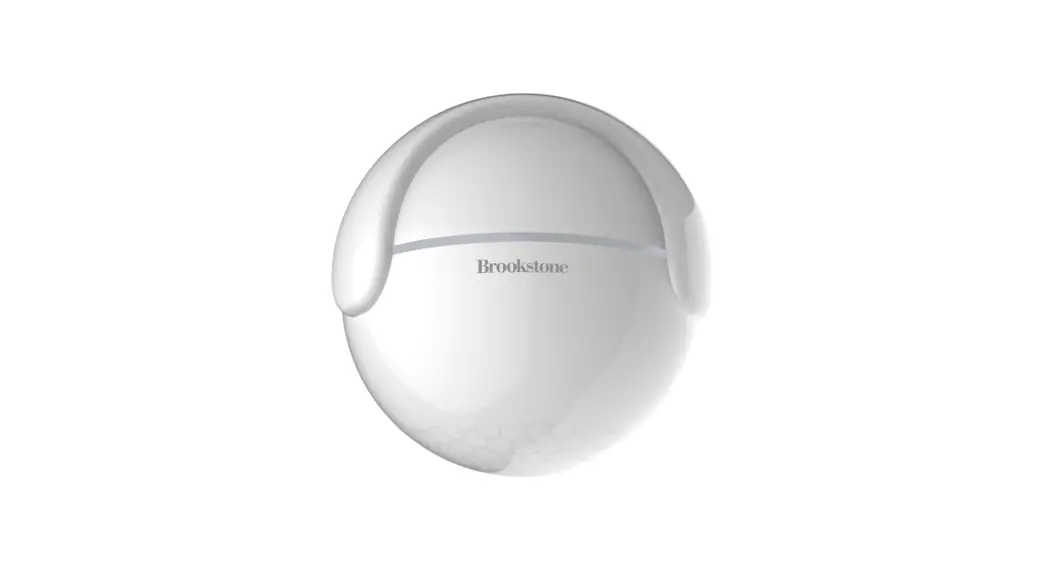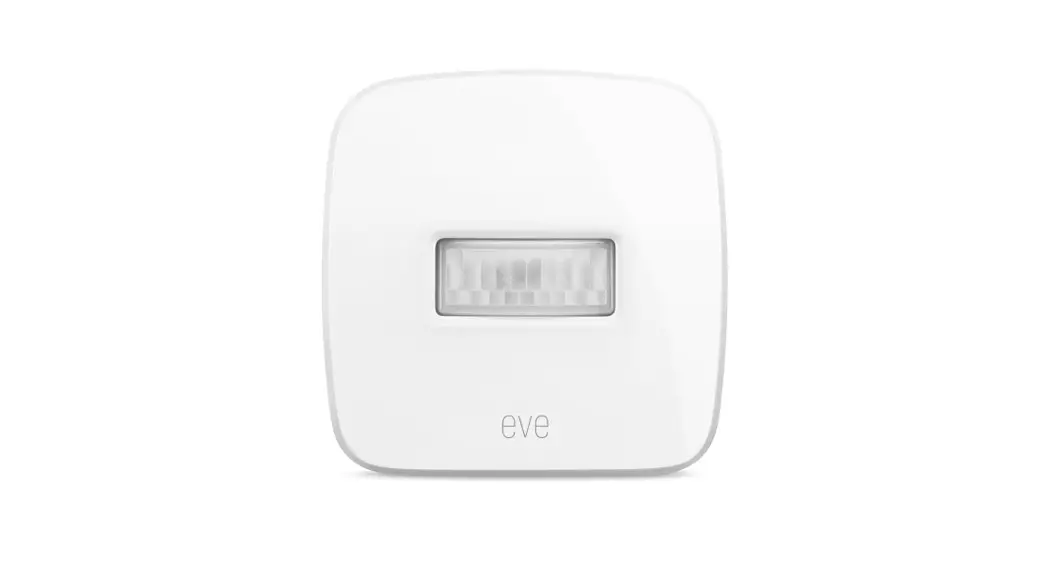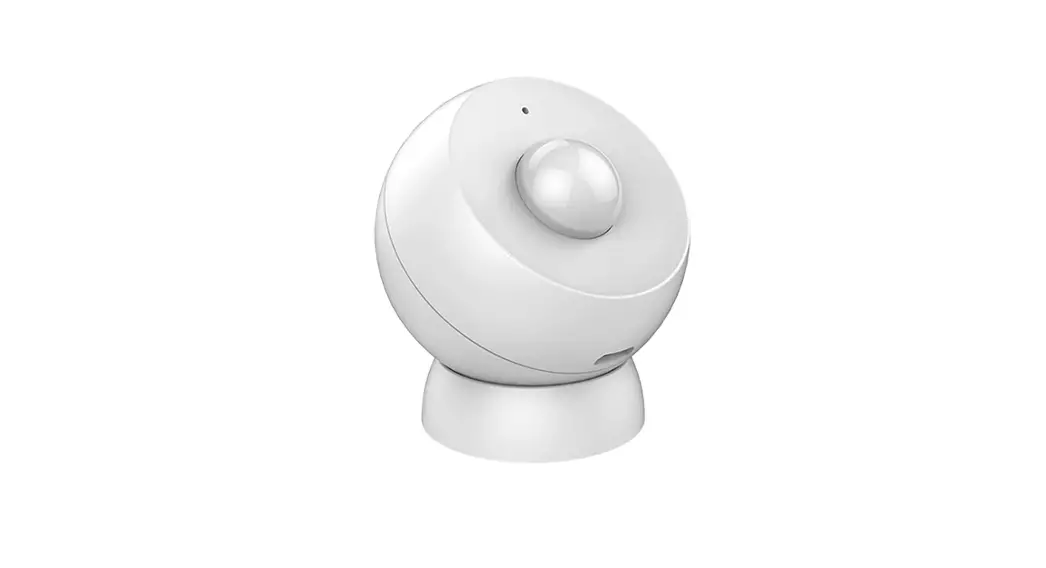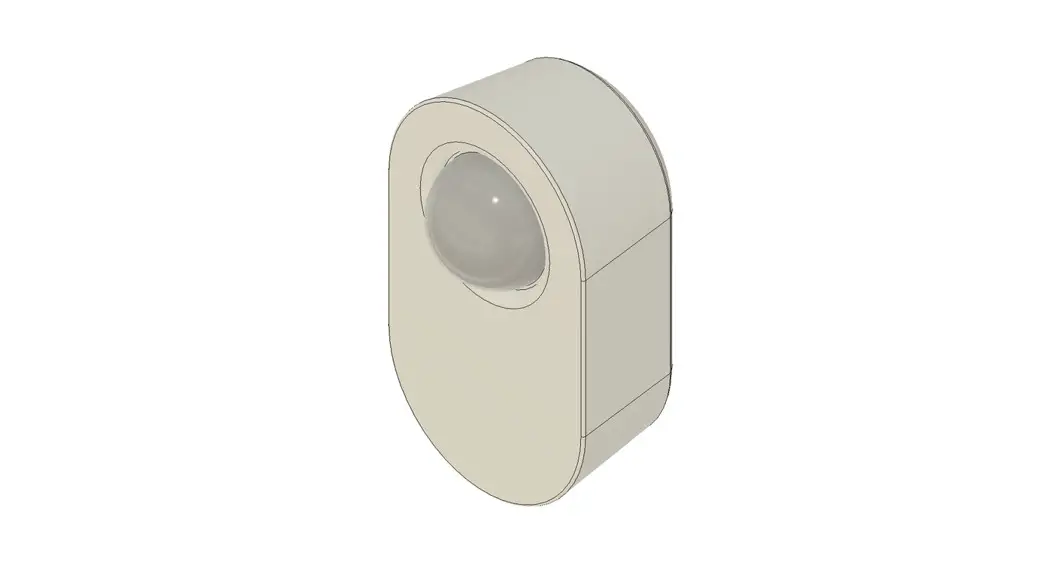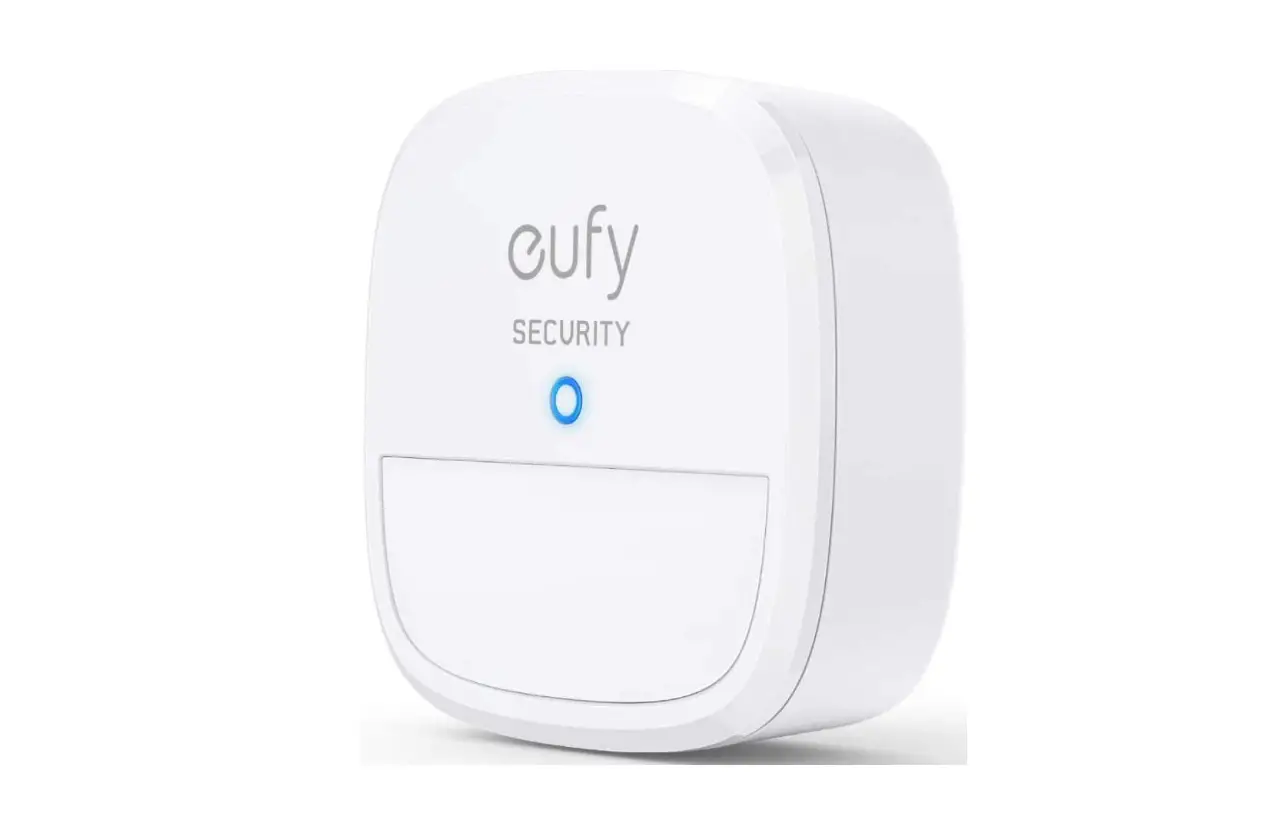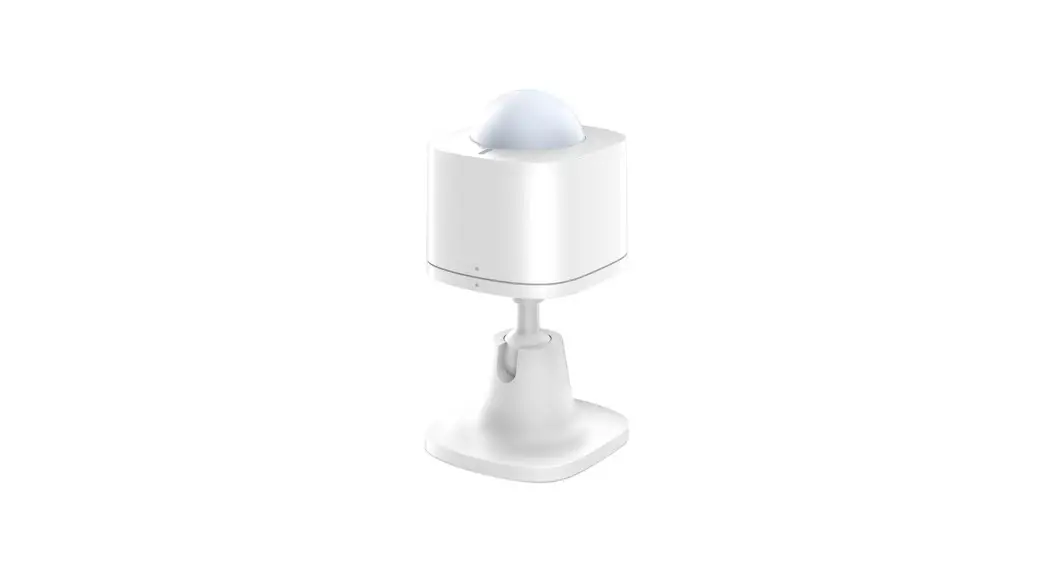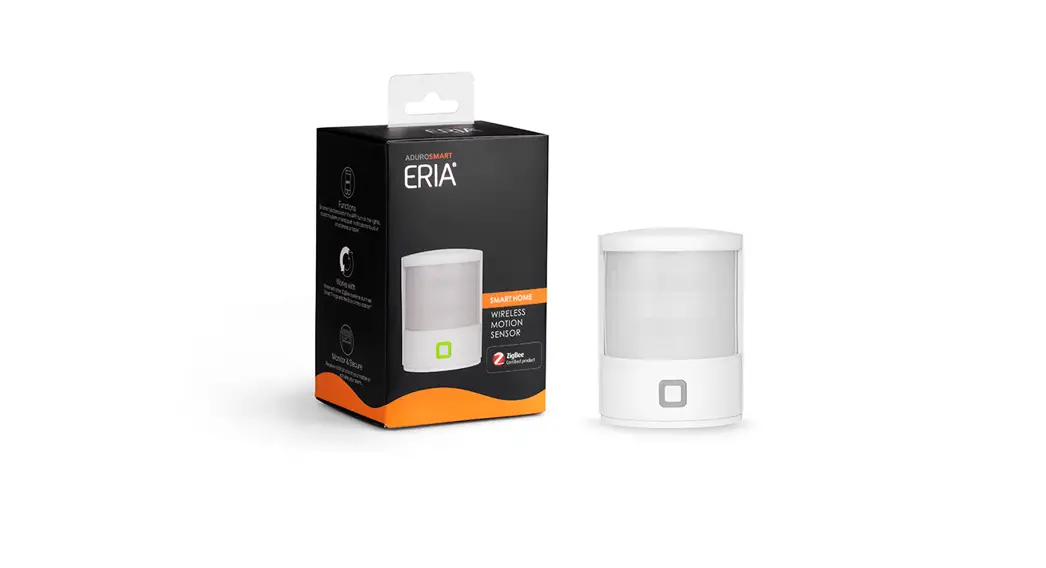

Wireless Motion Sensor
User Manual
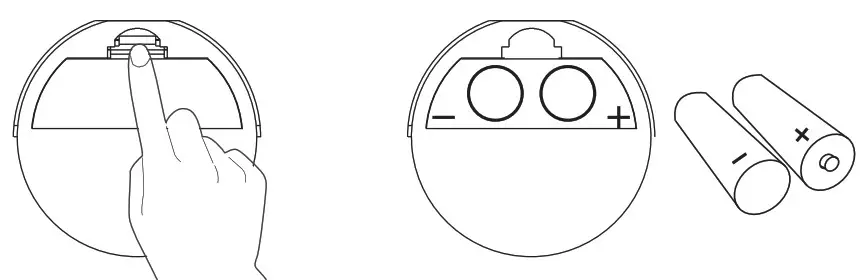
- Place the 2 AAA batteries in the battery compartment take note of the – and + on the battery compartment.

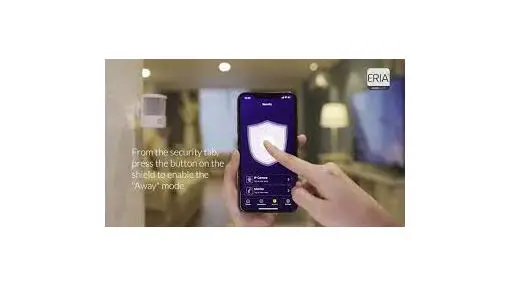
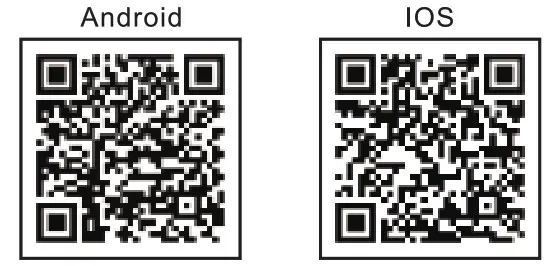
Connect with the ERIA hub - 2A. Download the Adurosmart App from the Apple App Store or from Google Play or go to http://odurosmart.com/adurosmart-opp/
 https://play.google.com/store/apps/details?id=com.adurolight.us
https://itunes.apple.com/us/app/adurosmart-smart-home/id13568919 90?
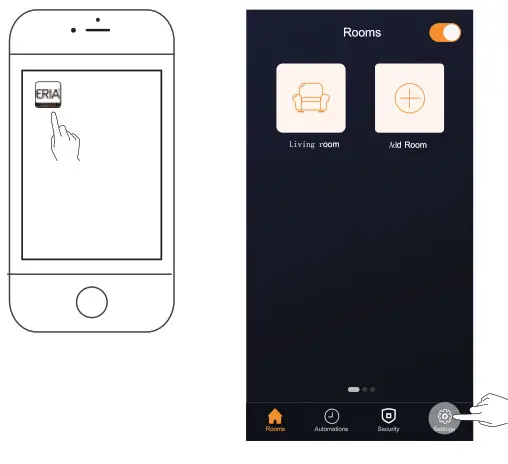
2B. If you have a third-party ZigBee compatible hub then proceed to step 9. - Open the Adurosmart Edo APP.

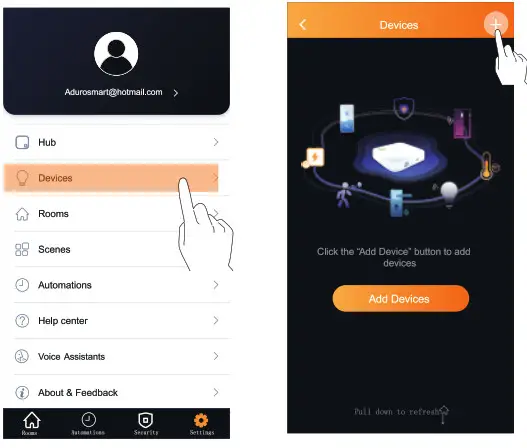
- On the bottom right corner press on “Settings”.
- Select “Devices”.

- On the top right corner press on the “+” symbol then press on “Add device”.
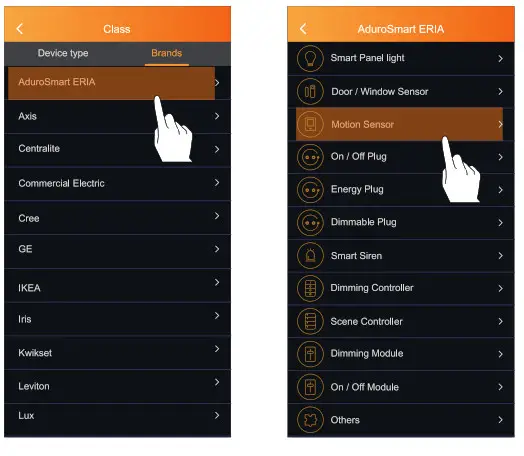
- Press on “Brands” and then select “AduroSmart ERIA”.

- Press on “Motion Sensor”
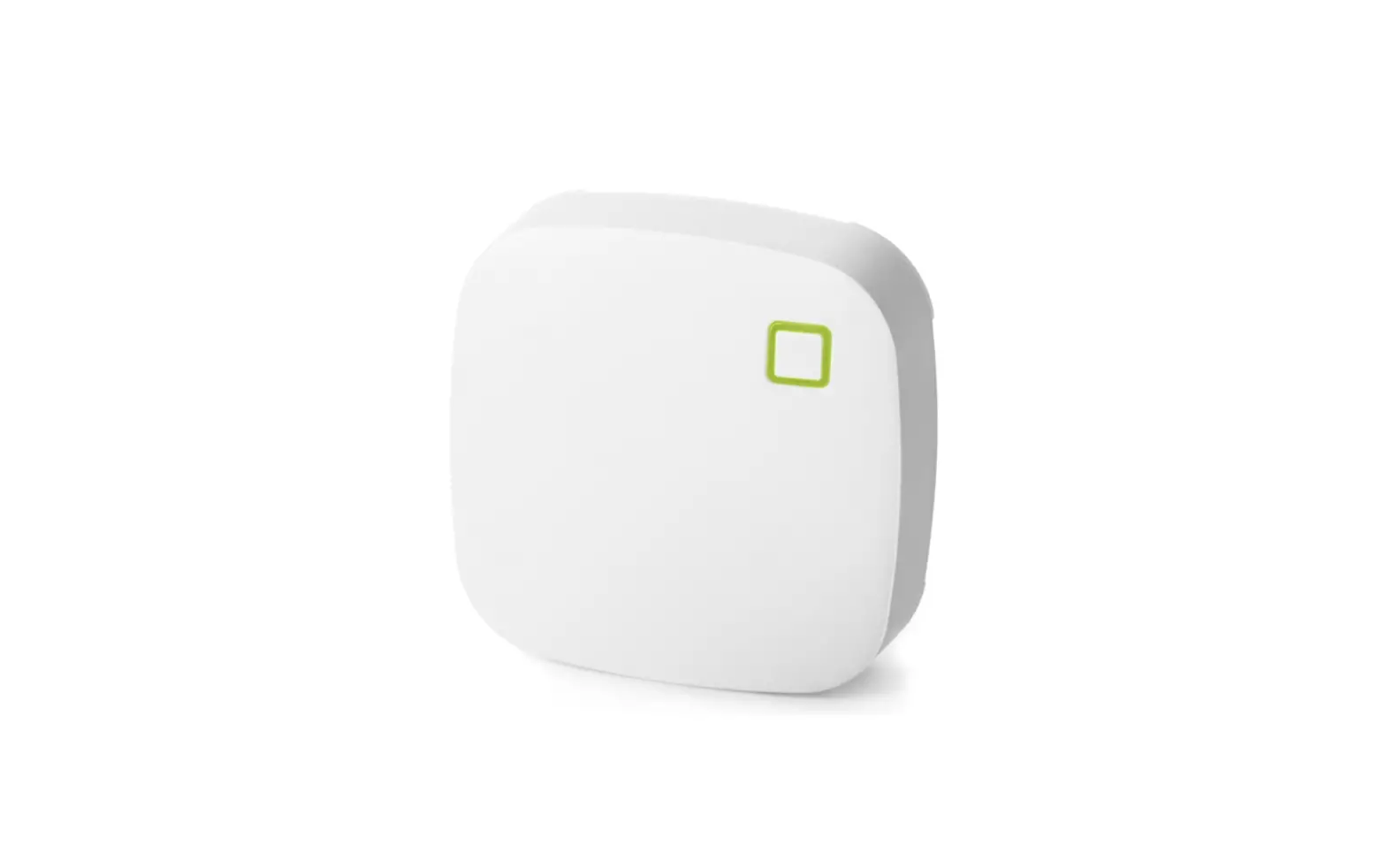
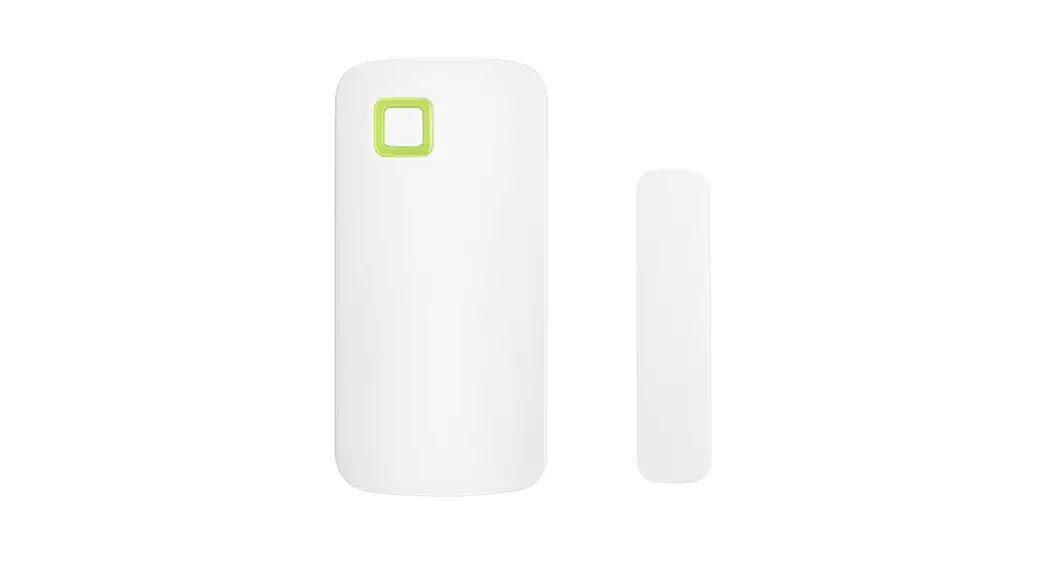
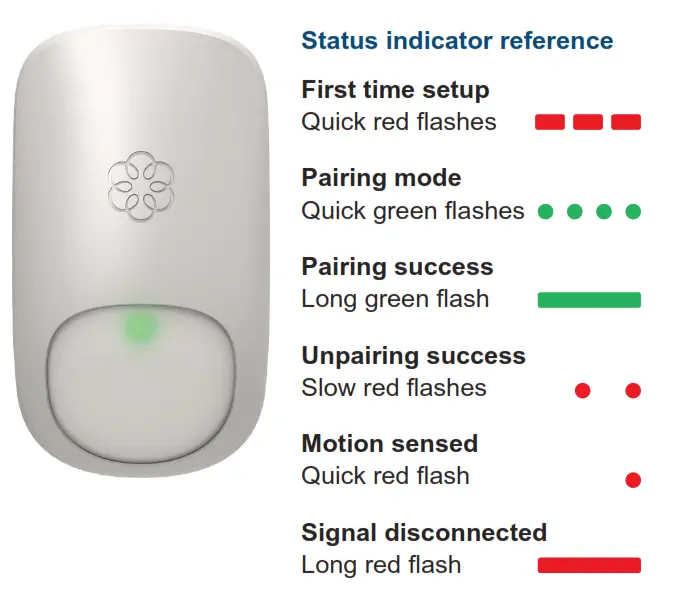
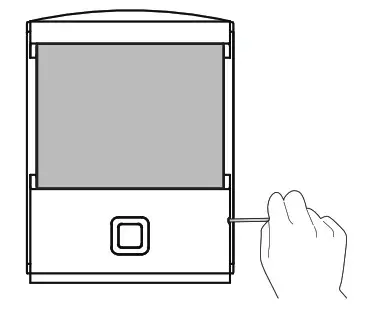
- Locate the small pinhole button on the sensor, use a small pin or paperclip to press the button for seconds, the LED indicator will flash continuously for 60 seconds indicating that the sensor is in pairing mode. Press on “Search” to start searching for the sensor. During the pairing mode, the LED indicator on the sensor will flash green slowly for 60 seconds.
 9B. If you have a third-party hub, then this is the moment to Initiate the search from your Smart Home hub app.
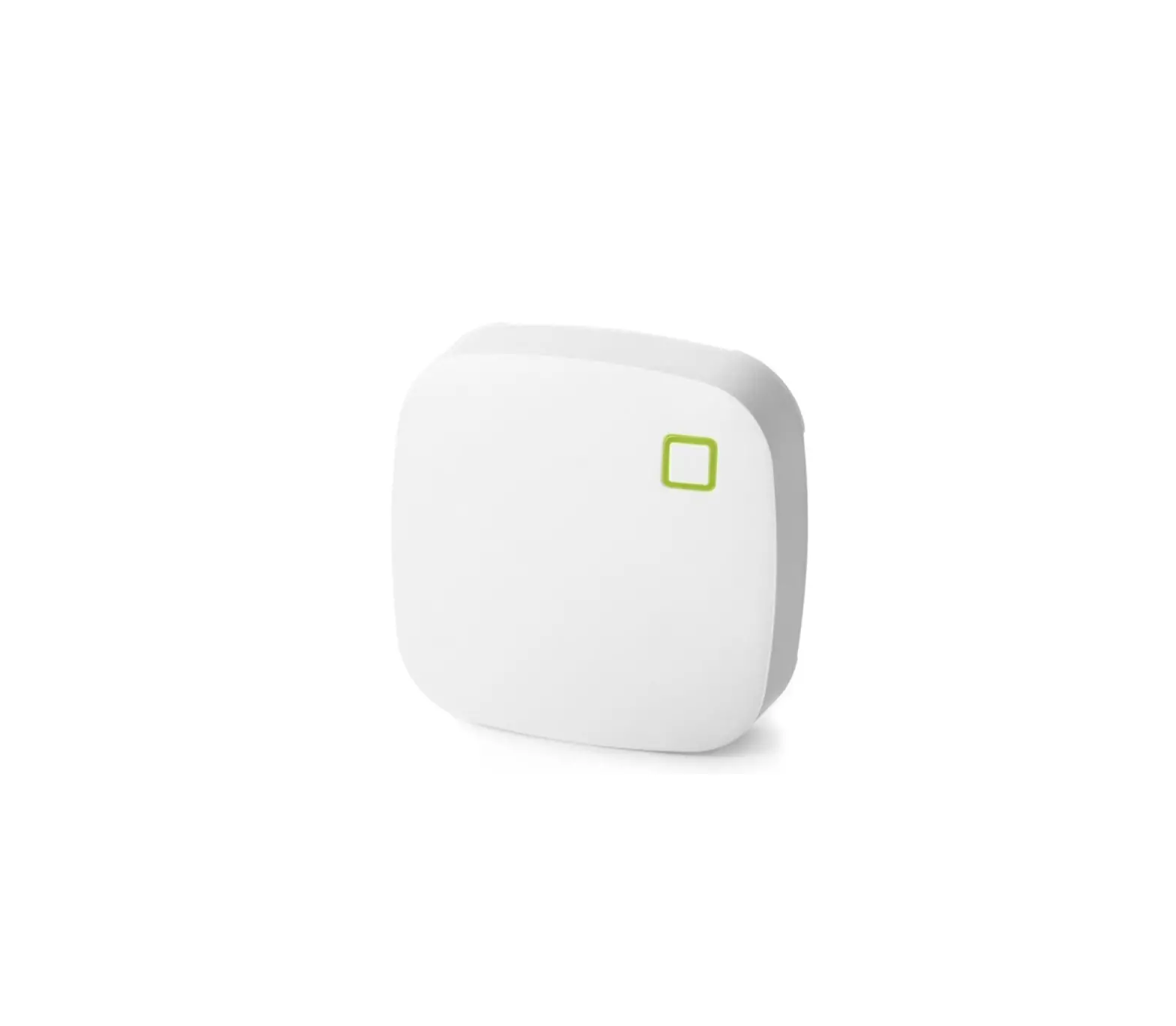
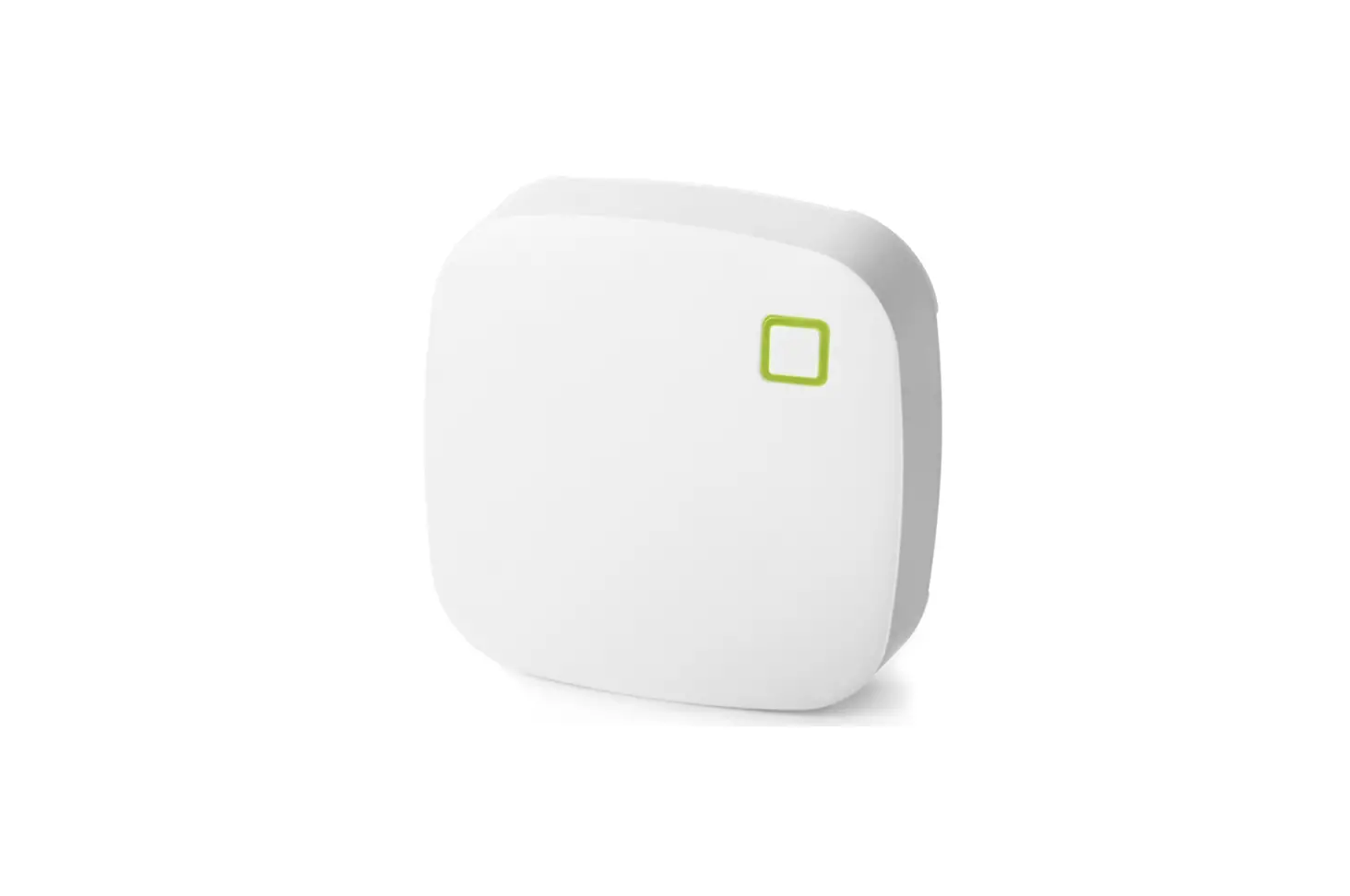
 - Proceed by pressing on “Search” to allow the Adurosmart ERIA hub to find the sensor, the LED indicator on the hub will flash green this indicates that the hub is searching for new devices.

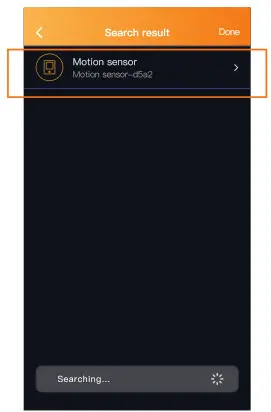
- When the sensor has been found and paired successfully the sensor will stop flashing and it will show up in your search results, press on “Done” to complete the process.

- Troubleshoot If you are experiencing issues while connecting the Sensor then please follow the below instructions to reset the sensor.
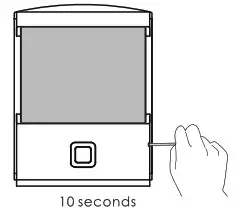
Locate the small pinhole button on the sensor, use a small pin or paperclip to press the button for 10 seconds the sensor LED indicator will flash quickly to confirm the reset.
 9B. If you have a third-party hub, then this is the moment to Initiate the search from your Smart Home hub app.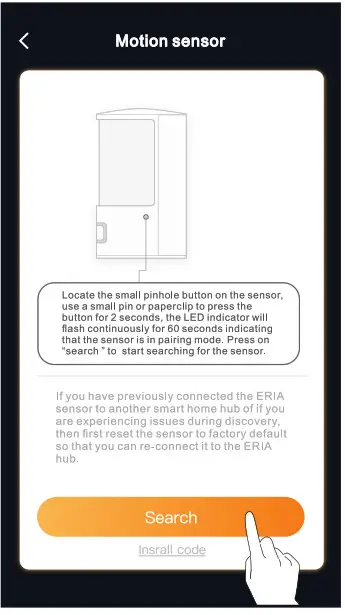
| Connection mode | LED will flash once per second for approximately 1 min. |
| Connection successfully | LED will stop flash. |
| Sensor reset | LED will flash fast. |
| Sensor triggered (when the sensor is opened for more than 1 Omm) | LED will flash once quickly. |
NEED HELP? CALL US
For troubleshoots, instruction video’s or more information please visit us at www.adurosmart.com/faq
Chat with one of our support agents at www.adurosmart.com
The Netherlands: +31 523687532 [email protected]