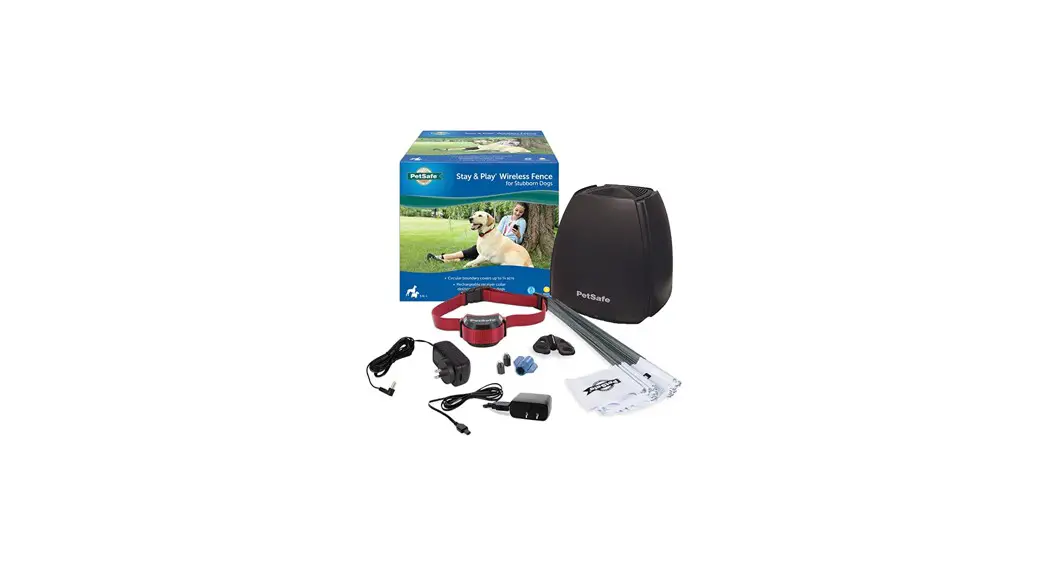
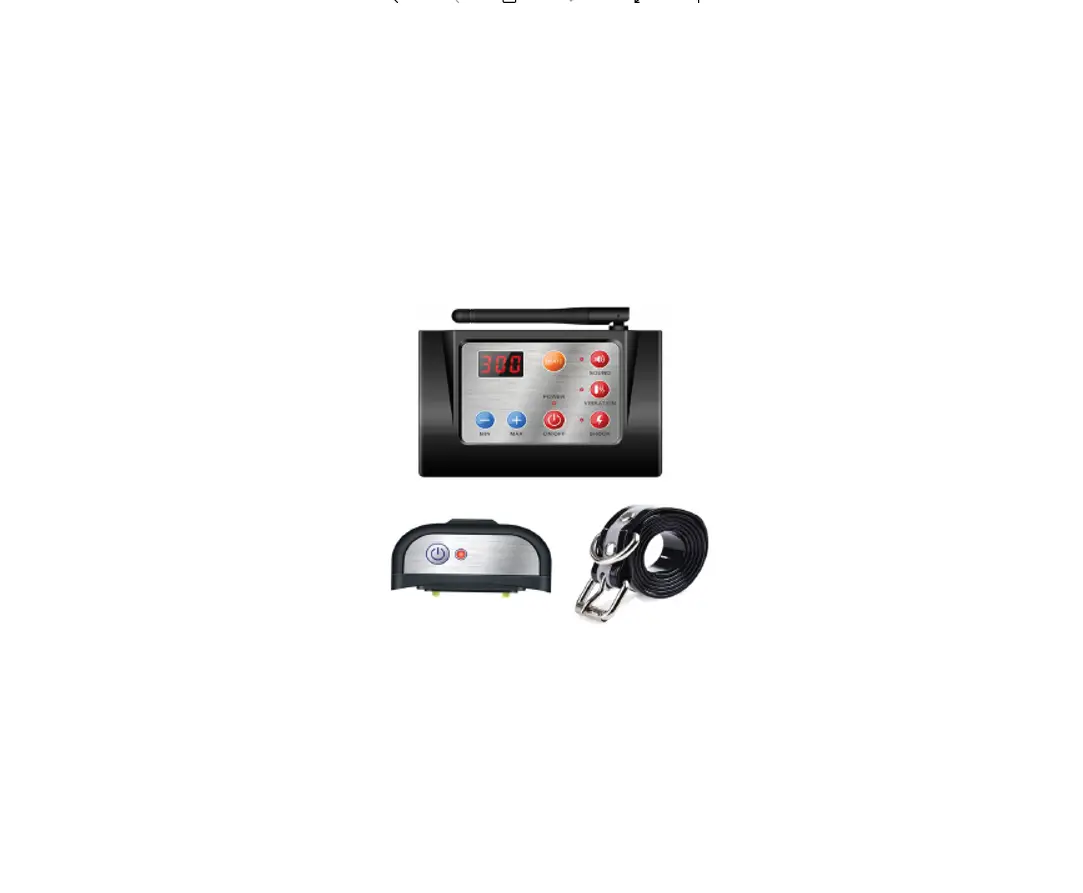
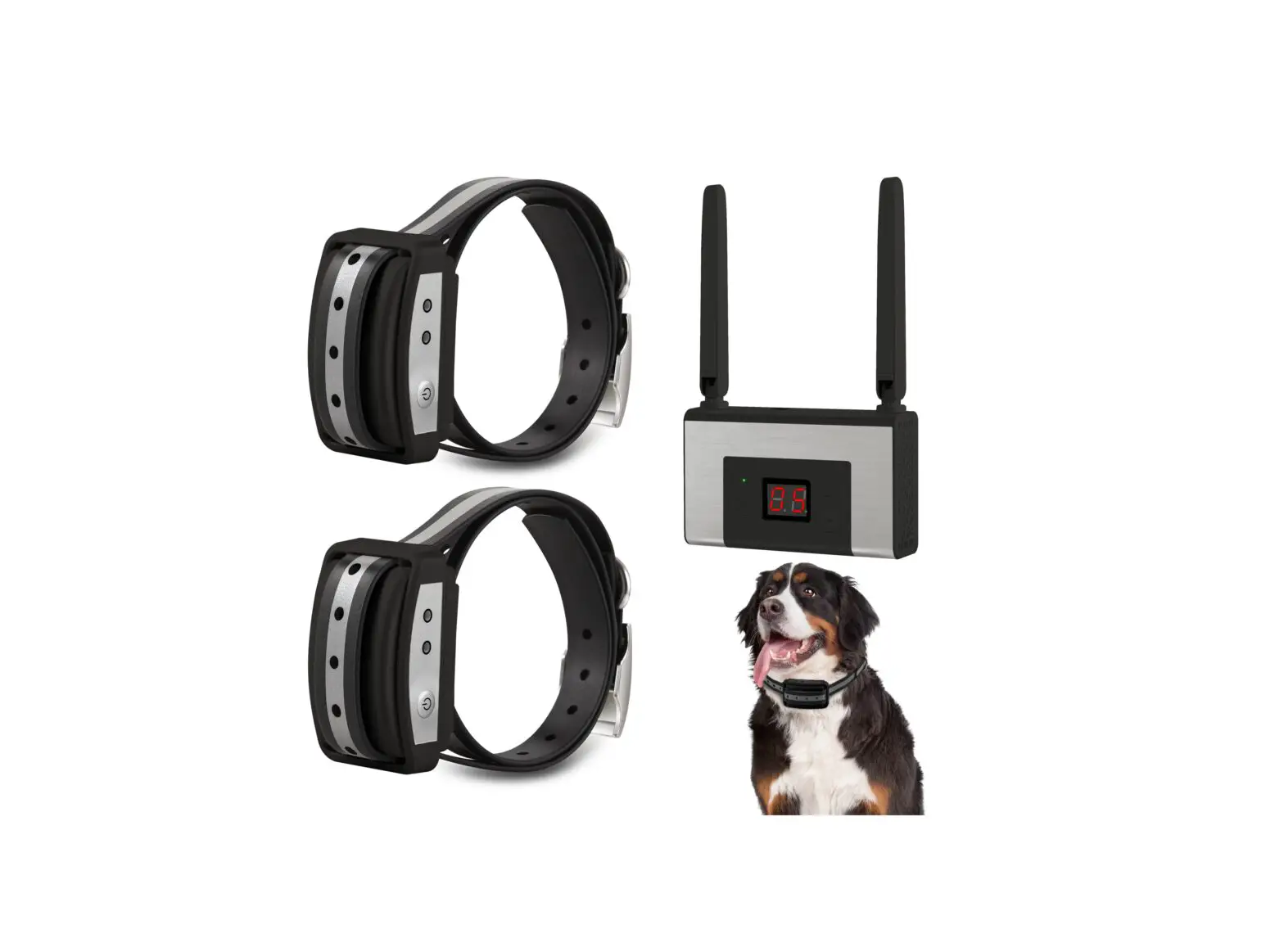
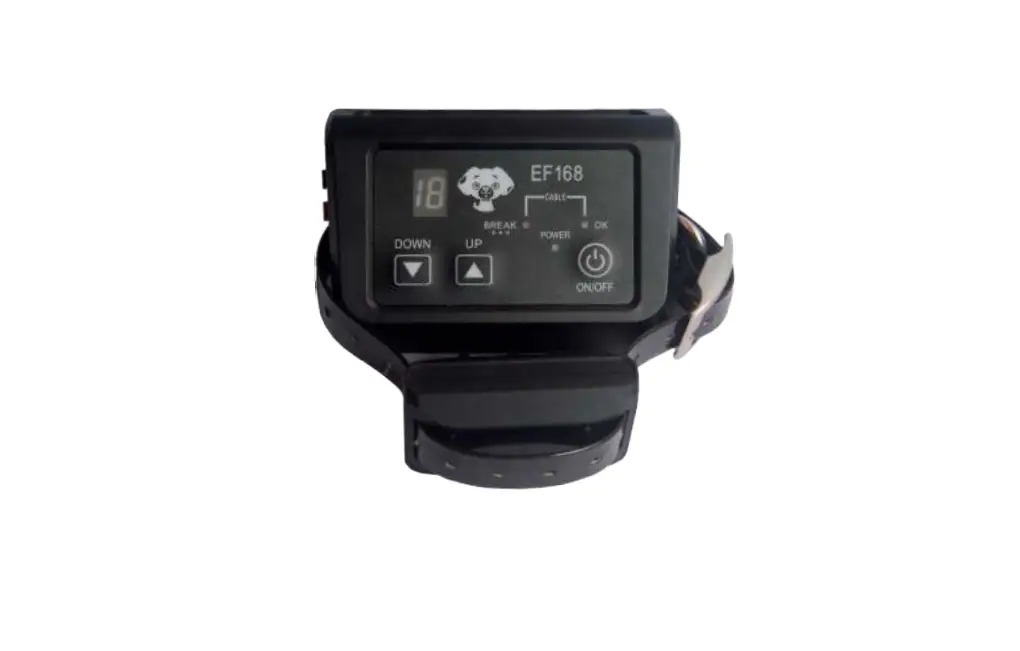
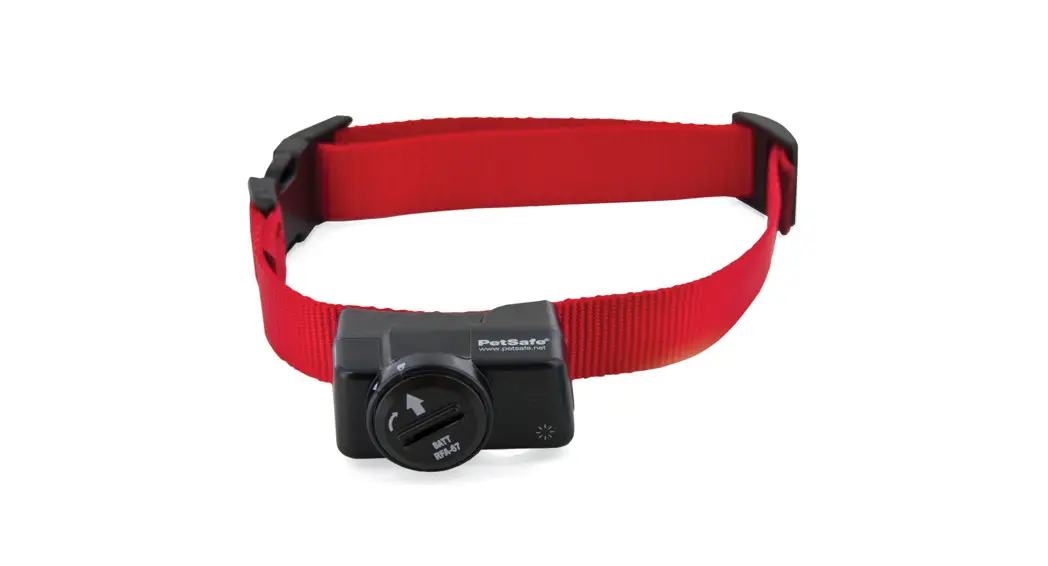
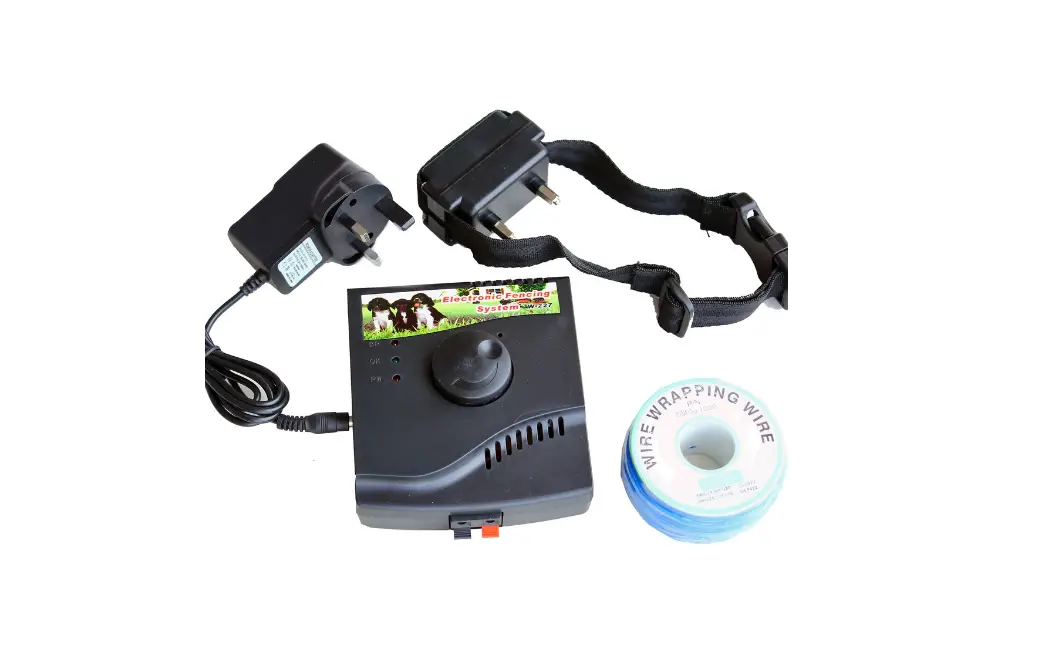
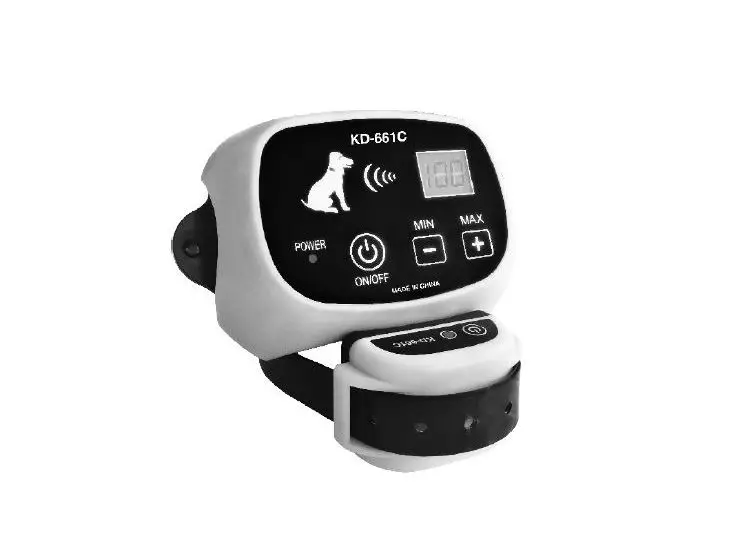
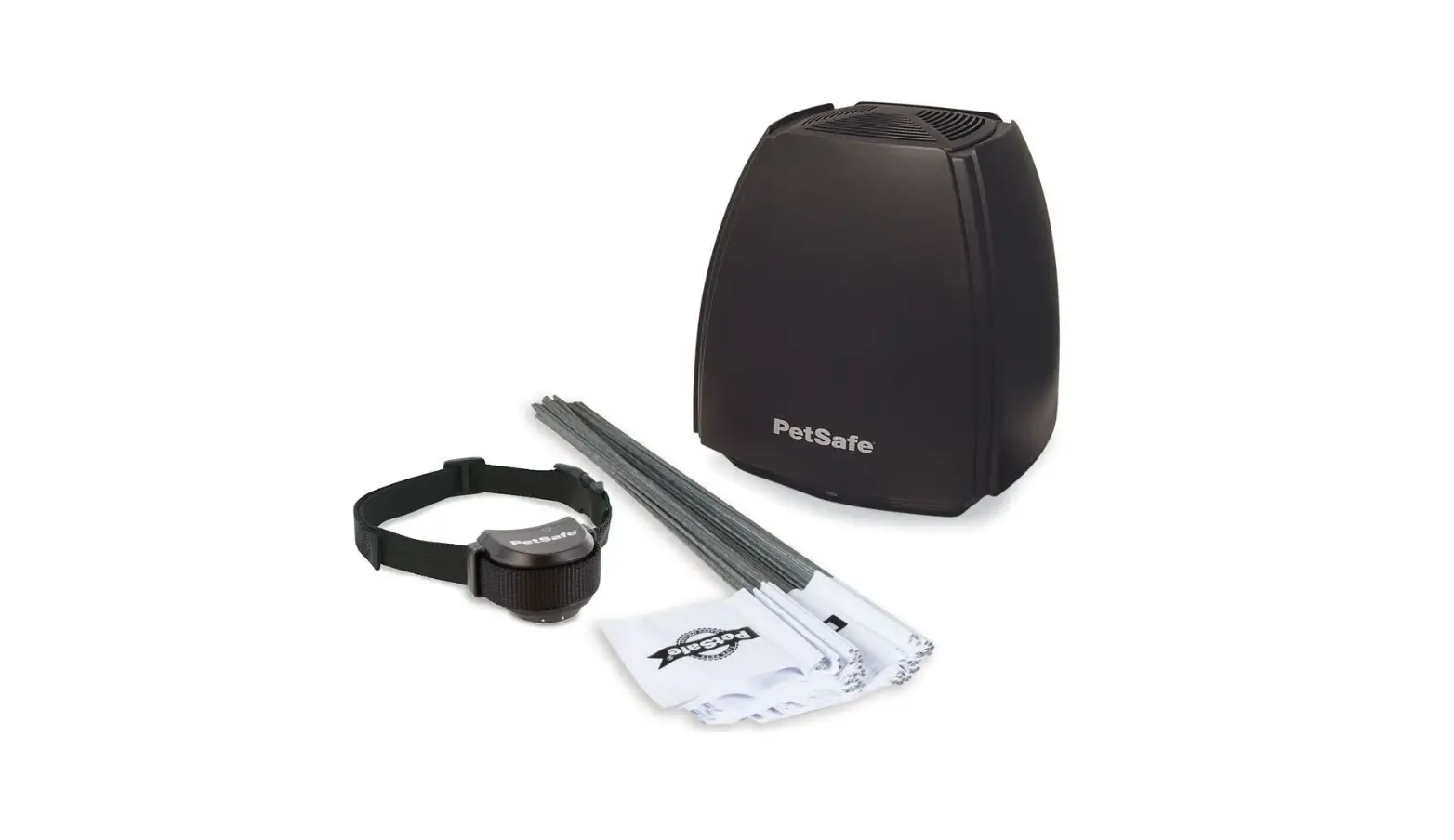
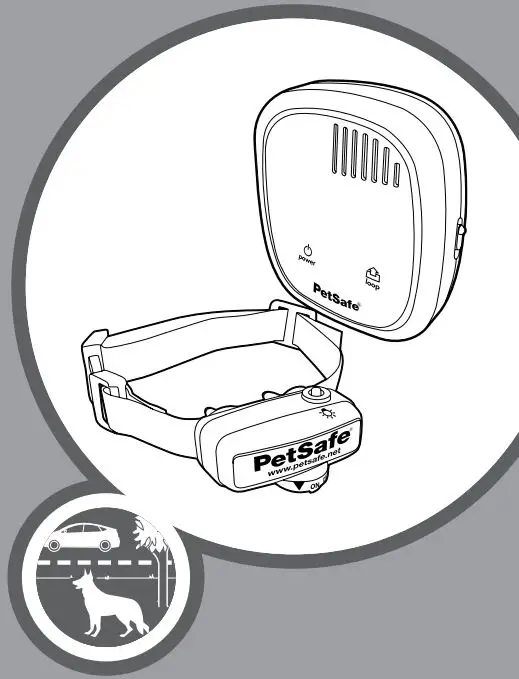
Precision GPS Customizable Fence Wireless Containment System
Product Information
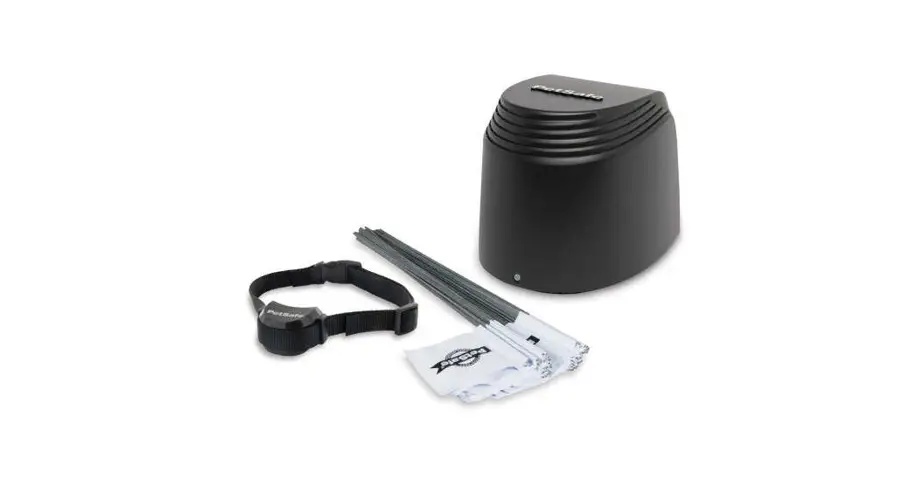
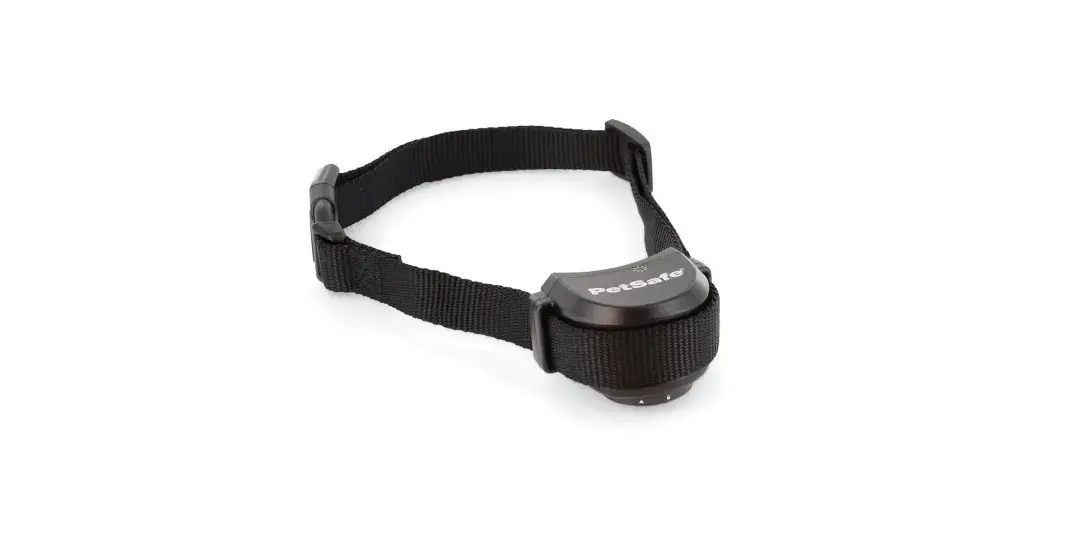
The product is a digital fence system for pets that comes with a
base unit, collar, and antenna. The collar has contact points that
touch the dog’s neck and deliver a safe static correction if the
dog tries to leave the pet area. The system has customizable fence
settings and a precision GPS to ensure accurate pet area
boundaries. The product comes with a test light tool, mounting
hardware, and a battery charger.
What’s Included
- Antenna x 2
- Long contact points
- Collar with short contact points
- Test light tool
- Base unit
- Base unit power adaptor
- Battery charger
- Collar battery
- Mounting hardware
Important Information
The fence system is not recommended for dogs with a history of
aggressive behavior. The collar may be too large for dogs under 10
pounds. Remove the collar from your dog when they come inside and
never attach a leash or ID tag to it.
Product Usage Instructions
Step 1: Download and Set Up the App
Download the app and set up your fence using the instructions
provided.
Step 2: Mount the Base Unit on the Wall
- Slide the mounting bracket out of the slot on the back of the
base unit. - Position the mounting bracket on the wall, at least 5 feet
above the floor and near an electrical outlet, with the flat side
of the bracket facing you. - Ensure that the bracket is level and then fasten it to the wall
using the provided mounting hardware. Use both screws and anchors
for drywall installation, or screws only for other surfaces. - Place the base unit on the mounting bracket and slide it down
to secure it.
Step 3: Fit the Collar
Fit the collar according to the instructions in the customer
care guide. Remove the collar when the dog comes inside and never
leave it on for more than 12 hours a day.
Step 4: Train Your Pet
Train your pet to use the fence system according to the
instructions provided.
Step 5: Troubleshooting with the Base Unit
Use the multi-purpose button on the base unit to reset the Wi-Fi
module or erase Wi-Fi credentials and return to factory settings.
Refer to the function/light color chart for troubleshooting
assistance.
Get Started!
Precision GPS
Customizable Fence
What you have:
Antenna
Antenna
Long contact points
Collar with short contact points
Test light tool
Base unit
Base unit power adaptor Battery charger
Collar battery
Mounting hardware
What you need:
· Wireless router (2.4 GHz) · High-speed internet connection · Smartphone · Tape measure
· Phillips screwdriver · Scissors · Non-metallic collar and leash (for training)
2
Important: We do not recommend the fence system for dogs with a history of aggressive behavior. The collar may be too large for dogs under 10 pounds.
How it works:
Digital fence post
Base unit Pet area
Collar
25 feet
The Precision GPS Customizable Fence uses GPS technology to keep your dog within a boundary you design. The system consists of three main parts: the My PetSafe® app, the base unit and the collar.
To set up the system, you will download the My PetSafe® app on your phone, connect the base unit to your home’s Wi-Fi network and create a custom boundary by placing digital fence posts on a map of your property. You can place up to 32 digital fence posts to create the boundary, which will be saved to the collar.
Your dog will wear the collar, and once trained, will be allowed to roam freely inside the boundary or pet area. If your dog tries to leave the pet area, the collar will sound a warning tone and then deliver a safe static correction through contact points
touching your dog’s neck. The static correction is designed to get your dog’s attention and prompt him to return to the pet area.
The base unit is the hub for communication with your dog’s collar. The base unit and collar communicate through a twoway radio frequency (RF) link. While the collar is within range of the base unit (about 300 feet), you can use the My PetSafe® app to:
· Monitor the collar’s battery life
· Change the collar correction settings
If there is a power outage or your home Wi-Fi network goes out, the collar will continue to operate and will correct your dog if he approaches the boundary.
3
Download the app and set up your fence
1
2
Scan the QR code above to download the My PetSafe® app. Open the app and follow the on-screen prompts to create an account and sign into the app. You will need a valid email address.
4
Once you are signed into the app, tap Add Product and then Precision GPS Fence. Follow the on-screen prompts to: · Charge the collar battery. · Find the best placement for your base unit. · Connect the base unit to Wi-Fi. (You will need your home
Wi-Fi password.) · Create your dog’s fence by placing digital fence posts on
a map. · Connect to the collar. · Assign a pet to the collar. · Save the fence to the collar. · Use the collar to test the fence.
Mount the base unit
3
4
After you have set up and tested your fence using the app, finish your fence setup by wall-mounting the base unit.
First, slide the mounting bracket out of the slot on the back of the base unit.
With the flat side of the mounting bracket facing you, position the mounting bracket on the wall, at least 5 feet above the floor and near an electrical outlet.
Make sure the bracket is level, then fasten it to the wall using the provided mounting hardware. Use both screws and anchors for installation in drywall; otherwise, use screws only.
Place the base unit on the mounting bracket and then slide it down to secure it.
5
Fit the collar
5
With your dog standing comfortably, place the collar high on his neck, just behind his ears. The collar’s antenna should be centered at the back of your pet’s neck. Make sure the contact points are touching your dog’s skin. If your dog has long or thick hair, it may be necessary to switch to the long contact points provided or trim (not shave) the hair around the contact points. Important: Check the tightness of the collar by inserting one finger between the end of a contact point and your dog’s skin. The fit should be snug but not constricting. Once you are satisfied with the fit of the collar, remove it from your dog and trim the excess strap, making sure to allow room for growth or a thicker winter coat.
Important: Remove the collar from your dog when he comes inside. Avoid leaving the collar on your dog for more than 12 hours a day, and never attach a leash or ID tag to it — use a separate collar for that. Please read the customer care guide for more important safety information about how to fit and use the collar. 6
Train your pet
6
Remove the collar from your dog. With the collar powered on and close to the base unit, open your dog’s pet profile in the app and choose the desired correction level: tone only or static correction levels 1 through 10. Take care to choose the best correction level for your dog’s temperament. Follow the steps in the provided training guide to train your dog to understand and respect the boundary. Your dog should be old enough to recognize basic obedience commands such as “sit” and “stay” (approximately 6 months or older). Whether your pet loves rolling on his back in the grass or playing a game of fetch, the PetSafe® Precision GPS Customizable Fence will help keep him safe while he enjoys the great outdoors.
We’ll help keep your dog safe in your wide-open space.
7
About the base unit:
Multi-purpose button PetSafe® logo/power light
Wi-Fi light
Antenna Base unit
Power adaptor
Power jack
8
Button/light
PetSafe® logo/power light
Function/light color Usage/meaning
White
The base unit has power.
OFF
The base unit does not have power.
Wi-Fi light
Blue, fast blinking Blue, slow blinking Blue, solid Blue/red alternating Purple, fast blinking Purple, slow blinking Red, slow blinking Red, solid
The base unit is attempting to connect to Wi-Fi. The base unit is connected to the app, but not Wi-Fi or the internet. The base unit is connected to Wi-Fi and the internet. The base unit is powered on but not yet connected to the app, Wi-Fi, or the internet. A factory reset has been initiated. A Wi-Fi soft reset has been initiated. The base unit is unable to connect to the Wi-Fi network. The base unit is connected to Wi-Fi but not the internet.
Wi-Fi soft reset
Multi-purpose button
Factory reset
Press and hold the multi-purpose button for 3 to 10 seconds to reset the base unit’s Wi-Fi module but retain your Wi-Fi credentials.
Press and hold the multi-purpose button for 11 to 20 seconds to erase your Wi-Fi credentials and return the base unit to factory settings.
9
About the collar:
Contact points
Antenna
Status light
Battery Slot
Charging the collar battery
To charge the collar battery: 1. Place the battery in one of the slots in the battery charger. Turn the battery so the arrow on the top of the battery points to the unlock icon. 2. Press the battery down and turn it clockwise to the locked position. 3. Plug the battery charger into a standard electrical outlet. 4. After charging, release the battery from the charger by pressing it down and turning it counterclockwise to the unlocked position. The slot’s LED will glow red when the battery is charging and green when charging is complete (within 4 hours). Each charge can last 48 to 72 hours, depending on frequency of use. If desired, you can purchase an additional battery on petsafe.com so you can have one battery charging while the other is in use.
10
Using the battery in the collar
To use the battery in the collar:
1. Place the battery in the slot on the side of the collar. Turn the battery so the arrow on the top of the battery points to the unlock icon.
2. Press on the battery and turn it clockwise to the locked position. The collar will power on automatically.
3. When it’s time to recharge the battery, release it from the collar by pressing on it and turning it counterclockwise to the unlocked position.
Understanding the collar’s status light
During normal operation, the collar’s status light will flash twice at regular intervals to indicate battery status and GPS signal quality:
Color
First flash (battery)
Second flash (GPS)
Green
More than 16 hours battery life remaining GPS signal quality is good.
Yellow
12 to 16 hours battery life remaining
GPS signal quality is fair.
Red
Less than 12 hours battery life remaining No signal
11
Precision GPS
Customizable Fence
We’re here to help!
For questions or additional tips: support.petsafe.com
1-Year Limited Warranty | ©2023 Radio Systems Corporation | Model: PIF00-17777 | YU400-2590 For important safety instructions, please see the customer care guide.
 PetSafe® | Dog Fences | Feeders | Collars | Cat Litter Boxes
 PetSafe