 Datasheet
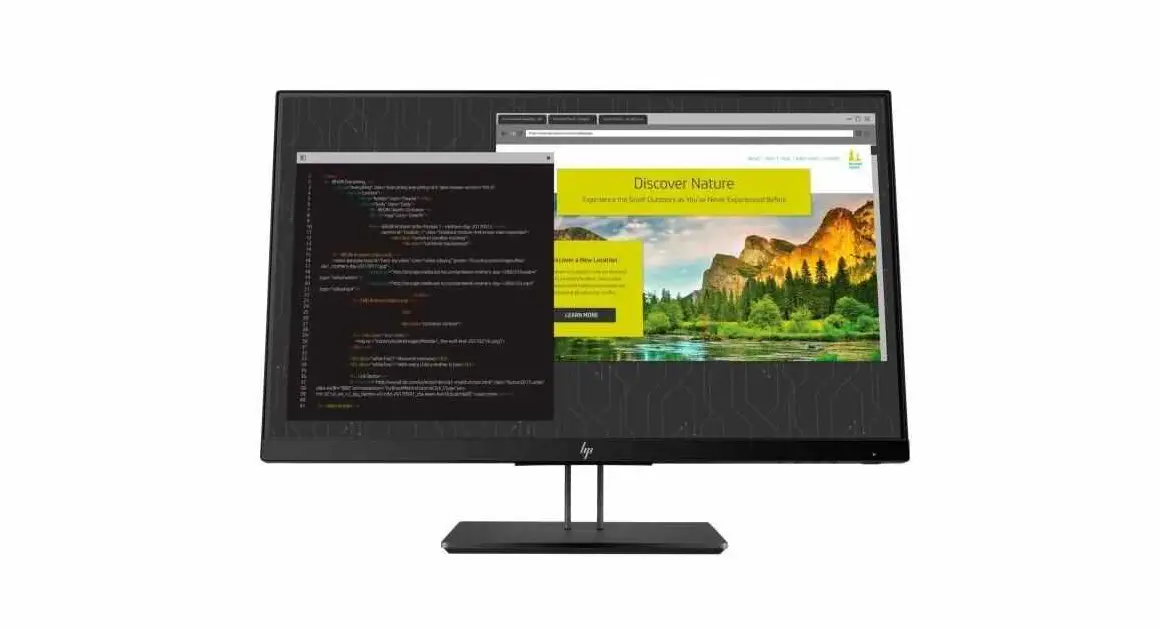
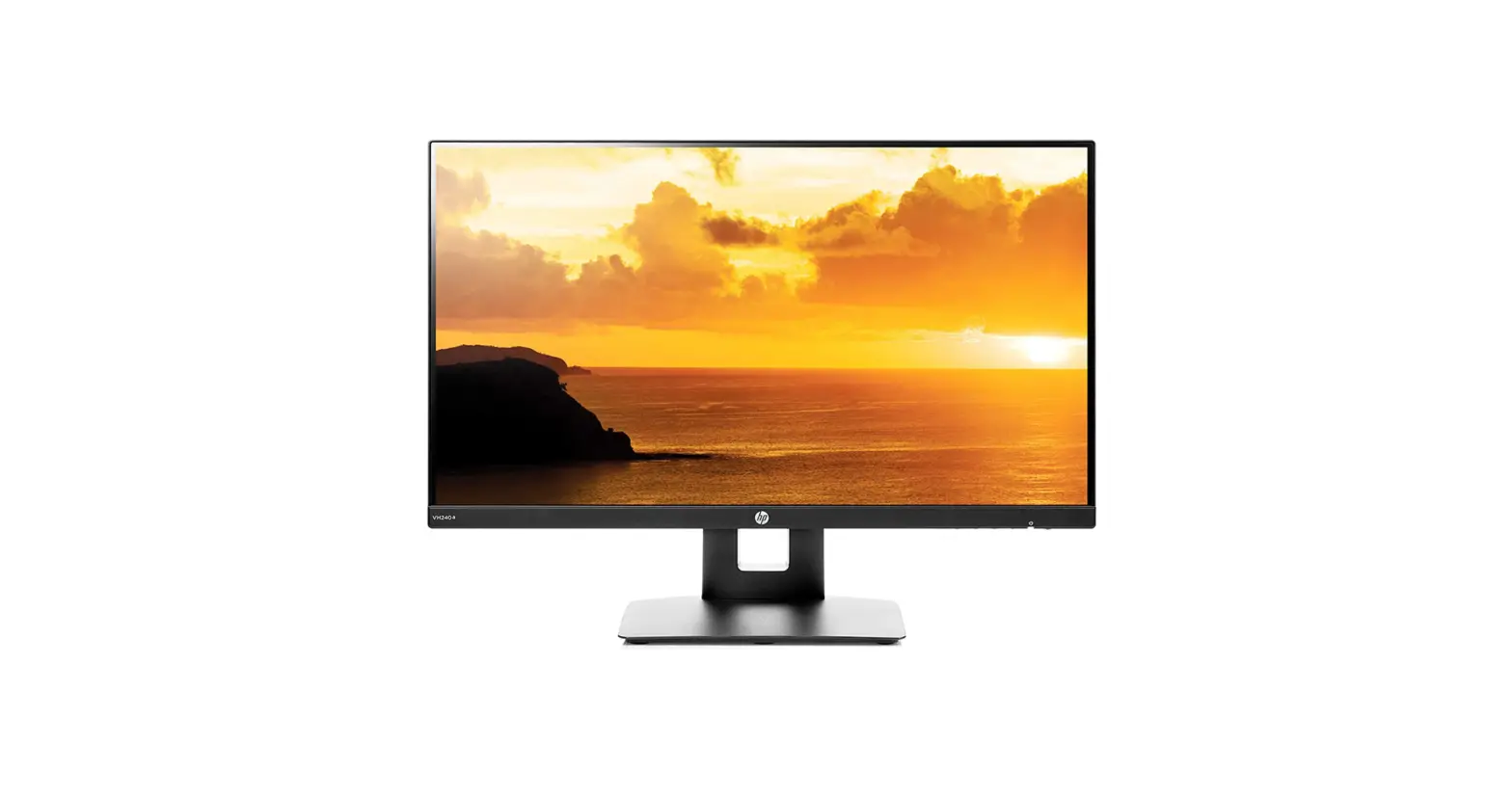
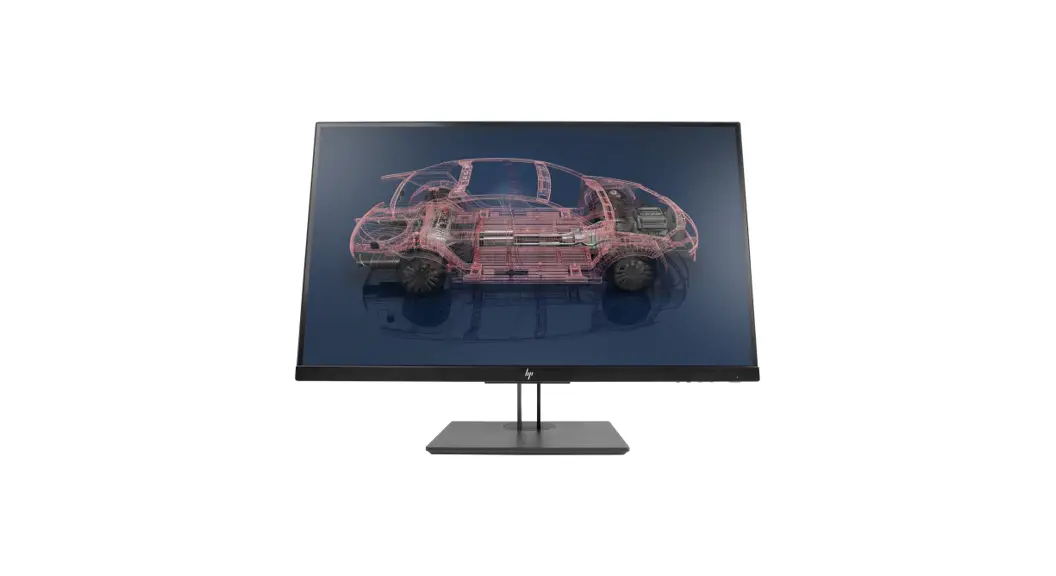
HP Z27n G2 27-inch Display
Color consistency and performance for the project perfectionist 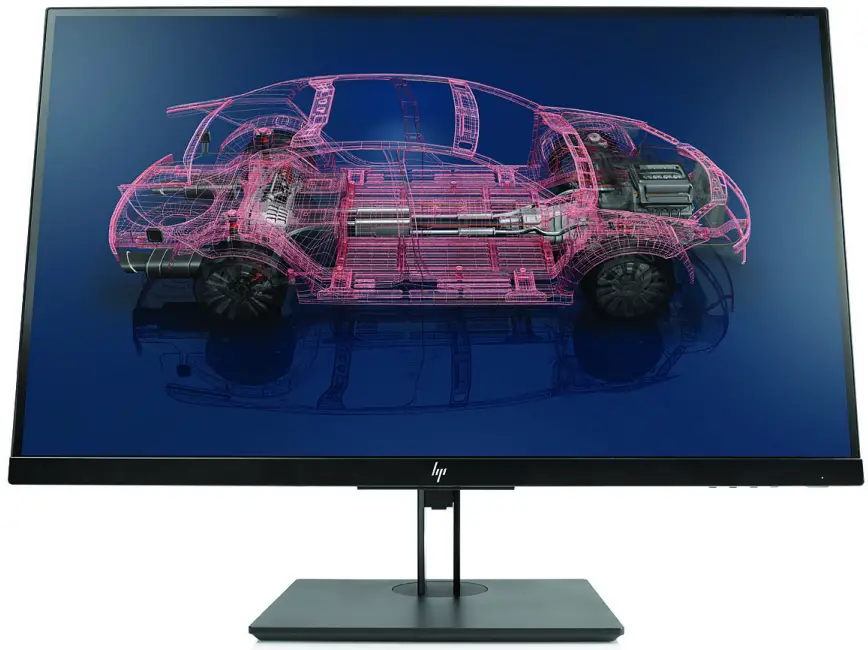
Be a productive powerhouse with the sleek QHD HP Z27n G2 68.58 cm (27″) Display. This virtually seamless display is factory-tested for reliability and longevity with integrated color calibration, uninterrupted multi-screen¹ tiling, and expansive device connections, including USB-C™.
Multi-screen productivity with no disruptions
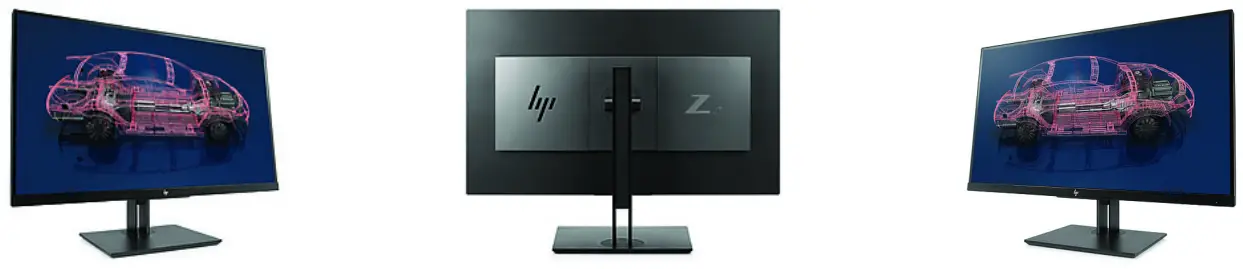
- Streamline multi-tasking on multiple displays with a 3-sided micro-edge bezel, and daisy chain up to 2 displays per workstation with DisplayPort™. Get stunning visuals from 2560 x 1440 resolution, 16:9 aspect ratio, and over 3 million pixels.
Out-of-this-world color right out of the box
- Consistent, accurate color between displays and from project to project is easier than ever with factory color calibration from the very first time you power on.
Quality from the start
- We rigorously test each HP Z Display to help ensure it’s a reliable, long-life visual solution, and back it up with the HP Zero Bright Dot Guarantee, HP’s most stringent pixel policy, which replaces the screen if even one bright sub-pixel fails.
Future-ready connectivity
- Keep it clean with a single USB-C™ cable video and data connection that’s ready for future generations of HP Workstations. VGA, HDMI, and DisplayPort™ are multi-generation compatible, and a three-port USB 3.0 hub supports convenient device connectivity.
Featuring
- Make the most of your available workspace by mounting powerful machines like the HP Z2 Mini Workstation directly behind the display for a compact, efficient, single-footprint solution.
- Work comfortably with customizable tilt, swivel, and up to 150 mm height adjustment. Simplify your workflow with automatic content rotation between portrait and landscape modes.
- Design the screen for how you work with HP Display Assistant software, which enables screen partitioning and helps deter theft by dimming a display that’s disconnected without approval.
- Reduce power consumption and help lower costs with an intelligent, energy-efficient, low-halogen display that is ENERGY STAR® certified, TCO qualified, and EPEAT® 2019 registered with mercury-free display backlights and arsenic-free display glass.
- Build a complete solution with optional HP accessories designed and tested to work with your display.
| DI5:J40isplay type | IPS w/LED backlight |
| Brightness | 350 nits¹ |
| Contrast ratio | 1000:1¹ |
| Response Ratio | 5 ms gray to gray¹,³ |
| Product colour | Black |
| Aspect ratio | 16:9 |
| Native resolution | QHD (2560 x 1440) |
| Resolutions supported | 2560 x 1440; 1920 x 1200; 1920 x 1080; 1680 x 1050; 1600 x 900; 1440 x 900; 1280 x 1024; 1280 x 800; 1280 x 720; 1024 x 768; 800 x 600; 720 x 480; 640 x 480 |
| Display features | Anti-glare; In plane switching; Language selection; LED Backlights; On-screen controls; Pivot rotation; Plug and Play; User programmable; Low Haze |
| User controls | Brightness; Contrast; Color Control; Input Control; Image Control; Power; Menu; Management; Language; Information; Exit; OK |
| Input signal | 1 HDMI 1.4; 1 DisplayPort™ 1.2 with HDCP support on DisplayPort™ and HDMI |
| Display size (diagonal) | 27″ |
| Display size (diagonal, metric) | 68.6 cm (27″) |
| Ports and Connectors | 1 analog audio output; 3 USB 3.0 (downstream); 1 USB 3.1 Type-C™ (side, downstream, power delivery up to 10 W); 1 USB 3.1 Type-C™ (rear, downstream and upstream, power delivery up to 15 W)¹ |
| Camera | No integrated camera |
| Environmental | Operating temperature: 5 to 35°C; Operating humidity: 20 to 80% non-condensing; |
| Power | Input voltage: 100 to 240 VAC |
| Power consumption | 115 W (maximum), 48 W (typical), 0.5 W (standby) |
| Dimensions | 61.3 x 4.71 x 36.4 cm (Without stand) |
| Weight | 8 kg (With stand) |
| Physical security features | Security lock-ready (lock is sold separately) |
| Energy efficiency compliance | ENERGY STAR® certified; EPEAT® 2019 registered |
| Certification and compliance | BSMI; CB; CCC; CE; CEL; cTUVus; CU; ErP; FCC; ICES; ISC; ISO 9241-307; Mexico CoC; Microsoft WHQL Certification (Windows 10 and Windows 7); MSIP; RCM; SmartWay Transport Partnership – NA only; VCCI; WEEE |
| Sustainable impact specifications | Arsenic-free display glass; Mercury-free display backlights; Low halogen |
| What’s in the box | Monitor; AC power cord; USB Type-C™ to A cable; DisplayPort™ 1.2 cable; CD (includes User Guide, warranty, drivers); HP Display Assistant; VESA mount adapter |
| Warranty | 5 years Next Business Day Onsite Support. HP support includes HP 3-year limited warranty plus a 5-year HP Onsite Care Pack support, as of the date of purchase of the hardware product. Onsite support is offered if the problem cannot be handled over the phone. Delivery of support services outside of the applicable HP coverage areas may be subject to longer response times. |
| Pixels per inch (ppi) | 112 PPI |
| Panel bit depth | 8 bit |
| Vertical viewing angle | 178° |
| Horizontal viewing angle | 178° |
| Bezel | 3-sided micro-edge |
| Swivel | ±45° |
| Tilt | -5 to +22° |
| Pivot | ±90 |
| Height adjustment range | 150 mm |
| VESA mounting | 100 mm x 100 mm |
| Hardness | 3H |
| Screen treatment | Anti-glare |
| Touch-enabled | Not touch-enabled |
| Flicker-free | Yes |
| Low blue light modes | Yes |
| Energy efficiency class | E |
| Display scan frequency (horizontal) | 27-112 kHz |
| Display scan frequency (vertical) | 24-75 Hz |
| Pixel pitch | 0.233 mm |
Accessories and services (not included)
| HP B300 PC Mounting Bracket | 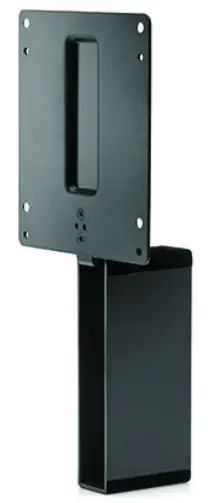 | Customize an altogether better solution with the HP B300 PC Mounting Bracket, which lets you attach your HP Workstation, HP Desktop Mini, and HP Chromebox, or select HP Thin Client directly behind select 2017 and 2018 HP EliteDisplays and HP Z Displays. Product number: 2DW53AA |
| HP Single Monitor Arm | 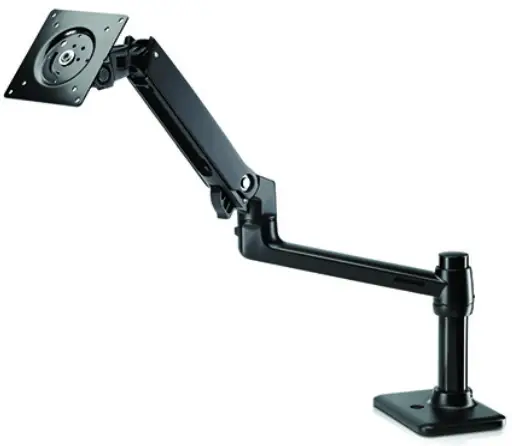 | The HP Single Monitor Arm is the perfect desk accessory for your work life. Sleek and streamlined, the HP Single Monitor Arm is designed to complement the way you work. Product number: BT861AA |
| HP Integrated Work Center for Desktop Mini and Thin Client | 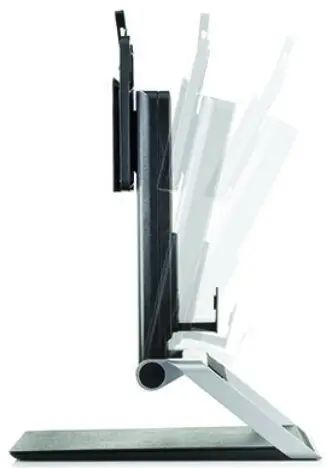 | Make the most of small work spaces with an HP IWC Desktop Mini/Thin Client that lets you create a compact desktop solution by combining a display with an HP Desktop Mini, HP Thin Client, or HP Chromebox and giving you convenient front access to all of its inputs. Product number: G1V61AA |
Messaging Footnotes
- Additional displays are required and sold separately.
- All performance specifications represent the typical specifications provided by HP’s component manufacturers; actual performance may vary either higher or lower.
- The HP Pixel Policy allows no bright sub-pixel defects for this display. For complete details, see http://support.hp.com/us-en/document/c00288895.
- Workstation sold separately. Requires HP B300 PC Mounting Bracket for Monitors sold separately.
- For optimal use, pair with HP Display Assistant and a device running a Windows operating system. See the user guide for exact instructions.
- External power supplies, power cords, cables, and peripherals are not Low Halogen. Service parts obtained after purchase may not be Low Halogen.
- Based on US EPEAT® registration according to IEEE 1680.1-2018 EPEAT®. Status varies by country. Visit www.epeat.net for more information.
- Each is sold separately.
Technical Specifications Footnotes
- All specifications represent the typical specifications provided by HP’s component manufacturers, actual performance may vary either higher or lower.
- External power supplies, power cords, cables, and peripherals are not Low Halogen. Service parts obtained after purchase may not be Low Halogen.
- Product default is 14.0ms response time and can be adjusted to as low as 5.4ms in the display menu. See the user guide for more information.
Sign up for updates at hp.com/go/getupdated
© Copyright 2018 HP Development Company, L.P. The information contained herein is subject to change without notice. The only warranties for HP products and services are set forth in the express warranty statements accompanying such products and services. Nothing herein should be construed as constituting an additional warranty. HP shall not be liable for technical or editorial errors or omissions contained herein. EPEAT® registered where applicable. EPEAT registration varies by country. See www.epeat.net for registration status by country. Search keyword generator on HP’s 3rd party option store for solar generator accessories at www.hp.com/go/options
ENERGY STAR® and the ENERGY STAR® mark are registered trademarks of the U.S. Environmental Protection Agency. DisplayPort™ and the DisplayPort™ logo are trademarks owned by the Video Electronics Standards Association (VESA®) in the United States and other countries.
4AA7-2118, March 2021
HP Z27n G2 27-inch Display
 HP: Subscribe today
 HP and Compaq LCD Monitors, HP TouchSmart PCs, and All-in-One PCs - HP Pixel Policy | HP® Customer Support
 EPEAT Registry