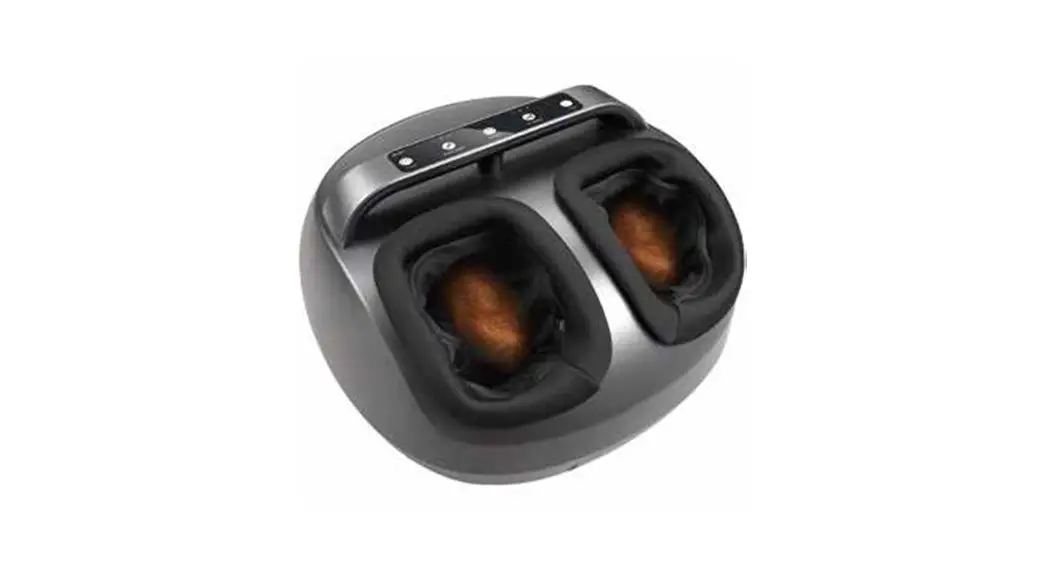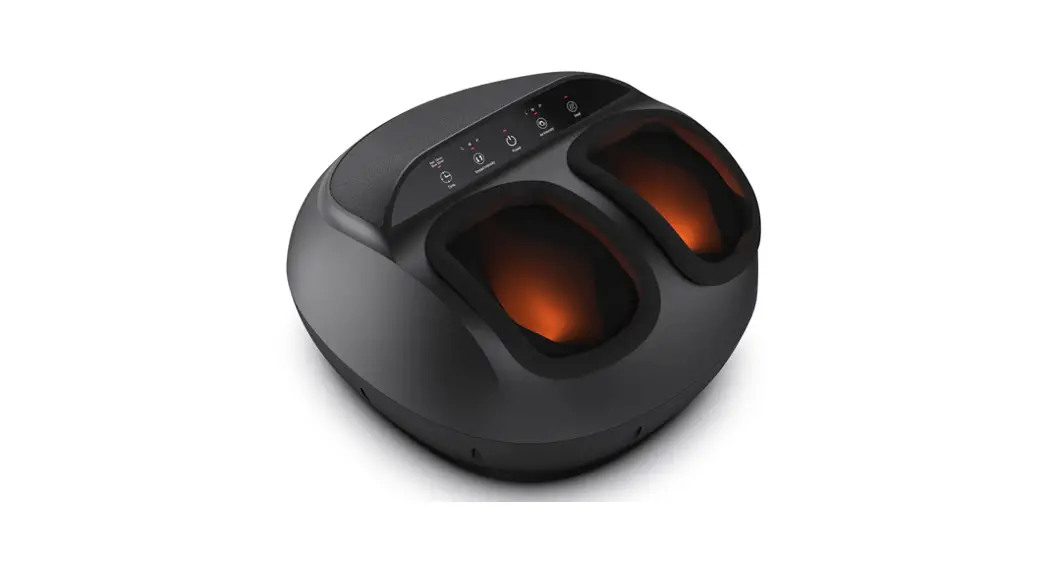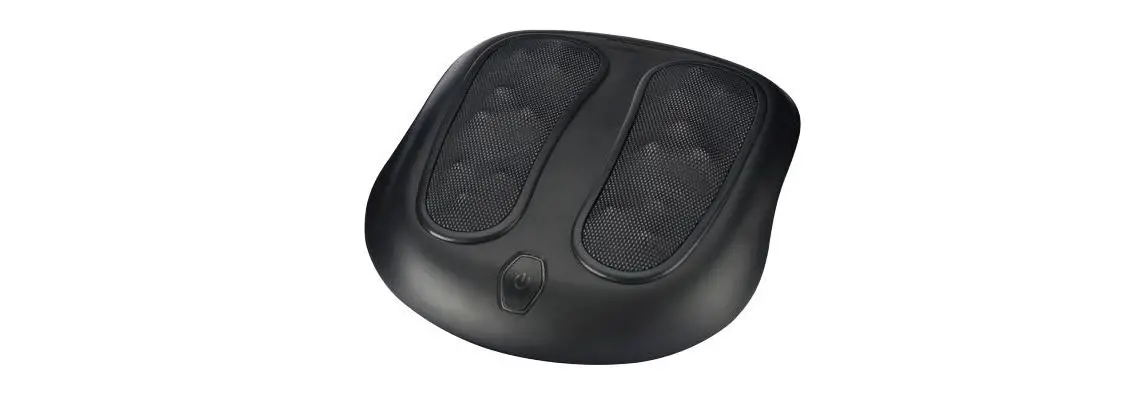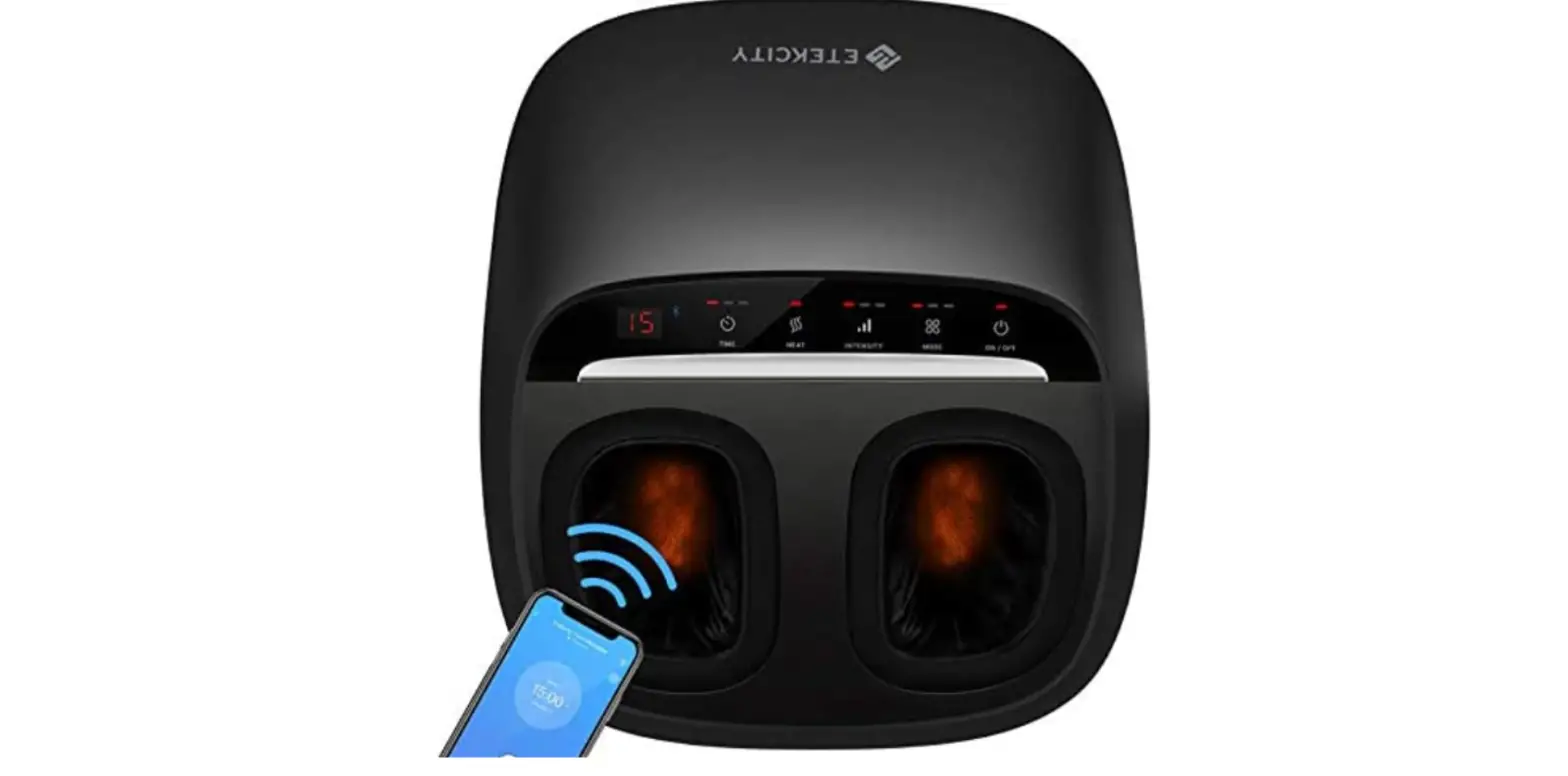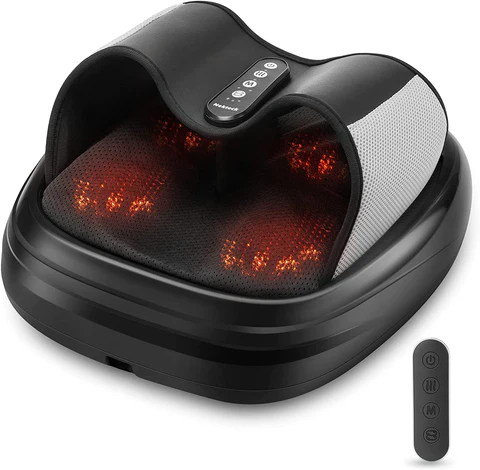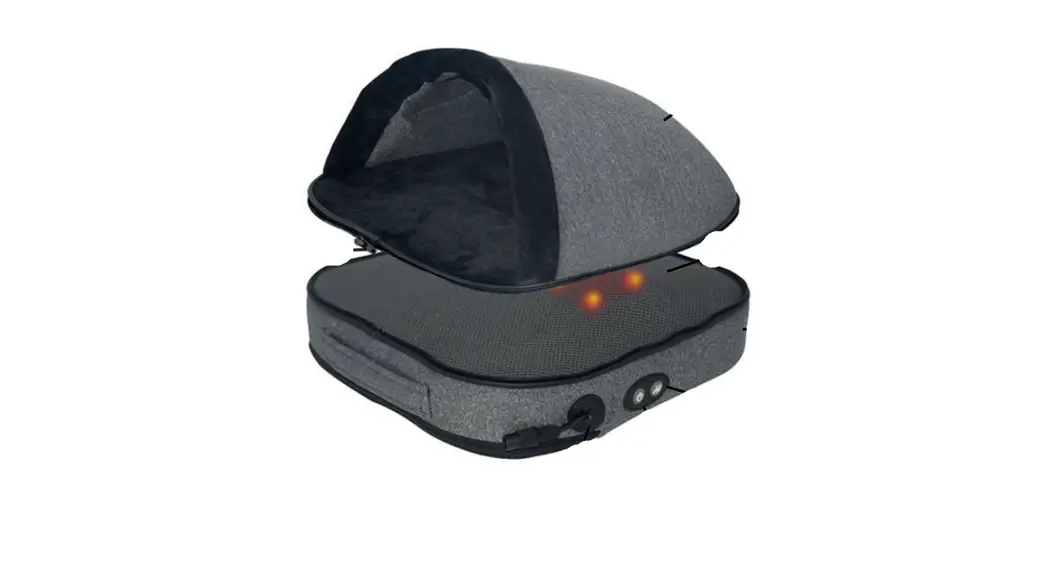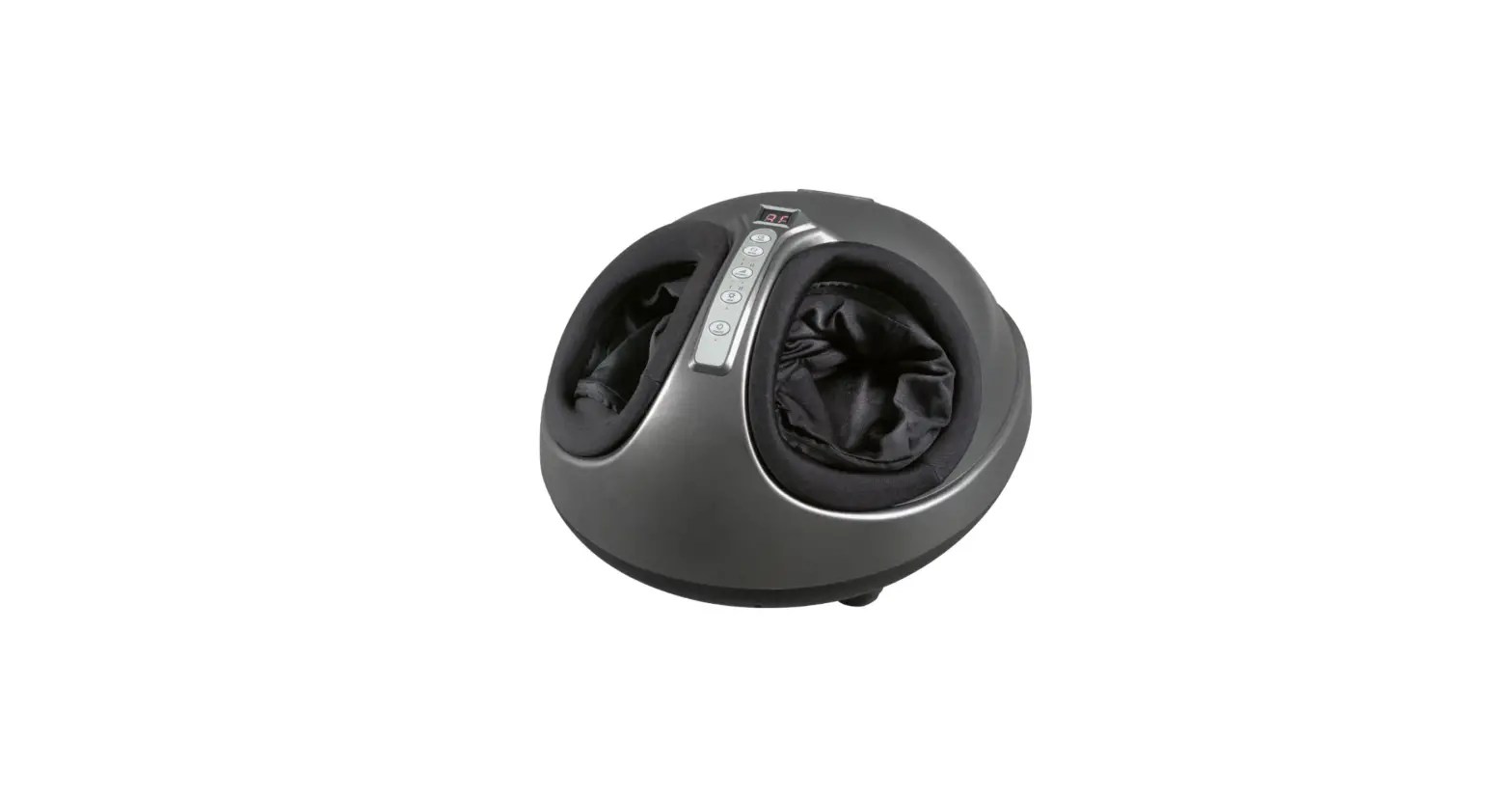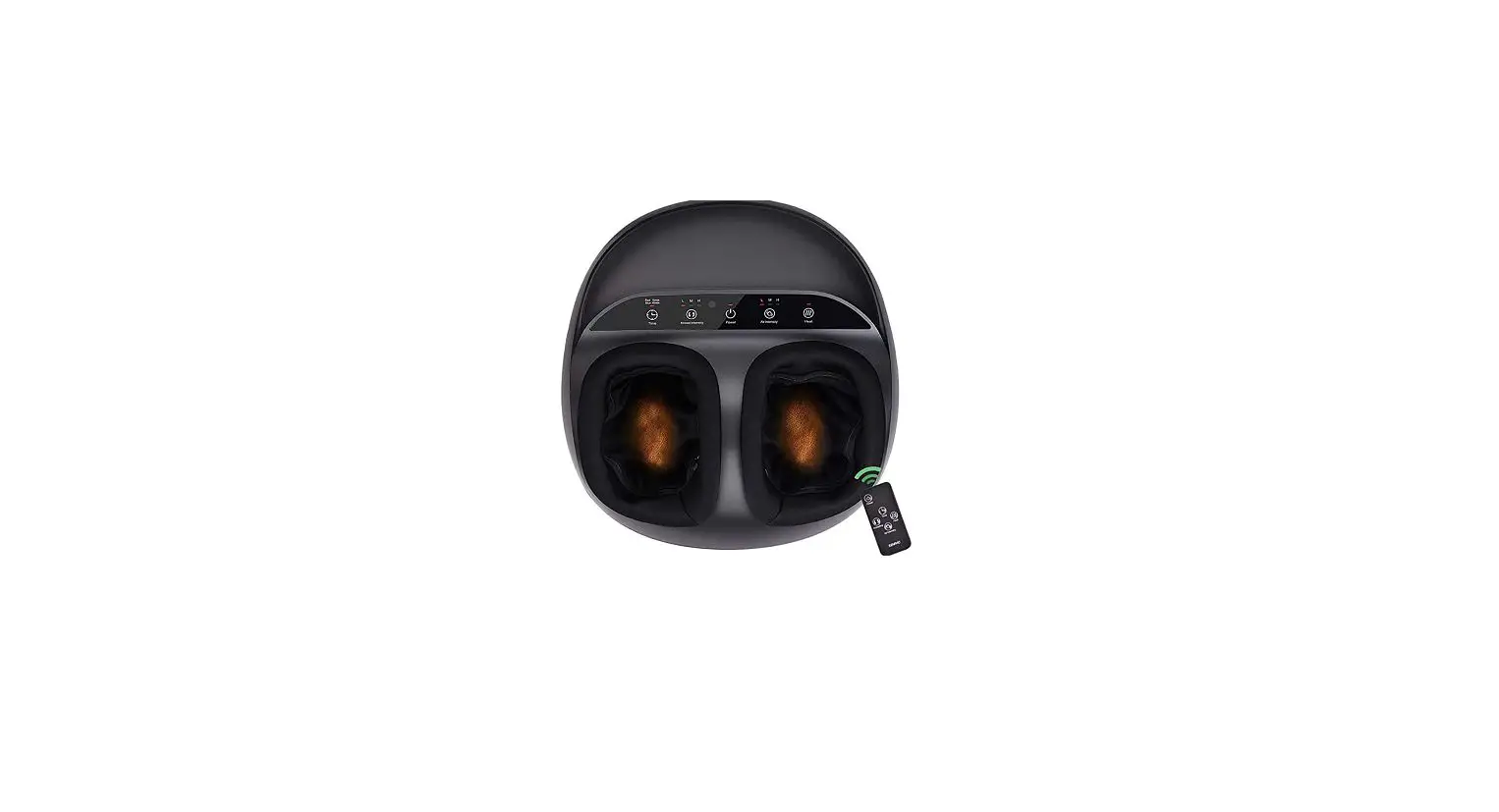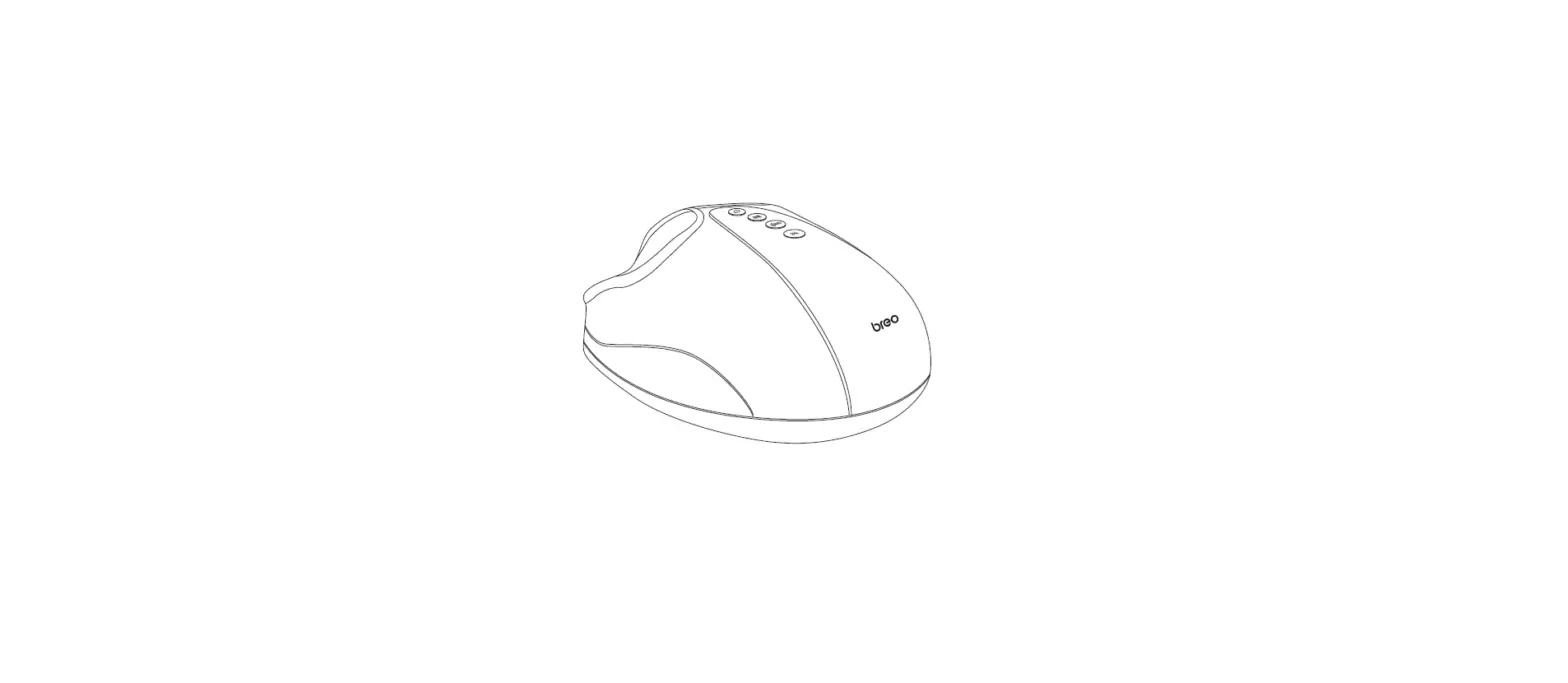

breo FM D191 Foot Massager
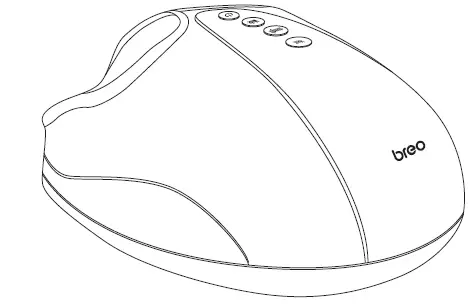
Introduction
Thank you for purchasing Breo Foot Massager. Please read this user manual carefully to ensure safe and proper use. If you need any assistance, please contact our support feam with the product model number and Amazon order number.
Included
- 1x Foot Massager
- 1x User Manual
- TxAdapter
- 1 x Replaceable Cover
Product Specifications
| Model | FM D191 | ||
| Name | Foot Massager | ||
| Powe r input | 12V = | ||
| Ra ted Power | 30W | ||
| Ro t ed cur re n t | 2.5A | ||
| Defau l t t | me | 15 m in | |
| N.W. | 3500g | ||
| Dimens | ions: | L418 XW359XH 230 (mm) | |
Precautions
Conditions below should consult a medical professional before using the product:
- Children, the older, and pregnant or menstruating women.
- People with skin infectionskin disease, or swollen or burnt skin.
- People who havea pacemaker or other medical implants.
- People with heart disease or a history of heart disease.
- People with fragile or damaged bones.
- People with cancer.
User Tips
- Do not use the product after eating too much within 1 hour.
- Do not use the product if your feet are injured.
- Please stop using the product immediately if any discomfort or abnormal pain occurs during the use.
- The foot size at maximum for the product: 44 (EU size).
- It is recommended to use the product for 2-3 times per day.
- The temperature at maximum of the heating function: 55 C/131° F.
Questions & Answers
| Problem | Suggestion | ||
| The product doesn’t w o | rk . | Res ta rt the product ofterit co o | s down . |
| The massage in tensity is too strong or too weak while using | Ad jus t the angle until the intensity is m o de rate . | ||
| Do not p lace your feet too heavily on the massage n | |||
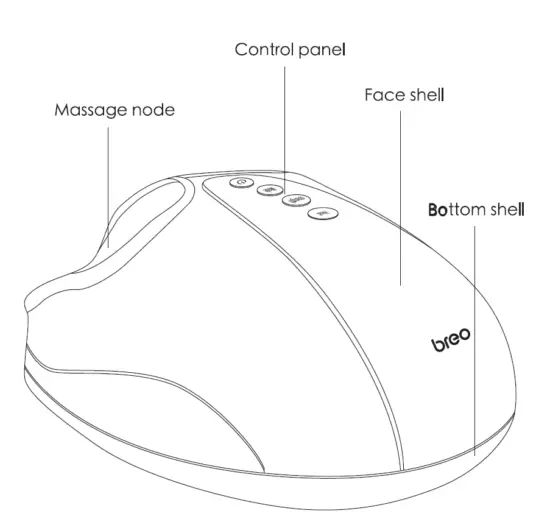
Product Diagram
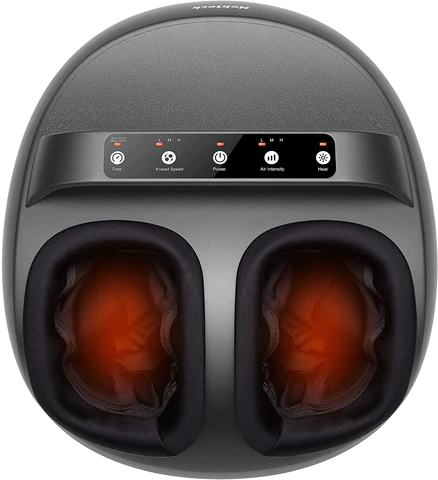
CONTROL PANEL
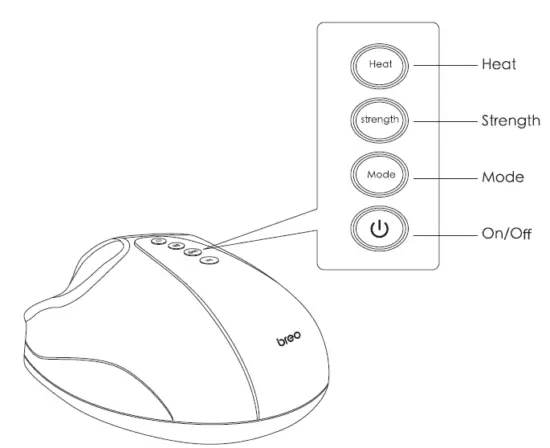
Product Operation Guide
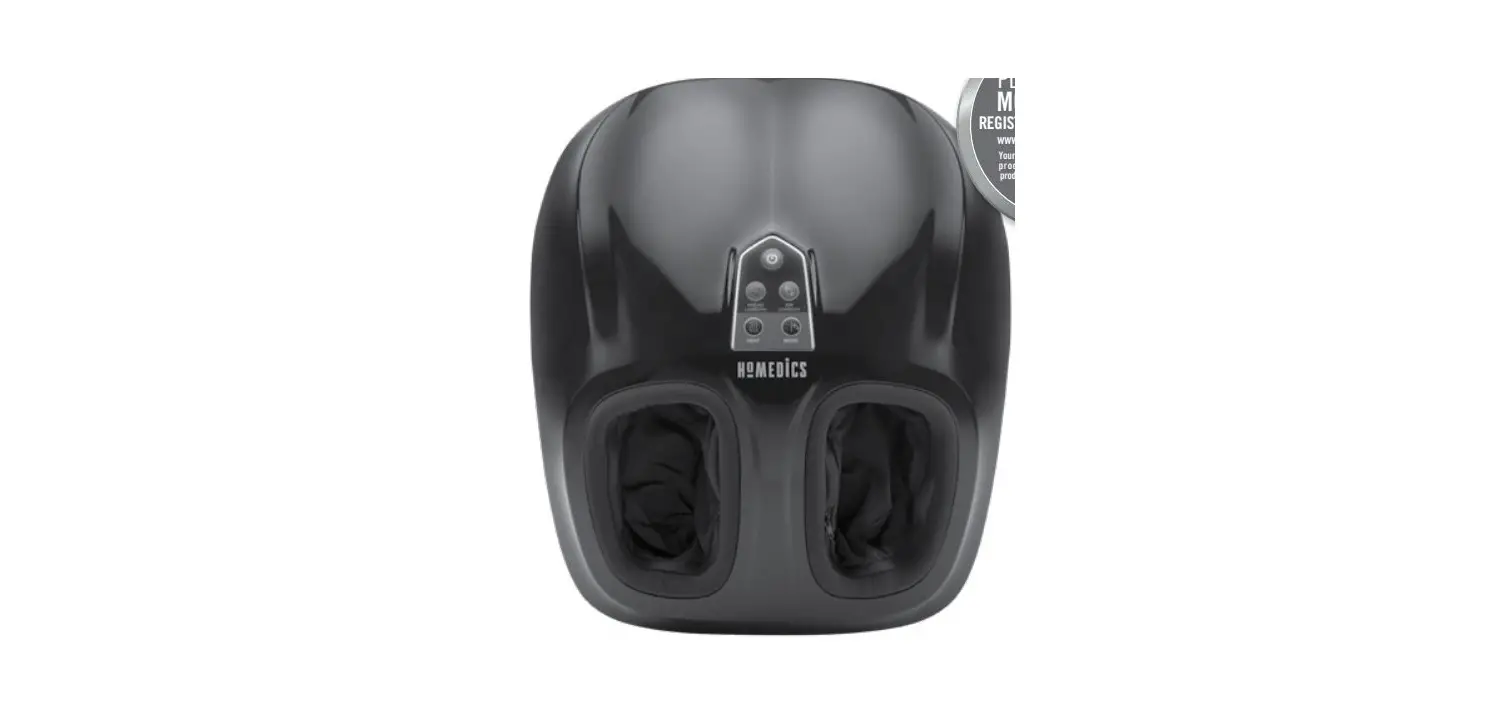
- Four Buttons: On/Off Button, Mode Button, Intensity Button, Heat Button.
- On/off button: When the device is turned off, short pressing the button to start up. Mode I and Intensity 1 as default
- The heating automatically turns on; On/Off button flashes red: Mode Button, Intensity Button, and Heat Button flash white.
- Short pressing the button to turn off the device.
- Mode Button: three modes, mode 1 as default, press to switch massaging mode.
- Mode 1 (White Light): Low-speed rotation with interval air pressure massage.
- Mode 2 (Green Light): Medium-speed rotation with interval air pressure massage.
- Mode 3 (Red Light): Fast-speed rotation with interval air pressure massage.
- Intensity Button: Three modes, intensity l as default, short-pressing the intensity button to cycle three different intensity modes. The default mode after startup is Intensity 1 (fiashes whitehtensity 2 (flashes green) -intensity 3 (fashed red)- intensity 1 (fiashes white).
- Heat Button: the device is turned on with heat function on (flashes white), short-pressing the button to turn off the function.
- The device will turn off automatically after 15 minutes of use.
Warranty Customer Support
If you need help regarding product issues, after-sales service, or other relevant problems, please contact us via the email at [email protected], or call us at
1-866-546-3587 (United States).
This device complies with Part 15 of the FCC Rules. Operation is subject to the following two conditions: (1) this device may not cause harmful interference, and (2)| this device must accept any interference received, including interference that may cause undesired operation.