
ECOSAVERS 0570 Footswitch Control Socket
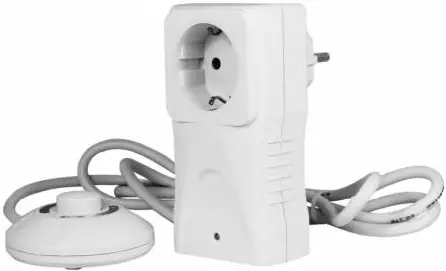
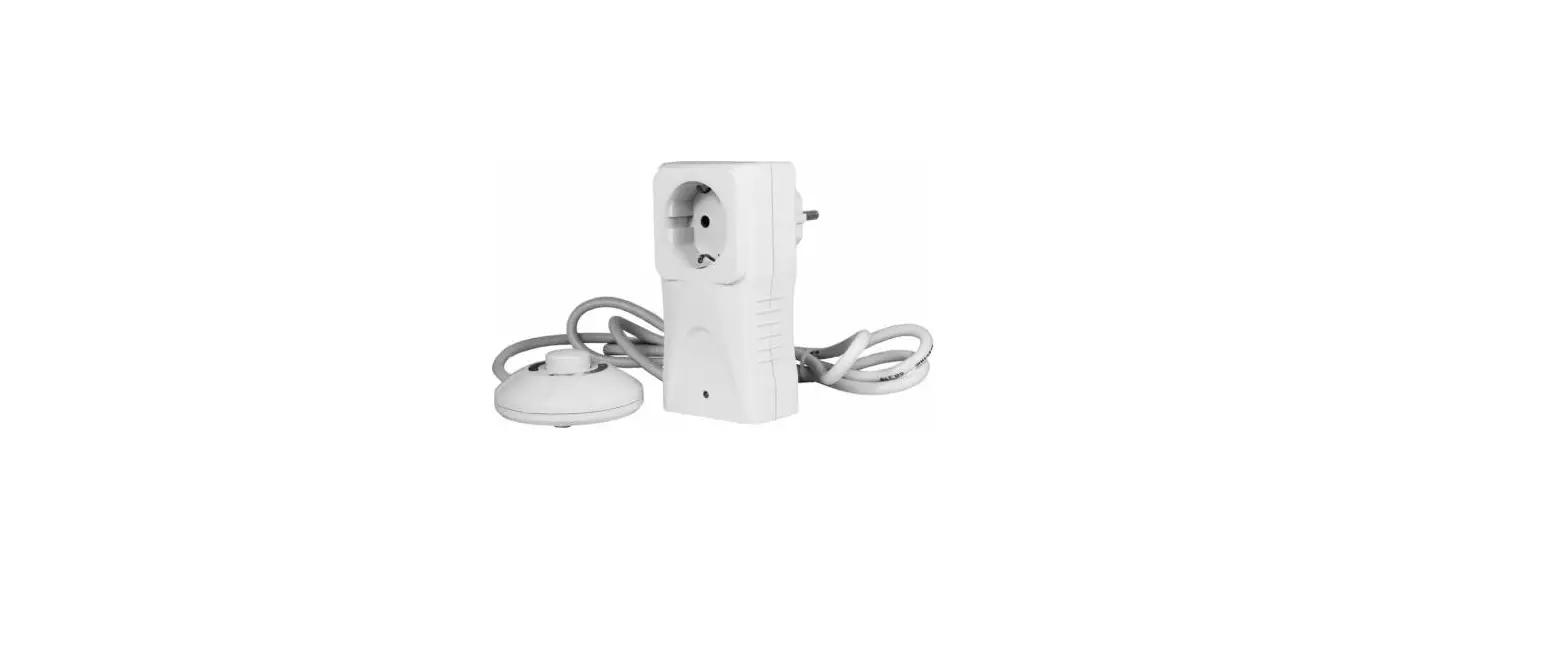
The EcoSavers® Footswitch Control Socket is a handy aid to make the switching of your appliances much more easy and convenient. You can simply connect and disconnect the power by pushing the knob on the footswitch with your feet or by hand. This product comes with a 1,5 metre cable, so you can place the footswitch where it is easily accessible.
Operation steps
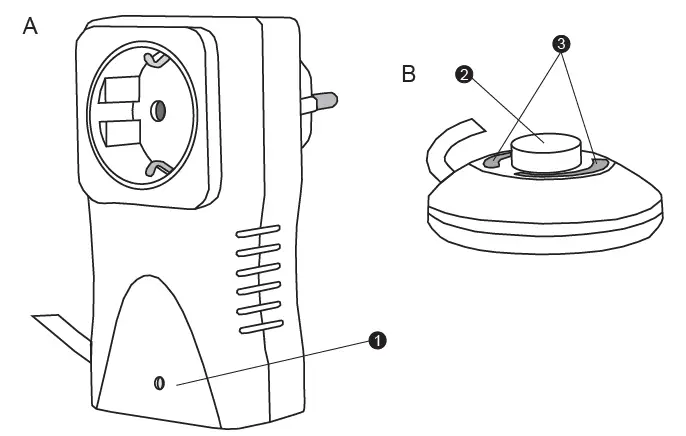
- Connect the Footswitch Socket Control (A) to the mains.
- Connect the device you want to control to the
Footswitch Socket Control (A). If this device has a switch as well, be sure this switch is in ON position. - Now you can switch on and switch off the connected device by using the footswitch (B2).
When the power is on, the LED indication (A1) will illuminate and the LED on the footswitch (B3) will illuminate as well.
IMPORTANT For indoor use only.
Technical parameters
- Voltage: 230V/50HZ
- Rated current max 16A / 3.680W
- Child protection: yes
- Cable: 1,5 metre 3*0.5mm2

 EcoSavers