
User Manual
BLUETOOTH CONNECTION
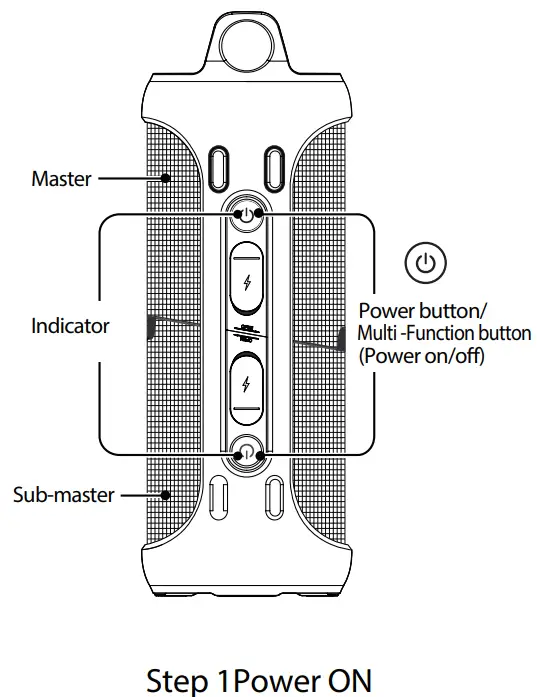
Press and hold the power button  on the master speaker and sub-master speaker simultaneously for 2 seconds. A sound will be heard, and the two speakers will connect automatically. A beep sound is heard when they are connected.
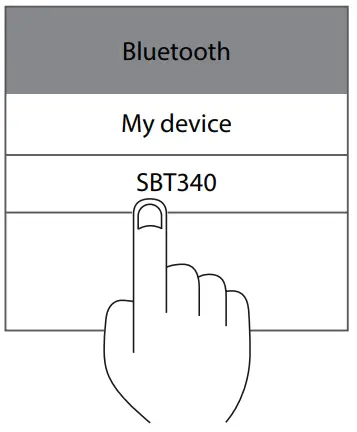
Step 2 Select device
Find ”SBT340” in your Bluetooth list and select it.
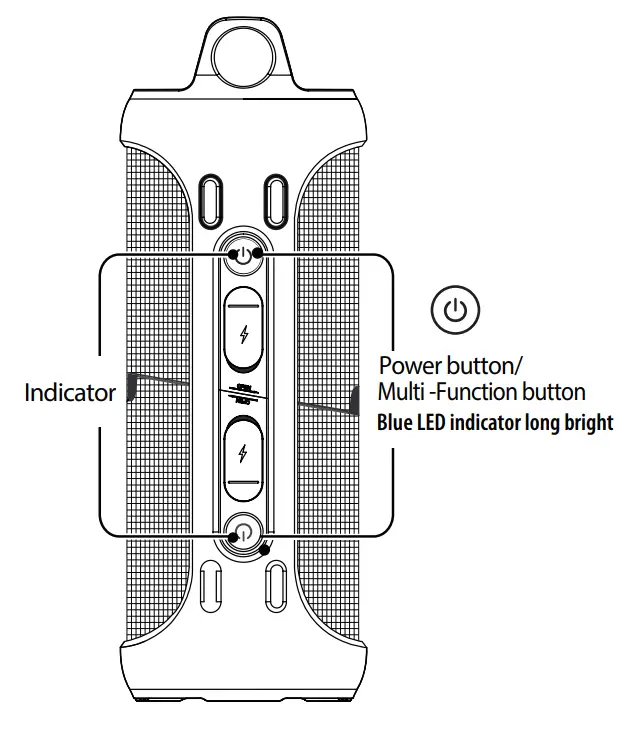
Step 3 Paring
The blue LED indicator is lit when the paring is completed.
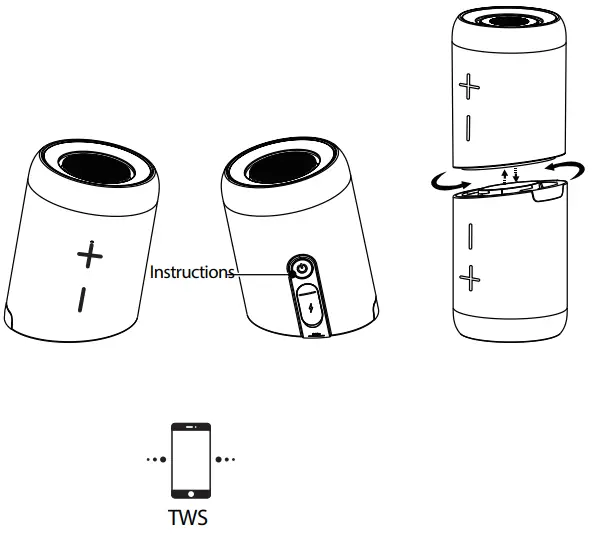
(Above master and sub-master)
INSTRUCTIONS
Press and hold the button on the master and sub-master speakers simultaneously for 2 seconds. A sound will be heard, and the two speakers will connect automatically. (Turn off Bluetooth on your own device before TWS pairing)
BASIC FUNCTIONS
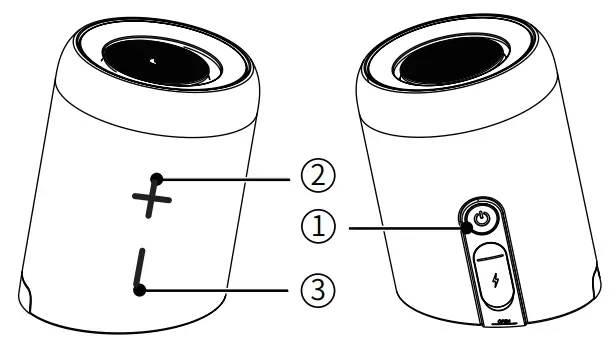
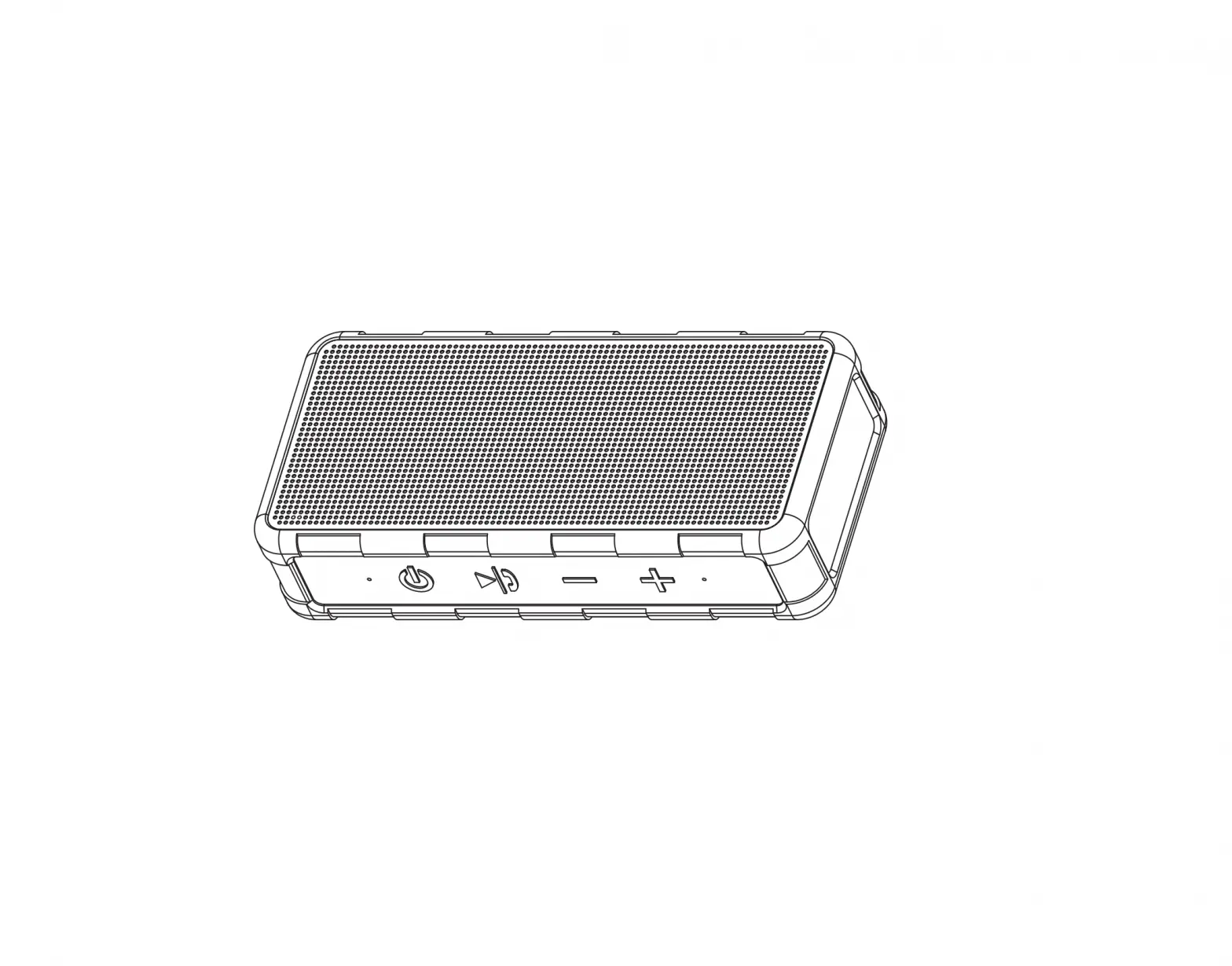
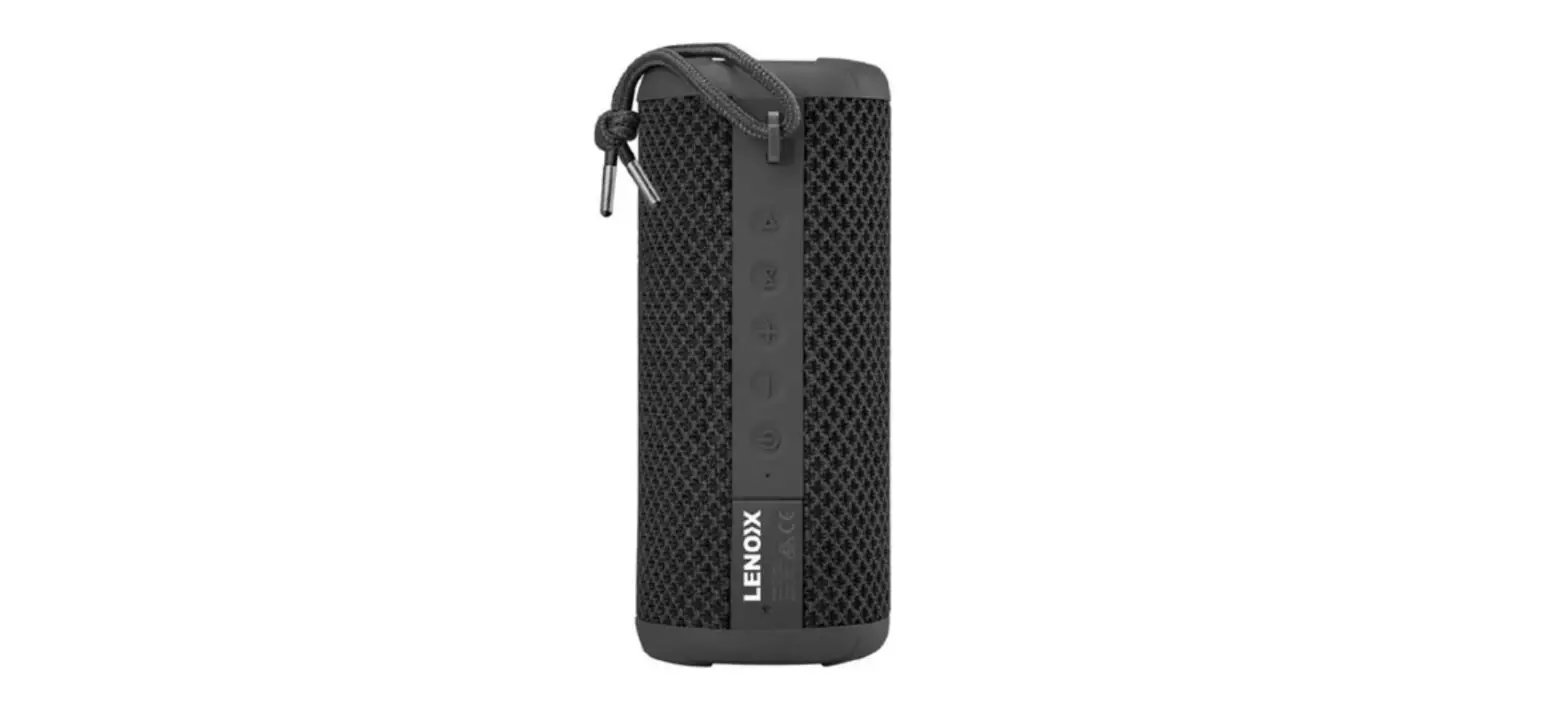
1) Power button/Multi-function button (ON/OFF-button)
- Press and hold the power button 1 for 2 seconds to power OW power OFF
- Press the 1 button quickly to answer/disconnect calls Press the 1 button twice to decline calls
- Press the 1 button quickly to resume/pause music
- Press the 1 button three times to disconnect TWS and press the 1 button 2 times again to disconnect the Bluetooth device.
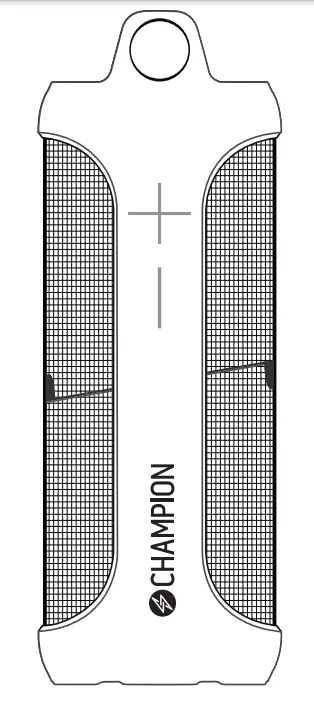
2 3 ) VolumeButtons
- Press the 2 button quickly to increase the volume/press and host the 2 buttons for the next track
- Press the 3 button quickly to reduce the volume/press and hold the 3 buttons for the previous track
R(Note: Both speakers can be controlled simultaneously after being paired.)
LED INDICATOR
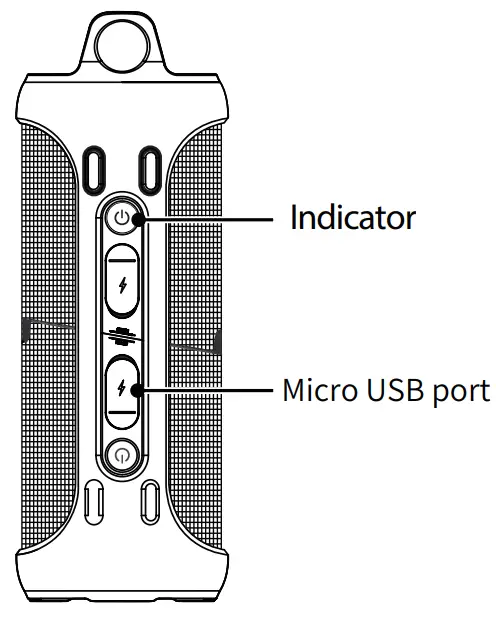
Bluetooth indicator
|
|
|
|
Charging indicator
 The red LED lamp is lit |  The red LED lamp turns off |  The red LED lamp is flashing |
| Charging mode | Fully charged | Low battery |
PRODUCT SPECIFICATIONS
| Product Name | SBT340 |
| Bluetooth Version | 5.0 |
| Battery Capacity | 1500mAh x2 |
| Play Time | 8hours (70% volume) |
| Charging Time | 3~4hours |
| Power | 10W x 2 |
| USB Charging | 5V / 0.8A |
| Product size | 84 x84 x210mm |
| Product weight | 750g |
FREQUENTLY ASKT QUESTIONS
Q: Which type of charger shall I use with the speakers?
A: All standard USB chargers can be used, but we recommend 5V/0.8A.
Q: What do I do if there is noise or discontinuous sound when the speaker is playing?
A: The speaker is recommended to be used within a 10 meters range, in an environment unblocked by walls and similar. With a distance over 10 meters or with blocking walls, noise can occur.
Q: Why is the speaker turning off automatically?
A: The speaker will turn off automatically and save energy if it is not connected to Bluetooth within 10 minutes.
Q: The speaker does not connect to a phone it previously has been connected to.
A: First, remove the speaker from the phone’s Bluetooth list. Then press the power ON button quickly twice to restart the pairing.
Q: The speaker does not start?
A: Check if the speaker is charged. Connect the charging cable and try again after a few minutes.
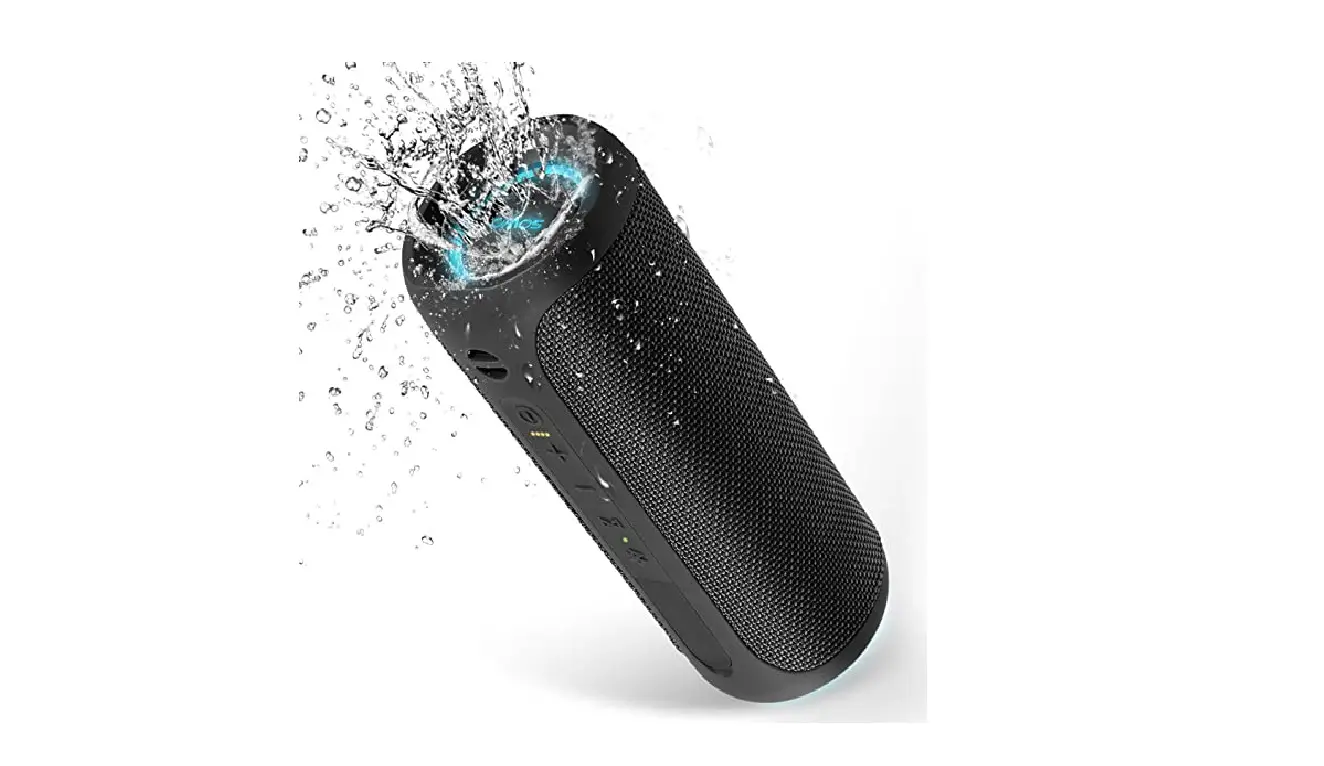
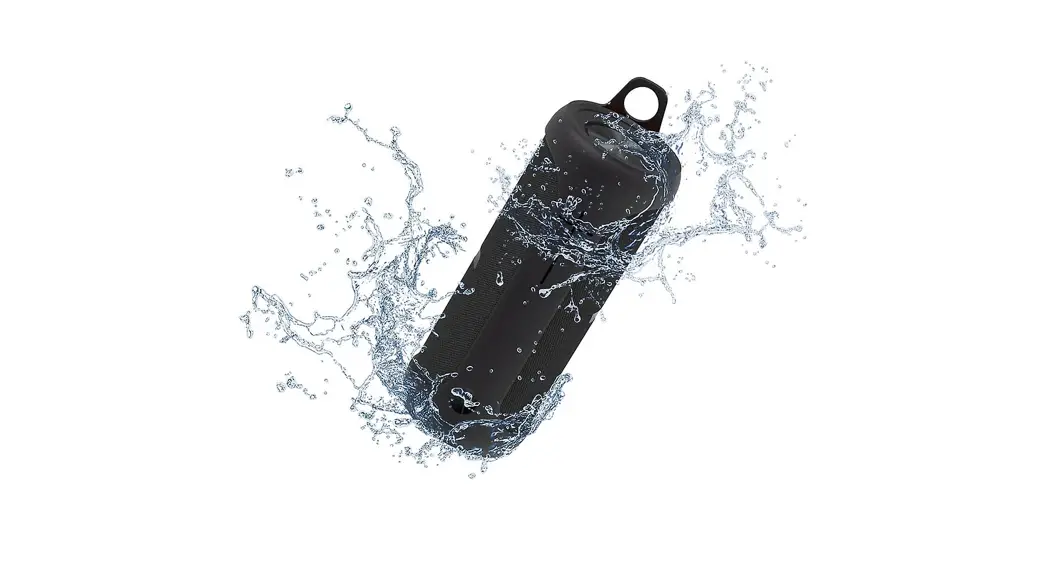
IMPORTANT: To ensure the SBT340 does not get damaged by water, remove all cables. Exposing the SBT249 to liquids without doing so may lead to permanent damage to the speaker. Do not expose the SBT340 to water drops or splashes during charging. Being water-resistant means it can withstand water splashes on the cover.
- (This speaker supports mobile devices as well as PC etc. In this manual the speaker is illustrated with a mobile phone).

MADE IN CHINA