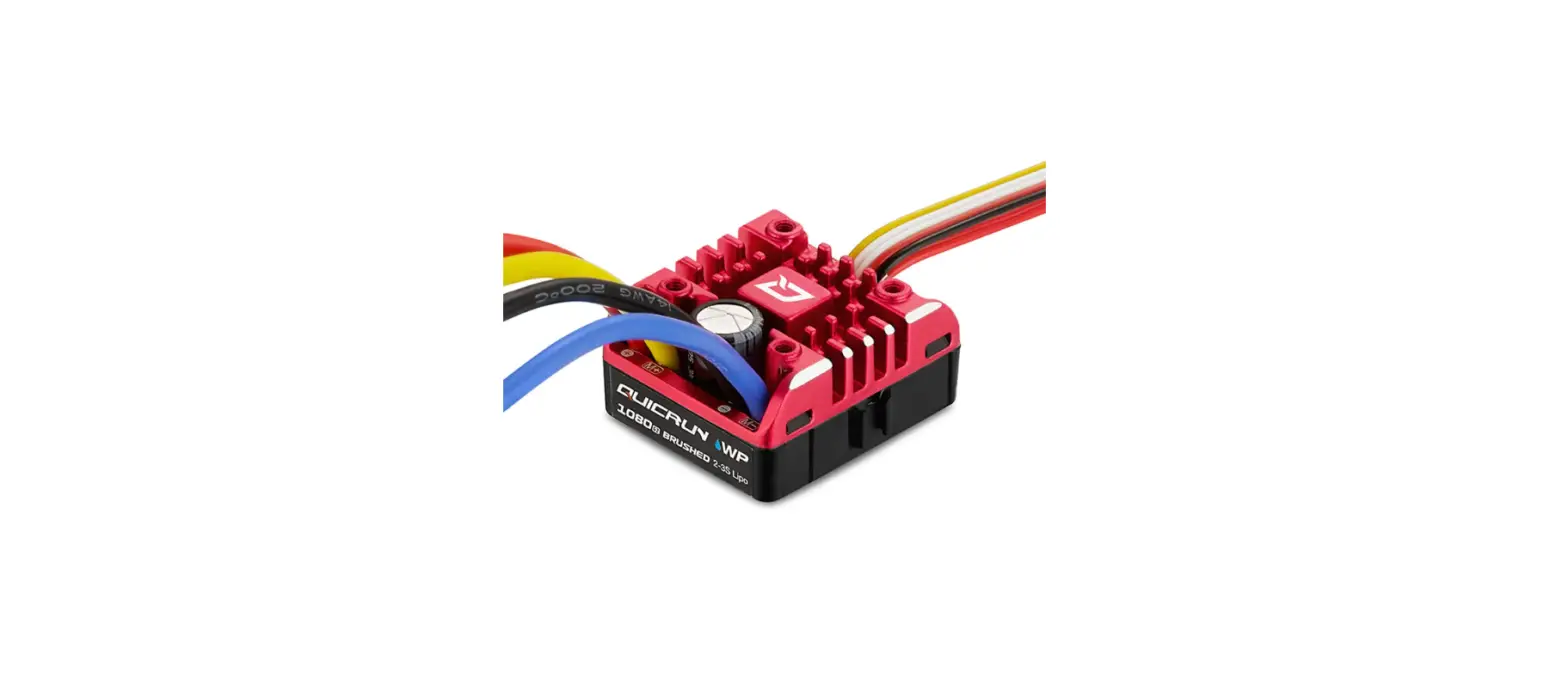
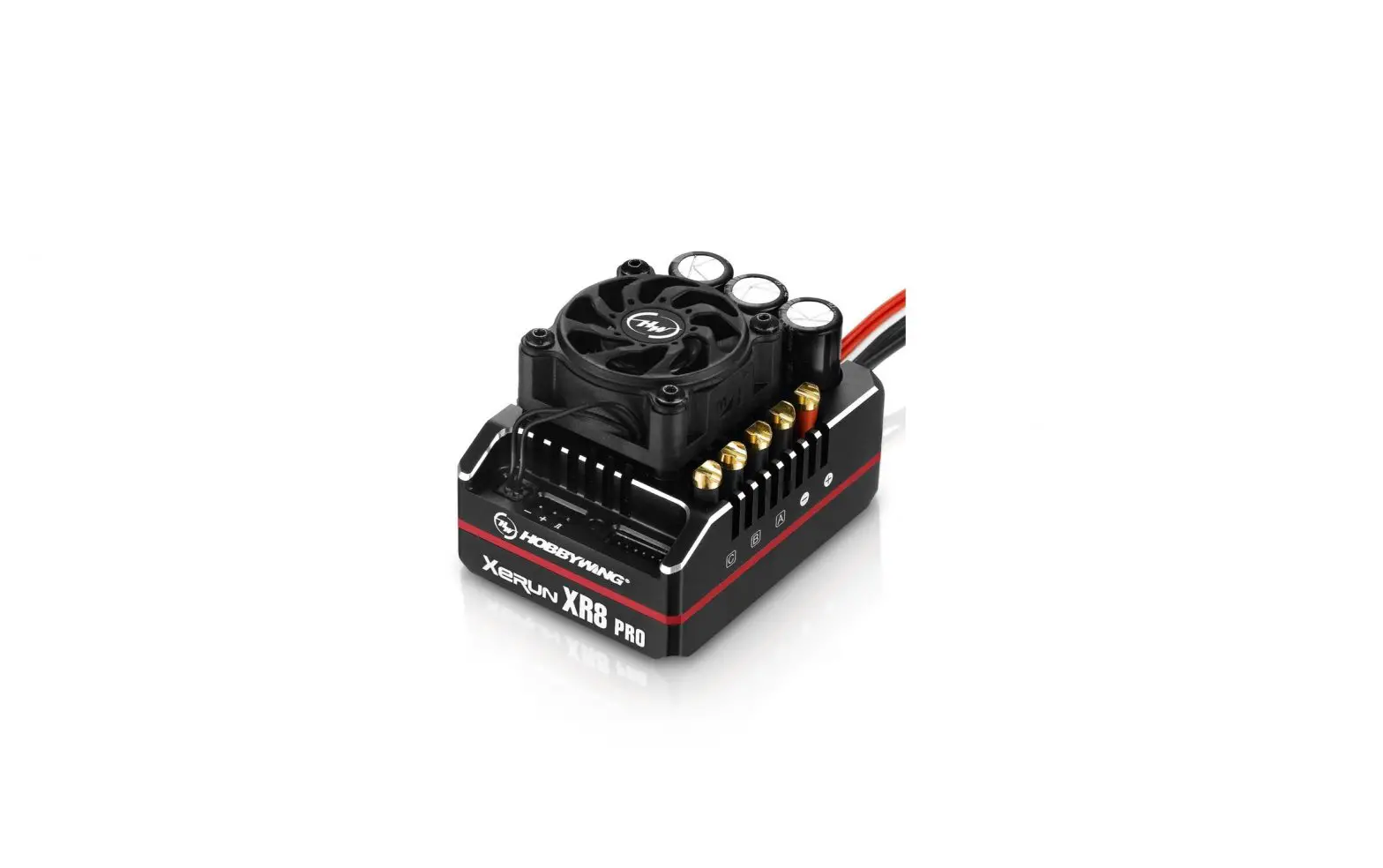
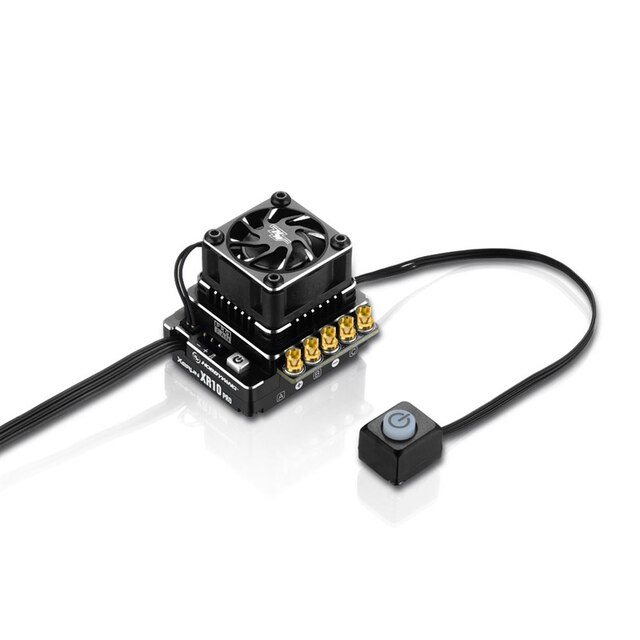
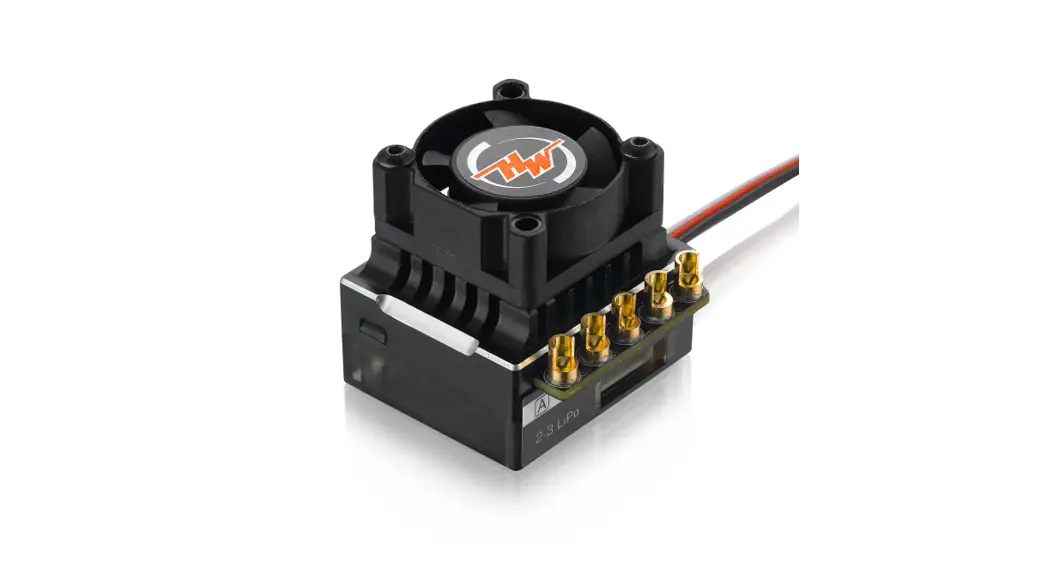
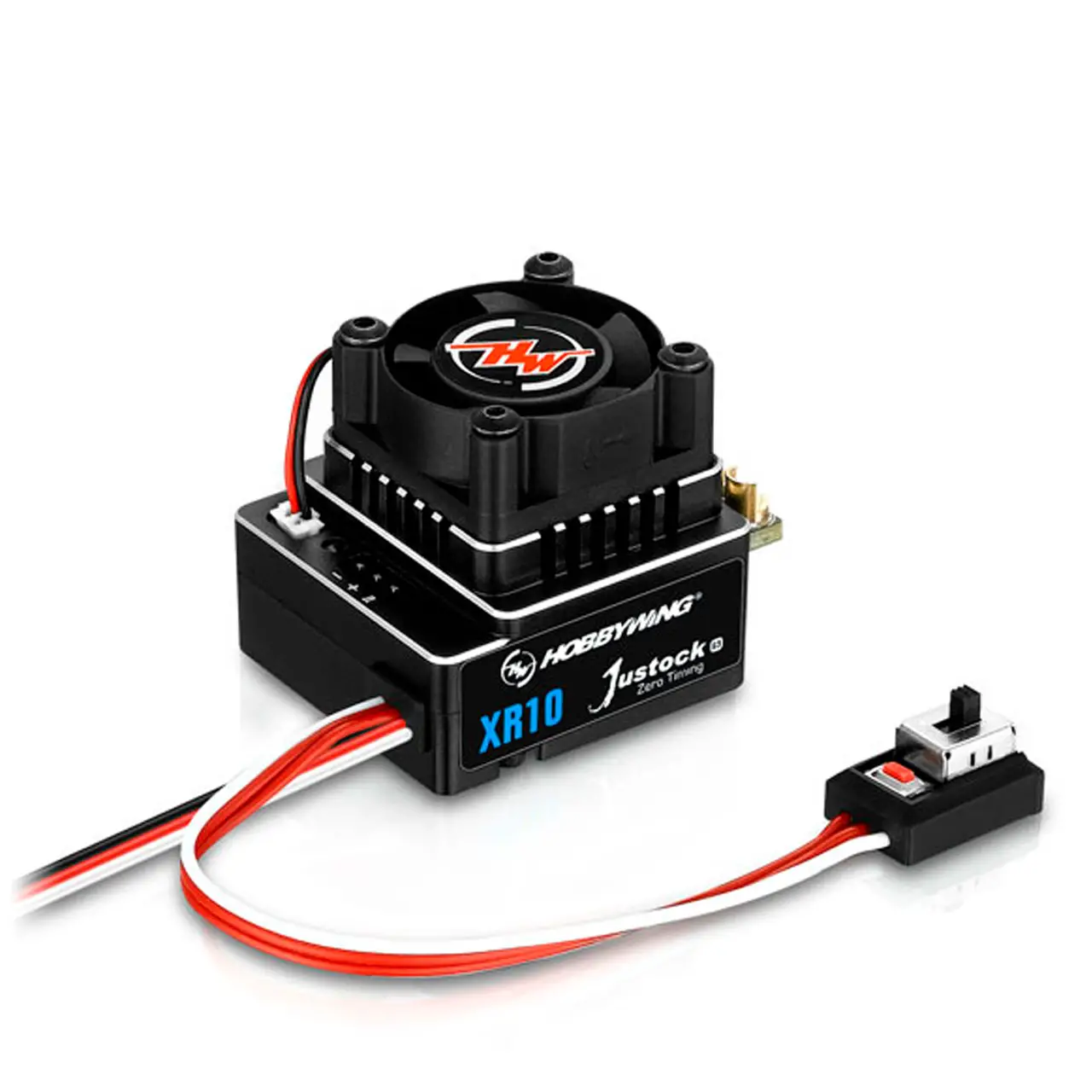
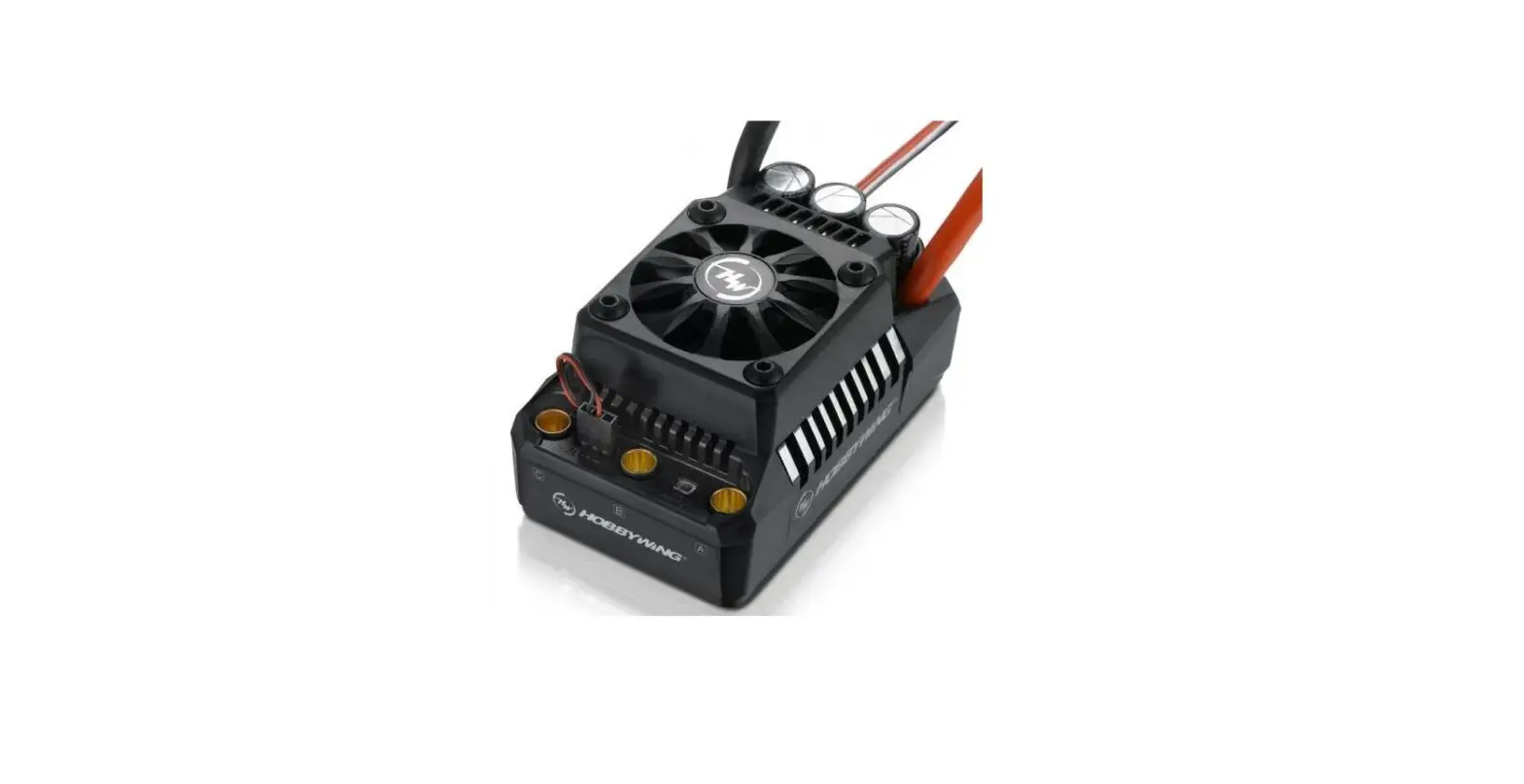
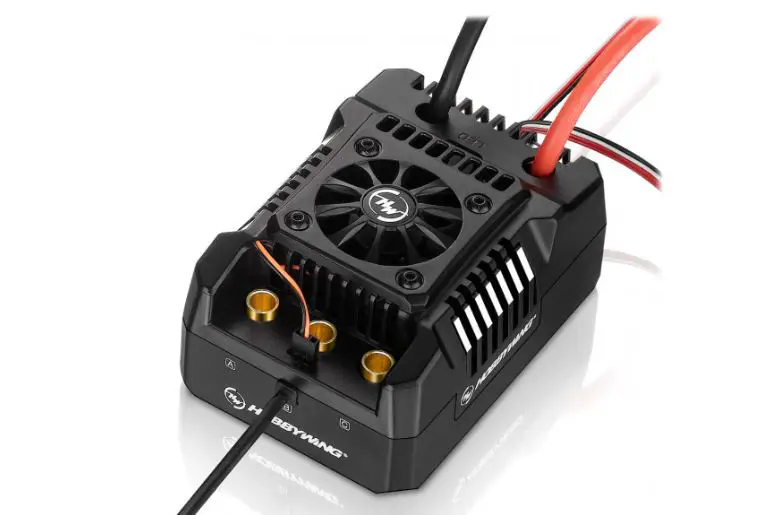
QuicRun WP 10BL120 G2 Brushless Electronic Speed Controller
Product Information
The QUICRUN WP 10BL120 G2 is a brushless electronic speed
controller designed for use with 1/10th short course trucks and
monster trucks. It can be used with both sensorless and sensored
brushless motors (only in sensorless mode) and has a motor limit of
3660 size motor with 3S Lipo and a KV of 4000, or 4268 size motor
with 4S Lipo and a KV of 2600. The ESC has a cont./peak current of
120A/760A and can be used with 2-4S Lipo batteries. It also comes
with a built-in BEC that provides 6V/7.4V adjustable, continuous
current 5A (Switch-mode) output. The ESC has a size of 52.8(L) x
39.8(W) x 38.2(H)mm and weighs 119g (including wires and
connectors).
Product Usage Instructions
- Disclaimer: Before using the product, read the user
manual carefully. Using the product is considered an acceptance of
all the contents of the user manual. Follow the manual instructions
carefully during installation. - Warnings: Do not modify the product as it may result in
personal injury and product damage. HOBBYWING is only responsible
for the product cost and nothing else as a result of using the
product. - Features: The QUICRUN WP 10BL120 G2 is convenient to
use. - Specifications: Refer to the user manual for the
specifications of the product. - Connections: Refer to the wiring instructions and wiring
diagram in the user manual. There are no wire sequencing
requirements needed when using a sensorless brushless motor. You
can swap two wires if the motor runs in the opposite
direction. - ESC Setup: To set the throttle range, follow the below
steps:- Turn on the transmitter and ensure all parameters (D/R, EPA,
ATL) on the throttle channel are at default (100%). - Turn on the ESC with the battery connected but turned off. Hold
the SET button then press the ON/OFF button. The RED LED on the ESC
will start to flash (The motor beeps at the same time), and then
release the SET button immediately. - Move the throttle trigger to the neutral position and press the
SET button. The Green LED flashes once and motor emits Beep
tone. - Move the throttle trigger to the end position of forward and
press the SET button. The Green LED flashes twice and motor emits
Beep-Beep tone. - Move the throttle trigger to the end position of backward and
press the SET button.
- Turn on the transmitter and ensure all parameters (D/R, EPA,
USER MANUAL
Brushless Electronic Speed Controller
QUICRUN WP 10BL120 G2
01 Disclaimer
Thank you for your purchase.Please read the following
statement carefully before use, once used, it is considered to
ATTENTION
be an acceptance of all the contents. Please follow the
manual instructions carefully during the installation.
CAUTIONS
Modification may result in personal injury and product
damage.We reserve the rights to update the design and
performance of the product without notice.
We, HOBBYWING, are only responsible for our product cost
and nothing else as result of using our product.
02 Warnings
20230428
· Before using this product, read the instruction manual carefully. Ensure that the equipment is used appropriately to avoid damaging the ESC. The wrong usage will overheat and damage the electronics.
· It is important to ensure that all wires soldered are properly secured to avoid short circuits from happening. A good soldering station is recommended to do such a job to avoid overheating the circuit board as well as to ensure connections are properly soldered.
· Even though the product has relevant protective measures, always use it in a safe manner in accordance with the operating environment noted in the manual (e.g, voltage, current, temperature and etc).
· Always remember to disconnect the battery each time after using it. Failure to do so will cause the battery to be completely discharged, resulting in an unpredictable danger.
03 Features
· Excellent waterproof and dustproof performance, it is easy to deal with various climatic conditions and harsh environment. · Smart freewheeling technology makes the esc have higher driving efficiency and lower operating temperature, and the stability and reliability of the esc are
further improved. · Built-in powerful switch mode BEC, continuous current up to 5A, instant up to 10A, and support 6V/7.4V adjustable, easy to drive various powerful and
high-voltage steering servo. · Multiple protection functions: battery low voltage protection, esc overheat protection, throttle signal loss protection, current protection, capacitor overheat
protection. · It has an independent programming port. When connecting the program card, it is not necessary to pull the throttle cable out of the receiver, which is more
convenient to use.
04 Specifications
MODEL Cont. / Peak Current
Motor Type Applications
Motor Limit
Lipo Cells BEC Output Cooling Fan Size / Weight Programming Port
QUICRUN WP 10BL120 G2 120A / 760A
Sensorless / Sensored Brushless Motor (only in sensorless mode) 1/10th Short course truck,Monster truck
With 3S Lipo: KV 4000 3660 size motor With 4S Lipo: KV 2600 4268 size motor
2-4S Lipo 6V / 7.4V adjustable, continuous current 5A (Switch-mode)
Powered by built-in BEC 52.8(L) x 39.8(W) x 38.2(H)mm / 119g (Included wires&connectors)
Independent programming port
05 Connections
Battery
Motor
Electronic Speed Controller
Switch
Receiver Refer to the wiring instructions and wiring diagram: 1. Motor connection:
There are no wire sequencing requirements needed when using a sensorless brushless motor, you can swap two wires if the motor runs in opposite direction. 2. Recevier connection:
Connect the ESC throttle cable to the throttle channel on the receiver. Since the red wire in the throttle cable outputs 6V/7.4V voltage to the receiver and servo, please do not supply additional power to the receiver, otherwise the esc may be damaged. If additional power is required, disconnect the red wire on the throttle plug from the ESC. 3. Battery connection: Make sure that the (+) pole of the ESC is connected to the (+) pole of the battery and (-) to the (-). If the connection is reversed, the ESC will be damaged and will not be covered by the warranty service.
06 ESC Setup
1 Set the throttle range
When first use the ESC or the transmitter changes “TRIM” tune, D/R,EPA and other parameters, the throttle range is need to reset. We strongly recommend to open the fail safe function of the transmitter, set the no signal protection of throttle channel (“F/S”) to close the output or set the protection value to the throttle neutral position. Thus the motor can stop running if the receiver cannot receive the signal of the transmitter. The calibrating steps of throttle is as follows:
Hold the SET button
Press the ON/OFF button
Release the SET button once the LED flashes.
1. Turn on the transmitter, ensure all parameters (D/R, EPA, ATL) on the throttle channel are at default (100%). For transmitter without LCD, please turn the knob to the maximum, and the throttle “TRIM” to 0. (If the transmitter without LCD, turn the knob to the middle point). You don’t need to do this step if the transmitter’s settings are default!
2. Start by turning on the transmitter with the ESC turned off but connected to a battery. Holding the”SET” button then press the “ON/OFF” button, the RED LED on the ESC starts to flash (The motor beeps at the same time), and then release the “SET” button immediately.
Note : Beeps from the motor may be low sometimes, and you can check the LED status instead.
Move the throttle trigger to the neutral position and press the SET button.
The Green LED flashes once and motor emits “Beep” tone.
Move the throttle trigger to the end position of forward and press the SET button.
The Green LED flashes twice and motor emits “Beep-Beep” tone.
Move the throttle trigger to the end position of backward and press the SET button.
The Green LED flashes three times and motor emits “BeepBeep-Beep” tone.
3. Set the neutral point, the full throttle endpoint and the full brake endpoint. · Leave transmitter at the neutral position, press the “SET” button, the RED LED dies out and the GREEN LED flashes 1 time and the motor beeps 1 time to accept the neutral position. · Pull the throttle trigger to the full throttle position, press the “SET” button, the GREEN LED blinks 2 times and the motor beeps 2 times to accept the full throttle endpoint. · Push the throttle trigger to the full brake position, press the “SET” button, the GREEN LED blinks 3 times and the motor beeps 3 times to accept the full brake endpoint.
Note: · The end position of forward: Pull the trigger to the maximum throttle position if it is pistol-style transmitter. Push the throttle to the top if it is board-style transmitter. · The end position of backward: Push the trigger to the maximum brake position if it is pistol-style transmitter. Pull the throttle to the bottom if it is board-style transmitter.
4. The motor can be started after the ESC/Radio calibration is complete.
2 Pow er on/ of f and beep instructions
Switch instructions: short press ON/OFF key to power-on, long press on ON/OFF key to shut down Power-on beep description: Under normal circumstances, the ESC will emit a few “beep” to indicate the number of lithium cells. For example: “beep-beep” means 2 cells, “beep-beep-beep” means 3 cells. Finally, a long beep indicates that the self-check is completed. Note: Motor beeping at the same time, the ESC light flashes synchronously.
3 Instruction for programmable items
The column of white words on black background in the following table are the default values of programmable items.
Item
Option 1
Option 2
Option 3
Option 4 Option 5 Option 6 Option 7 Option 8 Option 9
1
Running Mode
Forward with brake Forward / Reverse with Brake Forward with reverse
2
Cutoff Voltage
Disabled
2.6V/Cell
2.8V/Cell
3.0V/Cell 3.2V/Cell 3.4V/Cell
3
Punch
Level 1
Level 2
Level 3
Level 4
Level 5
Level 6
Level 7
Level 8 Level 9
4
Drag Brake Force
0%
5%
10%
20%
40%
60%
80%
100%
5
Max. Brake Force
25%
50%
75%
100%
Disabled
6
Max.Reverse Force
25%
50%
75%
100%
7
Neutral Range
6%
9%
12%
8
Timing
0°
3.75°
7.5°
11.25°
15°
18.75°
22.5°
26.25°
9
Lipo Cells
Auto
2S
3S
4S
10
BEC Voltage
6.0V
7.4V
1. Running Mode: Option 1: Forward with brake The vehicle can only move forward and has brake function. This is also commonly acceptable at races. Option 2: Forward/Reverse and Brake This option is known to be the “training” mode with “Forward/Reverse with Brake” function. The vehicle only brakes on the first time you push the throttle trigger to the reverse/brake zone. If the motor stops when the throttle trigger return to the neutral zone and then re-push the trigger to reverse zone, the vehicle will reverse, if the motor does not completely stop, then your vehicle won’t reverse but still brake. This method is for preventing vehicle from being accidentally reversed. Option 3: Forward and Reverse When the throttle trigger is pushed from neutral to reverse point, the motor reverses. This mode is generally used in special vehicles.
2. Low Voltage Cut-Off: This function is mainly to prevent excessive discharge of lithium batteries causing damage. The ESC monitors the battery voltage at all times, and once the voltage falls below the set threshold, the power output is reduced and then the power output is completely cut off after a few seconds. When the voltage protection is entered, the red LED flashes in the “-, -, -“. For NiMH batteries, it is recommended to set this parameter to “Disabled”.
3. Punch: Set in 1-9 stages, the higher the set value, the faster the acceleration. Kindly take into consideration according to the site, tire grip characteristics, vehicle configuration, etc. An aggressive setting may cause the tire to slip, the starting current to be too large and adversely affect the electronics performace.
4. Drag Brake Force: Refers to the brake force generated by the motor when the throttle trigger returns to neutral position. Choose the appropriate value according to the type of vehicle, configuration, site, etc.
5. Max. Brake Force: This ESC provides proportional braking function; the braking effect is decided by the position of the throttle trigger. It sets the percentage of available braking power when full brake is applied. Large amount will shorten the braking time but it may damage your pinion and spur gear.
6. Max. Reverse Force: Refers to the reversing speed. Selecting different parameter values can produce different reversing speed. It is recommended to use a smaller reversing speed to avoid errors caused by reversing too quickly.
7. Neutral Range: As not all transmitters have the same stability at “neutral position”, please adjust this parameter as per your preference. You can adjust to a bigger value when this happens.
8. Timing: The Timing has three functions. 1) The maximum rpm of the motor can be slightly increased,the higher the timing, the higher the maximum rpm, and the bigger the current at the same time; 2) Compatible with different motors, some motors may work abnormally under the default timing, and need to be adjusted to a suitable timing to work properly; 3) By adjusting the timing, the motor can work at the optimal efficiency point.
9. Lipo Cells: Set the correct value according to the actual number of Lipo batteries used. The default is automatically calculated.
10. BEC Voltage: BEC voltage support 6V/7.4V. Generally, 6.0V is suitable for standard servos, while 7.4V is suitable for high-voltage servos. Please set according to the servo specifications. Note: 1. Do not set the BEC voltage above the maximum operating voltage of the servo, as this may damage the servo or even the ESC. 2. Due to the characteristics of the BEC circuit, there is a voltage difference between the BEC output voltage and the input voltage, for this esc, when the BEC voltage is set to 7.4V and 2S Lipo is used, the BEC cannot stably output 7.4V. Therefore, it is recommended to use 7.4V BEC when matching with 3S Lipo and above.
4 Programming method
The LED program card is used to set the parameters: Connect the program card to the ESC and power up. Using the “ITEM” and “VALUE” buttons on the program card to quickly select and change the values. Press “OK” to save the parameters.
LED Program Box
Electronic Speed Controller Switch
Battery
Receiver
The program box needs to be connected to the independent programming port. Otherwise, it will not work!
ATTENTION
5 Factory reset
Below are several ways to recover factory parameters: 1) The SET button:
When the throttle trigger is in the neutral position, press and hold the SET button continuously for about 10 seconds, the red and green lights will flash at the same time, indicating that the factory reset is successful and needs to be re-powered before it can be run. 2) The LED program card: Once the LED program card is connected to the ESC, press the “RESET” key and then press “OK” to save to restore the factory settings.
07 Explanation for LED status
1. The run status indication: 1) The throttle trigger is in the neutral point and the LED lights are off. 2) When advancing, the red light is constantly on, and when the throttle is at full throttle, the green light is on. 3) When reversing, the red light is constantly on; If the reversing force is set to 100%, the green light is also lit when the throttle is at the maximum of the reverse.
2. What the LED means when the relevant protection function is triggered: 1) The red light flashes (single flash, “, , “): enters the low voltage protection state. 2) The green light flashes (single flash, “, , “): enters the esc overheat protection state. 3) The green light flashes (three flashes, “, , “): enters the current protection state. 4) The green light flashes (five flashes, “, , “): enters the capacitor overheat protection state.
08 Trouble Shooting
Troubles
Possible Causes
Solution
The light does not turn on after power-up, the motor does not start, and the fan does not work
1. Check the battery,and whether the connection between battery and
1. The battery voltage is not output to the ESC; 2. The switch is damaged.
esc is good and whether the plug is soldered well;
2. Replace the switch.
The motor does not start after power-up, with a “beepbeep-, beep-beep-” warning tone accompanied by a flashing red light (approximately 0.5 seconds for each set of two-tone intervals)
The battery pack voltage is not within the range of support.
Check the battery voltage or change the battery for test.
After power on, the red light flashes quickly
1. The throttle signal is not detected by the ESC; 1. Check if the throttle wire is plugged into the correct channel. Check if
2. The neutral point of the ESC is not calibrated your transmitter is turned on. Check if the receiver ok.
correctly.
2. Recalibrate the throttle travel.
The car is going in the reversed direction when the forward throttle is applied
The motor suddenly stopped or significantly reduced the output in running.
The motor stuttered and unable to start.
The motor rotation direction is inconsistent with the forward direction of the vehicle
Swap any two of the three phase wires of motor A, B and C.
1. Possible interference; 2. The ESC enters into low-voltage protection
state; 3. The ESC enters into overheat protection state.
1. Check the cause of the interference in the receiver and check the battery level of the transmitter;
2. Replace the battery if red light keeps flashing; 3. The green light continues to flash for temperature protection, please
continue to use after the ESC or motor temperature is reduced (it is recommended to reduce the load on the vehicle).
1. Poor connection between esc and motor; 2. ESC fault (partial power pipe MOSFET
burned out).
1. Check all plugs and soldering points, and re-solder them if necessary.; 2. Contact the dealer to handle the repair.
Going forward normally, but not reverse.
1. The neutral point of the remote control throttle channel deviates from the brake area;
2. The parameter item “Runnig Mode” is set incorrectly;
3. The ESC is damaged.
1. Recalibrate the esc,when the throttle trigger is at the neutral point, the esc lights are off;
2. The parameter item “Runnig Mode” is set to incorrectly; 3. Contact the distributor to handle the repair.
LED displays three end horizontal lines all the time — — — when connecting LED program card.
The program box is connected incorrectly to the ESC.
Connect the program box with the correct interface, which to the independent programming port, not throttle cable.
The throttle travel setting could not be completed.
The ESC did not receive the correct throttle signal.
1. Check whether the throttle cable is correctly connected to the receiver. 2. If the servo works normally,you can connect the throttle cable of esc to
the steering channel to have a test, or change the transmitter/receiver system for test directly.