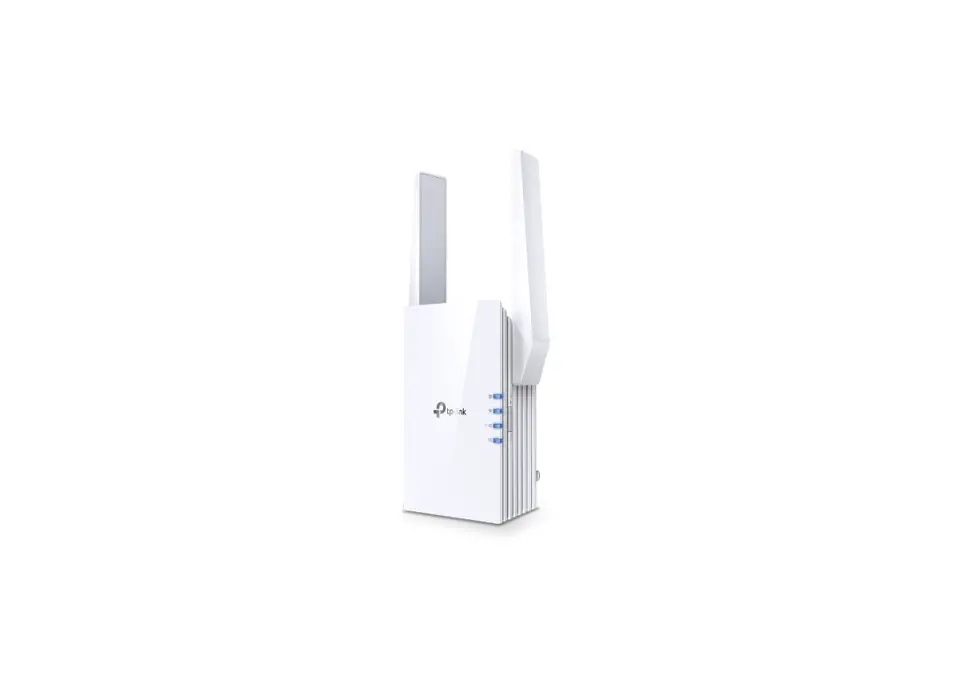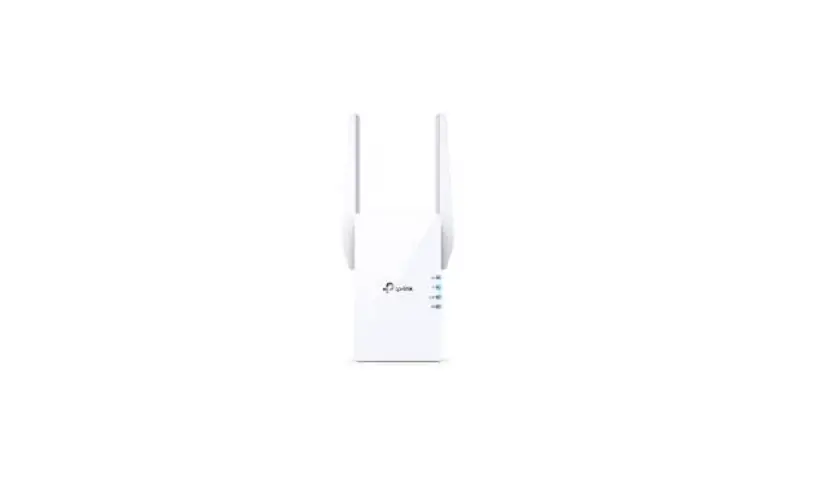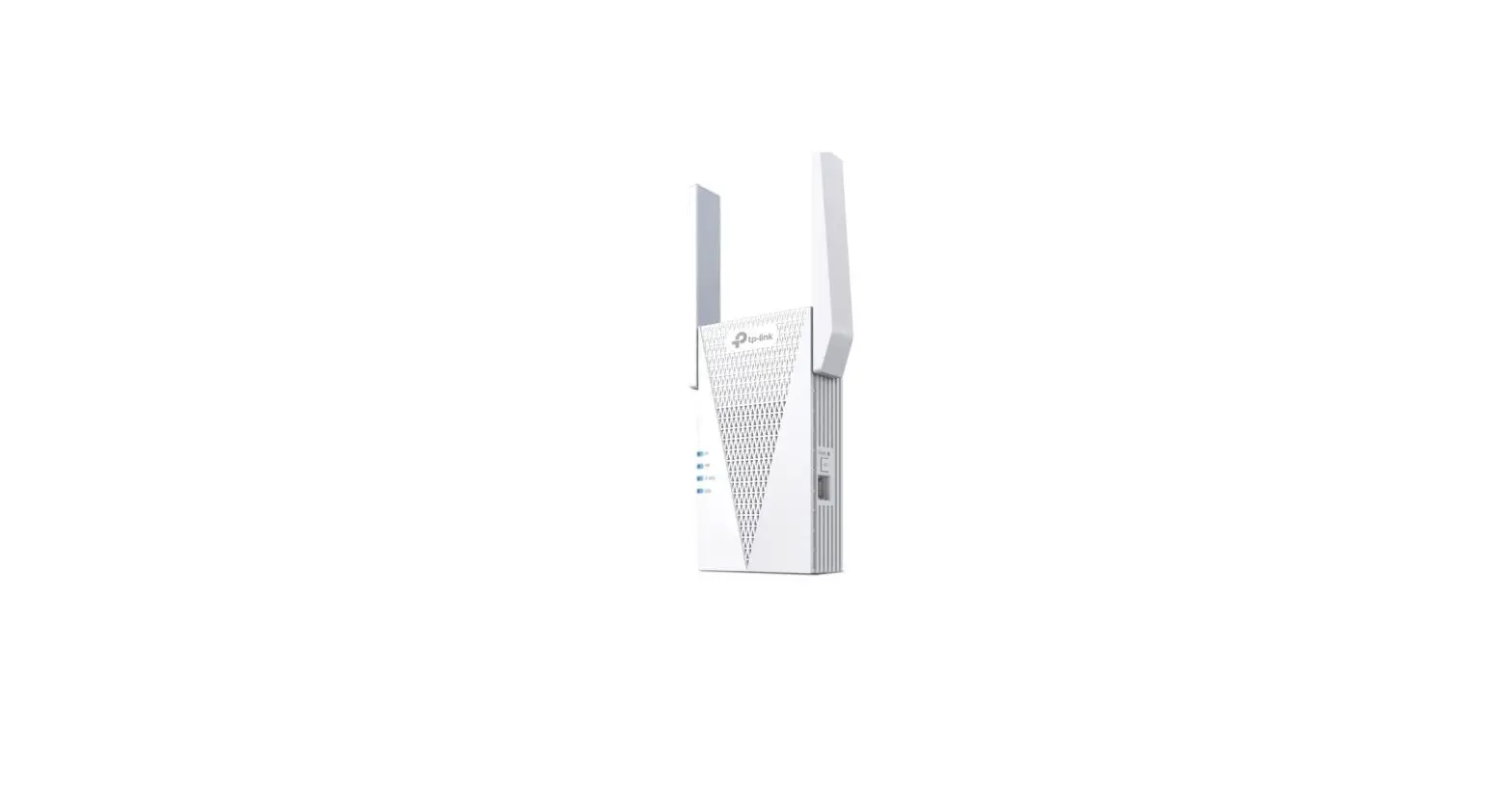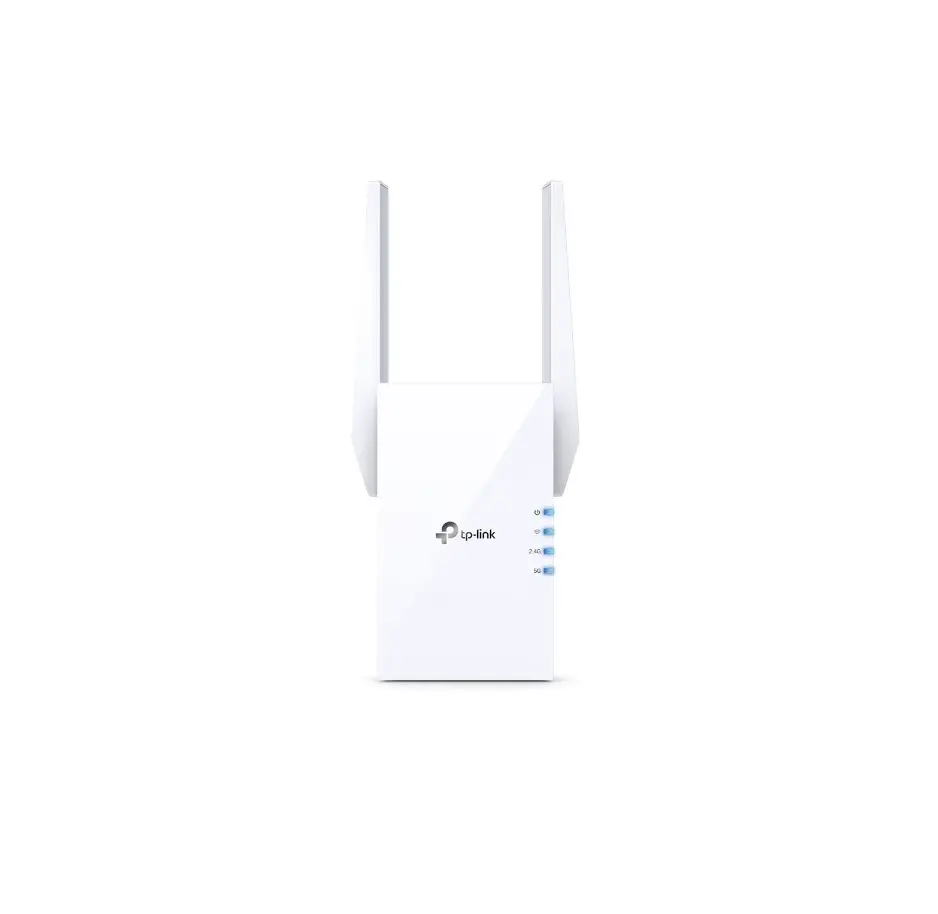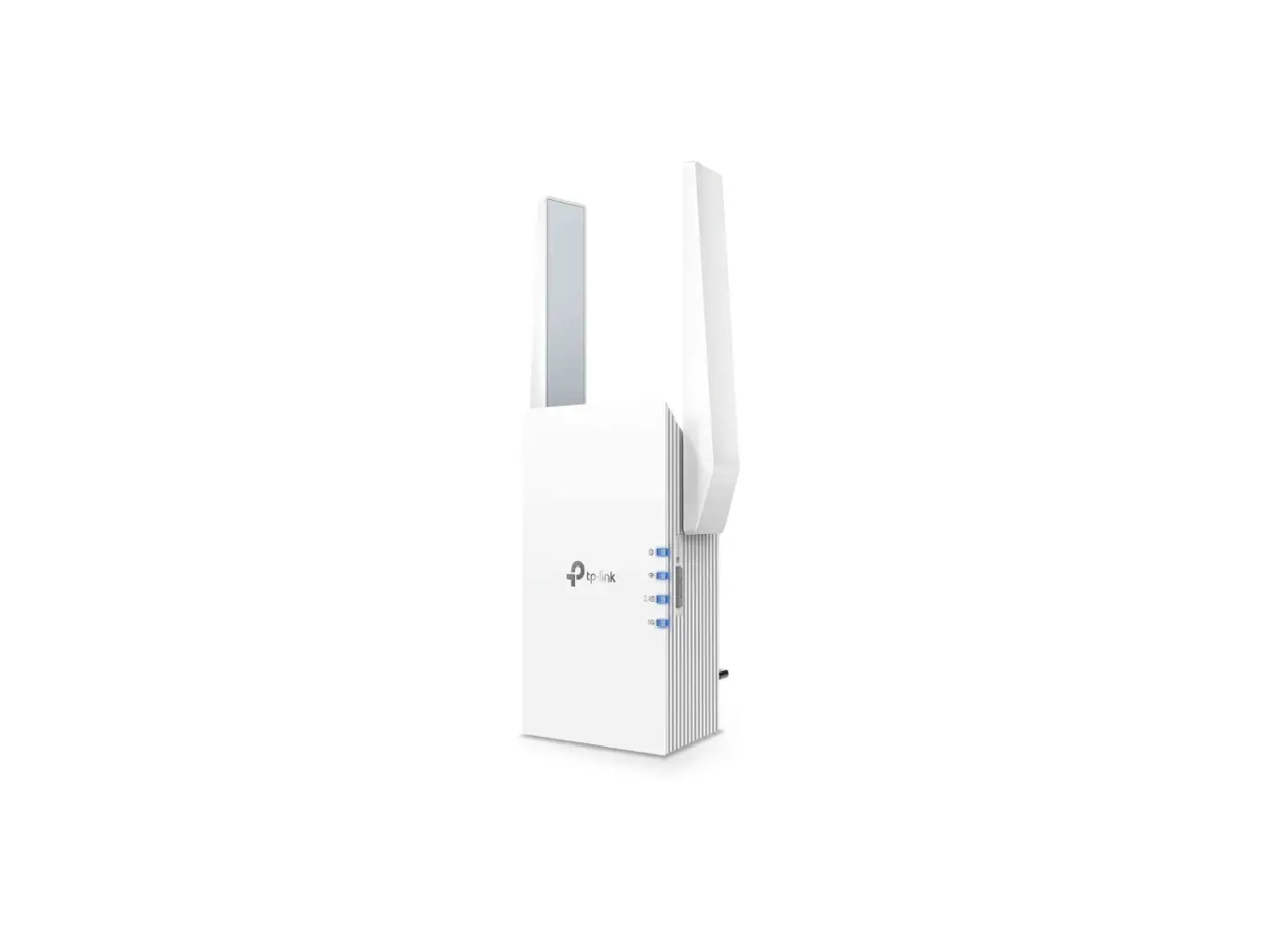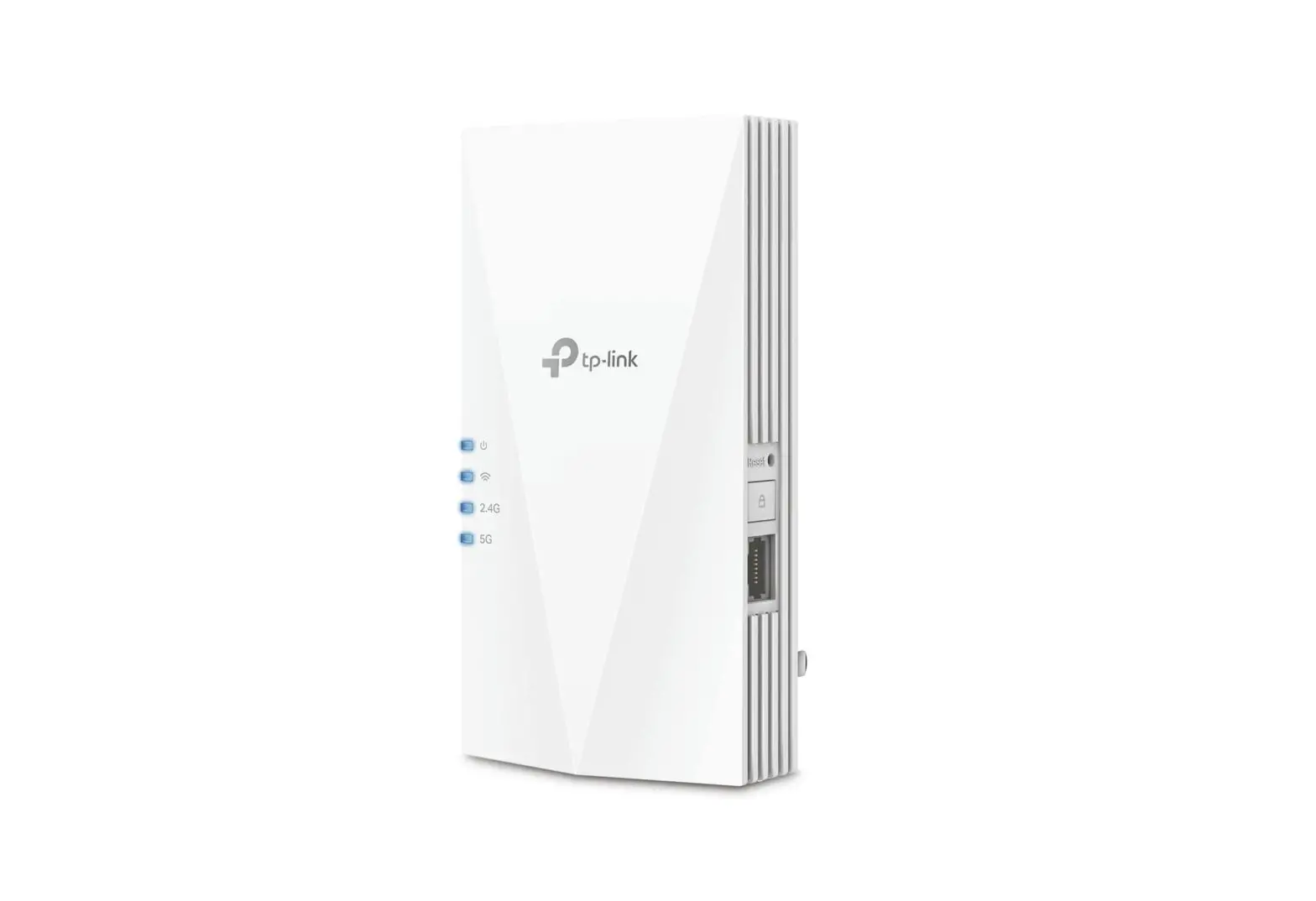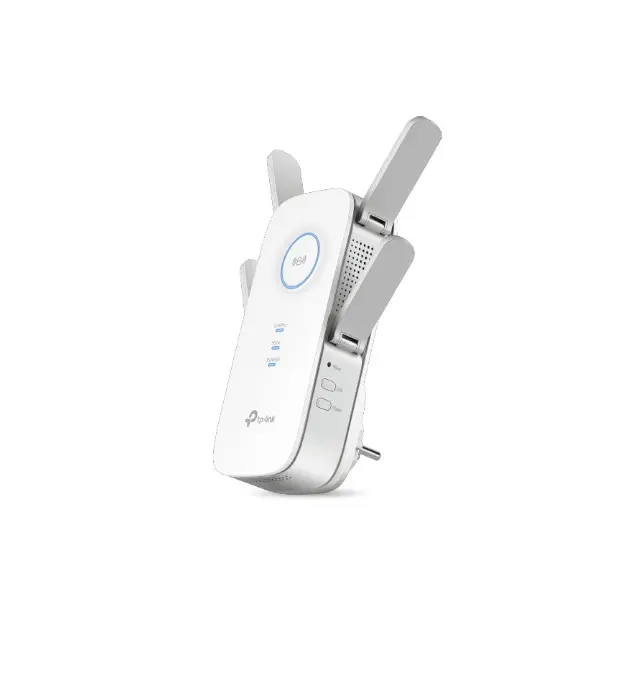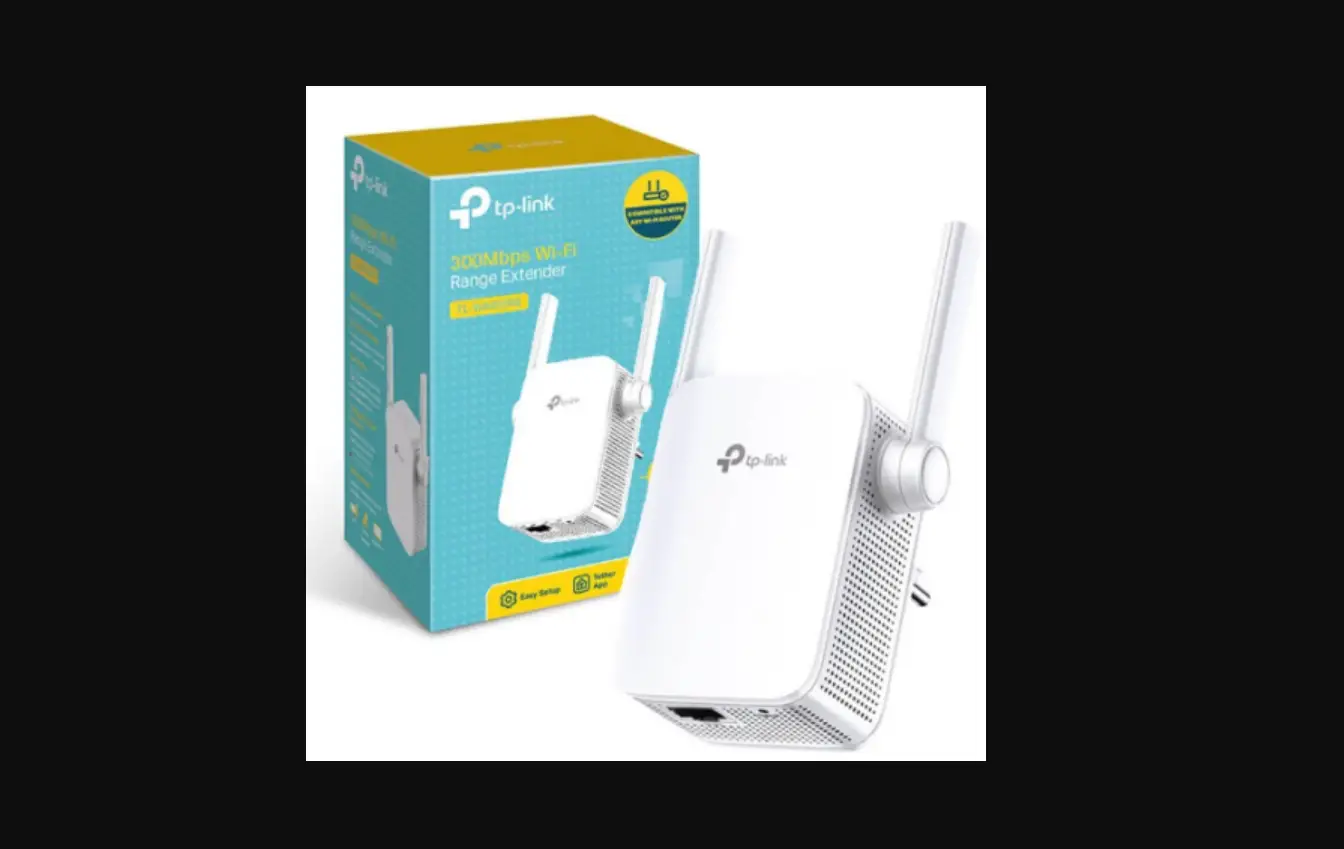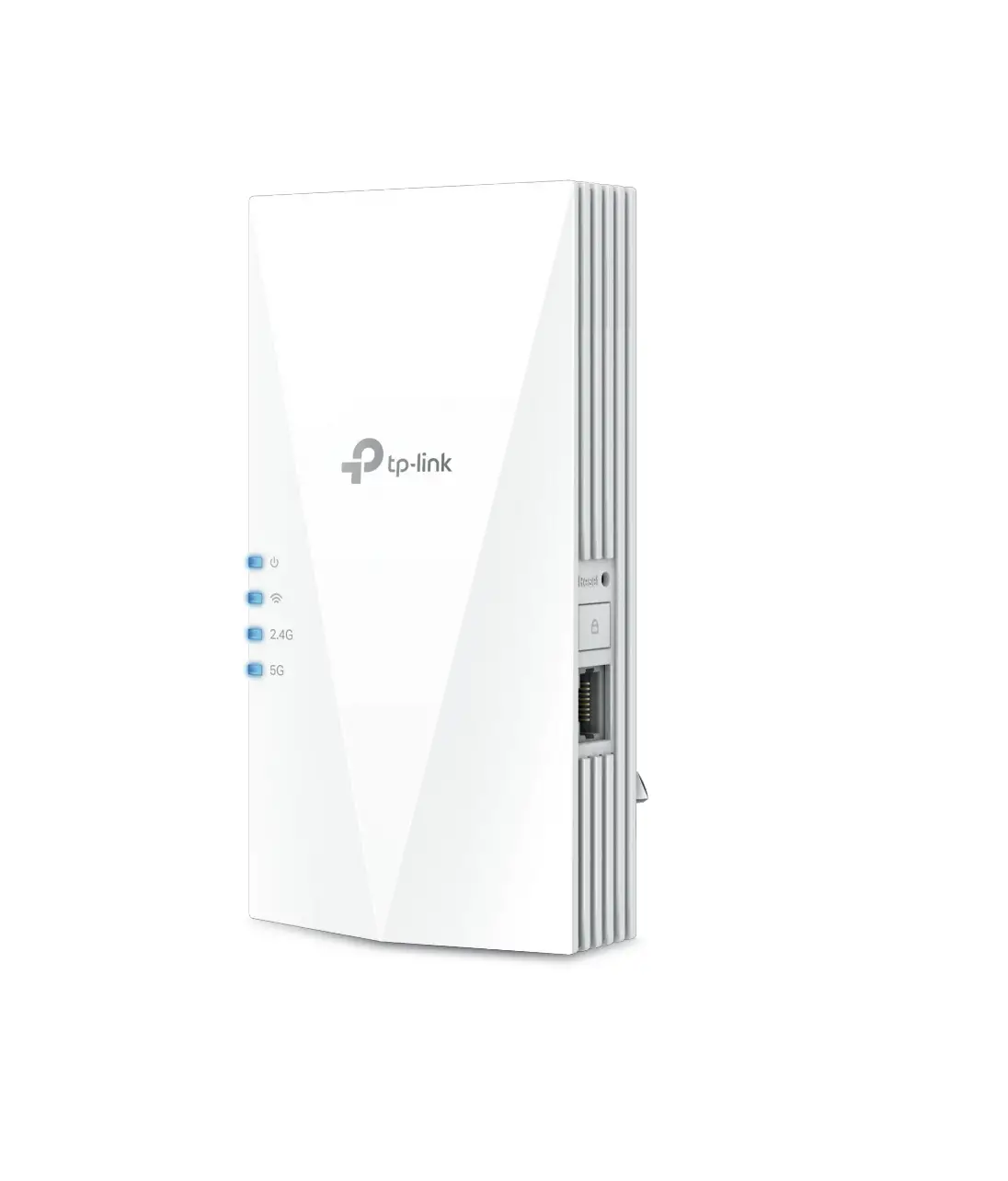
tp-link AX1500 Wi-Fi 6 Range Extender

Highlights
Extend AX1500 Wi-Fi to Your Whole Home
Works with any Wi-Fi router to eliminate Wi-Fi dead zones, and blanket your home with stable, super-fast, seamless Wi-Fi via OneMeshTM .
 Faster Wi-Fi 6 Speed
Turbocharge your devices with wireless speeds of up to 1.5 Gbps. †
 Larger Capacity△
Wi-Fi 6 builds a more efficient network that increases the average throughput by 4 times and servers more devices.
 Ultra-Low Latency
Take advantage of ultra-low latency to enjoy smoother online experience
 Save Clients’ Battery Power
Target Wake Time schedules the connection time of battery-powered devices to reduce their power consumption.
 Adaptive Path Selection
Keep your network running at top-speed by automatically choosing the fastest connection path to the router.
 Access Point Mode
Create a new Wi-Fi access point to enhance your wired network with Wi-Fi capability.
 Easy Setup Within Minutes
Easy setup and management via WPS button/Tether app/Web UI.
 OneMesh™
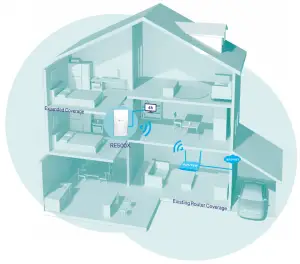
RE500X is more than a traditional range extender. It creates a Mesh network by connecting to a OneMeshTM router for seamless whole-home coverage.
 Wi-Fi Dead-Zone Killer
Eliminate weak signal areas with Wi-Fi coverage for the whole house.
 Smart Roaming
Enjoy uninterrupted streaming, surfing, and more—even when moving around your home.
 One Wi-Fi Name
Stay connected to the same network name in every room.
Easy Setup and Unified Management
Push the WPS button to set up a Mesh network you can manage from the Tether app or web UI.
 Check more info about OneMesh technology and full list of OneMesh extenders/routers at: https://www.tp-link.com/onemesh
*More compatible devices coming soon
AX1500 Wi-Fi Range Extender
Features
Ease of Use
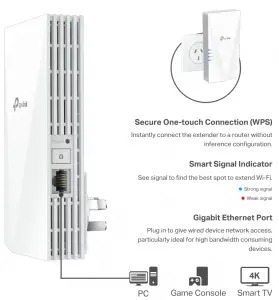
- Intuitive Web UI– Ensures quick and simple installation without hassle
- Fast Encryption – One-touch wireless security encryption with the WPS button
- Hassle-free Management with Tether App – Network management is made easy with the TP-Link Tether App, available on any Android or iOS device
- Online Upgrade – Keeps you informed of the latest firmware and allows online updating on the web UI


Speed
- Ultimate Wireless Speed – Combined wireless speeds of up to 300 Mbps (over 2.4 GHz) and 1201 Mbps (over 5 GHz)†
- Support Wi-Fi 6 – Turbocharge your devices with wireless speeds of up to 1.5 Gbps
- Adaptive Path Selection – Keep your network running at top-speed by automatically choosing the fastest connection path to the router

Reliability
- Simultaneous Dual Band – Separate Wi-Fi bands enable more devices to connect to your network without a drop in performance
- Reliable Connection – Internal antennas for optimal Wi-Fi coverage and reliable wireless connections
- Ultra-Low Latency – Take advantage of ultra-low latency to enjoy smoother online experience

Specifications
Hardware Others
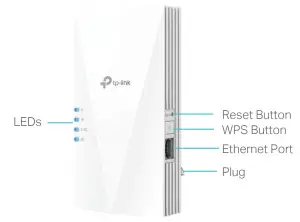
- Button: WPS Button, Reset Button
- Port: 1 Gigabit Ethernet Port
- Power Consumption: 10.8W
- Dimensions (W × D × H): 3.1×1.4×5.9 in. (78×36×149 mm)

Wireless
- Wireless Standards: IEEE 802.11a/n/ac/ax 5 GHz, IEEE 802.11b/g/n 2.4 GHz
- Frequency: 2.4 GHz and 5 GHz
- Signal Rate: 300 Mbps at 2.4 GHz, 1201 Mbps at 5 GHz
- Transmit Power: 2.4 GHz ≤16dBm, 5 GHz ≤23dBm
- Reception Sensitivity:
5 GHz:
11ax HE80 MCS0: -87dBm, 11ax HE80 MCS11: -56dBm
11a 6Mbps: -93dBm, 11a 54Mbps: -75dBm
11ac HT20 MCS0: -92dBm, 11ac HT20 MCS8: -70dBm
11ac HT40 MCS0: -90dBm, 11ac HT40 MCS9: -66dBm
11ac HT80 MCS0: -87dBm, 11ac HT80 MCS9: -62dBm
2.4 GHz:
11g 54Mbps: -77dBm, 11n HT20 MCS7: -75dBm 11n HT40 MCS7: -72dBm - Wireless Function: Enable/Disable Wireless Radio, Wireless Statistics
- Wireless Security: 64/128-bit WEP, WPA-PSK/WPA2-PSK encryptions
Others
- Certification
RCM, RoHS - System Requirements
Microsoft Windows 98SE, NT, 2000, XP, Vista™ or Windows 7, 8, 8.1, 10, MAC OS, NetWare, UNIX or Linux Internet Explorer 11, Firefox 12.0, Chrome 20.0, Safari 4.0, or other Java-enabled browser - Package Contents
Wi-Fi Range Extender RE500X
Quick Installation Guide
 For more information, please visit
https://www.tp-link.com/home-networking/range-extender/RE500X/ or scan the QR code left
† Maximum wireless signal rates are the physical rates derived from IEEE Standard 802.11 specifications. Actual wireless data throughput and wireless coverage per ft² are not guaranteed and will vary as a result of network conditions, client limitations, and environmental factors, including building materials, obstacles, volume and density of traffic, and client location.
‡ The product may not be compatible with routers or gateways with firmware that has been altered, is based on open source programs, or is non-standard or outdated.
§ Uninterrupted Roaming is designed for devices that support the 802.11k/v standard.
△ Up to 4x Capacity refers to 4x increase in median throughput under dense environment compared to 11ac wave 2 range extender.
*Saving clients’ battery power requires clients to also support the 802.11ax Wi Fi standard. Actual power reduction may vary as a result of network conditions, client limitations, and environmental factors.
©2021 TP-Link

 WiFi Networking Equipment for Home & Business | TP-Link