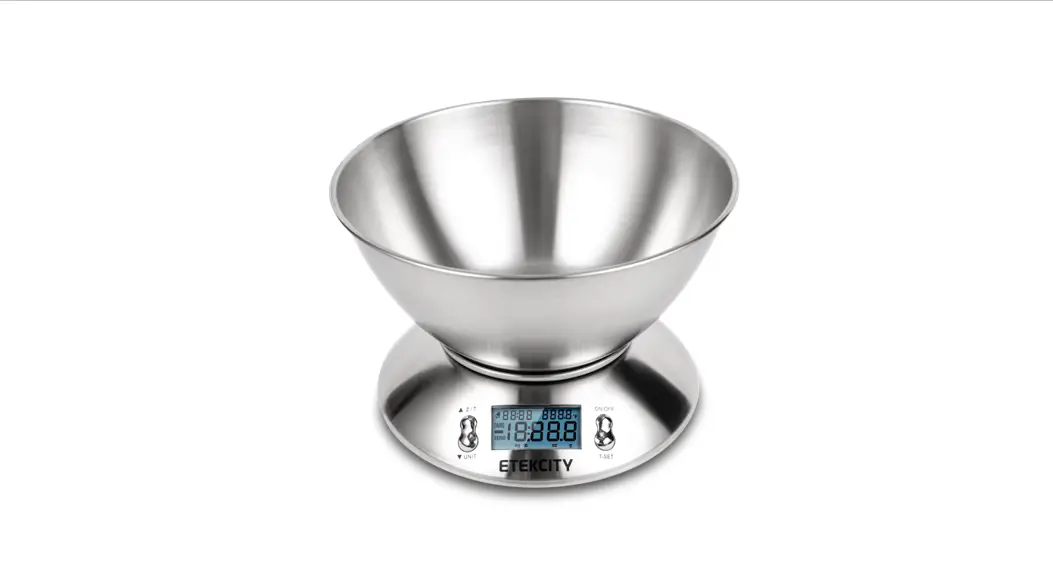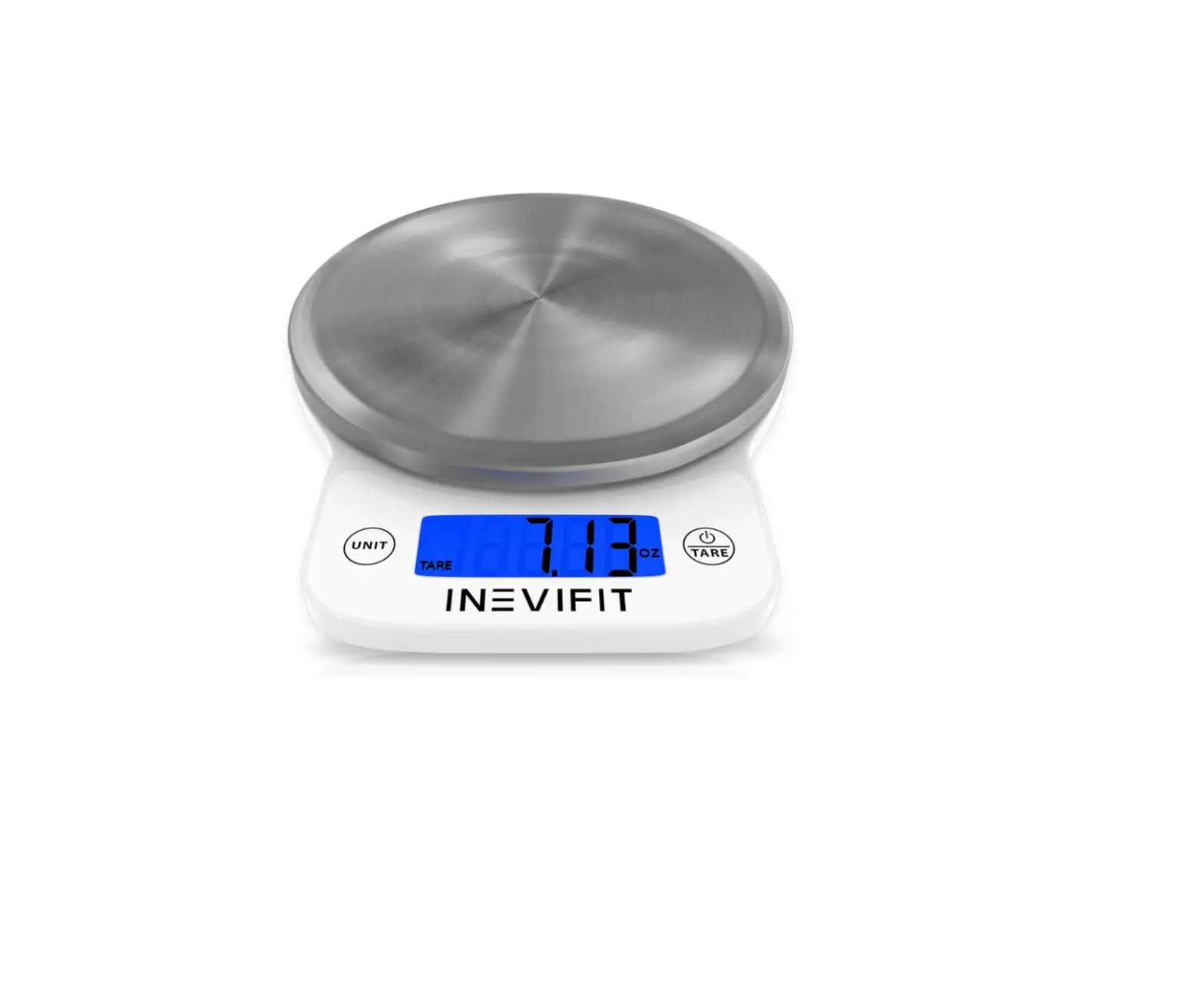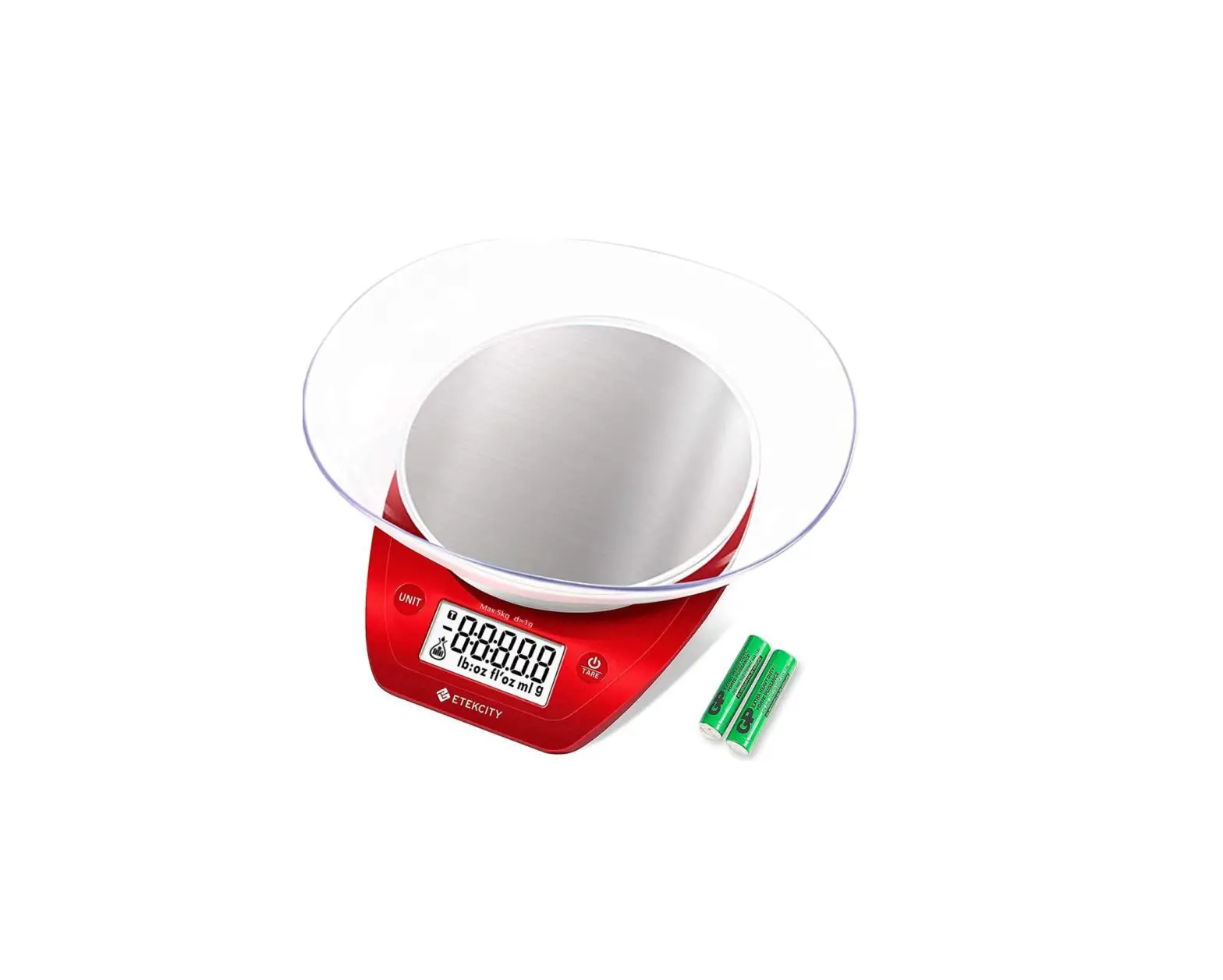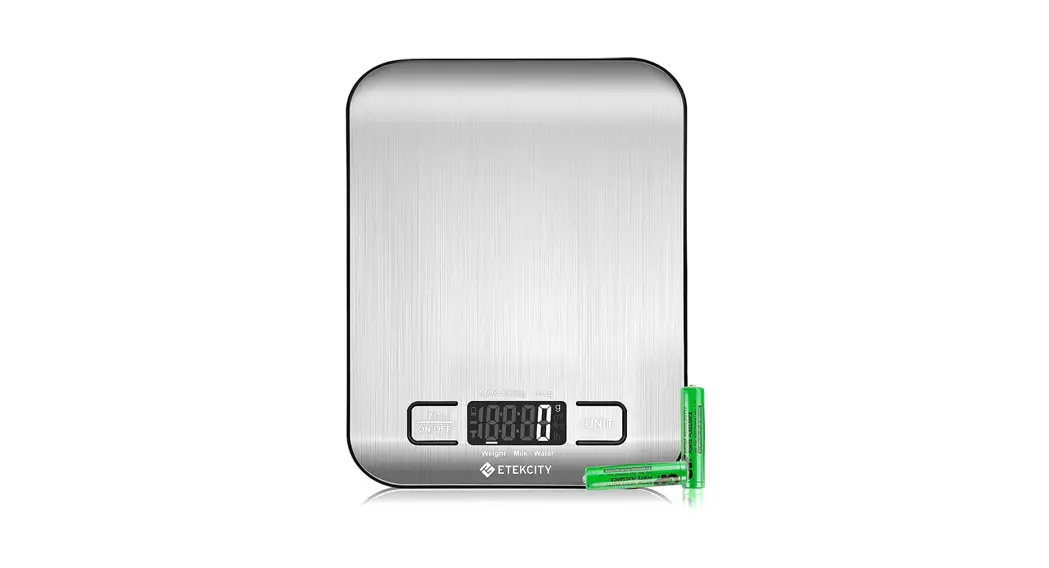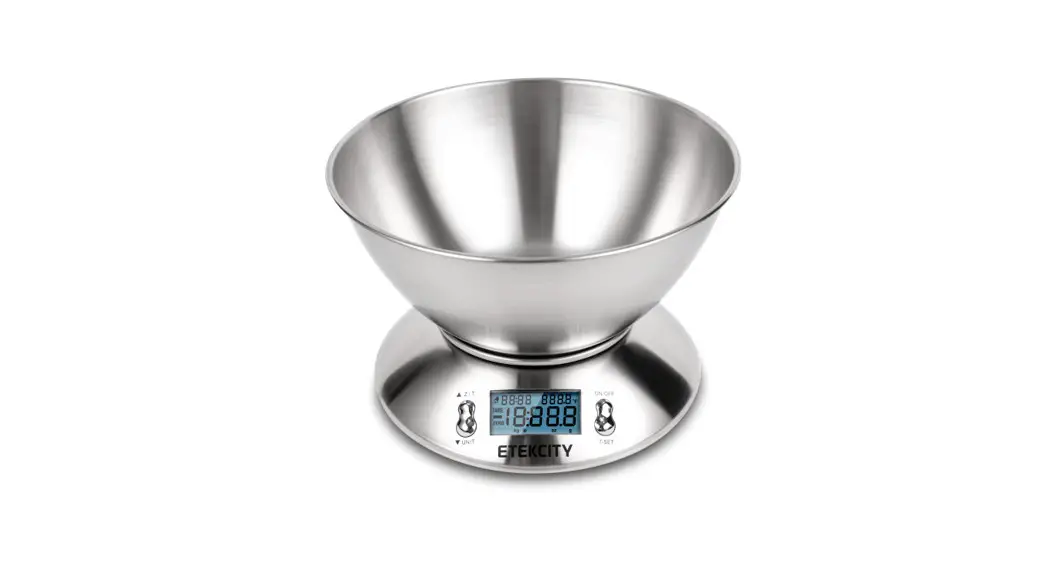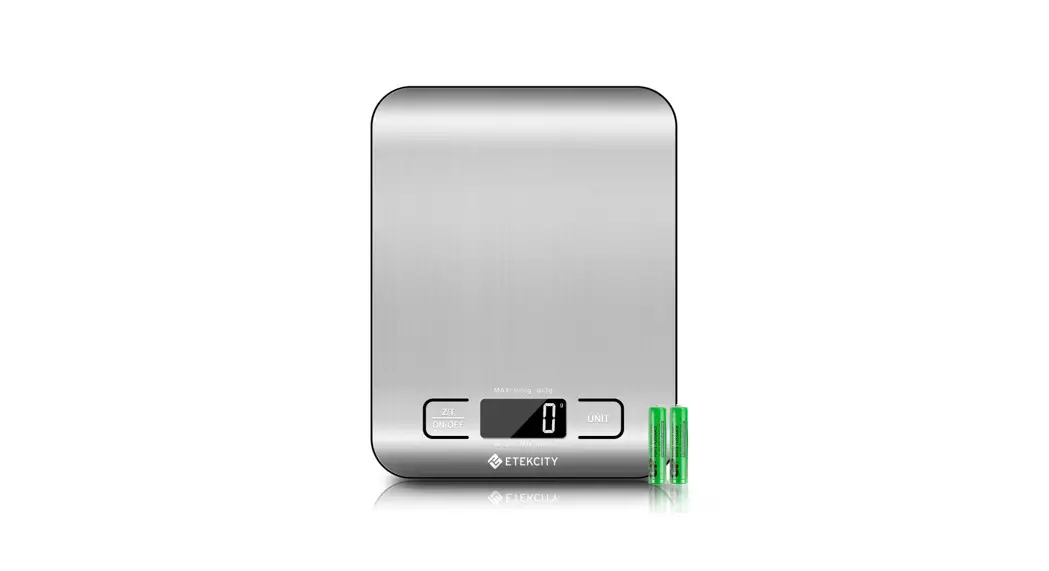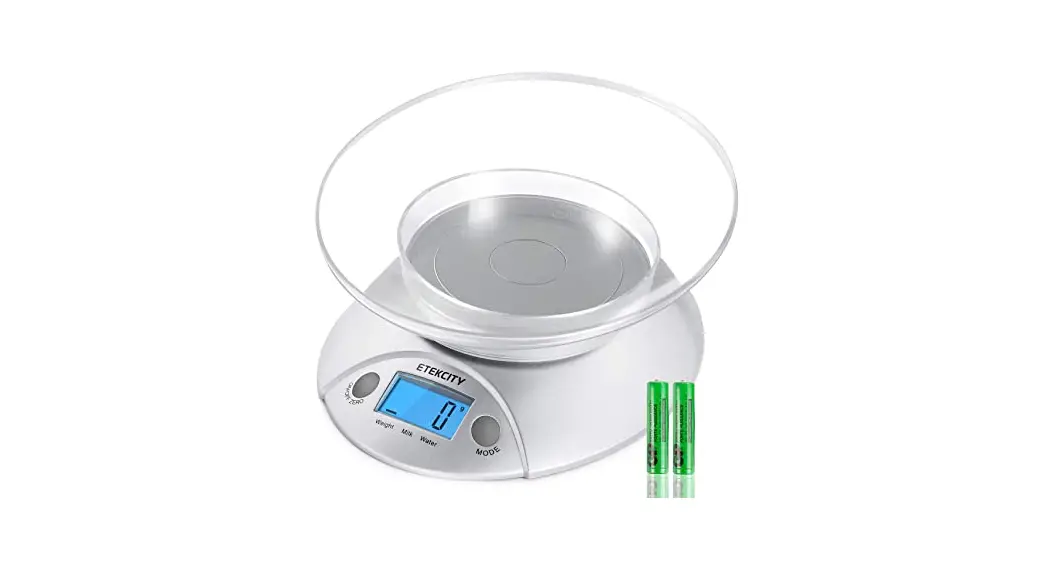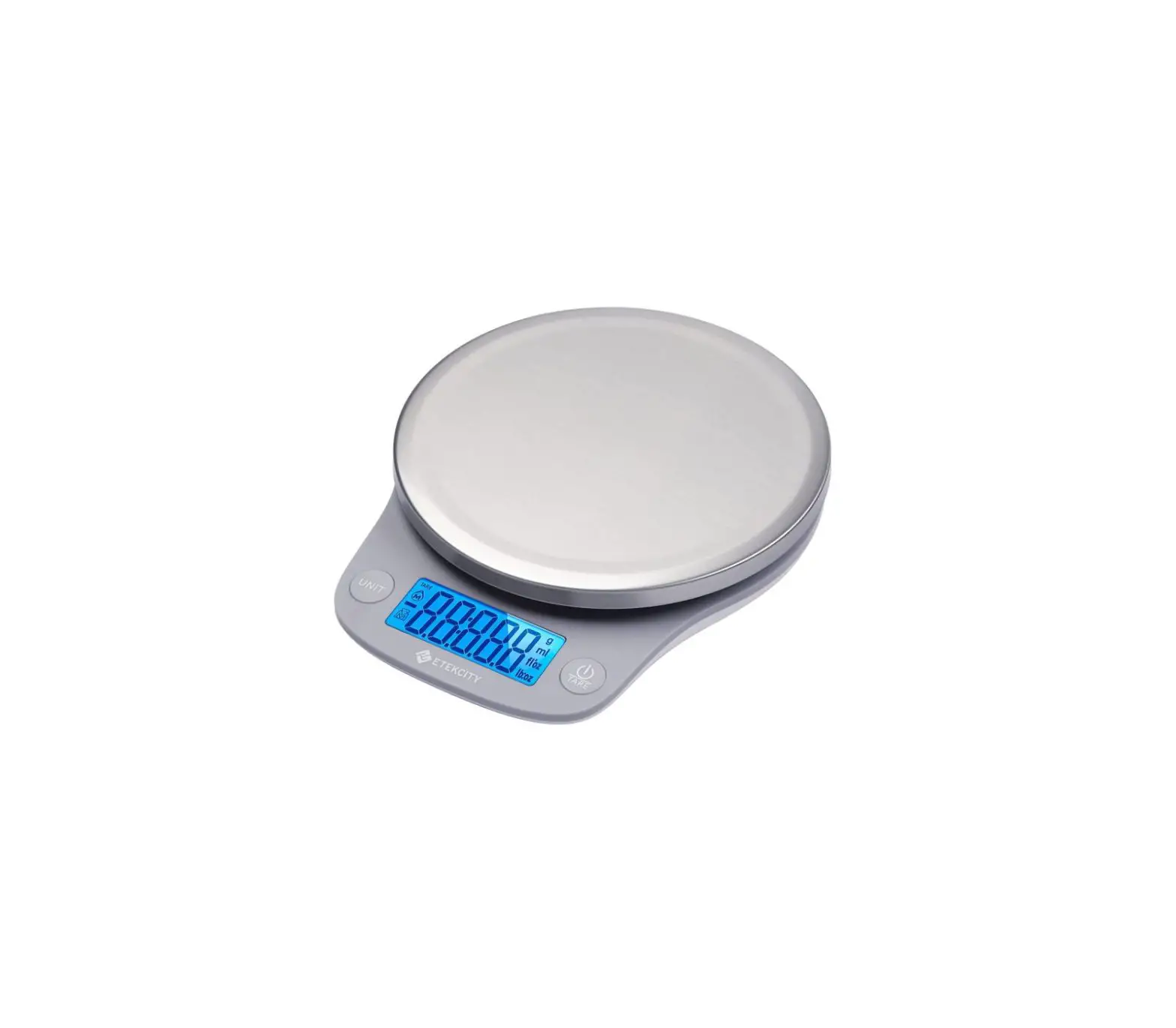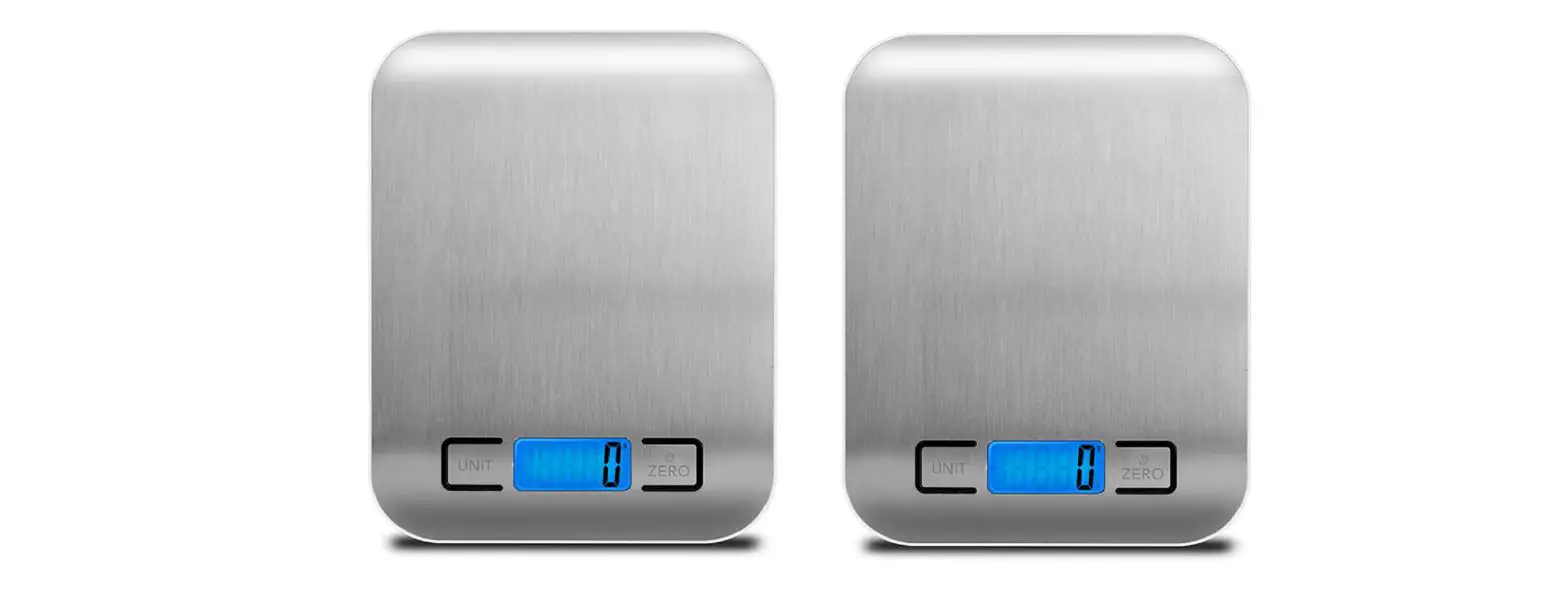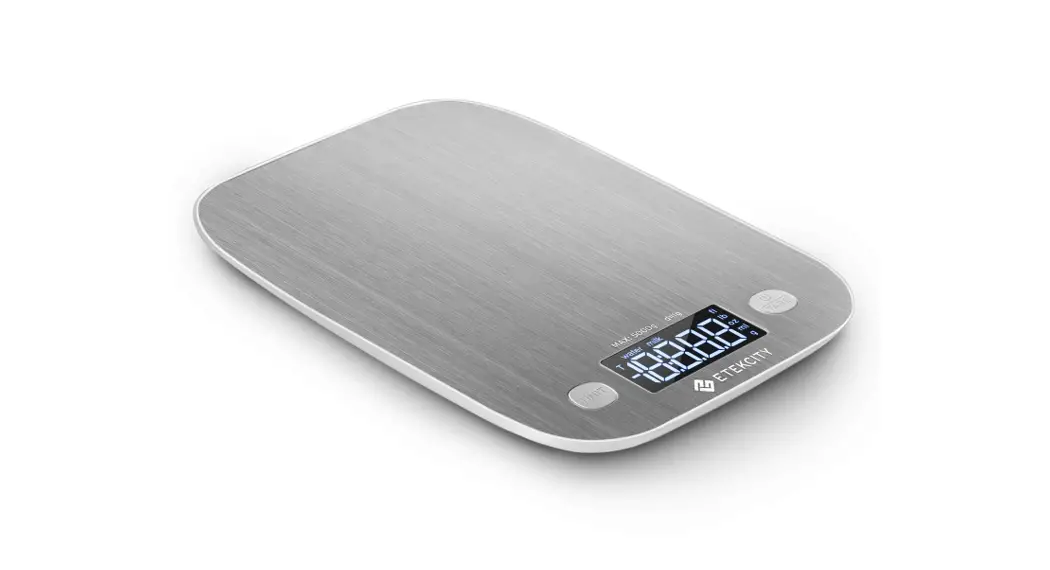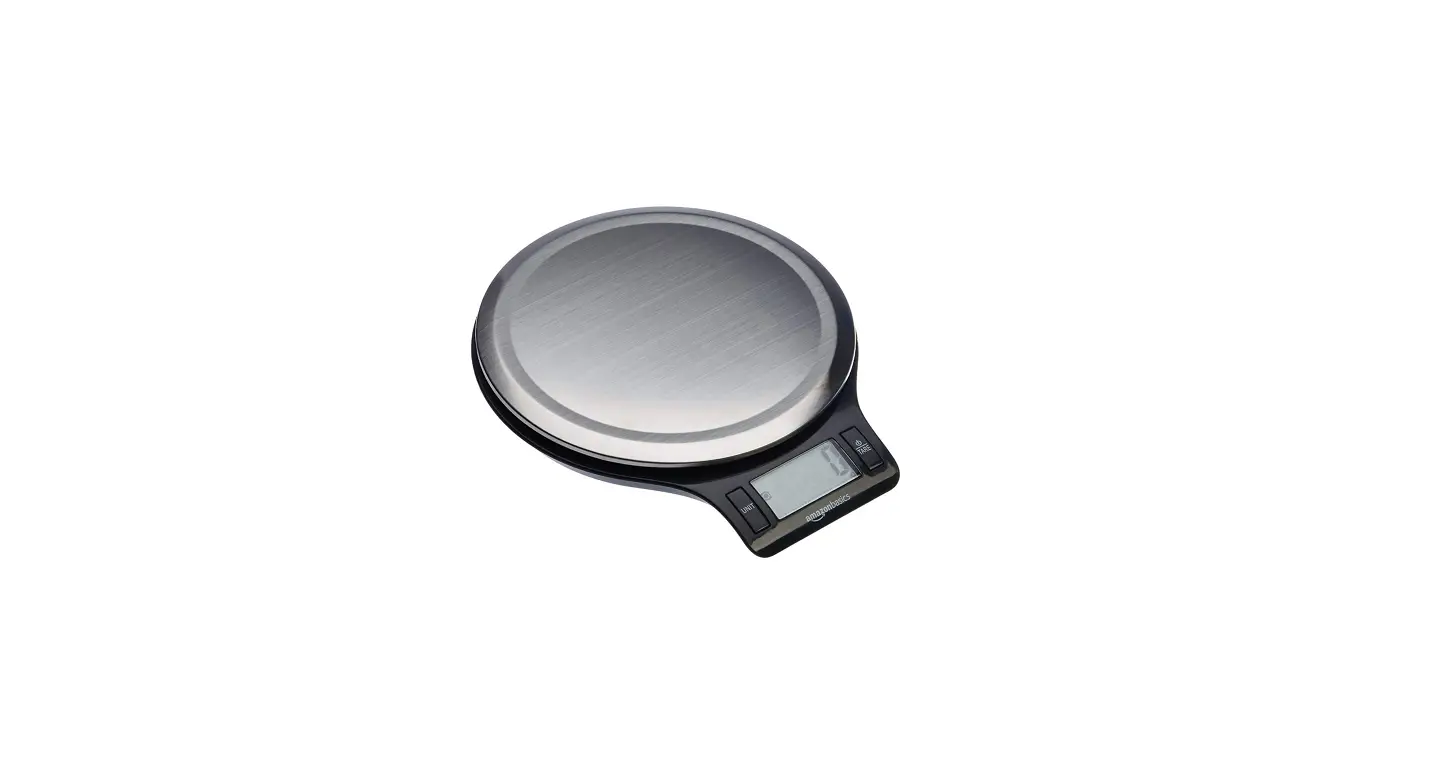

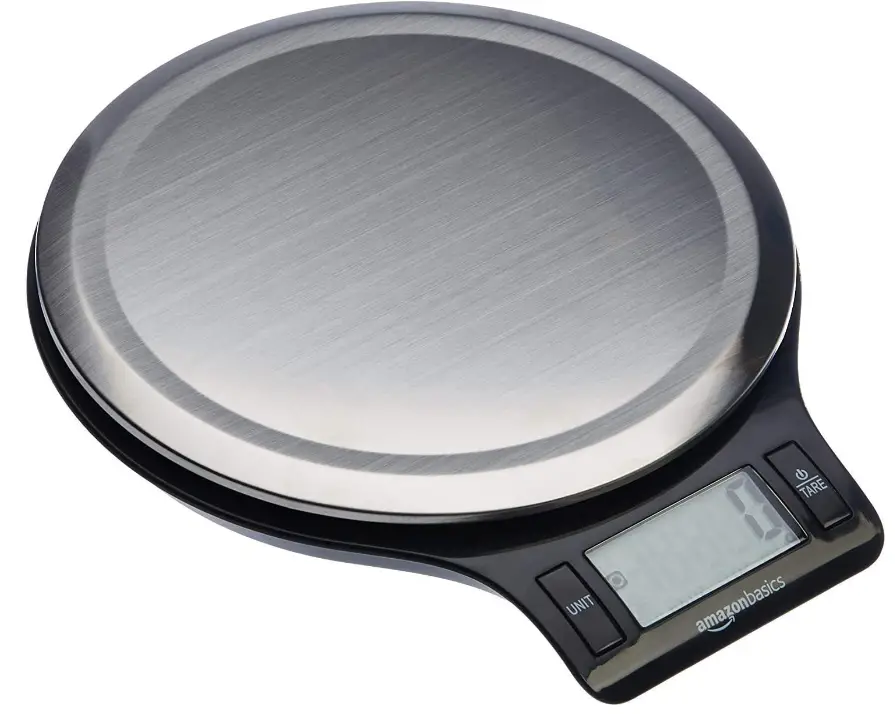
Amazon Basics EK3211 Stainless Steel Digital Kitchen Scale
Before First Use
- Check the product for transport damages.
DANGER Risk of suffocation!
Keep any packaging materials away from children – these materials are a potential source of danger, e.g. suffocation.
WARNING
Keep out of reach of children. Swallowing can lead to chemical burns, perforation of soft tissue, and death. Severe burns can occur within 2 hours of ingestion. Seek medical attention immediately.
Features
- Measures volume of liquids
- Measures weight in two unit systems: g, lb:oz
- Measures volume in two unit systems: ml, fl’oz
- Low battery/overload indicator
- High-precision strain gauge sensor
- Tare function
- Auto off function
Information for Safety
- When used correctly, primary batteries provide a safe and dependable source of portable power. However, misuse or abuse may result in leakage, fire, or explosion.
- Always take care to install your batteries correctly observing the “+” and marks on the battery and the device.
- Always replace the whole set of batteries at one time, taking care not to mix old and new ones, or batteries of different types.
- Store unused batteries in their original packaging and away from metal objects that may short-circuit them.
- Remove discharged batteries from equipment promptly to avoid possible damage from leakage.
- Never dispose of batteries in fire, except under conditions of controlled incineration. (Failure to observe this precaution may result in an explosion.)
- Never attempt to recharge primary batteries as this may cause leakage, fire, or explosion.
- Never short circuit batteries as this may lead to high temperatures, leakage, or explosion.
- Never heat batteries in order to revive them.
- Remember to switch off devices after use.
- Never attempt to disassemble or open batteries as this can lead to electrolyte bums.
- Keep batteries out of the reach of children, especially those batteries fitting within the limits of the truncated cylinder as defined in Figure 1.
- Immediately seek medical attention if a cell or battery has been swallowed. Also, contact your local poison control center.
Instructions for Use
- Always purchase the correct size and grade of battery most suitable for the intended use.
- Replace all batteries of a set at the same time.
- Clean the battery contacts and also those of the device prior to battery installation.
- Ensure the batteries are installed correctly with regard to polarity (+ and -).
- Remove batteries from equipment that is not to be used for an extended period of time.
- Remove used batteries promptly.
Operation
To install or replace batteries
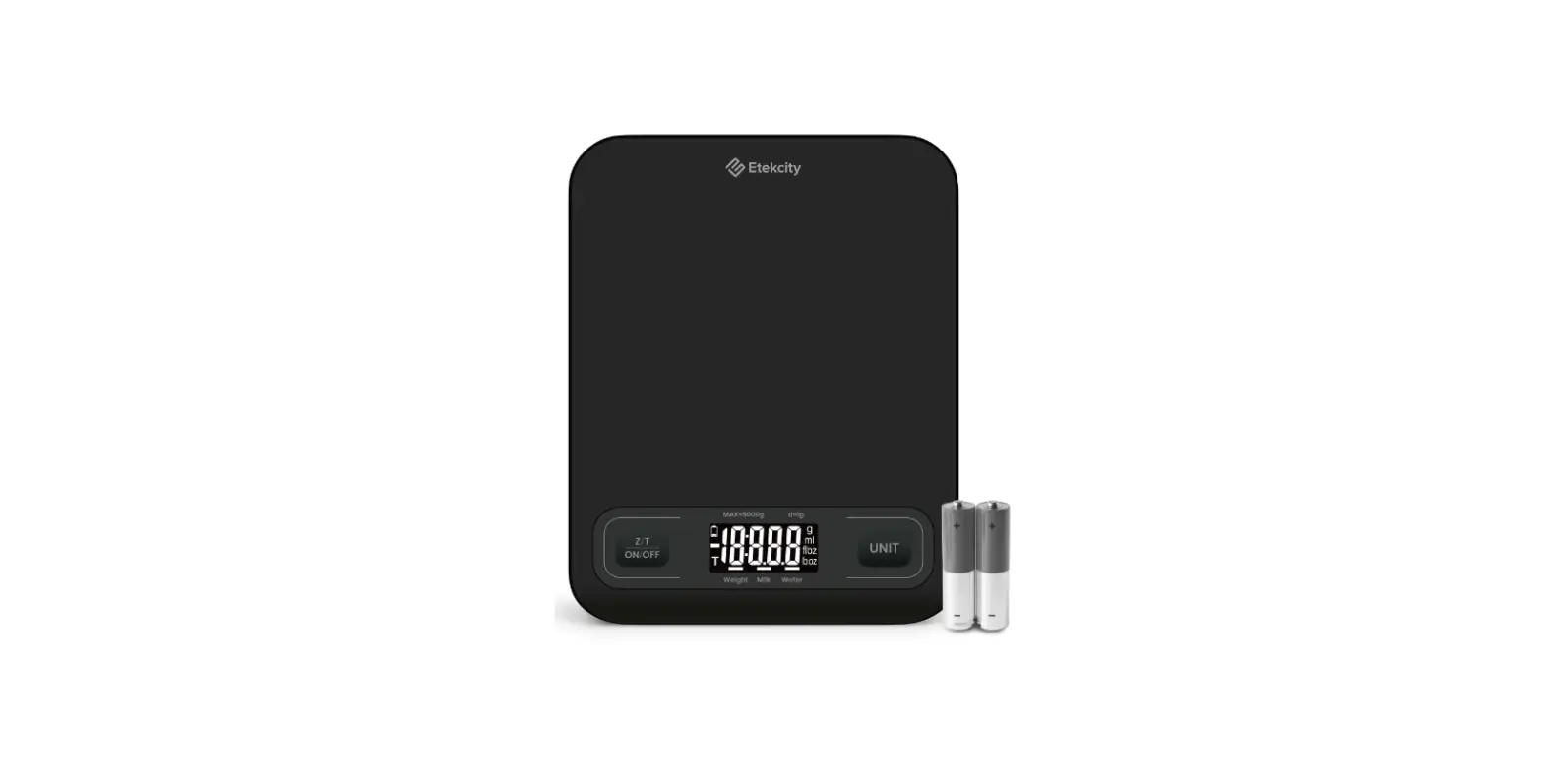
2x AAA batteries
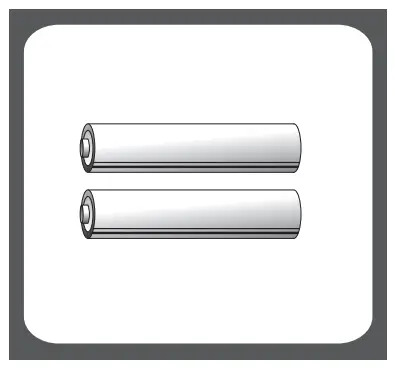
- For battery installation, clean battery contacts and also those of the equipment prior.
- Remove the battery compartment cover.
- Remove used batteries (if applicable).
- Insert new batteries by putting one side of the battery down first and then pressing down on the other side. Follow the polarity (+/-) marked on the battery compartment.
- Non-rechargeable batteries are not to be recharged.
- Rechargeable batteries are to be removed from the appliance before being charged.
- If the appliance is to be stored unused for a long period, the batteries should be removed.
- The supply terminals are not to be short-circuited.
- Do not mix old batteries with new batteries.
- Always replace with new batteries.
- Do not mix alkaline, standard carbon-zinc, or rechargeable batteries.
WARNING Batteries contain chemicals which may be harmful to the environment. Please abide by local environmental laws and guidelines when disposing of used batteries.
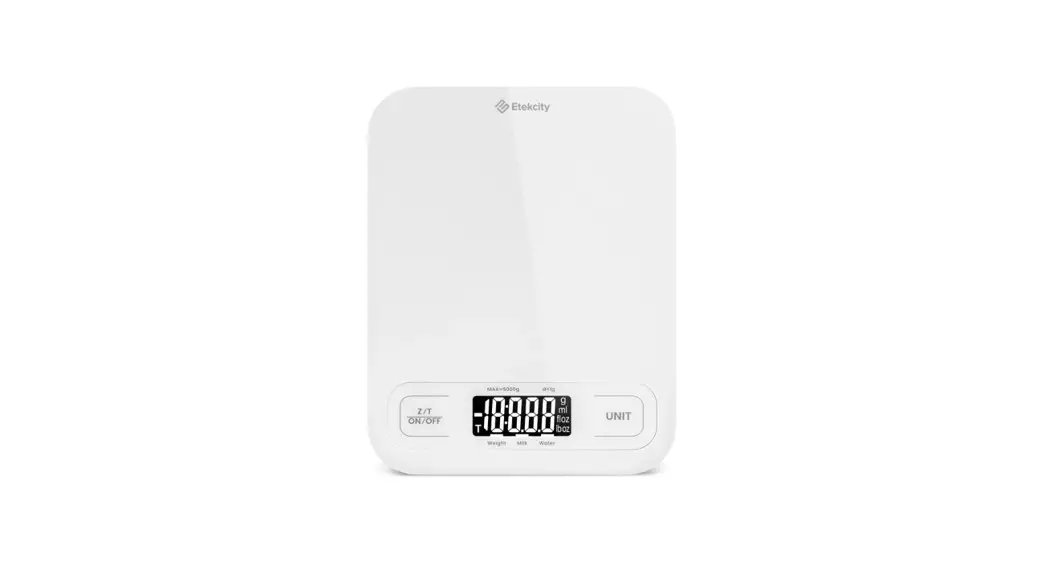
LCD
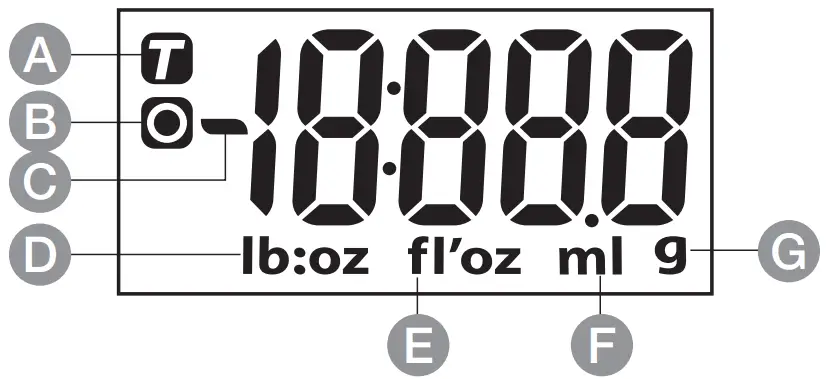
- Tare Weight
- Zero Weight
- Negative Value
- Weight unit (lb:oz)
- Volume unit (fl’oz)
- Volume unit (ml)
- Weight unit (g)
- lb: pound
- oz: ounce
For example, if 1:1 is displayed, it means the weight ofthe object on the scale is 1lb:1oz.
(Note: 1lb=16oz)
 Unit and Mode Conversion
 Power Switch, Tare
Working Modes
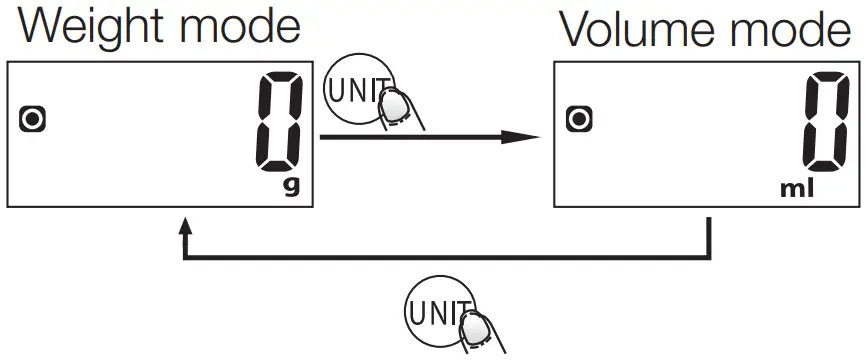
To Convert Weight Unit
Press to find the measurement system you want to use.
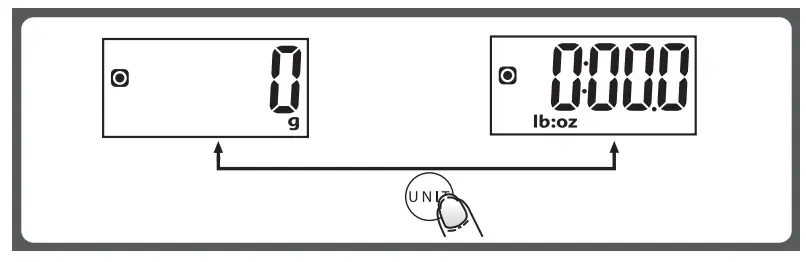
- When setting g as weight unit, the default volume unit is ml.
- When setting lb:oz as weight unit, the default volume unit is fl’oz.
To Start Weighing
Weight mode
- Place scale on a flat, solid surface.
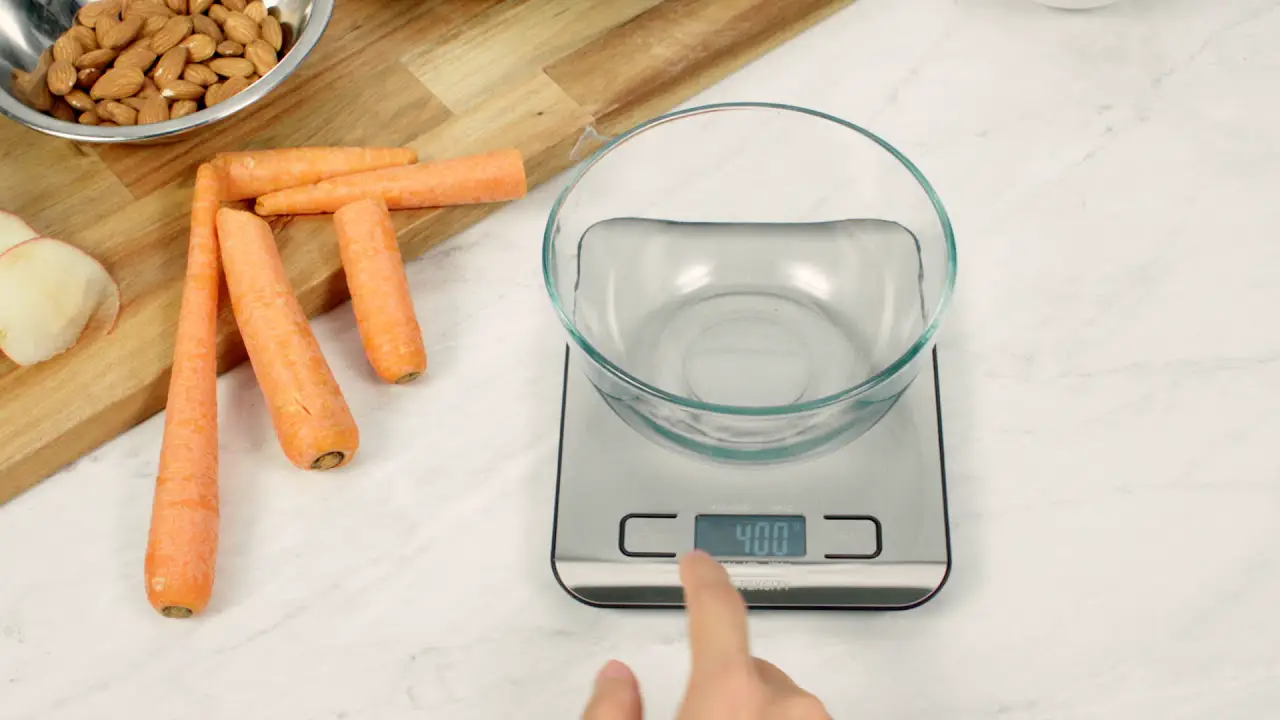
- If using a container to hold ingredients, place on top of scale before turning it on.
- Turn on scale by pressing
 .
. - When LCD screen shows “0” you can begin weighing your ingredients. If needed, press
 to convert to weight mode.
 - Place the ingredients you want to weigh on the surface of the scale. Weight of ingredients will be shown on the display.
- If weighing liquid, press to select volume mode to view volume.
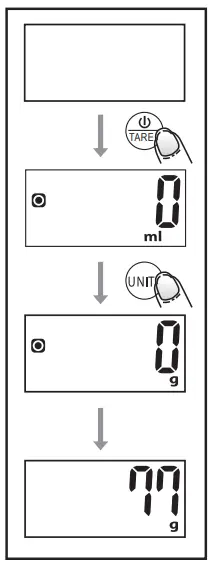
Volume mode
- Place scale on a flat, solid surface.
- Press to turn on scale.
- When the LCD screen shows “0”, press to choose mode.
- Place container for liquid on top of scale.
- Press to reset the LCD screen to “0”.
- Pour liquid into container. Volume of liquid will be shown on the display.
- To view the weight of the liquid, press to select weight mode.
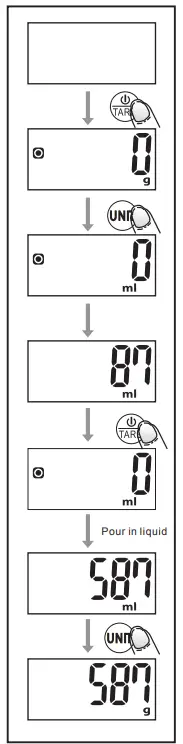
NOTICE
The volume of actual liquid may be different than what is displayed because the density of liquid is not always equivalent to 1g/cm3.
“Tare” function
The Tare function allows you to measure items as they are added to the scale to get separate and total weight of items.
- Place first item(s) to weigh on the scale and get weight.
- Without removing item(s), press to reset the LCD reading to “0”.
- Add the next item (s). The display will show the weight of that item.
- You can repeat this sequence until you are done weighing items.
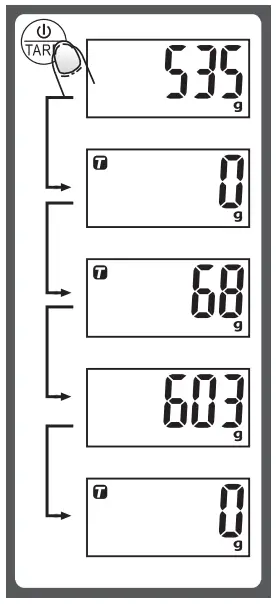
When the total sum of all items on scale > 4% of scale’s maximum weight capacity, the Tare function is used. (4%=80 g when capacity is 2000 g; 200 g when capacity is 5000 g) The Tare function is active once the T icon appears on the upper left corner of the LCD screen.
Under this condition
By pressing , you can see the total weight of all loads on the scale. If you want to weigh more loads, just press to reset LCD reading to ‘0’ again.
Auto shut off
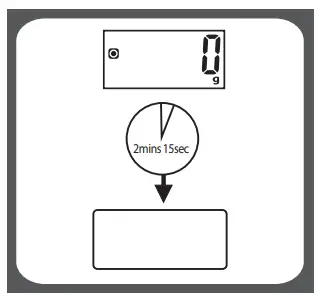
Auto shut-off occurs if display shows ‘0’ or shows the same weight reading for 2 minutes and 15 seconds.
Manual shut off
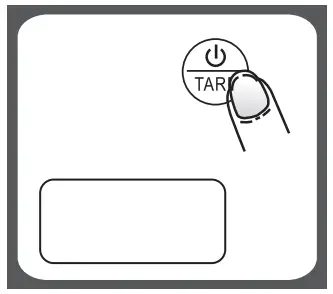
To maximize battery life, press and hold for 3 seconds to turn off the scale when you’re done using it.
Warning indicators
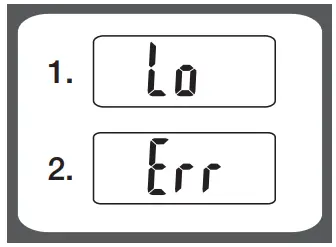
- Low batteries. Replace with new batteries.
- Maximum weight capacity (11 lb, 5000 g) has been exceeded. Remove items to prevent damage to scale.
Cleaning and Maintenance
- Clean the scale with a slightly damp cloth. DO NOT immerse the scale in water or use chemical / abrasive cleaning agents.
- Scale should be cleaned immediately after contact with fats, spices, vinegar, and strongly flavored/colored foods. Avoid contact with acidic/citrus juices.
- Always use the scale on a hard, flat surface. DO NOT use on carpet.
- This scale is a high-precision device. DO NOT strike, shake, or drop the scale.
- Please keep it dry.
- Please check whether battery is installed or in high level if scale can not be turned on.
- The scale is for family use only, not for commercial purpose.
Disposal
The Waste Electrical and Electronic Equipment (WEEE) Directive aims to minimize the impact of electrical and electronic goods on the environment, by increasing re-use and recycling and by reducing the amount of WEEE going to landfill. The symbol on this product or its packaging signifies that this product must be disposed separately from ordinary household wastes at its end of life. Be aware that this is your responsibility to dispose of electronic equipment at recycling centers in order to conserve natural resources. Each country should have its collection centers for electrical and electronic equipment recycling. For information about your recycling drop off area, please contact your related electrical and electronic equipment waste management authority, your local city office, or your house hold waste disposal service.
Battery Disposal
Do not dispose of used batteries with your household waste. Take them to an appropriate disposal/collection site.
Feedback and Help
We would love to hear your feedback. To ensure we are providing the best customer experience possible, please consider writing a customer review.
amazon.co.uk/review/review-your-purchases#
If you need help with your Amazon Basics product, please use the website or number below.
amazon.co.uk/gp/help/customer/contact-us
Frequently Asked Questions
0.1g is usually more than accurate, especially if you’re using it in the kitchen, as most recipes only call for 0.1g measurements. A milligramme scale is the greatest choice if you are dosing medication, however, as your scale needs to be more accurate with a more precise measurement.
Note the weight of a coin after placing it on the scale. Put one more nickel on the scale, then record the updated weight. One additional nickel can be added to the scale; record the weight. The weight should have increased by 5g each time, if your scale is accurate.
Your Body Weight Scales have a restricted weight capacity; the majority of ordinary scales have a 300-pound weight limit. Measurements of body fat; calibration settings; precise measurements.
Weigh a few coins after setting the scale to zero: A new penny should weigh 2.5 grammes, two pennies should weigh 5 grammes, and a nickel should weigh 5 grammes as well (see comment below).
That’s because a scale’s accuracy can degrade over time due to normal use’s wear and tear. Your scale needs to be calibrated if you’ve recently moved it or you notice that it’s not operating within the acceptable tolerance. Verify that the calibration is within tolerance if you have test weights.
A digital scale must be calibrated before each move. Initializing the scale allows it to locate the proper “zero” weight and assure reliable readings by resetting the internal components. You can notice changes in your weight if the scale is moved and you don’t calibrate it.
A measuring tool that reads and shows an object’s weight is a digital scale. A digital scale is a high-quality scale that provides a more accurate weight reading than an analogue balance scale.
To obtain continuously accurate findings, digital scales must remain in an exact, constant horizontal position. To make sure the scale is resting evenly, many scales have adjustable feet and a level bubble.
The two most crucial components are power-supply decoupling and grounding. Software and hardware Any PC can be connected to the weigh-scale design utilising an interface. In order to evaluate the system, the user is able to save and process data in this way.
Kitchen scales come in two major varieties: mechanical dial and digital. Digital scales include a beneficial tare feature that allows users to reset the scale to zero to account for the weight of vessels or ingredients as they are added. They are also simple to read and accurate.
In the kitchen, there are three primary categories of scales. mechanical/spring balance and digital
Place your scale on a sturdy, level platform. You should weigh yourself regularly. After shifting the scale, calibrate it. Know the birthdate of your scale.
Note the weight of a coin after placing it on the scale. Put one more nickel on the scale, then record the updated weight. One additional nickel can be added to the scale; record the weight. The weight should have increased by 5g each time, if your scale is accurate.
A BADLY BALANCED LOAD The scale may provide erroneous readings if there is an imbalance in the weight that is being put on it. For instance, the scale may provide an incorrect reading if there is a heavy object on one side of the scale and a light object on the other.
The best approach to increase the quality and lifespan of your digital scale is to calibrate it. When done correctly, it simply takes a few minutes and ensures that the measurements you are taking are precise each and every time.