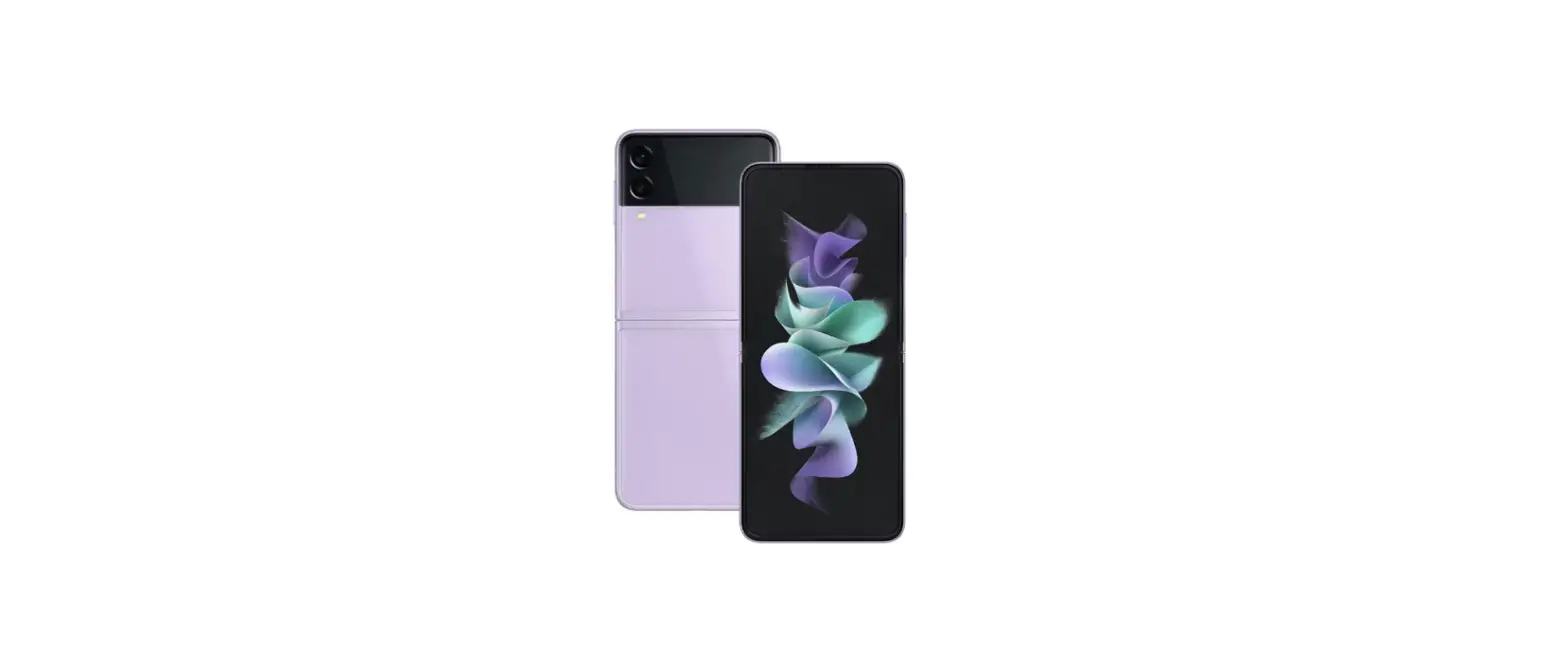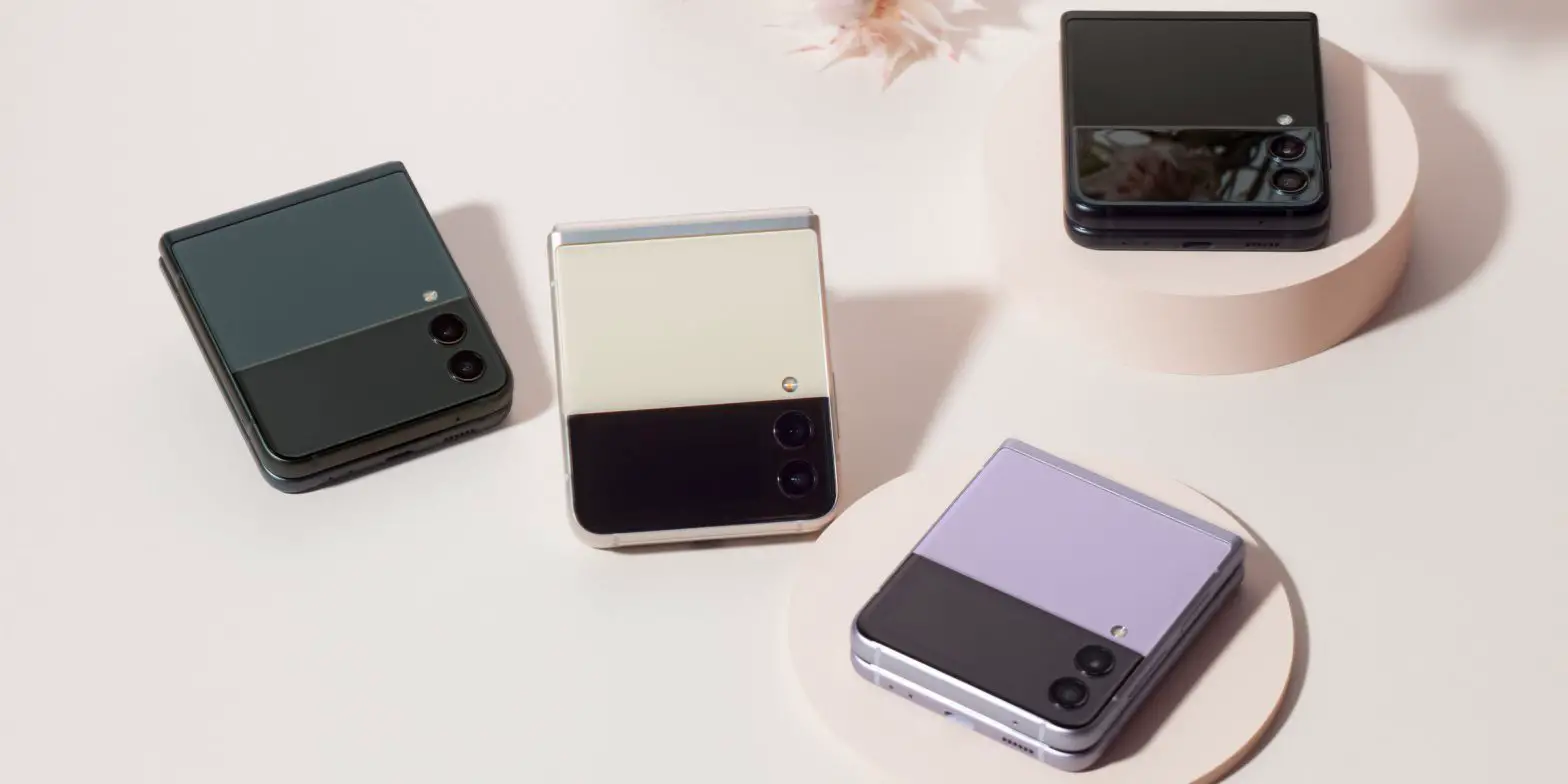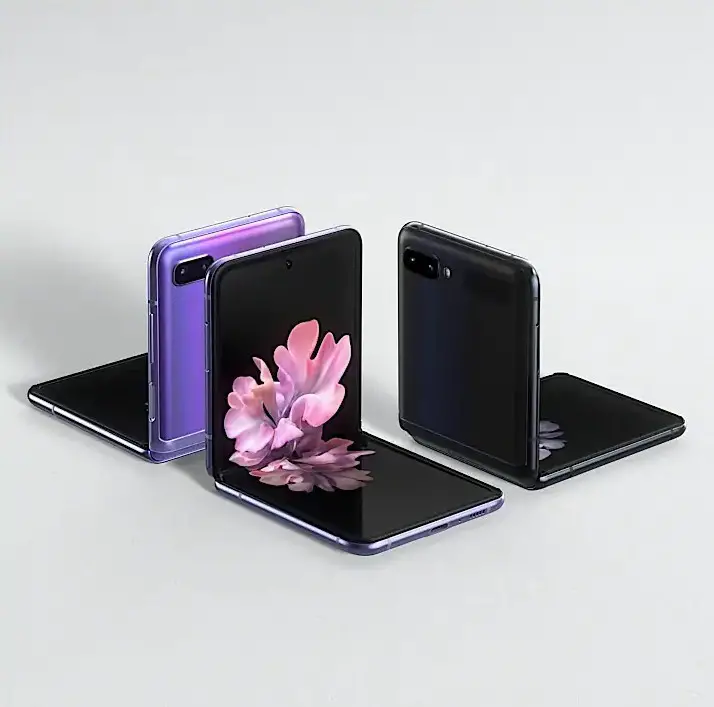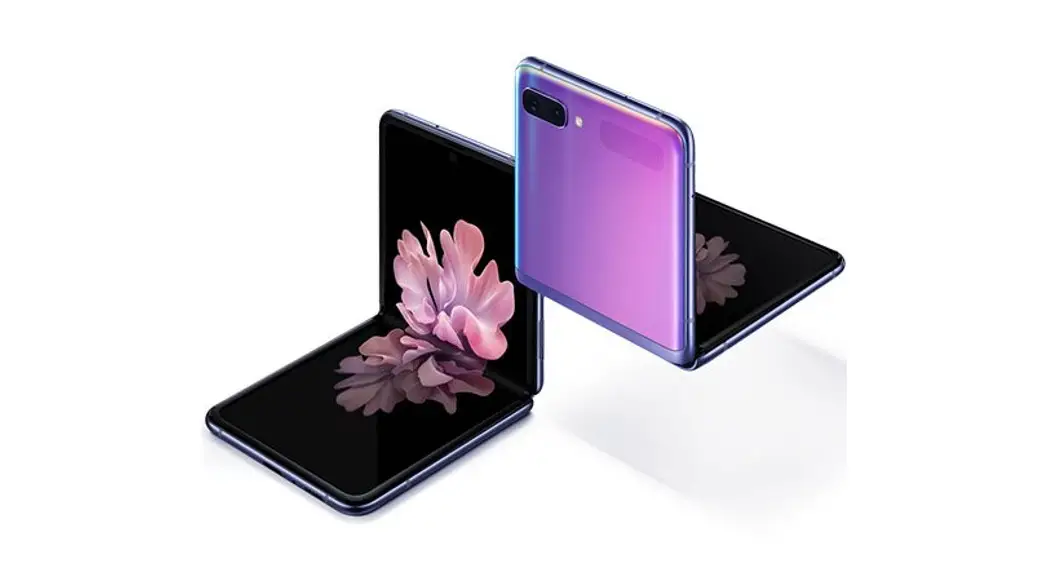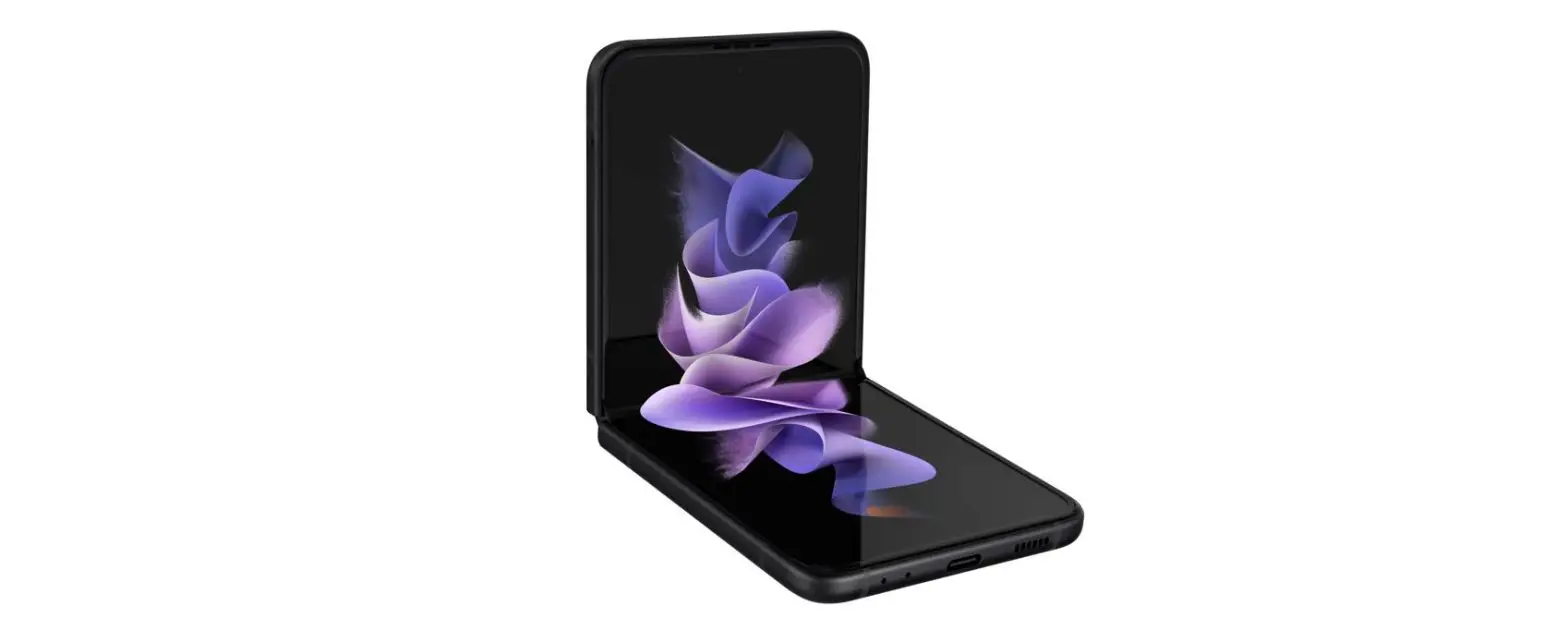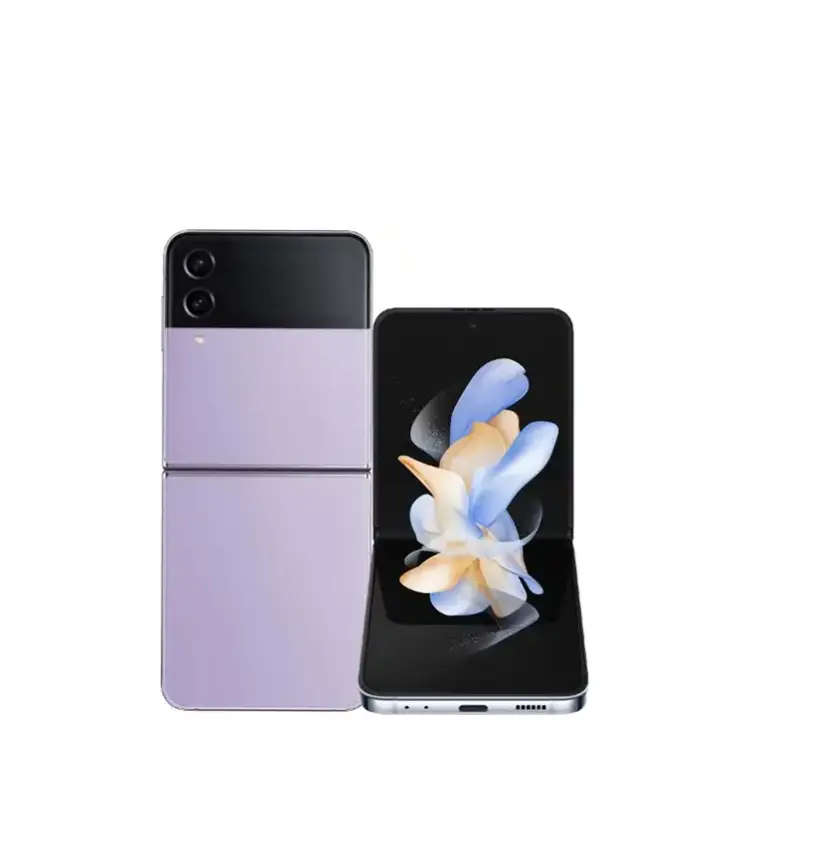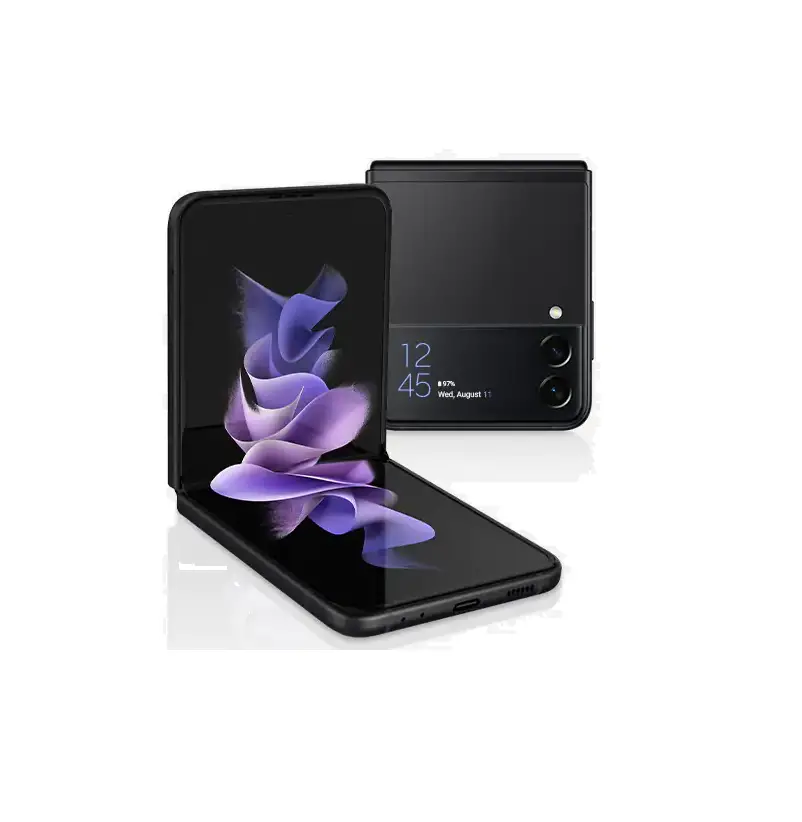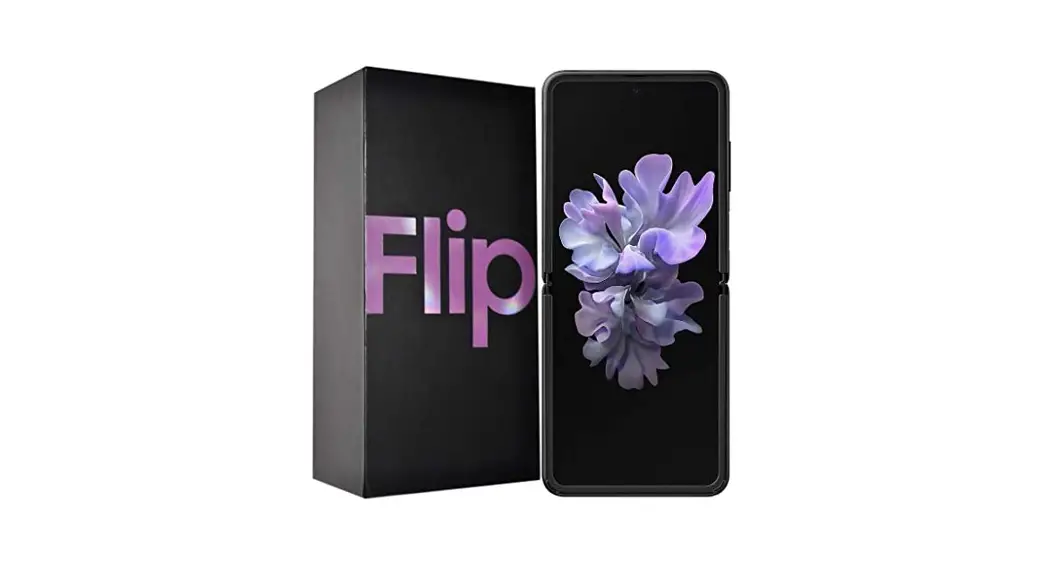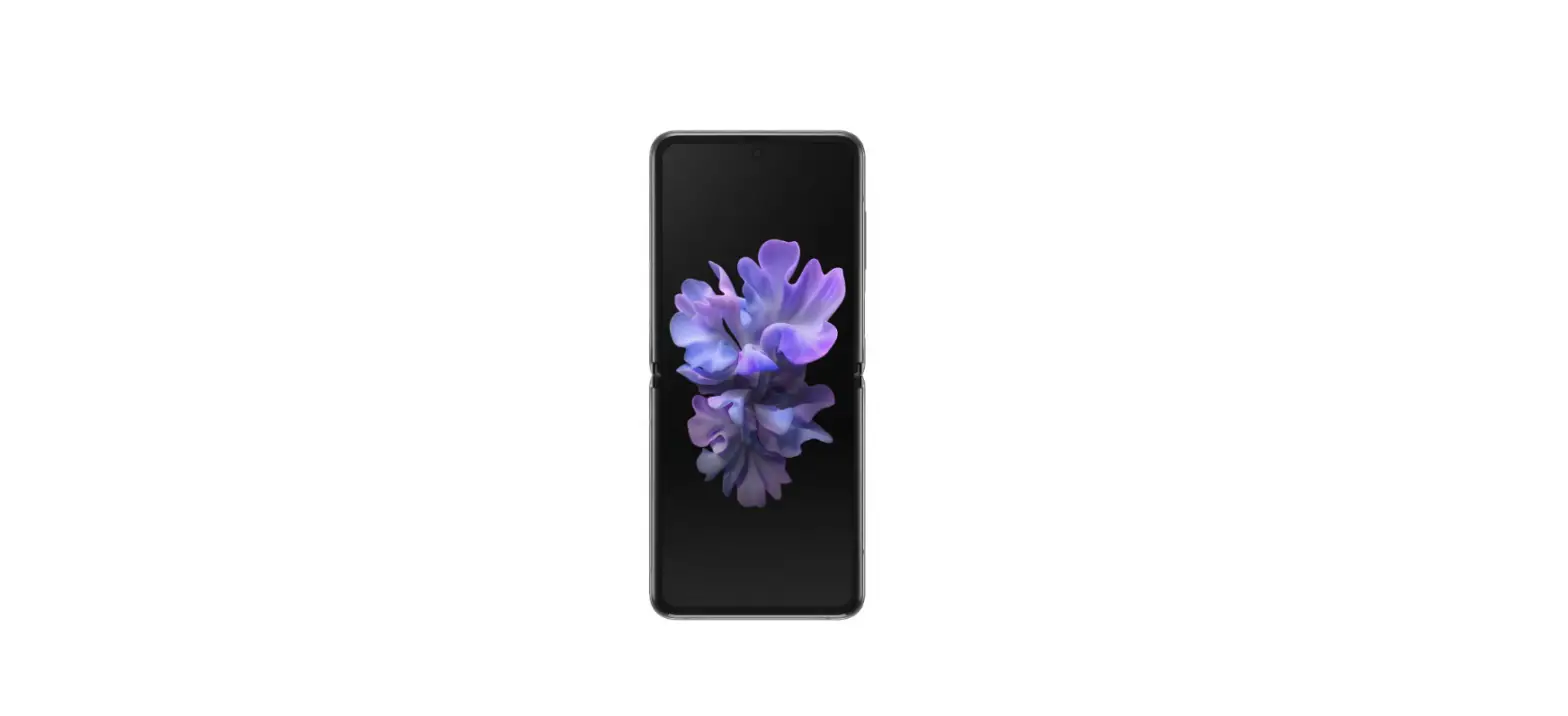
 Samsung Galaxy Z Flip-Backup phone
 Samsung Galaxy Z Flip-Backup phone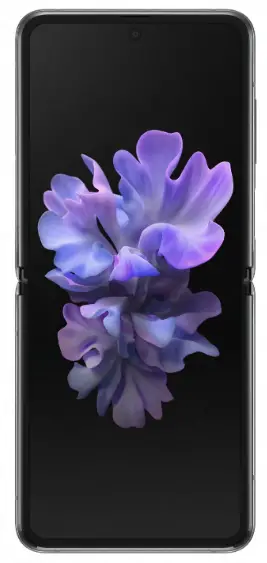
- Before you start Make sure you have a backup of all your data if your phone is lost. With a few simple steps, you can make sure that nothing is lost. Your Wi-Fi connection must be activated before you start this guide.
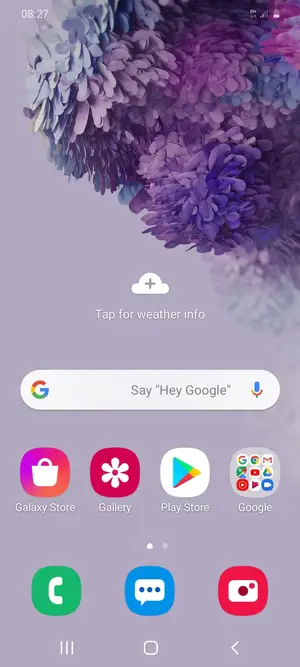
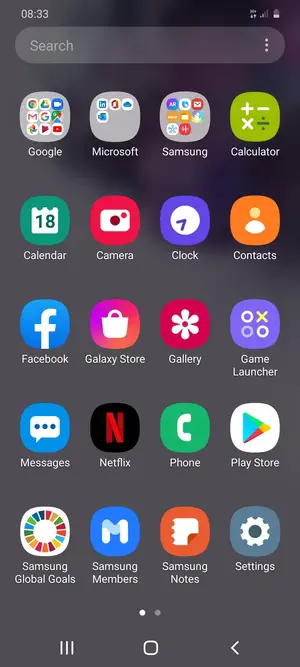
- Swipe up

- Select Settings
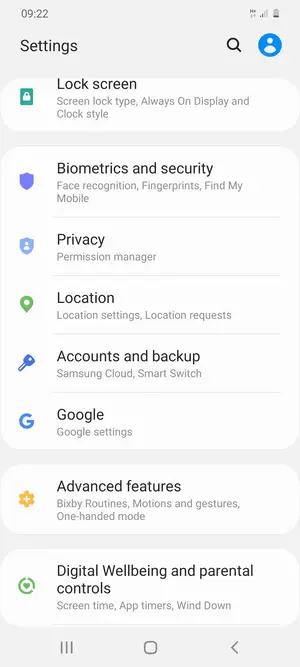
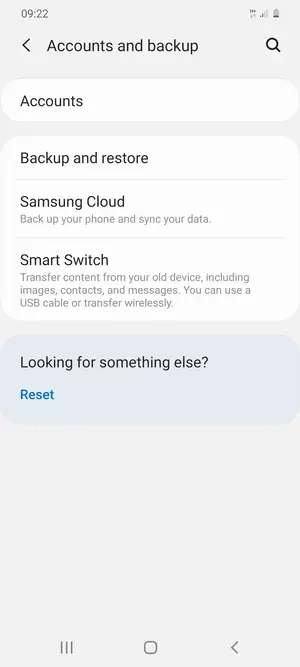
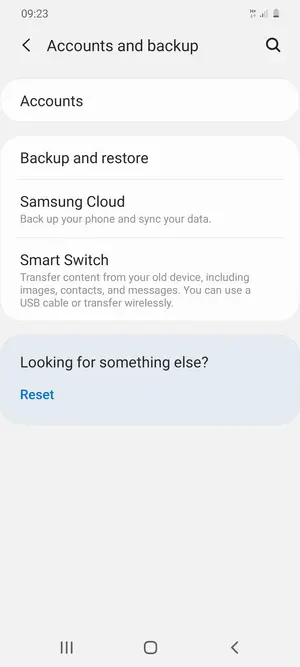
- Scroll to and select Accounts and backup
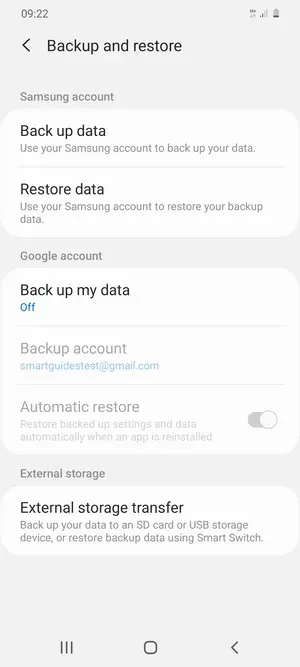
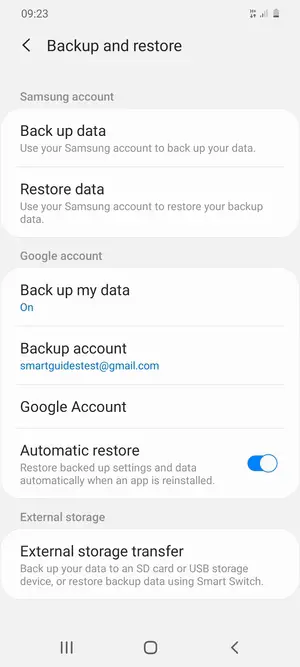
- Select Backup and restore
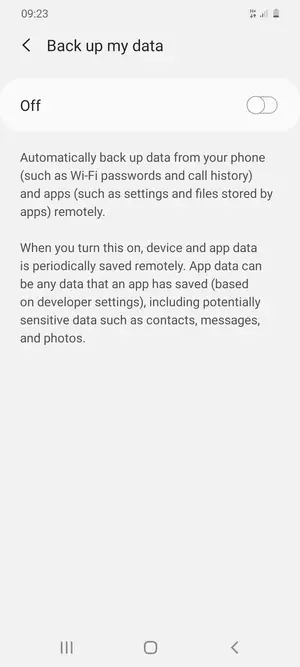
- Select Back up my data
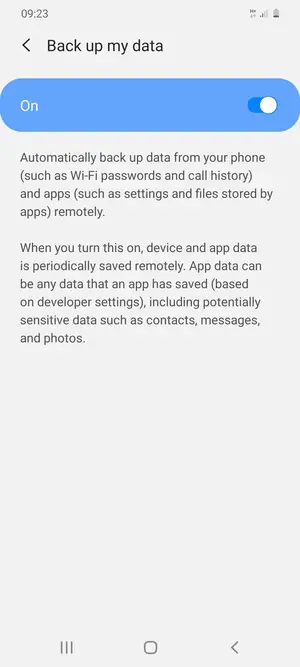
- Turn on Back up my data
- Select the Back button
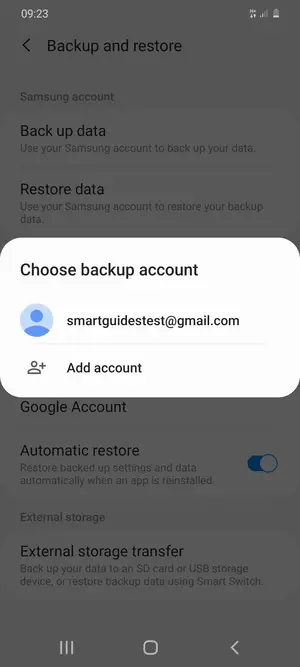
- Select Backup account
- Select your backup account
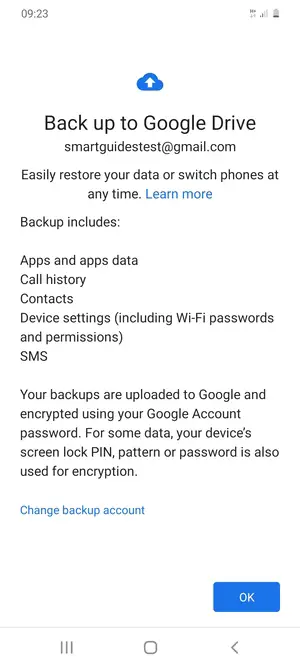
- Select OK
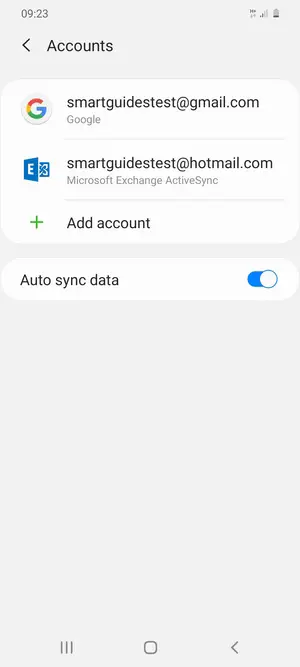
- Return to the Accounts and backup menu and select Accounts
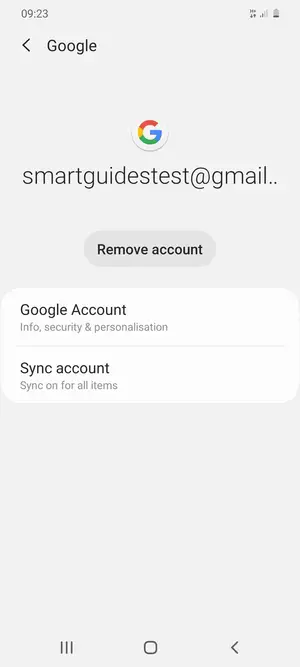
- Select your Google account
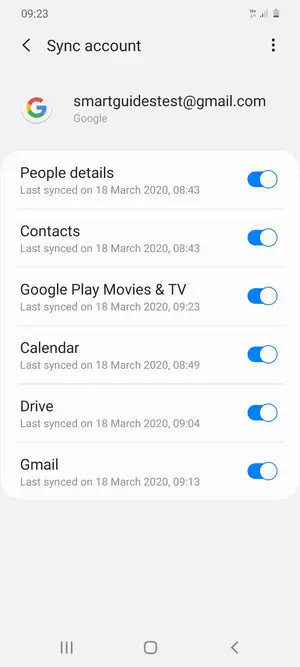
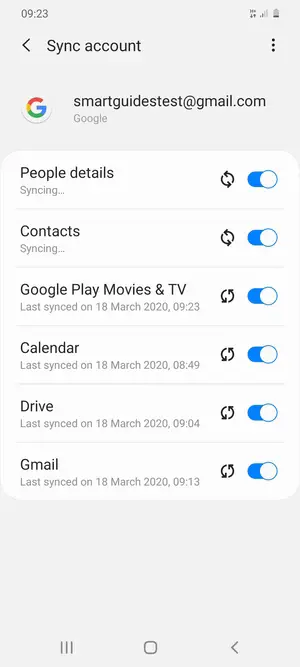
- Select Sync account
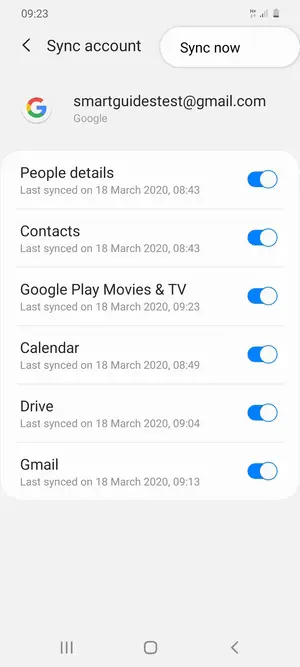
- Select the Menu button
- Select Sync now
- Your information will be synchronized Remember to come back and sync your backup often
Device Guides is offered to MNOs and MVNOs by Mobilethink & Tweakker