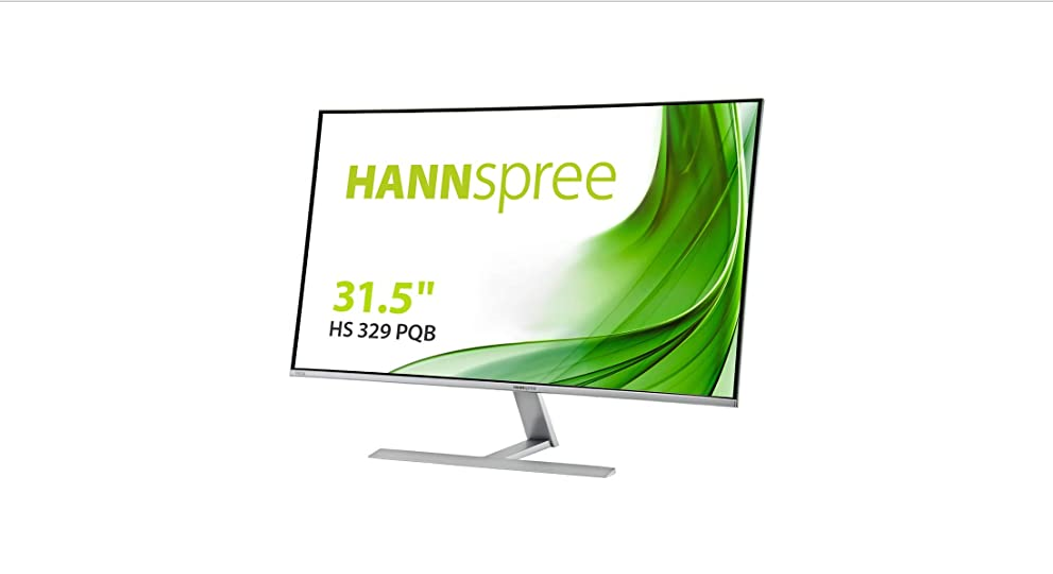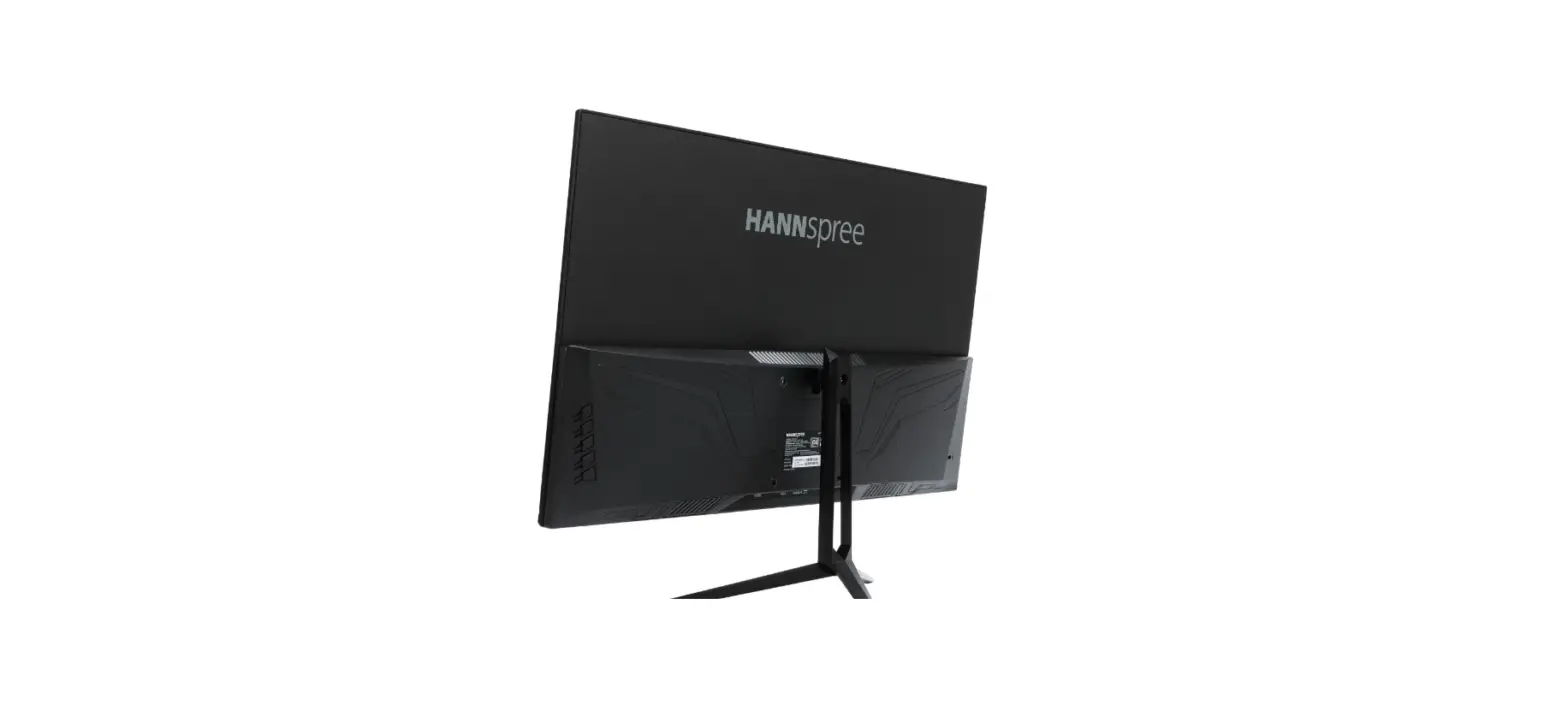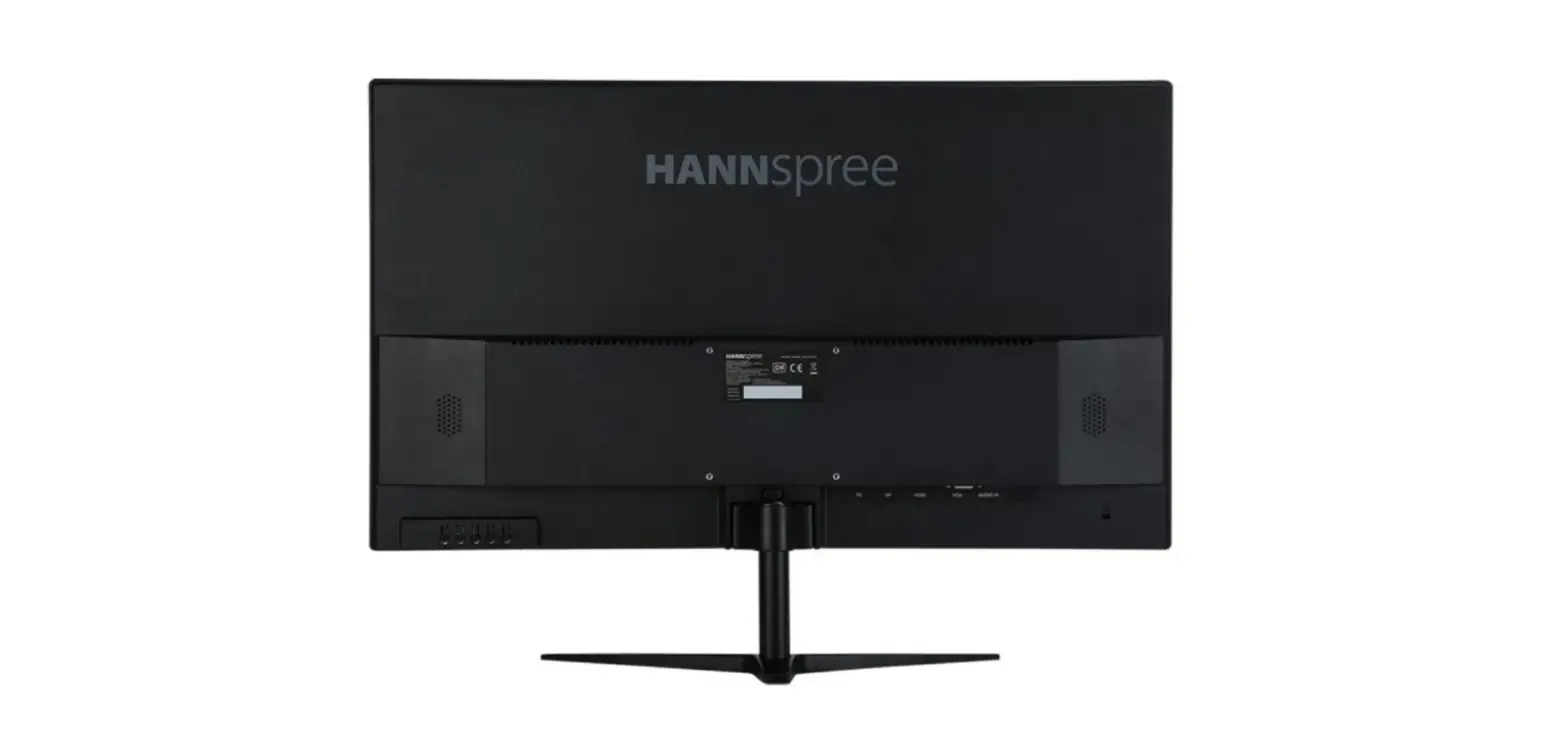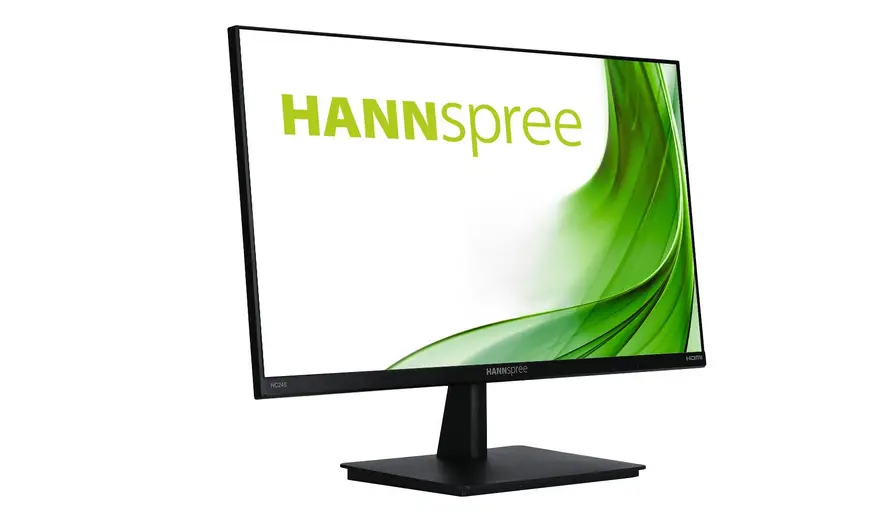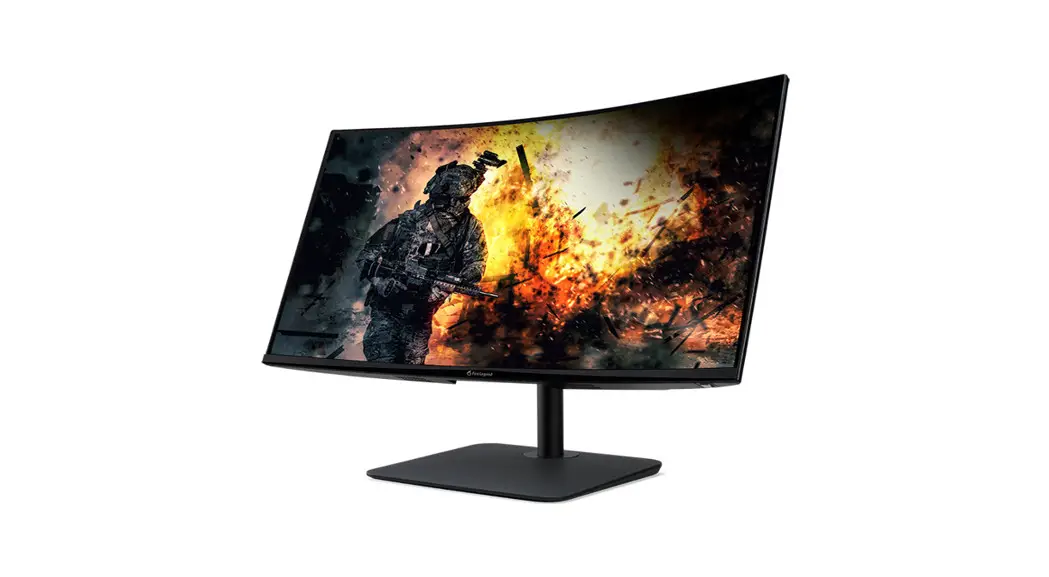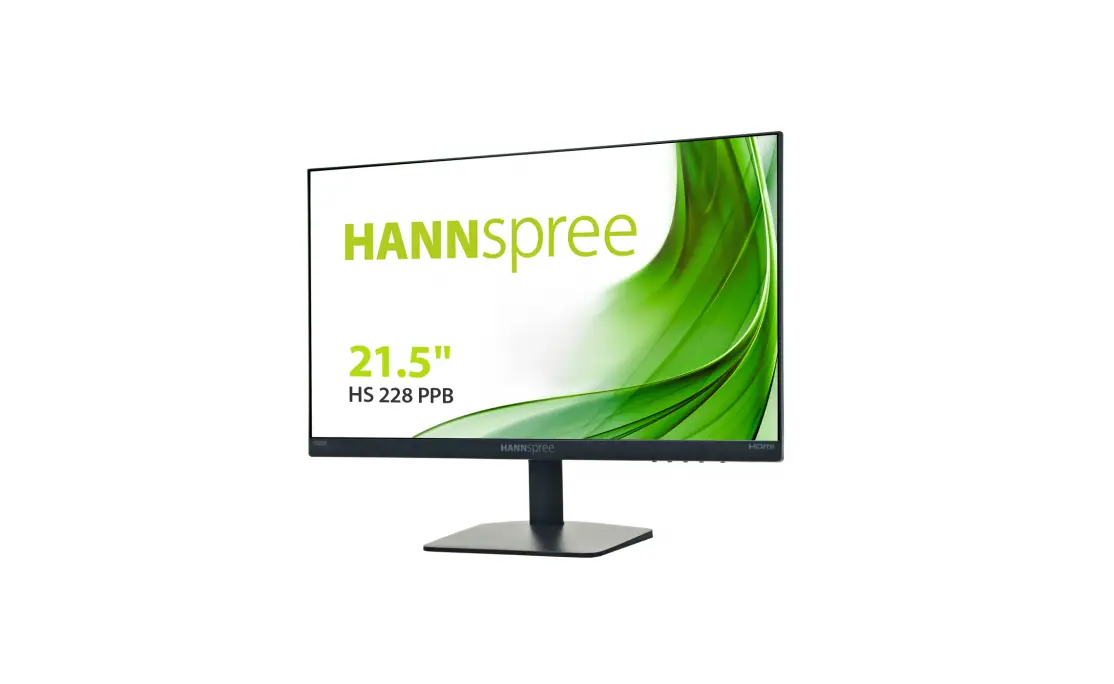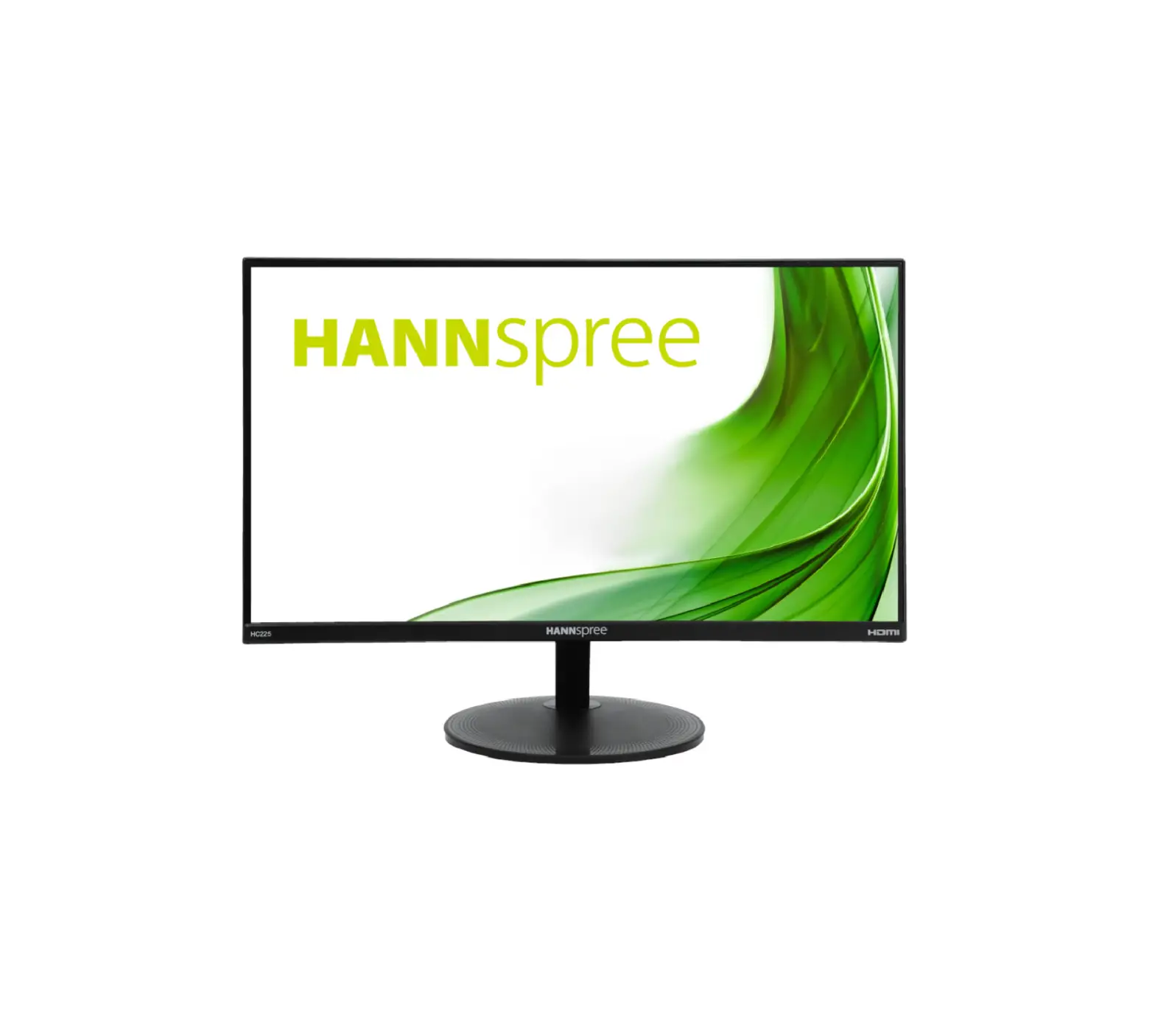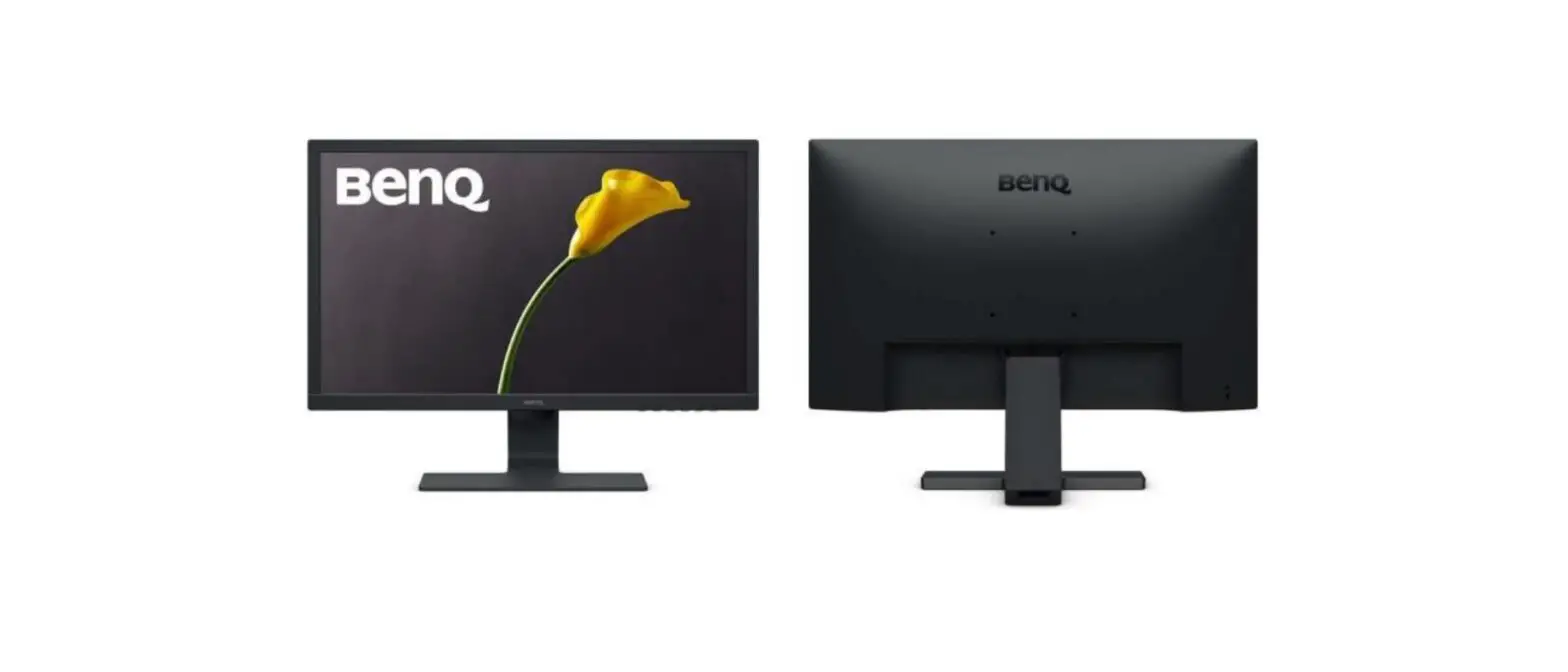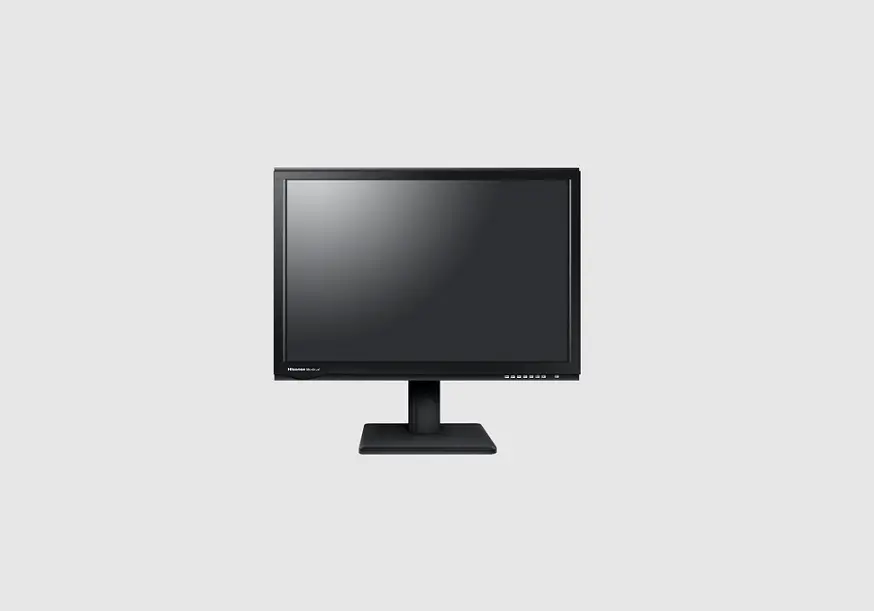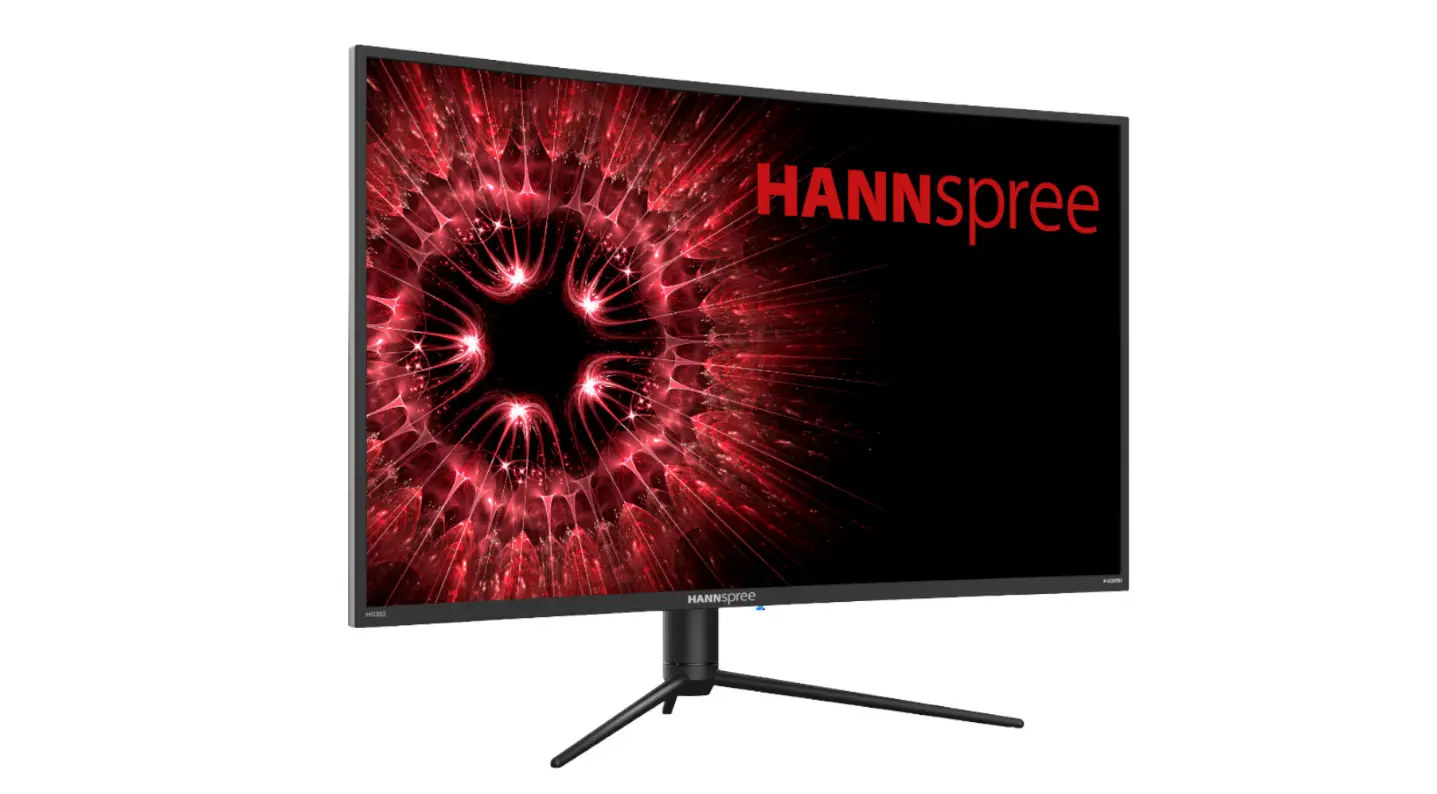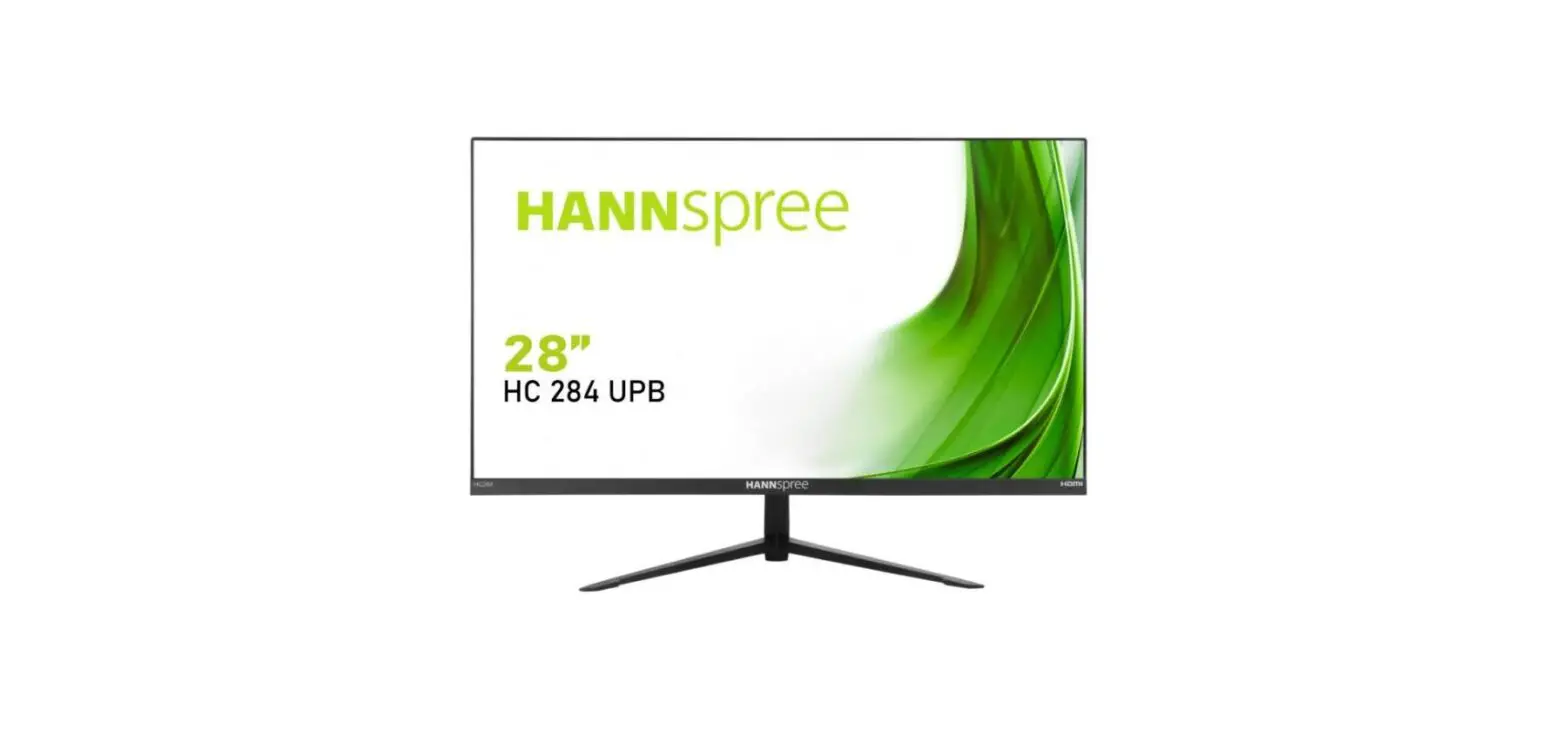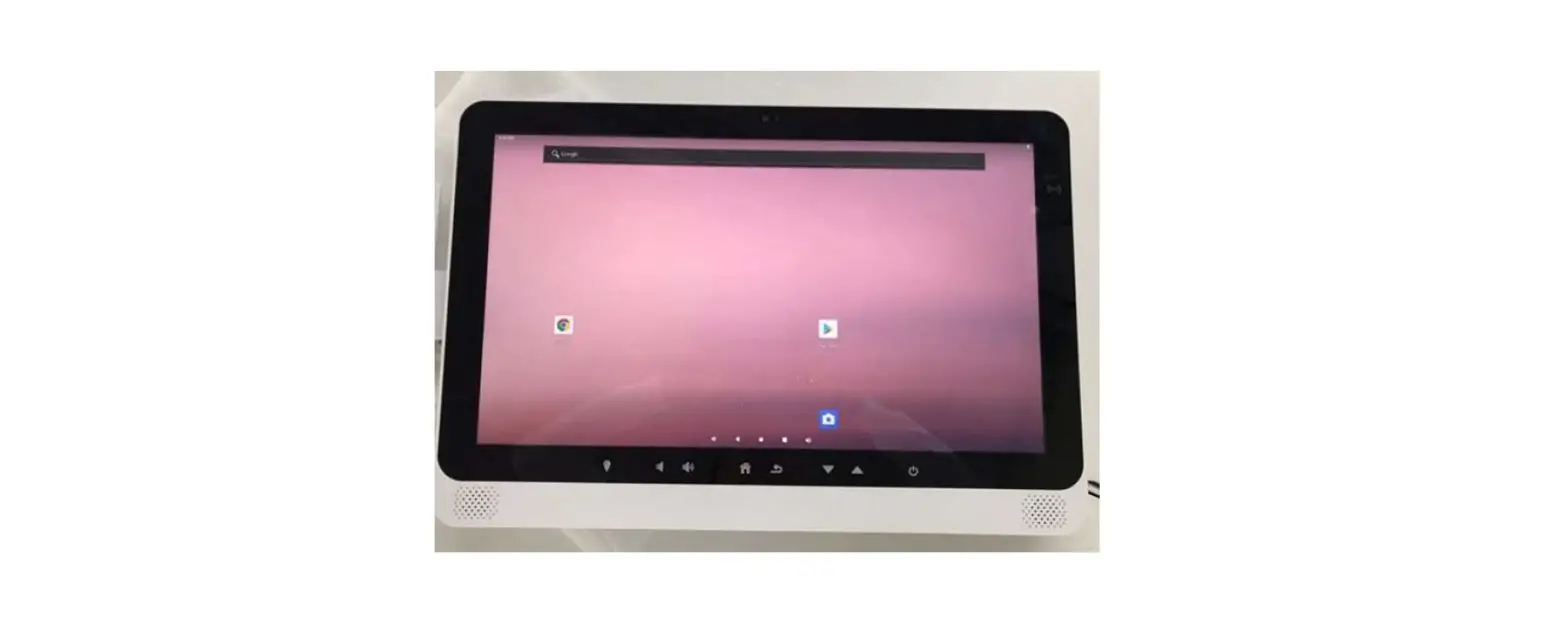

SAINTWAY HC21SV 21.5 inch Full HD LCD POC Terminal with Bluetooth Product Descriptions:
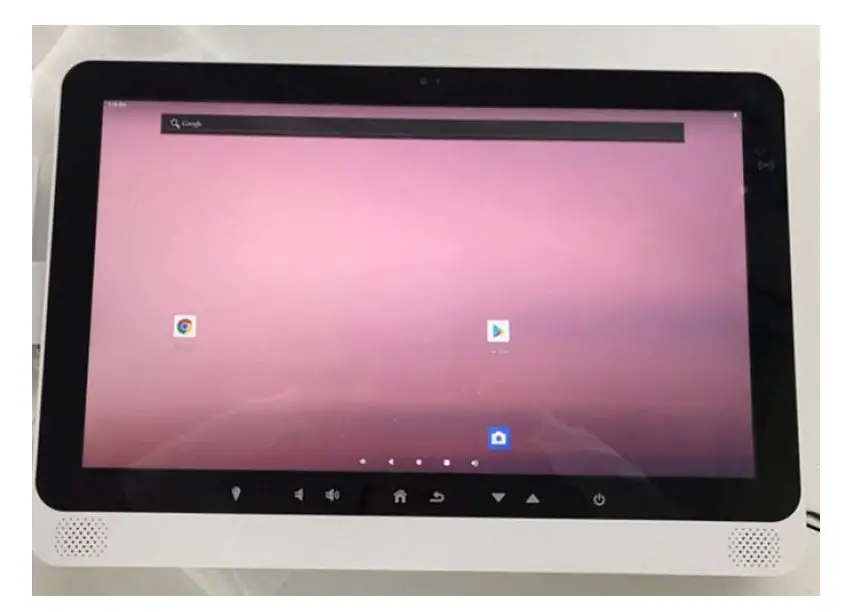
- Android 9.1 operating systems for this device;
- WIFI, Ethernet port high-speed internet surfing;
- Built‐in Bluetooth module, longer transfer distance, and stronger signal;
- 21.5‐inch TFT LED backlight 16:9 1920×1080 display;
- touch control;
- Both USB Host functions;
- Double channel earphone jack, built‐in 3W left and right channel speakers, with microphone input;
Product detailed specification
| Hardware | ||
| Mai Chips | CPU RAM ROM | Rockchip RK3399 |
| 4GB | ||
| 32GB | ||
| OS | Android 9.x | |
|
Display | LCD panel Touch screen | 21″ IPS-LCD 1920 x 1080 Pixels 300cd/m2 |
| Screen Ratio 16:9 | ||
| Multi-touch Capacitive (PCAP) | ||
|
Mainboard | Wireless | WiFi 802.11 a/b/g/n/ac (2.4G & 5G) |
| Bluetooth 4.0 | ||
| RFID | RFID (Built-in CL-2200M AL HC15) | |
| Camera | 13 MP camera | |
|
Audio | Support formats: MP3, WMA, APE, FLAC, OGG, WAV | |
| Output: stereo speaker 8Ω/3W | ||
| Audio Codex (MP3, WMA AAC, FLAC, WAV) | ||
| Integrated mic x 1 | ||
|
Video | Support format: AVI, MKV(XVID/px/H.264), MOV, TS, RM, RMVB M2TS, FLV, 3GP, MPEG, DAT, MP4 etc | |
| Video Codex MPG-1, MPG-2, MPG-4, H.263, H.264, H.265, VC-1, RV, VP6/VP8/VP9, MVC | ||
| Picture | JPG, JPEG, JIF, BMP, PNG | |
|
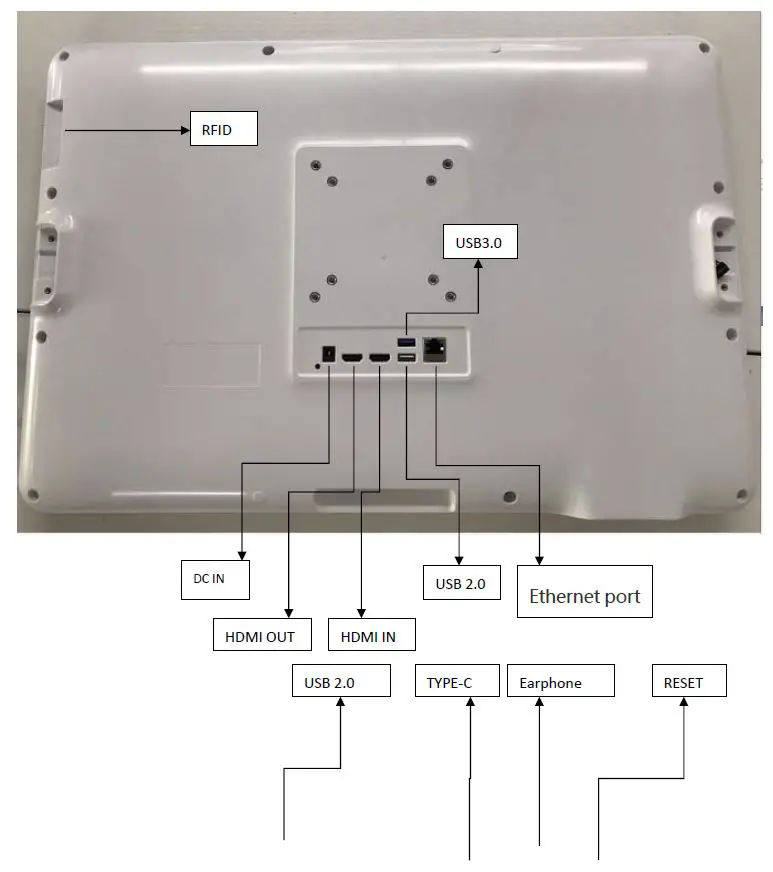
I/O | HDMI OutputX1 | |
| HDMI Input (1080p)X1 | ||
| USB A USB 3.0 X1 | ||
| DC power X1 | ||
| RJ45 100/1000 Mbps X1 | ||
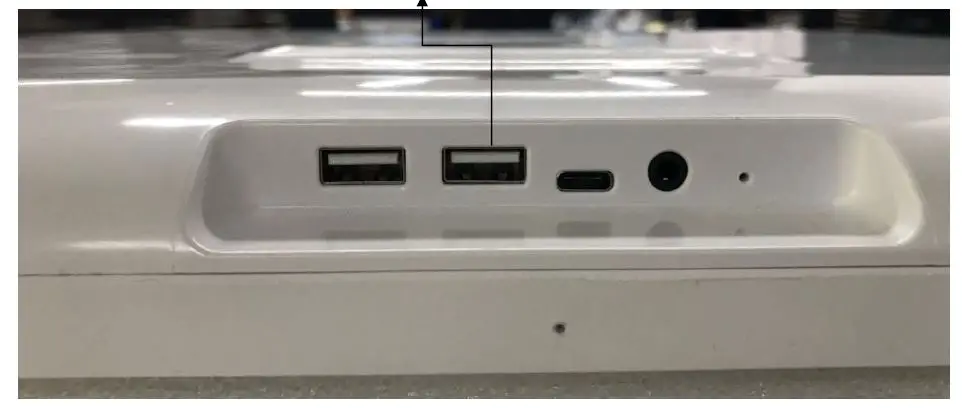
| USB A X2 USB2.0 | ||
| USB A X 2 USB2.0 | ||
| USB- TEPY-C X1 USB 3.1X1 | ||
| RESET X1 | ||
| Stereo 3.5MM JACK x 1X1 | ||
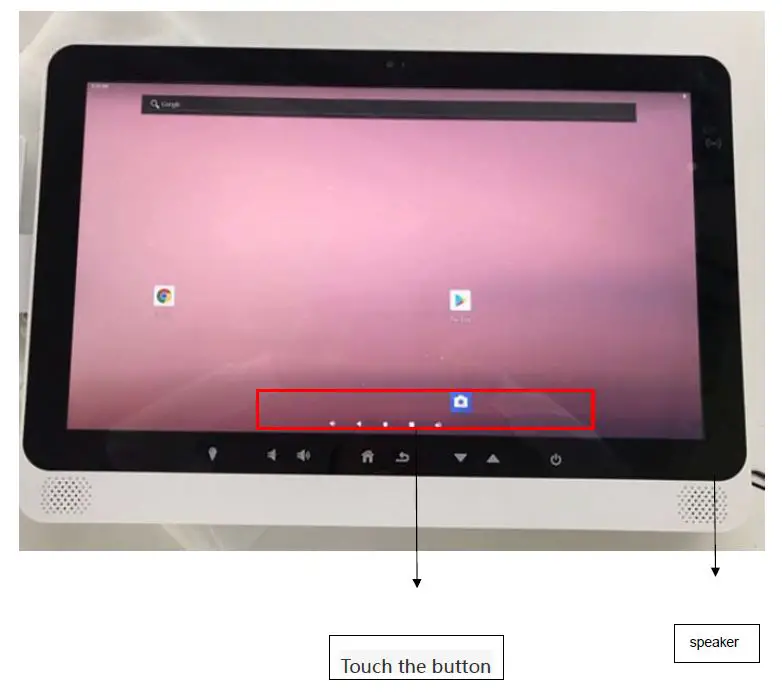
| KEY | touch buttons | |
| Power | DC power in 12V | |
| External power supply 120-240V AC input | ||
|
Other Items | Supports PoE + | |
| Wake on LAN | ||
| Watchdog timer | ||
| IP Multicast | ||
| OTA | ||
| Real-time clock | ||
| Extras |
| VESA Mount compatible 75X75 和 100X100 | ||
| Reading light |
Description to each part


Usage for Android 9.0 version:
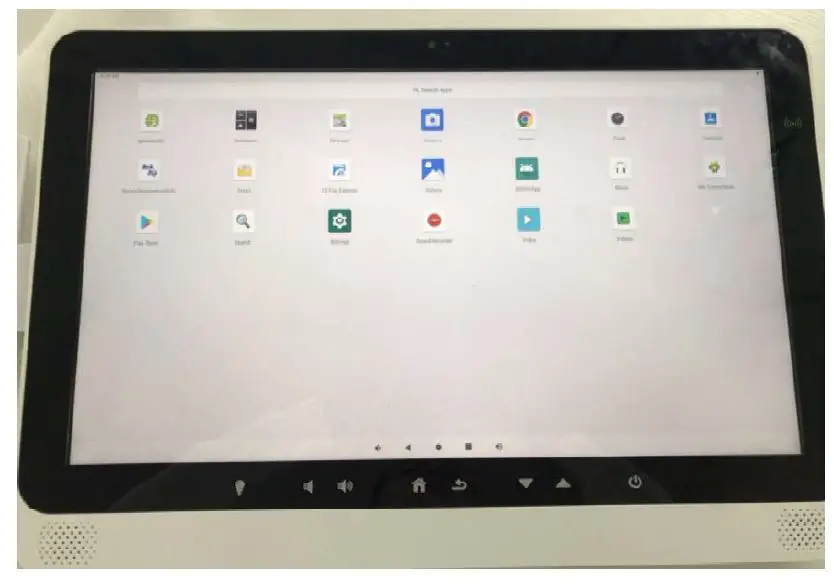
- The Below interface will appear when pressing the Power button:

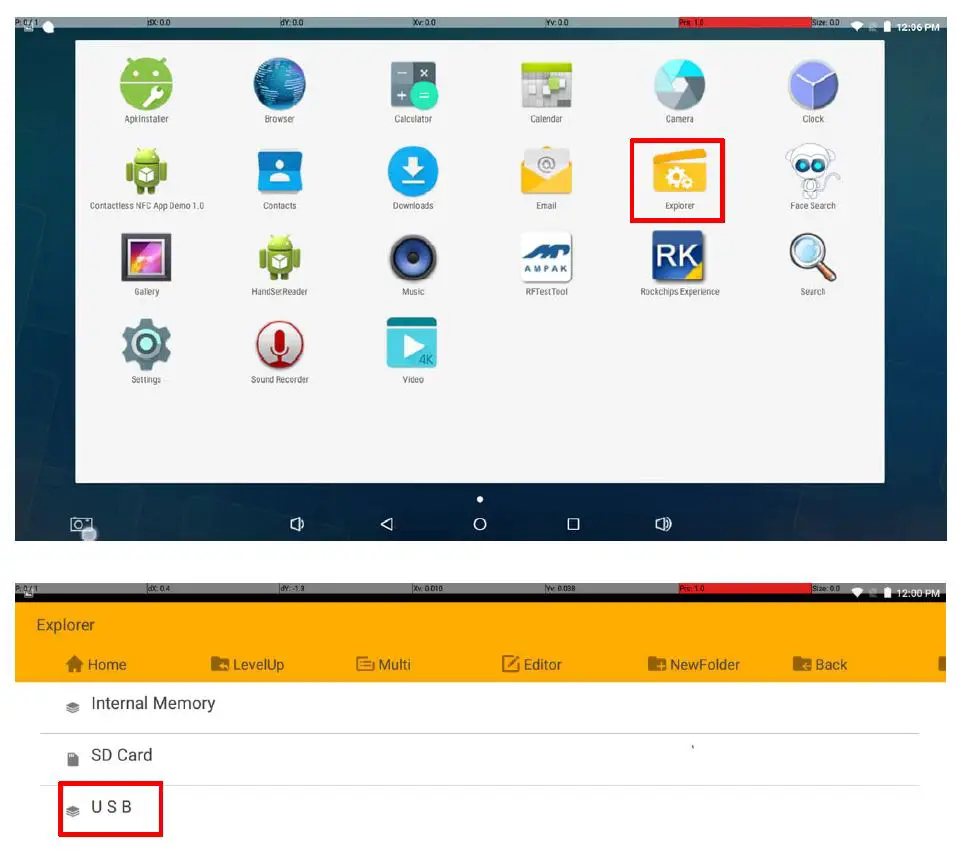
- Usage of USB flash disk under Android 5.1.1 is similar to under standard Android OS
- After Android 9.0 OS starts up, plug USB flash disk into USB Host connector
- The indicator of USB flash disk flicker, wait for few seconds, the system will load the disk automatically
- At this time, click the “Explorer” icon, you will see a folder “USB” which is a USB Flash Disk. Click “USB” to read and write data
- USB flash disk can also be recognized before the system starts u
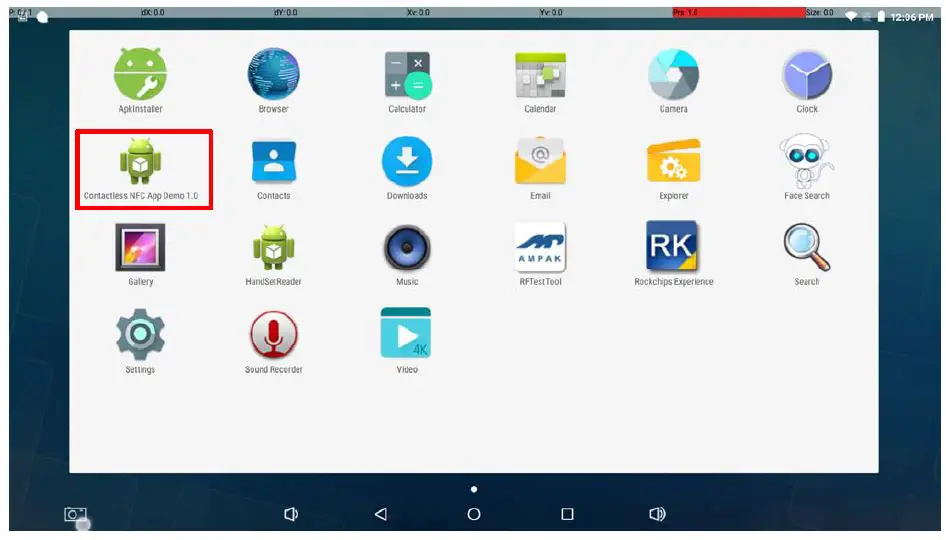
 RFID usage:
 - Click”Contactless NFC App Demo”,click”Open Reader”
- Click “Open Reader” button, click”Connect RF Card”
 Audio Play:
 - Insert the earphone into the earphone jack
- Put music in MP3 format on USB disk and insert the USB Disk into USB HOST slot
- Then play this MP3 music on Android, you will hear this music from earphone

 RFID usage:
 Audio Play: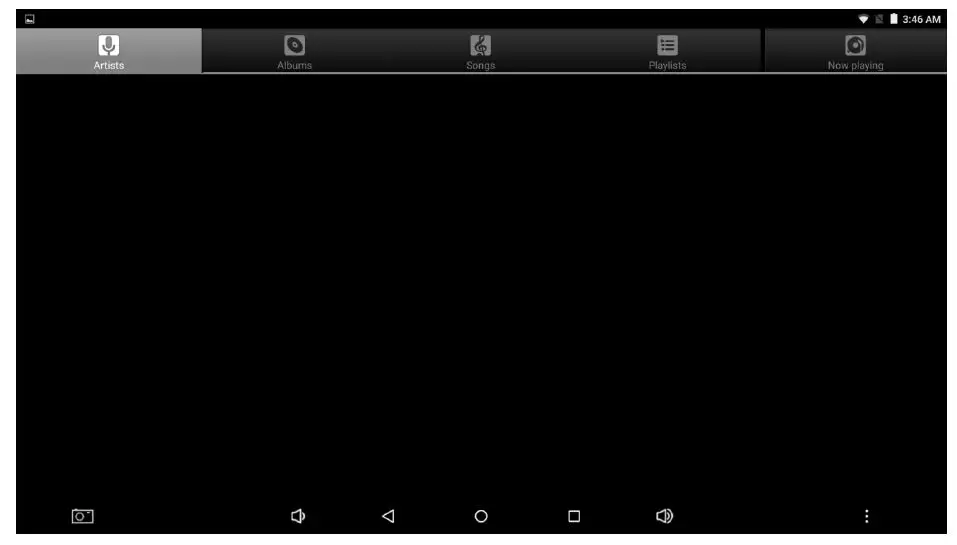
Video Play
- Play the video file, the method is the same as playing the MP3 file
- Click” Video”
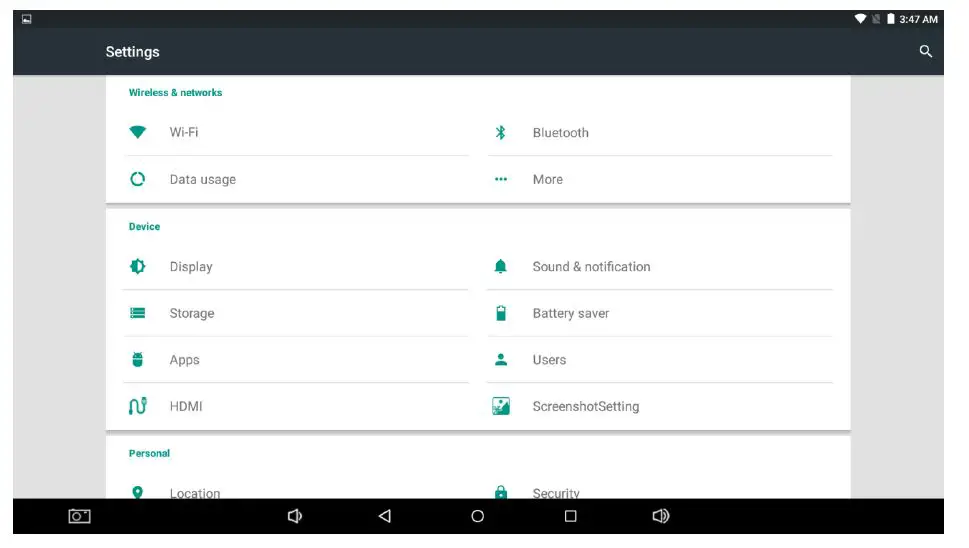
- Ethernet Port Usage
- Connect network cable coming HC15.
- Click “Settings”

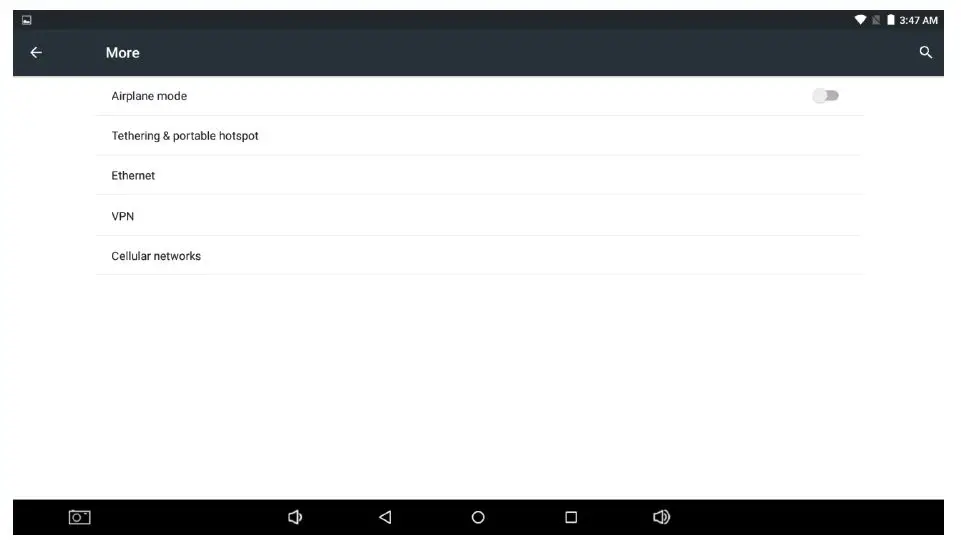
- Click” More”
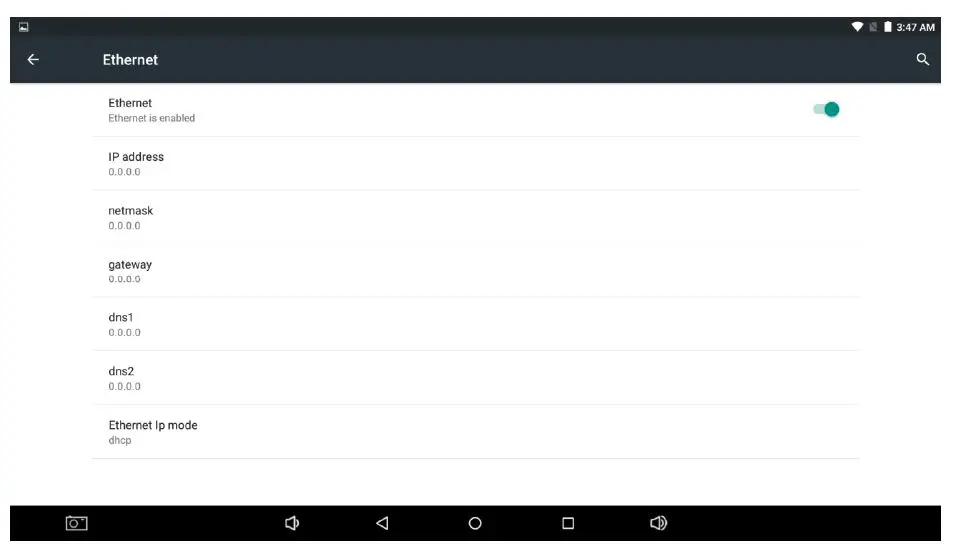
- Click” Ethernet”
 Setting static ip
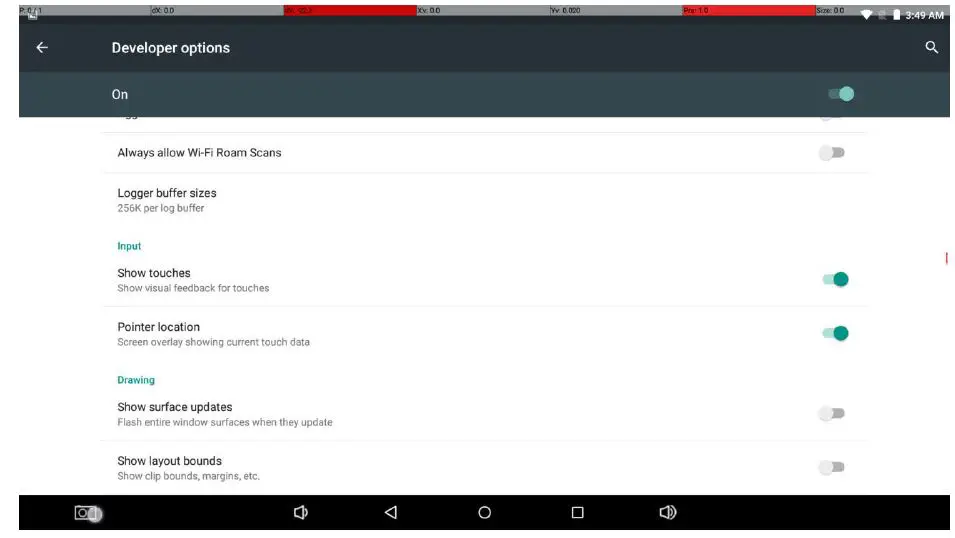
 Touchscreencalibration:
 - Click “settings” click “Developer options” open” Show touches”and” Pointer location”
 Click right top OK
WIFI usage: - Click “Setting”
- Click” WIFI”
- Click” ON”
- Click” SSID”, input password
 FCC STATEMENT
 Setting static ip
 Touchscreencalibration:
 Click right top OK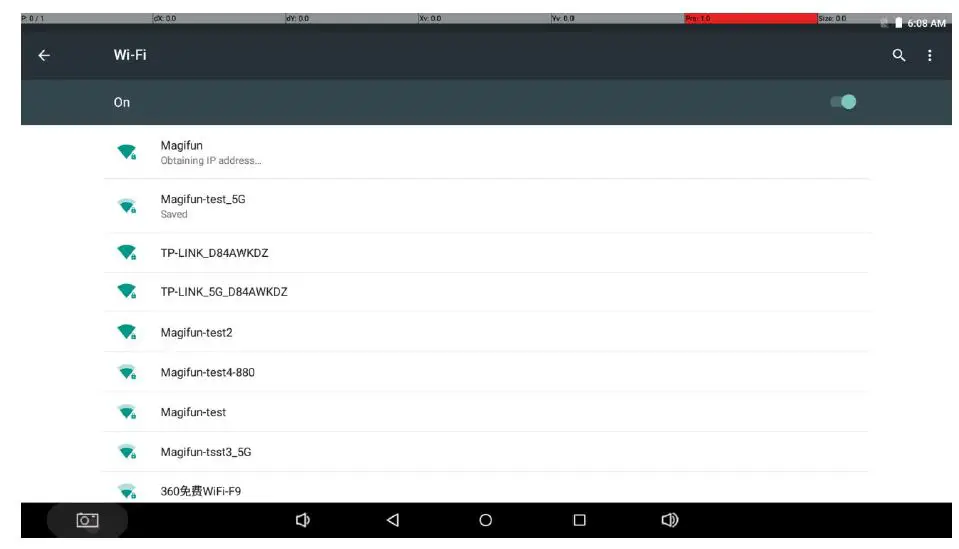
RF exposure information: To maintain compliance with FCC RF exposure requirements, use the product that maintain a 20cm separation distance between the user’s body and the host.
This device complies with part 15 of the FCC rules. Operation is subject to the following two conditions: (1) this device may not cause harmful interference, and (2) this device must accept any interference received, including interference that may cause undesired operation.
Note: The manufacturer is not responsible for any radio or TV interference caused by unauthorized modifications or changes to this equipment. Such modifications or changes could void the user’s authority to operate the equipment.
Note: This equipment has been tested and found to comply with the limits for a Class B digital device, pursuant to part 15 of the FCC Rules. These limits are designed to provide reasonable protection against harmful interference in a residential installation. This equipment generates uses and can radiate radio frequency energy and, if not installed and used in accordance with the instructions, may cause harmful interference to radio communications. However, there is no guarantee that interference will not occur in a particular installation. If this equipment does cause harmful interference to radio or television reception, which can be determined by turning the equipment off and on, the user is encouraged to try to correct the interference by one or more of the following measures:
- Reorient or relocate the receiving antenna.
- Increase the separation between the equipment and receiver.
- Connect the equipment into an outlet on a circuit different from that to which the receiver is connected.
- Consult the dealer or an experienced radio/TV technician for help.
CE STATEMENT
Do not use the device in the environment at too high or too low temperature, never expose the device under strong sunshine or too wet environment. The suitable temperature for the product and accessories is 0℃‐60℃. When charging, please place the device in an environment that has a normal room temperature and good ventilation. It is recommended to charge the device in an environment
with a temperature that ranges from 0℃~40℃. Please ensure to use only the charger offered by the manufacturer. Using an unauthorized charger may cause danger and violate the authorization of the device and the guaranteed article.
RF exposure information: The Maximum Permissible Exposure (MPE) level has been calculated based on a distance of d=20 cm between the device and the human body. To maintain compliance with RF exposure requirements, use products that maintain a 20cm distance between the device and the human body. This charger is for indoor use only. The charger type is WTA36‐1203000‐G, output voltage/current is 12Vdc/3A. The plug is considered as a disconnect device of the adapter. If you use a third‐party charger, the recommended output voltage/current of the adaptor is 12Vdc/3A., and the adapter shall be CE approval type.
| Frequency bands | Max EIRP (dBm) |
| WiFi 2.4GHz | 15.94 |
| WiFi 5GHz | 20.32 |
| Bluetooth | 9.94 |
This product can be used across EU member states.
The Wi‐Fi 5150‐5250 MHz operating frequency is restricted to indoor use only.