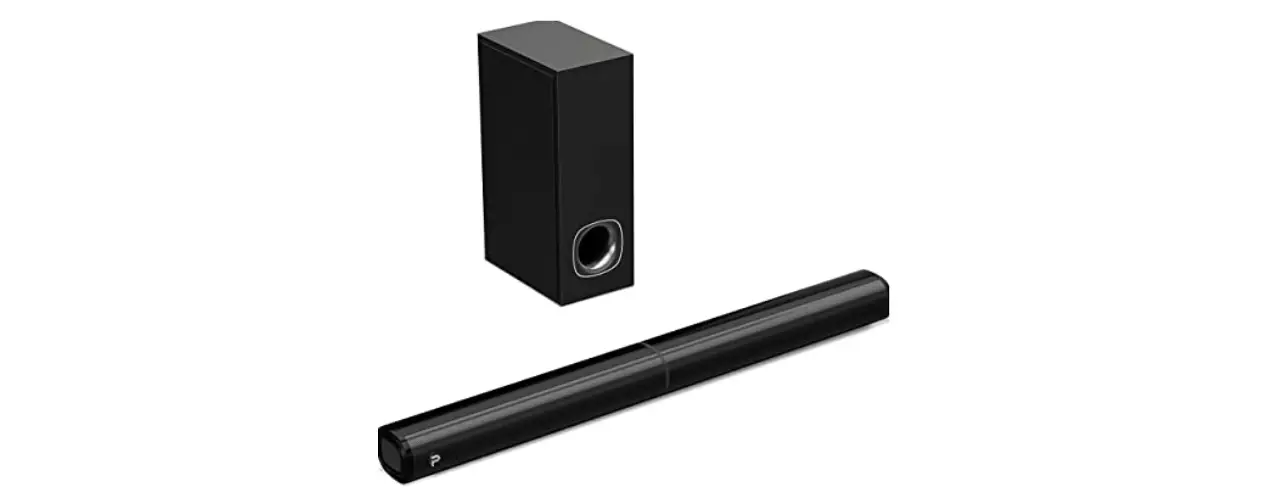
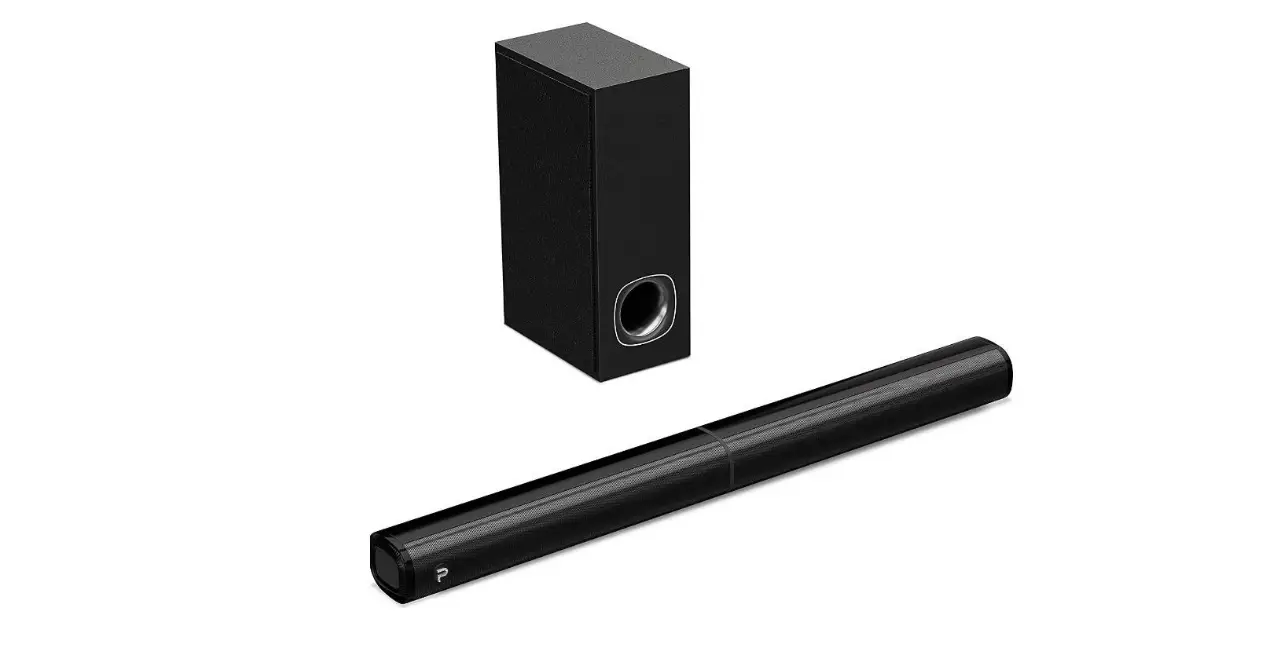
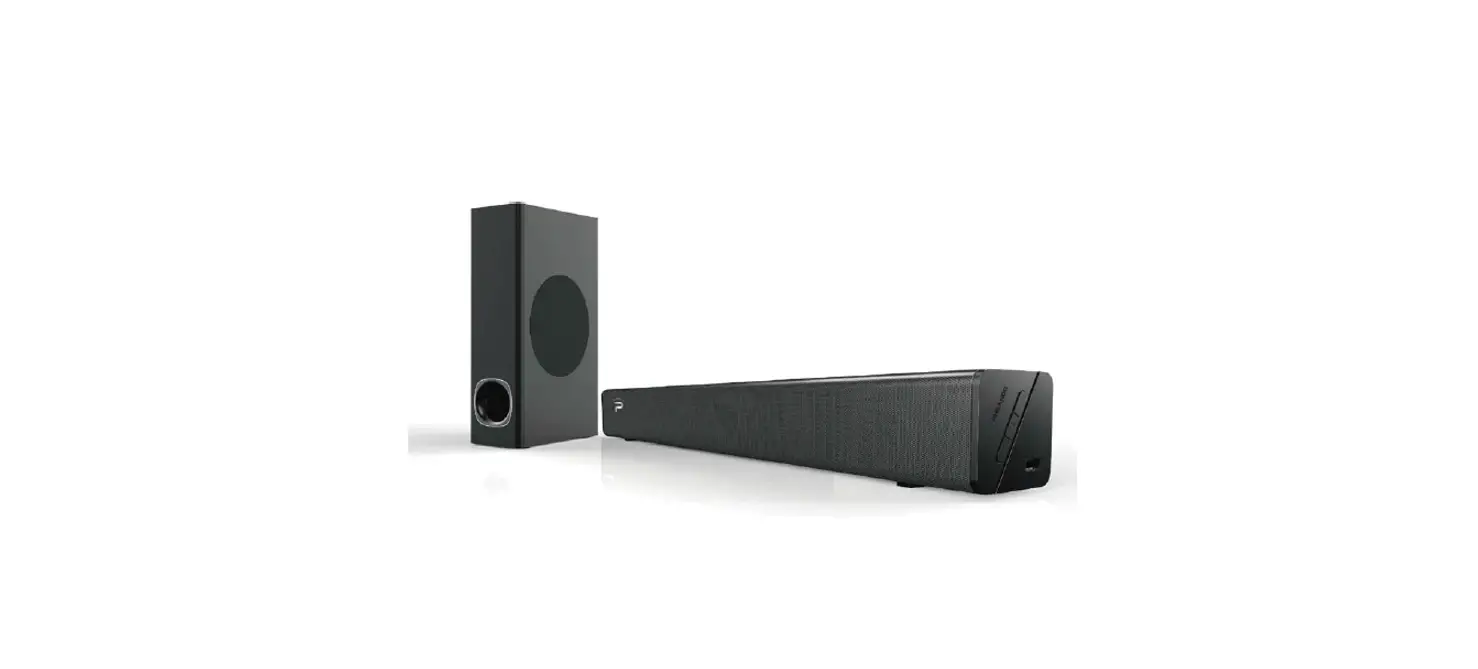
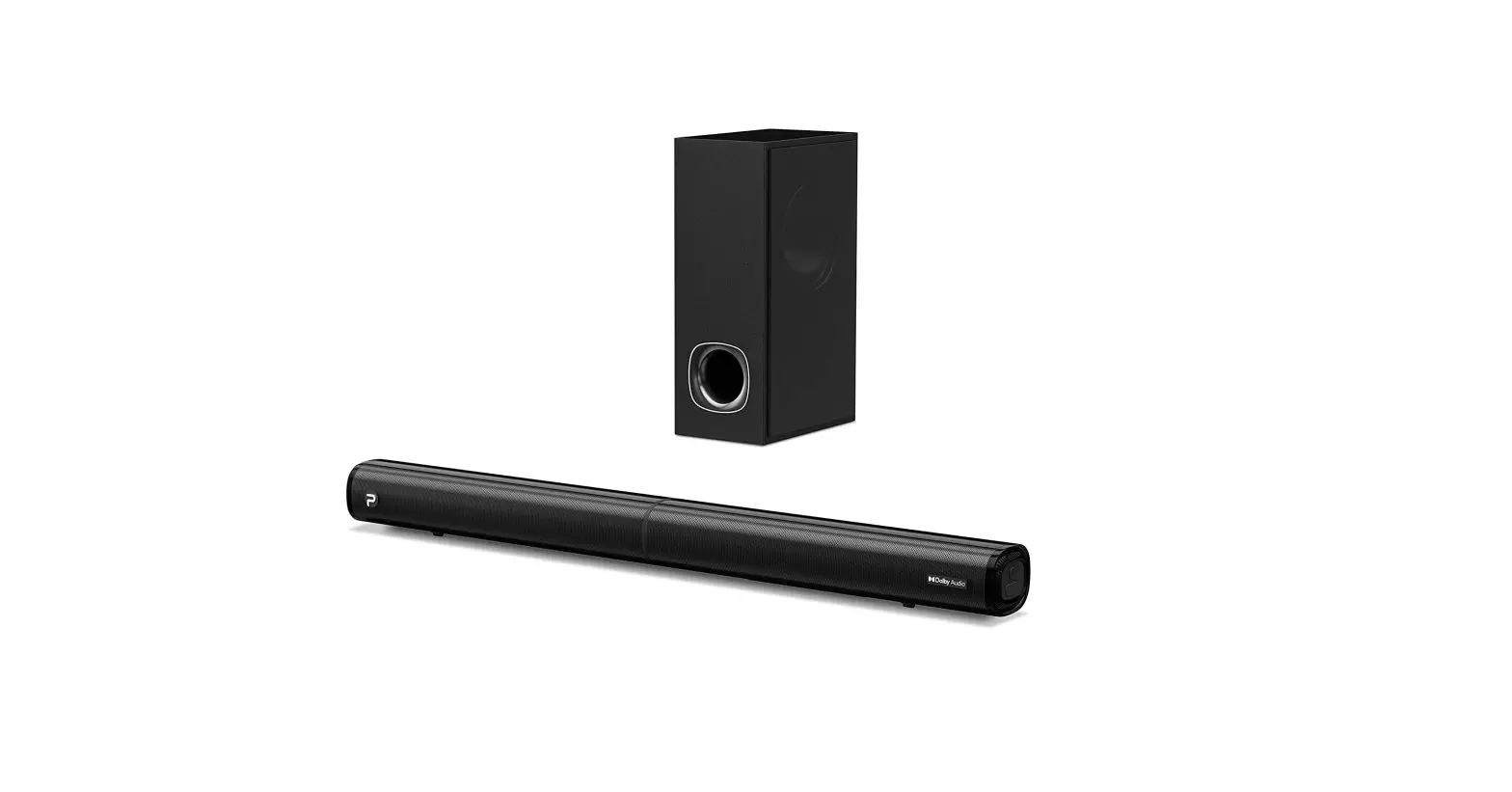
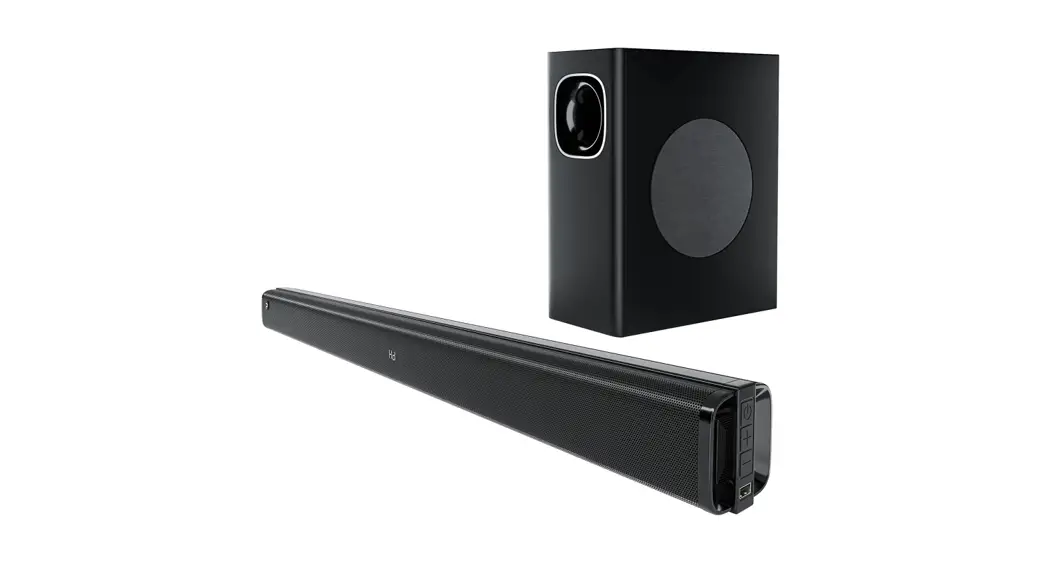
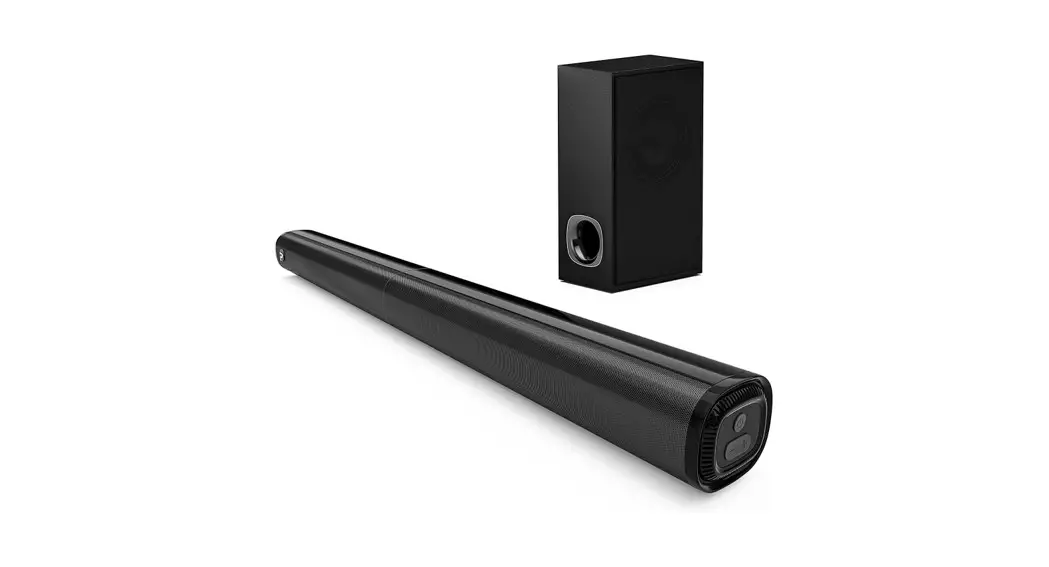
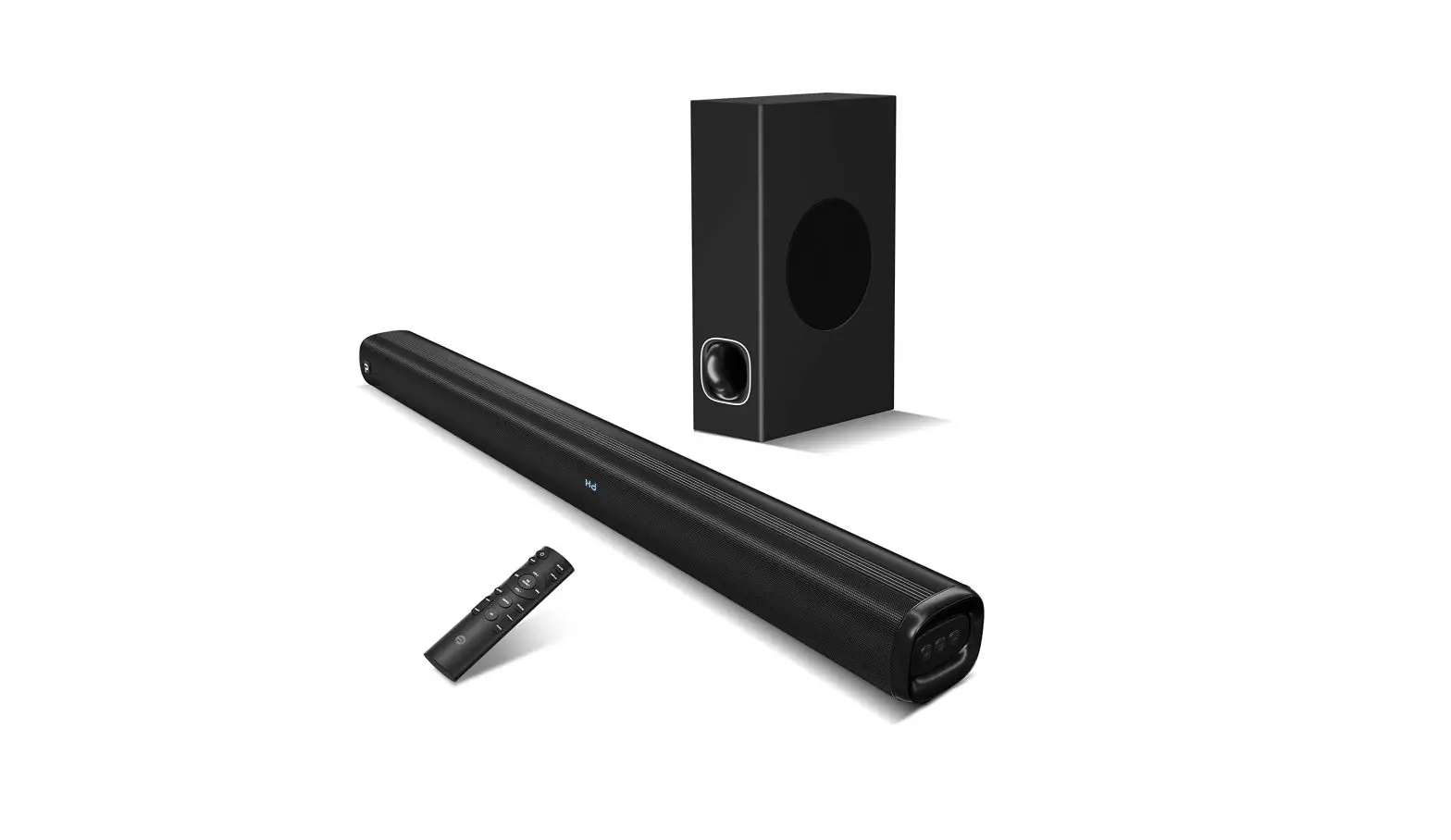
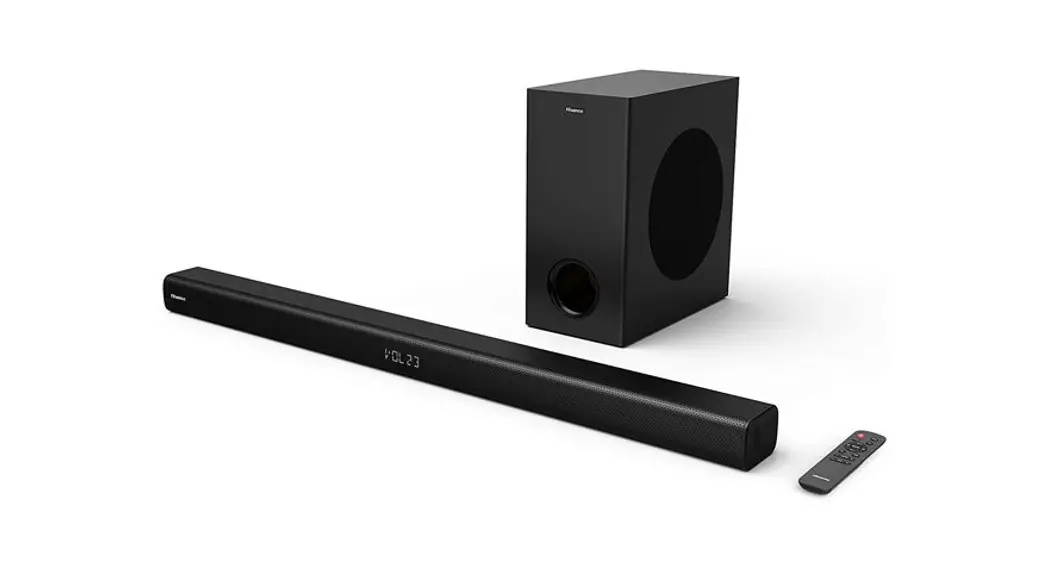
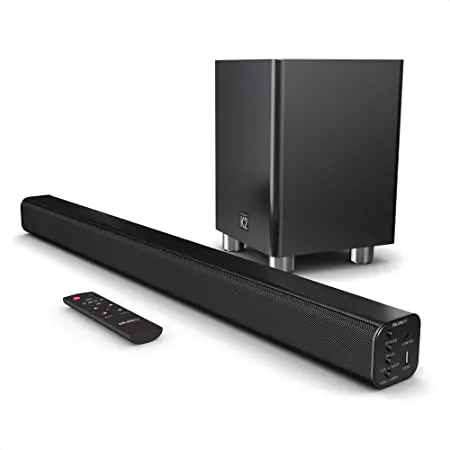
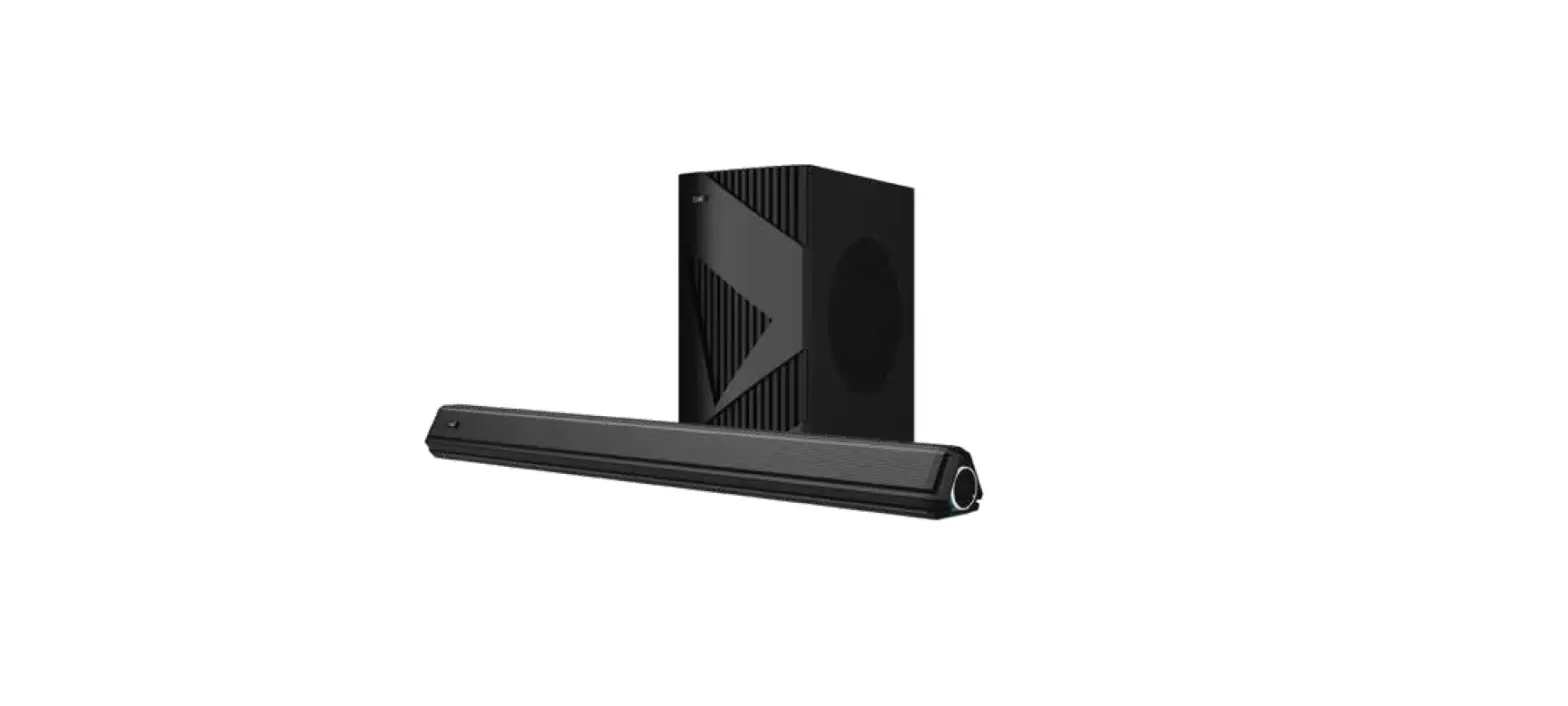
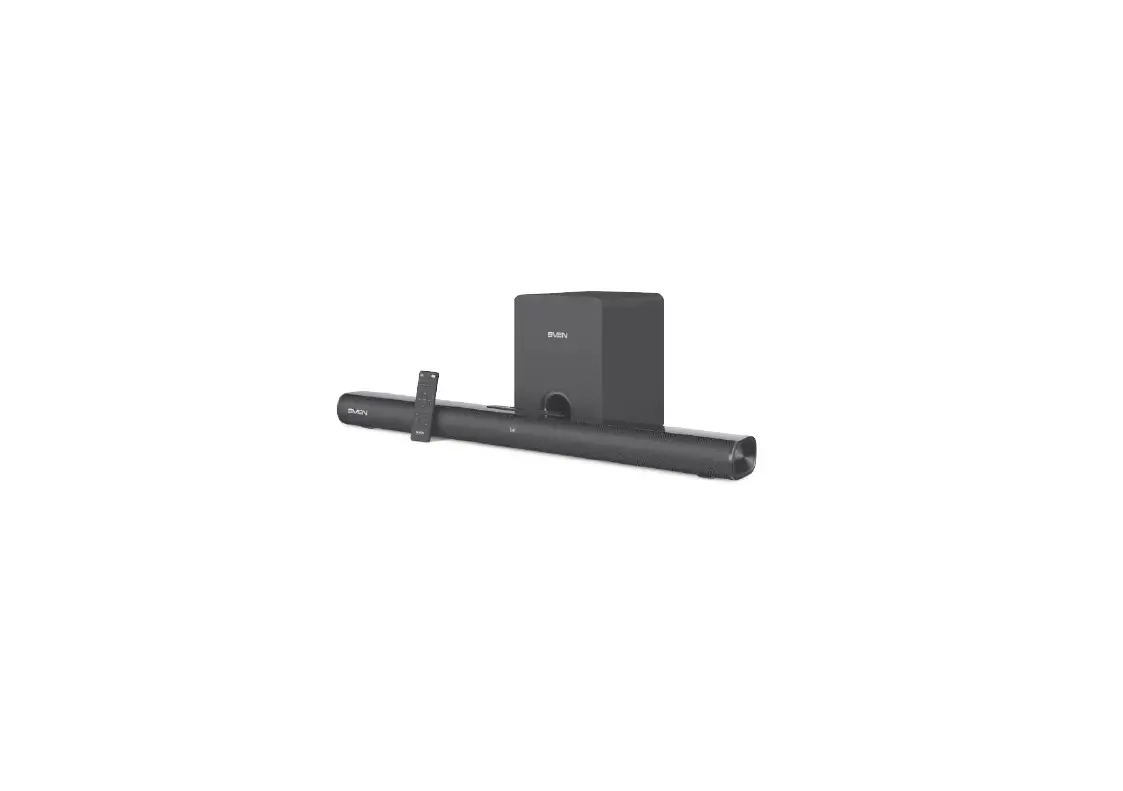
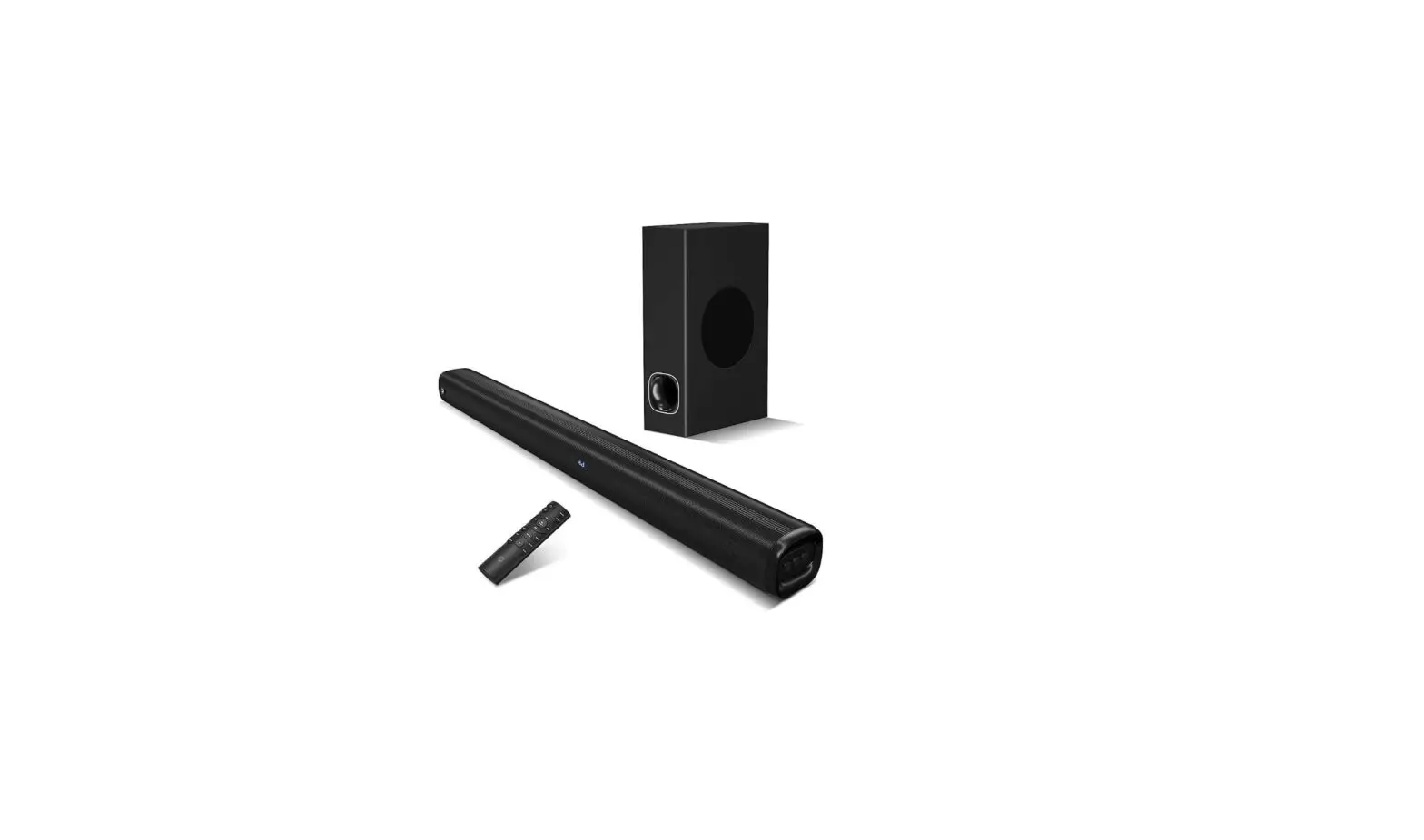
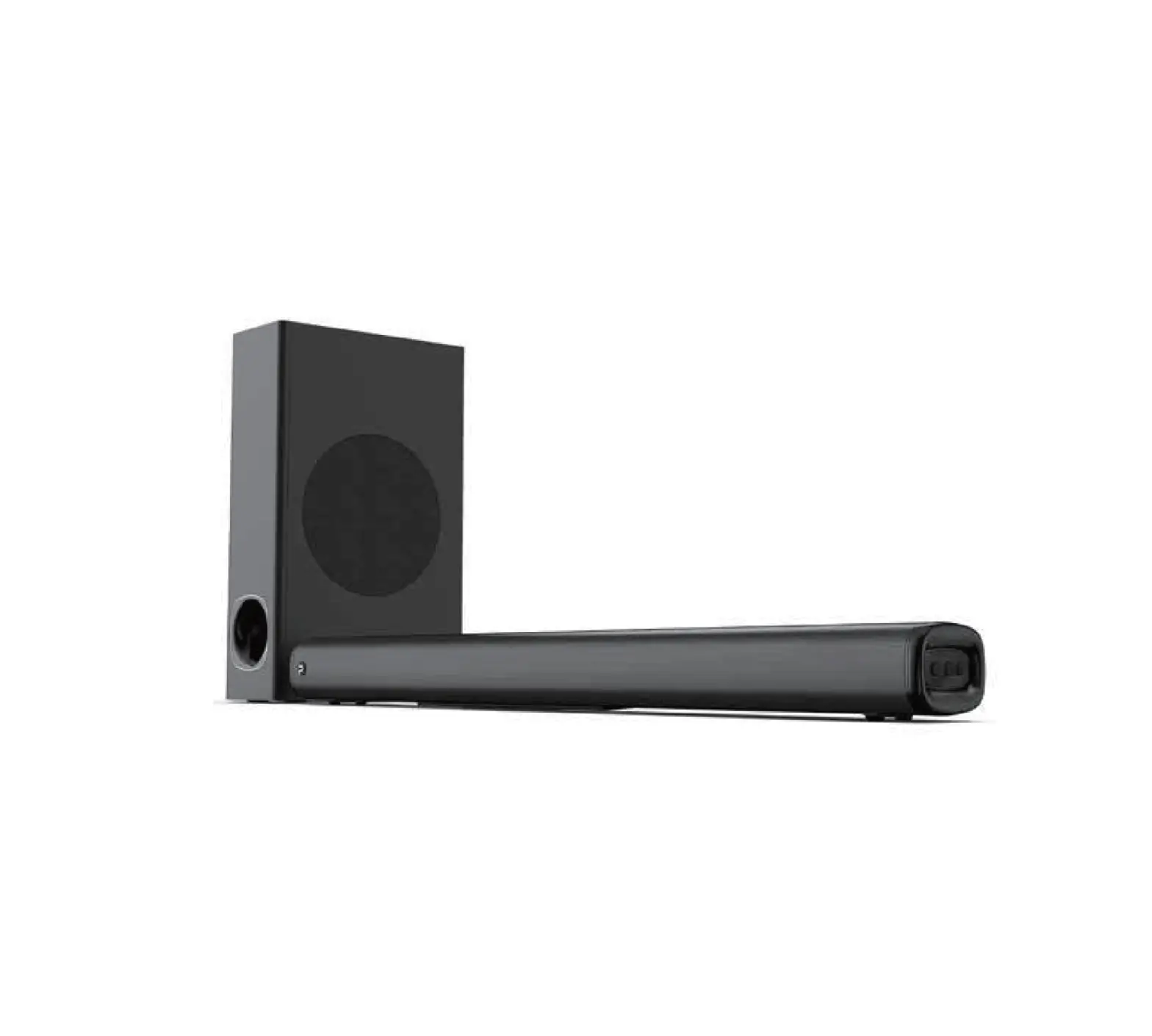
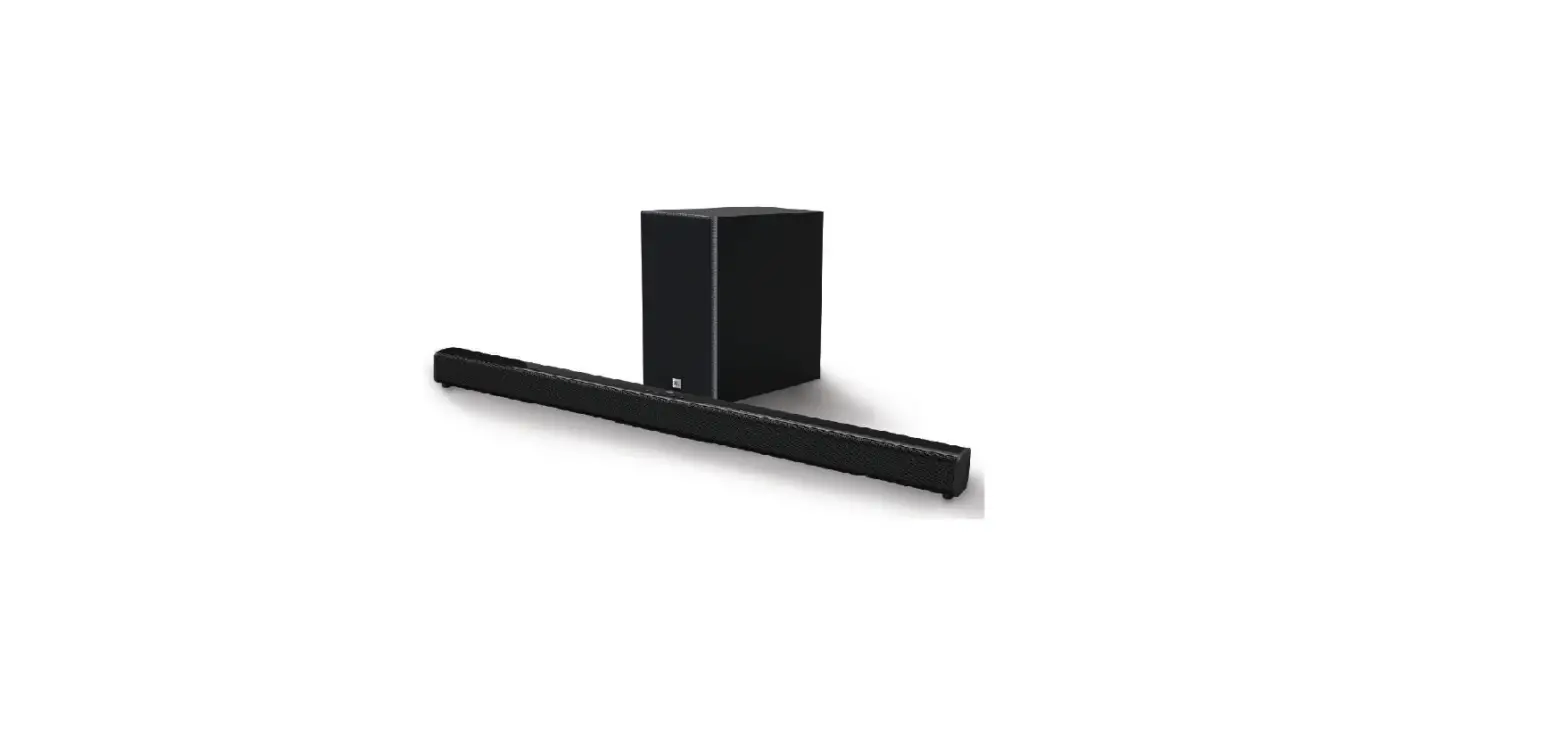
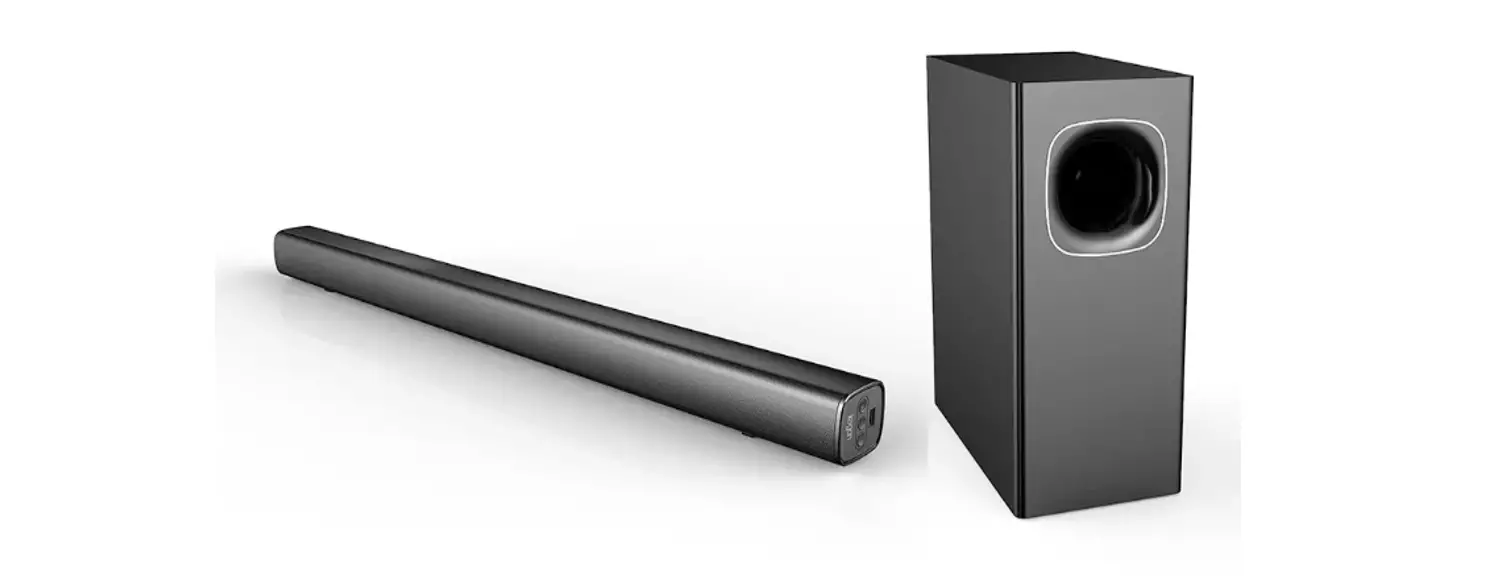
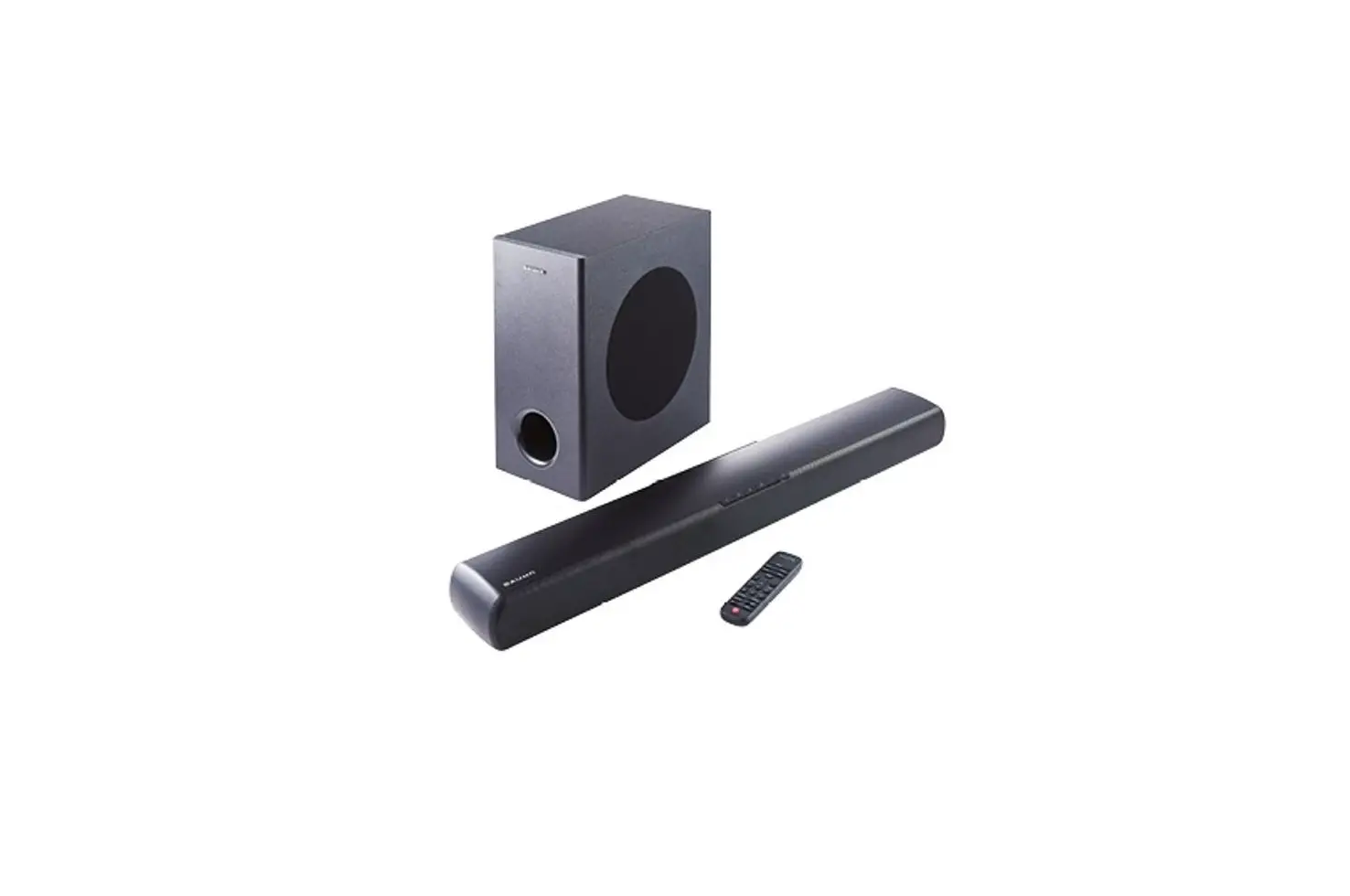
P15 2.1 Channel Soundbar with Subwoofer
Product Information
| Model | P15 |
|---|---|
| Product Name | 2.1CH Soundbar with Subwoofer |
| Function | BT/AUX/HDMI(ARC)/OPT |
| Drivers | 2.25*2 SB + 4*1 SW |
| Frequency Response | 45Hz-20KHz |
| Signal-to-Noise Ratio | 107dB |
| Impedance | 6*2+4*1 |
| Max Output Power | 140W |
| Power Input | 110V-240V~50Hz/60Hz 1A |
| Bluetooth Version | 5.0 |
| Bluetooth Range | Up to 10m |
| Soundbar Dimensions | 405*97*75mm |
| Subwoofer Dimensions | 140*200*360mm |
Product Usage Instructions
To ensure safe and proper usage of your P15 2.1CH Soundbar with
Subwoofer, please follow these instructions:
Installation
- Place the soundbar and subwoofer in suitable locations near
your TV or entertainment system. - Connect the AC power cord to the soundbar and plug it into a
power outlet. - Use the HDMI(ARC) cable to connect the soundbar to the HDMI ARC
port on your TV. - If using other audio sources, such as a smartphone or MP3
player, use the appropriate cable (3.5mm to RCA audio cable) to
connect the soundbar to the audio output of your device. - Use the included mounting template and screws to securely mount
the soundbar on a wall, if desired. - Insert 2 AAA batteries into the remote control following the
markings inside the battery slot.
Usage
Your P15 Soundbar system can be controlled using both the top
panel buttons and the remote control:
Top Panel Controls:
- Power: Long press for 3 seconds to power
on/off the soundbar. Short press for 1 second to switch input
sources. - Play/Pause: In Bluetooth mode, press to start,
pause, or resume play. Press and hold for about 2 seconds to reset
the volume level and switch to the Movie EQ effect. - Volume Up/Down: Increase or decrease the
volume. - Bass+/-: Increase or decrease the bass
level. - TV ARC: Set the input source for the soundbar
to HDMI ARC mode. - BT: Set the input source for the soundbar to
Bluetooth mode. - AUX: Set the input source for the soundbar to
AUX mode. - OPT: Set the input source for the soundbar to
Optical mode. - MUSIC: Select MUSIC sound effect.
- MOVIE: Select MOVIE sound effect.
- DIALOGUE: Select DIALOGUE sound effect.
- INDICATOR: Turn on/off the indicators on the
Bar Speaker.
Remote Control:
To replace the battery in the remote control:
- Remove the battery cover.
- Insert 2 AAA batteries according to the markings inside the
battery slot. - Close the battery cover.
Please refer to the user manual and quick start guide included
in the box for more detailed instructions and troubleshooting
information.
Safety Instructions
For safe operation and to prevent damage to your P15 Soundbar
system, please observe the following safety instructions:
- Do not expose the soundbar to rain or moisture to reduce the
risk of fire or electric shock. - Read and keep the user manual and safety instructions for
future reference. - This equipment is a Class II or double insulated electrical
appliance and does not require a safety connection to electrical
earth. - Comply with FCC rules and regulations regarding
interference.
P15
2.1CH Soundbar with Subwoofer
USER MANUAL
IMPORTANT SAFETY INSTRUCTIONS
Your Unit is designed and manufactured to operate within defined design limits, and misuse may result in electric shock or fire. To prevent your Unit from being damaged, the following rules should be observed for its installation, use, and maintenance. Please read the following safety instructions before operating your Unit. Keep these instructions in a safe place for future reference.
· Read these instructions. · Keep these instructions. · Heed all warnings. · Follow all instructions. · Do not use this apparatus near water. · Clean only with a dry cloth. · Do not block any ventilation openings. Install in accordance with the manufacturer’s instructions. · Do not install near any heat sources such as radiators, heat registers, stoves, or other apparatus (including amplifiers) that produce heat. · Do not defeat the safety purpose of the polarized or grounding-type plug. A polarized plug has two blades with one wider than the other. A grounding type plug has two blades and a third grounding prong. The wide blade or the third prong are provided for your safety. If the provided plug does not fit into your outlet, consult an electrician for replacement of the obsolete outlet. · Protect the power cord from being walked on or pinched, particularly at plugs, convenience receptacles, and the point where they exit from the apparatus. · Only use attachments/accessories specified by the manufacturer. · Use only with the cart, stand, tripod, bracket, or table specified by the manufacturer, or sold with the apparatus. When a cart is used, use caution when moving the cart/apparatus combination to avoid injury from tip-over. · Unplug this apparatus during lightning storms or when unused for long periods of time. · Refer all servicing to qualified service personnel. Servicing is required when the apparatus has been damaged in any way, such as when the power supply cord or plug
is damaged, liquid has been spilled or objects have fallen into the apparatus, the apparatus has been exposed to rain or moisture, does not operate normally, or has been dropped. · To reduce the risk of electric shock or component damage, switch off the power before connecting other components to your Unit. · Unplug the power cord before cleaning your Unit. A damp cloth is sufficient for cleaning. Do not use a liquid or a spray cleaner on your Unit. Do not use abrasive cleaners. · Always use the accessories recommended by the manufacturer to insure compatibility. · When moving your Unit from an area of low temperature to an area of high temperature, condensation may form in the housing. Wait before turning on your Unit to avoid causing fire, electric shock, or component damage. · Slots and openings in the back and bottom of the cabinet are provided for ventilation. To ensure reliable operation of your Unit and to protect it from overheating, be sure these openings are not blocked or covered. Do not place your Unit in a bookcase or cabinet unless proper ventilation is provided. · Never push any object into the slots and openings on your Unit enclosure. Do not place any objects on the top of your Unit. Doing so could short circuit parts causing a fire or electric shock. Never spill liquids on your Unit. · Never use the subwoofer in the upright, vertical position without installing the legs · Do not block the subwoofer ports. Allow for 1-2 inches of space around all sides for ventilation. · WARNING: Exposure to loud sounds can damage your hearing causing hearing loss and tinnitus (ringing or buzzing in the ears).
With continued exposure to loudnoises, ears may become accustomed to the sound level, which may result in permanent damage to hearing without any noticeable discomfort. · When connected to a power outlet, power is always flowing into your Unit. To totally disconnect power, unplug the power cord. · Do not overload power strips and extension cords. Overloading can result in fire or electric shock. · The wall socket should be located near your Unit and be easily accessible · Keep your Unit away from moisture. Do not expose your Unit to rain or moisture. If water penetrates into your Unit, unplug the power cord and contact your dealer. Continuous use in this case may result in fire or electric shock. · Do not use your Unit if any abnormality occurs. If any smoke or odor becomes apparent, unplug the power cord and contact your dealer immediately. Do not try to repair your unit yourself. · Avoid using dropped or damaged appliances. If your Unit is dropped and the housing is damaged, the internal components may function abnormally. Unplug the power cord immediately and contact your dealer for repair. Continued use of your Unit may cause fire or electric shock. · Do not install your Unit in an area with heavy dust or high humidity. Operating your Unit in environments with heavy dust or high humidity may cause fire or electric shock. · Ensure that the power cord and any other cables are unplugged before moving your Unit. · When unplugging your Unit, hold the power plug, not the cord. Pulling on the power cord may damage the wires inside the cord and cause fire or electric shock. When your Unit will not be used for an extended period of time, unplug the power cord. · To reduce risk of electric shock, do not touch the connector with wet hands. · Insert the remote control batteries in accordance with instructions. Incorrect
polarity may cause the battery to leak which can damage the remote control or injure the operator. · See the important note and rating located on the back of the unit. · WARNING – This equipment is not waterproof. To prevent a fire or shock hazard, do not place any container filled with liquid near the equipment (such as a vase or flower pot) or expose it to dripping, splashing, rain, or moisture. · CAUTION – Danger of explosion or fire if batteries are mistreated. Replace only with the same or specified type. · Do not leave the batteries exposed to direct sunlight for a long period of time with doors and windows closed. Do not disassemble the batteries or dispose of it in fire. · Where the MAINS plug or appliance coupler is used as the disconnect device, the disconnect device shall remain readily operable.
WARNING: To reduce the risk of fire or electric shock, do not expose this apparatus to rain or moisture.
The lighting flash with arrowhead symbol within an equilateral triangle is intended to alert the user to the presence of not isolated dangerous voltage within the product that may be sufficient magnitude to constitute a risk of shock to persons.
The exclamation point within an equilateral triangle is intended to alert the user to the presence of important operating and servicing instructions in the literature accompanying the appliance.
Warning: This equipment is a Class II or double insulated electrical appliance. It has been designed in such a way that it does not require a safety connection to electrical earth.
What’s in the box
Soundbar x 1
Subwoofer x 1
HDMI(ARC) cable x 1
3.5mm to RCA audio cable
AC power cord
mounting template
Remote control x 1
User manual
Quick Start Guide
Screws bagx 1
User manual x 1
Quick Start Guide x 1
USE YOUR SOUNDBAR SYSTEM Sound bar
Subwoofer
AC IN
SW OUT OPTICAL IN AUX IN SERVICE
HDMI ARC
How to control your soundbar a. Top panel
Long Press 3 Seconds—Power On/Off Short Press 1 Second—Switch Input Source
Play/Pause Bluetooth Volume Up Volume Down
b. Connectors
1
5 6
8 10 12 13
1.POWER Turns on the Sound Bar or sets it to standby mode.
2.MUTE Turns off the sound temporarily or turns on the sound
2
3.VOL+
Increase volume
3
4.VOLDecrease volume
5.RESET(PLAY/PAUSE)
7
Start, pause or resume play in BT Mode Press and hold
for about 2 seconds to reset the volume level and
switch to the Movie EQ effect.
4 6.BASS+
Increase bass level
9
7.BASS-
Decrease bass level
11
8.TV ARC
Set the input source for the Soundbar to HDMI ARC
14
mode
9.BT
15
Set the input source for the Soundbar to Bluetooth
mode
10.AUX Set the input source for the Soundbar to AUX mode
11.OPT Set the input source for the Soundbar to Optical mode
12.MUSIC Selects MUSIC for the sound effect
13.MOVIE Selects MOVIE for the sound effect
14.DIALOGUE Selects DIALOGUE for the sound effect
15.INDICATOR Turns on/off the indicators on the Bar Speaker.
Remote Control Battery Replacement
A: Remove the battery cover B: Insert 2 AAA batteries according to the markings inside battery slot
C: Close the battery cover
Model Function Drivers Frequency Response Signal-to-Noise Ratio lmpedance Max Output Power Power lnput Bluetooth Version
Dimensions
P15 BT/AUX/HDMI(ARC)/OPT 2.25″*2 SB+ 4″*1 SW 45Hz-20KHz 107dB 6*2+4*1 140W 110V-240V~50Hz/60Hz 1A Version: 5.0 Range: up to 10m Soundbar: 405*97*75mm Subwoofer: 140*200*360mm
FCC Warning This device complies with part 15 of the FCC Rules. Operation is subject to the following two conditions: (1) This device may not cause harmful interference, and (2) this device must accept any interference received, including interference that may cause undesired operation.
Note: This equipment has been tested and found to comply with the limits for a Class B digital device, pursuant to part 15 of the FCC Rules. These limits are designed to provide reasonable protection against harmful interference in a residential installation. This equipment generates, uses and can radiate radio frequency energy and, if not installed and used in accordance with the instructions, may cause harmful interference to radio communications. However, there is no guarantee that interference will not occur in a particular installation. If this equipment does cause harmful interference to radio or television reception, which can be determined by turning the equipment off and on, the user is encouraged to try to correct the interference by one or more of the following measures: –Reorient or relocate the receiving antenna. –Increase the separation between the equipment and receiver. –Connect the equipment into an outlet on a circuit different from that to which the receiver is connected. –Consult the dealer or an experienced radio/TV technician for help.
Note: The Grantee is not responsible for any changes or modifications not expressly approved by the party responsible for compliance. such modifications could void the user’s authority to operate the equipment. The device has been evaluated to meet general RF exposure requirement. To maintain compliance with FCC’s RF exposure guidelines, the distance must be at least 20 cm between the radiator and your body, and fully supported by the operating and installation configurations of the transmitter and its antenna(s).
WEEE NOTICE: When this symbol appears on a product
this indicates that the product is subject to the European Directive 2012/19/EU.All old electrical and electronic devices must be separated from normal household waste and disposed of at designated state facilities.The correct disposal of old devices in this manner will prevent environmental pollution and human health hazards. For further information about proper disposal, contact your local authorities, waste disposal office or the shop where you bought the device.
Manufacturer: Room 1209
Gebu unified Building Block 3, Hongxing Community, Songgang Street Bao’ an District Shenzhen China [email protected]
Pheanoo EU representative Address: PuHui Import und Export GmbH Birnbaumsmühle 65 15234 Frankfurt(Oder) admin@puhui-jk.
Pheanoo British representative Address: Sea&Mew AccountingLtd 10 Duke Street, Coventry CV5 8BZ [email protected]
TV ARC
Optical
RCA
AUX
The Bluetooth® word mark and logos are registered trademarks owned by Blutooth SIG, lnc. and any use of such marks by [PHENAOO®] is under license.