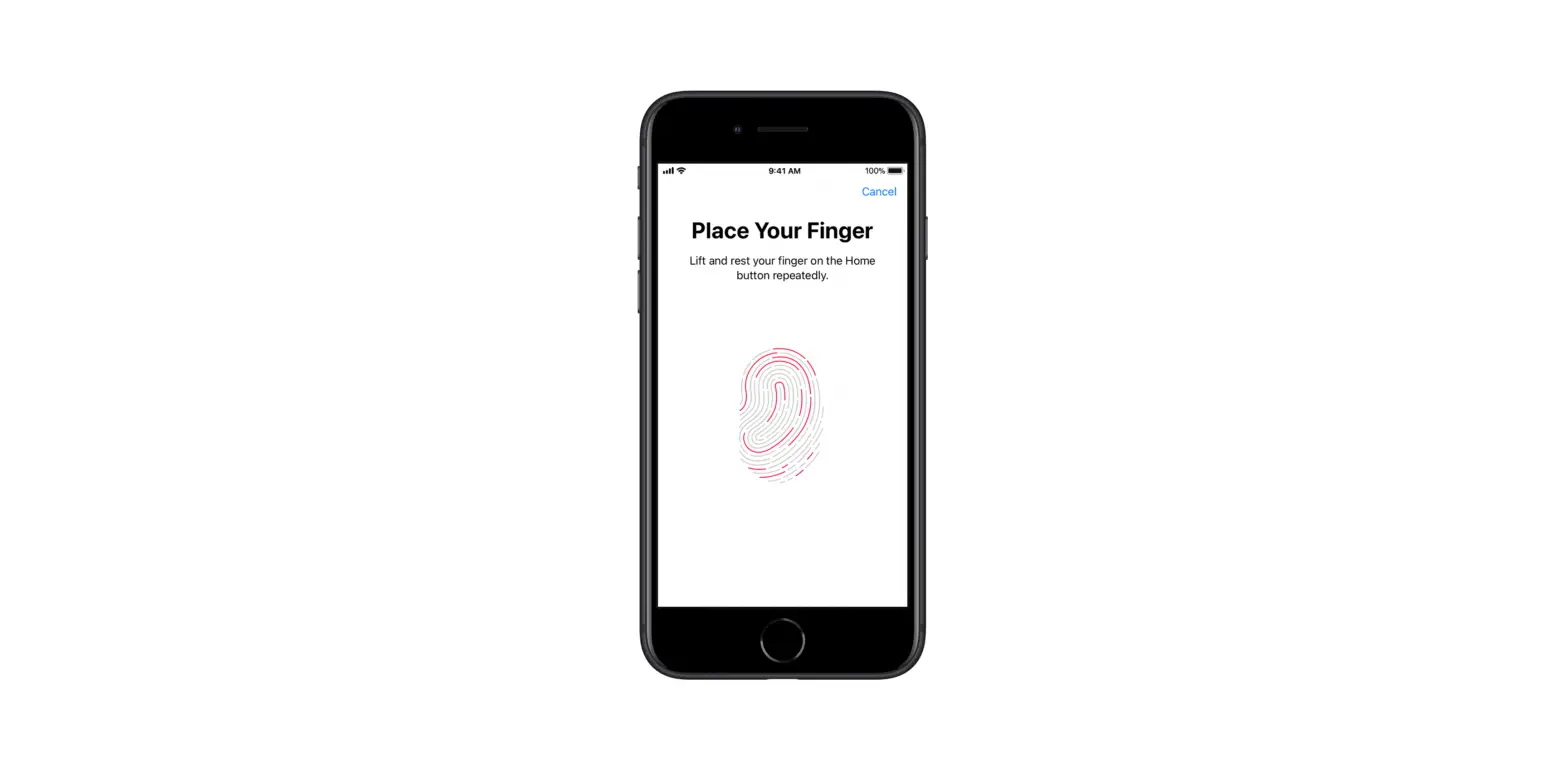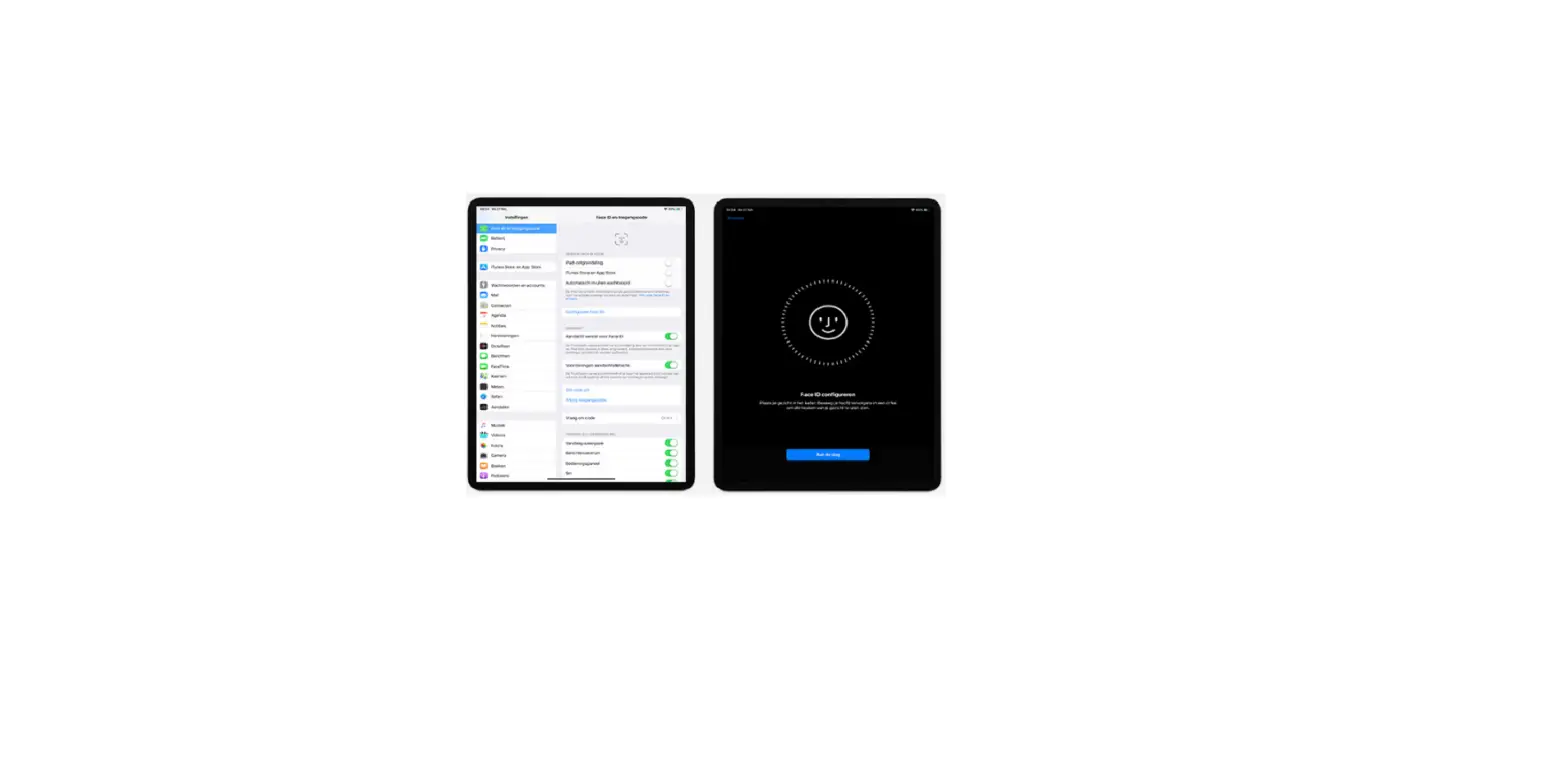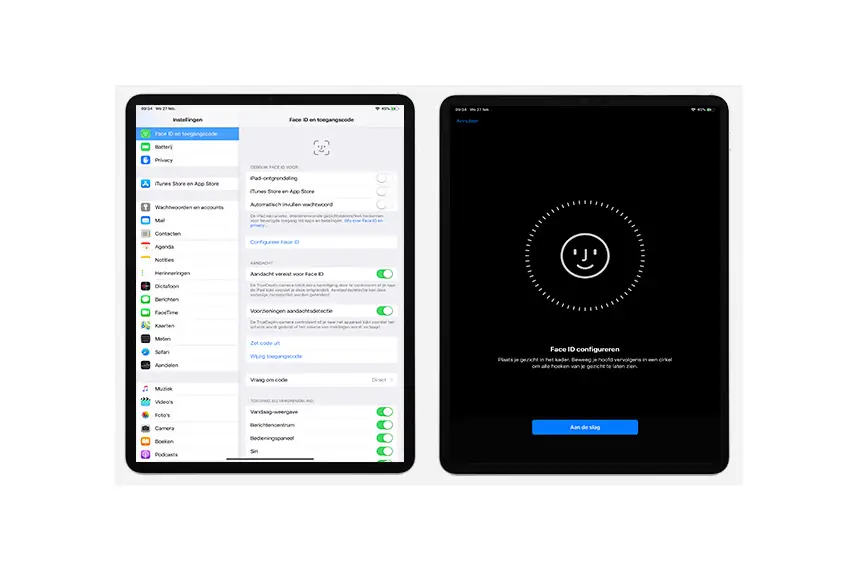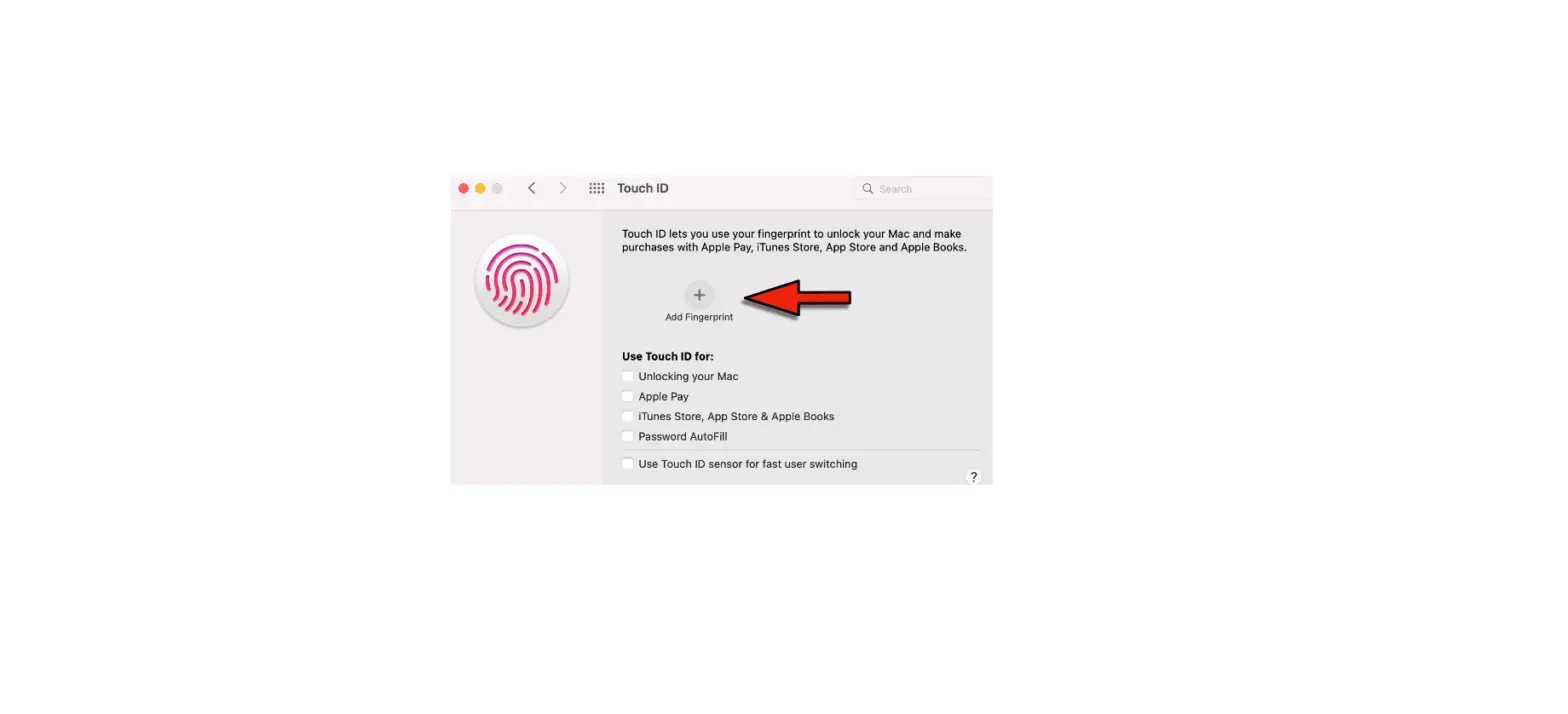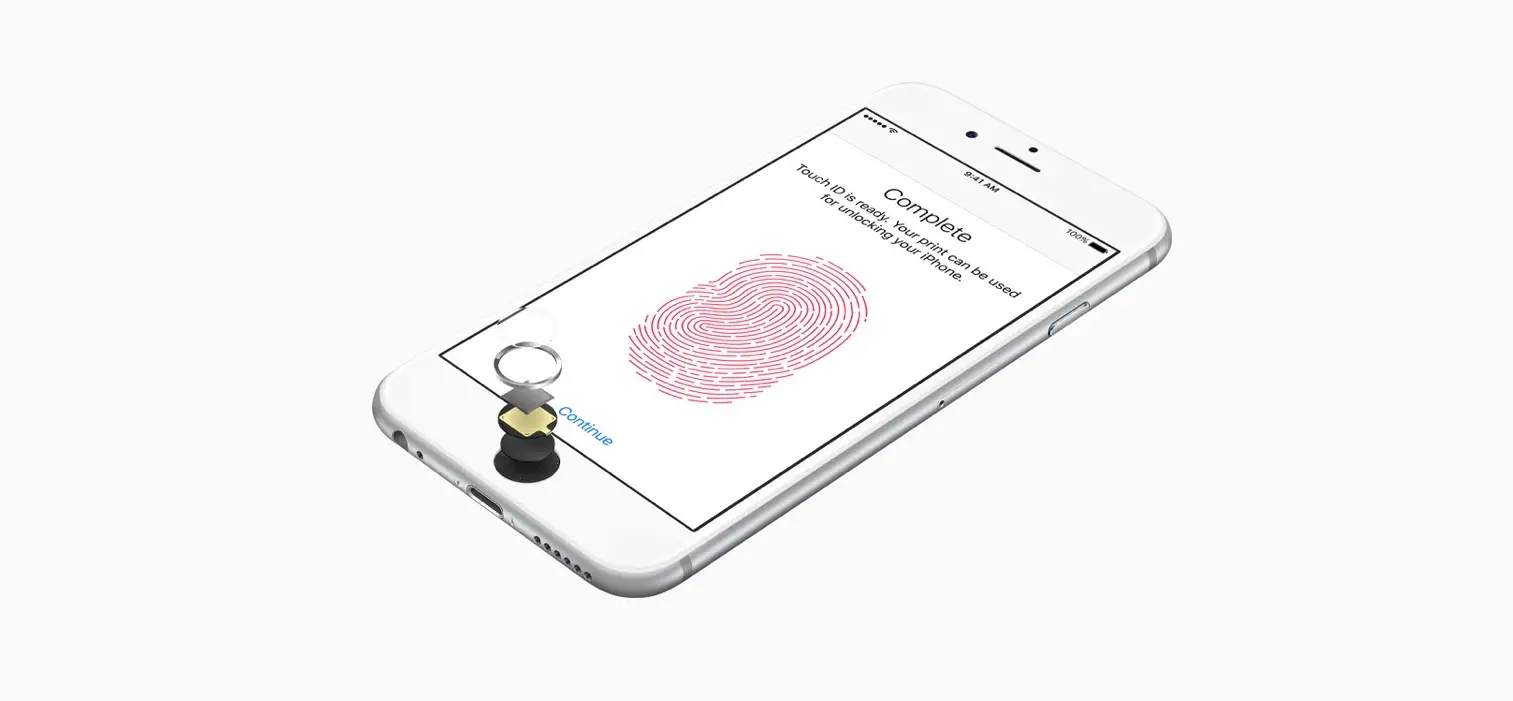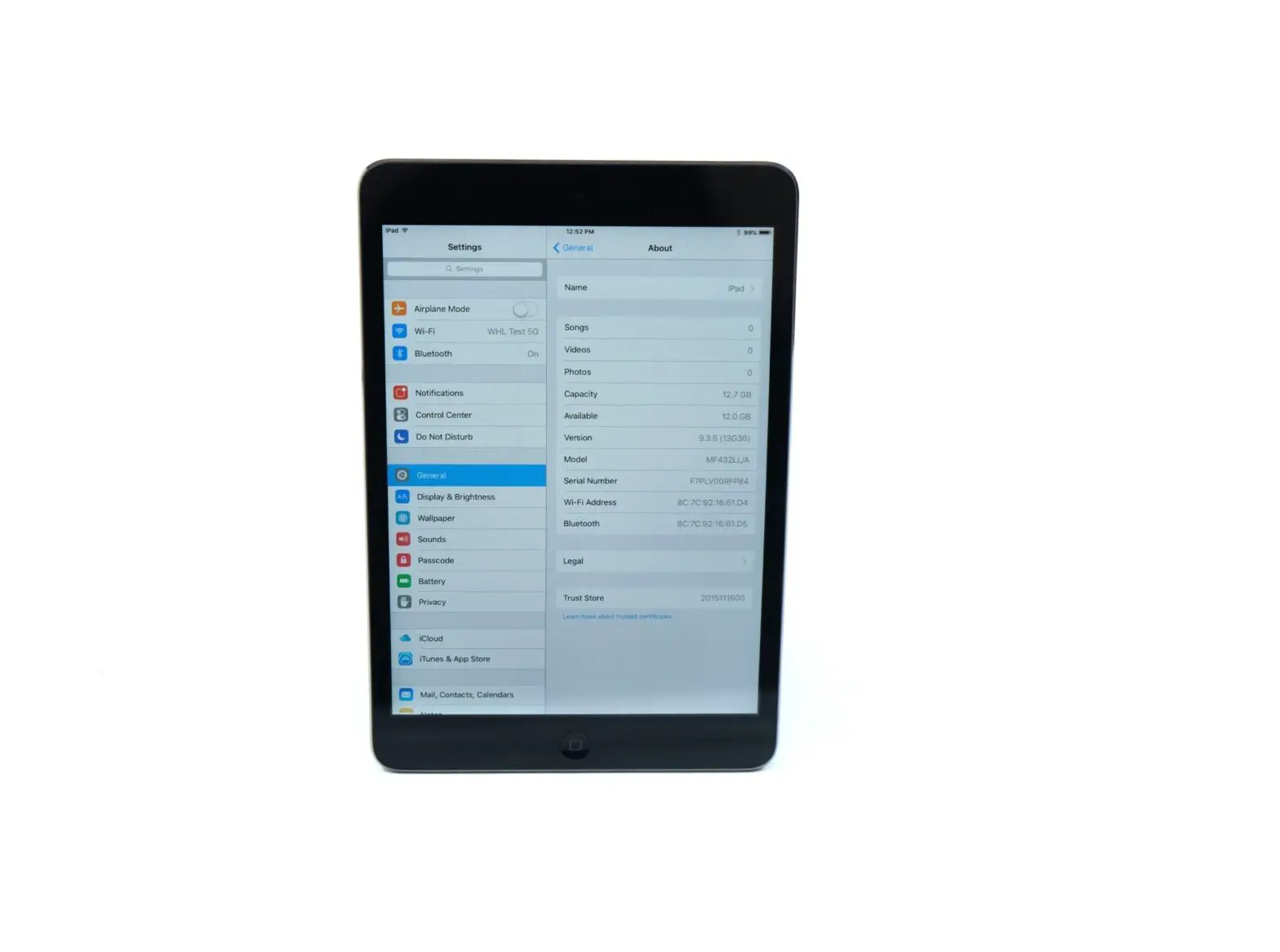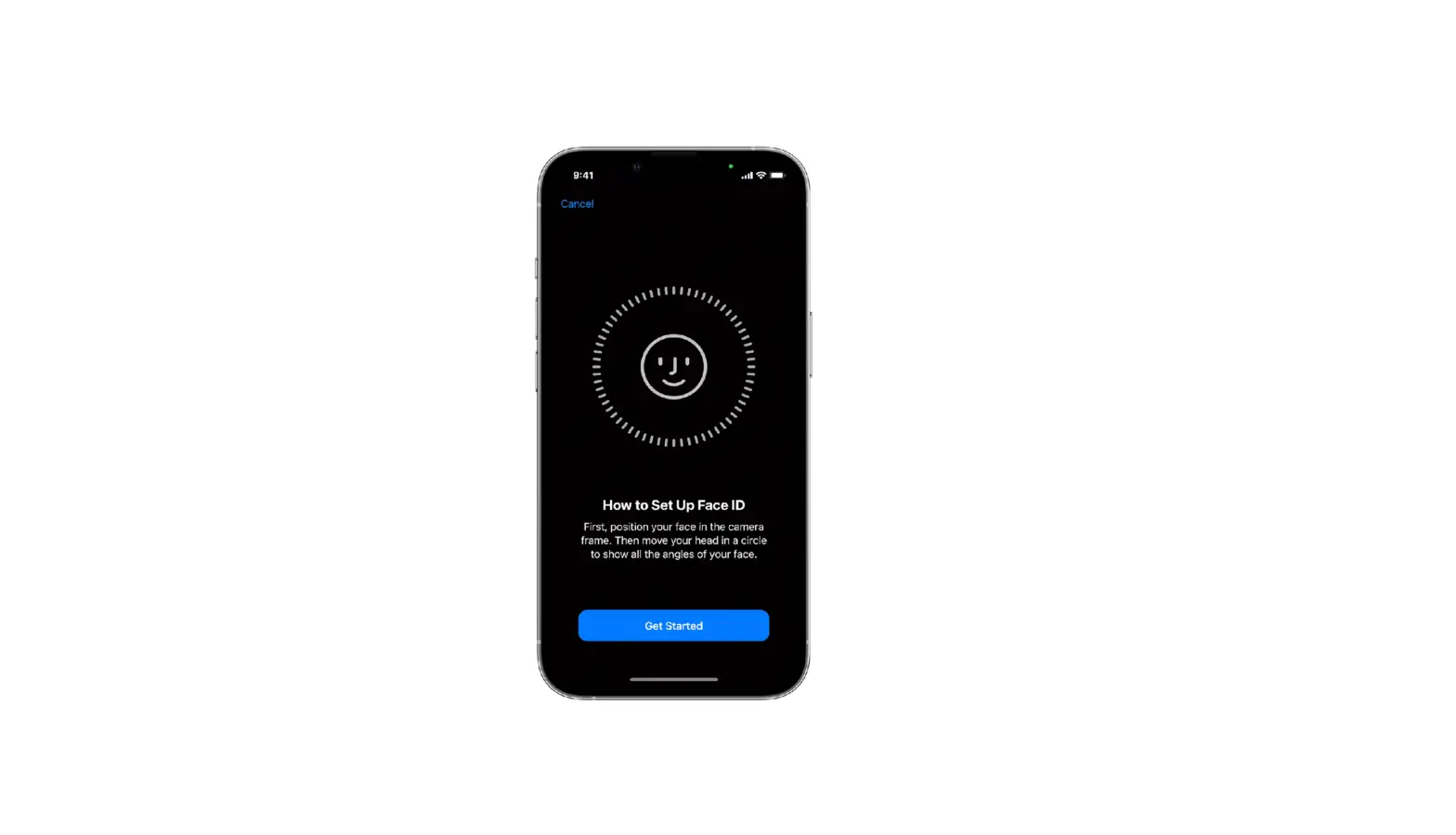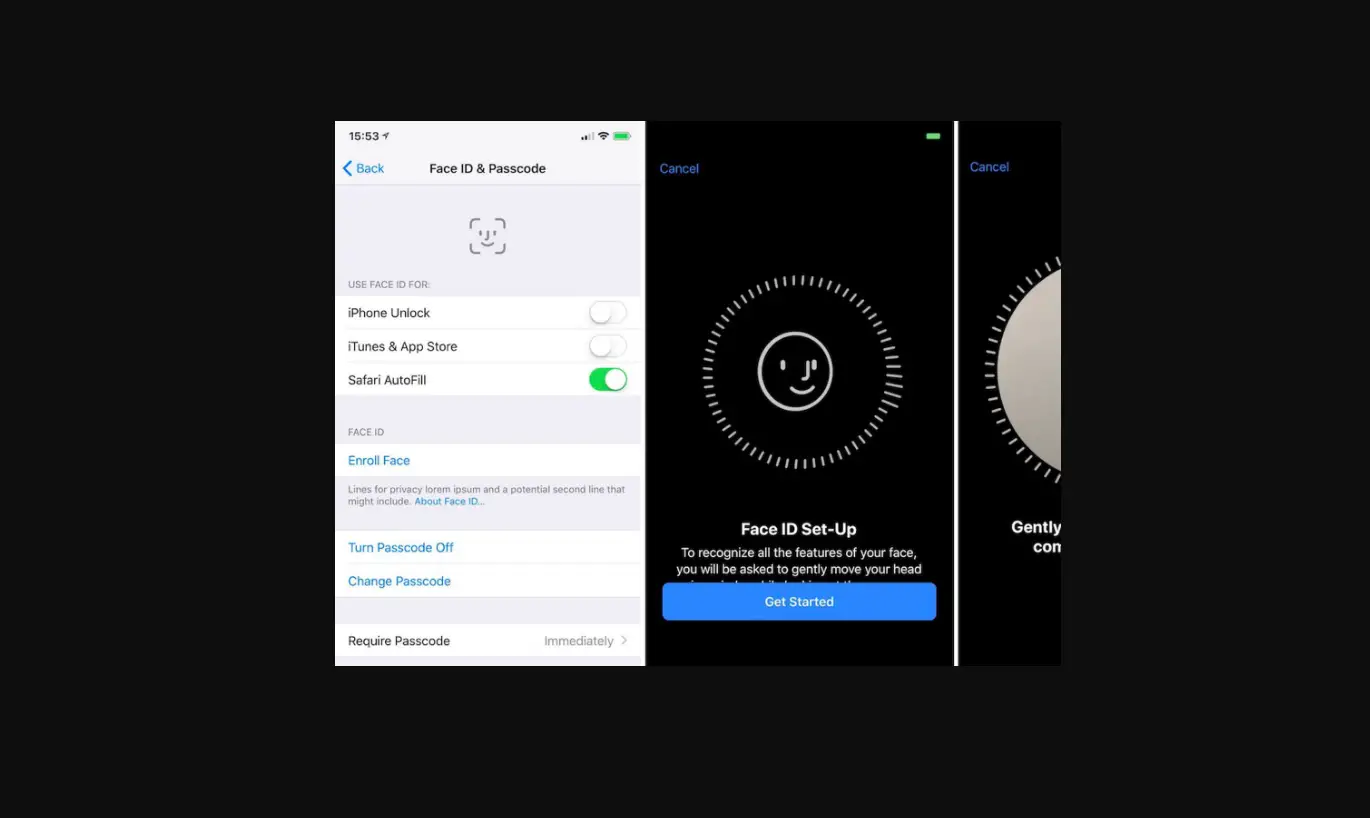
- If you didn’t turn on fingerprint recognition when you first set up your iPad, go to Settings
 > Touch ID & Passcode.
 - Turn on any of the options, then follow the onscreen instructions.
 > Touch ID & Passcode.
If you turn on iTunes & App Store, you’re asked for your Apple ID password when you make your first purchase from the App Store, Apple Books, or the iTunes Store. When you make your next purchases, you’re asked to use Touch ID.