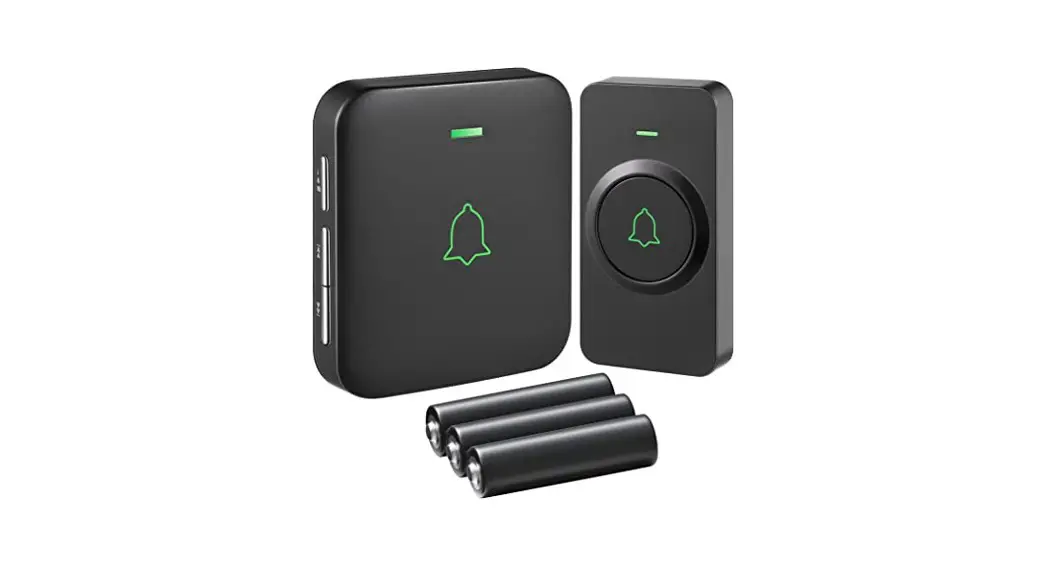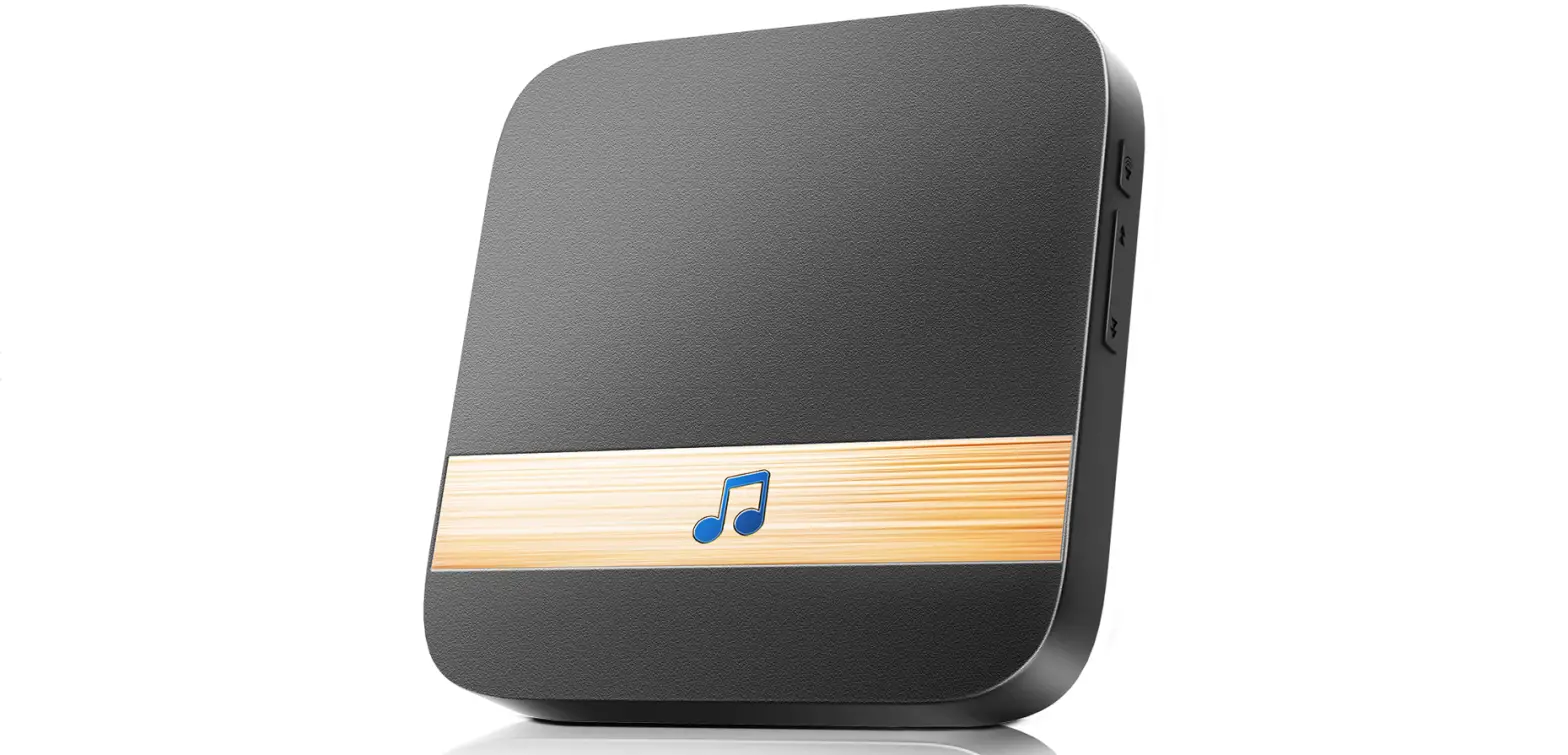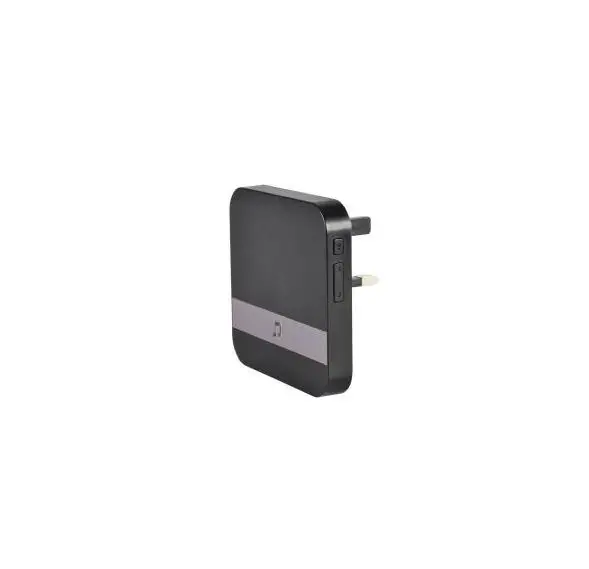

mercury 350.030UK Smart Wi-Fi Plug-in Door Chime
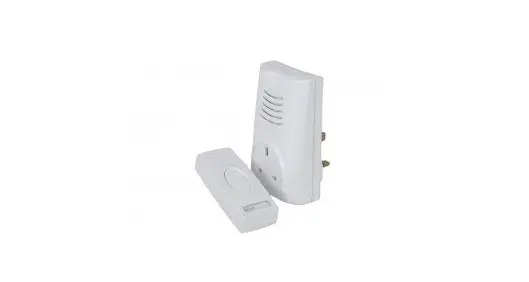
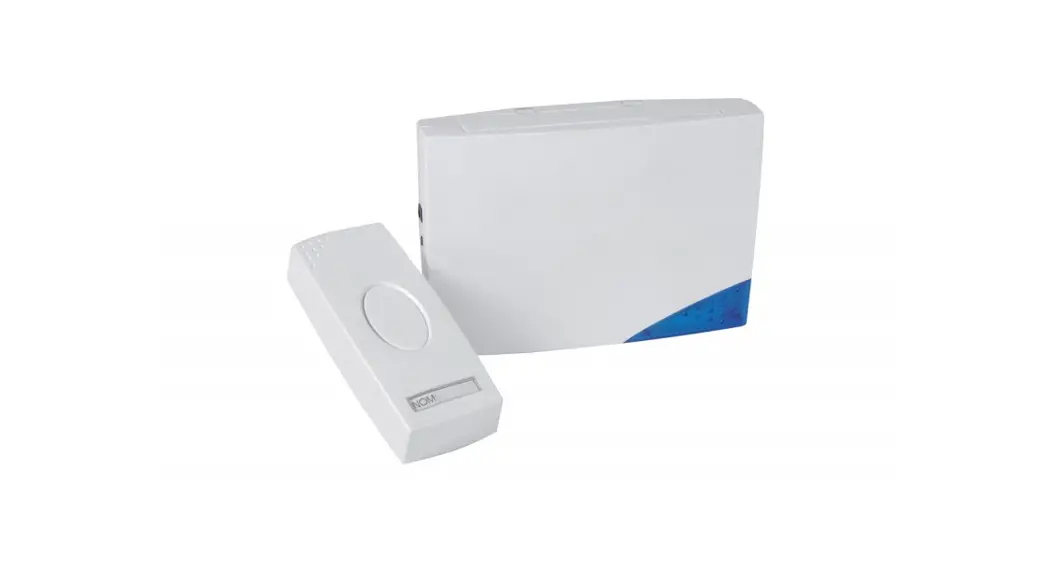
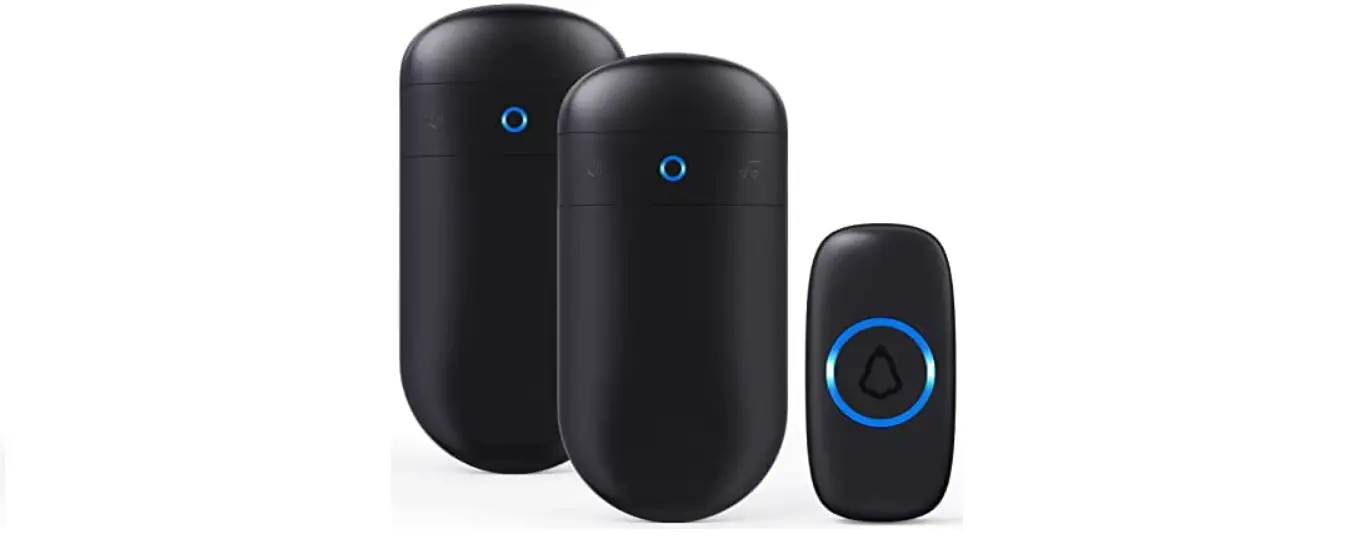
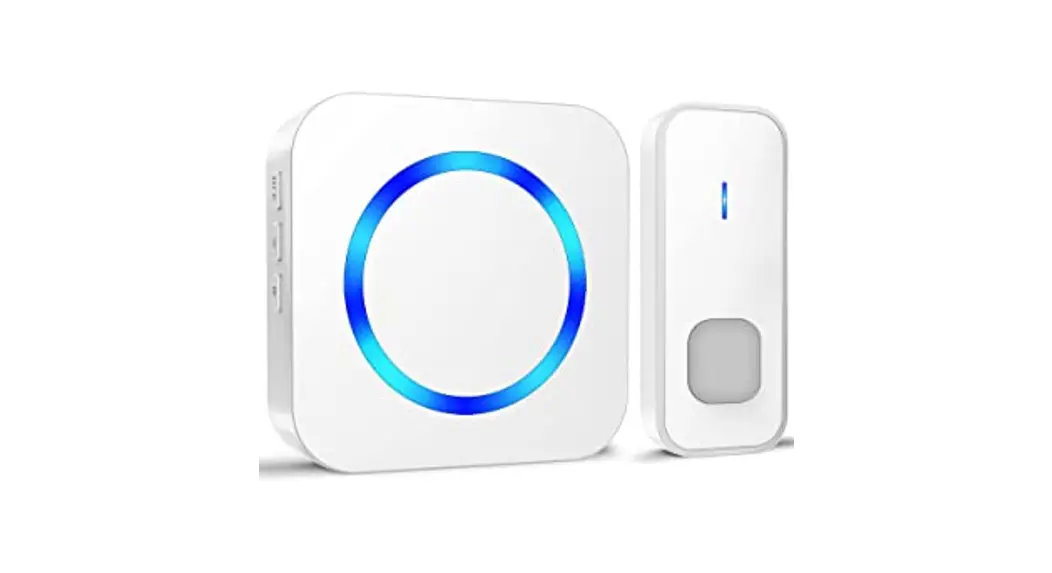
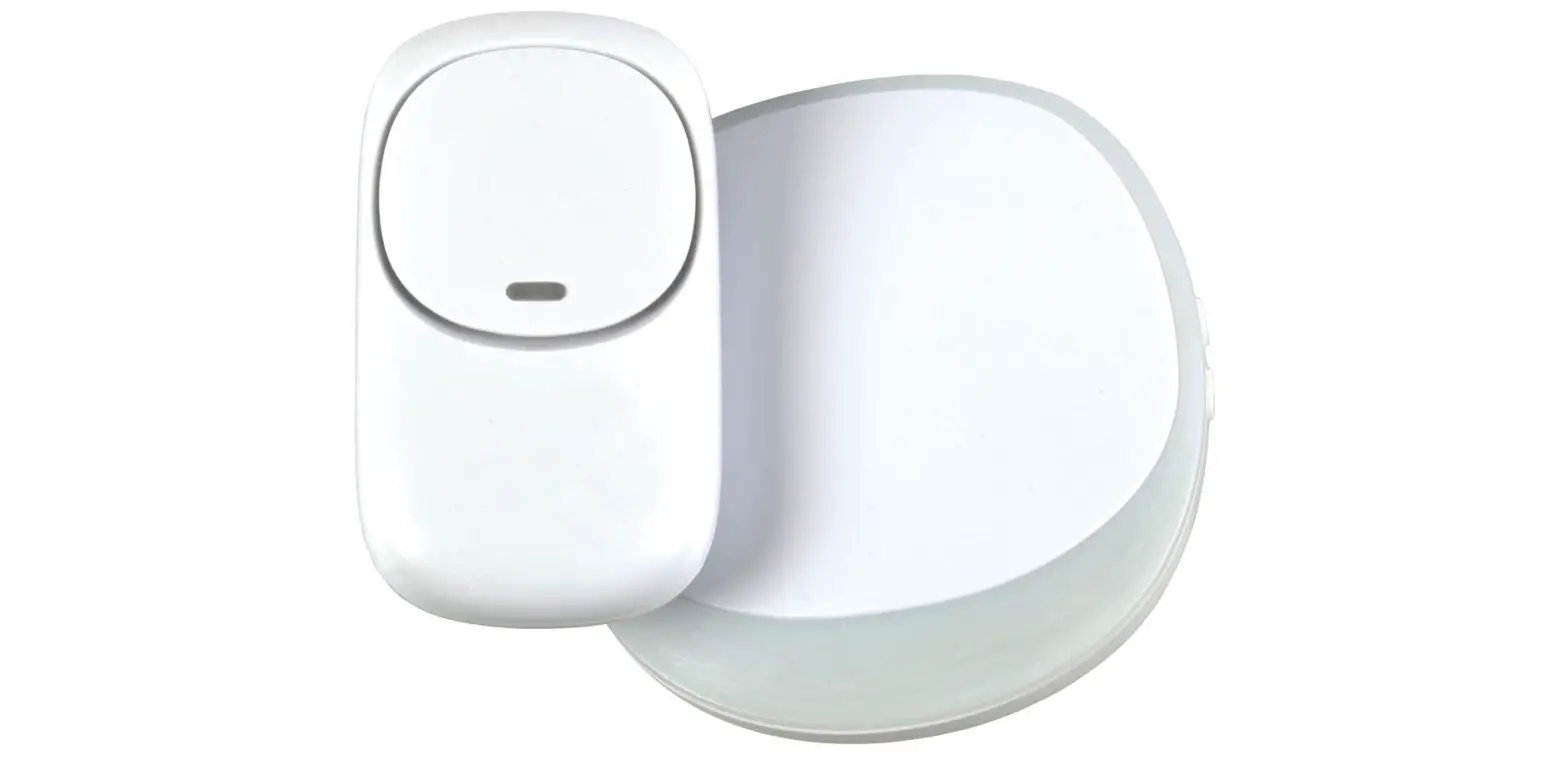
A stylish smart Wi-Fi plug-in door chime, compatible with our Mercury Smart Wi-Fi Video Doorbell. Choose from 52 different melodies which notifies via a plug-in chime with flashing LED light alert when a visitor presses the doorbell. A simple plug and play connection within the 100m wireless range gives you the flexibility to place anywhere throughout the home so you never miss a visitor.
Specification
| Volume | 100db (max) |
| Sensitivity | -110dbm |
| Frequency | 433.92 MHz ± 280KHz |
| Power consumption | 10mW |
| Power mains | 90~250Vac |
| Dimensions | 80 x 80 x 50mm |
| Weight | 67g |
Features
- Works in conjunction with 350.025UK Smart Wi-Fi Video Doorbell
- Simple plug and play connection and operation
- Flashing LED alert
- Wireless transmission up to 100m range
- 4 Volume levels and 52 melodies to choose from
Overview
Usage Instructions
- Simply plug the chime into an available UK mains socket in the room or location you wish to use it.
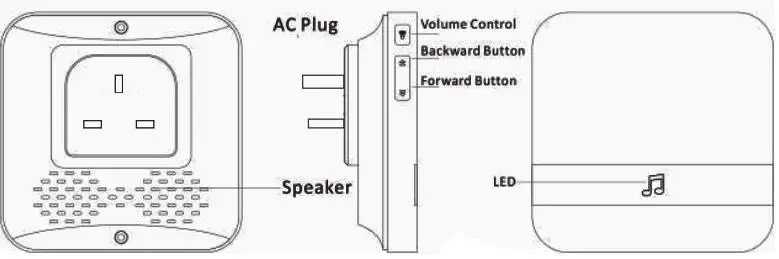
- Next, set your required ringtone using the forward and backward buttons respectively. There are 52 different melodies to choose from.
- Repeatedly press the volume control button to set the required volume level. There are 5 levels to choose from, ranging from No.1 which is mute up to No.5 which is the loudest setting.
- To pair with your Wi-Fi video doorbell, press and hold the volume button for around 4-5 seconds until the LED indicator lights up to indicate it’s in pairing status.
- Within 5 seconds, press and hold the Call button on the Wi-Fi video doorbell to connect it to the chime. Once connected, the LED indicator on the chime will blink rapidly for a few seconds.
- Test the chime is connected to the video doorbell by activating it accordingly. If connection has failed, repeat steps 4 and 5.
- To add additional chimes to the same Wi-Fi video doorbell, repeat steps 1 to 6 above.
- To clear the memory and settings on the chime at any time, press and hold the volume button for around 10 seconds until the LED indicator blinks rapidly. The unit is now reset to default settings.
Warning
- For reasons of electrical safety, this device must never be immersed in water, exposed to damp conditions or excessive force.
- Do not locate this device close to a source of heat or expose to high temperatures.
- Do not use this device if you find that it is damaged in any way.
- Do not attempt to repair this device or take apart under any circumstances, as this will invalidate your warranty.
This product is classed as Electrical or Electronic equipment and should not be disposed with other household or commercial waste at the end of its useful life. The goods must be disposed of according to your local council guidelines.
Hereby, AVSL Group Ltd. declares that the radio equipment type: 350.030UK complies with Directive 2014/53/EU
The full text of the EU declaration of conformity for 350.030UK is available at the following internet address:
http://www.avsl.com/assets/exportdoc/3/5/350030UK%20CE.pdf
Errors and omissions excepted.
Copyright© 2021 AVSL Group Ltd, Unit 2 Bridgewater Park, Taylor Road, Trafford Park, Manchester. M41 7JQ.
www.avsl.com
AVSL (Europe) Ltd, Unit 3D North Point House, North Point Bus. Park, New Mallow Road, Cork, Ireland.