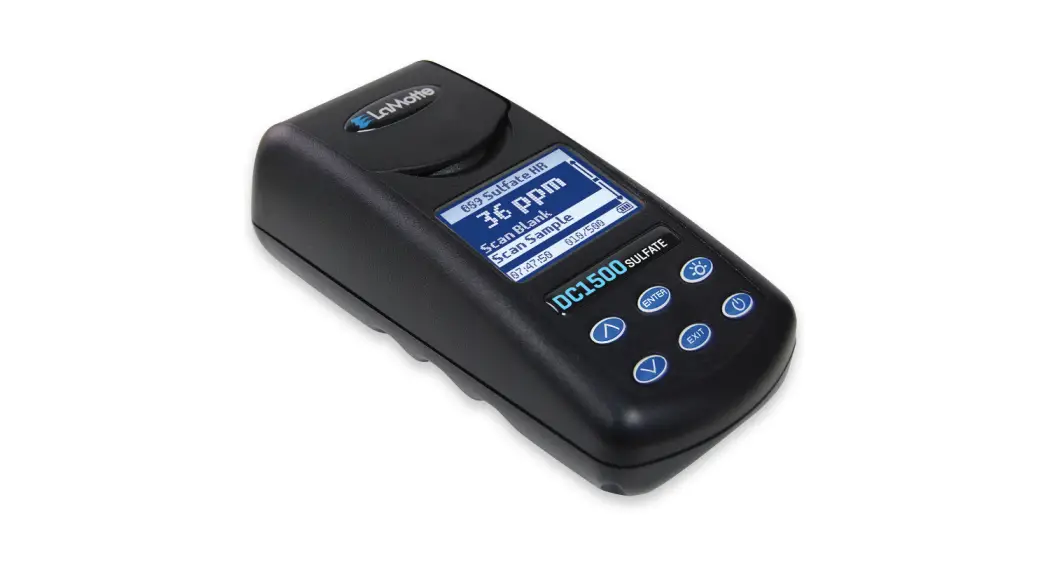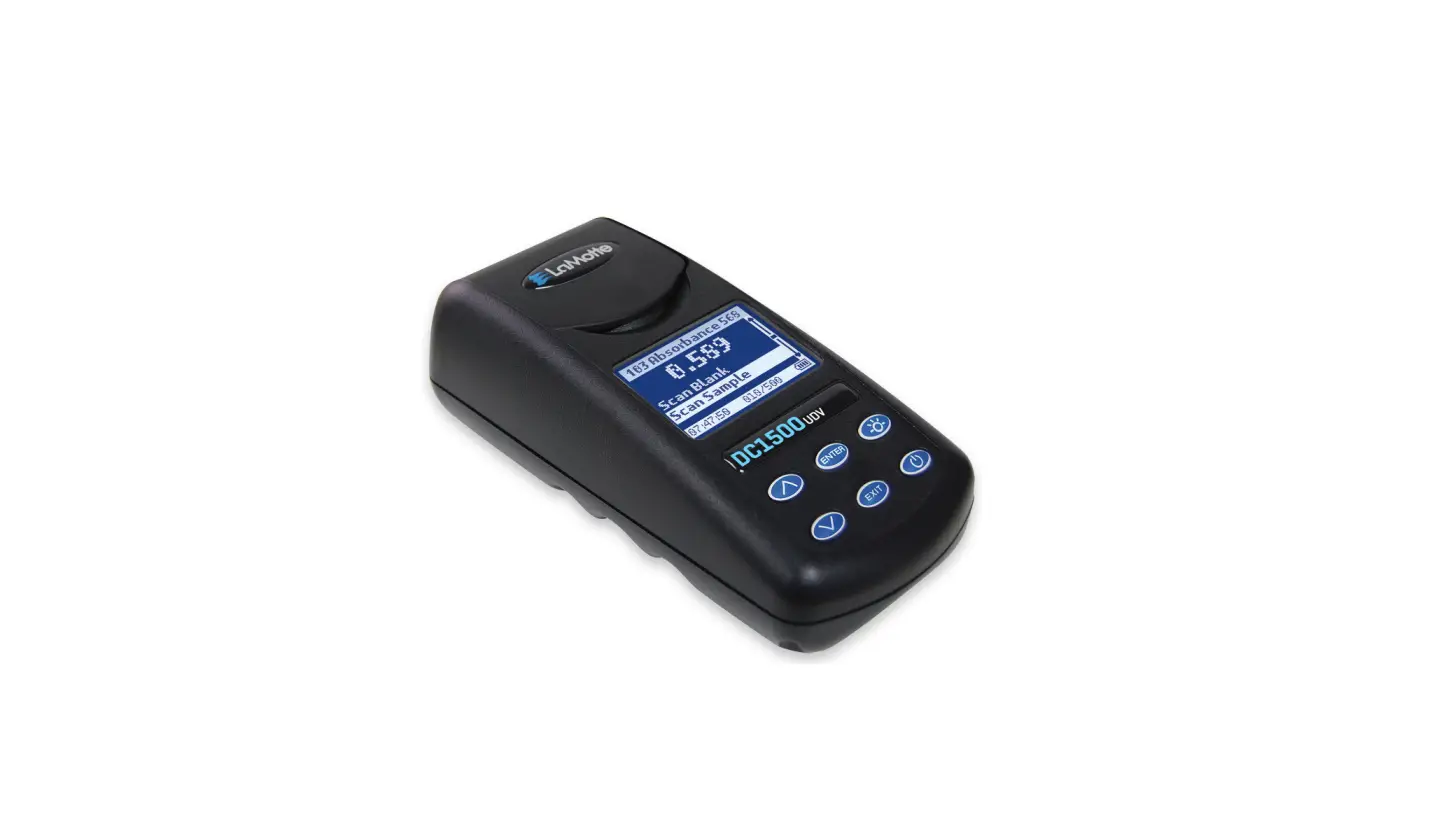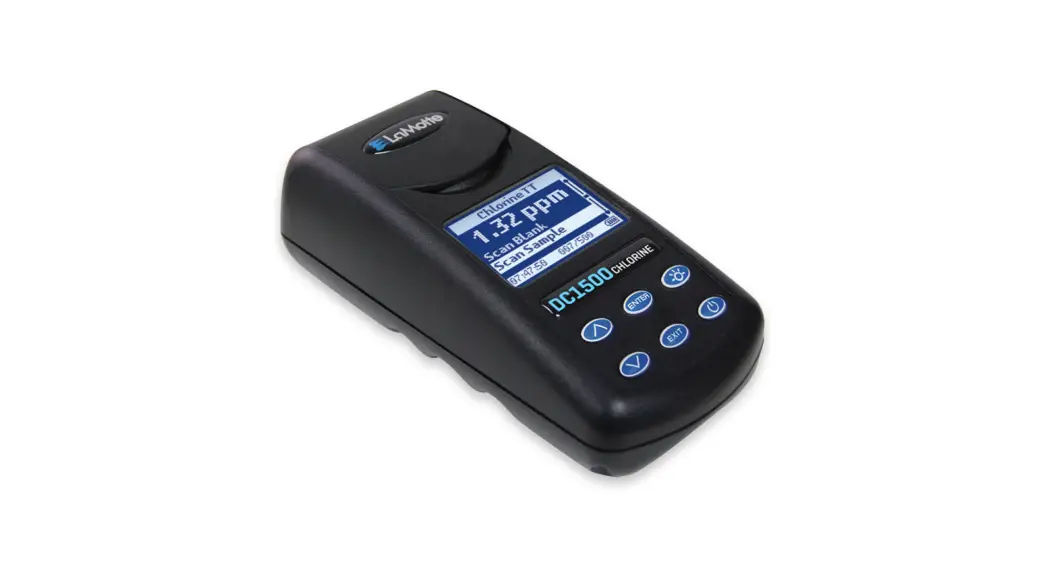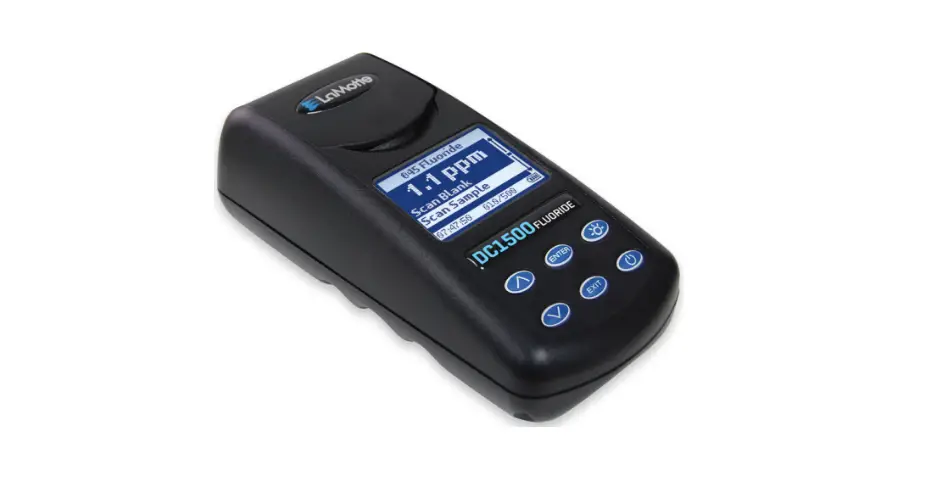
LaMotte DC1500 Fluoride Colorimeter Lab User Guide
ANALYSIS
PROCEDURE
| 1. | Fill Water Sample Collecting Bottle (0688) with sample water. |
| 2. | Press and  hold until colorimeter turns on. hold until colorimeter turns on. |
| 3. | Press  to select Testing Menu. to select Testing Menu. |
| 4. | Scroll to and select 045 Fluoride from menu. |
| 5. | This test requires a reagent blank. Rinse a clean colorimeter tube (0290) and fill to the 10 mL with clear, colorless, Fluoride free water. |
| 6. | Use the 0.5 mL pipet (0353) to add 0.5 mL of *Sodium Arsenite Solution (4128). Cap and mix. |
| 7. | Use the 1.0 mL pipet (0354) to add 2 measures of *AcidZirconyl SPADNS Reagent (3875). Cap and mix thoroughly. (This is the reagent blank.) Dry the tube with a lint-free cloth. |
| 8. | Insert tube. Close lid. Select Scan Blank. |
| 9. | Rinse tube (0290) three times with the standard. Fill the tube to the 10 mL line. Cap tube. Dry tube. |
| 10. | Use the 0.5 mL pipet (0353) to add 0.5 mL of *Sodium Arsenite Solution (4128). Cap and mix. |
| 11. | Use the 1.0 mL pipet (0354) to add 2 measures of *AcidZirconyl SPADNS Reagent (3875). Cap and mix thoroughly. (This is the reagent blank.) Dry the tube with a lint-free cloth. |
| 12. | Insert tube. Close lid. Select Scan Sample. Record result as FLUORIDE. |
- WARNING: Reagents marked with an * are considered to be potential health hazards. To view or print a Safety Data Sheet (SDS) for these reagents go to www.lamotte.com. Search for the four digit reagent code number listed on the reagent label, in the contents list or in the test procedures. Omit any letter that follows or precedes the four digit code number. For example, if the code is 4450WT-H, search 4450. To obtain a printed copy, contact LaMotte by email, phone or fax.
Emergency information for all LaMotte reagents is available from Chem-Tel (US, 1-800-255-3924) (International, call collect, 813- 248-0585).
CALIBRATION
Standards
Calibrate meter with fluoride standards. Use a distilled or demonized water blank and one ammonia nitrogen standard of known concentration.
PROCEDURE
| 1. | Press and hold until cyclometer turns on. |
| 2. | Press to select Testing Menu. |
| 3. | Scroll to and select 045 Fluoride from menu. |
| 4. | This test requires a reagent blank. Rinse a clean colorimeter tube (0290) and fill to the 10 mL with clear, colorless, Fluoride free water. |
| 5. | Use the 0.5 mL pipet (0353) to add 0.5 mL of *Sodium Arsenite Solution (4128). Cap and mix. |
| 6. | Use the 1.0 mL pipet (0354) to add 2 measures of *AcidZirconyl SPADNS Reagent (3875). Cap and mix thoroughly. (This is the reagent blank.) Dry the tube with a lint-free cloth. |
| 7. | Insert tube. Close lid. Select Scan Blank. |
| 8. | Rinse tube (0290) three times with the standard. Fill the tube to the 10 mL line. Cap tube. Dry tube. |
| 9. | Use the 0.5 mL pipet (0353) to add 0.5 mL of *Sodium Arsenite Solution (4128). Cap and mix. |
| 10. | Use the 1.0 mL pipet (0354) to add 2 measures of *AcidZirconyl SPADNS Reagent (3875). Cap and mix thoroughly. (This is the reagent blank.) Dry the tube with a lint-free cloth. |
| 11. | Insert tube. Close lid. Select Scan Sample. |
| 12. | Press  or or  to scroll to the concentration of the standard. to scroll to the concentration of the standard. |
| 13. | Press to save the value. Press and at any time to return to the default value. |
For additional information see the DC1500 Fluoride manual.
NOTE: Use the AC wall adapter to rapidly charge the meter.
Reinsert the USB port plug after charging.
WARNING: Only use the USB cable (1720-01) that is supplied with the kit. Make no substitutions.
Customer support
802 Washington Ave Chestertown Maryland 21620 USA
410-778-3100
800-344-3100
www.lamotte.com

 LaMotte Company :: Water Quality and Analytical Testing Equipment
 LaMotte Software Center
 LaMotte Company :: Water Quality and Analytical Testing Equipment