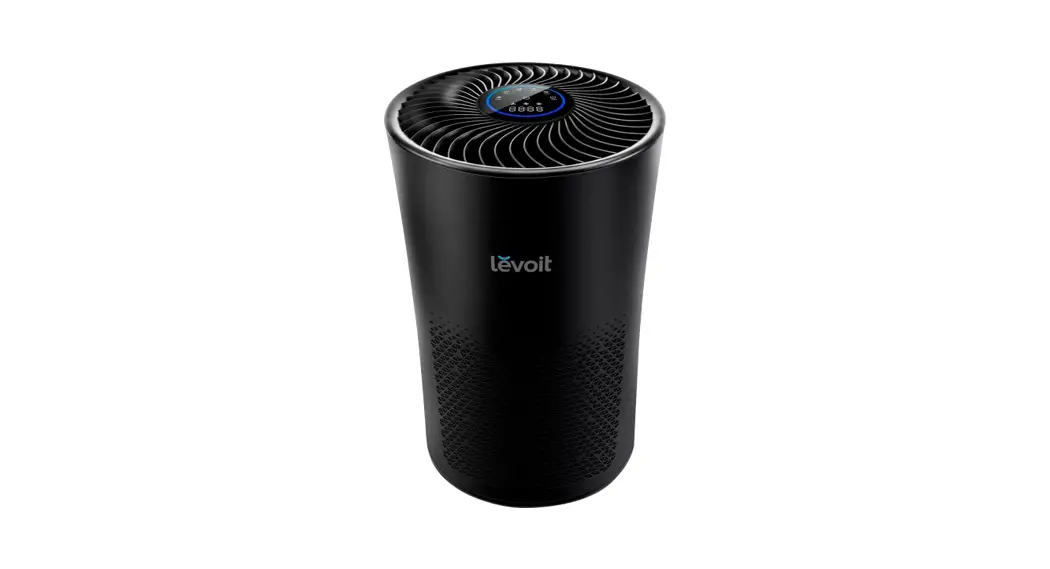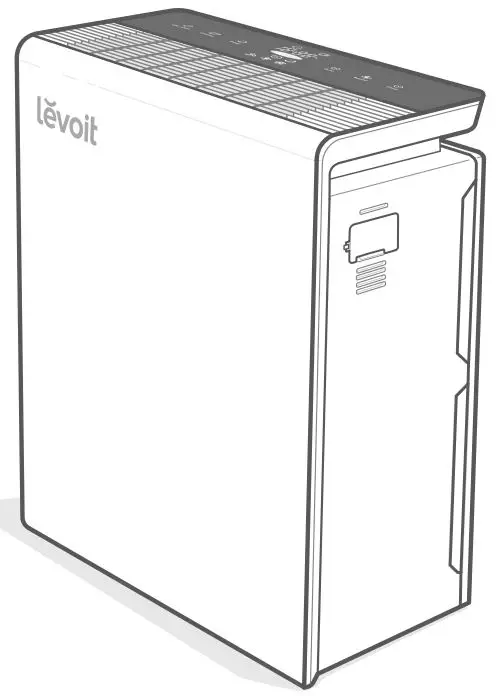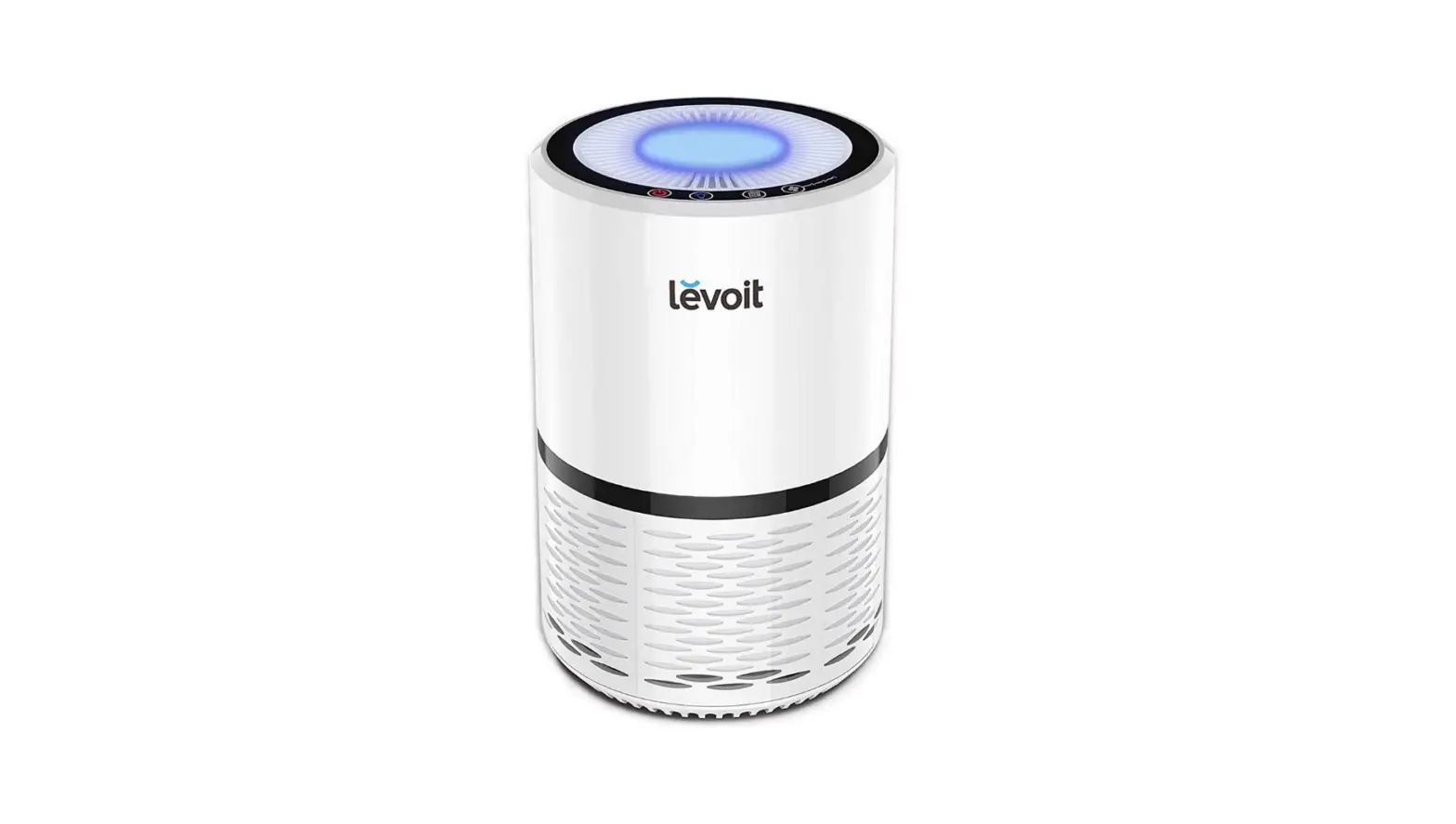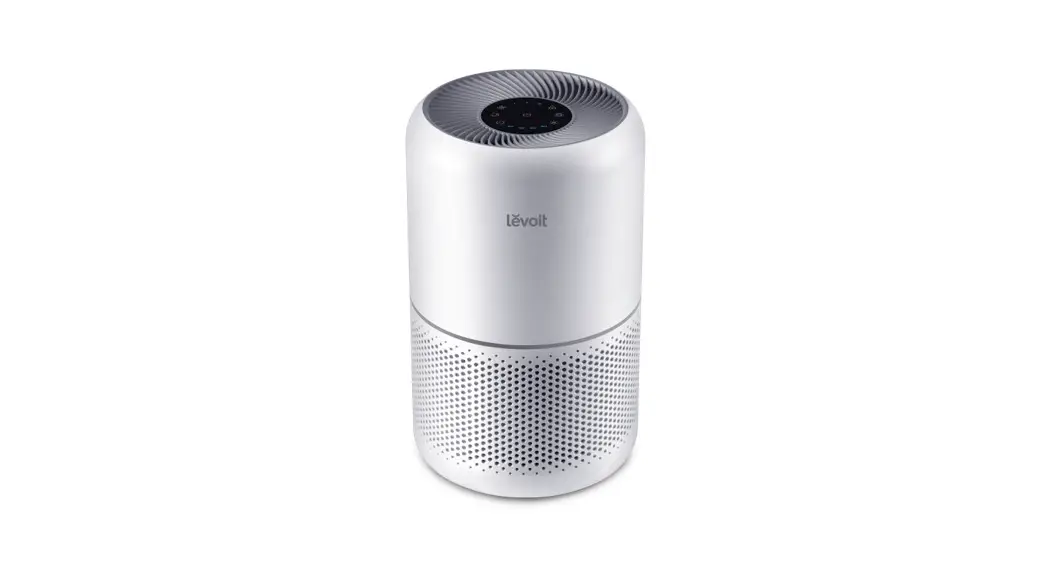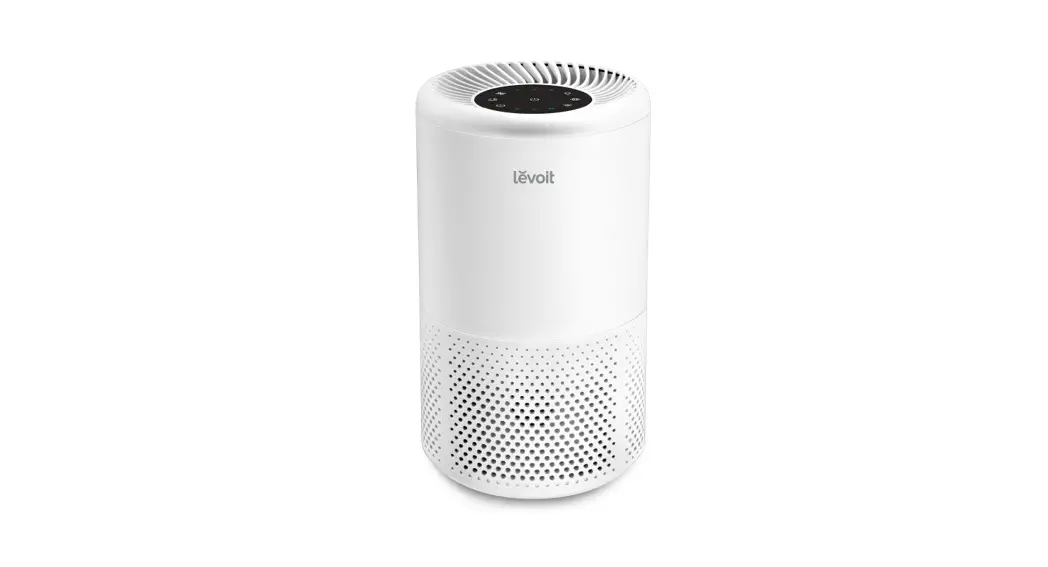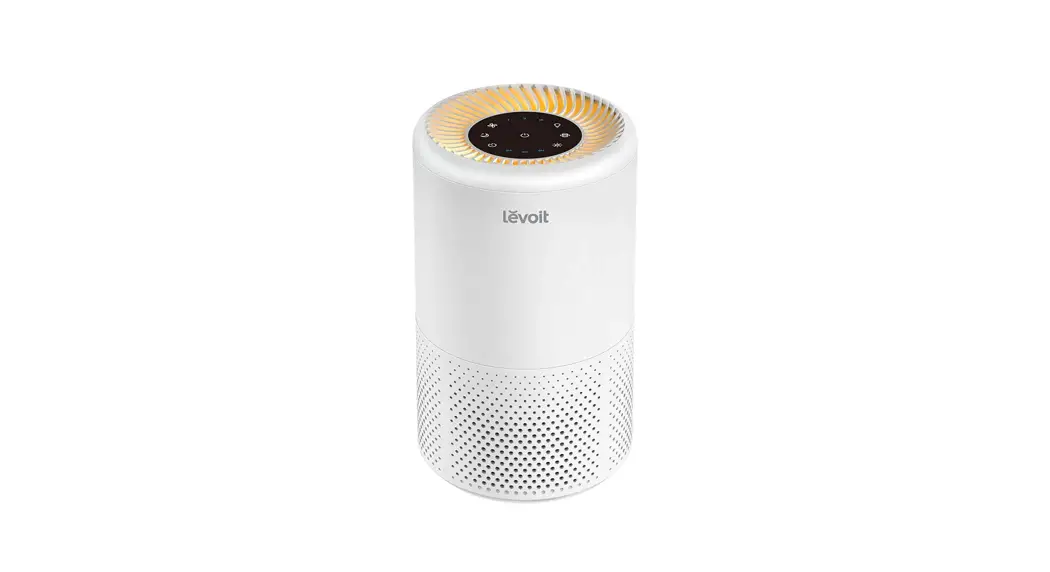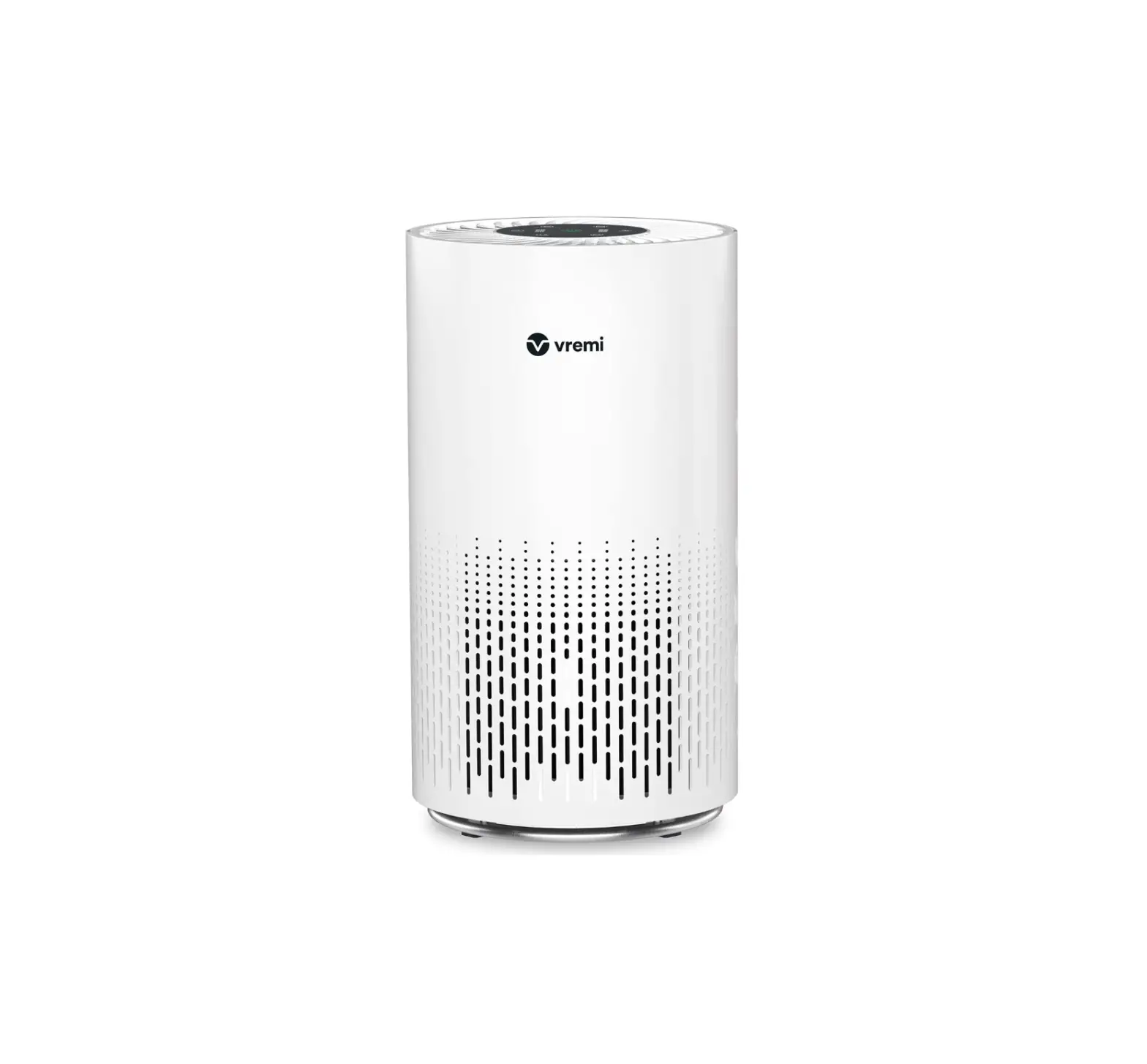
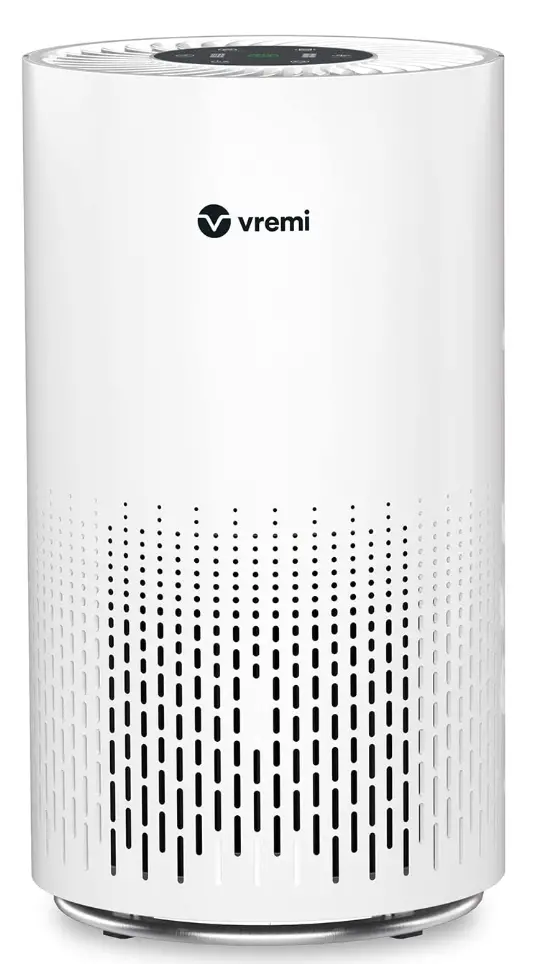
vremi VRM010685N Premium True HEPA Air Purifier
IMPORTANT SAFETY INSTRUCTIONS
| IMPORTANT NOTE: Follow these important safety instructions. If physical injury or damage is caused by failure to follow these instructions, the warranty does not apply |
When using electrical appliances, basic safety precautions should always be followed to reduce the risk of fire, electric shock, and injury to persons. These precautions include:
- Read all instructions before using the appliance.
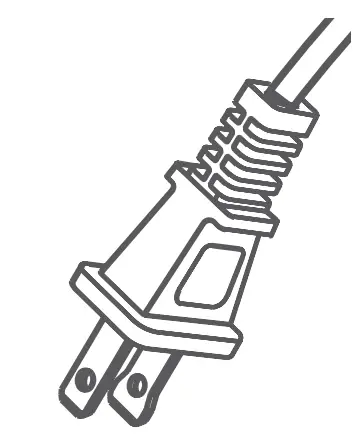
- To avoid fire or shock hazard, plug the appliance directly into correct electrical outlet.
- If the Filter is covered by a bag when shipped, remove plastic bag before use.
- Keep the cord out of heavy traffic areas. To avoid fire hazard, never put the cord under rugs, near heat registers, radiators, sloves, or heaters.
- To protect against electrical hazards, do not immerse the appliance in water or other liquids. Do not use near water.
- Close supervision is necessary when any appliance is used by or near children, or disabled persons.
- Always unplug the Air Purifier before moving or cleaning the unit, opening the grill, changing the Filter, and whenever the unit is not in use. To disconnect the unit, be sure to pull the plug and not the cord
- Never drop or insert any objects into the openings of the unit.
- Do not operate the appliance with a damaged cord or plug. If the motor fan fails to operate or the unit has been dropped or damaged in any manner, return the appliance to manufacturer for examination and/or repair.
- Use the appliance only for intended household use as described in this manual. Any other use not recommended by the manufacturer may cause fire, electric shock, or injury to persons. The use of attachments not recommended or sold by manufacturer may cause hazards.
- Do not use outdoors.
- Never place on a soft surface such as a bed or sofa as this could cause the unit to tip over and block the ir inlet or outlet grills.
- Keep unit away from heated surfaces and open flames.
- Do not attempt to repair or adjust any electrical or mechanical functions on this unit.
- Doing so will void your warranty. The inside of the unit contains no user serviceable parts.
- All servicing should be performed by an authorized service representative.
- Do not place anything on top of unit.
- Never use detergents, gasoline, glass Purifier, furniture polish, paint thinner, or other household solvents to clean any part of the appliance.
- Always turn the appliance off before unplugging it.
- This appliance should only be used in room with temperatures between 40°F and 110°F.
| WARNING To reduce the risk of fire or electric shock, do not use the appliance with any solid state speed control device. |
 |
|
SAVE THESE INSTRUCTIONS
For Household Use Only
Parts List
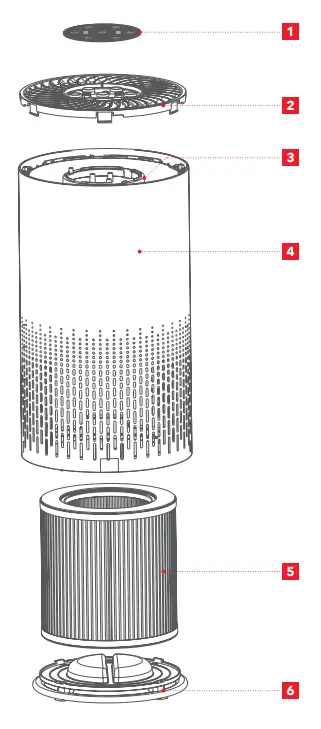
- Control Panel
- Outlet Cover
- Lamp
- Body
- Filter
- Base Cover
Operating Instructions
BEFORE FIRST USE
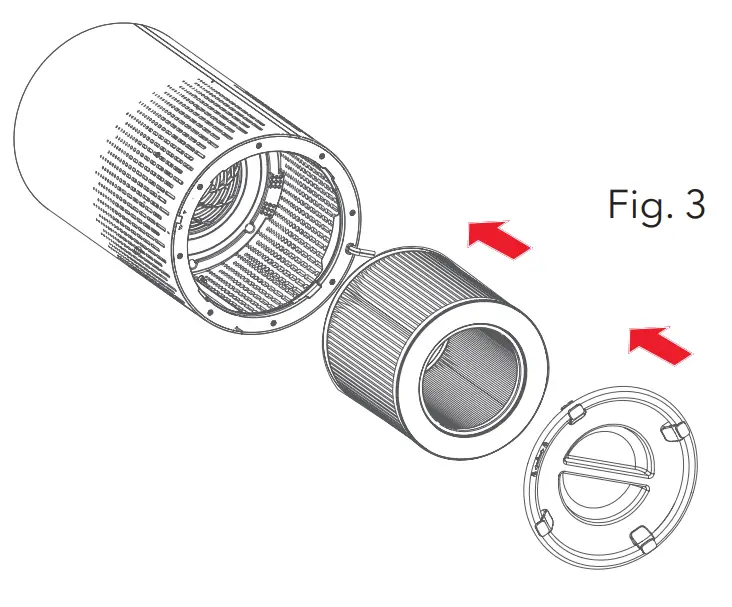
The appliance comes with all Filters fitted inside, but you have to remove the packaging of the Filters before you can use the appliance. Remove all Filters, unpack them, and place them back into the appliance as described below.
NOTE: Make sure you insert the Filters in the correct position.
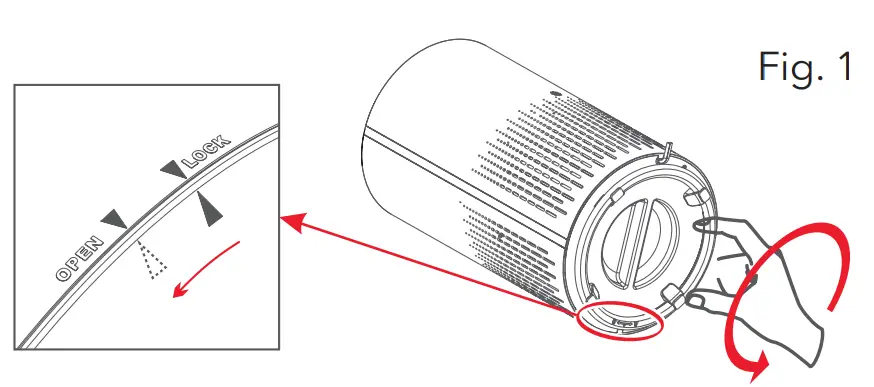
- .Put the appliance upside down on a soft cloth to avoid scratching. To open the Base Cover, you need to find an arrow point on the Base Cover corresponding to the “Lock” position. Turn the Base Cover counterclockwise from “Lock” to “Open” position, then the lock is released. ( Fig. 1)

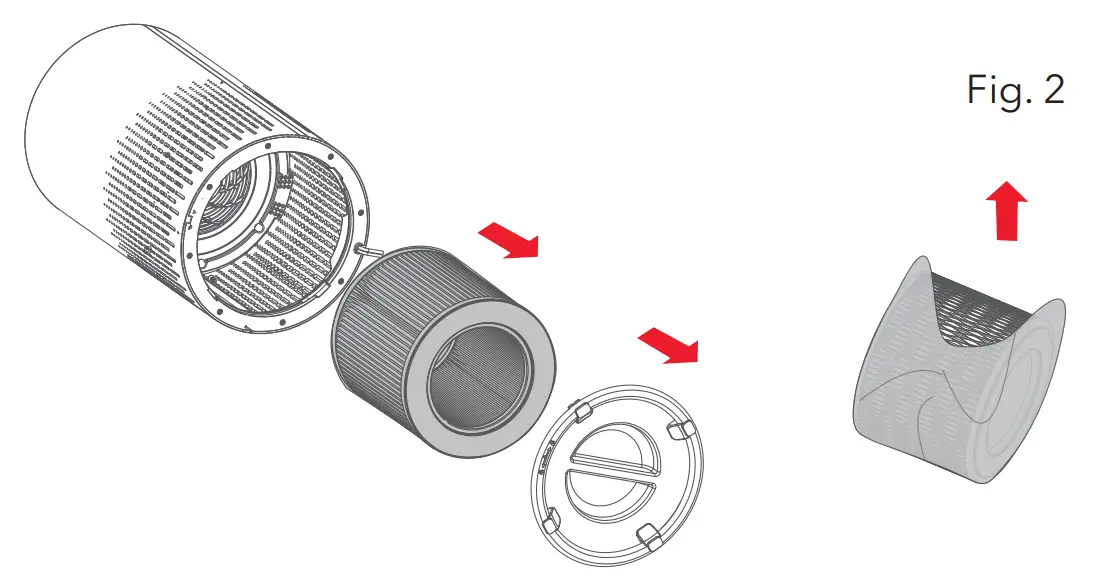
- Remove the Base Cover and take out the Filter.
- Remove the packaging material from the Filter.( Fig. 2)

- Put the Filter back into the appliance. ( Fig. 3)

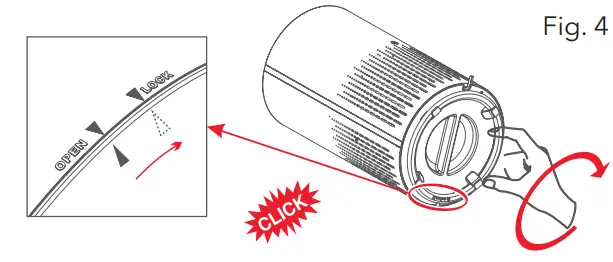
- Turn the Base Cover clockwise from “Open” to “Lock” position; you will hear a “click” sound and the Base Cover is fastened. ( Fig. 4)

USING THE APPLIANCE
About The Control Pane
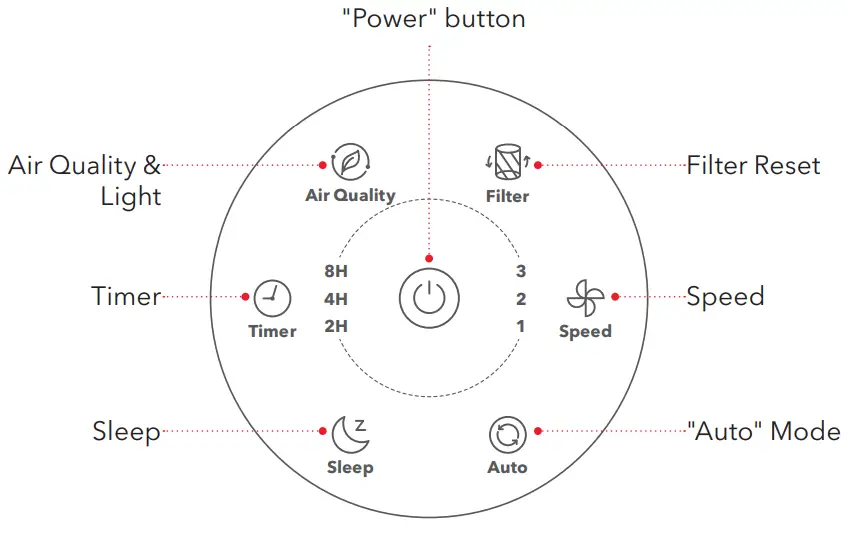
The appliance comes with all Filters fitted inside, but you have to remove the packaging of the Filters before you can use the appliance. Remove all Filters, unpack them, and place them back into the appliance as described below
NOTE: Make sure you insert the Filters in the correct position.
USING THE APPLIANCE (CONT.)
- Put the plug in the wall socket. All lights will turn on once, and you will hear a beep. Then the lights will turn out.
- Press the
 button to switch on the appliance. The “Power” indicator, “Air Quality” indicator, and “Speed” indicator on the Control Panel will turn on.
 - Speed Adjustment
• The “Speed” indicator indicates at which speed the appliance is operating.
• Press button to adjust the “Speed” level; there are three levels 1~3 which refers to “Low”, “Medium”, and “High” level.
 - “Auto” Mode
In “Auto” mode, the “Speed” will be automatically adjusted according to the “Air Quality” level as below:“AQ” color Blue Green Orange Red “Speed” mode Sleep 1 (Low) 2 (Medium) 3 (High) “AQ” level Very good Good Unhealthy Hazardous - “Sleep” Mode
When you use the appliance in “Sleep” mode, it works quietly. Only the and buttons will light up in this setting. Press any other buttons (except and buttons ) to exit the “Sleep” mode.
 - “Air Quality” Indicator
— Working Status (“Air Quality” Indicator) The “Air Quality” indicator color will automatically change according to the detecting result of sensor. — “Standby” status (“Night Light” mode)
a. At “Standby” status, press button, and the amber night lights (orange) will turn on.
b. Press button again, the light will turn to half brightness. To turn off the night light, press the button a third time, the light will cycle from Brightness, to Half Brightness, to Off. - Setting “Timer”
a. Press to turn on or off the “Timer”, and to cycle through “Timer” options (2 hours, 4 hours, or 8 hours).
b. The Air Purifier will automatically power off once the “Timer” is finished.NOTE: Pressing or unplugging the Air Purifier will cancel the “Timer” - “Filter Replacement” Indicator
• When indicator lights on, it means that you should check the Filter, if it needs to be cleaned or replaced.
• Using the appliance in a humid environment will reduce the lifetime of the FilterNOTE: The Filter’s lifetime is based to your house air quality and using time.
 button to switch on the appliance. The “Power” indicator, “Air Quality” indicator, and “Speed” indicator on the Control Panel will turn on.
 button to adjust the “Speed” level; there are three levels 1~3 which refers to “Low”, “Medium”, and “High” level.
 button, and the amber night lights (orange) will turn on.
 or unplugging the Air Purifier will cancel the “Timer”
Cleaning & Maintenance
CLEAN THE AIR PURIFIER
Regularly clean the inside and outside of the body to prevent dust from collecting on the inside and outside.
1. Wipe away dust with a soft dry cloth from the body of the appliance.
2. Clean the air inlet and the air outlet with a soft dry cloth
NOTE
|
FILTER REPLACEMENT
- Switch off the appliance and unplug it.
- Replace the Air Filters refer to the “Before First Use” section (p. 8).
Only Vremi® branded Filters should be used, the following Filter SKU numbers are compatible:
VRM010277N (1-pack)
VRM010278N (2-pack)
It is recommended to change the Air Filter every 6–8 months. However, you may need to change your Filter sooner or later depending on how often you use your Air Purifier. It is important to watch out for the following signs of expired Filter:
- Increased operating noise
- Decreased airflow
- Clogged Filter
- Increased presence of odors
NOTE
|
Reset Filter’s Lifetime
The Filter lifetime should be reset if  lights up. After replacing the new Filter, you need to
reset the Filter.
- Plug in the Air Purifier and turn it on.
- Press and hold for 3 seconds.
- Release and the light will turn off, indicating that the reset is complete.
FILTER REPLACEMENT (CONT.)
Filter Replacement Force Mode
When using the Air Purifier in an environment of heavy pollution, the lifespan of the Air Filter may be significantly reduced. You can change the Filters even if does not light up.
Follow the steps below to perform a hard reset.
- Replace the Air Filters.
- Plug in the Air Purifier and turn it on.
- Press and hold for 3 seconds, and it will light up.
- Press and hold again for 3 seconds, and it will turn off. The reset is now complete.
STORAGE
Unplug the power cord, wipe the machine clean, put the appliance in the packing bag, then put it in a dry place.
ENVIRONMENT
Do not throw away the appliance with the normal household waste at the end of its life, but hand it in at an official collection point for recycling. By doing this, you help to preserve the environment.
Troubleshooting
| PROBLEM | CAUSE | SOLUTION |
| Air Purifier does not power on |
|
|
|
| |
|
| |
|
| |
| ||
| Air Purifier does not respond to button controls. |
|
|
|
| |
| Air Purifier makes an unusual noise while operating. |
|
|
|
| |
|
| |
| Significantly reduced airflow. |
|
|
|
| |
|
| |
|
| |
| Poor air purification effect. |
|
|
|
| |
|
| |
|
| |
| Filter “Reset” button lights up after replacing the Air Filter. |
|
|
| Air Purifier turns on and off unexpectedly. ∙ |
|
|
| Air Purifier beeps repeatedly after being powered on or plugged in. |
Warranty Information
Vremi® offers a 12-month warranty on all of our products purchased new and unused from Vremi® LLC or an authorized reseller, with an original proof of purchase and where a defect has arisen, wholly or substantially, as a result of faulty manufacturing, parts or workmanship during the Warranty Period.
The warranty does not apply where damage is caused by other factors, including but without limitation to: (a) normal wear and tear; (b) abuse, mishandling, accident or failure to follow operating instructions; (c) exposure to liquid or infiltration of foreign particles; (d) servicing or modification of the product other than by Vremi®.
These are our general terms for the warranty service, but we always urge our customers to reach out to us with any issue, regardless of warranty terms. If you experience an issue with a Vremi® product, please contact us at [email protected], and we will do our best to resolve it for you.
This product complies with Part 15 of the FCC Rules.
Operation is subject to the following two conditions:
- This product may not cause harmful interference and
- This product must accept any interference received, including interference that may cause undesired operations.
WARNING: This manual is to be used with all items with the model numbers:
VRM010685N
RATING: 120 V, 60 Hz, 32 W, AC ONLY.
WARNING: Keep all plastic bags away from children.
Customer Support
Drop Us A Line
We’re Here To Help:
vremi.com/chat
646-490-9904
[email protected]

 Support – Vremi® Home & Kitchen