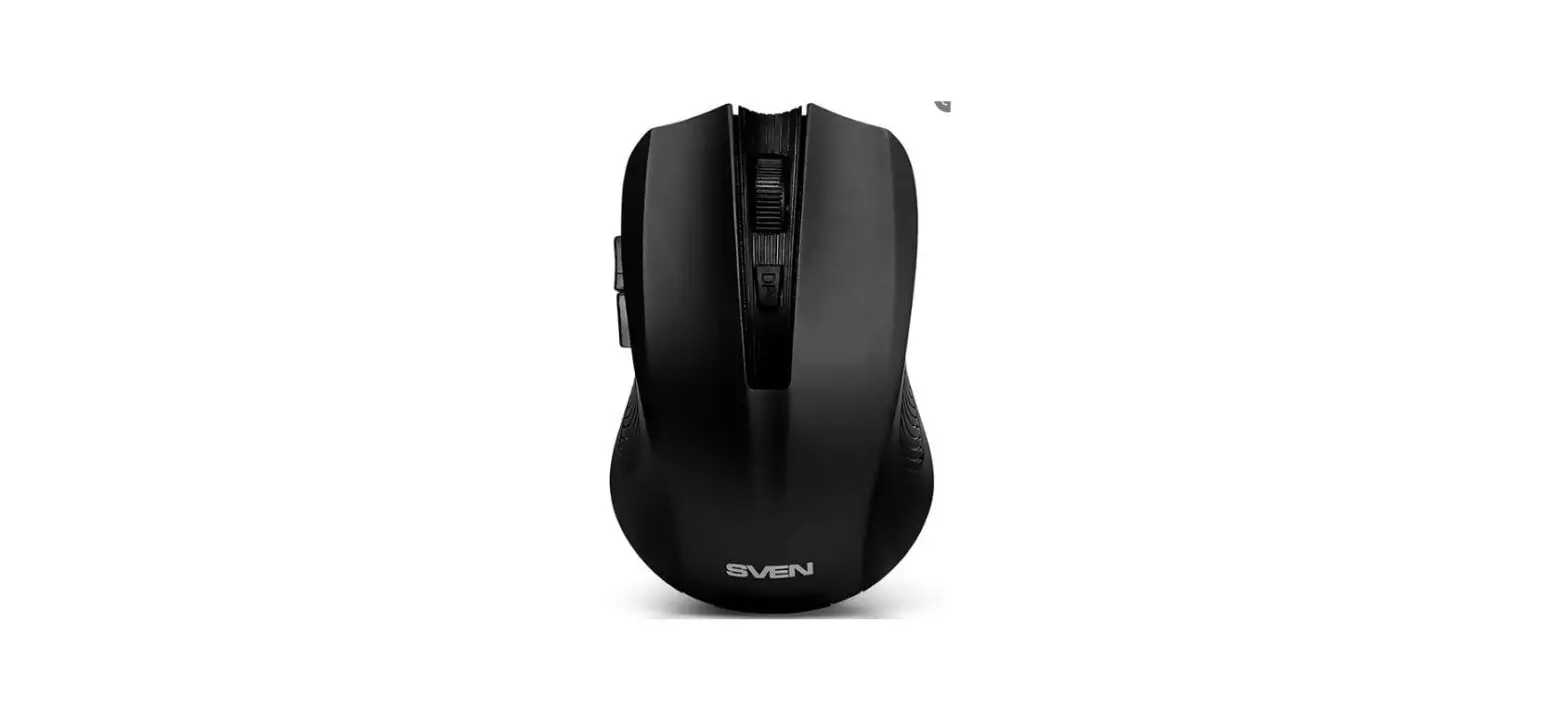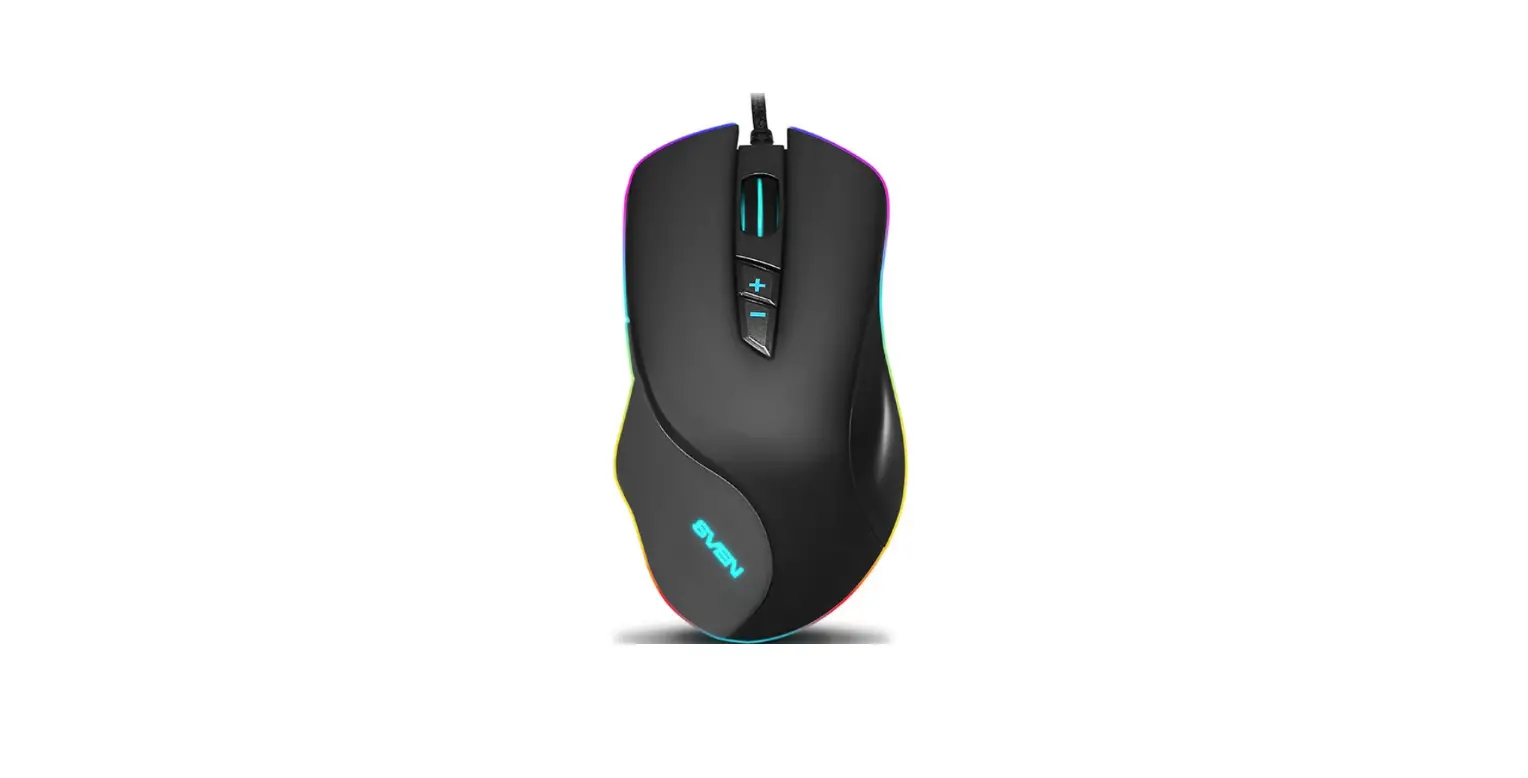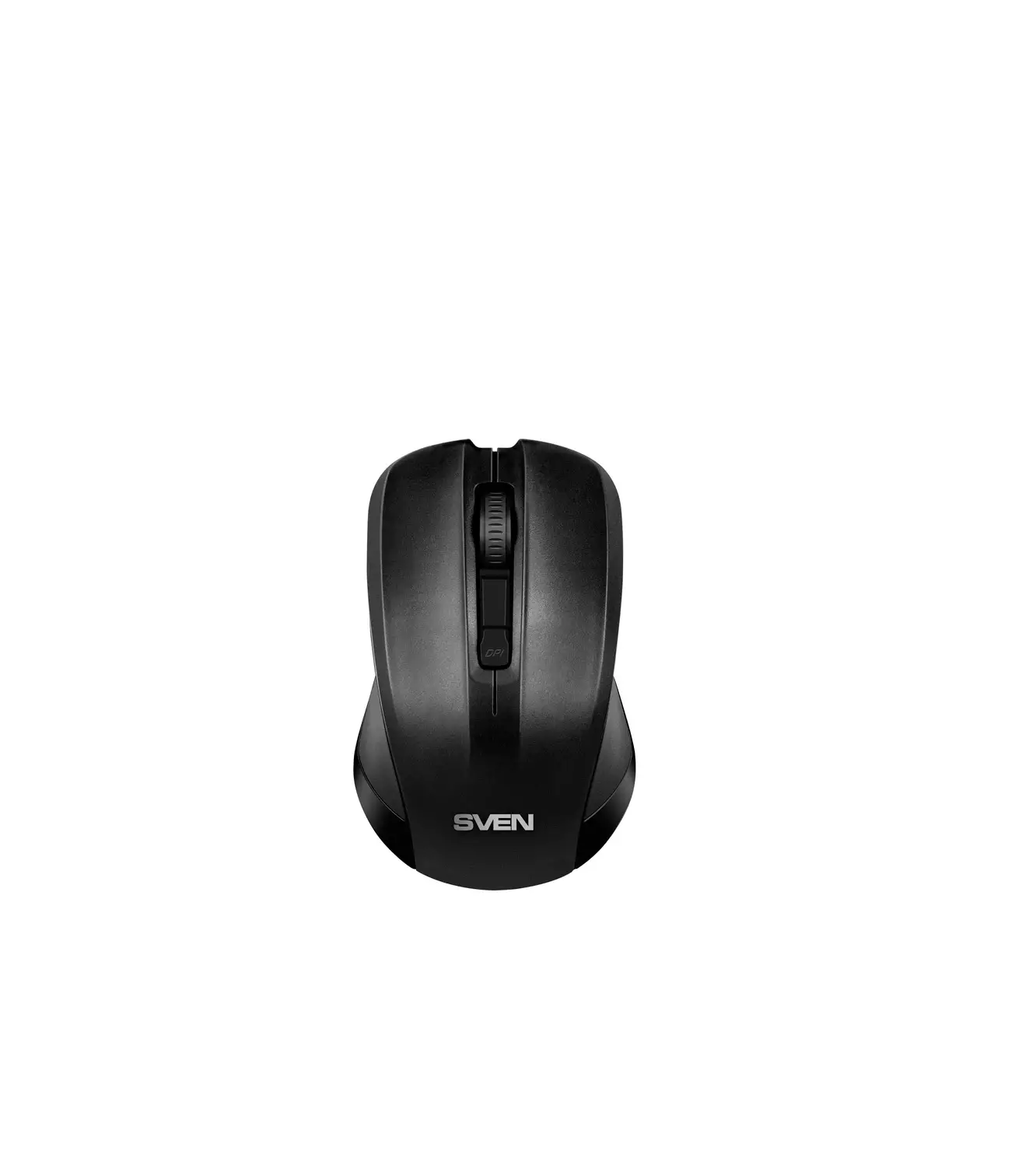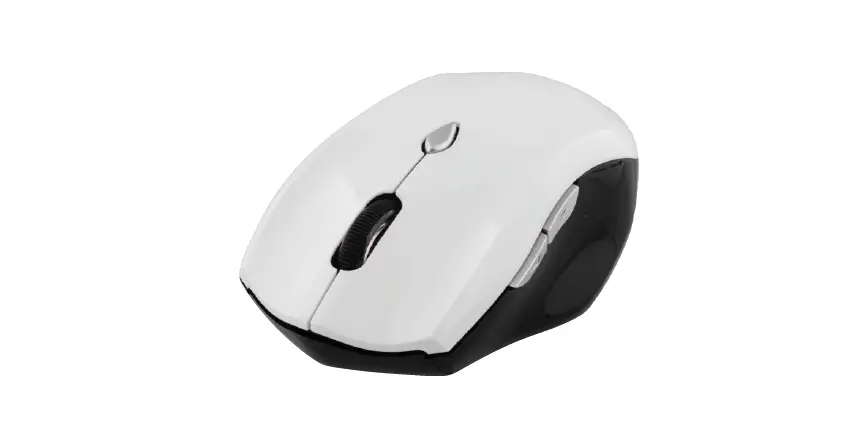
RX-345
Wireless www.sven.fi
 Wireless Optical Mouse
Congratulations on your purchase of the Sven mouse!
Please read this Operation Manual before using the unit and retain this Operation Manual in a safe place for future reference.
COPYRIGHT
© 2016. SVEN PTE. LTD. Version 1.0 (V 1.0).
This Manual and information contained in it are copyrighted. All rights reserved.
TRADEMARKS
All trademarks are the property of their legal holders.
NOTICE OF RESPONSIBILITY RESTRICTION
Despite the exerted efforts to make this Manual more exact, some discrepancies may occur. The information of this Manual is given on “as is” terms. The author and the publisher do not bear any liability to a person or an organization for loss or damages which have arisen from the information contained in the given Manual.
Technical support is on www.sven.fi.
User’s Manual
1. SPECIAL FEATURES
- 2.4 GHz USB Nano receiver included (range – up to 10 m)
- Resolution 600/1000/1400 dpi
- DPI resolution switch
- Two additional navigation buttons (Forward and Back)
- USB interface
- Soft Touch coating
- 2 AAA Alkaline type batteries
- Long life battery-fed operation (1 year)
- Drivers installation is not required for Windows XP/Vista/7/8/10
2. PACKAGE CONTENTS
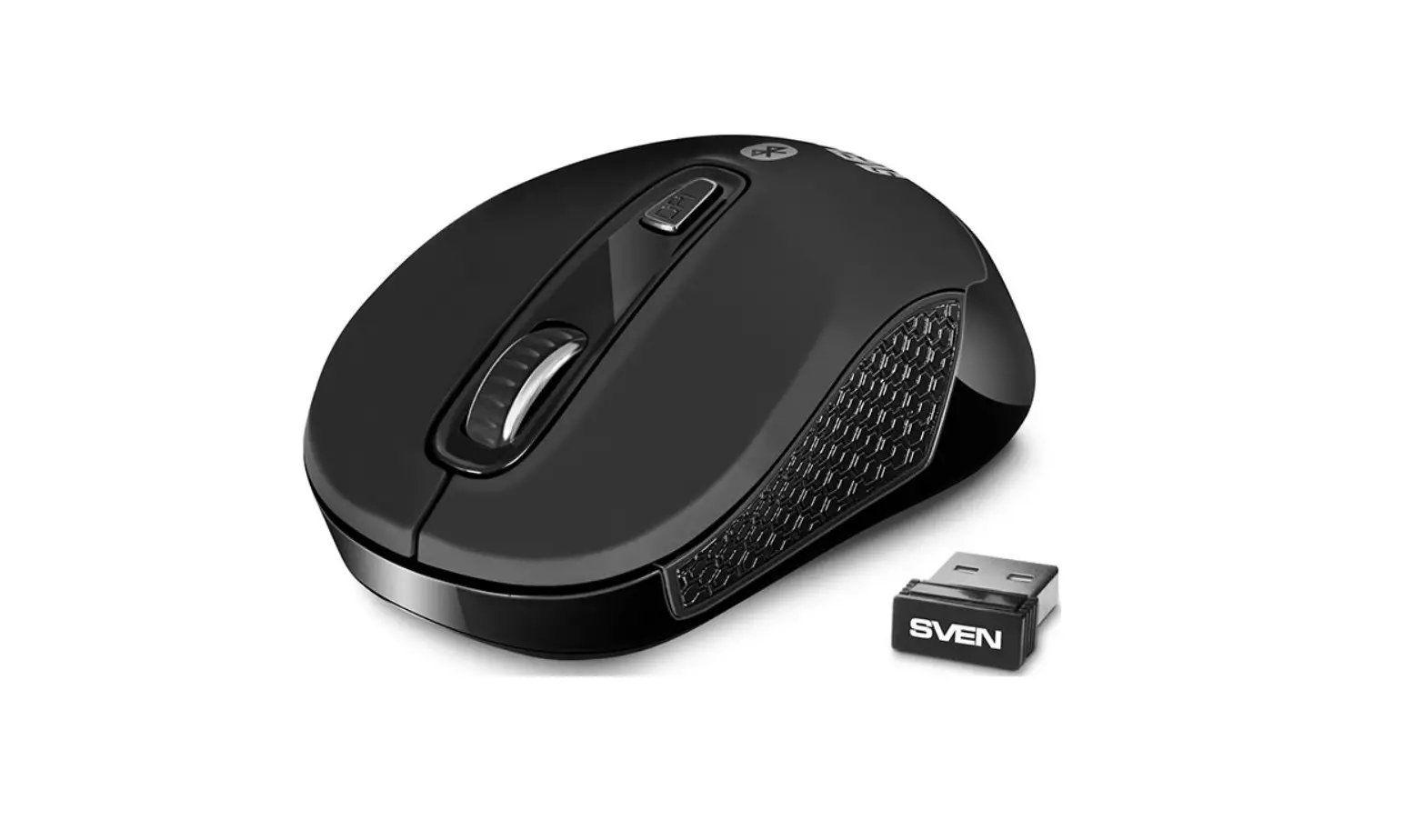
- Optical mouse — 1 рс
- 2.4 GHz USB Nano receiver — 1 рс
- AAA type batteries — 2 рсs
- User’s Мanual — 1 рс
- Warranty card — 1 рс
3. SYSTEM REQUIREMENTS
- Windows XP/Vista/7/8/10.
- Free USB port.
4. DESCRIPTION
(1) Scroll wheel
(2) DPI switch
(3) Forward and Back navigation buttons
(4) Optical sensor
(5) Battery compartment
(6) Nano receiver
(7) Connector USB
(8) ON/OFF: power switch
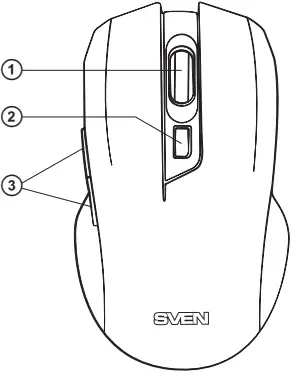
Fig. 1. Top view
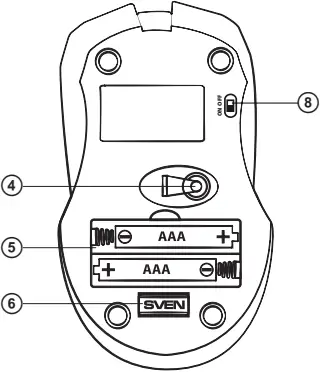
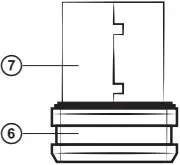
Fig. 2. Bottom view Fig. 3. Nano receiver
5. INSTALLATION
- Open the cover of the mouse battery compartment (5), insert two AAA type batteries into the battery compartment, matching polarity, and close the cover of the battery compartment (see Fig. 4).
- Pull out the nano receiver (6) from the mouse (Fig. 5) and connect it to a free PC USB port without switching off the PC (Fig. 6).
- Turn on the mouse with the on/off switch (8) (the ON position). To activate the mouse, press any button of the mouse or turn the scroll wheel. If the mouse has been connected correctly, it will turn on automatically.
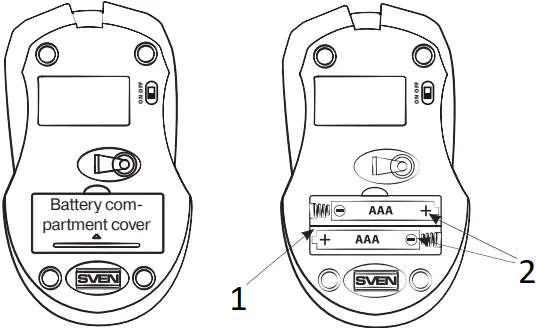
Fig. 4. Batteries installation
- Battery compartment
- 2 × AAA type batteries
 Improper installation of batteries can result in failure of the mouse!
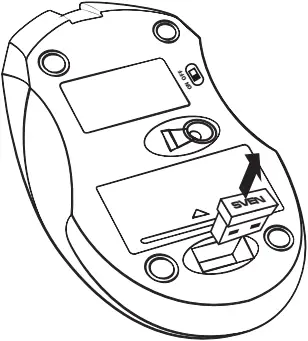
Fig. 5. Extraction of the receiver from the mouse case
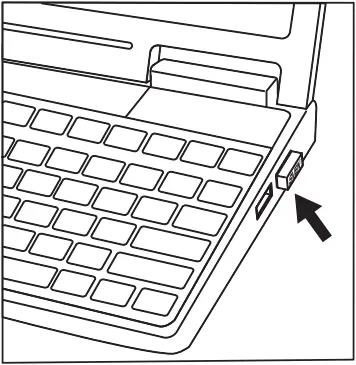
Fig. 6. Receiver connection
- After finishing work turn off the mouse with the power switch (8) (the OFF position). After that the receiver can be pulled out from the PC USB port and inserted back into the mouse (Fig. 7).
- Do not place the receiver in a metal confined space (table drawer, box, safe), as metal screen does not transmit radio signals.
- If the batteries run down, the mouse works in jerks. It means that batteries should be replaced with new ones, as it is shown in Fig. 4. Always install only identical new batteries.
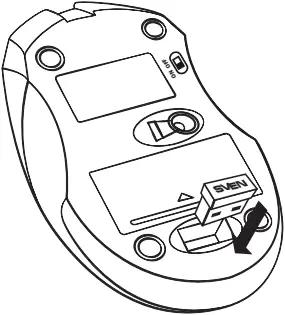
Fig. 7. Fitting the receiver into the mouse case
 Important
 This device meets the highest standards of energy conservation. Use the switch (8) on the bottom of the mouse to switch it on/off – it will help you extend the mouse battery life.
6. TROUBLESHOOTING
| Problem | Solution |
| The mouse does not work. |
|
7. TECHNICAL SPECIFICATIONS
| Parameter | Value |
| OS compatibility | Windows XP/Vista/7/8/10 |
| Type of mouse | Wireless 2.4 GHz |
| Resolution, dpi | 600/1000/1400 |
| Q-ty of buttons | 5 + 1 (scroll wheel) |
| Interface | USB |
| Dimensions, mm | 66 × 33 × 100 |
| Weight, g | 80 |
Notes:
- Technical specifications given in this table are supplemental information and cannot give occasion to claims.
- Technical specifications are subject to change without notice due to the improvement of SVEN production.
Manufacturer: SVEN PTE. LTD, 176 Joo Chiat Road,
№ 02-02, Singapore, 427447. Produced under the
control of Oy Sven Scandinavia Ltd. 15, Kotolahdentie,
Kotka, Finland, 48310. Made in China.
® Registered Trademark of Oy SVEN
Scandinavia Ltd. Finland.
RX-345
Wireless