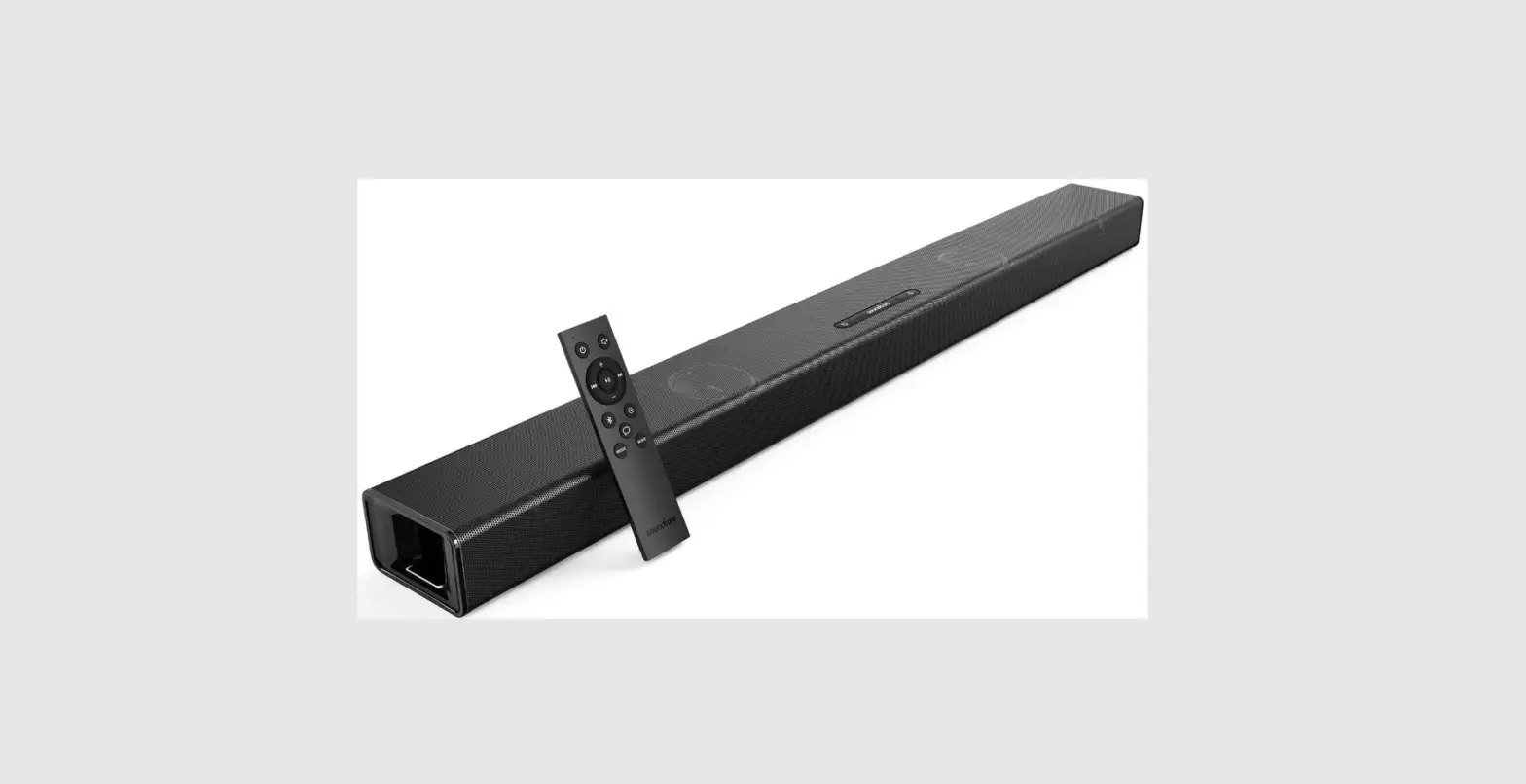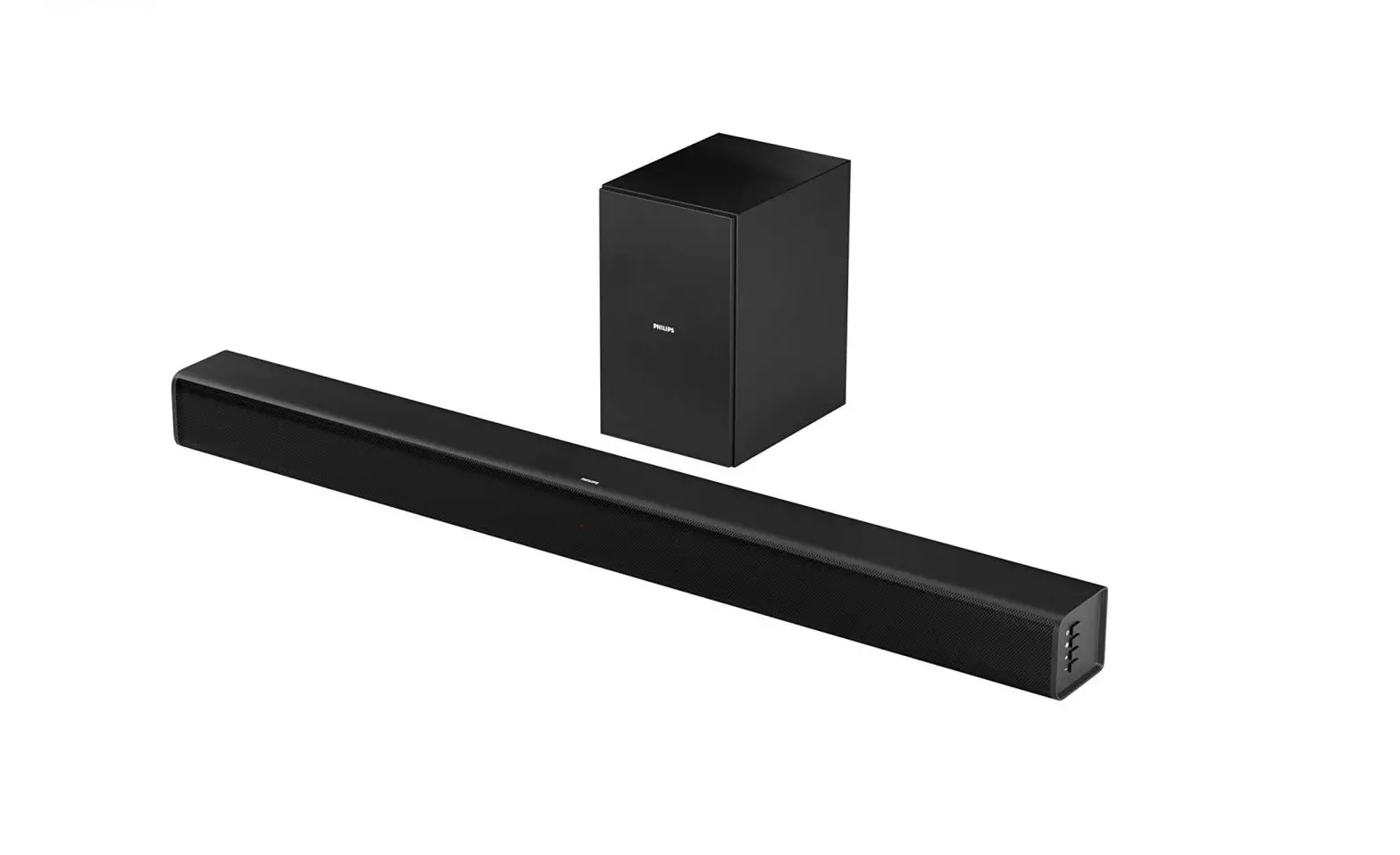
soundcore Infini Soundbar User Manual
A3371
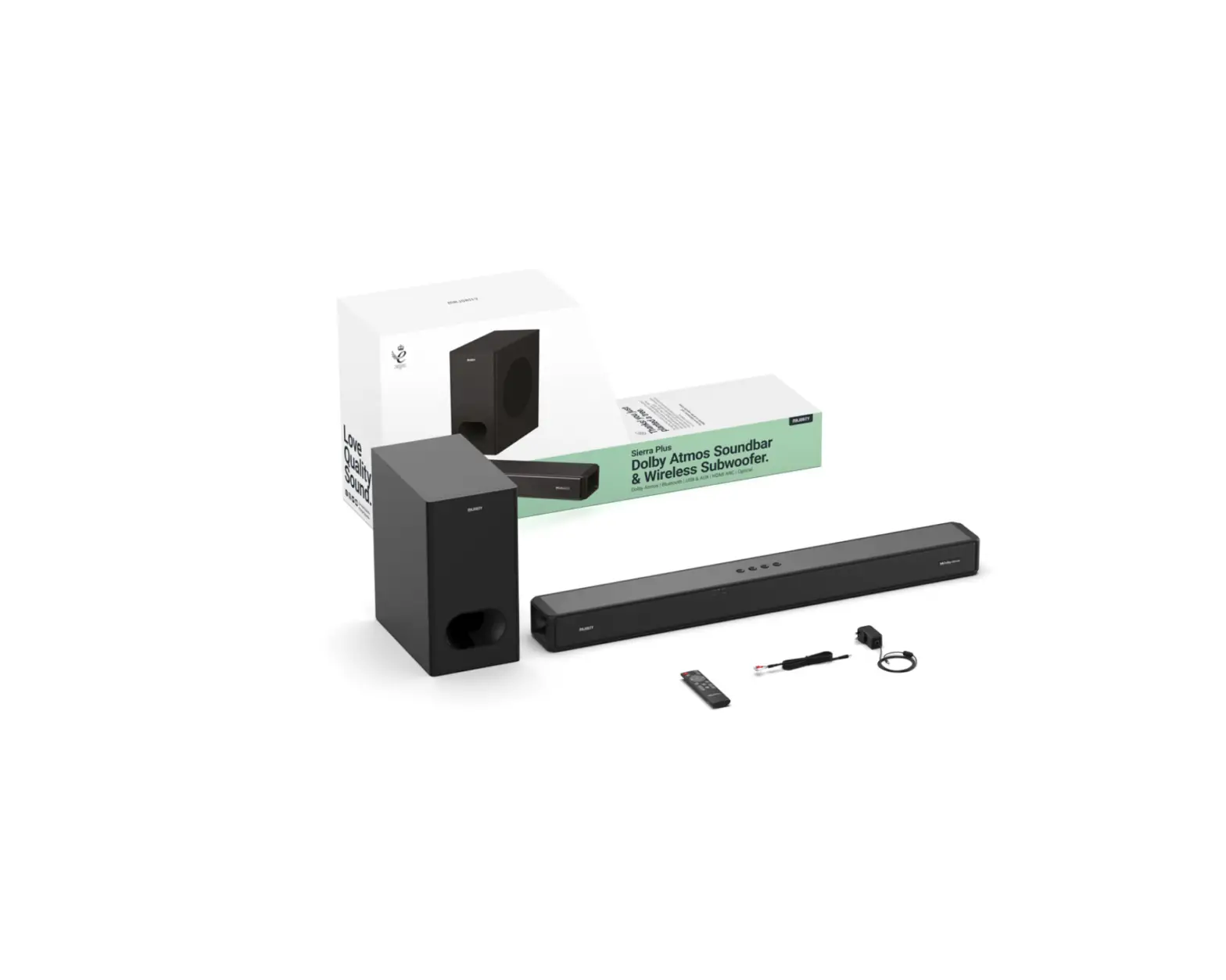
Infini Soundbar Box Items
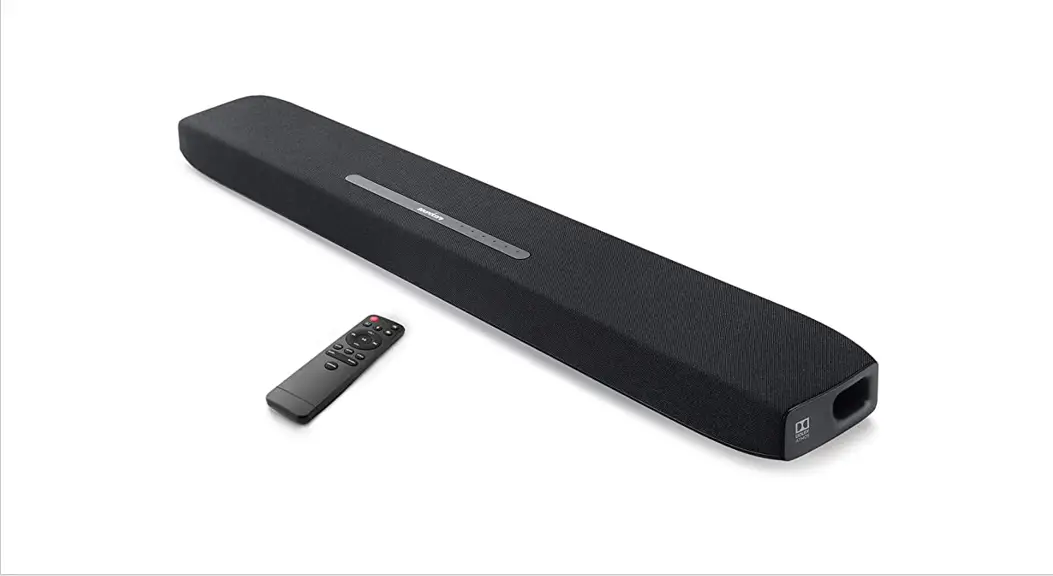
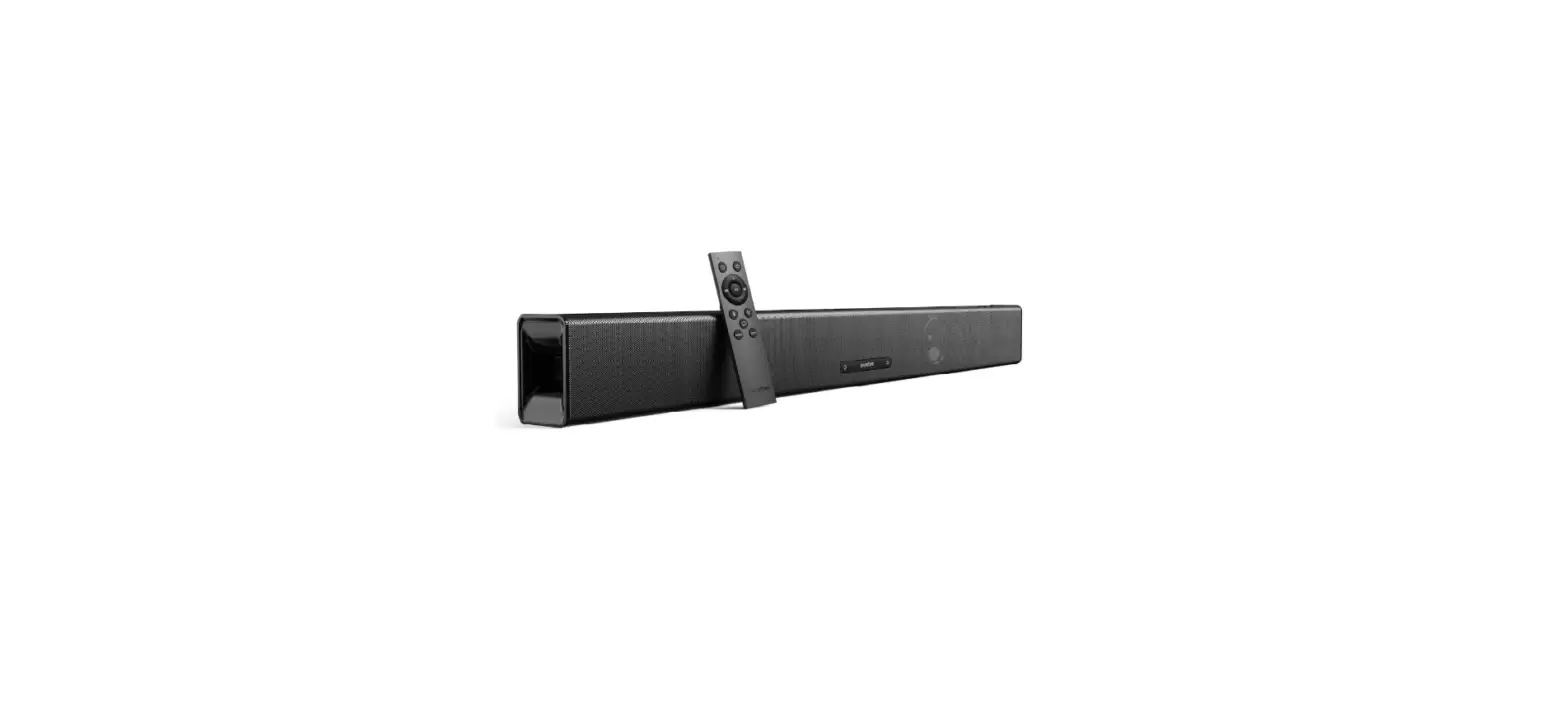
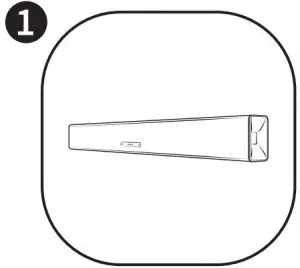
- Soundcore Infini

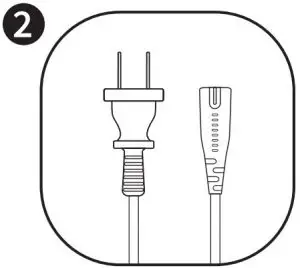
- Power cord
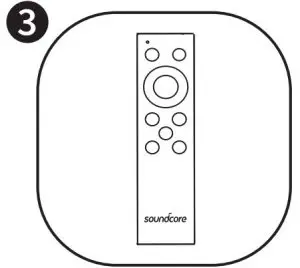
- Remote control
- AAA batteries

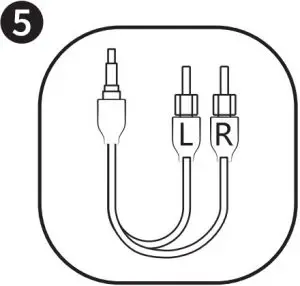
- 3.5mm toRCA audio cable

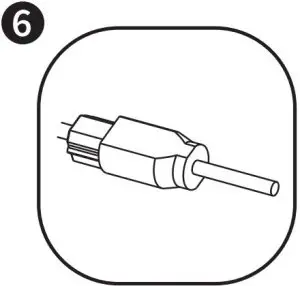
- Optical cable
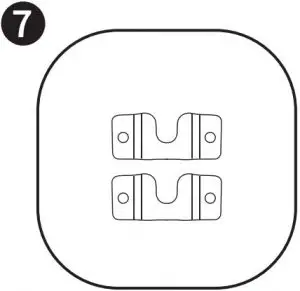
- Wall mounting brackets

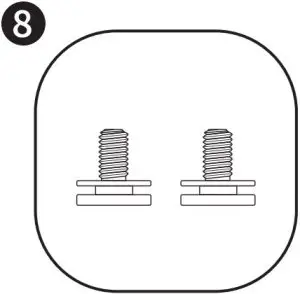
- Wall mounting bolts

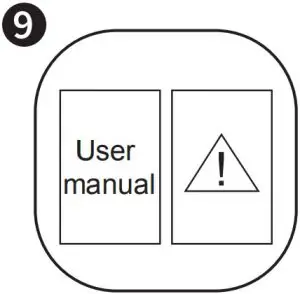
- User manual !
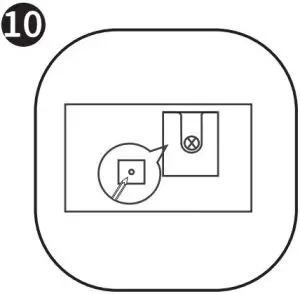
- Wall mounting template
Safety Instructions
- Avoid dropping.
• Do not disassemble.
• Do not submerge in water.
• Avoid extreme temperatures.
• Do not use the device outdoors during thunderstorms.
• Use original or certified cables.
• Do not use any corrosive cleaner / oil to clean.
• The product should not be exposed to dripping or splashing water.
At a Glance
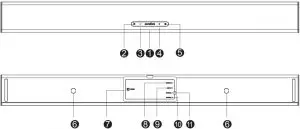
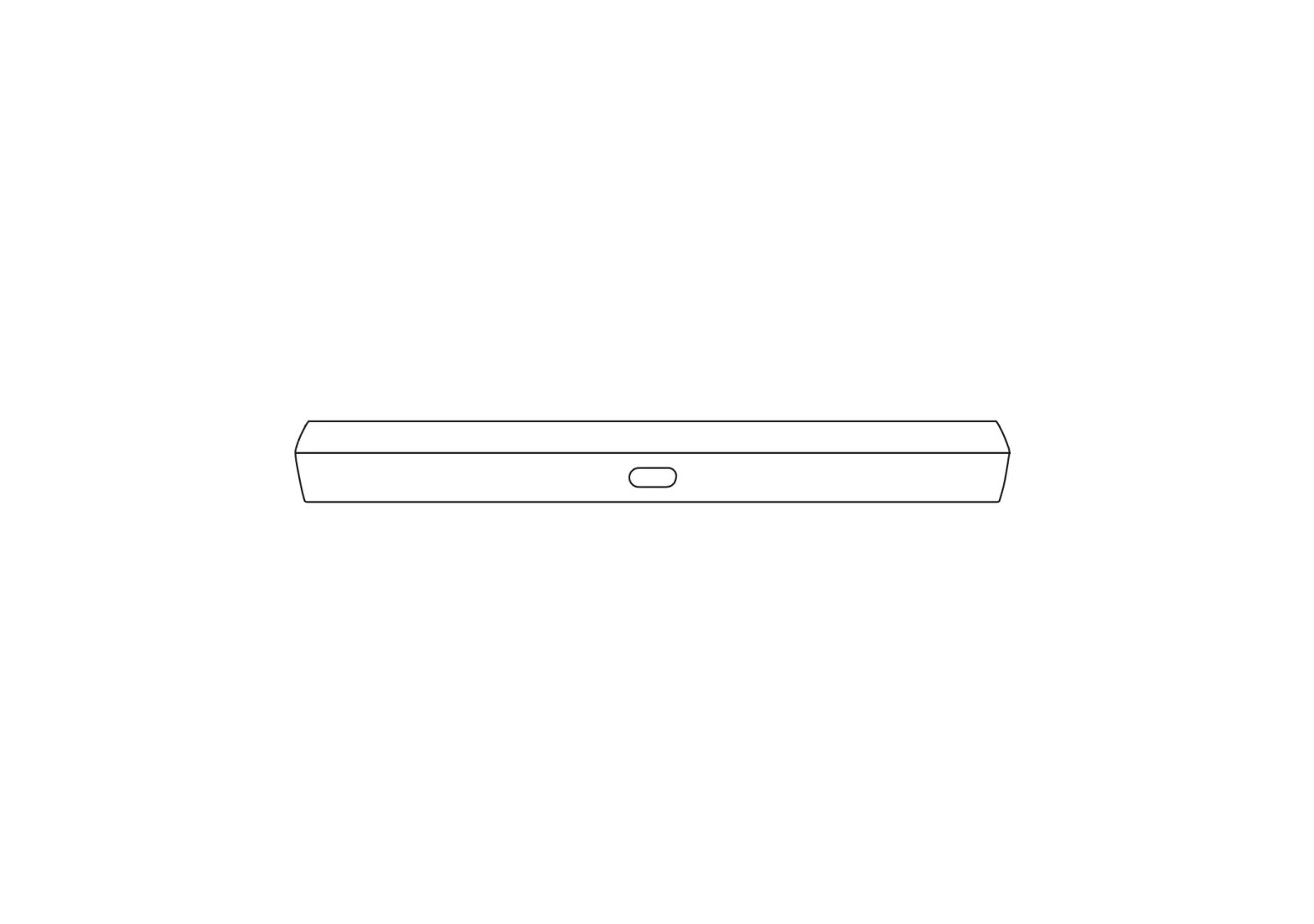
- –
- Power button
- Volume-down control
- Volume-up control
- Source input button
- Wall mounting screw holes
- Power input
- Service port
- Aux input
- Optical input
- Coaxial
Note: Press source input button and hold for 3 seconds to activate Bluetooth pairing mode.
Status indicator
Status | Status indicator light |
| Standby | Solid red |
Optical | Solid green (stays on for 10 seconds) |
| Coaxial | Solid orange (stays on for 10 seconds) |
Aux in | Solid cyan (stays on for 10 seconds) |
| Bluetooth pairing mode | Flashing blue |
Bluetooth device connected | Solid blue (stays on for 10 seconds) |
| Volume up and down | Flashing white |
Maximum volume | Solid white (stays on for 10 seconds) |
| Minimum volume | Solid white (stays on for 10 seconds) |
Music equalizer mode | Flashing white (once) |
| Movie equalizer mode | Flashing white (2 times) |
Dialogue mode | Solid white (stays on for 5 seconds) |
| Mute | Solid yellow |
Placement
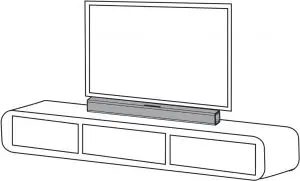
- Table Placement
- Place the soundbar on a solid surface

- Place the soundbar on a solid surface
- Wall mount Installation EN
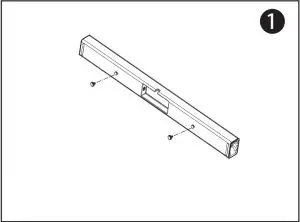
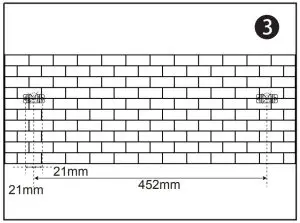
- Step 1: Insert two wall mounting screws into the wall mounting screw holes, then fasten the screws.

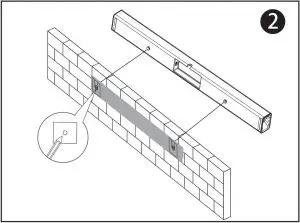
- Step 2: Place the wall mounting template against the wall, under your TV. Mark the 4 bracket holes on the wall with a pencil.

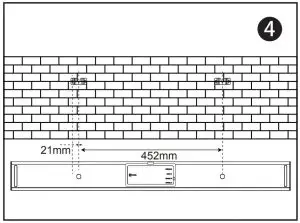
- Step 3: Fix the two mounting brackets on the wall according to the center points. Use bolts (not included) to secure the brackets.
- Step 4: Hang the soundbar on the brackets.
- Step 1: Insert two wall mounting screws into the wall mounting screw holes, then fasten the screws.
Remote Control
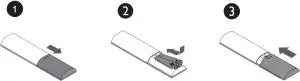
- Battery installation

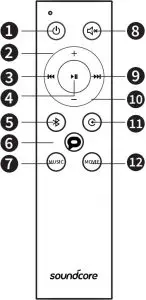
- Remote control buttons

Button Button functions Power button Press to switch on / off the soundbar. Volume-up control To increase the volume. Previous Return to previous track. Play / Pause To pause / resume playback. Bluetooth button To activate Bluetooth mode. - Press to activate Bluetooth mode.
- Press and hold for 3 seconds to reconnect.
Dialogue mode button To activate the dialogue mode. Music equalizer button To activate the music equalizer mode. Mute button To temporarily turn off the sound. Press the button again to turn the sound back on. Next Move to next track. Volume-down control To decrease the volume. Source input button To change source input. Press this button for 3 seconds to activate Bluetooth pairing mode. Movie equalizer button To activate the movie equalizer mode.
TIP: The status indicator light will stay on for approximately 10 seconds when the soundbar is in Bluetooth mode / Aux in mode / Optical mode / Coaxial mode.
Using Your Soundbar
Turn On / Off
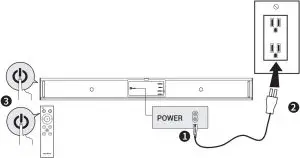
Tip: The soundbar will automatically switch to standby mode when no audio input is received for over 30 minutes. The soundbar will wake up from standby mode when any button is pressed or source input is received.
Connect to your TV
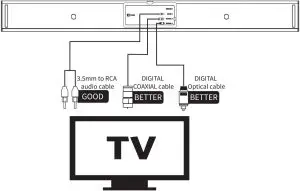
- You can use optical cable, coaxial cable or 3.5mm to RCA audio cable to connect to the respective output port of your TV.
- Press the source input button on the soundbar or remote control to activate the corresponding mode.The status indicator will be solid green in optical mode, orange in coaxial mode and cyan in Aux mode.
Optical Mode Setup
- Connect the soundbar and TV using the digital optical cable.
- Press the source input button to select optical mode, soundbar indicator light will turn green.
- Go to your TV’s audio output settings and select optical output, then set the digital output to PCM.
Note: The status indicator light will stay on for 10 seconds.
Note: Not all TVs have the audio outputs shown as above, please check your TV’s specifications before setup.
Note: Try set the TV output to PCM if there is no audio sound when using either of the optical or coaxial inputs.
Note: Coaxial cable is not included.
Connect to other devices
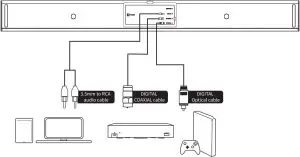
- You can use optical cable / coaxial cable or 3.5mm to RCA audio cable, or 3.5mm to 3.5mm cable (not included) to connect to the respective output port of other devices (such as Blu-ray player, game console, tablet, MP3 Player / laptop etc).
- Press the source input button on the soundbar or remote control to activate optical, coaxial or Aux mode. The status indicator will be solid green in optical mode, orange in coaxial mode and cyan in Aux mode.
Note: The status indicator light will stay on for 10 seconds.
Note: Follow your device’s user manual if you want to connect the soundbar to your other devices (such as Blu-ray player, game console, tablet, MP3 Player / laptop…etc)..
Note: 3.5mm to 3.5mm cable is not included.
Bluetooth mode
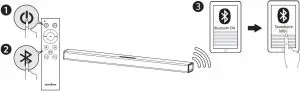
- Press power button on the remote control to switch on the soundbar.
- Press the Bluetooth button on the remote control to activate Bluetooth pairing mode.
- Turn on the Bluetooth of your device, search for Soundcore Infini on your Bluetooth list then select connect.
 Flashing blue Flashing blue | Bluetooth mode is activated |
 Solid blue Solid blue | Connected to device Note: The status indicator light will stay on for 10 seconds. |
TIP:
When turned on, Soundcore Infini Soundbar will automatically connect to the last connected device if available. If not, press and hold the Bluetooth button (or source input button) for 3 seconds on the remote control or press the source input button on the soundbar for 3 seconds to activate Bluetooth mode.
Having connection problems? Remove Soundcore Infini from your device’s Bluetooth history and ensure it’s less than 10 meters away. Then try pairing again. To get the best sound quality, make sure there is a clear line of sight between the connected device and your soundbar.
Tip: When not in use, store your soundbar in a cool place.
Declaration of Conformity
Hereby, Anker Innovations Limited declares that the radio equipment type A3371 is in compliance with Directive 2014/53/EU. The full text of the EU declaration of conformity is available at the following internet address: https://www.anker.com/products
Maximum output power: 0dBm
Frequency band: 2.4G band (2.4000GHz-2.4835GHz)
Anker Innovations Limited / Room 1318-19, Hollywood Plaza, 610 Nathan Road, Mongkok, Kowloon, Hong Kong
Specifications
Tip: Specifications are subject to change without notice.
- Input: 100-240V~ 50/60Hz 0.5A
- Audio output: 100 W
- Size: 880 x 56 x 90 mm / 34.6 x 2.2 x 3.5 in
- Weight (without packaging): 2.9 kg / 104 oz
- Bluetooth version: V4.2
- Range: 10 m / 33 f
 Soundcore EN