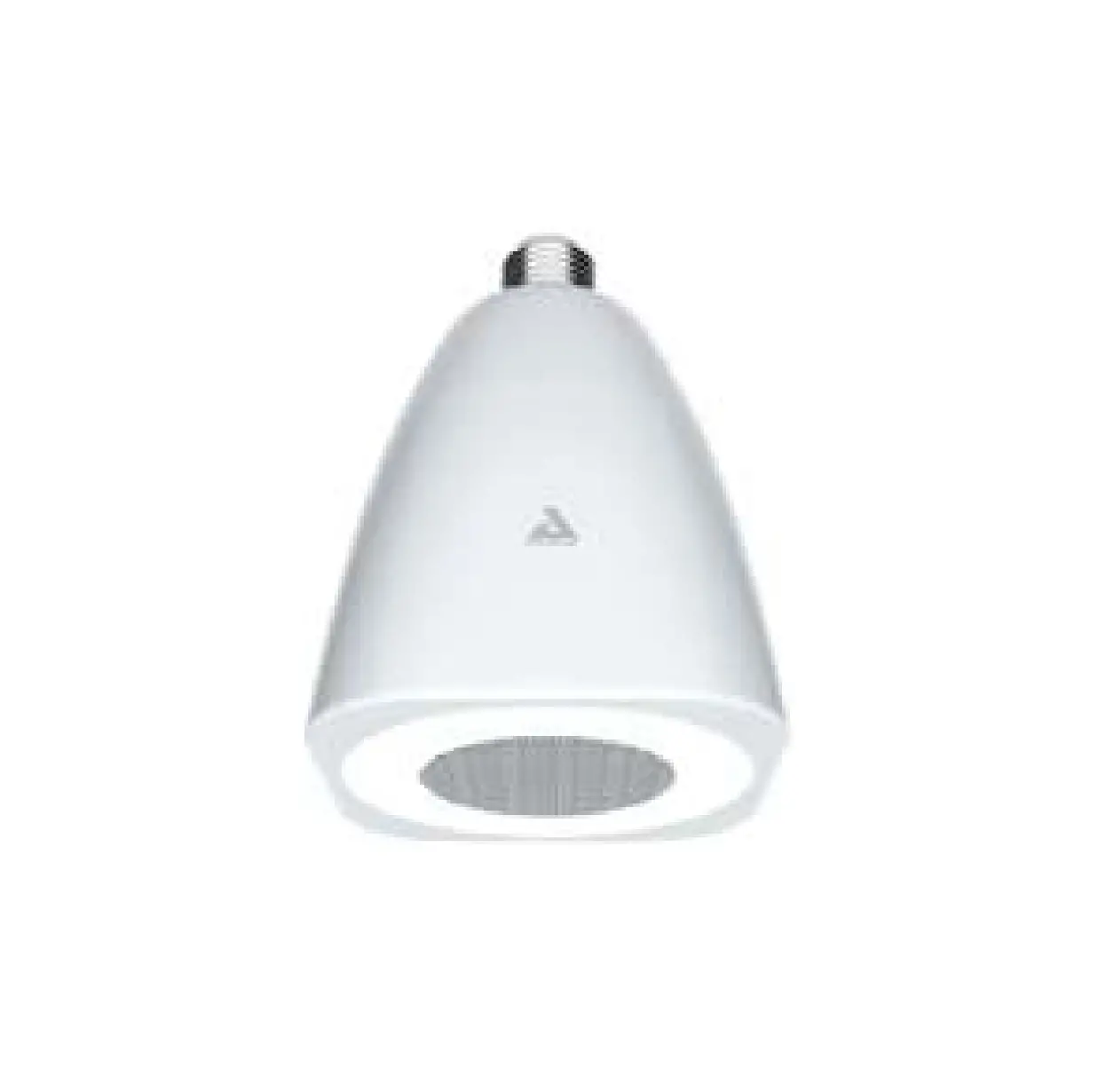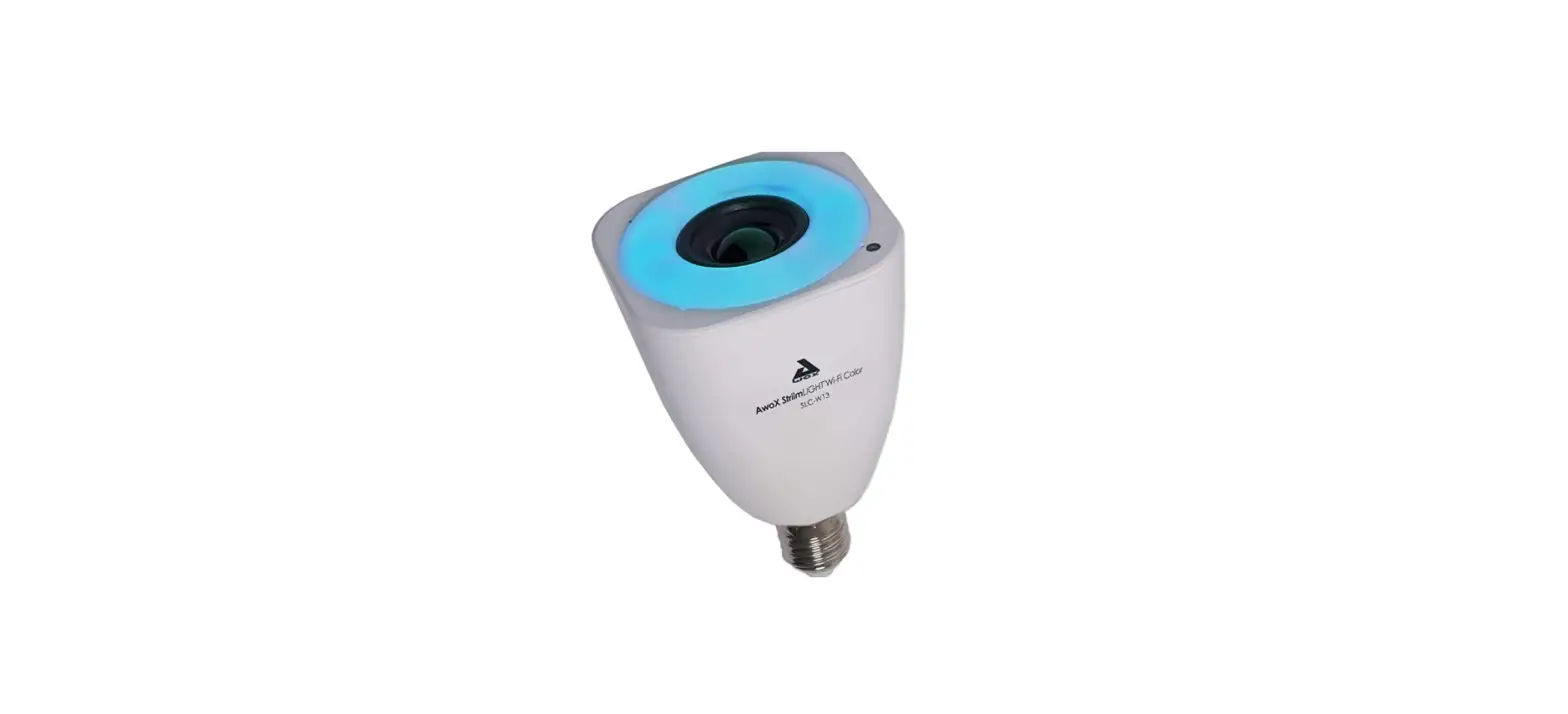

Awox SLC-W13 StriimLIGHT Wi-Fi Color Music Light
INTRODUCTION
- Congratulations and thank you for choosing the AwoX
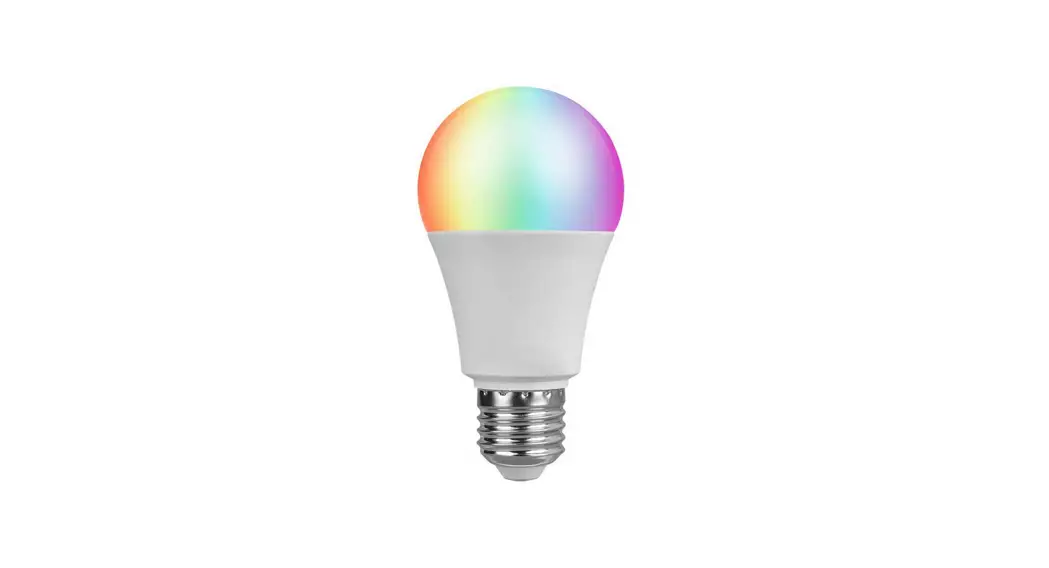
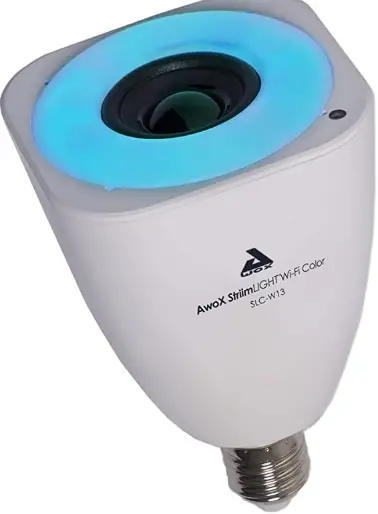
- StriimLIGHT WiFi Color speaker light. This innovative music player contains both a full-color LED light bulb and an audio speaker, giving you a great way to listen to music from nearly any source anywhere you can plug in a light bulb! Use several Striim® WiFi products to create zones in full stereo around the house.
- A fun and easy way to play music from many sources, including your Apple iOS™ or Google Android™ smartphone or tablet, PC or Mac(1), home servers, and the Internet
- Access to hundreds of Internet radio stations(2)
- Use the free AwoX media player software for your iPhone®, iPad®, iPod touch®, or Android smartphone.(3)
- Requires DLNA-compatible media server. (2)Requires Internet connection.
- Download the free Cabasse StreamCONTROL software for your Apple or Android OS device.
What’s in the box
- StriimLIGHT Color light bulb with speaker
- Remote control (with battery)
- Mini CD-ROM with complete user guide and AwoX
- StriimSERVER software for PC and MAC.
- This guide
- Safety and warranty leaflet
What else you need
- Wi-Fi Internet access
- A supported smartphone, or computer with StriimCONTROL for Windows or Mac software installed (available for free on www.awox.com)
- This document only describes how to use the smartphone. software.
Before you begin
- Start by downloading the free AwoX media player for your device:
- On your Apple or Android device, make sure Wi-Fi is turned on and then use the device’s settings to connect to your home network.
StriimLIGHT WiFi color presentation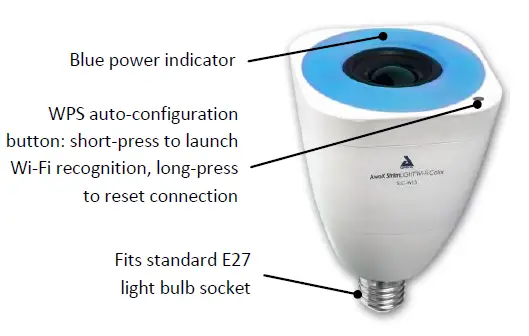
Starting your product
Screw your StriimLIGHT WiFi Color device into a light socket and turn on the power. Wait a few moments for the device to startup..
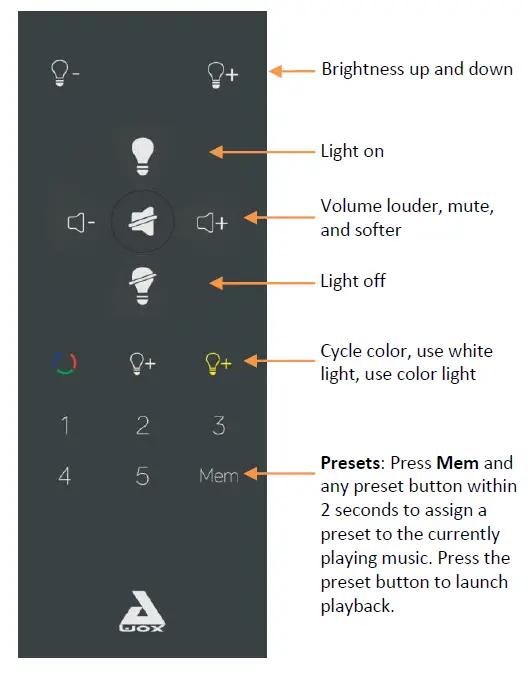
StriimLIGHT WiFi Color remote control
Changing the remote control battery
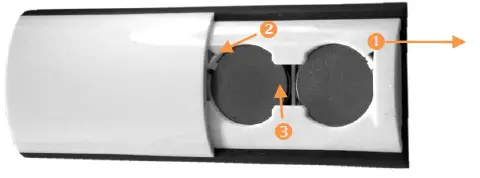
- Slide and lift off cover from back of remote control.
- Use the tip of a pen to push back the tab in the corner.
- Press bottom of battery to lift from slot.
- To replace the battery, place the bottom of the battery in first and push until it clicks into position

If your Internet router supports WPS
WPS is a feature that enables you to add new Wi-Fi devices to your network at the touch of a button. If your Internet router supports WPS, simply press the WPS button on the router and then press the WPS button on your StriimLIGHT WiFi Color device. The two devices will recognize each other automatically and you may begin using the Cabasse StreamCONTROL application right away. Otherwise, the installation wizard runs as described in the next section.
Cabasse StreamCONTROL setup
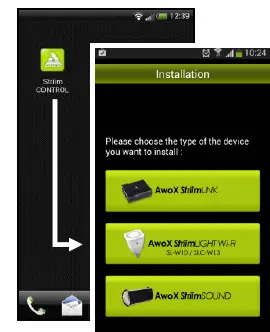
- After downloading the application, tap on the launcher icon to run Cabasse StreamCONTROL.
- If StriimCONTROL does not detect a StriimLIGHT color device in your network, the setup wizard starts the first time you launch the application.
- Choose to install AwoX StriimLIGHT WiFi.
- The wizard guides you through all the steps for connecting your AwoX StriimLIGHT WiFi Color device to your local network to begin playing your music.

More information on CD-ROM and AwoX Web site
Cabasse StreamCONTROL offers many features enabling you to get the most out of your AwoX products. Complete instructions for using the free AwoX software are provided in Adobe PDF® format on your AwoX StriimLIGHT WiFi Color CD-ROM and on www.awox.com..
FAQS
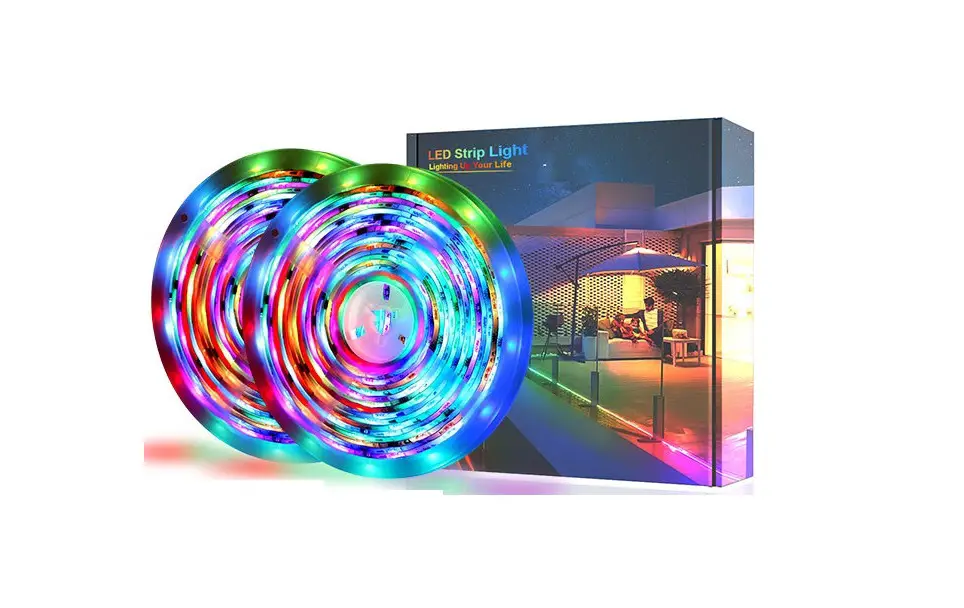
Can i connect all 4 strips to make 1 long one? also, if i need more corner connectors where can i buy them?
We do not recommend that you connect the light strips in series, as this will affect the color and brightness of the light strips
Can the 2 reels be connected together for a continuous 100ft stretch?
It can be connected via a connector, but this is not recommended, as this may cause brightness differences. You can see how to cut and connect the led lights in the video
Is the whole strip self adhesive? the description says it is but then i don’t know why there are screws?
yes, the whole strip self adhesive. The screws provided in our package are for you to spare, you may not need these screws. In case you want to use it on a non-smooth surface, or some customers don’t want to use adhesives and prefer to fix them with screws.
Are they waterproof and cuttable?
This led lights has no waterproof coating, please try to use it in a dry indoor environment. You can cut the led lights and connect it with the attached connector to achieve your expected installation effect. thank you for your support!
Does it connect into one strip or will it be 2 separate strips from the power box
These are two separate led light strips, control and have two separate outputs
If i turn it to bright white, can i study in the night like a 60w or 100w regular light bulb?
yes you can . they are really bright
Can each individual strand be controlled separately? Each one be a different color at the same time?
It controls the light strip at the same time, and the color of the light strip changes at the same time
how do i turn off music settings
Either by pressing another color button, the W button or the off button
Can you make each strip a different color?
Yes you can. But not from the remote. It can be done by connecting the strip to the connector piece if you need to cut it
How can you guys run all 4 conner with just 1 power supply?
If what you need is to connect the rest of the light strips said in a different room or different side of the room.
How do I return goods please?
Go to the order section of your Amazon account and click Return
Can you attach extension wire so there are no lights in between a set?
Yes you attach extension wire so there are no lights in between a set
I noticed there is 4 connectors in the controller can each connector give different color at same time ?
Yes! Each of the connections is synchronized.
How do I contact the seller ?
You can contact our after-sales mailbox: [email protected]
Can i order only the led strips?
I’m afraid it won’t work, we suggest you order a complete set of equipment. This conforms to the product specification