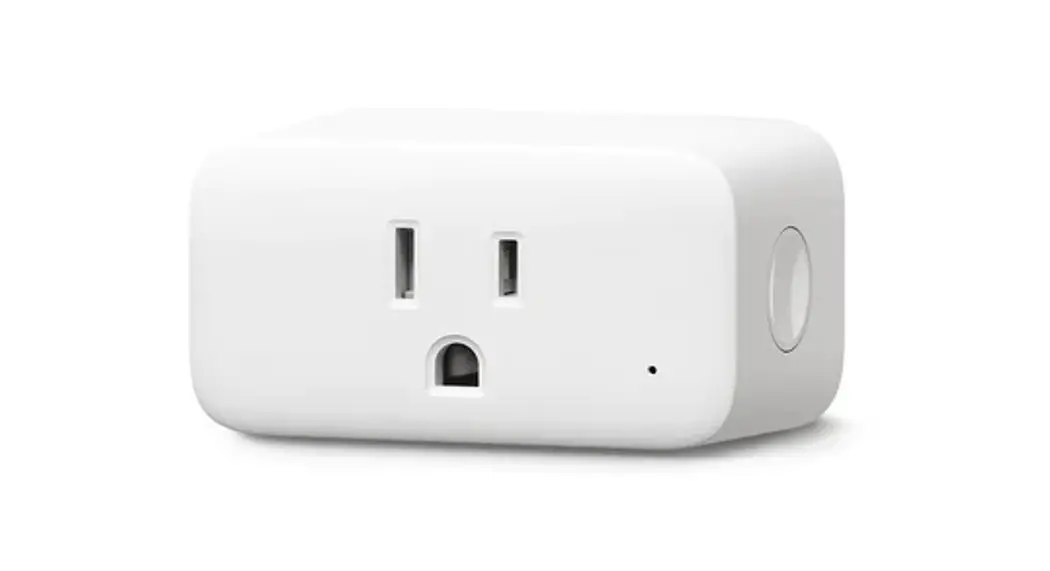
SWITCHBOT Plug Mini User Manual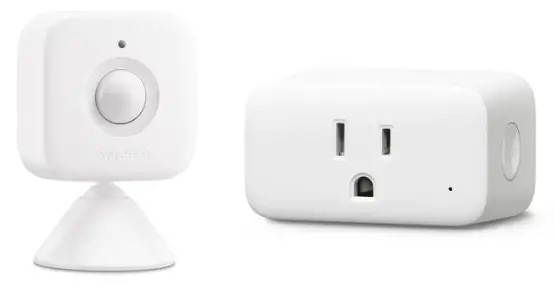
Package Contents
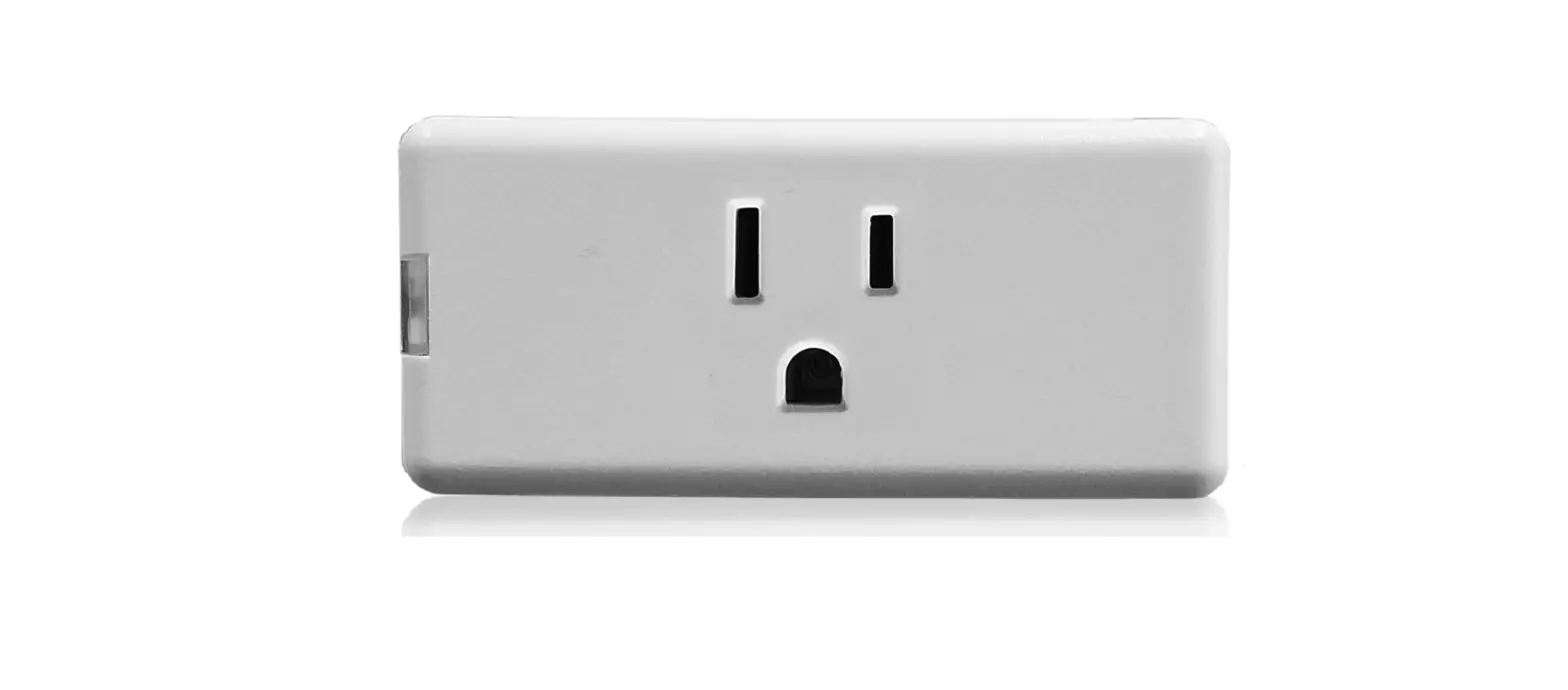
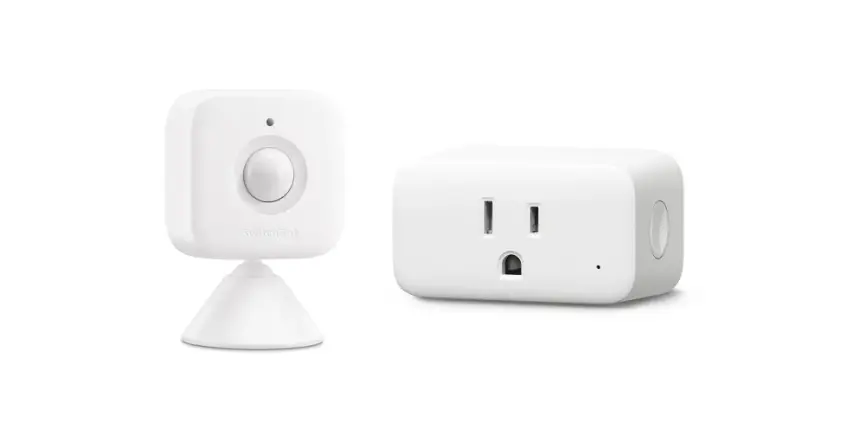
- Plug Mini

- User Manual

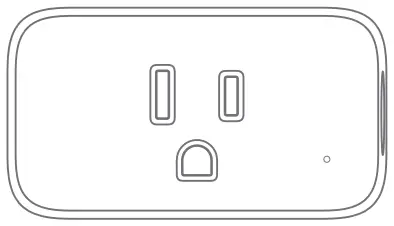
The graphics used in this manual are for reference only. Due to the future updates and improvements of the product, the actual product images may differ
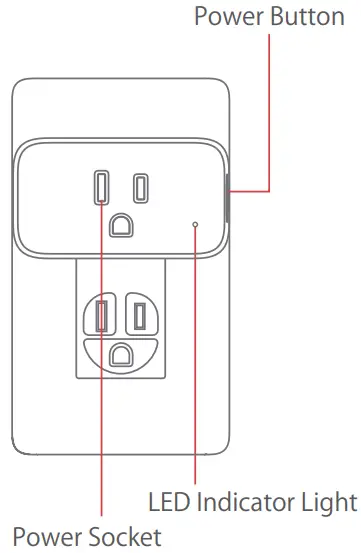
Name of Parts
Specifications
Model No.: W1901400
Size: 70 x 39 x 59 mm
(2.8 x 1.6 x 2.4 in)
Weight: 70 g (2.5 oz) per plug
Input Voltage : 100 – 125 V AC
Input Frequency : 50/60 Hz
Output Power: 1875 W
Output Current: 15 A maximum
Operating Temperature: -15 to 40 (5 to 104 )
Wireless Standard:
IEEE 802.11 b/g/n, 2.4 GHz Wi-Fi, Bluetooth Low Energy
Preparation
- A smartphone or tablet with Bluetooth 4.2 or above.
- Download the SwitchBot app on App Store or Google Play Store.
- Open SwitchBot app and registerfor a SwitchBot account or log in directly if you already have an account.
- (Optional) If you need to control SwitchBot Lock remotely, receive notifications or use third-party services, you must first set up SwitchBot Hub Mini.
iOS 11.0+

Android 5.0+




Safety Information
- Only for indoor use.
- Please keep this device dry and away from hot, humid, and/or other extreme environments as this may cause accidents such as fire, burn, injury, electric shock and so on.
- Never use when you are in contact with any kinds of liquid, as this may cause electric current damages and erosion.
- Do not attempt to disassemble, repair or modify the device.
- Do not drop, step or throw the device purposefully as this may cause accidents such as fire, burn, injury, electrical shock and other dangers.
- Do not insert foreign objects into the device (e.g. metal pieces, pencil lead etc.) or let dust in this device.
- Remove from the power socket to clean or if not used for a long period.
Precautions
- Do not connect electric appliances such as electric stoves and electric heaters that may cause fire, electric shock or injury when left unattended.
- Do not connect appliances that may cause life danger in sudden operation, such as ventilator and other life-support devices.
- Do not connect devices which have rated power bigger than the device.
- Do not connect to any devices that may cause harm to objects or persons under remote control.
- Short press: switches between on/off
- Press and hold for 2s: enters adding mode
- Press and hold for 15s: resets to factory settings
Please visit support.switch-bot.com for more details
LED Indicator Light
| Status of LED Indicator Lamp | Device Status |
| White light on | Power on |
| White light off | Power off |
| Blue light flashes rapidly | In adding mode |
| Blue light flashes slowly | Connecting to the internet |
| Blue light turned off | Connected to the internet |
| Blue light lights up then turns off | Reset to factory settings successfully |
Troubleshooting
Please visit support.switch-bot.com for more details
Disclaimer
The company assumes no responsibility or liability for any loss or damage suffered by any person as a result of using the product in the following situations:
- Fire hazards, earthquakes, thunderstorms, wind-related disasters and other malfunctions caused by third-party actions.
- Faulty operation and unusual conditions.
- This product is intended to b used in your own country but not for abroad.
- Tries to trigger actions in products of other brands but unsuccessful.
Return and Refund Policy
This product has a one-year warranty which begins from date of purchase.
The following situations are not eligible for a return or refund:
- Any loss or damage caused by intentional damage, abuse or misuse of the device.
- Inappropriate storage (damages caused by dropping or soaking in water).
- Modifying or repairing of product.
- Natural wear and/or cosmetic damage.
- Natural disasters.
Contact & Support
Setup and Troubleshooting:
support.switch-bot.com
Support Email:
[email protected]
Feedback: If you have any concern or problem when using our product, please kindly send feedback from the Profile > Feedback page in the SwitchBot app
FCC Warning
This equipment has been tested and found to comply with the limits for a Class B digital device, pursuant to part 15 of the FCC Rules. These limits are designed to provide reasonable protection against harmful interference in a residential installation. This equipment generates, uses and can radiate radio frequency energy and, if not installed and used in accordance with the instructions, may cause harmful interference to radio communications. However, there is no guarantee that interference will not occur in a particular installation. If this equipment does cause harmful interference to radio or television reception, which can be determined by turning the equipment off and on, the user is encouraged to try to correct the interference by one or more of the following measures:
- Reorient or relocate the receiving antenna.
- Increase the separation between the equipment and receiver.
- Connect the equipment into an outlet on a circuit different from that to which the receiver is connected.
- Consult the dealer or an experienced radio/ TV technician for help.
This device complies with part 15 of the FCC Rules. Operation is subject to the following two conditions:
1) This device may not cause harmful interference.
2) This device must accept any interference received, including interference that may cause undesired operation.
Any changes or modifications not expressly approved by the party responsible for compliance could void the user’s authority to operate the equipment.
Note: The manufacturer is not responsible for any radio or TV interference caused by unauthorized modifications to this equipment. Such modifications could void the user’s authority to operate the equipment.
This device has been evaluated to meet general RF exposure requirement. This device should be operated with a minimum separation distance of 20 cm between the equipment and a persons body.