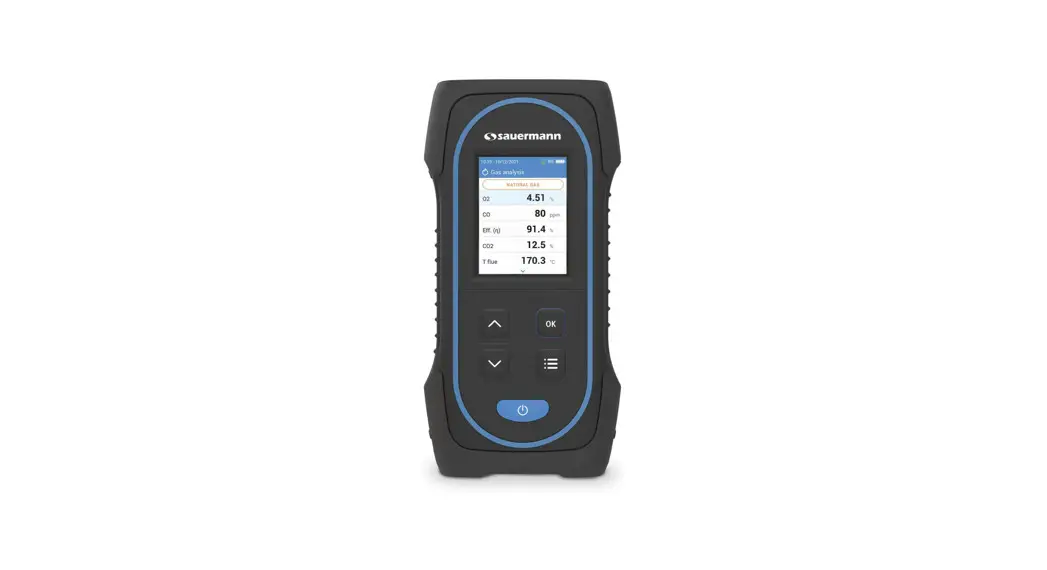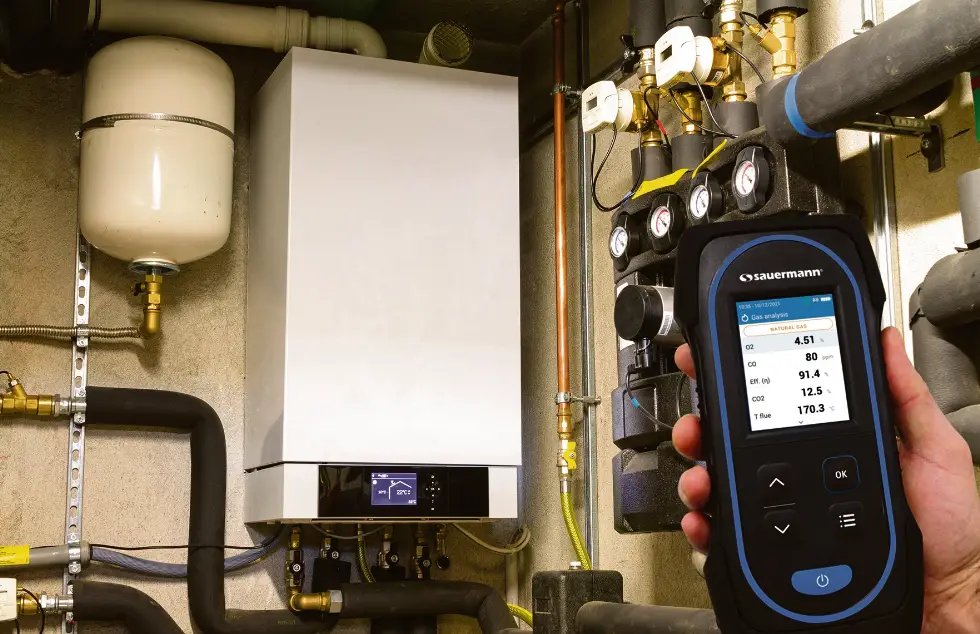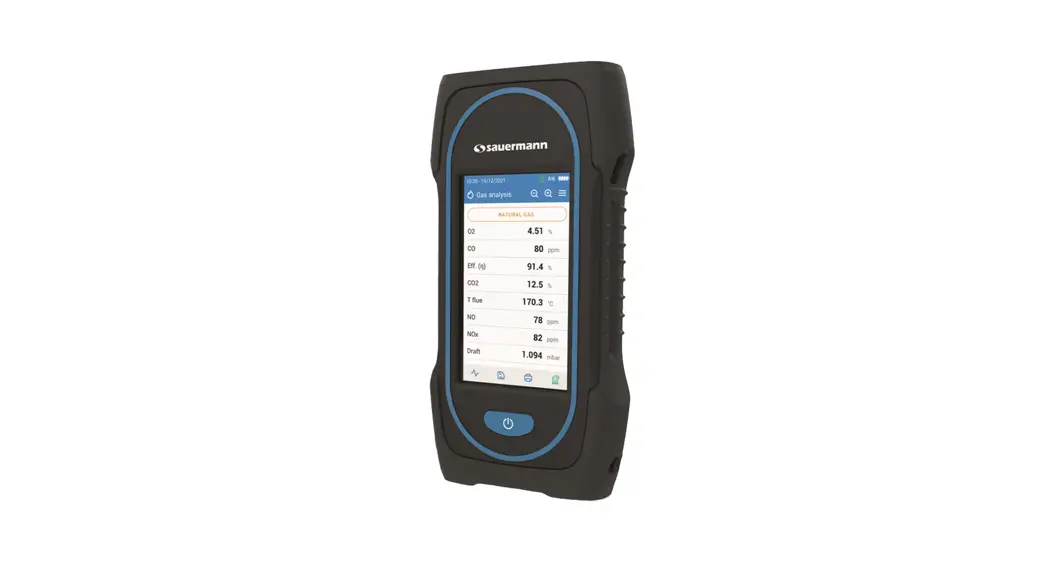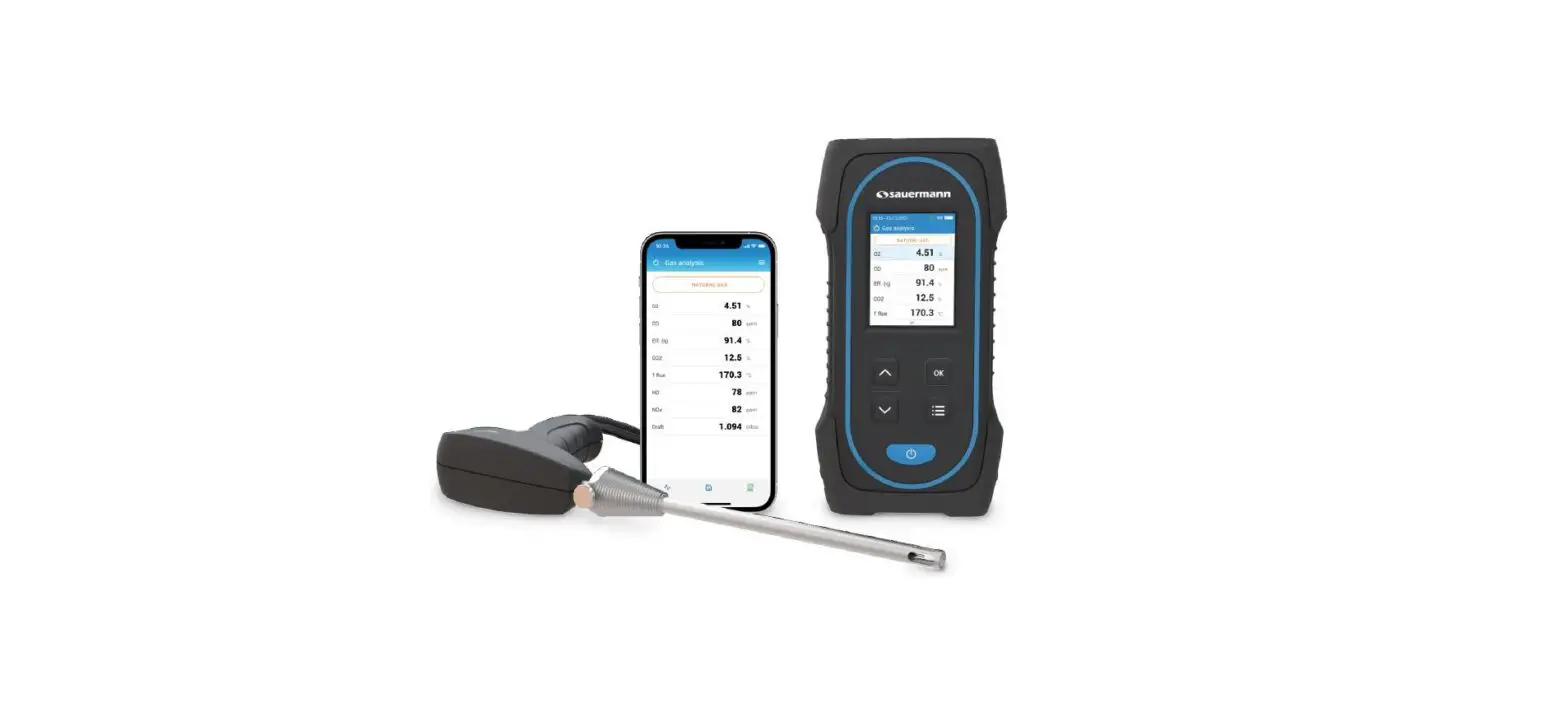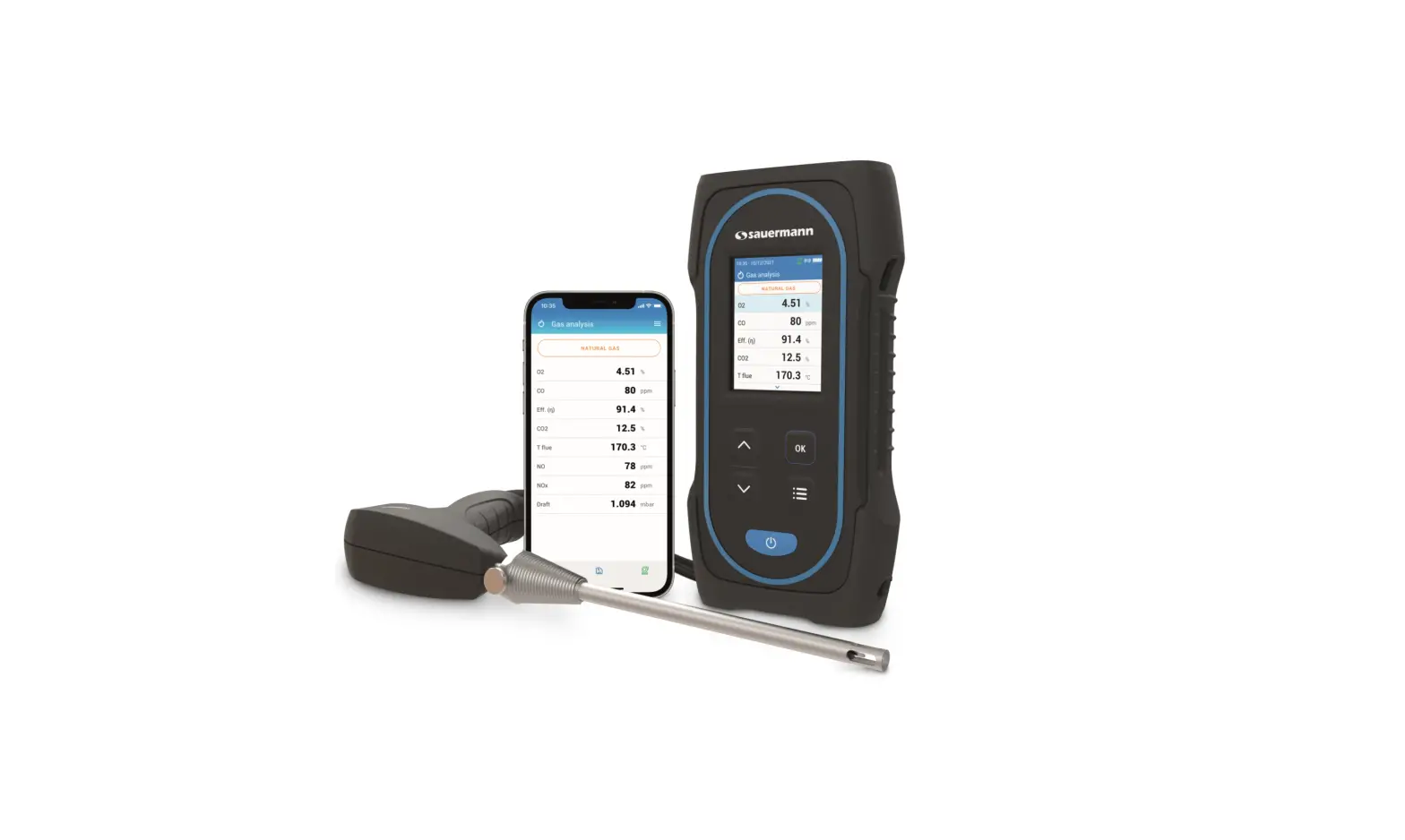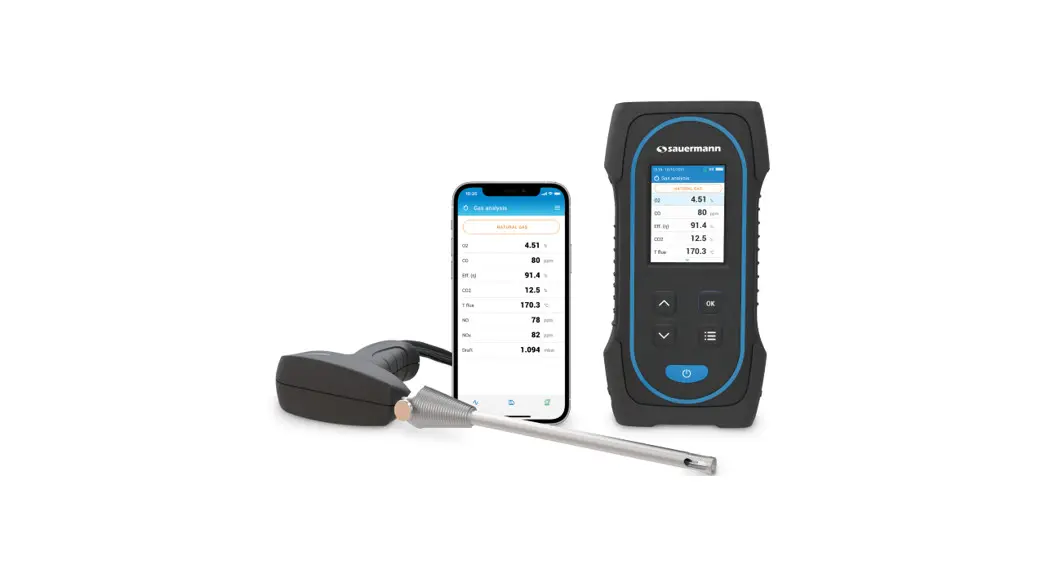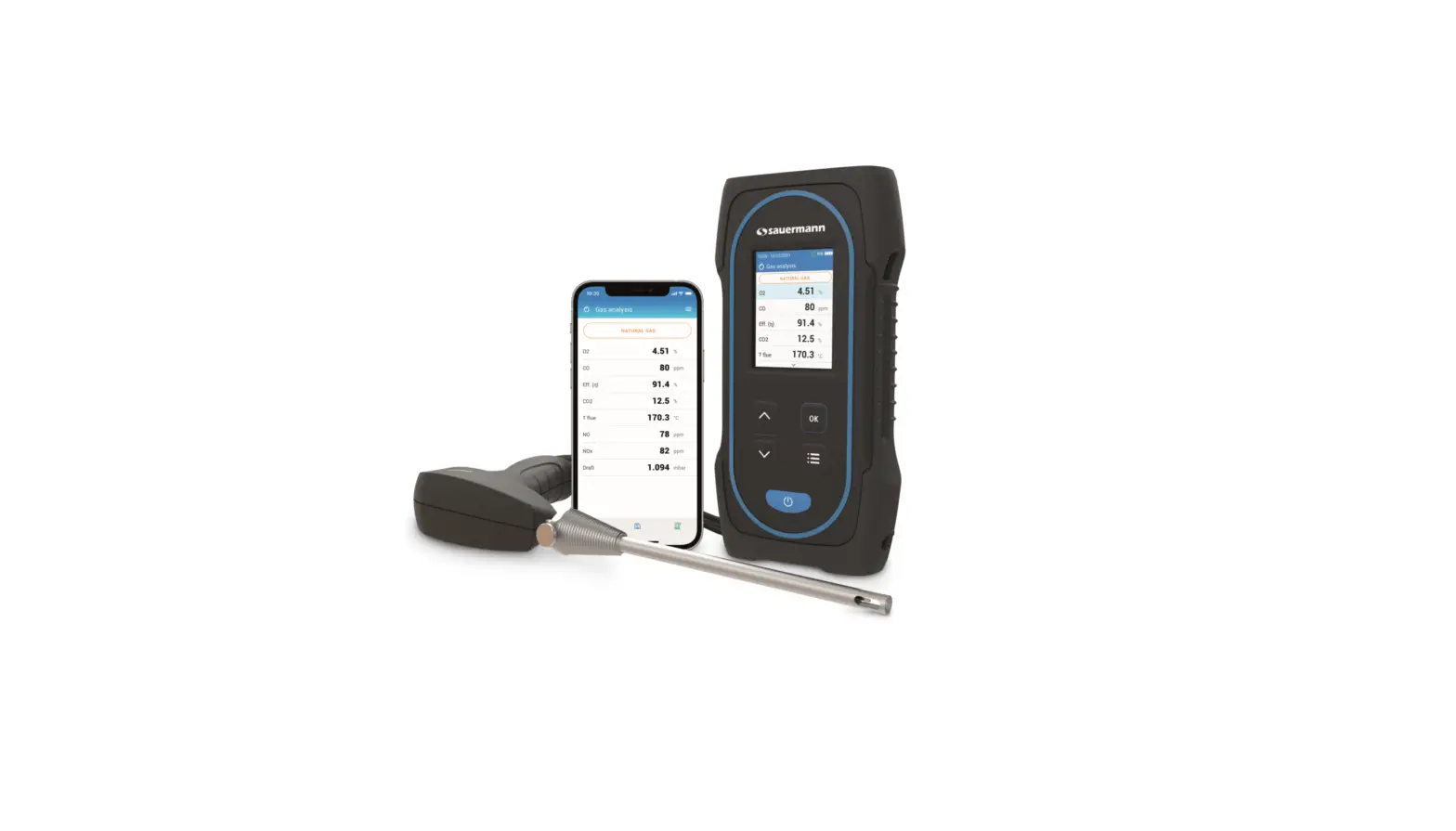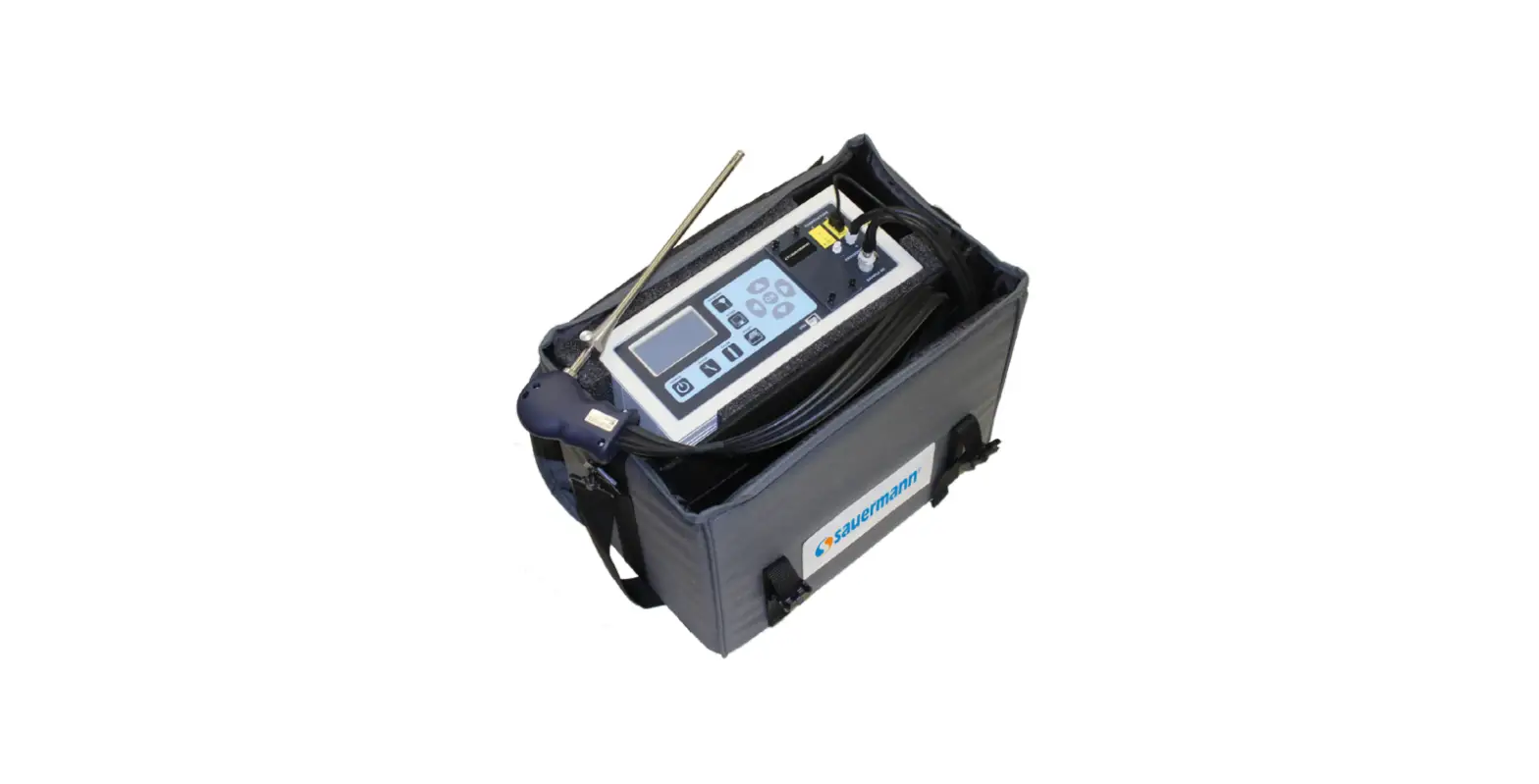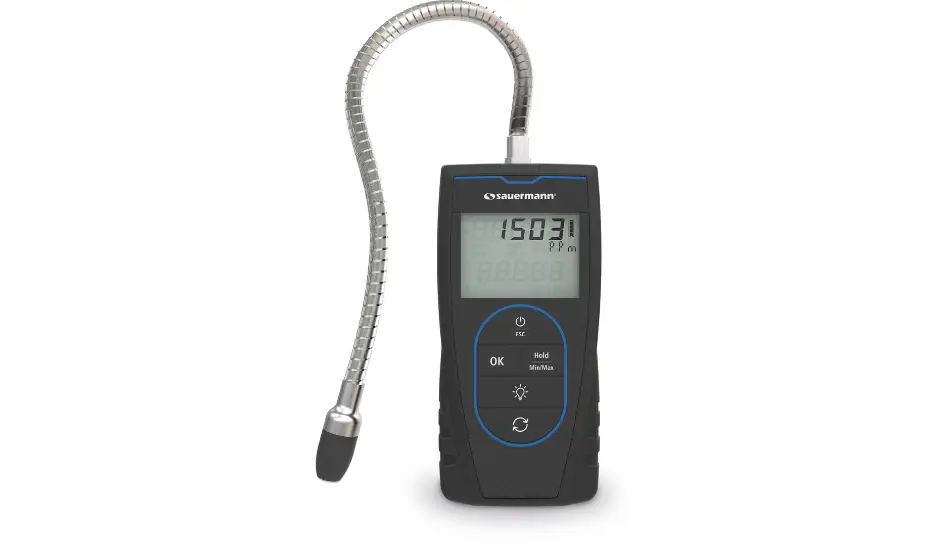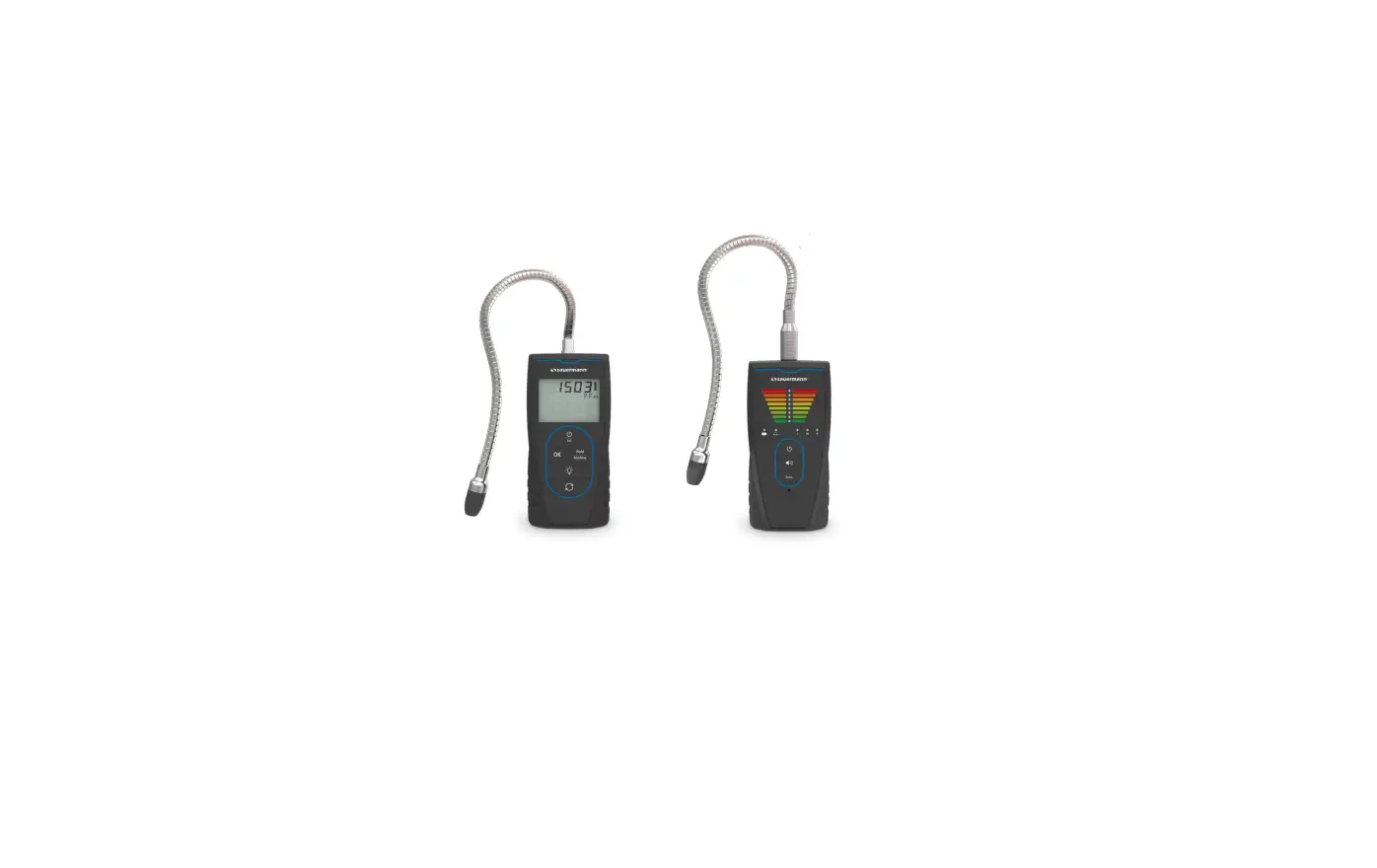

SI-CA 130 / SI-CA 230
Quick Start Guide

Quick Start Guide

- These operating instructions describe the basic handling of the device.
- Please refer to the operating instructions available at www.sauermanngroup.com for safe use of the product and detailed information.
- Do not give this device to a child.
- The magnets in the back of the instrument can damage credit cards, hard drives, mechanical watches, pacemakers, defibrillators, and other devices that are proven sensitive
to magnetic fields. It is recommended to keep the instrument at a distance of at least 25 cm (10”) away from any of these devices. - These gas analyzers are designed to measure flue gases exhausted from combustion equipment. They are not designed for continuous operations and/or use as a control/alarm system
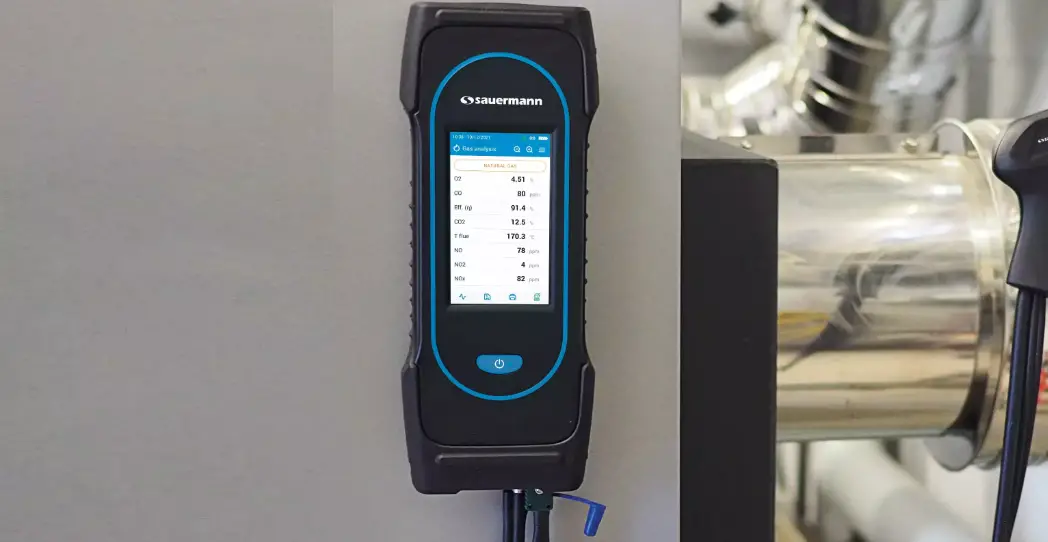
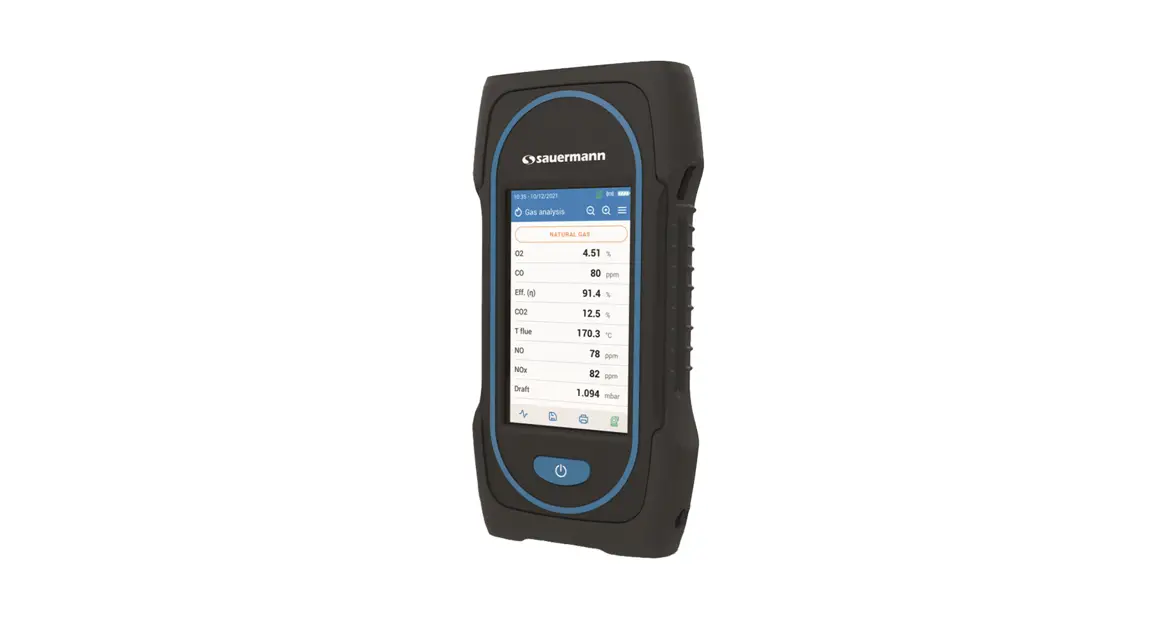
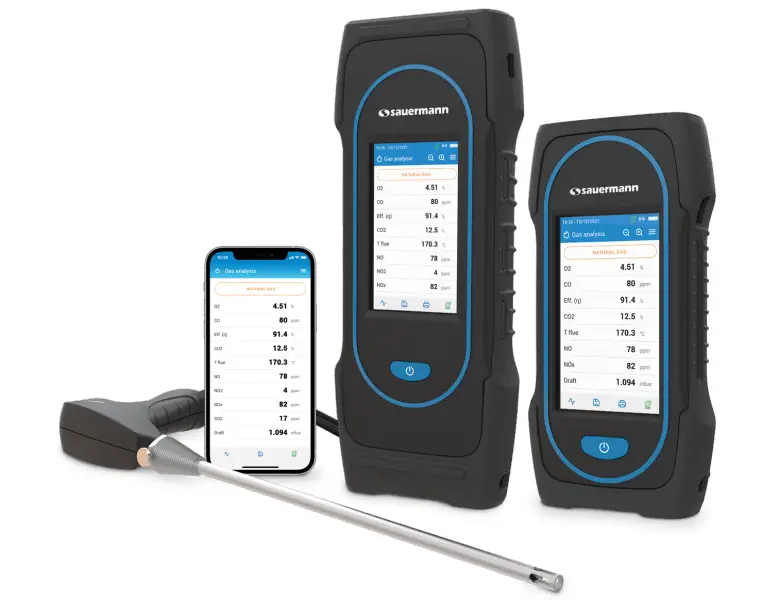
The Si-CA 130 and Si-CA 230 analyzers are touchscreen devices with just the on/off button: 
Before Using the Flue Gas Analyzer
WARNING!
- Be sure all connections are tight to assure accurate sampling.
- When conducting measurements, the water trap/filter assembly MUST be in a VERTICAL position.
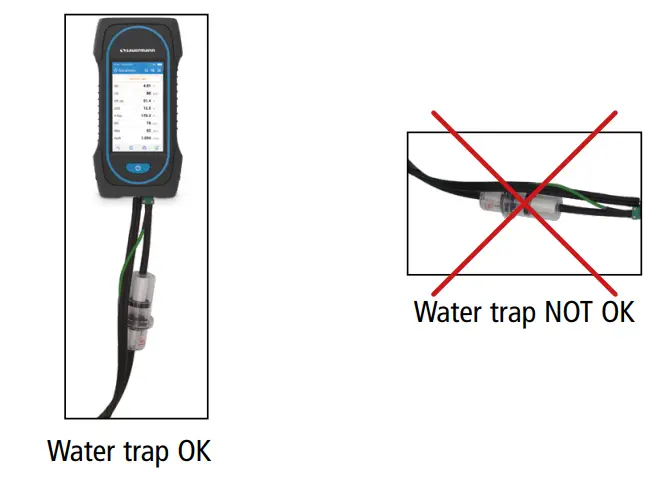
When testing is completed, always drain any accumulated condensation inside the water trap (after EVERY test!).
The condensate is slightly acidic, so avoid contact with skin and make sure condensate does not leak out of the water trap.
Analyzers description
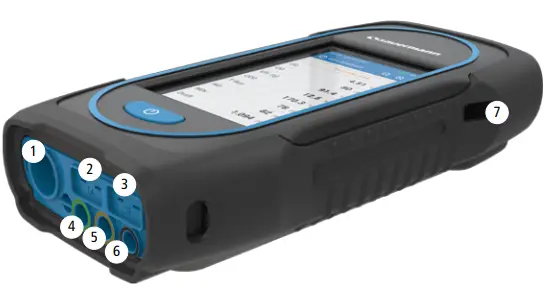
- Min-DIN connection for CO and CO2 probe
- Thermocouple connection for air temperature
- Thermocouple connection for flue gas temperature
- P- connection
- P+ connection
- Gas connection
- USB connection
Operating temperature, protection of the instruments, and information about storage
- Operating temperature: from -5 to 45 °C (23 to 113 °F)
- Protection: IP42
If the instrument is stored outside the operating temperature (for example in a van, a warehouse,…) please let the analyzer acclimate to room temperature for at least 15 minutes
before starting and operating the analyzer.
If the ambient temperature is lower than 10 °C (50 °F), the analyzer should be acclimated to ambient temperature before performing measurements.
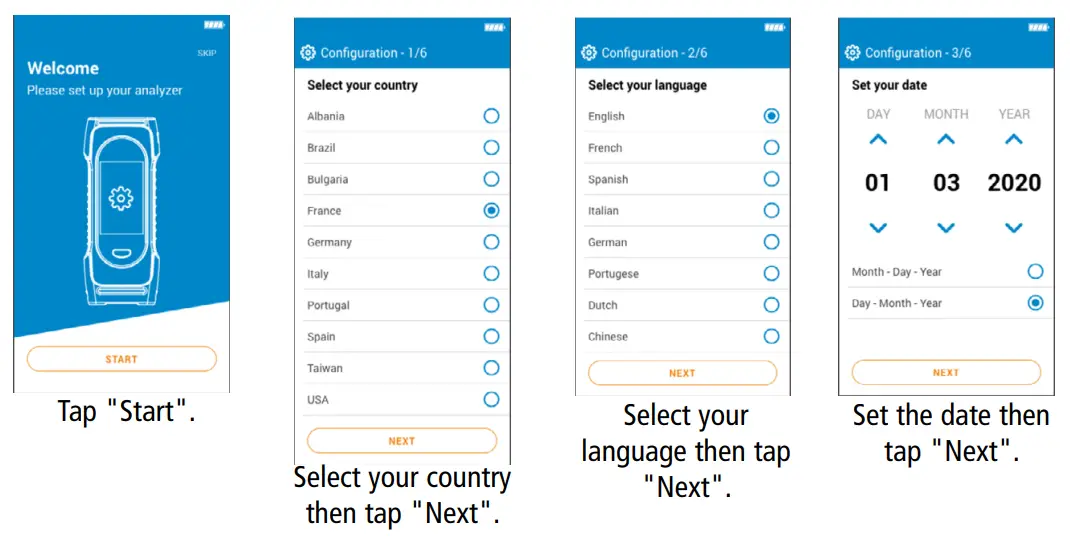
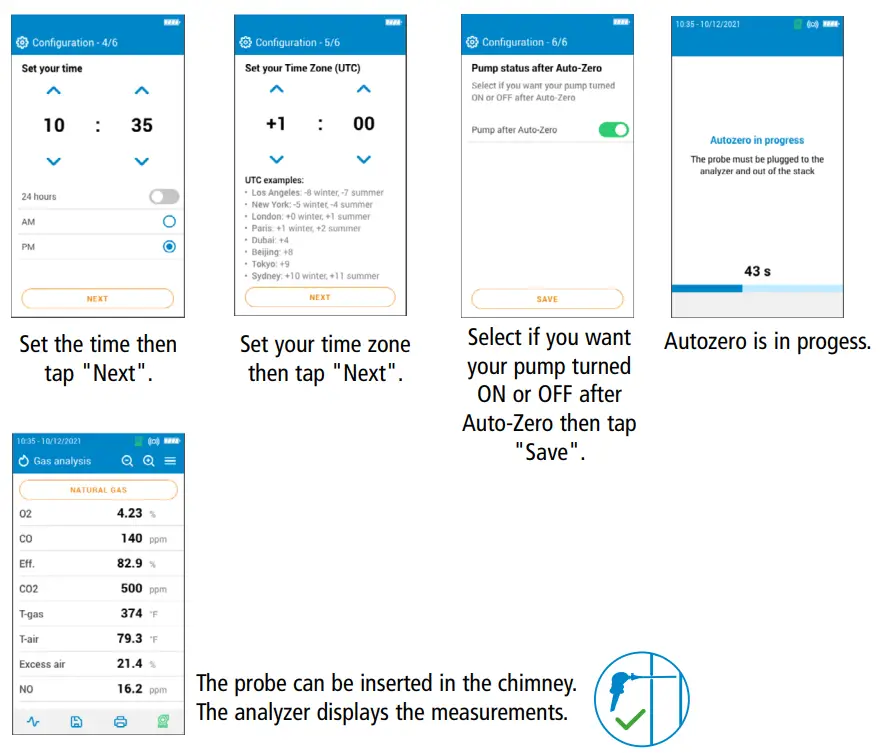
First start-up
DO NOT insert the gas probe in the flue/chimney/stack.
Keep pressed for 3 seconds to turn on the analyzer.

 |
 |
ON / OFF
During autozero DO NOT insert the gas probe in the chimney.
Keep pressed for 3 seconds to turn on the analyzer. Once the autozero is finished, insert the gas probe in the chimney, and gas measurements are displayed.
Keep pressed for 3 seconds to turn off the analyzer. Before powering off, disconnect hoses from the analyzer and empty and dry the water trap.
Stop / Restart the Pump
It is possible to turn off the pump during a gas analysis.
Tap . The pump is off and values are on hold.
Tap . The pump is on and measurements are re-start.

Combustion Analysis, Saving & Printing
Before proceeding with the combustion analysis, remember to set the proper fuel.
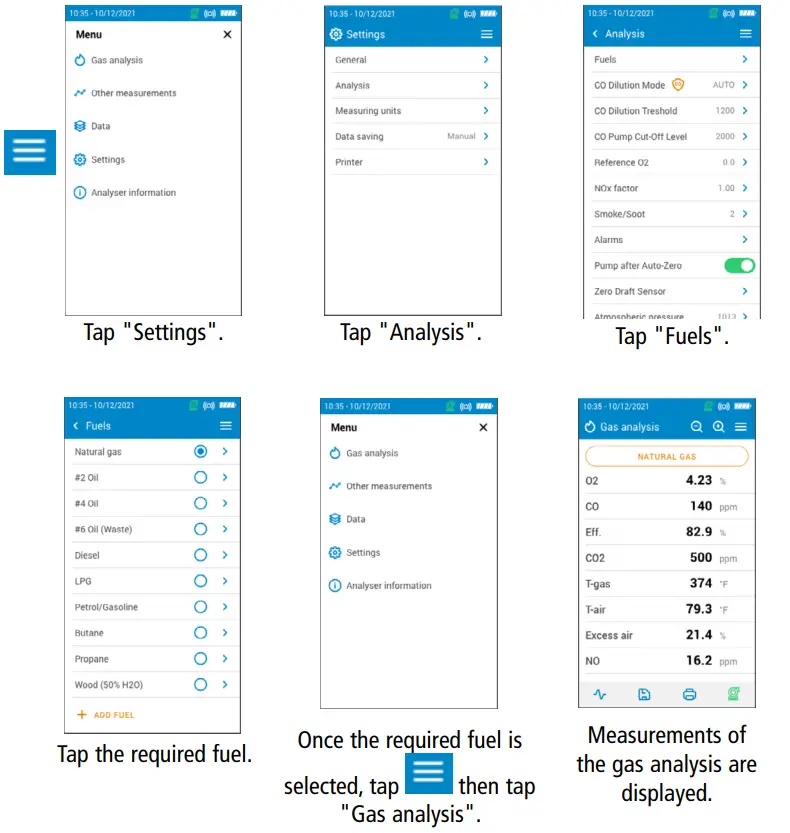
You can also quickly access the fuel selection menu via the fuel shown at the top of the combustion gas analysis screen
- To view the different measured parameters, just scroll the screen.
- To save combustion data, the first tap on the Save icon
 then select or create a folder and tap on Save. The Sauermann Combustion mobile phone app and/or
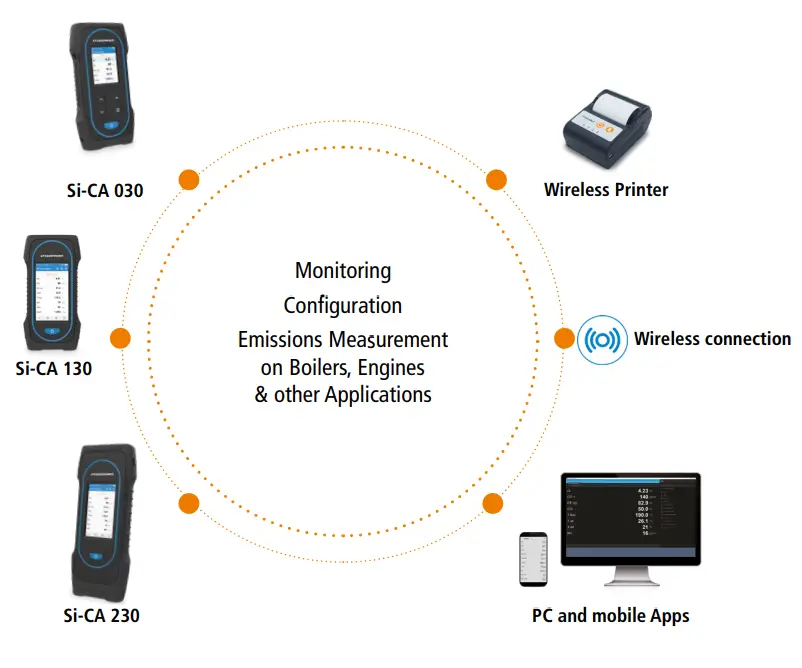
PC software can also be used to save data. - To print, the results, use the Wireless Printer available as an option.
 then select or create a folder and tap on Save. The Sauermann Combustion mobile phone app and/or
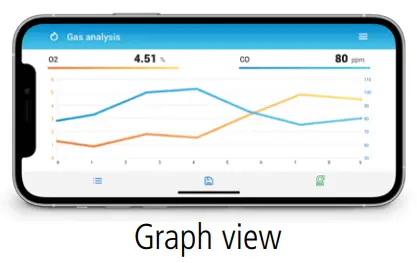
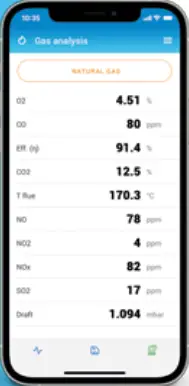
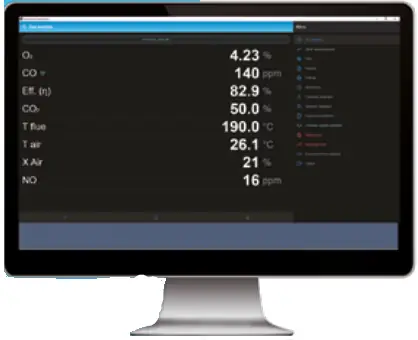
The Sauermann Combustion app lets you control your Si-CA analyzer remotely, view measurement results in real-time, and customize them before exporting in the format of your choice.

http://qrcode.inair.cloud/sauermann/sauermann_combustion
Software & Apps

http://qrcode.inair.cloud/sauermann/sauermann_combustion
Download the Sauermann Combustion App

https://sauermanngroup.com/en-INT/resource-center/softwares
Download the Sauermann Combustion Software

Download the full manual
Customer service portal
QSG – Commercial, Industrial & HVAC Analyzers 2021Si-CA130-230_07-09-2021 – Non-contractual document – We reserve the right to modify the characteristics of our products without prior notice.