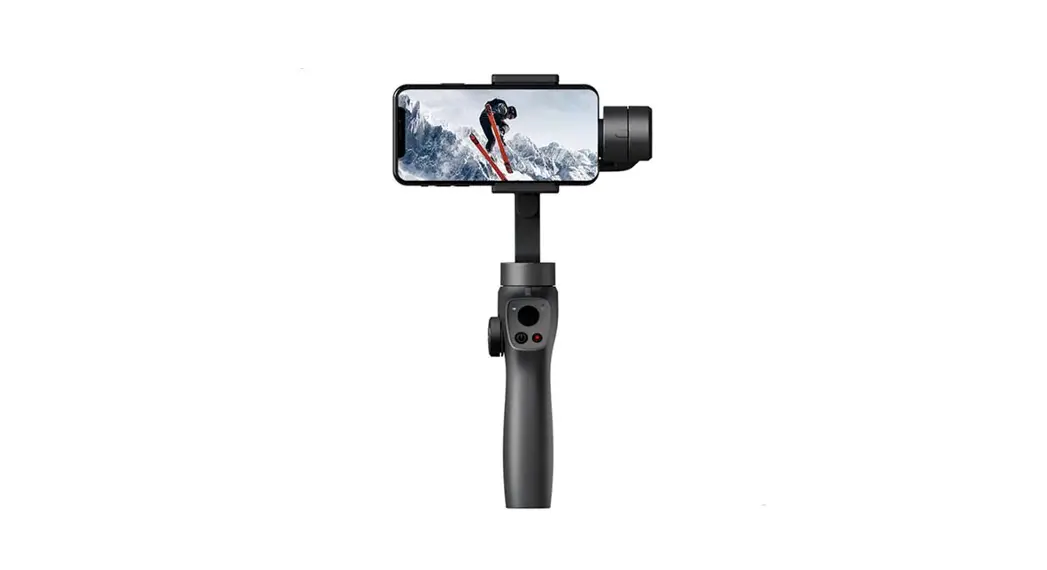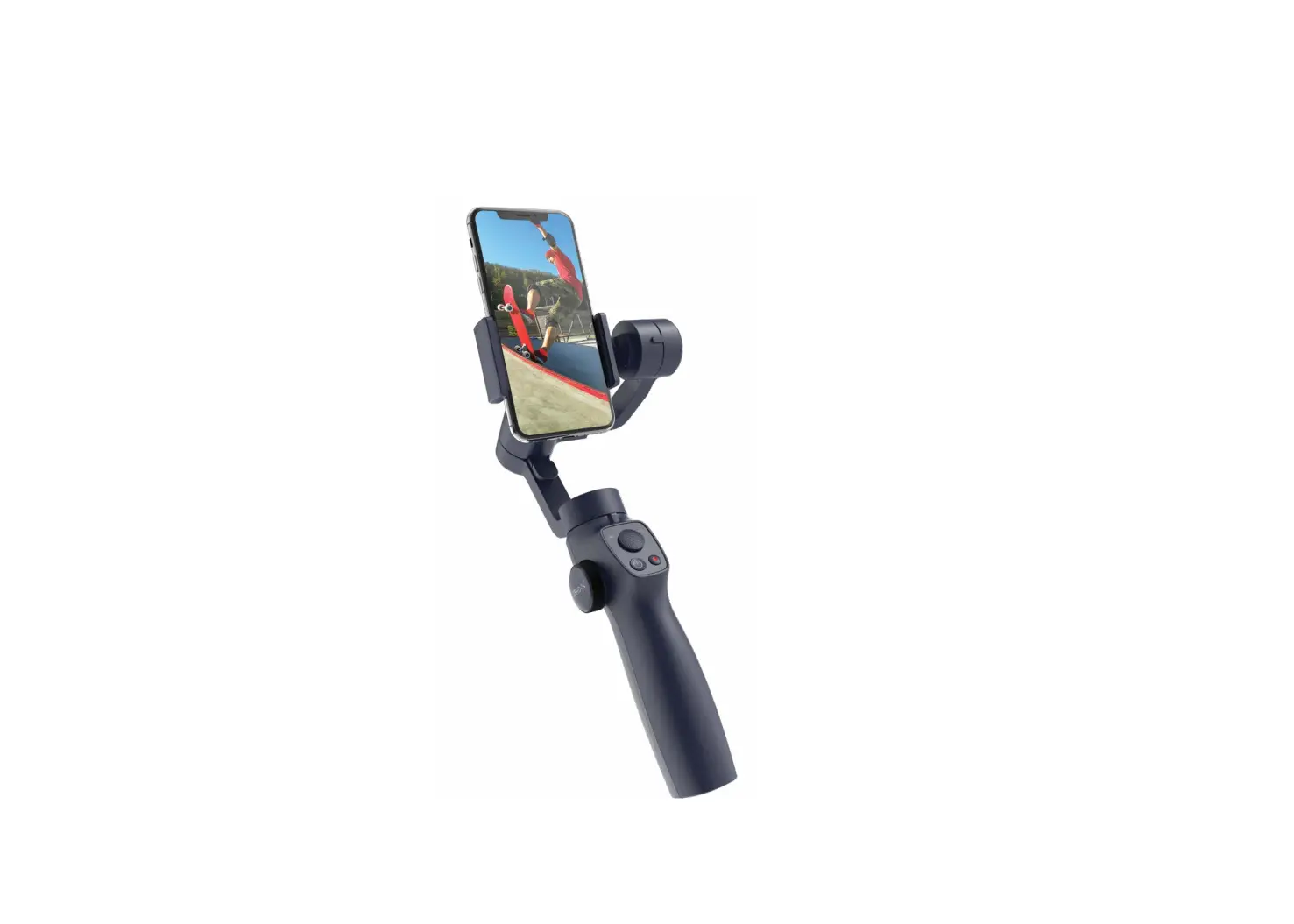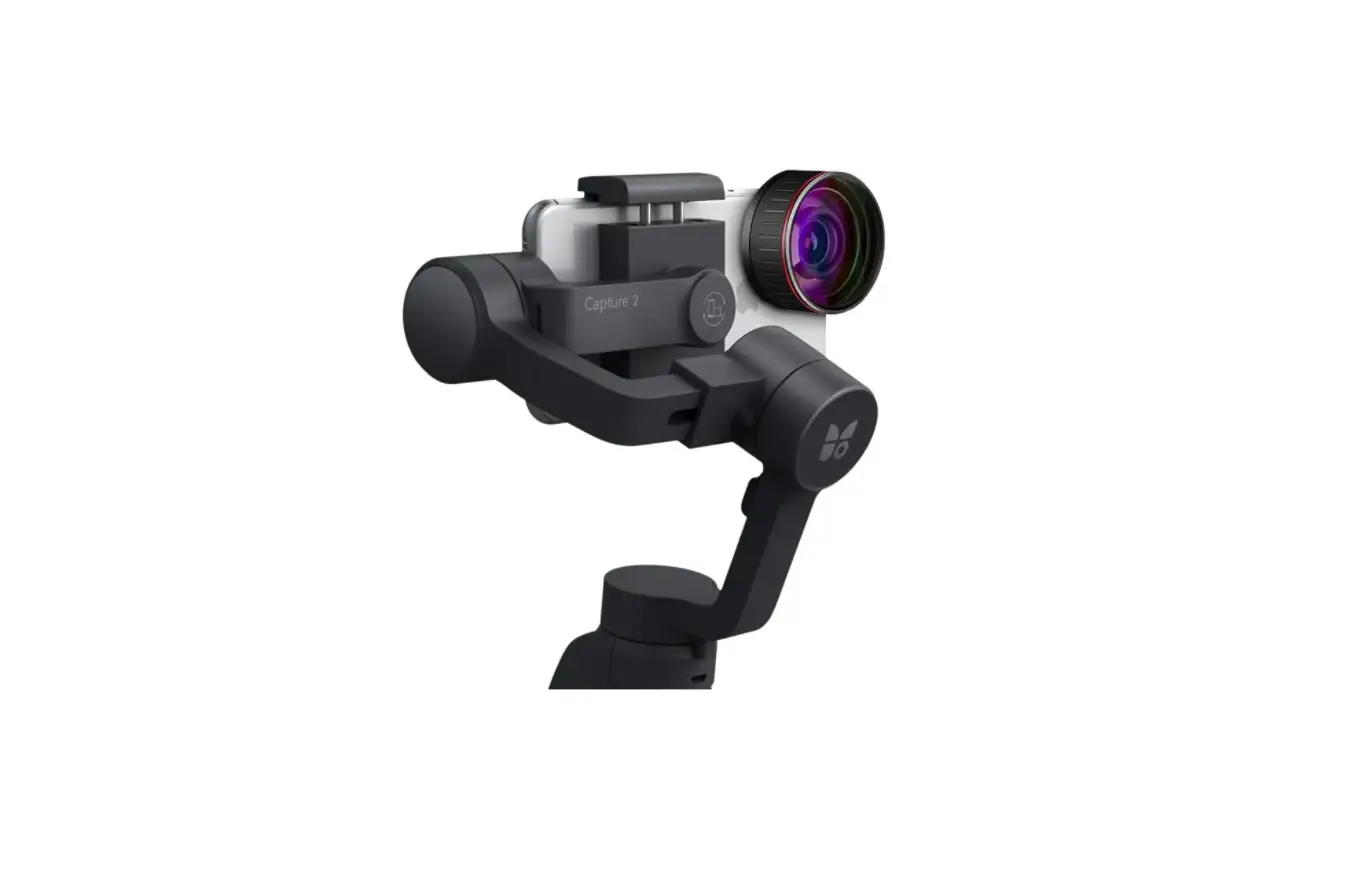
FUNSNAP Capture 2s Axis Gimbal User Guide
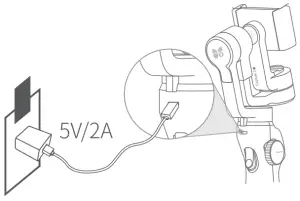
Charge
- Charging:
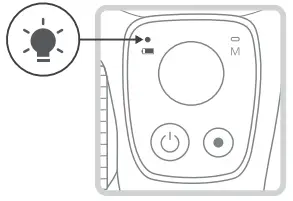
The battery Level Indicator flashes red.
- Fully Charged:
The Battery Level Indicator turns solid green.
Download Capture2 App
Scan the QR codes on the right side or search for “Capture2” on Google- Play/ App Store, then download and install it.
- Google Play

- iOS


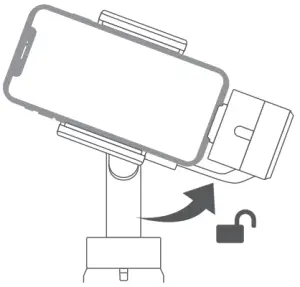
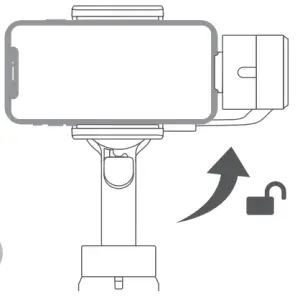
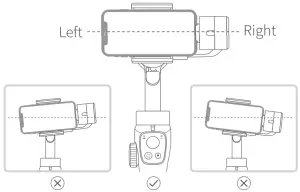
Mount and Balance Your Phone Horizontally
-

-


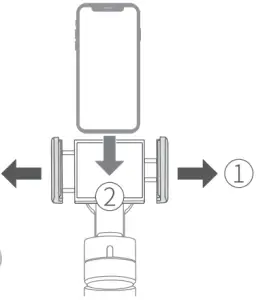
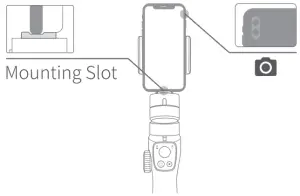
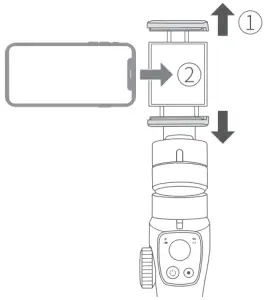
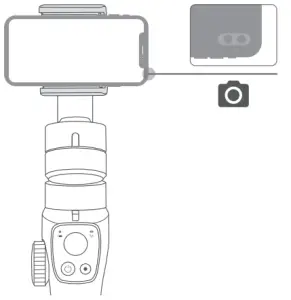
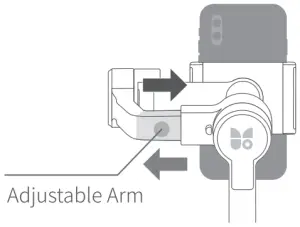
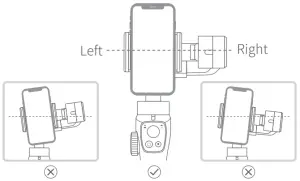
Please fit one side of your mobile phone into the Mounting Slot.
Please make sure the part with camera on the top side.
-

-

-


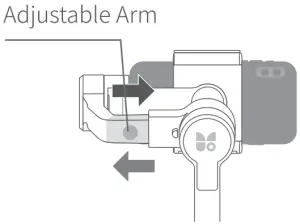
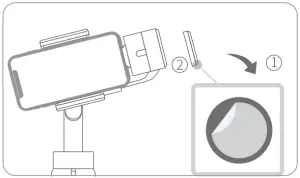
Tips: If Your phone is too heavy to balanced by the adjustable arm, you can stick the counterweight on to the tilt motor.
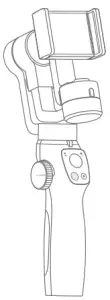
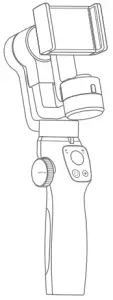
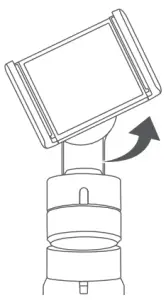
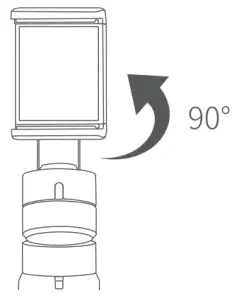
Mount an Balanced Your Phone Vertically
-

-

-

-


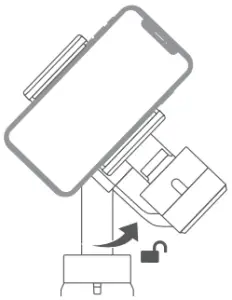
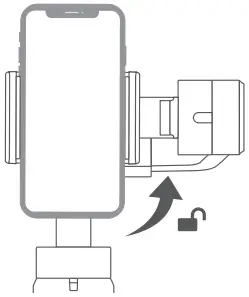
Please make sure the part with camera on the right side.-

-

-

-

Connect to Capture 2s
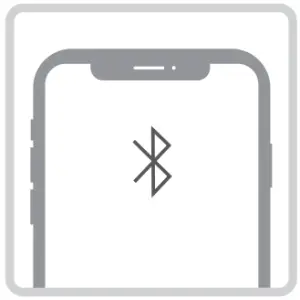
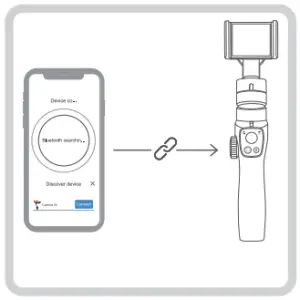
- Enable the Bluetooth on your mobile phone.

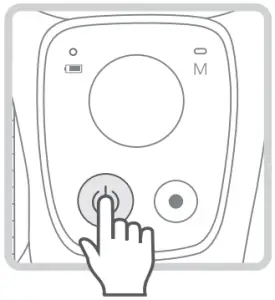
- Long press the power button for 3 seconds to turn on the gimbal.

- Launch Capture2 App
- Follow the in-app instructions to Connect to Capture 2s.
Tips: After the above steps are completed, if you encounter problems, please refer to the troubleshooting guide on page 22 of the manual.