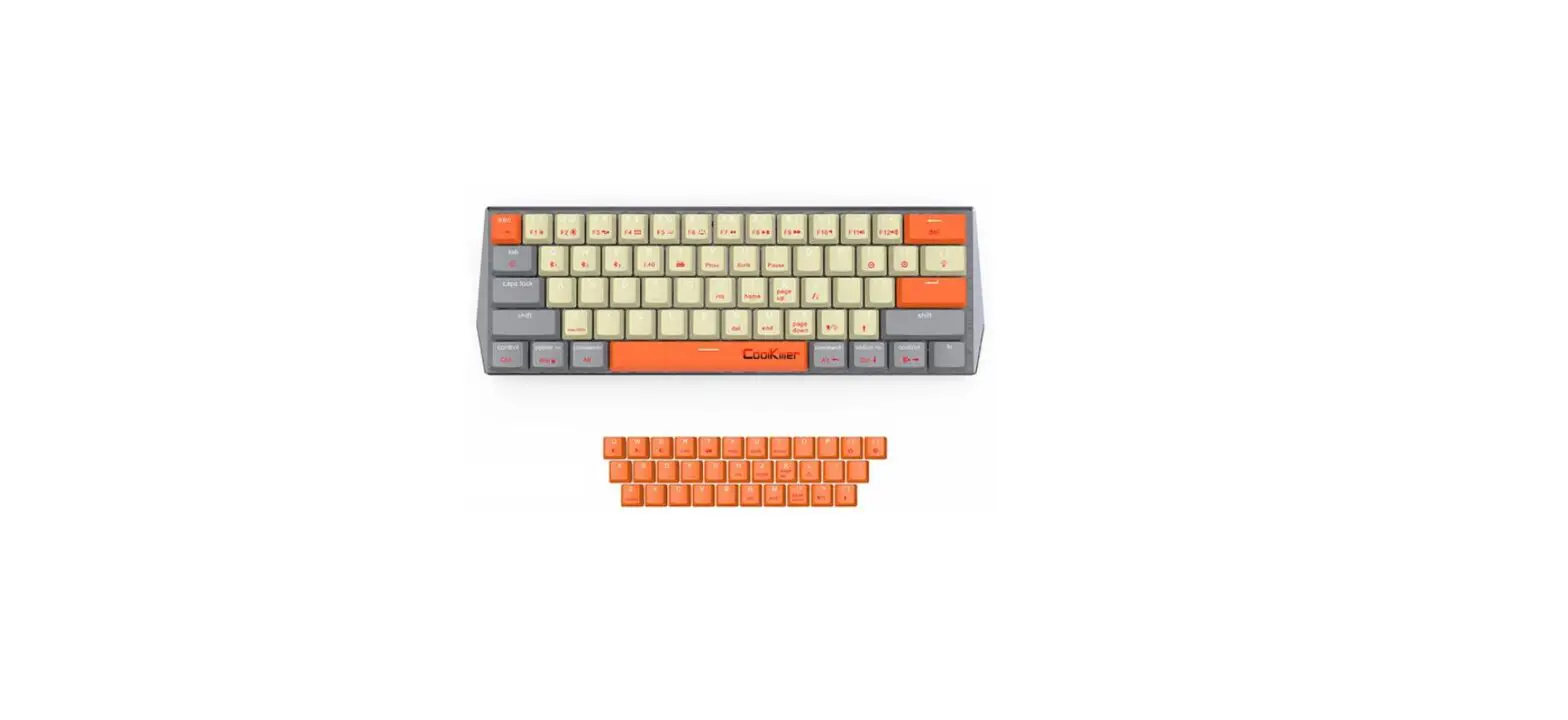
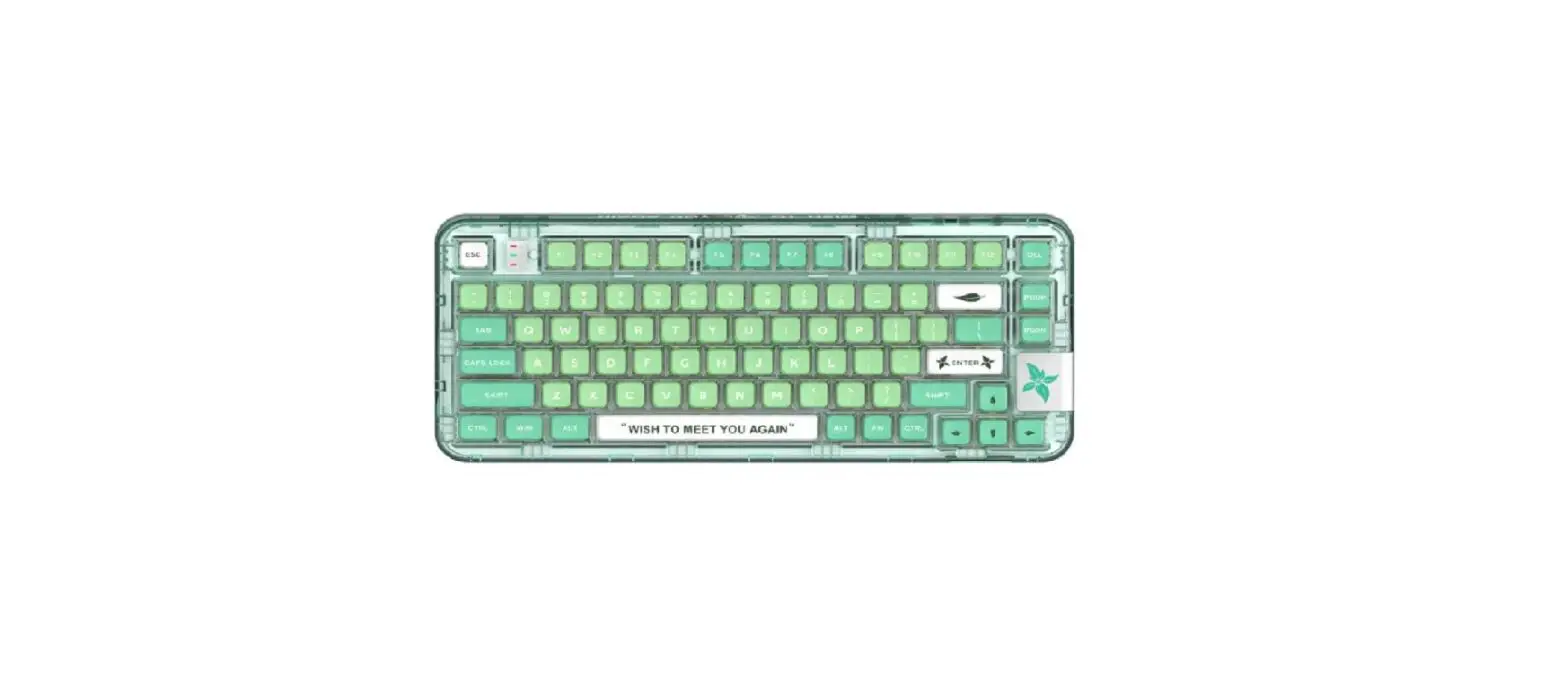
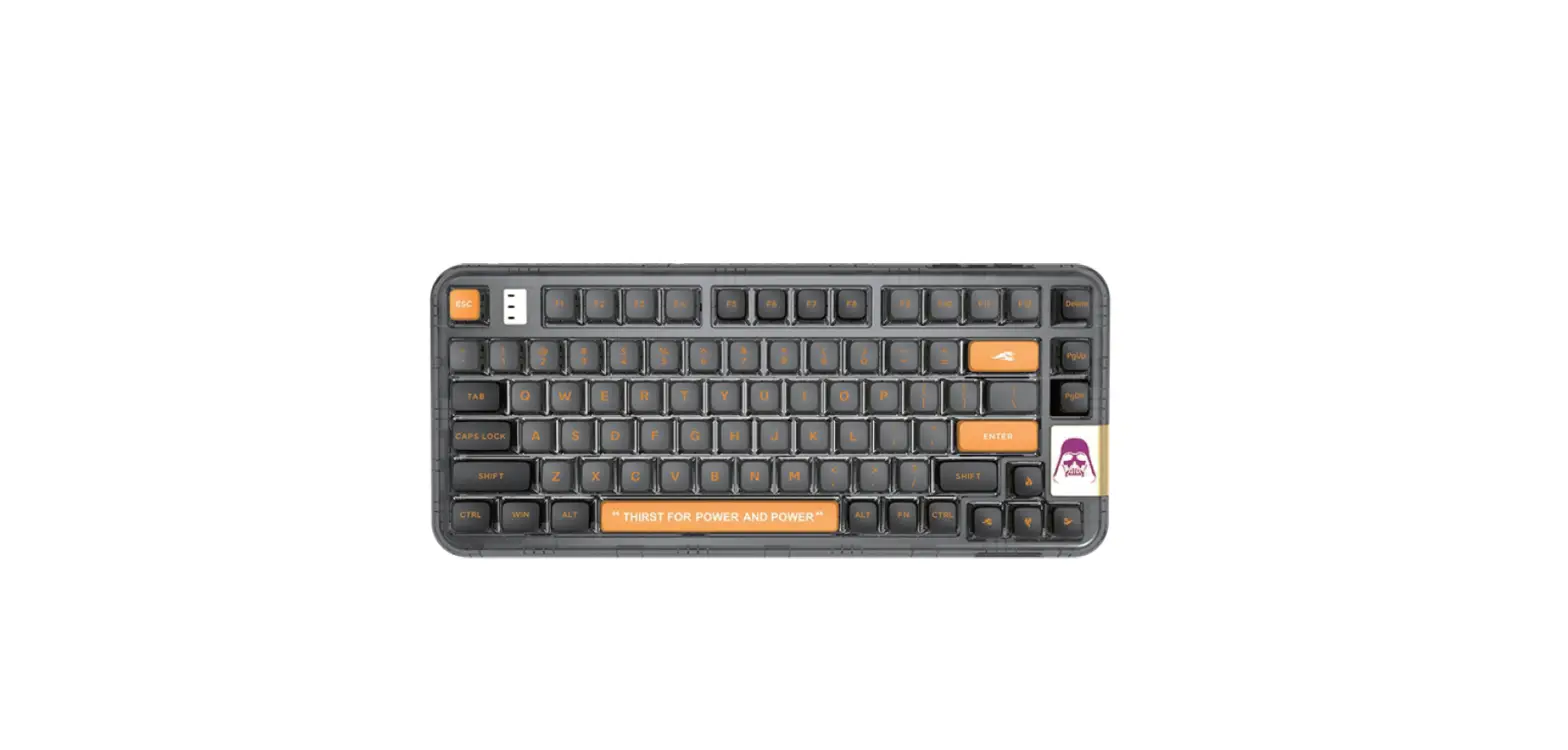
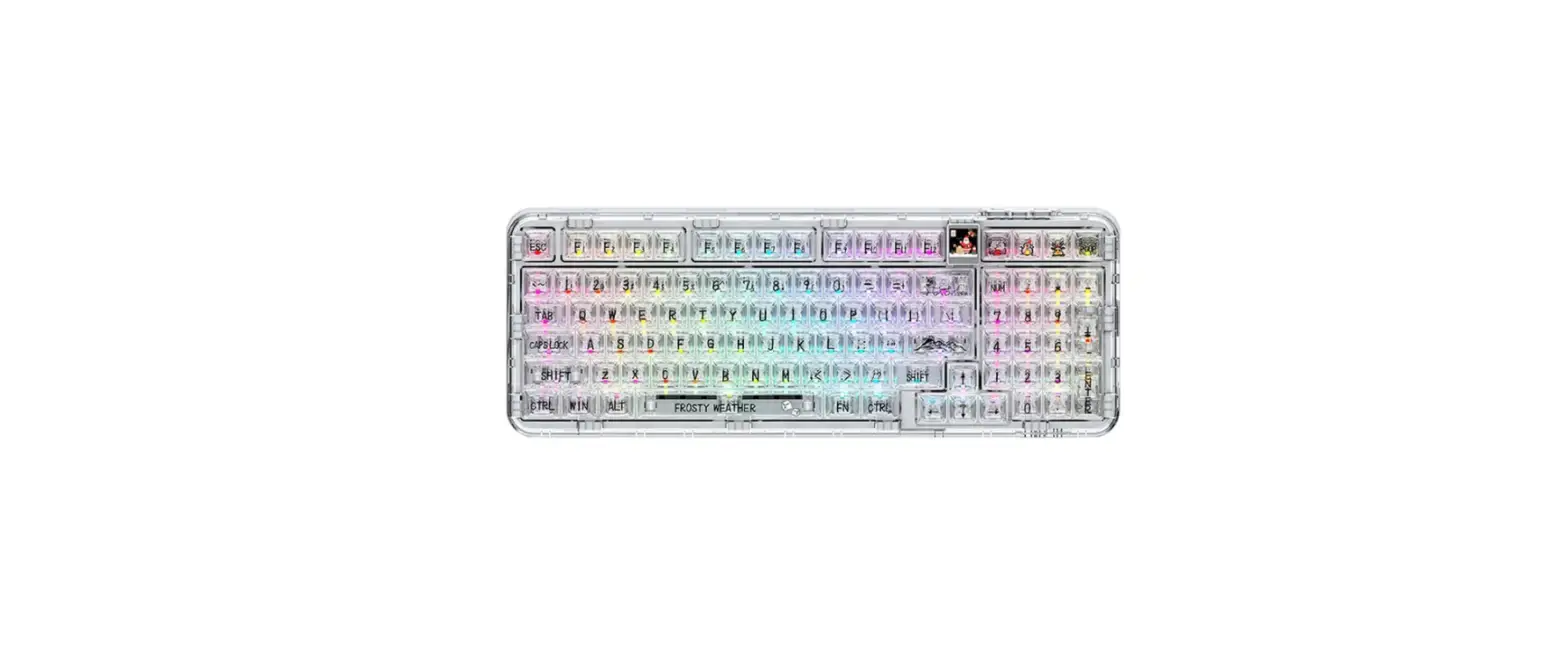
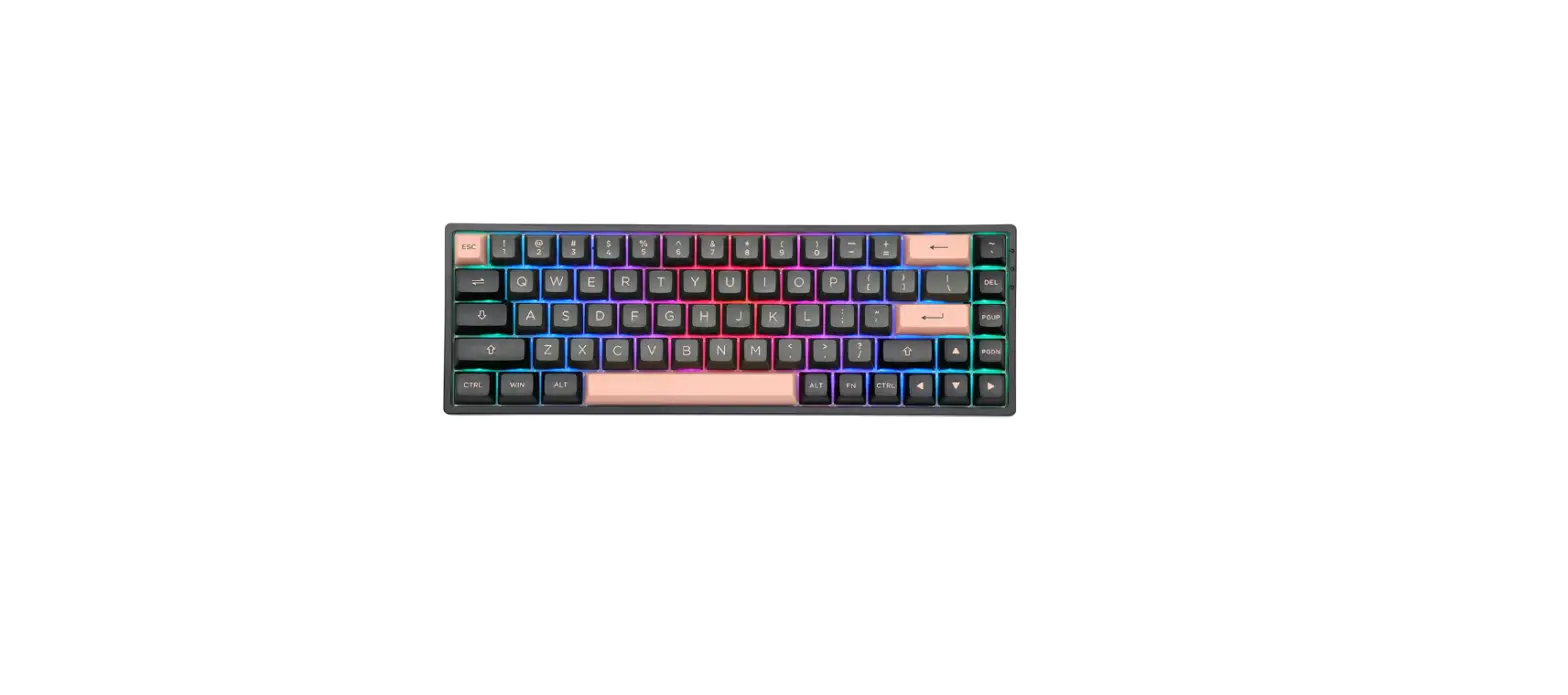
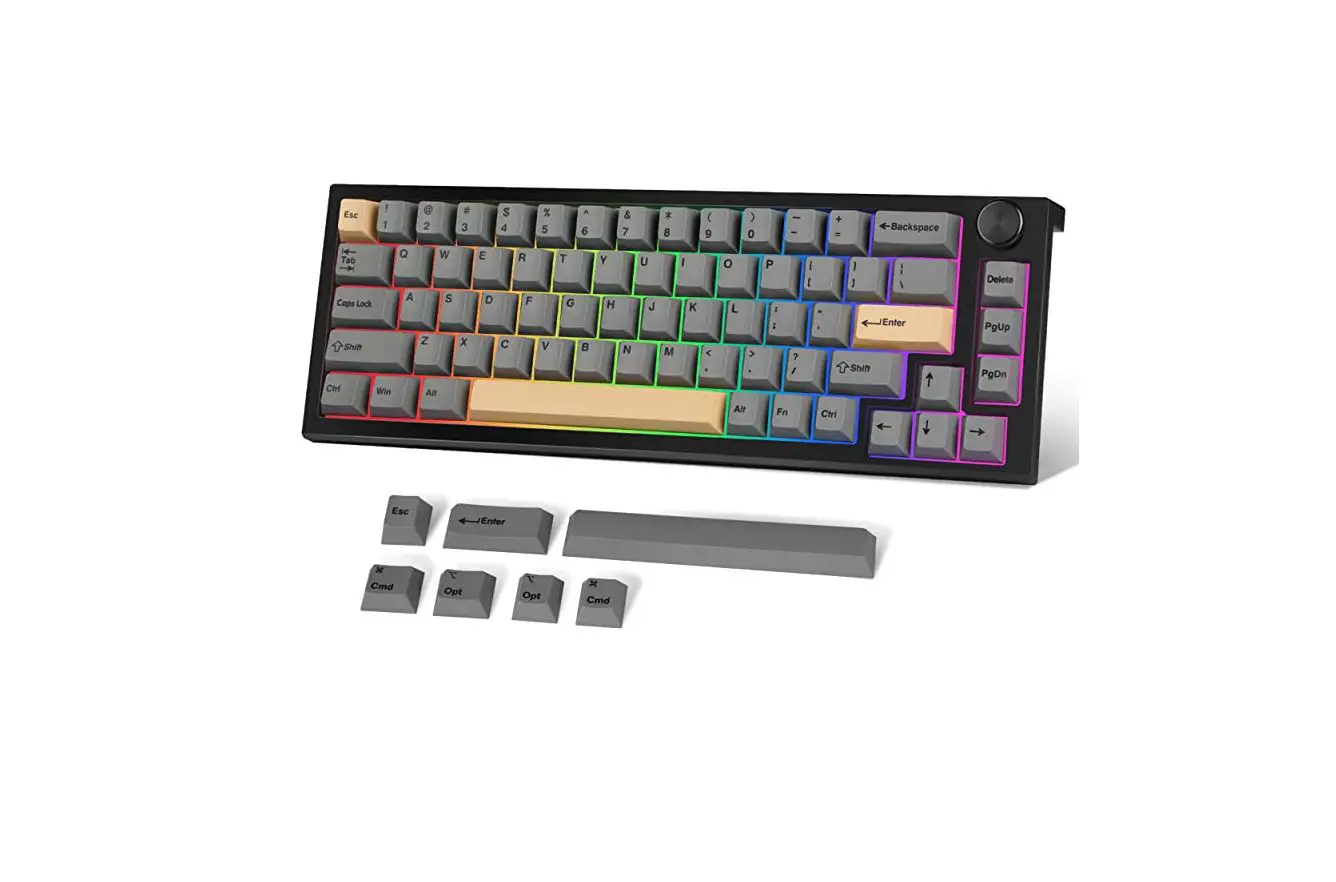
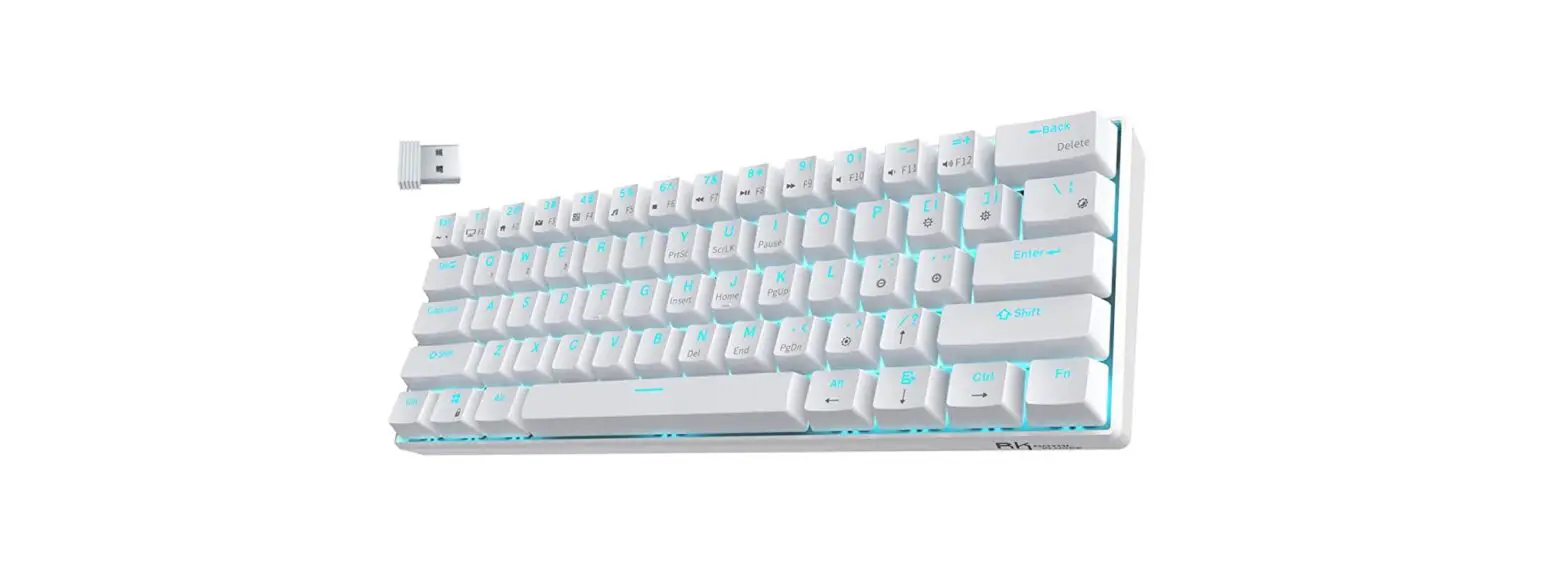
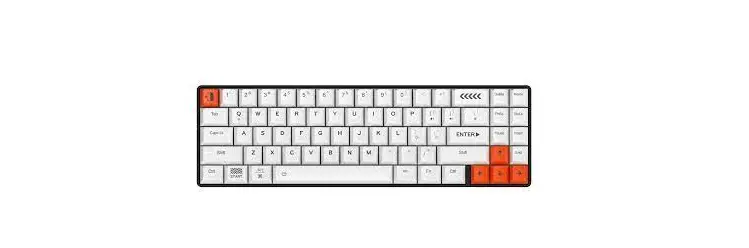
CK68 Mechanical Keyboard
Product Information:
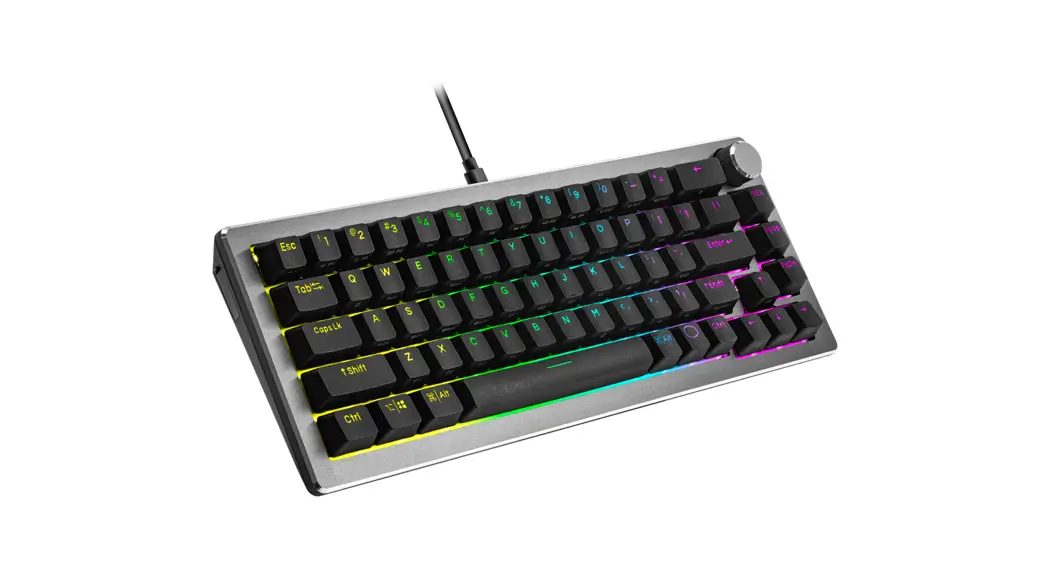
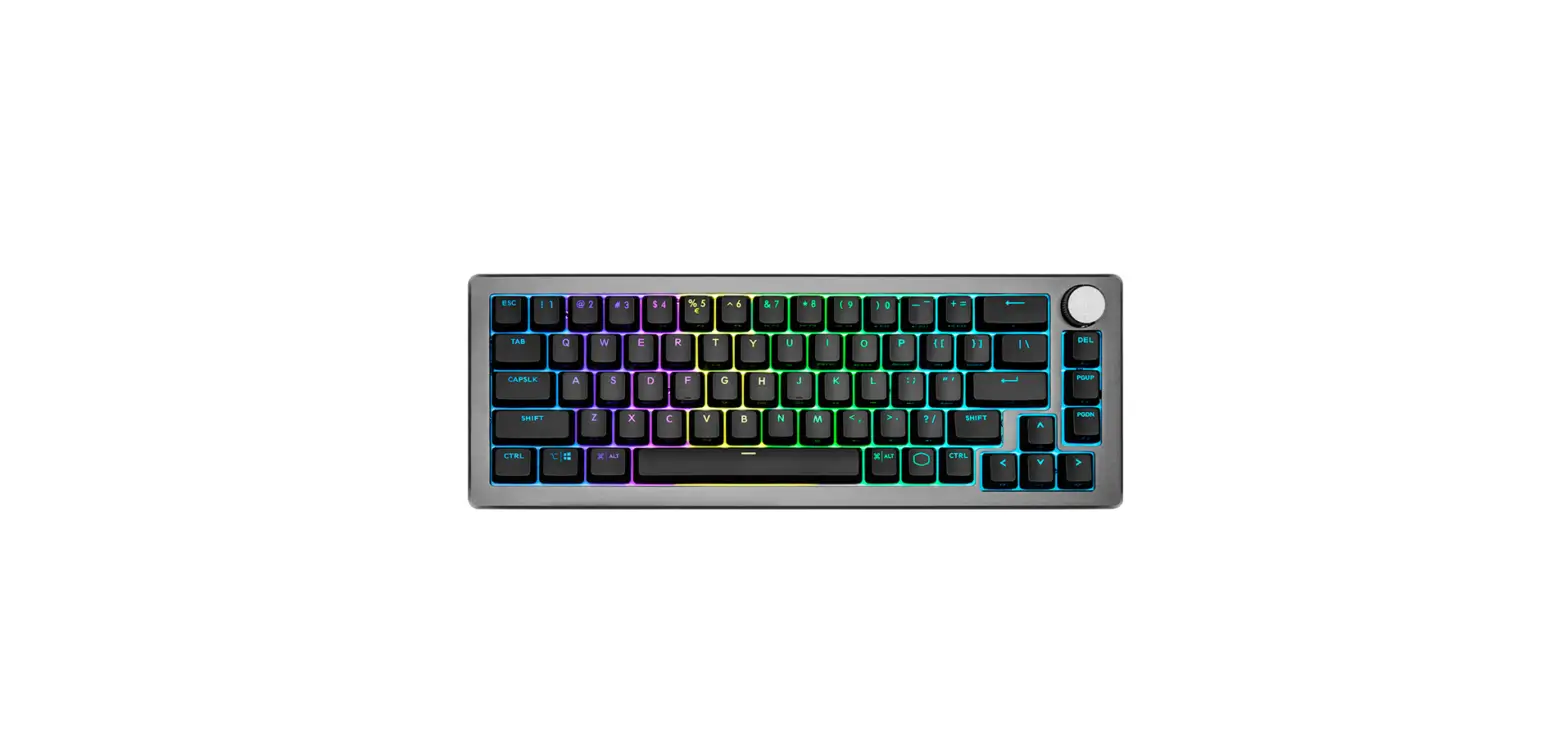
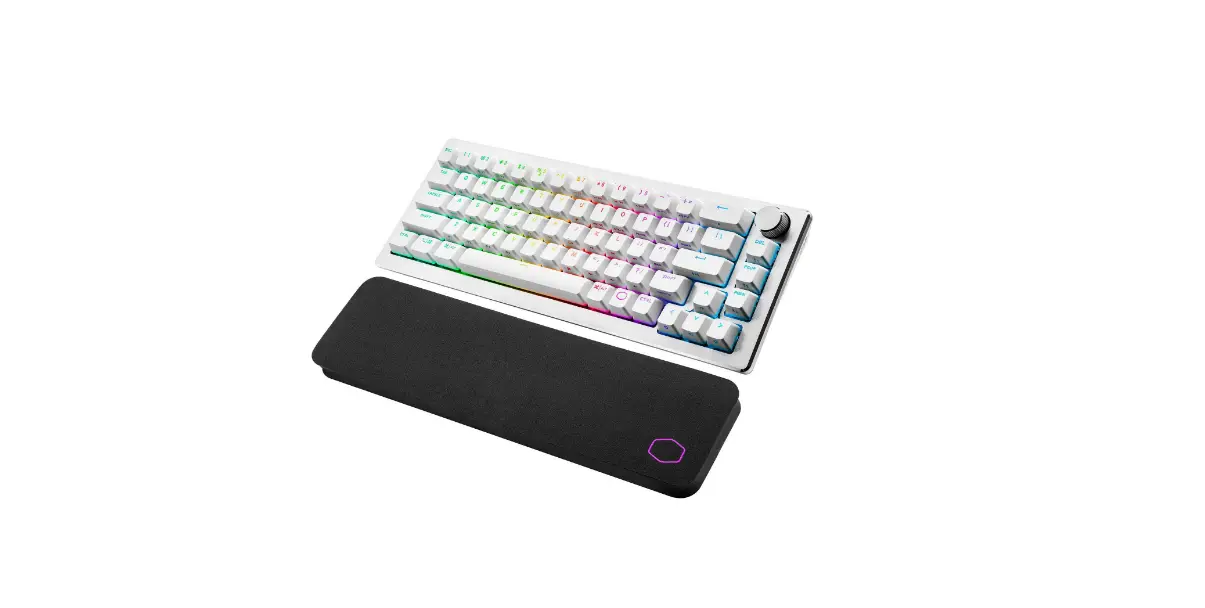
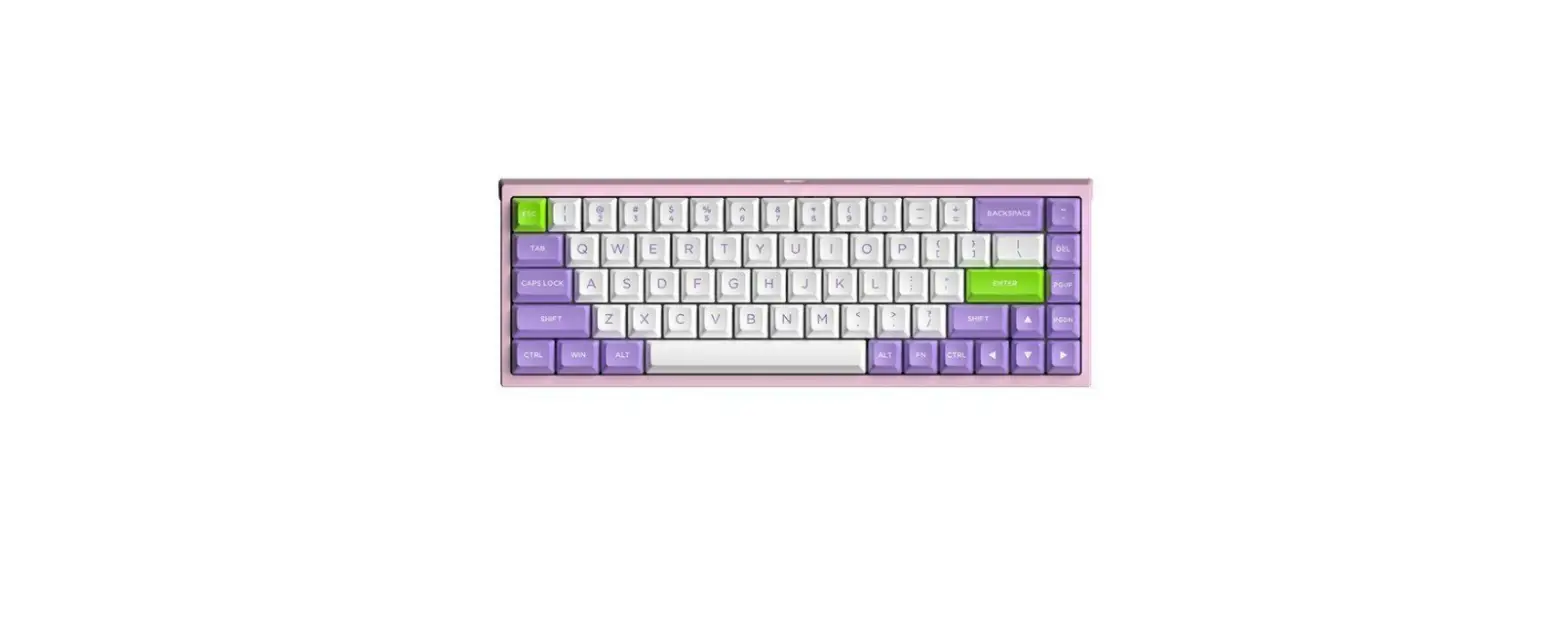
- Product Name: CK 68 Mechanical Keyboard
- Key Count: 69
- Light: RGB light effect
- Connection Port: USB Type-C
- Mode: Three modes
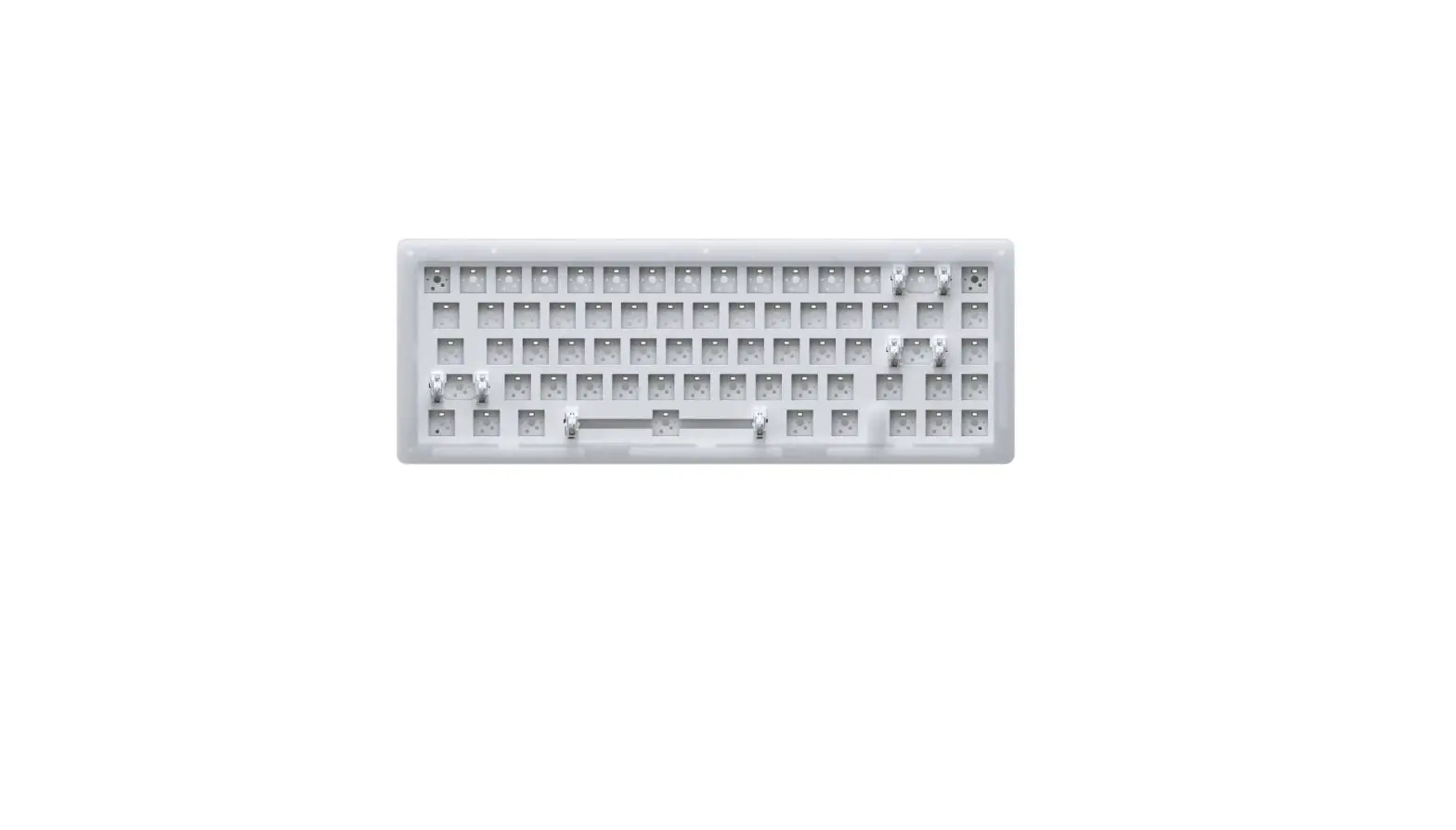
- PCB: Support for hot swap
- Mute Cotton: Two sheets of silicone mute cotton + shaft
underpad - Product Weight: 980g
- Product Size: 350*120*43mm
Product Usage Instructions:
- Bluetooth Connection:
- Short press FN+Q/W/E and long press FN+Q/W/E to put the
keyboard into pairing mode. - The keyboard pairing name is CK 68 5.0/CK 68 3.0.
- Long press Q/W/E and the light will flash.
- After the pairing is successful, the Q/W/E key will be on for 2
seconds and the backlight will be restored. - The Q key lights up red, W key lights up blue, and E key lights
up yellow. - The Bluetooth logo is in the lower right corner of the screen
under the default interface.
- Short press FN+Q/W/E and long press FN+Q/W/E to put the
- Connecting Wire:
- Short press FN+T and long press FN+T to set the keyboard to
wired mode. - After successful conversion, the white light of the T key will
always be on for 2 seconds, and the backlight will be
restored. - By default, the lower right corner of the screen is in wired
mode.
- Short press FN+T and long press FN+T to set the keyboard to
- 2.4G Mode:
- Short press FN+R and long press FN+R to set the keyboard to
2.4G mode. - Long press the R button and the green light will flash.
- After the pairing is successful, the green light of the R key
will be on for 2 seconds and the backlight will be restored. - The 2.4G mark is at the lower right corner of the screen in the
default interface.
- Short press FN+R and long press FN+R to set the keyboard to
- Switching Effect:
- Press FN+INS to enable the keyboard to adjust the light
mode. - Press FN+DEL to switch monochromatic colors.
- Press FN+END to turn off/on the backlight.
- Press FN+INS to enable the keyboard to adjust the light
- Charging:
- The charging indicator animation appears in the upper right
corner of the default screen. - Lamp working current: 220MA sustainable time about 15 hours
(working all the time). - Lamp off working current: 40MA sustainable time about 80 hours
(always working). - Standby current: 0.5MA. Standby time about 180 days.
- In wireless mode, enter standby mode. Press any key to start
the keyboard and enter working mode.
- The charging indicator animation appears in the upper right
90.00 mm
INSTAGRAM: https://www.instagram.com/coolkiller_keyboard/ TWITTER: https://twitter.com/coolkillerkbd YouTube: https://www.youtube.com/@coolkillerkeyboard Email: [email protected] Website: www.coolkiller2023.com Aliexpress Store: https://www.aliexpress.com/store/1102642321 Manufacturer: Dieyun Innovation Technology Co., LTD., No. 20, Sanjiang Industrial Zone, Hengli Town, Dongguan city
132.00 mm
3.2.4G
FN+RFN+R 2.4G R R2 (2.4G
4.
FN+INS FN+DEL FN+END /
:
x 1 x 1 ×1 ×1 x 4 x 1 x 1 x 84 x 9 x 1
CK 68
CK 68
CK 68 69 RGB USB Type-C PCB + 980g 350*120*43mm
1
5.
*1,220MA 15() *2,40MA 80( *3,0.5MA 180 *4,2 .
7.
1.-20~+70 2.-20~+60 3.30%RH~95%RH
6. 1. 2.FN+QFN+WFN+E) *QWE
5
8.: ANDROID/ISO/Win XP/Win7/Win8/Win10/MAC
6
MACMAC
MAC
MAC
WINWIN WIN
WIN
1
2
1 2
2
1.
FN+Q/W/EFN+Q/W/E CK 68 5.0/CK 68 3.0 Q/W/E Q/W/E2 (QWE )
2.
FN+TFN+T T2
3
4
9.
www.coolkiller.cn 2.4G
10. 1.USBUSB. 2.. 3.
7
8
FN(WIN
3s,
1
2
3
4
5
6
7
8
CD Stop
9 Email 0 Ie – MyComputer + Calculator TAB Q 11 W 22 E 33
9
FN(WIN
R 2.4G2.4G T
Win WIN
Back
INS
DEL
END
PG UP ()
I
`
O PRTSC
P SCRLK
[PAUSE
] HOME
+
–
–
+
FN(MAC
3s,
1
2
3
4
5
6
7
8
10
FN(MAC
9 0 – + TAB Q 11 W 22 E 33
11
R 2.4G2.4G
O PRTSC
T
P SCRLK
Win WIN
[PAUSE
Back
] HOME
INS
+
DEL
–
END
PG UP ()
I
`
+
12
CK 68Mechanical keyboard
List of contents:
specification x 1 transparency Ammunition box x 1 Double head key extractor×1 Mechanical keyboard ×1 Supplementary axis x 4 Data line x 1 Receiver storage box x 1 Ice cube x 84 Distribution key cap x 9 Air spring data cable x 1
CK 68specification
Product nameCK 68 Key count69 Light: RGB light effect Connection portUSB Type-C Mode: Three modes PCBSupport for hot swap Mute cotton: Two sheets of silicone mute cotton + shaft underpad Product weight980g Product size350*120*43mm
13
Quick Start Guide
If you are a MAC user, flip the switch to switch to a MAC system (After the conversion is successful, the lower left corner of the screen is MAC by default.) MAC
If you are a WIN user, please flip the system conversion switch to WIN
(After successful conversion, the lower left corner of the screen is WIN by default.)
WIN
1
2
1 Power switch (built-in lithium batter y) 2 System transfer switch
14
15
1.Bluetooth connection
Short press FN+Q/W/E and long press FN+Q/W/E Put the keyboard into pairing mode The keyboard pairing nameCK 68 5.0/CK 68 3.0 Long press Q/W/E and the light will flash. After the pairing is successful, the Q/W/E key is on for 2 seconds and the backlight is restored Q key lights up red, W key lights up blue, E key lights up yellowBluetooth logo is in the lower right corner of the screen under the default interface)
2.Connecting wire
Short press FN+T and long press FN+T Set the keyboard to wired mode After successful conversion, the white light of T key is always on for 2 seconds, and the backlight is restoredBy default, the lower right corner of the screen is
16
3.2.4G mode
Short press FN+R and long press FN+R Set the keyboard to 2.4G mode Long press the R button and the green light flashes.After the pairing is successful, the green light of R key is on for 2 seconds and the backlight is restored(2.4G mark is at the lower right corner of the screen in the default interface)
4.Switching effect
FN+INS Enable keyboard to adjust light mode FN+DEL Switch monochromatic colors FN+END Turn off/on the backlight
5.charge
Charging status The charging indicator animation appears in the upper right corner of the default screen *1,Lamp working current 220MA sustainable time about 15 hours (working all the time) *2,Lamp off working current 40MA sustainable time about 80 hours (always working) *3,Standby current 0.5MA Standby time about 180 days *4,In wireless mode Enter standby mode. Press any key to start the keyboard and enter working mode.
6.Back connection 1.Keyboard startup defaults to the last connected device 2.FN+Q (FN+W, NFN+E) White slowly blinking connection *Q lights up red, W lights up blue, and E lights up yellow The keyboard must have been paired with the device for this function
7.Storage and use environment 1.Storage temperature-20~+70 2.Operating temperature-20~+60 3.Storage humidity: The relative humidity in the non-condensing state is 30%-95% RH
8.Compatible system: Support operating systemANDROID/ISO/Win XP/Win7/Win8/Win10/MAC
9.Custom driver
Scan code to download the driver or: www.coolkiller.cn Warm tip: The driver only supports wired and 2.4G mode customization
10.troubleshooting 1.Make sure your product’s USB wireless receiver is properly plugged into the USB port on your computer. 2.Ensure that the computer meets system requirements. 3.The product and the wireless receiver are beyond the effective connection distance, please reduce the distance between the product and the receiver.
17
18
19
20
FN Combination key (WIN system)
Press and hold for 3s to restore factory Settings
1 multimedia
2
Volume reduction
3 Volume plus
4
mute
5 Previous song
6
Next song
7
Pause play
8
CD Stop
9 Email
0 Ie – MyComputer
+ Calculator
TAB Switch between the home screen and the custom screen
Q
Short press to switch Bluetooth 1 and long press Bluetooth 1 to pair
W
Short press to switch Bluetooth 2 and long press Bluetooth 2 to pair
E Short press to switch Bluetooth 3
and long press Bluetooth 3 to pair
21
FN Combination key (WIN system)
R Short press to switch 2.4G and long press 2.4G to pair
T Switch wire mode
O PRTSC P SCRLK
Win Lock WIN key Back Query power (battery powered
in wireless mode) INS Main backlight effect switch
PAUSE
] HOME
Main backlight brightness+
DEL Main backlight color switch
Main backlight brightness-
END Keyboard light switch
PG UP Screen query (loop)
I
`
Main backlight speed Main backlight speed+
22
FN Combination Key (MAC)
Press and hold for 3s to restore factory Settings
1 Display dimming
2
Display brightness plus
3
Tile expands the currently active multiple Windows
4
Go directly to the main screen of
the application
5
Keyboard backlight brightness decreased
6 The keyboard is brightly backlit
7
Previous song
8 Pause play
9 Next song
0 mute – Volume reduction
+ Volume plus
TAB
Switch between the home screen and the custom screen
Q
Short press to switch Bluetooth 1 and long press Bluetooth 1 to pair
W Short press to switch Bluetooth 2
and long press Bluetooth 2 to pair
E Short press to switch Bluetooth 3
and long press Bluetooth 3 to pair
23
FN Combination Key (MAC)
R
Short press to switch 2.4G and long press 2.4G to pair
T Switch wire mode
Win Lock WIN key Back Query power (battery powered
in wireless mode) INS Main backlight effect switch
DEL Main backlight color switch
END Keyboard light switch
PG UP Screen query (loop)
I
`
O PRTSC
P SCRLK
[PAUSE
] HOME
Main backlight brightness+
Main backlight brightness-
Main backlight speed-
Main backlight speed+
24
CK 68
:
x 1 x 1 ×1 ×1 x 4 x 1 x 1 x 84 x 9 x 1
CK 68
CK 68 69 :rgb USB Type-C :3 PCB :2 + 980g 350*120*43mm
25
mac mac
( mac.)
MAC
win win ( win)
WIN
1.
fn + q/w/e fn + q/w/e CK 68 5.0/CK 68 3.0 q/w/e . q/w/e 2 , (q , w , e .)
1
2
1 ( ) 2
26
2.
fn + t fn + t t 2 ,
27
28
3.2.4g
fn + r fn + r 2.4g r . 2 r , ( 2.4g .)
4. .
FN+INS FN+DEL FN+END
5. *1, 220ma 15 ( ) *2, 40ma 80 ( ) *3, 0.5ma 180 *4, 2 .
6. 1. 2.fn + Q (fn + W, fn + E) *Q , W , E
29
7. 1. -20~+70 2. -20~+60 3.: 30% Rh~95% Rh
8. : ANDROID/ISO/Win XP/Win7/Win8/Win10/MAC
30
9.
www.coolkiller.cn : 2.4g
10. 1. usb usb . 2. . 3. .
31
32
FN (WIN )
3s
1
2
3
4
5
6
7
8
CD Stop
9 Email
0 Ie – MyComputer
+ Calculator
TAB
Q
1, 1
W
2, 2
E
3, 3
33
FN (WIN )
R
2.4g, 2.4g
T
Win WIN
Back
( )
INS
DEL
END
PG UP
()
I
`
O PRTSC
P SCRLK
[PAUSE
] HOME
+
–
–
+
34
FN (MAC )
3s
1
2
3
4
5
6
7
8
9
0 –
+
TAB
Q
1, 1
W
2, 2
E
3, 3
35
FN (MAC )
R
2.4g, 2.4g
T
Win WIN
Back ( ) INS
DEL
END
PG UP
()
I
`
O PRTSC
P SCRLK
[PAUSE
] HOME
+
–
–
+
36
CK 68
:
x 1 x 1 2×1 ×1 x 4 x 1 x 1 x 84 x 9 x 1
CK 68
CK 68 69 :RGB USB Type-C : PCB :2+ 980g 350*120*43mm
37
MACMAC
(
MAC
MAC)
WINWIN
(
WIN)
WIN
1
2
1 () 2
38
39
1.Bluetooth
FN + Q / W / EFN + Q / W / E CK 68 5.0/CK 68 3.0 Q / W / E Q / W / E2 (QWE Bluetooth )
2.
FN + TFN + T T2
40
3.2.4G
FN + RFN + R 2.4G R R2 (2.4G )
4.
FN+INS FN+DEL FN+END /
41
5.
*1,220MA15() *2,40MA80() *3,0.5MA180 *4, 2
7.
1.-20~+70 2.-20~+60 3.:30%RH~95%RH
6. 1. 2.FN + Q(FN + WNFN + E) *QWE
42
8.:
ANDROID/ISO/Win XP/Win7/Win8/Win10/MAC
43
9.
www.coolkiller.cn :2.4G
10. 1.USBUSB 2. 3.
44
FN(WIN)
3
1
2
9 Email 0 Ie – MyComputer
3
4
5
6
7
8
CD Stop
+ Calculator
TAB
Q
1 Bluetooth1 Bluetooth
W
2 Bluetooth2 Bluetooth
E
3 Bluetooth3 Bluetooth
45
FN(WIN)
R
2.4G2.4G
T
O PRTSC P SCRLK
Win WIN
Back
(
)
INS
[PAUSE
] HOME
+
DEL
–
END
PG UP ()
I
`
+
46
FN(MAC)
3
1
2
3
4
5
6
7
8
9
0 –
+
TAB
Q
1 Bluetooth1 Bluetooth
W
2 Bluetooth2 Bluetooth
E
3 Bluetooth3 Bluetooth
47
FN(MAC)
R
2.4G2.4G
T
O PRTSC P SCRLK
Win WIN
Back
( )
INS
[PAUSE
] HOME
+
DEL
–
END
PG UP ()
I
`
+
48
CK 68
:
x 1 . x 1 ×1 ×1 . x 4 . x 1 x 1 x 84 x 9 x 1
CK 68
CK 68 .69 RGB USB Type-C : PCB : + 980g 350*120*43mm
MAC, , MAC
(
MAC
)
WIN, , WIN
(
WIN)
WIN
1
2
1 ( ) 2
49
50
51
1. bluetooth
FN+Q/W/E FN+Q/W/E CK 68 5.0/CK 68 3.0 “Q/W/E” . Q/W/E , (” Q “- ,” W “- ,” E “- bluetooth.
2. .
, T- 2 , —
52
3.2.4G
, 2.4G “”. . , , 2 ( 2,4 G )
4.
FN+INS FN+DEL FN+END /
53
5.
*1, 220MA *2, 40MA 80 . *3, — 180 *4, 2 , , .
6. 1. 2. +Q ( +W, +E) — * Q, W, E – ,
54
7., 1. -20~+70 2. -20~+60 3. : 30%RH~95%RH
8: .
ANDROID/ISO/Win XP/Win7/Win8/Win10/MAC
55
9.
: www.coolkiller.cn : 2.4G
10. 1., USB- USB . 2., . 3. , , , .
56
(WIN-)
3s,
1 .
2
3 .
4
5 .
6
.
7
-.
8
CD Stop
9 Email
0 Ie – MyComputer
+ Calculator
TAB
Q
bluetooth 1, bluetooth 1
W
bluetooth 2, bluetooth 2
E
bluetooth 3, bluetooth 3
57
(WIN-)
R
2,4 G, 2,4 G
T
O PRTSC P SCRLK
Win “”
( Back
)
INS
DEL
END
PG UP ()
I
`
[PAUSE
] HOME
+
–
–
+
58
(MAC system)
3s,
1
2
3
,
4
5
6
+
7
.
8
-.
9 .
0 –
+ .
TAB
Q
bluetooth 1, bluetooth 1
W
bluetooth 2, bluetooth 2
E
bluetooth 3, bluetooth 3
59
(MAC system)
R
2,4 G, 2,4 G
T
O PRTSC P SCRLK
Win “”
Back
INS
( )
DEL
END
PG UP ()
I
`
[PAUSE
] HOME
+
–
–
+
60
CK 68Teclado mecánico
Listado de contenidos:
manual x 1 Transparencia Caja de armas x 1 Doble cabezal key extractor×1 Teclado mecánico ×1 Eje suplementario x 4 Línea de datos x 1 Caja de almacenamiento para receptores x 1 Hielo. x 84 Distribución key cap x 9 Hang plug spring cable de datos x 1
CK 68Las especificaciones
Nombre del productoCK 68 Número de teclas69 Luz: efecto de luz RGB Conecta el puertoUSB Type-C Patrón: tres modos PCBSoporte hot swap Silent cotton: dos hojas de silicona silent cotton + cojín debajo del eje Peso del producto980g Dimensiones del producto350*120*43mm
61
Guía de inicio rápido
Si usted es un usuario de MAC, por favor toque el interruptor de conversión del sistema para MAC
(MAC en la esquina inferior izquierda de la pantalla por defecto después de la conversión exitosa)
MAC
Si usted es un usuario WIN, por favor pulsar el interruptor de transferencia del sistema para el sistema WIN(ganar en la esquina inferior izquierda de la pantalla por defecto después de la conversión exitosa)
WIN
1
2
1 Interruptor de encendido (batería de litio incorporada) 2 Interruptor de transferencia del sistema
62
63
1.Conectar con bluetooth
Primero presione FN+Q/W/E corto y luego presione FN+Q/W/E largoPoner el teclado en modo de emparejamiento El emparejamiento del teclado se llamaCK 68 5.0/CK 68 3.0 Las teclas Q/W/E después de mantener presionada la luz flash rápido,El botón Q/W/E permanece encendido durante 2 segundos después del emparejamiento exitoso para restaurar la luz de fondo(la tecla Q parpadea en rojo, la tecla W parpadea en azul, la tecla E parpadea en amarilloLogotipo bluetooth en la parte inferior derecha de la pantalla debajo de la interfaz predeterminada)
2.Conexión con cable
Primera prensa corta FN+T y luego larga FN+T Poner el teclado en modo cableado Después de una conversión exitosa, el botón T se ilumina normalmente en blanco durante 2 segundos para restaurar la luz de fondo La parte inferior derecha de la pantalla debajo de la interfaz predeterminada es
64
3.2.4GEl modelo
Primera prensa corta FN+R y luego larga FN+R Poner el teclado en el modo 2.4g Mantenga presionado el botón R después de la luz verde para flash rápido,Después del emparejamiento exitoso, la luz verde de la tecla R permanece encendida durante 2 segundos para restaurar la luz de fondo (logotipo 2.4g en la esquina inferior derecha debajo de la pantalla por defecto)
4.Efecto de lámpara de transformación
FN+INS Haga que el teclado ajuste el modo de luz FN+DEL Cambiar un color monocromo FN+END Apagar/encender la luz de fondo
5.carga Estado de carga una animación de indicación de carga aparece en la esquina superior derecha debajo de la interfaz predeterminada *1,Luz corriente de trabajo 220MA tiempo sostenible cerca de 15 horas (trabajando todo el tiempo) *2,Lámpara apagado corriente de trabajo 40MA tiempo duradero alrededor de 80 horas (trabajando todo el tiempo) *3,Corriente de espera 0.5ma tiempo de espera cerca de 180 días *4,En modo inalámbrico Teclado sin acción 2 minutos en modo de espera presione cualquier tecla para iniciar el teclado en modo de trabajo.
6.A los 1.Teclado encendido predeterminado último dispositivo conectado 2.FN+Q (FN+W, NFN+E) conexión lenta de la luz blanca *Tecla Q parpadea en rojo, tecla W parpadea en azul, tecla E parpadea en amarillo El teclado debe haber sido emparejado previamente con el dispositivo para esta función
7.Almacenamiento, ambiente del uso 1.Temperatura de almacenamiento-20~+70 2.Temperatura de trabajo-20~+60 3.Humedad de almacenamiento: humedad relativa en estado no condensado30%RH~95%RH
8.Sistema compatible con: Sistema operativo apoyadoANDROID/ISO/Win XP/Win7/Win8/Win10/MAC
65
66
9.Personaliza tu conductor
Barrer el código para descargar el controlador o: www.coolkiller.cn Consejos: el controlador solo admite el cable y el modo 2.4g bajo la personalización
10.Solución de problemas 1.Asegúrese de insertar correctamente el receptor inalámbrico USB del producto en el puerto USB de la computadora. 2.Asegúrese de que el ordenador cumpla con los requisitos del sistema. 3.El producto y el receptor inalámbrico están fuera de la distancia de conexión efectiva, por favor, reduzca la distancia entre y el receptor.
67
68
FN teclas de función combinadas (sistema WIN)
Mantenga presionado 3s para restaurar la configuración de fábrica
1 multimedia
2
Reducción de volumen
3 Volumen y más
4
silenciar
5 La canción anterior
6
La siguiente canción
7
Pausa para jugar
8
CD Stop
9 Email
0 Ie – MyComputer
+ Calculator
TAB Pantalla de inicio y interfaz personalizada para cambiar
Q
Presione corto para cambiar bluetooth 1, presione largo para emparejar bluetooth 1
W
Presione corto para cambiar bluetooth 2, presione largo para emparejar bluetooth 2
E
Presione corto para cambiar bluetooth 3, presione largo para emparejar bluetooth 3
69
FN teclas de función combinadas (sistema WIN)
R
Prensa corta para cambiar 2.4g,
prensa larga para emparejar 2.4g
T Cambiar al modo cableado
O PRTSC P SCRLK
Win Bloquear la llave WIN
Back
Consultar el nivel de potencia (válido
con la batería en modo inalámbrico)
INS
Retroiluminación principal cambio de efecto
DEL Retroiluminación principal cambio de color
END Interruptor de luz para teclado
PG UP Consulta en pantalla (cíclica)
I
`
[PAUSE
] HOME
Luminosidad de la retroiluminación
principal+
Luminosidad de la retroiluminación
principal-
Velocidad de retroiluminación principal-
Velocidad de retroiluminación principal+
70
FN teclas de función combinadas (sistema MAC
Mantenga presionado 3s para restaurar la configuración de fábrica
1 Brillo del monitor reducido
2
Brillo del monitor plus
3
Tile expande múltiples ventanas
activas actualmente
4
Ir directamente a la pantalla
principal de la aplicación
5
Retroiluminación del teclado
luminosidad reducida
6
Teclado retroiluminado brightness plus
7 La canción anterior
8 Pausa para jugar
9 La siguiente canción
0 silenciar – Reducción de volumen
+ Volumen y más
TAB Pantalla de inicio y interfaz personalizada para cambiar
Q
Presione corto para cambiar bluetooth 1, presione largo para emparejar bluetooth 1
W
Presione corto para cambiar bluetooth 2, presione largo para emparejar bluetooth 2
E
Presione corto para cambiar bluetooth 3, presione largo para emparejar bluetooth 3
71
FN teclas de función combinadas (sistema MAC
R Prensa corta para cambiar 2.4g, prensa larga para emparejar 2.4g
T Cambiar al modo cableado
O PRTSC P SCRLK
Win Bloquear la llave WIN
Back
Consultar el nivel de potencia (válido con la batería en modo inalámbrico)
INS
Retroiluminación principal cambio de efecto
DEL Retroiluminación principal cambio de color
END Interruptor de luz para teclado
PG UP Consulta en pantalla (cíclica)
I
`
[PAUSE
] HOME
Luminosidad de la retroiluminación
principal+
Luminosidad de la retroiluminación
principal-
Velocidad de retroiluminación principal-
Velocidad de retroiluminación principal+
72
 COOLKILLER_桌面酷创者
 CoolKiller Mechanical Keyboard - Desk Setup Art Creator
 CoolKiller Official Store - Amazing products with exclusive discounts on AliExpress
 Coolkiller Keyboard (@coolkiller_keyboard) • Instagram photos and videos