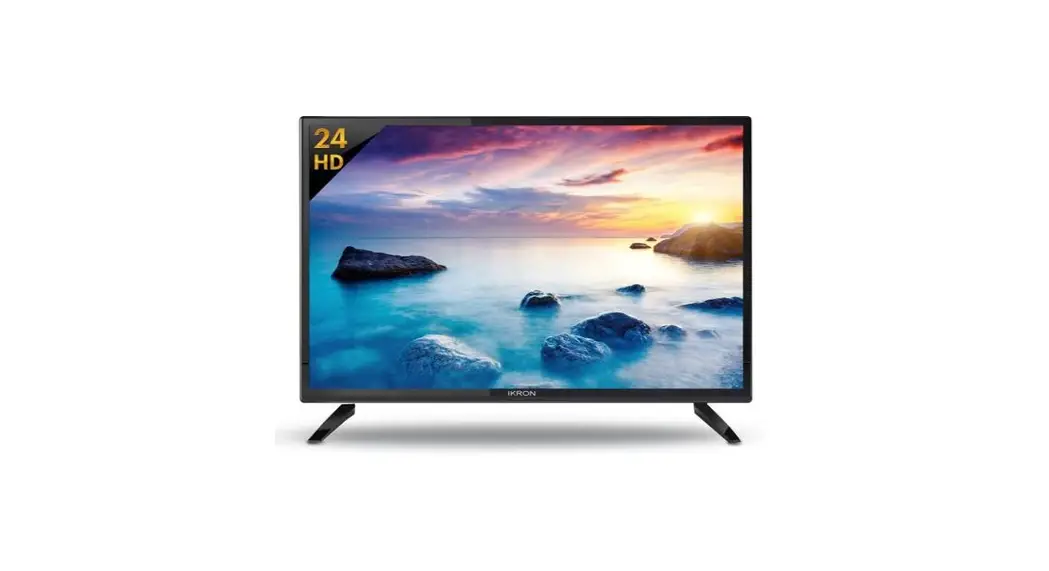
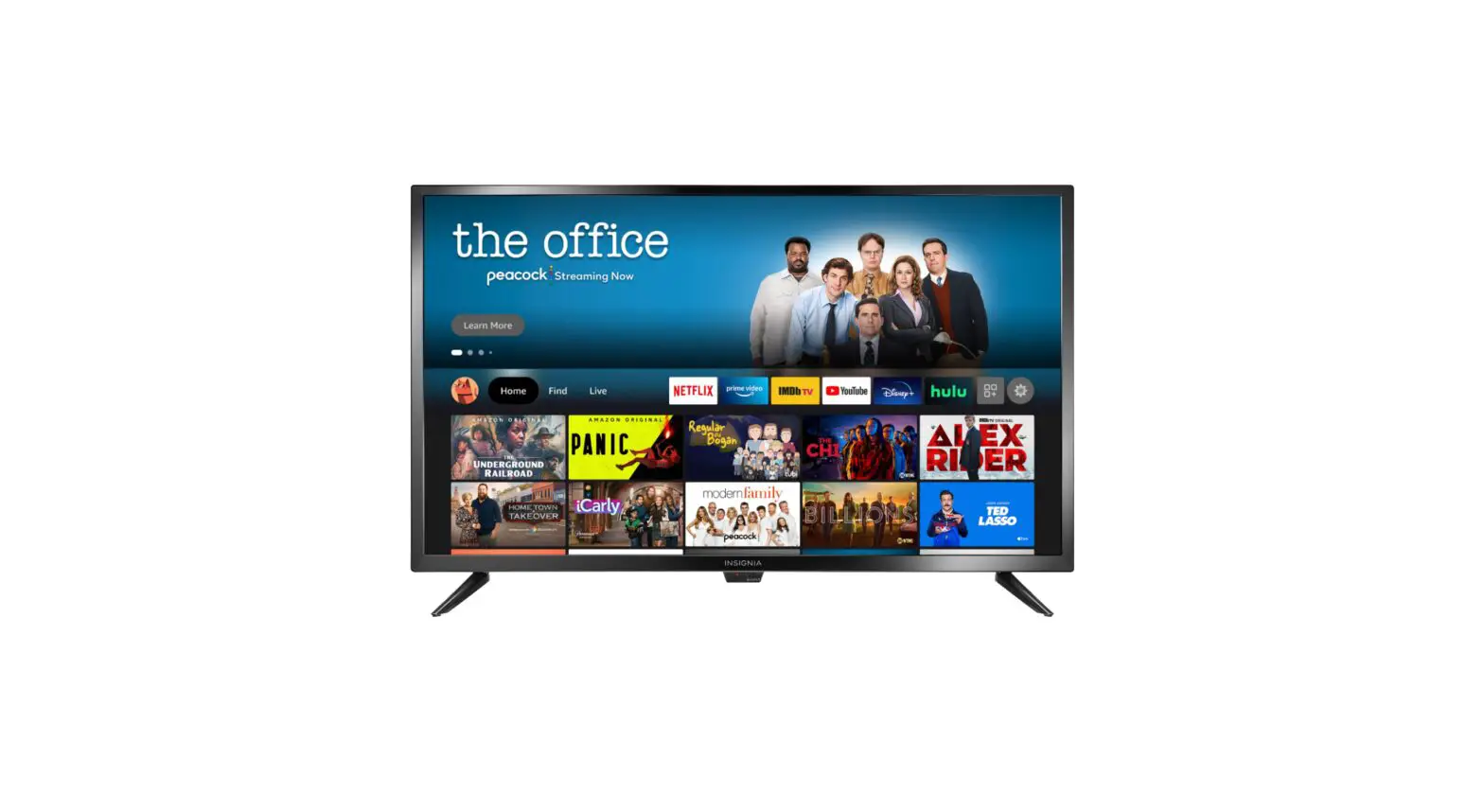
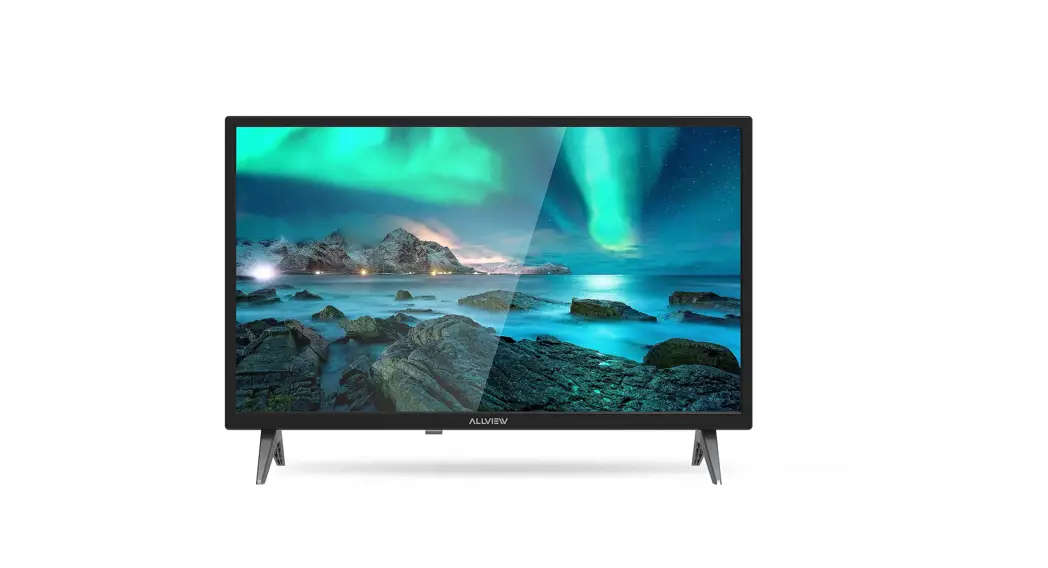
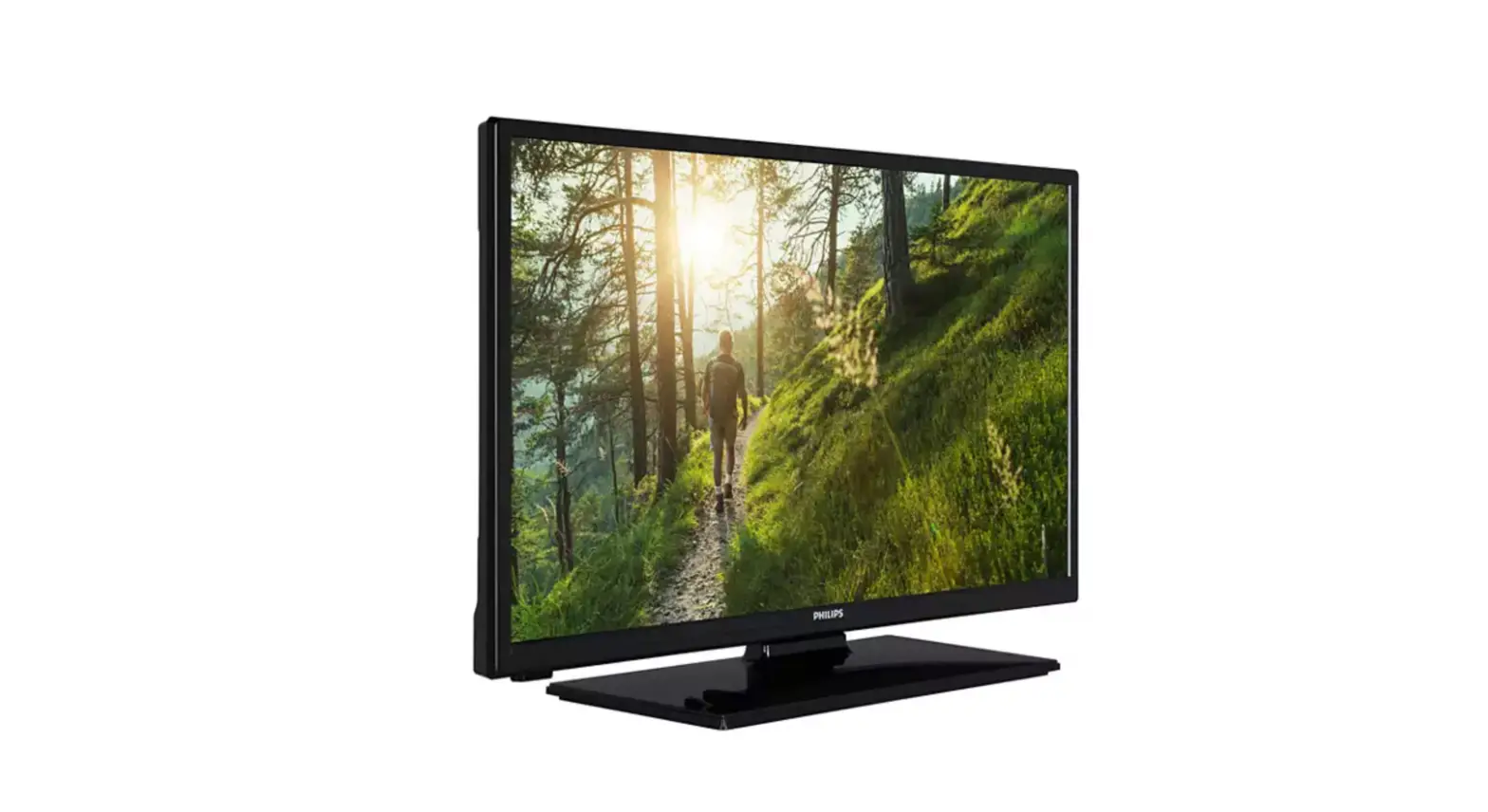
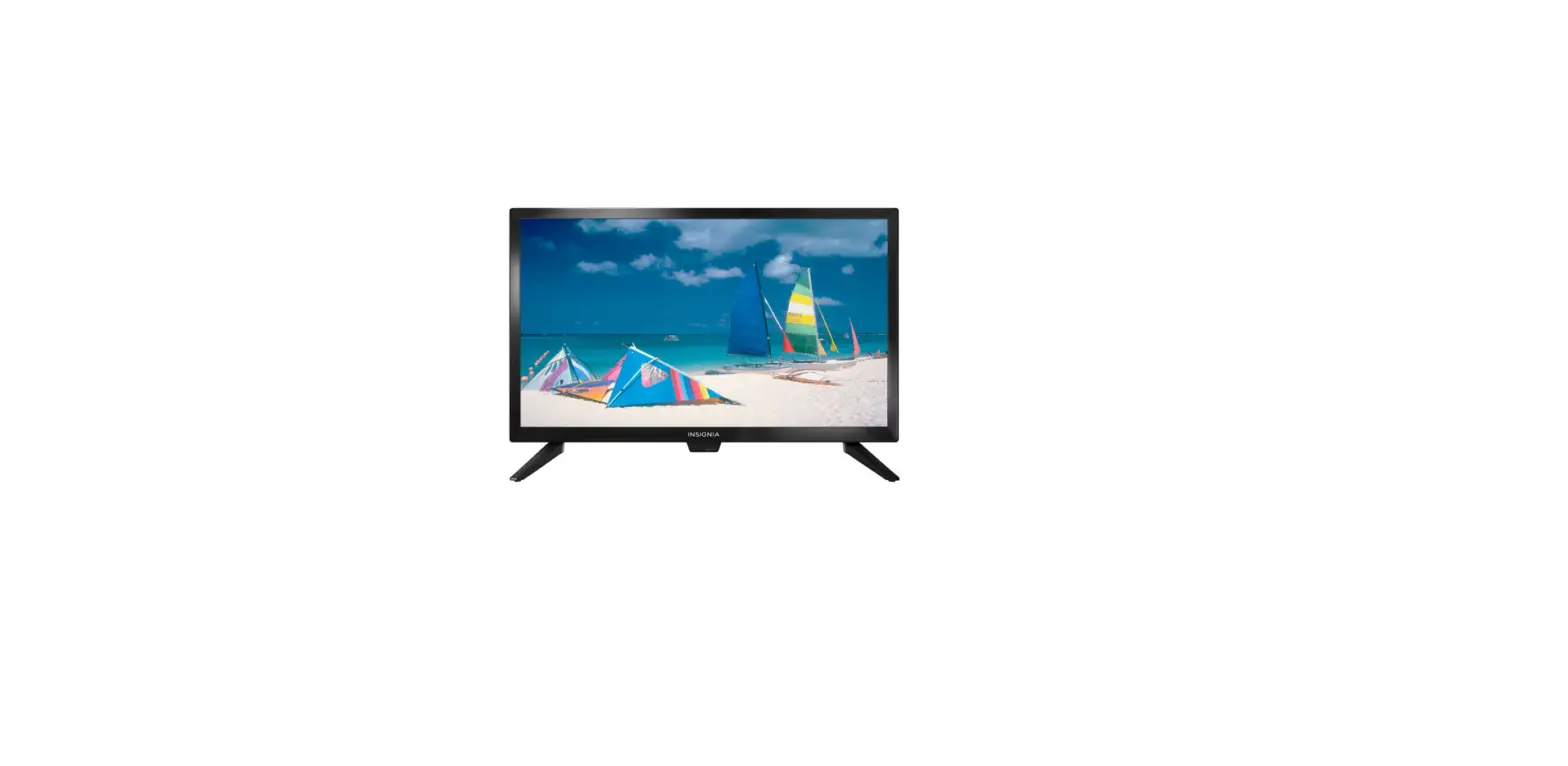
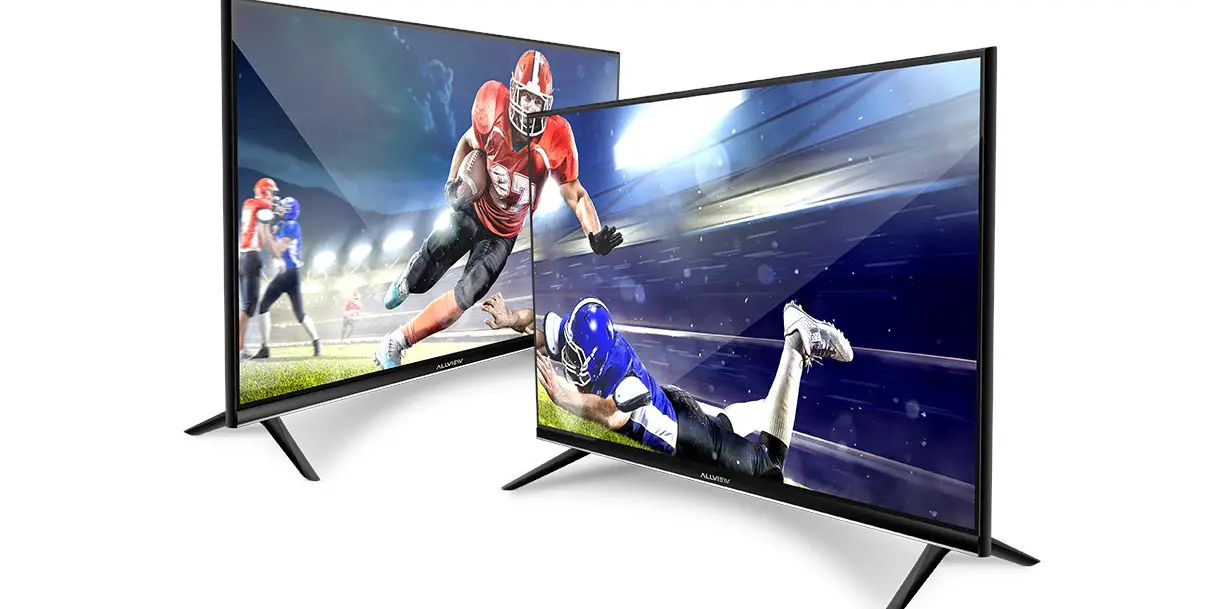
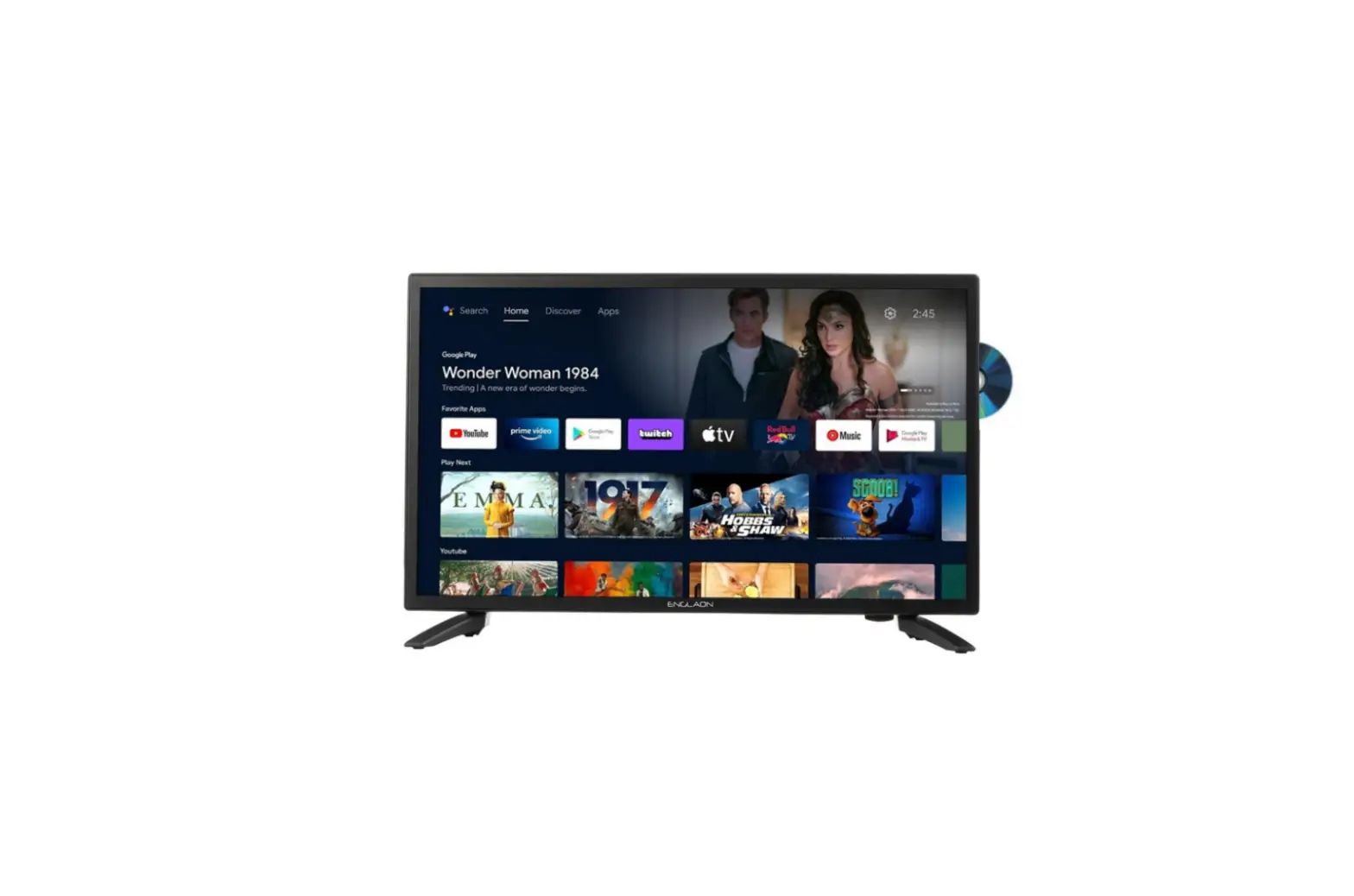
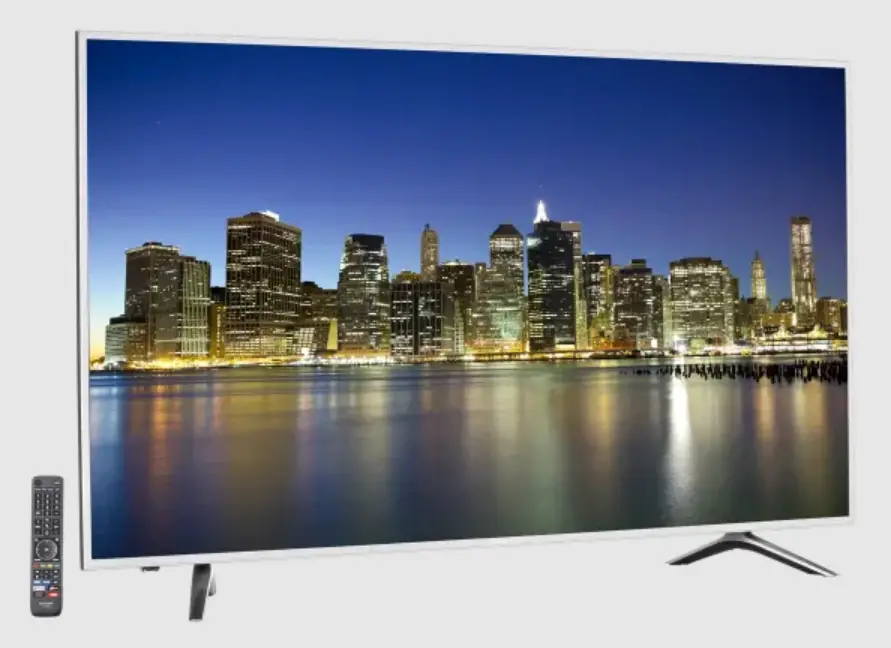
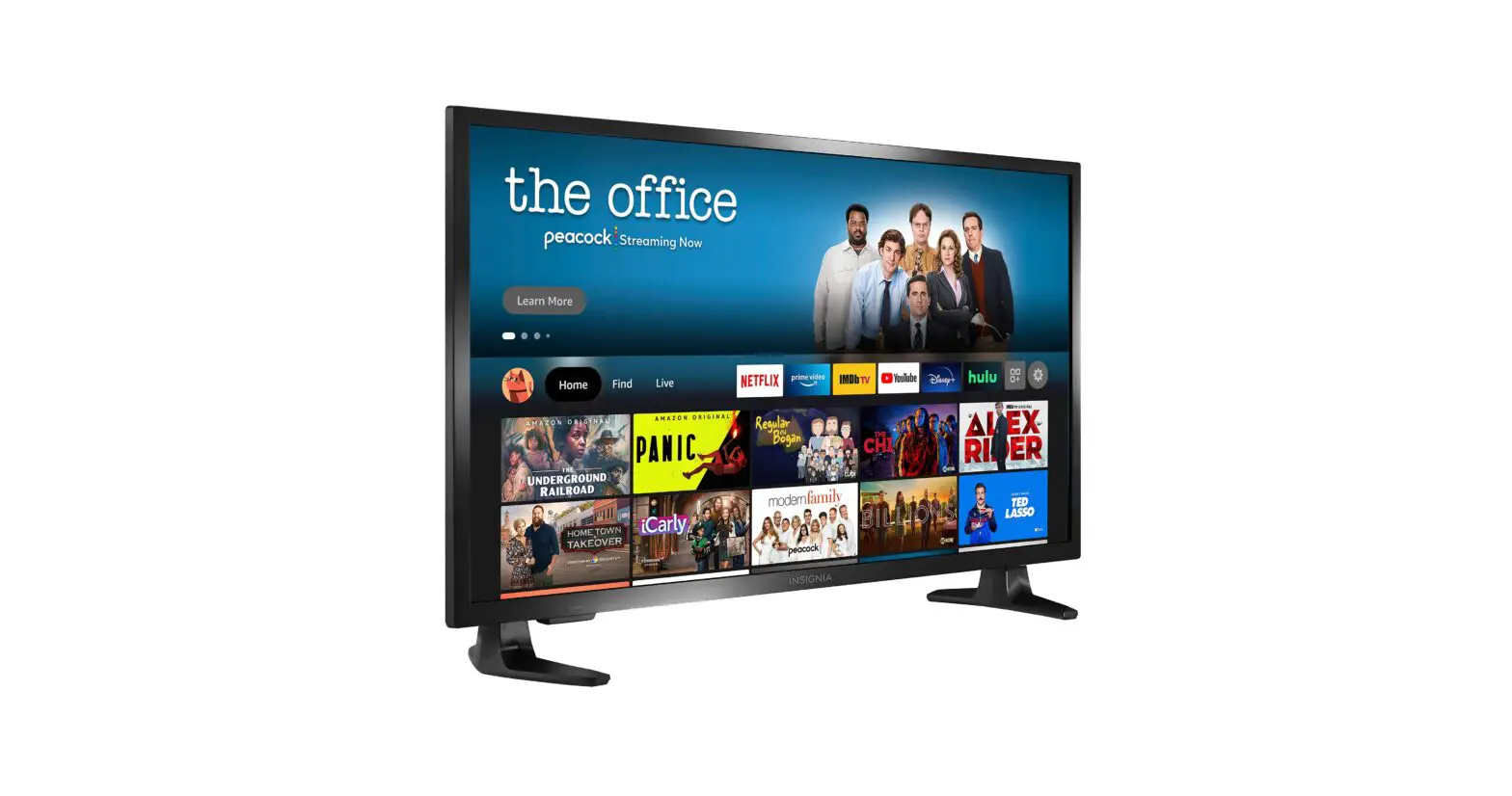
0 SERIES 0024 LED TV with HD Resolution
Product Information:
The TV 0 Series 0024/TV 0 Series 0032 is a television set that
offers various features and functions for an enhanced viewing
experience. It comes with a user manual that provides detailed
instructions on safety precautions, installation, usage,
troubleshooting, technical specifications, warranty, and more.
Product Usage Instructions:
- Before Use:
– Read the safety instructions carefully before using the
product. Keep the manual for future reference or for new users. - Installation:
– Follow the installation instructions provided in the manual to
set up the television properly. - Controller Buttons and Interface:
– Familiarize yourself with the buttons and interface of the
controller as explained in the manual. - Modes and Menus:
– Explore the different modes and menus available on the
television for customizing settings and accessing various
features. - Remote Control:
– Learn how to use the remote control effectively for convenient
operation of the television. - Troubleshooting:
– Refer to the troubleshooting section in the manual for
solutions to common issues that may arise during usage. - Technical Specifications:
– Find detailed technical specifications of the TV 0 Series
0024/TV 0 Series 0032 in the respective section of the manual. - Disposal of Old Electrical and Electronic Appliances:
– Follow proper guidelines for the disposal of old electrical
and electronic appliances as mentioned in the manual. - Technical Support and Warranty:
– Seek technical support or utilize the warranty provided for
any product-related queries or issues. - Copyright:
– Respect the copyright information mentioned in the manual.
TV 0 SERIES 0024/TV 0 SERIES 0032
Televisión LED con resolución HD/ LED TV with HD resolution
Manual de instrucciones Instruction manual Manuel d’instructions Bedienungsanleitung Manuale di istruzioni Manual de instruções Handleiding Instrukcja obslugi Návod k pouzití
Instrucciones de seguridad
4
Safety instructions
8
Instructions de sécurité
12
Sicherheitshinweise
16
Istruzioni di sicurezza
21
Instruções de segurança
25
Veiligheidsinstructies
29
Instrukcje bezpieczestwa
33
Bezpecnostní pokyny
38
ÍNDICE
1. Antes de usar
43
2. Instalación
43
3. Botones del mando e interfaz
45
4. Menús y modos
47
5. Mando a distancia
60
6. Resolución de problemas
62
7. Especificaciones técnicas
64
8. Reciclaje de aparatos eléctricos
y electrónicos
64
9. Garantía y SAT
64
10. Copyright
65
11. Declaración de conformidad simplificada 65
INDEX
1. Before use
66
2. Installation
66
3. Controller buttons and interface
68
4. Modes and Menus
70
5. Remote control
81
6. Troubleshooting
83
7. Technical specifications
85
8. Disposal of old electrical a
nd electronic appliances
85
9. Technical support and warranty
85
10. Copyright
86
11. Simplified Declaration of Conformity
86
SOMMAIRE
1. Avant utilisation
87
2. Installation
87
3. Boutons de la télécommande et interface 89
4. Menus et modes
91
5. Télécommande sans fil
104
6. Résolution de problèmes
106
7. Spécifications techniques
108
8. Recyclage des équipements
électriques et électroniques
108
9. Garantie et SAV
109
10. Copyright
109
11. Déclaration de conformité simplifiée 109
INHALT
1. Vor dem Gebrauch
110
2. Montage
110
3. Controller-Tasten und -Schnittstelle
113
4. Menüs und Modi
114
5. Fernbedienung
127
6. Problembehebung
130
7. Technische Spezifikationen
132
8. Recycling von Elektro-
und Elektronikgeräten
132
9. Garantie und Kundendienst
132
10. Copyright
133
11. Vereinfachte Konformitätserklärung 133
INDICE
1. Prima dell’uso
134
2. Installazione
134
3. Tasti del telecomando e interfaccia
136
4. Menu e modalità
138
5. Telecomando
151
6. Risoluzione dei problemi
153
7. Specifiche tecniche
155
8. Riciclaggio di apparecchiature
elettriche ed elettroniche
155
9. Garanzia e supporto tecnico
155
10. Copyright
156
11. Dichiarazione di conformità semplificata 156
ÍNDICE
1. Antes de usar
157
2. Instalação
157
3. Botões do controlo remoto e interface 159
4. Menu e modos
161
5. Controlo remoto
173
6. Resolução de problemas
175
7. Especificações técnicas
177
8. Reciclagem de produtos elétricos
e eletrónicos
177
9. Garantia e SAT
178
10. Copyright
178
11. Declaração de conformidade simplificada 178
INHOUD
1. Vóór u het apparaat gebruikt
179
2. Installatie
179
3. Knoppen van de afstandsbediening
en interface
181
4. Menu’s en modi
183
5. Afstandsbediening
196
6. Probleemoplossing
198
7. Technische specificaties
199
8. Recycling van elektrische
en elektronische apparatuur
200
9. Garantie en technische ondersteuning 200
10. Copyright
200
11. Vereenvoudigde verklaring
van overeenstemming
201
SPIS TRECI
1. Przed uyciem
202
2. Instalacja
202
3. Przyciski pilota i interfejs
205
4. Menu i tryby
206
5. Pilot zdalnego sterowania.
218
6. Rozwizywanie problemów
220
7. Dane techniczne
222
8. Recykling urzdze elektrycznych
i elektronicznych
222
9. Gwarancja i Serwis techniczny
222
10. Copyright
223
11. Uproszczona deklaracja zgodnoci
223
OBSAH
1. Ped pouzitím
224
2. Instalace
224
3. Tlacítka a rozhraní ovladace
226
4. Nabídky a rezimy
228
5. Dálkové ovládání
240
6. esení problém
242
7. Technické specifikace
243
8. Recyklace elektrických
a elektronických zaízení
244
9. Záruka a technický servis
244
10. Copyright
244
11. Zjednodusené prohlásení o shod
244
INSTRUCCIONES DE SEGURIDAD
Lea las siguientes instrucciones atentamente antes de usar
el producto. Guarde este manual para futuras referencias o
nuevos usuarios.
– PELIGRO: RIESGO DE DESCARGA ELÉCTRICA. NO ABRIR. Para
reducir el riesgo de descarga eléctrica, no desmonte el
televisor usted mismo y deje el mantenimiento en manos de
personal cualificado.
– Ante cualquier tipo de incidencia, avería, revisión o
mantenimiento, póngase en contacto con el Servicio de
Asistencia Técnica de Cecotec.
–
Tenga particularmente en cuenta a la información
marcada con este símbolo: instrucciones importantes
de uso/funcionamiento.
– Advertencia: tenga particularmente en cuenta a la
información marcada con este símbolo: peligro de descarga
eléctrica.
– No use este aparato cerca al agua.
– Límpielo solo con un paño seco.
– No bloquee ninguna abertura de ventilación. Instale el
aparato de acuerdo con las instrucciones del fabricante.
– No lo instale cerca de fuentes de calor como radiadores,
estufas u otros aparatos que produzcan calor.
– No altere el sistema de protección del enchufe polarizado/
con toma de tierra del aparato. Un enchufe polarizado tiene
dos clavijas, una más ancha que la otra. Un enchufe con toma
de tierra tiene dos clavijas y una tercera con toma de tierra.
Si el enchufe no encaja en su toma de corriente, consulte a
un electricista para que sustituya la toma.
– Proteja el cable de alimentación para evitar que se dañe.
– Utilice únicamente los accesorios especificados por el
fabricante.
4
TV 0 SERIES 0024/TV 0 SERIES 0032
– Utilícelo únicamente con el soporte, mesa, etc. especificados por el fabricante o vendidos con el aparato. Si usa una mesa con ruedas, tenga cuidado al moverla para evitar lesiones.
– Desenchufe el aparato durante tormentas o si no piensa utilizarlo durante largos periodos de tiempo.
– Cuidado: para reducir el riesgo de incendio o descarga eléctrica, no exponga el aparato a la lluvia o a la humedad.
– Asegúrese de que la toma de red sea accesible y de que se encuentre cerca del aparato.
– Este aparato no está diseñado para instalación empotrada, a menos que se proporcione una ventilación adecuada o se sigan las instrucciones del fabricante.
– No exponga el aparato a goteos ni salpicaduras y no coloque objetos llenos de líquido (como jarrones) sobre el aparato.
– No coloque ningún objeto que pueda generar un peligro encima del aparato (por ejemplo, objetos llenos de líquido, velas encendidas, etc.).
– Montaje en la pared o en el techo – El aparato debe montarse en la pared o en el techo solo según las recomendaciones del fabricante.
– No coloque nunca el televisor, el mando a distancia o las pilas cerca de llamas u otras fuentes de calor, incluida la luz solar directa. Para evitar incendios, mantenga siempre las velas u otras fuentes de fuego alejadas del televisor, el mando a distancia y las pilas.
– El terminal USB acepta 0,5 A en condiciones normales de funcionamiento.
– Guarde las instrucciones de mantenimiento para uso por parte de personal autorizado. Para reducir el riesgo de descarga eléctrica, no realice ninguna operación de mantenimiento distinta de las incluidas en el manual de instrucciones, a menos que esté cualificado para ello.
TV 0 SERIES 0024/TV 0 SERIES 0032
5
– No exponga la batería a fuentes de calor excesivo como el del sol, el fuego o similares.
– Este equipo es un aparato eléctrico de clase II o de doble aislamiento. Se ha diseñado de tal forma que no requiere una conexión de seguridad a tierra.
– La temperatura ambiente máxima de uso es de 45 grados. La altitud máxima de uso es de 2000 metros.
– ATENCIÓN: PARA REDUCIR EL RIESGO DE DESCARGA ELÉCTRICA NO RETIRE LA TAPA (O EL PANEL TRASERO). NO CONTIENE PIEZAS QUE PUEDAN SER CAMBIADAS POR EL USUARIO. PÓNGASE EN CONTACTO CON PERSONAL TÉCNICO CUALIFICADO.
– En climas extremos (tormentas, relámpagos) y largos periodos de inactividad (irse de vacaciones) desconecte el televisor de la red eléctrica. El enchufe de corriente sirve para desconectar el televisor de la electricidad y, por lo tanto, siempre debe estar accesible. Si el televisor no se desconecta de la red eléctrica, el dispositivo aún consumirá energía para todas las situaciones, incluso si el televisor está en modo de espera o apagado.
– ADVERTENCIA: este dispositivo está diseñado para ser utilizado por personas (incluidos los niños) con capacidad / experiencia en el funcionamiento de un dispositivo de este tipo sin supervisión, a menos que hayan recibido supervisión o instrucciones relativas al uso del aparato por una persona responsable de su seguridad.
– Utilice este aparato de TV a una altura de menos de 5000 metros sobre el nivel del mar, en lugares secos y en regiones con climas templados o tropicales. El televisor está diseñado para uso doméstico y uso interior similar.
– Para facilitar la ventilación, deje al menos 5 cm de espacio libre alrededor de la TV. La ventilación no debe impedirse al
6
TV 0 SERIES 0024/TV 0 SERIES 0032
cubrir o bloquear las aberturas de ventilación con objetos como periódicos, manteles, cortinas, etc. – Se debe poder acceder fácilmente al cable de corriente. No coloque el televisor, ni ningún mueble, etc., sobre el cable de corriente, ni lo pise. Un cable deteriorado puede causar un incendio o provocarle una descarga eléctrica. Agarre el cable de corriente por la clavija de enchufe; no desenchufe el televisor tirando del cable de corriente. No toque nunca el cable con las manos mojadas, pues podría causar un cortocircuito o sufrir una descarga eléctrica. No haga nunca un nudo en el cable ni lo empalme con otros cables. Deberá sustituirlo cuando esté dañado, siendo únicamente un profesional quien puede hacerlo. Si el cable o cualquier otra parte del dispositivo presenta daños, contacte con el Servicio de Asistencia Técnica de Cecotec. – No exponga el televisor a goteos y salpicaduras de líquidos y no coloque objetos que contengan líquidos, como floreros, tazas, etc., o más sobre el televisor (por ej., en los estantes por encima de TV). No exponga el televisor a la luz solar directa ni llamas abiertas, tales como velas encendidas en la parte superior o cerca del televisor. No coloque ninguna fuente de calor como calentadores eléctricos, radiadores, etc., cerca del televisor. No coloque el televisor en el suelo ni en las superficies inclinadas. – Para evitar el peligro de asfixia, mantenga las bolsas de plástico fuera del alcance de los bebés, los niños y los animales domésticos. – Ponga cuidadosamente el soporte al televisor. Si el soporte está provisto de tornillos, apriete los tornillos firmemente para evitar que el televisor se incline. No apriete demasiado los tornillos y monte las gomas del soporte adecuadamente. – No deseche las pilas en el fuego o con materiales peligrosos o inflamables.
TV 0 SERIES 0024/TV 0 SERIES 0032
7
– ADVERTENCIA: nunca exponga las pilas a una fuente de calor excesiva como por ejemplo la luz solar, el fuego o similares. MUY IMPORTANTE: NO DEBE dejar que nadie, especialmente los niños, introduzcan ningún objeto por los agujeros, las ranuras o por cualquier apertura del televisor.
– Un volumen excesivo podría provocar problemas de pérdida de audición.
SAFETY INSTRUCTIONS
Read these instructions thoroughly before using the appliance. Keep this instruction manual for future reference or new users. – DANGER: RISK OF ELECTRIC SHOCK. DO NOT OPEN. To reduce
the risk of electric shock, do not remove the lid and refer servicing to qualified personnel. – In the event of any type of incident, breakdown, revision, or maintenance, contact the Official Cecotec Technical Support Service. – Pay particular attention to the information marked with
this symbol: important instructions for use/operation. – Warning: pay particular attention to the information
marked with this symbol: danger of electric shock. – Do not use this appliance near water. – Clean it only with a dry cloth. – Do not block any ventilation openings. Install the appliance
with the specifications of the manufacturer. – Do not install it near sources of heat like radiators, heaters
or any other appliances that may produce heat. – Do not tamper with the protection of the earthed plug on the
appliance. A polarized plug has two blades with one wider than the other. An earthed plug has two prongs and a third
8
TV 0 SERIES 0024/TV 0 SERIES 0032
earthed prong. If the plug does not fit your outlet, consult an electrician to have the outlet replaced. – Protect the power cable to prevent it from being damaged. – Use only accessories specified by the manufacturer. – Use only with stand, table, etc. specified by the manufacturer, or sold with the appliance. If you use a table with wheels, be careful when moving it to avoid injury. – Unplug this appliance during lightning storms or when you do not plan to use it for long periods of time. – Caution: To reduce the risk of fire or electric shock, do not expose the appliance to rain or moisture. – Make sure that the mains socket is accessible and close to the appliance. – This appliance is not intended for built-in installation unless adequate ventilation is provided, or the manufacturer’s instructions are followed. – Do not expose the appliance to dripping or splashing and do not place objects filled with liquids (such as vases) on the appliance. – Do not place any object that may create a hazard on top of the appliance (for example, objects filled with liquid, lighted candles, etc.) – Wall or Ceiling Mounting – The appliance should be mounted to the wall or ceiling only in accordance with the manufacturer’s recommendations. – Never place the TV, remote control or batteries near naked flames or other sources of heat, including direct sunlight. To prevent fire, always keep candles or other sources of fire away from the TV, remote control and batteries. – The USB terminal accepts 0.5 A under normal operating conditions. – Save maintenance instructions for use by authorized
TV 0 SERIES 0024/TV 0 SERIES 0032
9
personnel. To reduce the risk of electric shock, do not perform any maintenance operations other than those included in the instruction manual, unless you are qualified to do so. – Do not expose the battery to excessive heat sources such as sunshine, fire or the like. – This equipment is a class II or double insulated electrical appliance. It has been designed in such a way that it does not require a safety earthed connection. – The maximum ambient temperature for use is 45 degrees. The maximum altitude of use is 2000 meters. – ATTENTION: TO REDUCE THE RISK OF ELECTRIC SHOCK DO NOT REMOVE LID (OR BACK PAD). IT DOES NOT CONTAIN PARTS THAT CAN BE CHANGED BY THE USER. CONTACT QUALIFIED TECHNICAL PERSONNEL. – In extreme weather (storms, lightning) and long periods of inactivity (going on vacation) disconnect the television from the mains. The mains plug is used to disconnect the television from the electricity and must therefore always be accessible. If the TV is not disconnected from the mains, the device will still consume power for all situations, even if the TV is in standby mode or switched off. – WARNING: This device is intended for use by persons (including children) with the ability/experience in operating such a device without supervision unless they have been given supervision or instruction concerning use of the appliance by a person responsible for your safety. – Please use this appliance at an altitude of less than 5000 meters above sea level, in dry places and in regions with temperate or tropical climates. The TV is designed for domestic and similar indoor use. – To facilitate ventilation, leave at least 5 cm of free space around the TV. Ventilation should not be impeded by covering
10
TV 0 SERIES 0024/TV 0 SERIES 0032
or blocking the ventilation openings with items such as newspapers, tablecloths, curtains, etc. – The power cable must be easily accessible. Do not place the TV or any furniture etc. on the power cable or step on it. A damaged cable may cause a fire or give you an electric shock. Grasp the power cable by the plug; do not unplug the TV by pulling on the power cable. Never touch the cable with wet hands, as this may cause a short circuit or give you an electric shock. Never tie a knot in the cable or splice it with other cables. You must replace it when it is damaged, being only a professional who can do it. If the cable or any other part of the device is damaged, contact the Official Cecotec Technical Support Service. – Do not expose the TV to dripping and splashing liquids, and do not place objects filled with liquids, such as flower vases, cups, etc., or more on the TV (e.g., on shelves above the TV). Do not expose the TV to direct sunlight or open flames, such as light candles on top of or near the TV. Do not place any heat sources such as electric heaters, radiators, etc. near the TV. Do not place the TV on the floor or on inclined surfaces. – To avoid a suffocation hazard, keep plastic bags out of the reach of babies, children, and pets. – Carefully attach the stand to the TV. If the stand is provided with screws, tighten the screws firmly to prevent the TV from tilting. Do not over-tighten the screws and mount the bracket rubbers properly. – Do not dispose of batteries in fire or with hazardous or flammable materials. – WARNING: never expose batteries to excessive heat source such as sunlight, fire, or the like. VERY IMPORTANT: You MUST NOT let anyone, especially children, insert any objects into holes, slots or any opening on the TV.
TV 0 SERIES 0024/TV 0 SERIES 0032
11
– Excessive volume on headphones could cause hearing loss problems.
INSTRUCTIONS DE SÉCURITÉ
Veuillez lire les instructions suivantes avec attention avant d’utiliser l’appareil. Gardez bien ce manuel pour de futures références ou pour tout nouvel utilisateur. – DANGER : RISQUE DE DÉCHARGE ÉLECTRIQUE. N’OUVREZ PAS
L’APPAREIL. Pour éviter tout risque de choc électrique, ne démontez pas le téléviseur vous-même et confiez l’entretien de l’appareil à un personnel qualifié. – Pour tout type d’incident, de panne ou d’entretien, veuillez contacter le Service Après-Vente officiel de Cecotec. – Veuillez faire particulièrement attention aux informations
marquées de ce symbole : instructions importantes d’utilisation/fonctionnement. – Avertissement : faites particulièrement attention aux informations marquées de ce symbole ; risque de choc électrique. – N’utilisez pas cet appareil à proximité de l’eau. – Nettoyez-le uniquement avec un chiffon sec. – N’obstruez pas les ouvertures de ventilation. Installez l’appareil conformément aux instructions du fabricant. – N’installez pas l’appareil près de sources de chaleur telles que des chauffages ou radiateurs, des cuisinières ou d’autres appareils qui produisent de la chaleur. – Ne modifiez pas le système de protection de la fiche polarisée/entaillée de l’appareil. Une fiche polarisée possède deux broches, l’une plus large que l’autre. Une prise de courant avec mise à la terre possède deux fiches et une
12
TV 0 SERIES 0024/TV 0 SERIES 0032
troisième prise de courant avec mise à la terre. Si la fiche ne rentre pas dans votre prise, consultez un électricien pour remplacer la prise. – Protégezlecâbled’alimentationpouréviterdel’endommager. – N’utilisez que les accessoires spécifiés par le fabricant. – N’utilisez l’appareil qu’avec le support, la table, etc., spécifiés par le fabricant ou vendus avec l’appareil. Si vous utilisez une table à roulettes, faites attention lorsque vous la déplacez afin d’éviter les blessures. – Débranchez l’appareil en cas d’orage ou si vous prévoyez de ne pas l’utiliser pendant de longues périodes. – Attention : pour réduire les risques d’incendie ou de choc électrique, n’exposez pas l’appareil à la pluie ou à l’humidité. – Assurez-vous que la prise de courant est accessible et proche de l’appareil. – Cet appareil n’est pas destiné à être encastré, à moins que la ventilation ne soit adéquate ou que les instructions du fabricant ne soient respectées. – N’exposez pas l’appareil à des gouttes ou à des éclaboussures et ne placez pas d’objets remplis de liquides (par exemple des vases) sur l’appareil. – Ne placez pas d’objets qui pourraient endommager l’appareil à proximité (par exemple, des objets remplis de liquides, des bougies allumées, etc.) – Montage au mur ou au plafond – L’appareil doit être monté au mur ou au plafond uniquement selon les recommandations du fabricant. – Ne placez jamais le téléviseur, la télécommande ou les piles à proximité d’une flamme nue ou d’une autre source de chaleur, y compris la lumière directe du soleil. Pour éviter les incendies, éloignez toujours les bougies ou autres sources de feu du téléviseur, de la télécommande et des piles.
TV 0 SERIES 0024/TV 0 SERIES 0032
13
– Le connecteur USB accepte 0,5 A dans des conditions de fonctionnement normales.
– Conservez les instructions d’entretien pour le personnel autorisé. Pour éviter tout risque d’électrocution, n’effectuez aucune opération d’entretien autre que celle décrite dans ce manuel d’instructions, sauf si vous êtes qualifié pour le faire.
– N’exposez pas la batterie à des températures trop élevées (soleil, feu, etc.).
– Cet appareil est un appareil électrique de classe II ou à double isolation. Il a été conçu pour ne pas requérir de mise à la terre de sécurité.
– La température ambiante maximale pour l’utilisation est de 45 degrés. L’altitude maximale d’utilisation est de 2000 mètres.
– ATTENTION : POUR RÉDUIRE LE RISQUE DE CHOC ÉLECTRIQUE, NE RETIREZ PAS LE COUVERCLE (OU LE PANNEAU ARRIÈRE). IL NE CONTIENT AUCUNE PIÈCE RÉPARABLE PAR L’UTILISATEUR. CONTACTEZ LE PERSONNEL TECHNIQUE QUALIFIÉ.
– En cas de conditions météorologiques extrêmes (orages, éclairs) et d’inactivité prolongée (vacances), débranchez le téléviseur. La prise qui permet de débrancher le téléviseur doit toujours être accessible. Si le téléviseur n’est pas débranché, l’appareil continuera à consommer de l’énergie dans toutes les situations, même si le téléviseur est en mode veille ou éteint.
– AVERTISSEMENT : cet appareil est destiné à être utilisé par des personnes (y compris des enfants) capables d’utiliser un tel appareil sans surveillance, à moins qu’elles n’aient reçu une surveillance ou des instructions concernant l’utilisation de l’appareil de la part d’une personne responsable de leur sécurité.
– Utilisez ce téléviseur à une altitude inférieure à 5000 mètres
14
TV 0 SERIES 0024/TV 0 SERIES 0032
au-dessus du niveau de la mer, dans des endroits secs et dans des régions au climat tempéré ou tropical. Le téléviseur est conçu pour une utilisation domestique et intérieure. – Pour faciliter la ventilation, laissez au moins 5 cm d’espace libre autour du téléviseur. La ventilation ne doit pas être obstruée par des objets tels que des journaux, des nappes, des rideaux, etc. – Le câble d’alimentation doit être facilement accessible. Ne placez pas le téléviseur ou tout autre meuble sur le câble d’alimentation et ne marchez pas dessus. Un câble endommagé peut provoquer un incendie ou un choc électrique. Saisissez le câble d’alimentation par la fiche ; ne débranchez pas le téléviseur en tirant sur le câble. Ne touchez jamais le câble avec des mains mouillées, car cela pourrait provoquer un court-circuit ou un choc électrique. Ne faites jamais de noeuds sur le câble et ne le reliez jamais à d’autres câbles. Il doit être remplacé lorsqu’il est endommagé, et seul un professionnel pourra le faire. Si le câble ou toute autre partie de l’appareil est abîmé, contactez le Service d’Assistance Technique de Cecotec. – N’exposez pas le téléviseur aux gouttes et aux éclaboussures de liquides et ne placez pas d’objets contenant des liquides, tels que des vases, des tasses, etc., ou d’autres objets au-dessus du téléviseur (par exemple, sur des étagères au-dessus du téléviseur). N’exposez pas le téléviseur à la lumière directe du soleil ou à des flammes nues, telles que des bougies allumées sur le dessus ou à proximité du téléviseur. Ne placez pas de sources de chaleur telles que des chauffe-eau électriques, des radiateurs, etc., à proximité du téléviseur. Ne placez pas le téléviseur sur le sol ou sur des surfaces inclinées. – Pour éviter tout risque d’étouffement, gardez les sacs en
TV 0 SERIES 0024/TV 0 SERIES 0032
15
plastique hors de portée des bébés, des enfants et des animaux domestiques. – Fixez avec précaution le support au téléviseur. Si le support est muni de vis, serrez-les fermement pour éviter que le téléviseur ne bascule. Ne serrez pas trop les vis et installez correctement les caoutchoucs du support.
– Ne jetez pas les piles au feu ou dans des matériaux dangereux ou inflammables.
– AVERTISSEMENT : n’exposez jamais les piles à une chaleur excessive (soleil, feu, etc.). AVERTISSEMENT : vous NE DEVEZ PAS laisser qui que ce soit, en particulier les enfants, insérer des objets dans les trous, les fentes ou toute autre ouverture du téléviseur.
– Un volume excessif pourrait entraîner des problèmes de perte d’audition.
SICHERHEITSHINWEISE
Lesen Sie die folgenden Hinweise aufmerksam durch,
bevor Sie das Produkt verwenden. Bewahren Sie diese
Bedienungsanleitung zum Nachschlagen oder für neue
Benutzer auf.
– GEFAHR: GEFÄHRLICHER ELEKTRISCHER SPANNUNG. NICHT
ÖFFNEN. Um die Gefahr eines Stromschlags zu verringern,
entfernen Sie nicht die Gehäuseabdeckung und überlassen
Sie die Wartung qualifiziertem Personal.
– Bei jeder Art von Störung, Panne, Inspektion oder Wartung
wenden Sie sich bitte an den technischen Kundendienst von
Cecotec.
–
Beachten Sie insbesondere die mit diesem Symbol
gekennzeichneten Hinweise: wichtige Betriebsanleitung.
16
TV 0 SERIES 0024/TV 0 SERIES 0032
– Warnung: Achten Sie besonders auf die mit diesem Symbol gekennzeichneten Informationen: Gefahr eines elektrischen Schlages.
– Verwenden Sie das Gerät nicht in der Nähe von Wasser. – Wischen Sie es nur mit einem trockenen Tuch ab. – Blockieren Sie keine Lüftungsöffnungen. Installieren Sie das
Gerät gemäß den Anweisungen des Herstellers. – Nicht in der Nähe von Wärmequellen wie Heizkörpern, Herden
oder anderen wärmeerzeugenden Geräten aufstellen. – Das Schutzsystem des gepolten/geerdeten Steckers des
Geräts darf nicht manipuliert werden. Ein gepolter Stecker hat zwei Stifte, von denen einer breiter ist als der andere. Eine geerdete Steckdose hat zwei Stecker und eine dritte geerdete Buchse. Wenn der Stecker nicht in Ihre Steckdose passt, wenden Sie sich an einen Elektriker, um die Steckdose auszutauschen. – Schützen Sie das Netzkabel vor Beschädigungen. – Verwenden Sie nur das vom Hersteller angegebene Zubehör. – Nur mit dem vom Hersteller angegebenen oder mit dem Gerät verkauften Ständer, Tisch usw. verwenden. Wenn Sie einen Tisch auf Rollen verwenden, sollten Sie ihn vorsichtig bewegen, um Verletzungen zu vermeiden. – Ziehen Sie den Netzstecker bei Gewitter oder wenn Sie das Gerät längere Zeit nicht benutzen wollen. – Achtung: Um das Risiko eines Brandes oder elektrischen Schlages zu verringern, setzen Sie das Gerät weder Regen noch Feuchtigkeit aus. – Vergewissern Sie sich, dass die Netzsteckdose zugänglich ist und sich in der Nähe des Geräts befindet. – Dieses Gerät ist nicht für den Einbau vorgesehen, es sei denn, es ist für eine ausreichende Belüftung gesorgt oder es werden die Anweisungen des Herstellers befolgt.
TV 0 SERIES 0024/TV 0 SERIES 0032
17
– Setzen Sie das Gerät keinen Tropfen oder Spritzern aus und stellen Sie keine mit Flüssigkeiten gefüllten Gegenstände (z. B. Vasen) auf das Gerät.
– Stellen Sie keine Gegenstände auf das Gerät, die eine Gefahr darstellen könnten (z. B. mit Flüssigkeiten gefüllte Gegenstände, brennende Kerzen usw.).
– Wand- oder Deckenmontage – Das Gerät sollte nur gemäß den Empfehlungen des Herstellers an der Wand oder Decke montiert werden.
– Stellen Sie das Fernsehgerät, die Fernbedienung oder die Batterien niemals in die Nähe von offenen Flammen oder anderen Wärmequellen, einschließlich direkter Sonneneinstrahlung. Um Brände zu vermeiden, halten Sie Kerzen oder andere Feuerquellen immer vom Fernsehgerät, der Fernbedienung und den Batterien fern.
– Der USB-Anschluss verträgt unter normalen Betriebsbedingungen 0,5 A.
– Bewahren Sie die Wartungsanleitung zur Verwendung durch autorisiertes Personal auf. Um die Gefahr eines elektrischen Schlages zu vermeiden, führen Sie keine anderen als die in der Bedienungsanleitung beschriebenen Wartungsarbeiten durch, es sei denn, Sie sind dafür qualifiziert.
– Setzen Sie den Akku nicht übermäßiger Hitze wie Sonnenschein, Feuer oder Ähnlichem aus.
– Dieses Gerät ist ein elektrisches Gerät der Klasse II oder doppelt isoliert. Es ist so konzipiert, dass es keinen Schutzleiteranschluss benötigt.
– Die maximale Umgebungstemperatur für den Einsatz beträgt 45 Grad. Die maximale Einsatzhöhe beträgt 2000 Meter.
– WARNUNG: UM DIE GEFAHR EINES STROMSCHLAGS ZU VERRINGERN, ENTFERNEN SIE NICHT DIE ABDECKUNG
18
TV 0 SERIES 0024/TV 0 SERIES 0032
(ODER DIE RÜCKWAND). ENTHÄLT KEINE VOM BENUTZER ZU WARTENDEN TEILE. WENDEN SIE SICH AN QUALIFIZIERTES TECHNISCHES PERSONAL. – Trennen Sie das Fernsehgerät bei extremen Wetterbedingungen (Gewitter, Blitzschlag) und längerer Nichtbenutzung (Urlaub) vom Stromnetz. Der Netzstecker dient zum Trennen des Fernsehgerätes vom Stromnetz und muss daher immer zugänglich sein. Wenn das Fernsehgerät nicht vom Netz getrennt ist, verbraucht das Gerät in allen Situationen Strom, auch wenn es sich im Standby-Modus befindet oder ausgeschaltet ist. – WARNUNG: Dieses Gerät ist für die Verwendung durch Personen (einschließlich Kinder) bestimmt, die in der Lage sind, ein solches Gerät ohne Aufsicht zu bedienen, es sei denn, sie wurden von einer für ihre Sicherheit verantwortlichen Person beaufsichtigt oder in die Benutzung des Geräts eingewiesen. – Verwenden Sie dieses Fernsehgerät in einer Höhe von weniger als 5000 Metern über dem Meeresspiegel, an trockenen Orten und in Regionen mit gemäßigtem oder tropischem Klima. Das Fernsehgerät ist für den Gebrauch zu Hause und in ähnlichen Räumen bestimmt. – Um die Belüftung zu erleichtern, sollten Sie um das Fernsehgerät herum mindestens 5 cm Freiraum lassen. Die Belüftung sollte nicht durch Abdecken oder Blockieren der Lüftungsöffnungen mit Gegenständen wie Zeitungen, Tischdecken, Vorhängen usw. behindert werden. – Das Netzkabel muss leicht zugänglich sein. Stellen Sie das Fernsehgerät oder Möbelstücke usw. nicht auf das Netzkabel und treten Sie nicht auf das Kabel. Ein beschädigtes Kabel kann einen Brand oder Stromschlag verursachen. Fassen Sie das Netzkabel am Stecker an; ziehen Sie nicht am
TV 0 SERIES 0024/TV 0 SERIES 0032
19
Netzkabel, um den Netzstecker zu ziehen. Berühren Sie das Kabel niemals mit nassen Händen, da dies zu einem Kurzschluss oder Stromschlag führen kann. Knoten Sie das Kabel nicht und spleißen Sie es nicht mit anderen Kabeln. Wenn Sie beschädigt ist, müssen Sie ersetzt werden, was nur von einem Fachmann durchgeführt werden kann. Wenn das Kabel oder ein anderer Teil des Geräts beschädigt ist, wenden Sie sich an den Technischen Support von Cecotec. – Setzen Sie das Fernsehgerät keinen tropfenden oder spritzenden Flüssigkeiten aus und stellen Sie keine Gegenstände, die Flüssigkeiten enthalten, wie z. B. Vasen, Tassen usw., oder andere Gegenstände auf das Fernsehgerät (z. B. auf Regale über dem Fernsehgerät). Setzen Sie das Fernsehgerät nicht direktem Sonnenlicht oder offenen Flammen, wie z. B. brennenden Kerzen, auf oder in der Nähe des Fernsehgeräts aus. Stellen Sie keine Wärmequellen wie elektrische Heizungen, Heizkörper usw. in der Nähe des Fernsehgeräts auf. Stellen Sie das Fernsehgerät nicht auf den Boden oder auf schräge Flächen. – Um die Gefahr des Verschluckens zu vermeiden, sollten Sie Plastiktüten außerhalb der Reichweite von Babys, Kindern und Haustieren aufbewahren. – Bringen Sie die Halterung vorsichtig am Fernsehgerät an. Wenn die Halterung mit Schrauben befestigt ist, ziehen Sie die Schrauben fest an, damit das Fernsehgerät nicht kippt. Ziehen Sie die Schrauben nicht zu fest an und montieren Sie die Halterungsgummis richtig. – Entsorgen Sie die Batterien nicht im Feuer oder mit gefährlichen oder brennbaren Materialien. – WARNUNG: Setzen Sie die Batterien niemals übermäßiger Hitze wie Sonnenlicht, Feuer oder Ähnlichem aus. WICHTIGER HINWEIS! Sie DÜRFEN NIEMANDEM, insbesondere Kindern,
20
TV 0 SERIES 0024/TV 0 SERIES 0032
erlauben, Gegenstände durch Löcher, Schlitze oder andere Öffnungen des Fernsehers zu stecken. – Eine zu hohe Lautstärke in Kopfhörern kann zu Hörschäden führen.
ISTRUZIONI DI SICUREZZA
Leggere le seguenti istruzioni prima di usare l’apparecchio.
Conservare questo manuale per consultazioni future o nuovi
utenti.
– PERICOLO: RISCHIO DI SCOSSA ELETTRICA. NON APRIRE. Per
ridurre il rischio di scosse elettriche, non cercare di smontare
il televisore per conto proprio o aprirlo con la forza; affidare
la manutenzione a personale qualificato.
– Per qualsiasi tipo di incidente, guasto, ispezione o
manutenzione, contattare il Servizio di Assistenza Tecnica di
Cecotec.
–
Prestare particolare attenzione alle informazioni
contrassegnate da questo simbolo: istruzioni importanti
per l’uso.
– Attenzione: prestare particolare attenzione alle
informazioni contrassegnate da questo simbolo: pericolo di
scosse elettriche.
– Non utilizzare l’apparecchio in prossimità dell’acqua.
– Pulire l’apparecchio solo con un panno asciutto.
– Non ostruire le aperture di ventilazione dell’apparecchio.
Installarlo seguendo le istruzioni del produttore.
– Non installarlo in prossimità di fonti di calore come
termosifoni, fornelli o altri apparecchi che producono calore.
– Non manomettere il sistema di protezione della spina
polarizzata/con messa a terra dell’apparecchio. Una spina
TV 0 SERIES 0024/TV 0 SERIES 0032
21
polarizzata ha due poli maschio, uno più largo dell’altro. Una spina con messa a terra ha due poli maschio e un terzo polo con messa a terra. Se la spina non combacia con la presa di corrente, rivolgersi a un elettricista per la sostituzione della presa. – Proteggere il cavo di alimentazione da eventuali danni. – Utilizzare solo gli accessori specificati dal produttore. – Utilizzare l’apparecchio solo con il supporto, il tavolo, ecc. specificato dal produttore o fornito con l’apparecchio stesso. Se si utilizza un tavolo su ruote, prestare attenzione quando lo si sposta per evitare lesioni. – Scollegare l’apparecchio durante temporali o se non lo si utilizzerà per un periodo prolungato di tempo. – Attenzione: per ridurre il rischio di incendio o di scosse elettriche, non esporre l’apparecchio alla pioggia o all’umidità. – Assicurarsi che la presa di corrente sia accessibile e vicina all’apparecchio. – Questo apparecchio non è destinato all’installazione a incasso, a meno che non si provveda a un’adeguata ventilazione o si seguano le istruzioni del produttore. – Non esporre l’apparecchio a gocce o spruzzi e non appoggiare sull’apparecchio oggetti pieni di liquidi (ad es. vasi). – Non collocare oggetti che possano costituire un pericolo se appoggiati sull’apparecchio (ad es. oggetti pieni di liquido, candele accese, ecc.). – Montaggio a parete o a soffitto: effettuare il montaggio a parete o a soffitto dell’apparecchio seguendo solo le raccomandazioni del produttore. – Non collocare mai il televisore, il telecomando o le pile in prossimità di fiamme libere o altre fonti di calore, compresa la luce solare diretta. Per evitare incendi, tenere sempre
22
TV 0 SERIES 0024/TV 0 SERIES 0032
candele o altre fonti di fuoco lontano dal televisore, dal telecomando e dalle pile. – Il terminale USB accetta 0,5 A in condizioni di funzionamento normali. – Conservare le istruzioni di manutenzione per l’uso da parte di personale autorizzato. Per ridurre il rischio di scosse elettriche, non eseguire interventi di manutenzione diversi da quelli contenuti nel presente manuale di istruzioni, a meno che non si sia qualificati per farlo. – Non esporre la batteria a fonti di calore eccessive, quali sole, fuoco o simili. – Questo prodotto è un apparecchio elettrico di classe II o a doppio isolamento. L’apparecchio è stato progettato in modo da non richiedere un collegamento a terra di sicurezza. – La temperatura ambiente massima di utilizzo è di 45 gradi. L’altitudine massima di utilizzo è di 2000 metri. – ATTENZIONE: PER RIDURRE IL RISCHIO DI SCOSSE ELETTRICHE, NON RIMUOVERE IL COPERCHIO (O IL PANNELLO POSTERIORE). L’APPARECCHIO NON CONTIENE PARTI RIPARABILI DALL’UTENTE. RIVOLGERSI A PERSONALE TECNICO QUALIFICATO. – In caso di condizioni meteorologiche estreme (temporali, fulmini, ecc.) e di lunghi periodi di inattività (vacanze), scollegare il televisore dalla corrente. La spina serve a scollegare il televisore dalla rete elettrica e deve quindi essere sempre accessibile. Se il televisore non viene scollegato dalla corrente, continuerà a consumare energia in modo costante, anche in modalità standby o spento. – ATTENZIONE: questo apparecchio non è destinato all’uso da parte di persone con capacità fisiche, sensoriali o mentali limitate o mancanza di esperienza e conoscenza, a meno che non sia stata data loro supervisione o istruzioni sull’uso
TV 0 SERIES 0024/TV 0 SERIES 0032
23
sicuro dell’apparecchio da una persona responsabile della loro sicurezza. – Utilizzare questo apparecchio a un’altitudine inferiore a 5000 metri sul livello del mare, in luoghi asciutti e in regioni con clima temperato o tropicale. Il televisore è progettato per l’uso domestico e per un uso interno simile. – Per facilitare la ventilazione, lasciare almeno 5 cm di spazio libero intorno al televisore. La ventilazione non deve essere ostacolata coprendo o bloccando le aperture di ventilazione con oggetti come giornali, tovaglie, tende, ecc. – Il cavo di alimentazione deve essere facilmente accessibile. Non appoggiare il televisore, i mobili, ecc. sul cavo di alimentazione e non calpestarlo. Un cavo danneggiato può causare incendi o scosse elettriche. Scollegare il cavo di alimentazione tirando dalla spina; non scollegare il televisore tirando dal cavo. Non toccare mai il cavo con le mani bagnate per evitare cortocircuiti e scosse elettriche. Non annodare mai il cavo né giuntarlo con altri cavi. Se danneggiato, contattare un professionista qualificato. Se il cavo o qualsiasi altra parte dell’apparecchio presentasse danni, contattare il Servizio di Assistenza Tecnica di Cecotec. – Non esporre il televisore a gocce o spruzzi di liquido e non collocare oggetti contenenti liquidi, come vasi, tazze, ecc. o altri oggetti sopra il televisore (ad esempio, su ripiani sopra il televisore). Non esporre il televisore alla luce solare diretta o a fiamme libere (come candele accese) vicine o soprastanti. Non collocare fonti di calore come stufe elettriche, radiatori, ecc. vicino al televisore. Non collocare il televisore sul pavimento o su superfici inclinate. – Per evitare il rischio di soffocamento, tenere gli elementi di imballaggio in plastica fuori dalla portata di neonati, bambini e animali domestici.
24
TV 0 SERIES 0024/TV 0 SERIES 0032
– Fissare bene il televisore al supporto. Se il supporto è dotato di viti, serrare saldamente le viti per evitare che il televisore si inclini. Non serrare eccessivamente le viti e montare correttamente i gommini del supporto.
– Non smaltire le pile nel fuoco o con materiali pericolosi o infiammabili.
– ATTENZIONE: non esporre mai le pile a calore eccessivo, come la luce solare, il fuoco o simili. IMPORTANTE: non permettere a NESSUNO, soprattutto ai bambini, di inserire oggetti attraverso i fori, le fessure o le aperture del televisore.
– Usare le cuffie con un volume troppo eccessivo può causare perdita dell’udito. Regolare il volume.
INSTRUÇÕES DE SEGURANÇA
Leia as seguintes instruções atentamente antes de usar o aparelho. Guarde este manual para referências futuras ou novos utilizadores. – PERIGO: RISCO DE CHOQUE ELÉCTRICO NÃO ABRIR. Para
reduzir o risco de choque elétrico, não desmonte a TV por si próprio e solicite a assistência de pessoal qualificado. – Para qualquer tipo de incidente, avaria, inspeção ou manutenção, contacte o Serviço de Assistência Técnica Cecotec. – Preste especial atenção às informações assinaladas com
este símbolo: instruções de utilização importantes. – Advertência: preste especial atenção às informações
assinaladas com este símbolo: perigo de choque elétrico. – Não use o aparelho perto da água. – Limpe-o com um pano seco. – Não bloqueie as aberturas de ventilação. Instale o aparelho
de acordo com as instruções do fabricante.
TV 0 SERIES 0024/TV 0 SERIES 0032
25
– Não o instale perto de fontes de calor, como radiadores, fogões ou outros aparelhos que produzam calor.
– Não manipule o sistema de proteção da ficha polarizada/ terminal do aparelho. Uma ficha polarizada tem dois pinos, um mais largo do que o outro. Uma tomada com ligação à terra tem duas fichas e uma terceira tomada com ligação à terra. Se a ficha não encaixar na tomada, consulte um eletricista para substituir a tomada.
– Proteja o cabo de alimentação contra danos. – Utilize apenas acessórios especificados pelo fabricante. – Utilize apenas com o suporte, mesa, etc., especificado
pelo fabricante ou vendido com o aparelho. Se utilizar uma mesa com rodízios, tenha cuidado ao deslocá-la para evitar ferimentos. – Desligue o aparelho da tomada durante trovoadas ou se não tencionar utilizá-lo durante longos períodos de tempo. – Atenção: para reduzir o risco de incêndio ou choque elétrico, não exponha o aparelho à chuva ou à humidade. – Certifique-se de que a tomada de corrente está acessível e próxima do aparelho. – Este aparelho não se destina a ser instalado em espaços interiores, exceto se for assegurada uma ventilação adequada ou se forem seguidas as instruções do fabricante. – Não exponha o aparelho a pingos ou salpicos e não coloque objetos cheios de líquidos (por exemplo, vasos) sobre o aparelho. – Não coloque objetos que possam constituir um perigo em cima do aparelho (por exemplo, objetos cheios de líquidos, velas acesas, etc.). – Montagem na parede ou no teto – O aparelho só deve ser montado na parede ou no teto de acordo com as recomendações do fabricante.
26
TV 0 SERIES 0024/TV 0 SERIES 0032
– Nunca coloque a TV, o controlo remoto ou as pilhas perto de chamas ou outras fontes de calor, incluindo a luz solar direta. Para evitar incêndios, mantenha sempre as velas ou outras fontes de fogo afastadas da TV, do controlo remoto e das pilhas.
– O terminal USB aceita 0,5 A em condições normais de funcionamento.
– Conserve as instruções de manutenção para utilização por pessoal autorizado. Para reduzir o risco de choque elétrico, não efetue qualquer outra manutenção para além da contida no manual de instruções, a menos que seja qualificado para o fazer.
– Não exponha a bateria a calor excessivo, como a luz do sol, o fogo ou outros.
– Este equipamento é um aparelho elétrico de classe II ou com isolamento duplo. Foi concebido de forma a não necessitar de uma ligação à terra de segurança.
– A temperatura ambiente máxima para utilização é de 45 ºC. A altitude máxima de utilização é de 2000 metros.
– ATENÇÃO: PARA REDUZIR O RISCO DE CHOQUE ELÉTRICO, NÃO RETIRE A TAMPA (O PAINEL TRASEIRO). NÃO HÁ PEÇAS QUE PODAM SER SUBSTITUÍDAS PELO UTILIZADOR. CONTACTE COM PESSOAL TÉCNICO QUALIFICADO.
– Em caso de condições meteorológicas extremas (tempestades, relâmpagos) e de longos períodos de inatividade (férias), desligue a TV da rede elétrica. A ficha de alimentação é utilizada para desligar a TV da rede elétrica e deve, por isso, estar sempre acessível. Se a TV não estiver desligada da rede elétrica, o aparelho continuará a consumir energia em todas as situações, mesmo que esteja em modo Standby ou desligado.
– AVISO: este aparelho destina-se a ser utilizado por pessoas
TV 0 SERIES 0024/TV 0 SERIES 0032
27
(incluindo crianças) capazes/experientes na utilização de um aparelho deste tipo sem supervisão, exceto se tiverem recebido supervisão ou instruções relativas à utilização do aparelho por uma pessoa responsável pela sua segurança. – Utilize este televisor a uma altitude inferior a 5000 metros acima do nível do mar, em locais secos e em regiões com climas temperados ou tropicais. A TV foi concebida para utilização doméstica e semelhante em interiores. – Para facilitar a ventilação, deixe pelo menos 5 cm de espaço livre à volta da TV. A ventilação não deve ser impedida cobrindo ou bloqueando as aberturas de ventilação com objetos como jornais, toalhas de mesa, cortinas, etc. – O cabo de alimentação deve ser facilmente acessível. Não coloque a TV ou qualquer móvel, etc., sobre o cabo de alimentação nem pise nele. Um cabo danificado pode provocar um incêndio ou choque elétrico. Segure o cabo de alimentação pela ficha; não desligue a TV puxando pelo cabo de alimentação. Nunca toque no cabo com as mãos molhadas, pois isso pode provocar um curto-circuito ou um choque elétrico. Nunca faça nós no cabo nem o junte a outros cabos. Deve ser substituído quando danificado, e só um profissional o pode fazer. Se o cabo ou qualquer outra parte do dispositivo estiver danificada, entre em contacto com o Serviço de Assistência Técnica da Cecotec. – Não exponha a TV a pingos e salpicos de líquidos e não coloque objetos que contenham líquidos, como vasos, chávenas, etc., ou outros objetos em cima da TV (por exemplo, em prateleiras por cima da TV). Não exponha a TV à luz solar direta nem a chamas abertas, como velas acesas em cima ou perto da TV. Não coloque fontes de calor, como aquecedores elétricos, radiadores, etc., perto da TV. Não coloque a TV no chão ou em superfícies inclinadas.
28
TV 0 SERIES 0024/TV 0 SERIES 0032
– Para evitar o risco de asfixia, mantenha os sacos de plástico fora do alcance de bebés, crianças e animais de estimação.
– Fixe cuidadosamente o suporte à TV. Se o suporte estiver equipado com parafusos, aperte-os firmemente para evitar que a TV se incline. Não aperte demasiado os parafusos e monte corretamente as borrachas do suporte.
– Não deite as pilhas no fogo ou com materiais perigosos ou inflamáveis.
– AVISO: nunca exponha as pilhas a calor excessivo, como a luz solar, o fogo ou outros fatores semelhantes. MUITO IMPORTANTE: NÃO DEVE permitir que ninguém, especialmente crianças, insira quaisquer objetos através de orifícios, ranhuras ou quaisquer aberturas da TV.
– Um volume excessivo pode causar problemas de perda de audição.
VEILIGHEIDSINSTRUCTIES
Lees de volgende instructies aandachtig voordat u het product gebruikt. Bewaar deze handleiding voor toekomstig(e) gebruik of gebruikers. – GEVAAR: RISICO OP ELEKTRISCHE SCHOKKEN. NIET OPENEN.
Om het risico van elektrische schokken te beperken, mag het deksel van de behuizing niet worden verwijderd en moet onderhoud worden uitgevoerd door gekwalificeerd personeel. – Neem voor elk soort incident, storing, inspectie of onderhoud contact op met de technische hulpdienst van Cecotec. – Let vooral op de met dit symbool gemarkeerde informatie:
belangrijke gebruiksaanwijzingen. – Waarschuwing: Let vooral op de met dit symbool
TV 0 SERIES 0024/TV 0 SERIES 0032
29
gemarkeerde informatie: gevaar voor elektrische schokken. – Gebruik dit apparaat niet in de buurt van water. – Veeg het alleen af met een droge doek. – Blokkeer geen ventilatieopeningen. Installeer het apparaat
volgens de instructies van de fabrikant. – Niet installeren in de buurt van warmtebronnen zoals
radiatoren, fornuizen of andere warmteproducerende apparaten. – Knoei niet met het beschermingssysteem van de gepolariseerde/geaarde stekker van het apparaat. Een gepolariseerde stekker heeft twee pinnen, de ene breder dan de andere. Een geaard stopcontact heeft twee stekkers en een derde geaard stopcontact. Als de stekker niet in uw stopcontact past, raadpleeg dan een elektricien om het stopcontact te vervangen. – Bescherm het netsnoer tegen beschadiging. – Gebruik alleen door de fabrikant gespecificeerde accessoires. – Gebruik alleen de standaard, tafel, enz. die door de fabrikant is gespecificeerd of bij het apparaat is verkocht. Als u een tafel op wieltjes gebruikt, wees dan voorzichtig bij het verplaatsen om letsel te voorkomen. – Haal de stekker uit het stopcontact bij onweer of als u het apparaat langere tijd niet gebruikt. – Let op: stel het apparaat niet bloot aan regen of vocht om het risico van brand of elektrische schokken te beperken. – Zorg ervoor dat het stopcontact toegankelijk is en zich dicht bij het apparaat bevindt. – Dit apparaat is niet bestemd voor inbouw, tenzij er voor voldoende ventilatie wordt gezorgd of de instructies van de fabrikant worden opgevolgd. – Stel het apparaat niet bloot aan druipende of spattende vloeistoffen en plaats geen met vloeistof gevulde voorwerpen (bijv. vazen) op het apparaat.
30
TV 0 SERIES 0024/TV 0 SERIES 0032
– Plaats geen voorwerpen die gevaar kunnen opleveren op het apparaat (bijv. voorwerpen gevuld met vloeistoffen, brandende kaarsen, enz.)
– Wand- of plafondmontage – Het apparaat mag alleen volgens de aanbevelingen van de fabrikant aan de wand of het plafond worden gemonteerd.
– Plaats de TV, afstandsbediening of batterijen nooit in de buurt van open vuur of andere warmtebronnen, inclusief direct zonlicht. Houd kaarsen of andere vuurbronnen altijd uit de buurt van de TV, de afstandsbediening en de batterijen om brand te voorkomen.
– De USB-aansluiting accepteert 0,5 A onder normale bedrijfsomstandigheden.
– Bewaar de onderhoudsinstructies voor gebruik door bevoegd personeel. Om het risico van elektrische schokken te verminderen, mag u geen ander onderhoud uitvoeren dan dat wat in de handleiding staat, tenzij u daartoe bevoegd bent.
– Stel de batterij niet bloot aan overmatige hitte zoals zonlicht, vuur en dergelijke.
– Dit apparaat is een elektrisch apparaat van klasse II of dubbel geïsoleerd. Het is zo ontworpen dat er geen veiligheidsaarding nodig is.
– De maximale omgevingstemperatuur voor gebruik is 45 graden. De maximale gebruikshoogte is 2000 meter.
– PAS OP: VERWIJDER DE AFDEKKING (OF ACHTERPANEEL) NIET OM HET RISICO VAN ELEKTRISCHE SCHOKKEN TE BEPERKEN. BEVAT GEEN ONDERDELEN DIE DOOR DE GEBRUIKER KUNNEN WORDEN ONDERHOUDEN. NEEM CONTACT OP MET GEKWALIFICEERD TECHNISCH PERSONEEL.
– Bij extreem weer (storm, bliksem) en lange perioden van inactiviteit (op vakantie gaan) dient u de TV van het lichtnet
TV 0 SERIES 0024/TV 0 SERIES 0032
31
los te koppelen. De netstekker wordt gebruikt om de TV los te koppelen van de stroomvoorziening en moet daarom altijd bereikbaar zijn. Als de TV niet van het lichtnet is losgekoppeld, verbruikt het apparaat in alle situaties toch stroom, zelfs als de TV in stand-by staat of is uitgeschakeld. – WAARSCHUWING: Dit apparaat is bedoeld voor gebruik door personen (inclusief kinderen) die in staat zijn/ervaring hebben met het bedienen van een dergelijk apparaat zonder toezicht, tenzij zij onder toezicht staan of instructies hebben gekregen over het gebruik van het apparaat van een persoon die verantwoordelijk is voor hun veiligheid. – Gebruik deze TV op een hoogte van minder dan 5000 meter boven zeeniveau, op droge locaties en in regio’s met een gematigd of tropisch klimaat. De TV is ontworpen voor huishoudelijk en soortgelijk gebruik binnenshuis. – Laat ten minste 5 cm vrije ruimte rond de TV om de ventilatie te vergemakkelijken. De ventilatie mag niet worden belemmerd door het afdekken of blokkeren van ventilatieopeningen met voorwerpen zoals kranten, tafelkleden, gordijnen, enz. – De voedingskabel moet gemakkelijk toegankelijk zijn. Plaats de TV of meubels e.d. niet op de kabel en stap er niet op. Een beschadigd snoer kan brand of een elektrische schok veroorzaken. Pak de kabel vast bij de stekker; trek de TV niet los door aan de stekker te trekken. Raak de kabel nooit met natte handen aan, omdat dit kortsluiting of een elektrische schok kan veroorzaken. De kabel nooit knopen of splitsen met andere kabels. Het moet worden vervangen wanneer het beschadigd is, en alleen een vakman kan dit doen. Als de kabel of een ander onderdeel van het apparaat beschadigd is, neem dan contact op met de Klantenservice van Cecotec. – Stel de TV niet bloot aan druipende of spattende vloeistoffen en plaats geen voorwerpen die vloeistoffen bevatten, zoals
32
TV 0 SERIES 0024/TV 0 SERIES 0032
vazen, kopjes, enz. of andere voorwerpen boven op de TV (bv. op planken boven de TV). Stel de TV niet bloot aan direct zonlicht of open vuur, zoals brandende kaarsen op of bij de TV. Plaats geen warmtebronnen zoals elektrische kachels, radiatoren, enz. in de buurt van de TV. Plaats de TV niet op de vloer of op hellende vlakken. – Houd plastic zakken buiten het bereik van baby’s, kinderen en huisdieren om verstikkingsgevaar te voorkomen. – Bevestig de beugel voorzichtig aan de TV. Als de beugel voorzien is van schroeven, draai de schroeven dan stevig vast om te voorkomen dat de TV kantelt. Draai de schroeven niet te strak aan en monteer de beugelrubbers op de juiste wijze. – Gooi batterijen niet in het vuur of bij gevaarlijke of ontvlambare materialen. – WAARSCHUWING: Stel batterijen nooit bloot aan overmatige hitte zoals zonlicht, vuur en dergelijke. Waarschuwing: Laat niemand, vooral kinderen, voorwerpen door de gaten, sleuven of andere openingen in de TV te steken. – Een te hoog volume in een hoofdtelefoon kan leiden tot gehoorverlies.
INSTRUKCJE BEZPIECZESTWA
Przed uyciem produktu naley uwanie przeczyta ponisze instrukcje. Zachowaj t instrukcj do wykorzystania w przyszloci lub dla nowych uytkowników. – ZAGROENIE: RYZYKO WYLDOWANIA ELEKTRYCZNEGO.
NIE OTWIERA. Aby zmniejszy ryzyko poraenia prdem elektrycznym, nie zdejmuj pokrywy obudowy i zle napraw wykwalifikowanemu personelowi.
TV 0 SERIES 0024/TV 0 SERIES 0032
33
– W przypadku jakiegokolwiek wypadku, awarii, przegldu lub konserwacji naley skontaktowa si z Serwisem Pomocy Technicznej Cecotec.
– Zwró szczególn uwag na informacje oznaczone tym symbolem: wane wskazówki dotyczce uytkowania/
obslugi. – Ostrzeenie: zwró szczególn uwag na informacje
oznaczone tym symbolem: niebezpieczestwo poraenia prdem. – Nie uywa tego urzdzenia w pobliu ródel wody. – Czyci tylko such ciereczk. – Nie blokowa adnych otworów wentylacyjnych. Zainstaluj urzdzenie zgodnie z instrukcjami producenta. – Nie instaluj w pobliu ródel ciepla, takich jak kaloryfery, piece lub inne urzdzenia wytwarzajce cieplo. – Nie manipuluj przy zabezpieczeniu spolaryzowanej/ uziemionej wtyczki urzdzenia. Spolaryzowana wtyczka ma dwa bolce, z których jeden jest szerszy od drugiego. Wtyczka z uziemieniem ma dwa bolce i trzeci bolec z uziemieniem. Jeli wtyczka nie pasuje do gniazdka, skonsultuj si z elektrykiem w celu wymiany gniazdka. – Chro przewód zasilajcy, aby zapobiec jego uszkodzeniu. – Uywaj tylko akcesoriów okrelonych przez producenta. – Uywaj tylko ze stojakiem, stolem itp. okrelony przez producenta lub sprzedawany z aparatem. Jeli uywasz stolu z kólkami, zachowaj ostrono podczas przenoszenia, aby unikn obrae. – Odlczaj to urzdzenie podczas burzy z piorunami lub gdy nie planujesz go uywa przez dluszy czas. – Uwaga: w celu zmniejszenia ryzyka podpaleniem lub wyladowaniem elektrycznym, nie wystawiaj urzdzenia na deszcz lub wzgldn wilgo.
34
TV 0 SERIES 0024/TV 0 SERIES 0032
– Upewnij si, e gniazdko sieciowe jest dostpne i znajduje si blisko urzdzenia.
– To urzdzenie nie jest przeznaczone do zabudowy, chyba e zapewniona jest odpowiednia wentylacja lub przestrzegane s instrukcje producenta.
– Nie naraaj urzdzenia na kapanie lub zachlapanie i nie stawiaj na urzdzeniu przedmiotów wypelnionych plynami (takich jak wazony).
– Nie umieszczaj na urzdzeniu adnych przedmiotów, które moglyby stanowi zagroenie (na przyklad przedmiotów wypelnionych plynem, zapalonych wiec itp.).
– Monta na cianie lub suficie – Urzdzenie naley montowa na cianie lub suficie wylcznie zgodnie z zaleceniami producenta.
– Nigdy nie umieszczaj telewizora, pilota ani baterii w pobliu otwartego ognia lub innych ródel ciepla, w tym bezporedniego wiatla slonecznego. Aby zapobiec poarowi, zawsze trzymaj wiece lub inne ródla ognia z dala od telewizora, pilota i baterii.
– Terminal USB przyjmuje prd 0,5 A w normalnych warunkach pracy.
– Zachowaj instrukcje konserwacji do uytku przez upowaniony personel. Aby zmniejszy ryzyko poraenia prdem, nie wykonuj adnych czynnoci konserwacyjnych innych ni opisane w instrukcji obslugi, chyba e masz do tego kwalifikacje.
– Nie wystawiaj baterii na dzialanie nadmiernych ródel ciepla, takich jak wiatlo sloneczne, ogie itp.
– To urzdzenie jest urzdzeniem elektrycznym klasy II lub podwójnie izolowanym. Zostal zaprojektowany w taki sposób, e nie wymaga bezpiecznego podlczenia do uziemienia.
TV 0 SERIES 0024/TV 0 SERIES 0032
35
– Maksymalna temperatura otoczenia podczas uytkowania wynosi 45 stopni. Maksymalna wysoko uytkowania wynosi 2000 metrów.
– UWAGA: ABY ZMNIEJSZY RYZYKO PORAENIA PRDEM NIE NALEY USUWA POKRYWY (ANI TYLU). NIE ZAWIERA CZCI, KTÓRE MOG BY WYMIANY PRZEZ UYTKOWNIKA. SKONTAKTUJ SI Z WYKWALIFIKOWANYM PERSONELEM TECHNICZNYM.
– W przypadku ekstremalnych warunków pogodowych (burze, wyladowania atmosferyczne) oraz dlugich okresów bezczynnoci (wyjazdy na wakacje) naley odlczy telewizor od sieci elektrycznej. Wtyczka sieciowa sluy do odlczania telewizora od prdu i dlatego musi by zawsze dostpna. Jeli telewizor nie zostanie odlczony od zasilania, urzdzenie nadal bdzie pobiera energi we wszystkich sytuacjach, nawet jeli telewizor jest w trybie gotowoci lub jest wylczony.
– OSTRZEENIE: To urzdzenie jest przeznaczone do uytku przez osoby (w tym dzieci) posiadajce umiejtno/ dowiadczenie w obsludze takiego urzdzenia bez nadzoru, chyba e bd one nadzorowane lub zostan poinstruowane w zakresie uytkowania urzdzenia przez osob odpowiedzialn za Twoje bezpieczestwo.
– Prosz uywa tego telewizora na wysokoci mniejszej ni 5000 metrów nad poziomem morza, w suchych miejscach oraz w regionach o klimacie umiarkowanym lub tropikalnym. Telewizor jest przeznaczony do uytku domowego i podobnych pomieszcze.
– Aby ulatwi wentylacj, naley pozostawi co najmniej 5 cm wolnej przestrzeni wokól telewizora. Nie naley utrudnia wentylacji przez zaslanianie lub blokowanie otworów wentylacyjnych przedmiotami takimi jak gazety, obrusy, zaslony itp.
36
TV 0 SERIES 0024/TV 0 SERIES 0032
– Przewód zasilajcy musi by latwo dostpny. Nie stawiaj telewizora ani adnych mebli itp. na przewodzie zasilajcym ani nie stawaj na nim. Uszkodzony przewód moe spowodowa poar lub poraenie prdem. Chwy przewód zasilajcy za wtyczk; nie odlczaj telewizora, cignc za przewód zasilajcy. Nigdy nie dotykaj kabla mokrymi rkami, poniewa moe to spowodowa zwarcie lub poraenie prdem. Nigdy nie zawizuj wzla na kablu ani nie lcz go z innymi kablami. Musisz go wymieni, gdy jest uszkodzony, bdc tylko profesjonalist, który moe to zrobi. W przypadku uszkodzenia kabla lub jakiejkolwiek innej czci urzdzenia naley skontaktowa si z Serwisem Pomocy Technicznej Cecotec.
– Nie naraaj telewizora na dzialanie kapicych i pryskajcych plynów oraz nie umieszczaj na telewizorze przedmiotów wypelnionych plynami, takich jak wazony z kwiatami, filianki itp. (np. na pólkach nad telewizorem). Nie wystawiaj telewizora na bezporednie dzialanie promieni slonecznych ani otwartego ognia, takiego jak palce si wiece na telewizorze lub w jego pobliu. Nie umieszczaj adnych ródel ciepla, takich jak grzejniki elektryczne, kaloryfery itp. w pobliu telewizora. Nie ustawiaj telewizora na podlodze ani na pochylych powierzchniach.
– Aby unikn ryzyka uduszenia, plastikowe torby naley przechowywa poza zasigiem niemowlt, dzieci i zwierzt domowych.
– Ostronie przymocuj podstaw do telewizora. Jeli podstawa jest wyposaona w ruby, dokr je mocno, aby zapobiec przechylaniu si telewizora. Nie dokrcaj rub zbyt mocno i prawidlowo zamontuj gumki wspornika.
– Nie wrzucaj baterii do ognia ani razem z niebezpiecznymi lub latwopalnymi materialami.
TV 0 SERIES 0024/TV 0 SERIES 0032
37
– OSTRZEENIE: Nigdy nie wystawiaj baterii na dzialanie nadmiernych ródel ciepla, takich jak wiatlo sloneczne, ogie itp. BARDZO WANE: NIE WOLNO pozwala nikomu, a zwlaszcza dzieciom, na wkladanie jakichkolwiek przedmiotów do otworów, gniazd lub innych otworów w telewizorze.
– Nadmierna glono w sluchawkach moe spowodowa problemy z utrat sluchu.
BEZPECNOSTNÍ POKYNY
Ped pouzitím pístroje si pozorn pectte následující bezpecnostní pokyny. Uschovejte tento návod pro budoucí pouzití nebo pro nové uzivatele. – NEBEZPECÍ: NEBEZPECÍ ÚRAZU ELEKTRICKÝM PROUDEM.
NEOTVÍRAT. Abyste snízili riziko úrazu elektrickým proudem, neodstraujte kryt skín a svte servis kvalifikovanému personálu. – V pípad jakéhokoli typu incidentu, poruchy, revize nebo údrzby kontaktujte technickou asistencní sluzbu Cecotec. – Vnujte zvlástní pozornost informacím oznaceným tímto
symbolem: dlezité pokyny k pouzití/provozu. – Upozornní: vnujte zvlástní pozornost informacím
oznaceným tímto symbolem: nebezpecí úrazu elektrickým proudem. – Nepouzívejte toto zaízení v blízkosti vody. – Cistte jej pouze suchým hadíkem. – Neblokujte zádné ventilacní otvory. Nainstalujte spotebic v souladu s pokyny výrobce. – Neinstalujte v blízkosti zdroj tepla, jako jsou radiátory, kamna nebo jiná zaízení produkující teplo.
38
TV 0 SERIES 0024/TV 0 SERIES 0032
– Nemanipulujte s ochranou polarizované/uzemovací zástrcky na spotebici. Polarizovaná zástrcka má dv cepele, picemz jedna je sirsí nez druhá. Uzemnná zástrcka má dva kolíky a tetí uzemnný kolík. Pokud zástrcka nepasuje do vasí zásuvky, porate se s elektrikáem, aby vám zásuvku vymnil.
– Chrate napájecí kabel, aby nedoslo k jeho poskození. – Pouzívejte pouze píslusenství specifikované výrobcem. – Pouzívejte pouze se stojanem, stolem atd. specifikované
výrobcem nebo prodávané s pístrojem. Pokud pouzíváte stl s kolecky, bute pi jeho pemisování opatrní, abyste se nezranili. – Odpojte toto zaízení bhem bouky nebo kdyz jej neplánujete delsí dobu pouzívat. – Upozornní: Abyste snízili riziko pozáru nebo úrazu elektrickým proudem, nevystavujte zaízení desti ani vlhkosti. – Ujistte se, ze síová zásuvka je pístupná a blízko spotebice. – Tento pístroj není urcen k vestavné instalaci, pokud není zajistno dostatecné vtrání nebo nejsou dodrzovány pokyny výrobce. – Nevystavujte pístroj kapající nebo stíkající vod a nepokládejte na pístroj pedmty naplnné tekutinami (jako jsou vázy). – Nepokládejte na spotebic zádné pedmty, které by mohly pedstavovat nebezpecí (napíklad pedmty naplnné tekutinou, zapálené svícky atd.). – Montáz na stnu nebo strop – Spotebic by ml být namontován na stnu nebo strop pouze v souladu s doporuceními výrobce. – Nikdy neumisujte televizor, dálkový ovladac nebo baterie do blízkosti oteveného ohn nebo jiných zdroj tepla,
TV 0 SERIES 0024/TV 0 SERIES 0032
39
vcetn pímého slunecního záení. Abyste pedesli pozáru,
vzdy udrzujte svícky nebo jiné zdroje ohn v dostatecné
vzdálenosti od televizoru, dálkového ovladace a baterií.
– Konektor USB pijímá 0,5 A za normálních provozních
podmínek.
– Návod na údrzbu uschovejte pro pouzití oprávnným
personálem. Abyste snízili riziko úrazu elektrickým proudem,
neprovádjte zádnou jinou údrzbu nez ty, které jsou uvedeny
v návodu k pouzití, pokud k tomu nemáte kvalifikaci.
– Nevystavujte baterii nadmrným zdrojm tepla, jako je
slunecní záení, ohe a podobn.
– Toto zaízení je elektrický spotebic tídy II nebo s dvojitou
izolací. Byl navrzen tak, aby nevyzadoval bezpecnostní
spojení se zemí.
– Maximální okolní teplota pro pouzití je 45 stup. Maximální
nadmoská výska pouzití je 2000 metr.
– UPOZORNNÍ: ABYSTE SNÍZILI RIZIKO ÚRAZU ELEKTRICKÝM
PROUDEM, NEODSTRAUJTE KRYT (NEBO ZADNÍ CÁST).
NEOBSAHUJE DÍLY, KTERÉ MZE UZIVATEL VYMNIT.
KONTAKTUJTE
KVALIFIKOVANÉHO
TECHNICKÉHO
PERSONÁLU.
– V extrémním pocasí (bouky, blesky) a dlouhé dob necinnosti
(cesta na dovolenou) odpojte televizor od elektrické sít.
Síová zástrcka slouzí k odpojení televizoru od elektiny, a
proto musí být vzdy pístupná. Pokud televizor není odpojen
od sít, zaízení bude stále spotebovávat energii ve vsech
situacích, i kdyz je televizor v pohotovostním rezimu nebo je
vypnutý.
– VAROVÁNÍ: Toto zaízení je urceno pro pouzití osobami
(vcetn dtí) se schopnostmi/zkusenostmi s ovládáním
takového zaízení bez dozoru, pokud jim nebyl poskytnut
dohled nebo nebyly pouceny o pouzívání zaízení osobou
odpovdnou za vasi bezpecnost.
40
TV 0 SERIES 0024/TV 0 SERIES 0032
– Pouzívejte tento televizor v nadmoské výsce nizsí nez 5 000 metr nad moem, na suchých místech a v oblastech s mírným nebo tropickým podnebím. Televizor je urcen pro domácí a podobné vnitní pouzití.
– Pro usnadnní ventilace ponechejte kolem televizoru alespo 5 cm volného prostoru. Vtrání by nemlo být bránno zakrýváním nebo blokováním vtracích otvor pedmty, jako jsou noviny, ubrusy, závsy atd.
– Napájecí kabel musí být snadno pístupný. Nepokládejte televizor ani zádný nábytek atd. na napájecí kabel ani na nj nestoupejte. Poskozený kabel mze zpsobit pozár nebo úraz elektrickým proudem. Uchopte napájecí kabel za zástrcku; neodpojujte televizor taháním za napájecí kabel. Nikdy se nedotýkejte kabelu mokrýma rukama, mohlo by dojít ke zkratu nebo k úrazu elektrickým proudem. Nikdy na kabelu neuvazujte uzel ani jej nespojujte s jinými kabely. Kdyz je poskozen, musíte jej vymnit, protoze to mze udlat pouze profesionál. Pokud je kabel nebo jakákoli jiná cást zaízení poskozena, kontaktujte servisní stedisko Cecotec.
– Nevystavujte televizor kapajícím a stíkajícím tekutinám a nepokládejte na televizor pedmty naplnné tekutinami, jako jsou vázy s kvtinami, sálky atd., ani jiné pedmty (nap. na police nad televizorem). Nevystavujte televizor pímému slunecnímu záení nebo otevenému ohni, jako jsou hoící svícky na televizoru nebo v jeho blízkosti. Nepokládejte zádné zdroje tepla, jako jsou elektrická topidla, radiátory atd. v blízkosti televizoru. Nepokládejte televizor na podlahu nebo na naklonný povrch.
– Abyste pedesli nebezpecí udusení, uchovávejte plastové sácky mimo dosah kojenc, dtí a domácích zvíat.
– Opatrn pipevnte stojan k televizoru. Pokud je stojan opaten srouby, pevn je utáhnte, aby se televizor
TV 0 SERIES 0024/TV 0 SERIES 0032
41
nepevrátil. Srouby pílis neutahujte a správn namontujte gumy drzáku. – Nevhazujte baterie do ohn nebo s nebezpecnými nebo holavými materiály. – VAROVÁNÍ: Nikdy nevystavujte baterie nadmrným zdrojm tepla, jako je slunecní záení, ohe a podobn. VELMI DLEZITÉ: NESMÍTE dovolit nikomu, zejména dtem, vkládat jakékoli pedmty do otvor, strbin nebo jakéhokoli otvoru v televizoru.
– Nadmrná hlasitost ve sluchátkách mze zpsobit problémy se ztrátou sluchu.
42
TV 0 SERIES 0024/TV 0 SERIES 0032
ESPAÑOL
1. ANTES DE USAR
– Este aparato presenta un embalaje diseñado para protegerlo durante su transporte. Saque el aparato de su caja y retire todo el material de embalaje. Puede guardar la caja original y otros elementos del embalaje en un lugar seguro para prevenir daños en el aparato si necesita transportarlo en el futuro. Si desea deshacerse del embalaje original, asegúrese de reciclar todos los elementos correctamente.
– Asegúrese de que todas las piezas y componentes están incluidos y en buen estado. Si faltara alguno o no estuviera en buen estado, contacte de forma inmediata con el Servicio de Atención Técnica oficial de Cecotec.
Contenido de la caja: – Televisor – Mando a distancia – 2 pilas AA – Este manual de instrucciones
Nota: Los gráficos de este manual son representaciones esquemáticas y pueden no coincidir exactamente con el producto.
2. INSTALACIÓN
Montaje del soporte Para fijar el televisor a la pared: Fig. 1 1. Primero, coloque el televisor sobre la mesa, y ponga un paño suave sobre la mesa para
evitar arañazos en la pantalla. 2. Utilice el destornillador para quitar los tornillos que están fijados al soporte inferior (como
se muestra en la figura 1); a continuación, quite el soporte inferior (quite los tornillos y el soporte inferior con cuidado). 3. Escoja un soporte que pueda fijarse a la pared de acuerdo con las medidas del televisor como mostrado en las figuras 2 y 3. 4. Taladre cuatro agujeros en la pared y coloque cuatro tornillos. 5. Utilice el destornillador para fijar el tornillo de la parte posterior del televisor. A continuación, cuelgue el televisor en la pared.
TV 0 SERIES 0024/TV 0 SERIES 0032
43
ESPAÑOL
Leyenda Fig.1: 1. Pared 2. Soporte 3. Pared 4. Tornillo para pared
Nota: 1. El soporte de fijación a la pared (VESA) no está incluido. 2. Cuando monte el televisor, asegúrese de mantenerlo a una distancia de seguridad de
otros aparatos. 3. Si necesario, acuda a un técnico competente para evitar peligros. 4. La figura es solo para referencia. 5. Siga las instrucciones del manual para fijar bien el televisor al soporte. 6. Siga el estándar VESA para un montaje correcto del televisor al soporte.
Instalación y conexión del televisor Configuración TV. Fig. 3 – Coloque el televisor en un lugar estable que pueda soportar su peso. – Para evitar peligros, mantenga el televisor alejado de agua o fuentes de calor (como una
luz, una vela o un aparato de calefacción), y asegure una ventilación adecuada en la parte posterior del televisor.
Conectar la antena y la alimentación 1. Conecte el cable de antena a la toma de antena situada en la parte posterior del televisor. 2. Para enchufar el cable de alimentación del televisor:
Encienda el televisor 3. Pulse el botón de encendido del televisor: la luz indicadora se iluminará de verde. Si el
televisor está en modo de espera (luz indicadora roja), pulse el botón de encendido del mando para encender el televisor.
Leyenda de la figura 3: 1. Salida de la señal TV Nota: La figura es solo para referencia.
Instalación del soporte 1. Saque el televisor, los accesorios y la base de la caja (algunos modelos no incluyen base).
Fig. 4 2. Para evitar dañar el televisor, póngalo sobre una tela o material suave apoyado en la
mesa y atornille el cuello de la base al televisor. 3. Fije adecuadamente la base al televisor para completar la instalación.
44
TV 0 SERIES 0024/TV 0 SERIES 0032
ESPAÑOL
Consejo: Para facilitar la instalación de la base y evitar daños, le aconsejamos que utilice un destornillador de tipo PH2. Fig. 5
Primera instalación Conecte un cable RF a la entrada “RF-In” del televisor y a la entrada de su antena TV.
Seleccionar el idioma Pulse / para seleccionar el idioma del sistema.
Seleccionar el país Pulse / para resaltar la opción “Country” (país). Pulse / para seleccionar el país que desee. Fig. 6 Fig. 7
Sintonización automática Para sintonizar automáticamente su televisor, pulse “Menu” y el botón de flecha izquierda para saltar la sintonización ATV; haga lo mismo para saltar la sintonización DTV. Fig. 8
ADVERTENCIA: No coloque el televisor en un lugar inestable para evitar que se caiga y cause lesiones o daños. Muchas lesiones pueden evitarse tomando precauciones básicas como: 1. Utilizar armarios o soportes recomendados por el fabricante del televisor. 2. Utilizar únicamente muebles que puedan soportar con seguridad el peso televisor. 3. Asegurarse de que el televisor no sobresalga del borde del mueble de apoyo. 4. No colocar el televisor sobre muebles altos (por ejemplo, armarios o librerías) sin fijar
tanto el mueble como el televisor a un soporte adecuado. 5. No colocar manteles u otros materiales entre el televisor y el mueble de apoyo. 6. Educar a los niños sobre los peligros de subirse al mueble para alcanzar el televisor o el
mando. Tenga en consideración lo especificado arriba si quiere mover el televisor a otro lugar.
3. BOTONES DEL MANDO E INTERFAZ
Botones del mando Icono Mostrar/ocultar: cuando no aparezca el icono, pulse el botón correspondiente: el icono del botón aparecerá como se muestra en la figura de arriba y se apagará automáticamente después de 5 segundos de inactividad.
TV 0 SERIES 0024/TV 0 SERIES 0032
45
ESPAÑOL
Selección de iconos: pulse brevemente el botón correspondiente y desplácese a la derecha para seleccionar el icono. Selección de la función del icono: mantenga pulsado el botón para obtener la función del icono seleccionado. Descripción de los iconos:
Icono de apagado: Se corresponde con el botón “POWER” del mando a distancia. Icono de menú: Se corresponde con el botón “MENU” del mando a distancia. Icono de fuente: Se corresponde con el botón “SOURCE” del mando a distancia. Icono CH+ (pasar al siguiente canal): Se corresponde con el botón “CH+” del mando a distancia. Icono CH- (volver al canal anterior): Se corresponde con el botón “CH-” del mando a distancia. Icono Volumen+ (aumento del volumen) Se corresponde con el botón “VOL+” del mando a distancia. Icono Volumen- (reducción del volumen): Se corresponde con el botón “VOL-” del mando a distancia.
Interfaz
Entrada AV Entrada de señal AV externa y canal de sonido derecho/ izquierdo.
RANURA CI La ranura para tarjetas CI (Common Interface, interfaz común) requiere CAM (Conditional Access Module, módulo de acceso condicional) para la televisión de pago.
Entrada HDMI Entrada de señal digital desde el conector de vídeo HDMI.
ANT 75 Entrada para la conexión de la antena/cable (75/VHF/UHF).
Entrada USB Inserte aquí un dispositivo USB para reproducir sus archivos multimedia o grabar programas mediante la función PVR.
COAXIAL Para conectar el receptor SPDIF.
Manténgase alejado, proteja y no toque los terminales HDMI y USB del televisor para alargar la vida útil del mismo y garantizar un funcionamiento correcto.
46
TV 0 SERIES 0024/TV 0 SERIES 0032
Esquema de conexión de dispositivos externos Consulte la figura 2. Leyenda de la figura 2: 1. DVD 2. Set-Top Box 3. Conector de entrada AV 4. Conector de entrada HDMI 5. Conector USB 6. Conector TV
ESPAÑOL
4. MENÚS Y MODOS
Menú principal Menú CHANNEL (canal) Pulse el botón MENU para visualizar el menú principal. Pulse / para seleccionar CHANNEL en el menú principal. Fig. 9 1. Pulse / para seleccionar la opción que desea configurar en el menú CHANNEL. 2. Pulse Enter (confirmar) para confirmar la configuración. 3. Una vez realizada la configuración, pulse el botón Enter para guardar y volver al menú
anterior.
Sintonización automática Pulse / para seleccionar “Auto Tuning” (sintonización automática); a continuación, pulse Enter/ . Fig. 10
Sintonización ATV manual Canal actual Configuración del número del canal.
Sistema de colores Selección del sistema de colores. (Sistemas disponibles: AUTO, PAL, SECAM)
Sistema de sonido Selección del sistema de sonido.
Afinamiento Ajuste fino Ajuste preciso de la frecuencia del canal.
TV 0 SERIES 0024/TV 0 SERIES 0032
47
ESPAÑOL
Buscar Búsqueda de canales. Fig. 11
Sintonización DTV manual – Pulse / para seleccionar “DTV Manual Tuning” (sintonización DTV manual); a
continuación, pulse Enter para acceder al submenú correspondiente. – Pulse / para seleccionar el canal; a continuación, pulse Enter para buscar el programa. Fig. 12
Editar canales Pulse / para seleccionar “Program Edit” (editar canales); a continuación, pulse Enter para acceder al submenú correspondiente. Fig. 13
Los botones tricolores son los botones de acceso directo para la programación de canales.
Pulse primero / para resaltar el canal que desea seleccionar; a continuación:
– Pulse el botón rojo para borrar el canal de la lista. – Pulse el botón amarillo para desplazar el canal en la lista. – Pulse el botón azul para saltar el canal seleccionado. – Pulse el botón “Fav” para añadir o eliminar un canal de su lista de favoritos (el televisor
saltará el canal automáticamente cuando pulse CH+/- para cambiar de canal).
Lista de programación – Pulse / para seleccionar “Schedule List” (lista de programación); a continuación, pulse
Enter para acceder al submenú correspondiente. La lista de programación está disponible para DTV y satélite. Fig. 14 – Pulse el botón amarillo para acceder a la interfaz de abajo. Fig. 15 – En caso de problemas con la programación, aparecerá un mensaje de aviso. Fig. 16
Información sobre la señal Pulse / para seleccionar Signal Information (información sobre la señal): pulse el botón Enter para ver la información detallada sobre la señal (disponible solo con señal en DTV). Fig. 17
Información sobre CI (Common Interface, interfaz común) Pulse / para seleccionar “CI Information” (información sobre CI); a continuación, pulse el botón Enter para ver los detalles de la tarjeta CI (si está insertada). NOTA: tarjeta CI no incluida.
48
TV 0 SERIES 0024/TV 0 SERIES 0032
ESPAÑOL
Lista de canales satélite Fig. 18
Sintonización automática Pulse / para seleccionar “Auto Tuning” (sintonización automática); a continuación, pulse Enter/ . Fig. 19
Configuración de la antena satélite Pulse / para seleccionar “Dish Setup” (configuración de la antena satélite); a continuación, pulse Enter/ para confirmar. Fig. 20
Menú Imagen – Pulse el botón MENU para visualizar el menú principal. – Pulse / para seleccionar PICTURE (imagen) en el menú principal. Fig. 21
Nota: – Modo 120 Hz NO COMPATIBLE – Modo 60 Hz COMPATIBLE
1. Pulse / para seleccionar la opción que desea configurar en el menú PICTURE. 2. Pulse OK para confirmar la configuración. 3. Una vez realizada la configuración, pulse el botón MENU para guardar y volver al menú
anterior.
Modo Imagen – Pulse / para seleccionar “Picture Mode” (modo Imagen); a continuación, pulse OK
para acceder al submenú correspondiente. – Puede cambiar el valor de contraste, brillo, color, nitidez y matiz cuando la imagen está en
modo Personal (personalizado). Consejos: Puede pulsar el botón PMODE para cambiar directamente los ajustes de imagen. Fig. 22
Contraste/brillo/color/nitidez/matiz Pulse / para seleccionar el valor que desee; a continuación, pulse Enter/ el valor. – Contraste: Resalta la luz de la imagen, pero la sombra no cambia. – Brillo: Ajusta la salida de fibra óptica; afecta los oscuros de la imagen. – Color: Ajusta la saturación del color. – Matiz: Se utiliza para compensar el cambio de color en transmisión NTSC. – Nitidez: Ajusta el nivel de detalle de la imagen.
para ajustar
TV 0 SERIES 0024/TV 0 SERIES 0032
49
ESPAÑOL
Temperatura del color – Modifica la percepción de la gama cromática del televisor. – Pulse / para seleccionar “Color Temperature” (temperatura del color); a continuación,
pulse OK para acceder al submenú correspondiente. – Pulse / para seleccionar la opción que desee; temperatura del color: Cool (fría),
Medium (neutra), Warm (cálida). Fig. 23
– Cool (fría): Aumenta la tonalidad azul y reduce el blanco. – Medium (neutra): Aumenta los rosas y azules y reduce el blanco. – Warm (cálida): Aumenta el rojo y reduce el blanco.
Reducción del sonido Filtra y reduce el sonido y mejora la calidad de la imagen. Pulse / para seleccionar “Noise Reduction” (reducción del sonido); a continuación, pulse OK para acceder al submenú correspondiente. Fig. 24
– Off (apagado): Seleccione esta opción para desactivar la detección del sonido – Low (bajo): Detecta y reduce el sonido bajo. – Middle (moderado): Detecta y reduce el sonido moderado. – High (alto): Detecta y reduce el sonido alto. – Default (predeterminado): Predeterminado.
Modo HDMI – Pulse / para seleccionar “HDMI Mode” (modo HDMI); a continuación, pulse OK para
acceder al submenú correspondiente. Fig. 25 – Pulse / para seleccionar entre los modos de imagen disponibles: Auto/Video/PC.
Menú de sonido – Pulse el botón MENU para visualizar el menú principal. Fig. 26 – Pulse / para seleccionar SOUND (sonido) en el menú principal.
1. 2. 3.
Fig. 27
Pulse / para seleccionar la opción que desea configurar en el menú SOUND. Pulse Enter (confirmar) para confirmar la configuración. Una vez realizada la configuración, pulse el botón Enter para guardar y volver al menú anterior.
Modo de sonido Pulse / para seleccionar “Sound Mode” (modo de sonido); a continuación, pulse Enter para acceder al submenú correspondiente. Pulse / para seleccionar entre las opciones disponibles.
50
TV 0 SERIES 0024/TV 0 SERIES 0032
ESPAÑOL
Puede cambiar el valor de agudos y graves cuando el sonido está en modo personalizado. Consejos: Pulse el botón SMODE del mando para cambiar directamente el modo de sonido.
Standard (estándar): Produce un sonido equilibrado en todos los entornos. Music (música): Preserva el sonido original. Ideal para programas musicales. Movie (película): Mejora los agudos y los graves para una mejor experiencia de sonido. Sports (deporte): Mejora la claridad vocal para los deportes. Personal (personalizado): Seleccione esta opción para personalizar los ajustes de imagen.
Nota: los agudos y los graves solo están disponibles en modo personalizado, y puede ajustarlos a gusto.
Balance (equilibrado) Pulse / para seleccionar esta opción; a continuación, pulse / para ajustar el valor.
Auto Volume level (volumen automático) Pulse / para seleccionar esta opción; a continuación, pulse / para activarla o desactivarla.
Modo SPDIF Pulse / para seleccionar “SPDIF Mode” (modo SPDIF); a continuación, pulse / para seleccionar entre Off/PCM/Auto.
AD Switch Pulse / para seleccionar esta opción; a continuación, pulse / para activarla o desactivarla. El televisor dispone también de una función de audiodescripción para personas invidentes.
AVISO: Balance (equilibrado): Ajusta el audio de salida para una experiencia de sonido más equilibrada. Auto Volume Level (volumen automático): Reduce automáticamente la diferencia entre el volumen del canal y el del programa.
Menú de la hora – Pulse el botón MENU para visualizar el menú principal. – Pulse / para seleccionar TIME (hora) en el menú principal. Fig. 28
TV 0 SERIES 0024/TV 0 SERIES 0032
51
ESPAÑOL
1. Pulse el botón / para seleccionar la opción que desea configurar en el menú TIME.
2. Pulse Enter para confirmar la configuración. 3. Una vez realizada la configuración, pulse el botón Enter para guardar y volver al
menú anterior.
Zona horaria – Pulse / para seleccionar “Time Zone” (zona horaria); a continuación, pulse Enter para
acceder al submenú correspondiente. Fig. 29 – Pulse / / / para seleccionar la zona horaria.
Temporizador de apagado – Pulse / para seleccionar “Sleep Timer” (temporizador de apagado); a continuación,
pulse Enter para acceder al submenú correspondiente. Fig. 30 – Pulse / para seleccionar entre las opciones disponibles: – Off (apagado), 15 min, 30 min, 45 min, 60 min, 90 min, 120 min, 240 min.
Modo de espera automático – Pulse / para seleccionar “Auto Standby” (modo de espera automático); a continuación,
pulse Enter para acceder al submenú correspondiente. Fig. 31 – Pulse / para seleccionar entre las opciones disponibles.
Consejos: No realice ninguna operación con el mando durante el tiempo seleccionado; de lo contrario, se restablecerá el tiempo.
Temporizador OSD – Pulse / para seleccionar “OSD timer” (temporizador OSD); a continuación, pulse Enter
para acceder al submenú correspondiente. Fig. 32 – Pulse / para seleccionar entre las opciones disponibles.
Menú de bloqueo Pulse el botón MENU para visualizar el menú principal. Pulse / para seleccionar LOCK (bloqueo) en el menú principal. Fig. 33
1. Pulse / para seleccionar la opción que desea configurar en el menú LOCK SYSTEM.
2. Pulse Enter / para confirmar la configuración. 3. Una vez realizada la configuración, pulse el botón MENU para volver al menú anterior.
52
TV 0 SERIES 0024/TV 0 SERIES 0032
ESPAÑOL
Bloqueo del sistema Pulse / para seleccionar “System Lock” (bloqueo del sistema); a continuación, pulse Enter para acceder a las 3 siguientes opciones. Fig. 34
La contraseña predeterminada es 0000. Si olvida de la contraseña, intente con “8899”.
Establecer la contraseña Pulse / para seleccionar “Set Password” (establecer contraseña); a continuación, pulse Enter para acceder al submenú correspondiente y establecer la contraseña. Fig. 35
Bloqueo de canales – Pulse / para seleccionar “Channel Lock” (bloqueo de canales); a continuación, pulse
Enter para acceder al submenú correspondiente. – Pulse el botón verde para bloquear o desbloquear el canal que desee. Fig. 36
Control parental Pulse / para seleccionar “Parental Guidance” (control parental); a continuación, pulse Enter para acceder al submenú correspondiente y seleccionar la edad de sus hijos/as. Fig. 37
Bloqueo de botones Pulse / para seleccionar la opción “Key Lock” (bloqueo de botones); a continuación, pulse / para activarla o desactivarla. Activando esta opción, los botones del mando se bloquearán.
Modo Hotel (necesita compatibilidad) Fig. 38
1. Pulse / del mando a distancia para seleccionar “Hotel Mode” (modo Hotel) en el menú Lock (bloqueo).
2. Pulse el botón Enter del mando a distancia para acceder al submenú correspondiente. 3. Una vez realizada la configuración, pulse el botón MENU para guardar y volver al
menú anterior.
Modo Hotel Pulse / para seleccionar la opción “Hotel Mode” (modo Hotel); a continuación, pulse /
para activarla o desactivarla.
Bloqueo de fuente – Pulse / para seleccionar “Source Lock” (bloqueo de fuente); a continuación, pulse
Enter para acceder al submenú correspondiente.
TV 0 SERIES 0024/TV 0 SERIES 0032
53
ESPAÑOL
– El administrador del hotel puede configurar el bloqueo de fuente como DTV/HDMI, AV, etc. El usuario no puede seleccionar el bloqueo de fuente.
Fuente predeterminada – Pulse / para seleccionar “Default Source” (fuente predeterminada); a continuación,
pulse Enter para acceder al submenú correspondiente. – El administrador del hotel puede configurar la fuente predeterminada. La TV se encenderá
con la fuente predeterminada.
Programación predeterminada – Pulse / para seleccionar “Default prog” (programación predeterminada); a
continuación, pulse / para realizar los ajustes que desee (disponible con “TV” como fuente predeterminada). – El administrador del hotel puede configurar la programación predeterminada. Sólo se puede configurar la fuente predeterminada DTV/TV.
Volumen predeterminado – Pulse / para seleccionar “Default Volume” (volumen predeterminado); a continuación,
pulse / para realizar los ajustes que desee. – El administrador del hotel puede configurar el volumen predeterminado. El TV se encenderá
con el volumen predeterminado.
Volumen máximo – Pulse / para seleccionar “Max Volume” (volumen máximo); a continuación, pulse /
para realizar los ajustes que desee. – El administrador del hotel puede configurar el volumen máximo. El usuario puede ajustar
el volumen por debajo del nivel máximo configurado.
Canal Pulse / para seleccionar la opción CHANNEL (canal); a continuación, pulse / para activarla o desactivarla.
Imagen Pulse / para seleccionar la opción PICTURE (imagen); a continuación, pulse / para activarla o desactivarla.
Sonido Pulse / para seleccionar la opción SOUND (sonido); a continuación, pulse / para activarla o desactivarla.
54
TV 0 SERIES 0024/TV 0 SERIES 0032
ESPAÑOL
Tiempo Pulse / para seleccionar la opción TIME (tiempo); a continuación, pulse / para activarla o desactivarla.
Bloqueo Pulse / para seleccionar la opción LOCK (bloqueo); a continuación, pulse / para activarla o desactivarla.
Configuración Pulse / para seleccionar la opción SETUP (configuración); a continuación, pulse / para activarla o desactivarla.
Borrar el ajuste Pulse / para seleccionar “Clear Lock” (borrar ajuste); a continuación, pulse Enter para deshacer el ajuste previo.
Importar base de datos El administrador del hotel puede importar la información de los canales insertando en el puerto un dispositivo USB.
Exportar base de datos El administrador del hotel puede insertar el disco USB de importación en otros televisores. Luego puede usar esta función para clonar todos los canales en los nuevos televisores.
Restaurar Esta función restaura los valores predeterminados del modo Hotel.
Puede seleccionar el modo de hotel después de introducir la contraseña del sistema 8888 en el bloqueo del menú principal (el requisito previo es que el software configure la función de hotel para que se abra de forma predeterminada). Fig. 39
Menú de configuración – Pulse el botón MENU para visualizar el menú principal. – Pulse / para seleccionar SETUP (configuración) en el menú principal. Fig. 40
1. Pulse el botón / para seleccionar la opción que desea configurar en el menú SETUP.
2. Pulse Enter (confirmar) para confirmar la configuración. 3. Una vez realizada la configuración, pulse el botón Enter para guardar y volver al
menú anterior.
TV 0 SERIES 0024/TV 0 SERIES 0032
55
ESPAÑOL
Idioma OSD – Seleccione un idioma para el menú OSD. El idioma predeterminado es el inglés. – Pulse / / / para seleccionar “Menu Language” (idioma de menú). Fig. 41
Idioma de teletexto – Pulse / para seleccionar “TT Language” (idioma de teletexto); a continuación, pulse
Enter para acceder al submenú correspondiente. – Pulse / para seleccionar un idioma de teletexto. Fig. 42
Idiomas de audio – Pulse / para seleccionar “Audio Languages” (idiomas de audio); a continuación, pulse
Enter para acceder al submenú correspondiente. – Pulse / para acceder a los idiomas de audio disponibles. – Pulse / / / para seleccionar el idioma de audio que desee. Fig. 43
Idioma de los subtítulos – Pulse / para seleccionar “Subtitle Language” (idioma de los subtítulos); a continuación,
pulse Enter para acceder al submenú correspondiente. – Pulse / para acceder a los idiomas de subtítulo disponibles. – Pulse / / / para seleccionar el idioma de subtítulo que desee. Fig. 44
Accesibilidad audio Pulse / para seleccionar la opción “Hearing Impaired” (personas con deficiencia auditiva); a continuación, pulse Enter para activarla o desactivarla.
Sistema de archivos PVR – Pulse / para seleccionar “PVR File System” (sistema de archivos PVR); a continuación,
pulse Enter para acceder al submenú correspondiente. – Pulse / para seleccionar “Check PVR File System” (comprobar sistema de archivos
PVR); a continuación, pulse Enter para acceder al submenú correspondiente. Con esta función se comprueba la velocidad USB. Fig. 45
Relación de aspecto – Pulse / para seleccionar “Aspect Ratio” (relación de aspecto); a continuación, pulse
Enter para acceder al submenú correspondiente.
56
TV 0 SERIES 0024/TV 0 SERIES 0032
ESPAÑOL
– Pulse / para seleccionar entre las relaciones de aspecto disponibles: Auto, 4:3,16:9, Zoom1 y Zoom2.
Fig. 46
Pantalla azul Pulse / para seleccionar la opción “Blue Screen” (pantalla azul); a continuación, pulse Enter para activarla o desactivarla.
Primera instalación Pulse / para seleccionar “First time installation” (primera instalación); a continuación, pulse Enter para acceder.
Restablecer Pulse / para seleccionar “Reset” (restablecer); a continuación, pulse Enter para acceder al submenú correspondiente.
Actualización de software (USB) Pulse / para seleccionar “Software Update (USB)” (actualización de software USB), conecte su dispositivo USB en la ranura USB y, a continuación, pulse el botón Enter para actualizar el software a la versión más reciente.
HDMI CEC (si compatible con la función HDMI CEC/ARC) Pulse / para seleccionar “HDMI CEC”; a continuación, pulse Enter para acceder al submenú correspondiente. Fig. 47
– HDMI CEC: Pulse / para activar/desactivar la opción HDMI CEC.
– HDMI ARC: Pulse
/ para activar/desactivar la opción HDMI ARC.
– Auto Standby (modo de espera automático): Pulse / para activar/desactivar la opción
Auto Standby.
– Device List (lista de dispositivos): Pulse Enter para abrir el menú principal del dispositivo.
Menú de pantalla – Pulse el botón MENU para visualizar el menú principal. – Pulse / para seleccionar SCREEN (pantalla) en el menú principal. Fig. 48
1. Pulse el botón / para seleccionar la opción que desea configurar en el menú SCREEN.
2. Pulse Enter (confirmar) para confirmar la configuración. 3. Una vez realizada la configuración, pulse el botón Enter para guardar y volver al
menú anterior.
TV 0 SERIES 0024/TV 0 SERIES 0032
57
ESPAÑOL
Ajuste automático Pulse Enter ajustar automáticamente las siguientes opciones: H-Offset/V-Offset/Size/Phase.
H-Offset – Desplazamiento horizontal de la imagen. – Pulse / para seleccionar H-Offset (desplazamiento horizontal); a continuación, pulse
Enter para acceder al submenú correspondiente.
V-Offset – Desplazamiento vertical de la imagen. – Pulse / para seleccionar V-Offset (desplazamiento vertical); a continuación, pulse
Enter para acceder al submenú correspondiente.
Size – Ajusta el tamaño de visualización. – Pulse / para seleccionar Size (tamaño); a continuación, pulse Enter para acceder al
submenú correspondiente.
Phase – Ajusta las líneas horizontales de interferencia. – Pulse / para seleccionar Phase (fase); a continuación, pulse Enter para acceder al
submenú correspondiente.
Restablecer la posición Pulse / para seleccionar Position Reset (restablecer posición); a continuación, pulse Enter para restablecer la posición de la pantalla.
Avisos: 1. 2. 3.
4.
5.
6.
No se puede reducir el sonido para la opción PICTURE (imagen). No se puede seleccionar “AD Switch” para la opción SOUND (sonido). Las funciones de audiodescripción y de accesibilidad para personas con deficiencia auditiva son lo mismo. Las opciones de bloqueo de canales y control parental no están disponibles en el menú LOCK (bloqueo). Las opciones de idioma de audio/subtítulo, accesibilidad para personas con deficiencia auditiva y sistema de archivos PVR no están disponibles en el menú SETUP (configuración). La opción PC no es compatible con el menú CHANNEL (canal).
Contenido multimedia Nota: antes de acceder al menú Media (contenido multimedia), conecte el dispositivo USB y
58
TV 0 SERIES 0024/TV 0 SERIES 0032
ESPAÑOL
pulse el botón “Source” (fuente) para configurar la fuente de entrada Media. Fig. 49
– Pulse / para seleccionar Media en el menú “Source” (fuente); a continuación, pulse Enter.
– Pulse el botón / para seleccionar la opción que desea configurar en el menú Media; a continuación, pulse Enter.
Menú de foto – Pulse / para seleccionar PHOTO (foto) en el menú principal; a continuación, pulse Enter. – Pulse Exit (salir) para volver al menú anterior; púlselo nuevamente para salir del todo. Fig. 50
Pulse / para seleccionar el archivo que desea ver en el menú de selección de archivos; a continuación, pulse Enter para mostrar la foto/imagen.
Al resaltar la opción seleccionada, la información del archivo aparecerá a la derecha y la imagen se previsualizará en el centro. Fig. 51
Menú de música – Pulse / para seleccionar MUSIC (música) en el menú principal; a continuación, pulse
Enter. – Pulse Exit (salir) para volver al menú anterior; púlselo nuevamente para salir del todo. Fig. 52 Fig. 53
– Pulse / para seleccionar la canción/disco que desea reproducir; a continuación, pulse el botón Enter.
– Pulse / para seleccionar la opción de volver al menú anterior. Fig. 54
Menú de películas – Pulse / para seleccionar MOVIE (películas) en el menú principal; a continuación, pulse
Enter. – Pulse Exit (salir) para volver al menú anterior; púlselo nuevamente para salir del todo. Fig. 55
– Pulse / para seleccionar la película que desea reproducir; a continuación, pulse el botón Enter.
– Pulse el botón Enter para reproducir la película seleccionada. – Seleccione el menú multimedia al que desea acceder y pulse Enter. Pulse Exit (salir) para
volver al menú anterior; púlselo nuevamente para salir del todo. Fig. 56
TV 0 SERIES 0024/TV 0 SERIES 0032
59
ESPAÑOL
Menú de texto – Pulse / para seleccionar TEXT (texto) en el menú principal; a continuación, pulse Enter. – Pulse Exit (salir) para volver al menú anterior; púlselo nuevamente para salir del todo. – Fig. 57
– Pulse / para seleccionar el elemento que desee; a continuación, pulse el botón Enter. – Pulse / para seleccionar la opción de volver al menú anterior. Fig. 58
5. MANDO A DISTANCIA
Fig. 59
1. POWER (potencia): Encienda el televisor o póngalo en modo de espera.
2. MUTE (silencioso): Pulse para silenciar el sonido. Vuelva a pulsar o pulse VOL+ para volver
a activar el sonido.
3. 0 -9: Pulse 0-9 para seleccionar directamente un canal mientras ve la televisión. El canal
cambiará después de 2 segundos. Aplicable al modo teletexto, etc.
4. DTV/ATV: Pulse para cambiar entre TV analógica y digital.
5.
: Pulse para volver al programa visualizado anteriormente.
6. S.MODE (modo de sonido): Pulse este botón para seleccionar entre los diferentes ajustes
de sonido.
7. SLEEP (modo de suspensión): Seleccione la cantidad de tiempo antes de que el televisor
se apague automáticamente.
8. MTS: Pulse para buscar los modos NICAM.
9. P.MODE (modo de imagen): Pulse este botón para seleccionar entre los diferentes ajustes
de imagen.
10. MENU: Permite navegar entre los menús del sistema.
11. SOURCE (fuente): Abra el menú principal y pulse para navegar entre las fuentes.
12.
ENTER le permite navegar por los menús en pantalla y ajustar la configuración
del sistema según sus preferencias.
13. EXIT (salir): Pulse este botón para salir del menú o submenú y cancelar la función
correspondiente (si corresponde).
14. DISPLAY (pantalla): Pulse este botón para visualizar la información de la fuente y del canal.
15. VOL+/VOL-: Pulse para aumentar/disminuir el volumen.
16. TV/RADIO: Al ver un canal, permite cambiar entre los modos TV y Radio.
17. GUIDE:
1. Abra la EPG (Electronic Program Guide, guía electrónica de programas).
2. Retroceso rápido en modo PVR o Media Player (reproductor multimedia).
18. TIME SHIFT (control de tiempo):
1. Control de tiempo canales DTV.
60
TV 0 SERIES 0024/TV 0 SERIES 0032
ESPAÑOL
2. Control de tiempo en modo PVR o Media Player. 19. CANCEL: 1. Cuando se selecciona una página en modo Teletexto, es posible que tarde en estar
disponible; pulsando el botónCANCEL, volverá al modo TV. Cuando encuentre la página deseada, el número de página aparecerá en la parte superior de la pantalla; pulse CANCEL para volver al modo teletexto y navegar en la página. 2. Capítulo anterior en modo PVR o Media Player. 20. INDEX: 1. Pulse este botón para abrir la página Index (índice) en modo Teletexto. 2. Salga de la función de reproducción en modo PVR o Media Player. 21. SIZE: Pulse este botón para cambiar el tamaño de visualización en modo Teletexto. 22. REVEAL: Pulse este botón para mostrar u ocultar las palabras ocultas/mostradas. 23. BOTONES TRICOLORES: Control en modo Teletexto, selección de elementos en el menú y MHEGS en el menú DVB. 24. CH+/CH-: Pulse estos botones para navegar por los canales. 25. FAV/LIST: pulse estos botones para abrir la lista de favoritos. A continuación, seleccione un canal favorito. 26. ASPECT: 1. Pulse este botón para seleccionar la escala de la imagen. 2. Avance rápido en modo PVR o Media Player (reproductor multimedia). 27. FREEZE: pulse este botón para congelar la imagen. 28. SUB. PG: 1. Pulse este botón para acceder a la subpágina. 2. Capítulo siguiente en modo PVR o Media Player. 29. SUBTITLE: pulse este botón para mostrar y ajustar el idioma del canal DTV actual. 30. HOLD: pulse este botón para activar o desactivar la visualización de la página actual. 31. TEXT: Pulse este botón para activar o desactivar el teletexto. 32. RECLIST: Pulse este botón para mostrar la lista de grabaciones. 33. REC: pulse este botón para grabar en modo PVR.
Fig. 60
Instalación de las pilas: – Deslice hacia abajo y tire hacia afuera la tapa del compartimento de las pilas en la parte
posterior del mando para retirarla. Introduzca dos pilas AAA en el compartimento de las pilas respetando la polaridad (+/) como se indica. No introduzca pilas nuevas y viejas o diferentes tipos de pilas. – Deslice la tapa hasta que la oiga encajar en su sitio.
Usar el mando a distancia: – A menos que se indique lo contrario, con el mando a distancia se pueden controlar todas
las funciones del televisor.
TV 0 SERIES 0024/TV 0 SERIES 0032
61
ESPAÑOL
– Apunte siempre el mando directamente al sensor situado en la parte frontal del televisor.
PRECAUCIÓN: No ingiera las pilas, existe peligro de quemaduras químicas. Este producto contiene pilas. Si ingiere las pilas pueden causar quemaduras internas graves en solo 2 horas y provocar la muerte. Mantenga las pilas nuevas y usadas fuera del alcance de los niños. Si el compartimiento de las pilas no cierra de forma segura, deje de usar el producto y manténgalo fuera del alcance de los niños. Si cree que las pilas pueden haberse ingerido o colocado dentro de cualquier parte del cuerpo, busque atención médica de inmediato.
6. RESOLUCIÓN DE PROBLEMAS
No hay suministro eléctrico.
Compruebe si el cable de CA del televisor está conectado o no. Si sigue sin haber corriente, desconecte el enchufe y vuelva a conectarlo transcurridos 60 segundos. Vuelve a conectar la alimentación.
El televisor no recibe la señal correctamente.
Si hay edificios altos o montañas cerca de donde se encuentra el televisor, es posible que la pantalla sufra de efecto fantasma o que aparezcan imágenes dobles. Si fuera el caso, puede arreglar la imagen manualmente ajustando la dirección de la antena exterior.
Si utiliza una antena interior, es posible que capte más difícilmente la señal. Ajuste la dirección de la antena para asegurar una buena recepción. Si la recepción de la señal no mejora, es posible que tenga que cambiar a una antena externa.
No hay imagen.
Compruebe si la antena de la parte posterior del televisor está bien conectada.
Vea otros canales para comprobar si el problema persiste.
No hay sonido.
Pruebe a subir el volumen.
Compruebe si el sonido del televisor está silenciado o no.
Hay audio, pero no hay imagen o la imagen está descolorida.
Intente ajustar el contraste y el brillo.
El ruido estático afecta a la calidad de vídeo y audio.
Compruebe si la antena de la parte posterior del televisor está bien conectada.
62
TV 0 SERIES 0024/TV 0 SERIES 0032
ESPAÑOL
Aparecen líneas partidas en la pantalla.
Los aparatos eléctricos como secadores de pelo, aspiradoras, etc., pueden interferir con el televisor. Apague este tipo de aparatos.
El mando no funciona.
Retire el plástico que envuelve el mando. Pruebe a acercar el mando al televisor y pulse cualquier botón. Asegúrese de que las pilas están bien colocadas o intente utilizar pilas nuevas.
El televisor entrará en modo de espera si no recibe respuesta pasados unos minutos.
No hay imagen (modo Compruebe si el cable está conectado correctamente al puerto
PC).
HDMI o si está doblado.
Línea vertical parpadeante (Modo PC).
Entre en el menú principal y ajuste la colocación vertical de la pantalla para eliminar la línea vertical.
Línea horizontal (modo Ajuste la colocación horizontal de la pantalla para eliminar la
PC)
línea horizontal.
Pantalla demasiado brillante u oscura (modo PC)
Ajuste el brillo o el contraste en el menú principal.
No hay respuesta del PC.
Compruebe si la resolución de la pantalla del PC está ajustada a una resolución compatible con la del televisor.
Aparecen líneas al
Asegúrese de utilizar un cable de buena calidad.
conectar un dispositivo
al puerto RCA.
El problema persiste. Desenchufe el cable de alimentación, espere 30 segundos y vuelva a conectarlo a la toma de corriente. Si el problema persiste, no intente reparar el televisor por su cuenta. Póngase en contacto con el Servicio de Asistencia Técnica oficial.
No deje el televisor mostrando una imagen estática, ya sea de un vídeo en pausa, una pantalla de menú, etc. durante un periodo de tiempo prolongado para evitar el quemado de pantalla.
TV 0 SERIES 0024/TV 0 SERIES 0032
63
ESPAÑOL
7. ESPECIFICACIONES TÉCNICAS
Producto Referencia del producto QR
TV 0 Series 0024 02610
TV 0 Series 0032 02612
Potencia
36 W
56 W
Voltaje
100 240 V
Frecuencia
50 / 60 Hz
Vida útil
60.000 horas (apróx.)
Los términos HDMI y HDMI High-Definition Multimedia Interface, y el logotipo HDMI son marcas
comerciales o marcas registradas de HDMI Licensing LLC en Estados Unidos y otros países
Las especificaciones técnicas pueden cambiar sin previo aviso para mejorar la calidad del producto. Fabricado en China | Diseñado en España
8. RECICLAJE DE APARATOS ELÉCTRICOS Y ELECTRÓNICOS
Este símbolo indica que, de acuerdo con las normativas aplicables, el producto y/o la batería deberán desecharse de manera independiente de los residuos domésticos. Cuando este producto alcance el final de su vida útil, deberás extraer las pilas/baterías/acumuladores y llevarlo a un punto de recogida designado por las autoridades locales. Para obtener información detallada acerca de la forma más adecuada de desechar sus aparatos eléctricos y electrónicos y/o las correspondientes baterías, el consumidor deberá contactar con las autoridades locales. El cumplimiento de las pautas anteriores ayudará a proteger el medio ambiente.
9. GARANTÍA Y SAT
Cecotec responderá ante el usuario o consumidor final por las faltas de conformidad que existan en el momento de la entrega del producto en los términos, condiciones y plazos establecidos por la normativa aplicable.
64
TV 0 SERIES 0024/TV 0 SERIES 0032
ESPAÑOL
Se recomienda que las reparaciones sean realizadas por personal cualificado. Si detecta una incidencia con el producto o tiene alguna consulta, póngase en contacto con el Servicio de Asistencia Técnica oficial de Cecotec a través del número de teléfono +34 96 321 07 28.
10. COPYRIGHT
Los derechos de propiedad intelectual sobre los textos de este manual pertenecen a CECOTEC INNOVACIONES, S.L. Quedan reservados todos los derechos. El contenido de esta publicación no podrá, ni en parte ni en su totalidad, reproducirse, almacenarse en un sistema de recuperación, transmitirse o distribuirse por ningún medio (electrónico, mecánico, fotocopia, grabación o similar) sin la previa autorización de CECOTEC INNOVACIONES, S.L.
11. DECLARACIÓN DE CONFORMIDAD SIMPLIFICADA
Por la presente, Cecotec Innovaciones declara que los televisores, modelos 02610_TV 0 Series 0024 y 02612_TV 0 Series 0032 son conformes con la Directiva 2014/53/EU de equipos radioeléctricos. El texto completo de la Declaración UE de conformidad está disponible en la siguiente dirección de internet: www.cecotec.es
TV 0 SERIES 0024/TV 0 SERIES 0032
65
ENGLISH
1. BEFORE USE
– This appliance is packaged in a way as to protect it during transport. Take the appliance out of its box and remove all packaging materials. You can keep the original box and other packaging elements in a safe place. This will help you prevent damage to the appliance when transporting it in the future. In case the original packaging is disposed of, make sure all packaging materials are recycled accordingly.
– Make sure all parts and components are included and in good conditions. If there is any piece missing or in bad conditions, contact the official Cecotec Technical Support Service immediately.
Box content: – TV – Remote control – AA cells (x2) – Instruction manual
Note: The graphics in this manual are schematic representations and may not exactly match the appliance.
2. INSTALLATION
Assembling the stand To fix the TV to the wall: Fig. 1 1. First, please put the TV on the table, and put a soft cloth on the table to avoid scratches
on the display. 2. Use the screwdriver to remove the screws that are attached to the bottom bracket (as
shown in figure 1); then remove the bottom bracket (remove screws and bottom bracket carefully). 3. Choose a bracket that can be fixed to the wall according to the measurements of the TV as shown in figures 2 and 3. 4. Drill four holes in the wall and put four screws. 5. Use the screwdriver to fix the screw on the back of the TV. Next, hang the TV on the wall.
66
TV 0 SERIES 0024/TV 0 SERIES 0032
ENGLISH
Legend Fig.1: 1. Wall-mounted 2. Support 3. Wall-mounted 4. Wall screw
Note: 1. Thee Mounting flange (VESA) is not included. 2. When mounting the TV, be sure to keep it at a safe distance from other appliances. 3. If necessary, contact a competent technician to avoid danger. 4. The figure is for reference only. 5. Follow the instructions in the manual to securely secure the TV to the stand. 6. Follow the VESA standard for proper mounting of the TV to the bracket.
Installation and connection of the TV TV Configuration. Fig. 3 – Place the TV on a stable place that can support its weight. – To avoid danger, keep the TV away from water or heat sources (such as a light, candle, or
heating appliance), and ensure adequate ventilation at the back of the TV.
Connect the antenna and power. 1. Connect the antenna cable to the antenna socket on the back of the TV. 2. To plug in the TV’s power cable:
Turn on the TV: 3. Press the power button on the TV: the indicator light will turn green. If the TV is in standby
mode (red indicator light), press the power button on the remote to turn on the TV.
Fig. 3 key: 1. TV signal output Note: The figure is for reference only.
Bracket installation 1. Take the TV, accessories, and base out of the box (some models do not include a base).
Fig. 4 2. To avoid damaging the TV, place it on a cloth or soft material supported on the table and
screw the neck of the base to the TV. 3. Properly secure the base to the TV to complete the installation.
Tip: To ease the base installation and avoid damage, we advise you to use a PH2 type screwdriver.
TV 0 SERIES 0024/TV 0 SERIES 0032
67
ENGLISH
Fig. 5
First installation Connect an RF cable to the “RF-In” input of the TV and to the input of your TV antenna.
Select Language Press / to select the system language.
Select the Country Press / to highlight the “Country” option. Press / to select the country you want. Fig. 6 Fig. 7
Automatic tuning To automatically tune your TV, press “Menu” and left arrow button to skip ATV tuning; do the same to skip DTV tuning. Fig. 8
WARNING: Do not place the TV in an unstable place to prevent it from falling and causing injury or damage. Many injuries can be avoided by taking basic precautions such as: 1. Use cabinets or supports recommended by the manufacturer of the television. 2. Only use furniture that can safely support the weight of the TV. 3. Make sure that the television does not protrude from the edge of the supporting furniture. 4. Do not place the television on tall furniture (for example, cabinets or bookcases) without
securing both the furniture and the television to a suitable support. 5. Do not place tablecloths or other materials between the television and the supporting
furniture. 6. Educate children about the dangers of climbing on furniture to reach the TV or remote. Consider the above if you want to move the TV to another place.
3. CONTROLLER BUTTONS AND INTERFACE
Controller buttons Show/Hide Icon: When the icon is not displayed, please press the corresponding button: the button icon will appear as shown in the figure above, and it will automatically turn off after 5 seconds of inactivity. Icon selection: short press the corresponding button and move right to select the icon. Icon function selection: long press the button to get the selected icon function.
68
TV 0 SERIES 0024/TV 0 SERIES 0032
ENGLISH
Icon Description: Switch-off icon It corresponds to the “POWER” button on the remote control. Menu icon: It corresponds to the “MENU” button on the remote control. Source icon: It corresponds to the “SOURCE” button on the remote control. CH+ icon (go to next channel): It corresponds to the “CH+” button on the remote control. CH- icon (go back to the previous channel): It corresponds to the “CH-” button on the
remote control. Volume icon+ (increase volume) Corresponds to the “VOL+” button on the remote control. Volume icon- (decrease volume): It corresponds to the “VOL-” button on the remote control.
Interface
AV Input External AV signal input and right/left sound channel
CI SLOT Common Interface (CI) card slot requires Conditional Access Module (CAM) for Pay TV.
HDMI Input Digital signal input from the HDMI video connector
ANT 75 Input for the connection of the antenna/cable (75/VHF/UHF).
USB input Insert a USB device here to play your media files or record programs using the PVR function.
COAXIAL To connect the SPDIF receiver.
Please keep away, protect, and do not touch the HDMI and USB terminals of the TV to extend the life of the TV and ensure proper operation.
External device connection scheme Check figure 2. Fig. 2 key: 1. DVD 2. Set-Top Box 3. AV Input Connector 4. HDMI Input Connector
TV 0 SERIES 0024/TV 0 SERIES 0032
69
ENGLISH
5. USB Connector 6. TV Connector
4. MODES AND MENUS
Main Menu CHANNEL Menu Press the MENU button to display the main menu. Press / to select CHANNEL in the main menu. Fig. 9 1. Press / to select the option you want to set in the CHANNEL menu. 2. Press Enter to confirm the setting. 3. Once the setting is done, press the Enter button to save and return to the previous menu.
Automatic tuning Press / to select “Auto Tuning” and then press Enter/ . Fig. 10
Manual ATV Tuning Actual channel Channel number setting.
Colour System Colour system selection. (Available systems: AUTO, PAL, SECAM)
Sound system Sound system selection.
Precise setting Precise setting of the channel frequency.
Search Channel search Fig. 11
Manual DTV Tuning – Press / to select “DTV Manual Tuning” and then press Enter to access the
corresponding submenu. – Press / to select the channel; the press Enter to search the programme. Fig. 12
70
TV 0 SERIES 0024/TV 0 SERIES 0032
ENGLISH
Channel edition Press / to select “Program Edit”, then press Enter to access the corresponding submenu. Fig. 13
The tricolour buttons are the direct access buttons for channel programming.
Press first / to highlight the channel you want to select, then:
– Press the red button to delete the channel from the list. – Press the yellow button to scroll the channel from the list. – Press the blue button to skip the selected channel. – Press “Fav” button to add or remove a channel from your favourite list (TV will skip channel
automatically when you press CH+/- to change channel).
Programming list – Press / to select “Schedule List”, then press Enter to access the corresponding
submenu. The programming list is available for DTV and satellite. Fig. 14 – Press the yellow button to access the interface below. Fig. 15 – In case of programming problems, a warning message will appear. Fig. 16
Signal information Press / to select Signal Information: press the button Enter to see the detailed information about the signal (only available with DTV signal). Fig. 17
CI information (Common Interface) Press / to select CI Information; then, press the Enter button to see the CI card details (if inserted). NOTE: CI card not included.
List of satellite channels Fig. 18
Automatic tuning Press / to select “Auto Tuning” and then press Enter/ . Fig. 19
Satellite dish setup Press / to select “Dish Setup”; then, press Enter/ to confirm. Fig. 20
Picture Menu – Press the MENU button to display the main menu. – Press / to select PICTURE in the main menu. Fig. 21
TV 0 SERIES 0024/TV 0 SERIES 0032
71
ENGLISH
Note: – MODE 120 Hz NOT COMPATIBLE – MODE 60 Hz NOT COMPATIBLE
1. Press / to select the option you want to set in the PICTURE menu. 2. Press OK to confirm the setting. 3. Once the setting is done, press the MENU button to save and return to the previous menu.
Picture Mode – Press / to select “Picture Mode”, then press OK to access the corresponding submenu. – You can change the contrast, brightness, colour, sharpness, and tint value when the image
is in Personal (custom) mode. Tips: You can press the PMODE button to directly change the picture settings. Fig. 22
Contrast/brightness/colour/sharpness/shade Press / to select the value you want; then press Enter/ to set the value. – Contrast: Highlights the images light but the shadow does not change. – Brightness: Set the fibber optic output; affects the darks of the image. – Colour: Sets the colour saturation – Shade: It is used to compensate for colour shift in NTSC broadcast. – Sharpness: Sets the level of detail of the image.
Colour temperature – Modifies the perception of the colour range of the television. – Press / to select “Colour Temperature”; to continue, press OK to access the
corresponding submenu. – Press / to select the option you want; colour temperature: Cool (cold), Medium
(neutral), Warm (warm). Fig. 23
– Cool: Increases the blue hue and reduces white. – Medium (neutral): Increases pinks and blues and reduces white. – Warm: Increases red and reduces white.
Noise reduction Filters and reduces sound and improves image quality. Press / to select “Noise Reduction”; then press OK to access the corresponding submenu. Fig. 24
– Off (Switched-off): Select this option to disable sound detection. – Low: Detects and reduces low sound.
72
TV 0 SERIES 0024/TV 0 SERIES 0032
ENGLISH
– Middle (moderate): Detects and reduces moderate sound. – High: Detects and reduces high sound. – Default: Default.
HDMI Mode – Press / to select “HDMI Mode”, then press OK to access the corresponding submenu.
Fig. 25 – Press / to select between the available picture modes: Auto/Video/PC.
Sound Menu – Press the MENU button to display the main menu. Fig. 26 – Press / to select SOUND in the main menu.
1. Press / to select the option you want to set in the SOUND menu. 2. Press Enter to confirm the setting. 3. Once the setting is done, press the Enter button to save and return to the previous menu. Fig. 27
Sound Menu Press / to select “Sound Mode”, then press Enter to access the corresponding submenu. Press / to select to select from the available options.
You can change the treble and bass value when the sound is in custom mode. Tips: Press the SMODE button on the remote to directly change the sound mode.
Standard: Produces balanced sound in all environments. Music: Preserves the original sound. Ideal for musical programs. Movie: Enhances treble and bass for a better sound experience. Sports: Improves vocal clarity for sports. Personal (custom): Select this option to customize the image settings.
Note: Treble and Bass are only available in custom mode, and you can adjust them as you like.
Balance Press / to select the value you want; then press / to set the value.
Auto Volume Level (automatic volume) Press / to select this option; then press / to turn it on or off.
TV 0 SERIES 0024/TV 0 SERIES 0032
73
ENGLISH
SPDIF Mode Press / to select “SPDIF Mode”; then press to select between Off/PCM/Auto.
AD Switch Press / to select this option; then press / an audio description function for blind people.
to turn it on or off. The television also has
NOTE: Balance: Sets the output audio for a more balanced listening experience. Auto Volume Level (automatic volume): Automatically reduces the difference between the volume of the channel and that of the program.
Time Menu – Press the MENU button to display the main menu. – Press / to select TIME in the main menu. Fig. 28
1. Press / to select the option you want to set in the TIME menu. 2. Press Enter to confirm the setting. 3. Once the setting is done, press the Enter button to save and return to the previous menu.
Time zone – Press / to select “Time zone”, then press Enter to access the corresponding submenu.
Fig. 29 – Press / / / to select the time zone.
Switch-off timer – Press / to select “Sleep Timer”, then press Enter to access the corresponding
submenu. Fig. 30 – Press / to select from the available options: – Off, 15 min, 30 min, 45 min, 60 min, 90 min, 120 min, 240 min).
Auto Standby mode – Press / to select “Auto Standby”, then press Enter to access the corresponding
submenu. Fig. 31 – Press / to select from the available options.
Tips: Do not perform any operations with the controller during the selected time; otherwise, the time will be reset.
74
TV 0 SERIES 0024/TV 0 SERIES 0032
ENGLISH
OSD timer – Press / to select “OSD Timer”, then press Enter to access the corresponding submenu.
Fig. 32 – Press / to select from the available options.
Lock Menu Press the MENU button to display the main menu. Press / to select LOCK in the main menu. Fig. 33
1. Press / to select the option you want to set in the LOCK SYSTEM menu. 2. Press Enter / to confirm the setting. 3. Once the setting is done, press the MENU button to return to the previous menu.
System Lock Press / to select “System Lock” then, press Enter to access the next 3 options. Fig. 34
The default password is 0000. If you forget the password, try “8899”.
Set Password Press / to select “Set Password”; then press enter to access the corresponding submenu and set the password. Fig. 35
Channel Lock – Press / to select “Channel Lock”, then press Enter to access the corresponding
submenu. – Press the green button to lock or unlock the channel you want. Fig. 36
Parental guidance Pulse / to select “Parental Guidance”; then press Enter to access the corresponding submenu and select the age of your children. Fig. 37
Key lock Press / to select the “Key Lock”; then press / to turn it on or off. By activating this option, the remote buttons will be locked.
Hotel Mode Fig. 38 1. Press / on the remote control to select “Hotel Mode” in the Lock menu.
TV 0 SERIES 0024/TV 0 SERIES 0032
75
ENGLISH
2. Press the Enter button on the remote control to access the corresponding submenu. 3. Once the setting is done, press the MENU button to save and return to the previous menu.
Hotel Mode Press / to select the “Hotel Mode”; then press / to turn it on or off.
Source lock – Press / to select “Source Lock”, then press Enter to access the corresponding
submenu. – The hotel administrator can set the source block as DTV/HDMI, AV, etc. User cannot select
source lock.
Default source – Press / to select “Default Source”, then press Enter to access the corresponding
submenu. – The hotel administrator can set the default source. The TV will turn on with the default
source.
Default programming – Press / to select “Default prog”, then press / to make the settings you want
(available with “TV” as the default source). – The hotel administrator can set the default schedule. Only DTV/TV default source can be
set
Default volume – Press / to select “Default Volume”; then press / to make the settings that you
want. – The hotel administrator can set the default volume. The TV will turn on at the default
volume.
Maximum volume – Press / to select “Max Volume”; then press / to make the settings that you want. – The hotel administrator can set the maximum volume. The user can adjust the volume
below the set maximum level.
Channel Press / to select the CHANNEL option; then press / to turn it on or off.
Image Press / to select the PICTURE option; then press / to turn it on or off.
76
TV 0 SERIES 0024/TV 0 SERIES 0032
ENGLISH
Sound Press / to select the SOUND option; then press / to turn it on or off.
Time Press / to select the TIME option; then press / to turn it on or off.
Lock Press / to select the LOCK option then press / to turn it on or off.
Configuration Press / to select the SETUP option; then press / to turn it on or off.
Delete Setting Press / to select “Clear Lock”, then press Enter to undo the previous setting.
Import Database The hotel administrator can import channel information by inserting a USB device into the port.
Export Database The hotel administrator can insert the import USB disk to other TVs. You can then use this feature to clone all the channels to the new TVs.
Reset This function restores the hotel mode defaults.
You can select the hotel mode after entering the 8888-system password in the main menu lock (the prerequisite is that the software sets the hotel function to open by default). Fig. 39
Settings menu – Press the MENU button to display the main menu. – Press / to select SETUP in the main menu. Fig. 40
1. Press the / button to select the option you want to set in the SETUP menu. 2. Press Enter to confirm the setting. 3. Once the setting is done, press the Enter button to save and return to the previous menu.
OSD Language – Select a language for the OSD menu. The default language is English. – Press / / / to select “Menu Language”. Fig. 41
TV 0 SERIES 0024/TV 0 SERIES 0032
77
ENGLISH
Teletext language – Press / to select “TT Language”, then press Enter to access the corresponding
submenu. – Press / to select a teletext language. Fig. 42
Audio languages – Press / to select “Audio Languages”, then press Enter to access the corresponding
submenu. – Press / to access the available audio languages. – Press / / / to select the audio language that you want. Fig. 43
Subtitle language – Press / to select “Subtitle Language”, then press Enter to access the corresponding
submenu. – Press / to access the available subtitle languages. – Press / / / to select the subtitle language that you want. Fig. 44
Audio accessibility Press / to select the “Hearing Impaired” option; then press Enter to turn it on or off.
PVR file system – Press / to select “PVR File System”, then press Enter to access the corresponding
submenu. – Press / to select “Check PVR File System”, then press Enter to access the corresponding
submenu. This function checks the USB speed. Fig. 45
Aspect ratio – Press / to select “Aspect ratio”, then press Enter to access the corresponding
submenu. – Press / to select among the available aspect ratios: Auto, 4:3,16:9, Zoom1 and Zoom2. Fig. 46
Blue screen Press / to select the “Blue Screen” option; then press Enter to turn it on or off.
First installation Press / to select “First time installation”; then press enter to access.
78
TV 0 SERIES 0024/TV 0 SERIES 0032
ENGLISH
Reset Press / to select “Reset”, then press Enter to access the corresponding submenu.
Software update (USB) Press / to select “Software Update (USB)” plug your USB device into the USB slot, and then press the Enter button to update the software to the latest version.
HDMI CEC (compatible with HDMI CEC/ARC function) Press / to select “HDMI CEC”, then press Enter to access the corresponding submenu. Fig. 47
– HDMI CEC: Press / to turn on or off the HDMI CEC option. – HDMI ARC: Press / to turn on or off the HDMI ARC option. – Auto Standby: Press / to turn on or off the Auto Standby option. – Device List: Press Enter open the main menu of the device.
Display type – Press the MENU button to display the main menu. – Press / to select SCREEN in the main menu. Fig. 48 1. Press / button to select the option you want to set in the SCREEN menu. 2. Press Enter to confirm the setting. 3. Once the setting is done, press the Enter button to save and return to the previous menu.
Automatic setting Press Enter to automatically adjust the following options: H-Offset/V-Offset/Size/Phase.
H-Offset – Horizontal offset of the image. – Press / to select “H-Offset”, then press Enter to access the corresponding submenu.
V-Offset – Vertical offset of the image. – Press / to select “V-Offset”, then press Enter to access the corresponding submenu.
Size – Set the display size. – Press / to select “Size”, then press Enter to access the corresponding submenu.
Phase – Set the horizontal lines of interference. – Press / to select “Phase”, then press Enter to access the corresponding submenu.
TV 0 SERIES 0024/TV 0 SERIES 0032
79
ENGLISH
Reset Position Press / to select Position reset then press Enter to reset the screen position.
Note: 1. You cannot reduce the sound for the PICTURE option. 2. You cannot select “AD Switch” for the SOUND option. 3. Audio Description and Hearing-Impaired Accessibility features are the same. 4. Channel lock and parental control options are not available in the LOCK menu. 5. Audio/Subtitle Language, Hearing Impaired Accessibility, and PVR File System options are
not available in the SETUP menu. 6. The PC option is not compatible with the CHANNEL menu.
Media content Note: Before entering the Media menu, please connect the USB device and press the “Source” button to set the Media input source. Fig. 49
– Press / to select Media in the “Source” menu; then, press Enter. – Press / button to select the option you want to set in the Media menu, press Enter.
Photo Menu – Press / to select PHOTO in the main menu; then press Enter. – Press Exit to return to the previous menu; press it again to exit completely. Fig. 50
Press / to select the file that you want to see in the file selection menu; then press Enter to display the photo/image.
By highlighting the selected option, the file information will appear on the right and the image will be previewed in the centre. Fig. 51
Music Menu – Press / to select MUSIC in the main menu; then press Enter. – Press Exit to return to the previous menu; press it again to exit completely. Fig. 52 Fig. 53
– Press – Press Fig. 54
/ to select the song/disc you want to play; then press the Enter button. / to select the option to return to the previous menu.
80
TV 0 SERIES 0024/TV 0 SERIES 0032
ENGLISH
Movie Menu – Press / to select MOVIE in the main menu; then press Enter. – Press Exit to return to the previous menu; press it again to exit completely. Fig. 55
– Press / to select the movie you want to play; then press the Enter button. – Press the Enter button to play the selected movie. – Select the media menu you want to access, and press Enter. Press Exit to return to the
previous menu; press it again to exit completely. Fig. 56
Text Menu – Press / to select TEXT in the main menu; then press Enter. – Press Exit to return to the previous menu; press it again to exit completely. – Fig. 57
– Press / to select the element you want to play; then press the Enter button. – Press / to select the option to return to the previous menu. Fig. 58
5. REMOTE CONTROL
Fig. 59
1. POWER: Turn on the TV or put it in standby mode.
2. MUTE: Press to mute the sound. Press again or press VOL+ to turn the sound back on.
3. 0 – 9: Press 0-9 to directly select a channel while watching TV. The channel will change
after 2 seconds. Applicable to teletext mode, etc.
4. DTV/ATV: Press to switch between analogue and digital TV.
5.
: Press to return to the previously viewed program.
6. S. MODE: Press this button to select between the different sound settings.
7. SLEEP: Select the amount of time before the TV turns off automatically.
8. MTS: Press to browse NICAM modes.
9. P. MODE: Press this button to select between the different image settings.
10. MENU: Allows you to navigate between the system menus.
11. SOURCE: Open the main menu and tap to navigate between sources.
12. /
ENTER allows you to navigate the on-screen menus and adjust system
settings to your preferences.
13. EXIT: Press this button to exit the menu or submenu and cancel the corresponding
function (if applicable).
14. DISPLAY: Press this button to display the source and channel information.
TV 0 SERIES 0024/TV 0 SERIES 0032
81
ENGLISH
15. VOL+/VOL-: Press to increase/decrease the volume. 16. TV/RADIO: When watching a channel, it allows you to switch between TV and Radio
modes. 17. GUIDE: 1. Open the EPG (Electronic Program Guide). 2. Fast backward in PVR or Media Player mode. 18. TIME SHIFT: 1. Time control DTV channels. 2. Time control in PVR or M
 Cecotec Tienda Oficial | Envío Gratis | Mejor Precio
 Cecotec Tienda Oficial | Envío Gratis | Mejor Precio