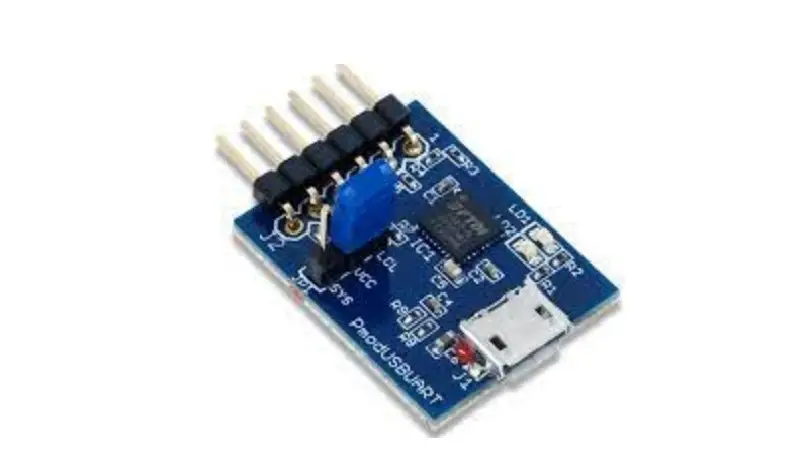
PmodBT2 Powerful Peripheral Module
PmodBT2TM Reference Manual
Revised November 18, 2019
This manual applies to the PmodBT2 rev. A
1300 Henley Court Pullman, WA 99163
509.334.6306
www.digilentinc.com
Overview
The PmodBT2 is a module that uses a standard 12-pin port and
communicates via UART. It has a secondary SPI header on the board
for updating the RN-42 firmware if needed.
Features
- Standard 12-pin port
- UART communication
- Secondary SPI header for firmware updates
Jumper Settings
| Jumper | Description |
|---|---|
| JP1 (PIO4) | Factory Default |
| JP2 (PIO3) | Auto Discovery/Pairing |
| JP3 (PIO6) | Auto Connect |
| JP4 (PIO7) | Baud Rate Setting (9600) |
UART Interface
The UART interface uses a default baud rate of 115.2 kbps, 8
data bits, no parity, and a single stop bit. The startup baud rate
can be customized to predefined rates or set to a specific
user-customized baud rate. Predefined baud rates range from 1200 to
921k.
The reset pin (RST) on J1 is active low. Toggling the RST pin
will perform a hard reset similar to power cycling the device. The
STATUS pin on J1 reflects the connection status of the device,
driven high when connected and low otherwise.
Command Mode
| Pin | Signal | Description |
|---|---|---|
| 1 | RTS | Ready to Send |
| 2 | RX | Receive |
| 3 | TX | Transmit |
| 4 | CTS | Clear to Send |
| 5 | GND | Power Supply Ground |
| 6 | VCC | Power Supply (3.3V) |
| 7 | STATUS | Connection Status |
| 8 | ~RST | Reset |
| 9 | NC | Not Connected |
| 10 | NC | Not Connected |
| 11 | GND | Power Supply Ground |
| 12 | VCC | Power Supply (3.3V) |
| 1 | MISO | Master in/Slave out |
| 2 | MOSI | Master out/Slave in |
| 3 | SCK | Serial Clock |
| 4 | ~CS | Chip Select |
| 5 | VCC | Power Supply (3.3V) |
| 6 | GND | Power Supply Ground |
The PmodBT2 can be put into one of six available modes of
operation: slave, master, trigger master, auto-connect,
auto-connect DTR, and auto-connect ANY. For more detailed
information on the different modes of operation, refer to the RN-42
user manual. For the full list of device commands, how to use
remote configuration, and more detailed information on the
different modes of operation, see the RN-42 data.
PmodBT2TM Reference Manual
Revised November 18, 2019 This manual applies to the PmodBT2 rev. A
1300 Henley Court Pullman, WA 99163
509.334.6306 www.digilentinc.com
Overview
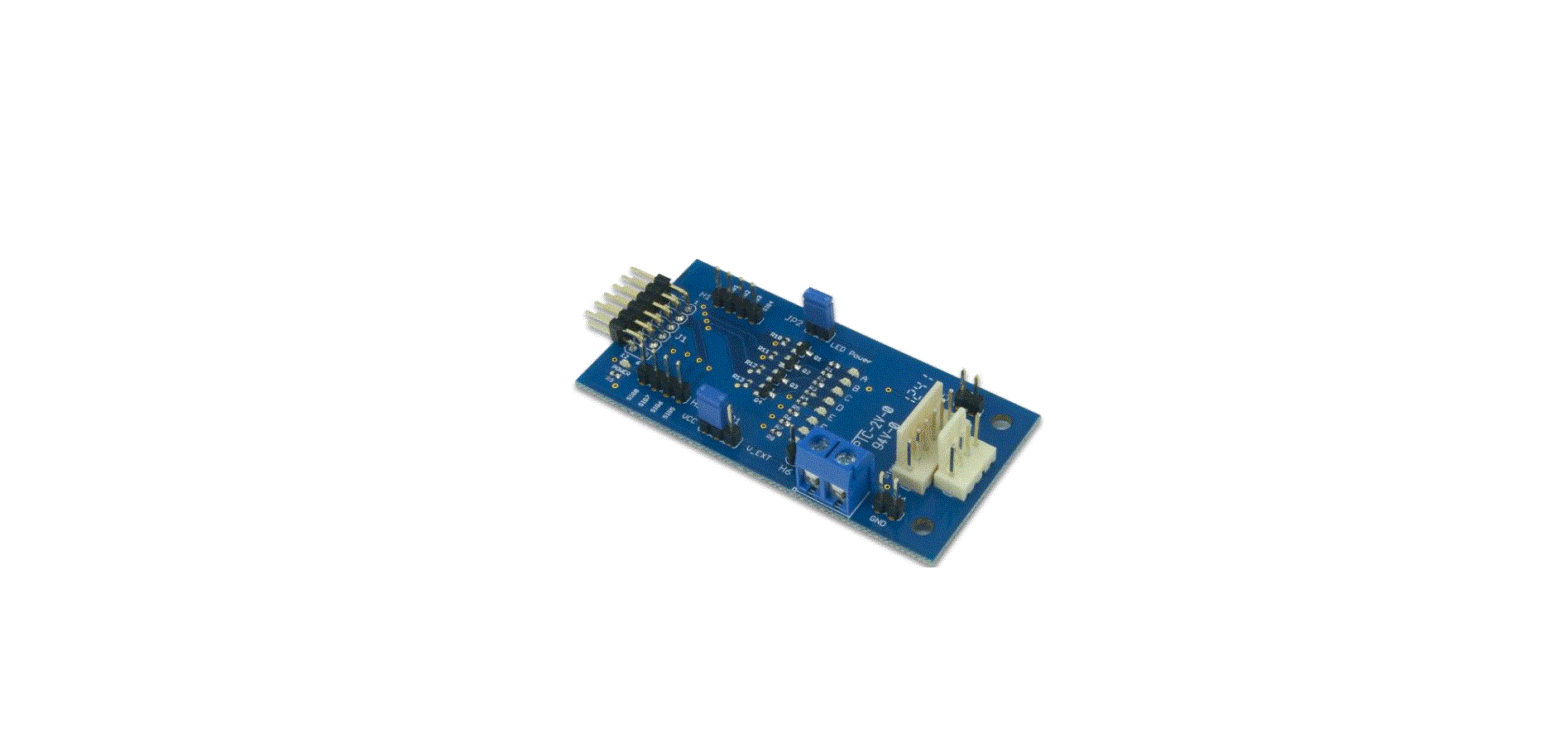
The PmodBT2 is a powerful peripheral module employing the Roving Networks® RN-42 to create a fully integrated Bluetooth interface.
The PmodBT2.
Features include:
· Bluetooth 2.1/2.0/1.2/1.0 compatible · Add wireless capability with this low power, Class 2
Bluetooth radio · Supports HID profile for making accessories such as
pointing devices, etc. · Secure communications, 128-bit encryption · Supports Bluetooth data link to iPhone/iPad/iPod Touch · Six different modes · Small PCB size for flexible designs 1.5″ × 0.8″ (3.8 cm × 2.0
cm) · 12-pin Pmod port with UART interface
1 Functional Description
The PmodBT2 uses a standard 12-pin port and communicates via UART. There is a secondary SPI header on the board for updating the RN-42 firmware if needed.
1.1 Jumper Settings
The PmodBT2 has several modes available to the user via jumper settings. JP1 through JP4 provide various modes of operation as indicated in Table 1 below. Each jumper is active when shorted. JP1 restores the device to factor default settings after three transitions of the jumper setting (short-to-open or open-to-short). After the third transition, the device returns to factor default except for the Bluetooth name. The other three jumpers, JP2-JP4, only sample in the first 500 ms of operation to allow the pins that they tie to on the RN-42 module to serve a separate purpose later in the modules operation. JP2 enables pairing with a special device class defined by the user in software. This may be used so that the PmodBT2 operates as a substitute for an RS232 cable. JP3 enables auto connect to a stored address defined by the user. Finally, JP4 chooses whether to operate at the stored baud
DOC#: 502-214
Downloaded from Arrow.com.
Copyright Digilent, Inc. All rights reserved. Other product and company names mentioned may be trademarks of their respective owners.
Page 1 of 4
PmodBT2TM Reference Manual
rate (115.2kbps default) or a baud rate of 9600 regardless of the software selected rate when shorted. For more detailed information on jumper settings and functionality, refer to the RN-42 user manual.
Jumper JP1 (PIO4) JP2 (PIO3) JP3 (PIO6) JP4 (PIO7)
Description Factory Default Auto Discovery/Pairing Auto Connect Baud Rate Setting (9600)
Table 1. Set jumper description.
Figure 1. PmodBT2 block diagram.
1.2 UART Interface
By default, the UART interface uses a baud rate of 115.2 kbps, 8 data bits, no parity, and a single stop bit. The startup baud rate may be customized to predefined rates or set to a specific user customized baud rate. Predefined baud rates range from 1200 to 921k.
The reset pin (RST) on J1 is active low. If the RST pin is toggled, the device will undergo a hard reset. This hard reset performs similarly to a power cycling of the device. The second interface besides the standard UART signals is the STATUS pin also on J1The STATUS pin directly reflects the connection status of the device. STATUS is driven high by the device when connected and is driven low otherwise.
For more information on the devices UART interface and RST and STATUS pins refer to the RN-42 user manual on the Roving Networks website.
Copyright Digilent, Inc. All rights reserved. Other product and company names mentioned may be trademarks of their respective owners.
Downloaded from Arrow.com.
Page 2 of 4
PmodBT2TM Reference Manual
1.3 Command Mode
In order to enter the command mode, the PmodBT2 must receive “$$$” to which it will respond “CMD”. When in command mode, the module will respond to a large number of commands allowing the user to customizing the module for specific applications. In order to exit command mode, send “—<cr>” (three minus signs in a row and where <cr> stands for the carriage return character) to which the device will respond “END”. Remote configuration, or configuration over a Bluetooth connection, is possible through the command mode but has several restrictions. The configure time, which defaults to 60 sec, defines the time window in which the PmodBT2 may be configured remotely. Outside of this time, the PmodBT2 will not respond to any remote commands. It is important to note that any of the “set” commands available for the PmodBT2 must be followed by a power cycle to take effect in any design.
Connector J1 UART Communications
Pin
Signal
Description
1
RTS
Ready to Send
2
RX
Receive
3
TX
Transmit
4
CTS
Clear to Send
5
GND
Power Supply Ground
6
VCC
Power Supply (3.3V)
7
STATUS
Connection Status
8
~RST
Reset
9
NC
Not Connected
10
NC
Not Connected
11
GND
Power Supply Ground
12
VCC
Power Supply (3.3V)
Connector J2 SPI Connector (Firmware Update Only)
1
MISO
Master in/ Slave out
2
MOSI
Master out/ Slave in
3
SCK
Serial Clock
4
~CS
Chip Select
5
VCC
Power Supply (3.3V)
6
GND
Power Supply Ground
Table 2. Connector descriptions.
The various modes of operation are accessed by using the “SM,<5,4,3,2,1,0>” command while in command mode. The PmodBT2 can be put into one of six available modes of operation. The modes in order, 0 to 5, are: slave, master, trigger master, auto-connect, auto-connect DTR, and auto-connect ANY. For more detailed information on
Copyright Digilent, Inc. All rights reserved. Other product and company names mentioned may be trademarks of their respective owners.
Downloaded from Arrow.com.
Page 3 of 4
PmodBT2TM Reference Manual
the different modes of operation, refer to the RN-42 user manual. For the full list of device commands, how to use remote configuration, and more detailed information on the different modes of operation, see the RN-42 data.
Copyright Digilent, Inc. All rights reserved. Other product and company names mentioned may be trademarks of their respective owners.
Downloaded from Arrow.com.
Page 4 of 4
 Digilent – Start Smart, Build Brilliant.