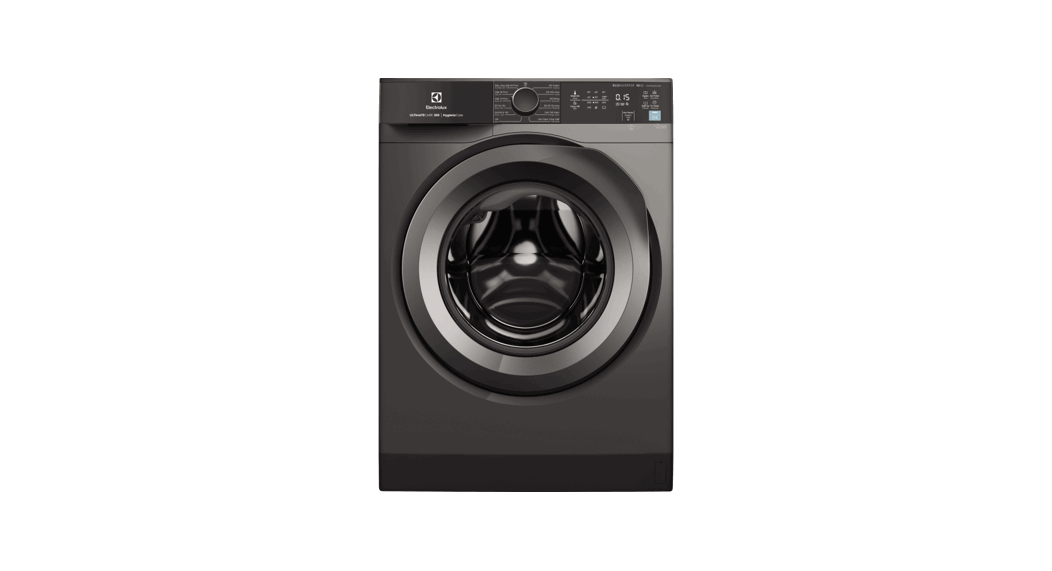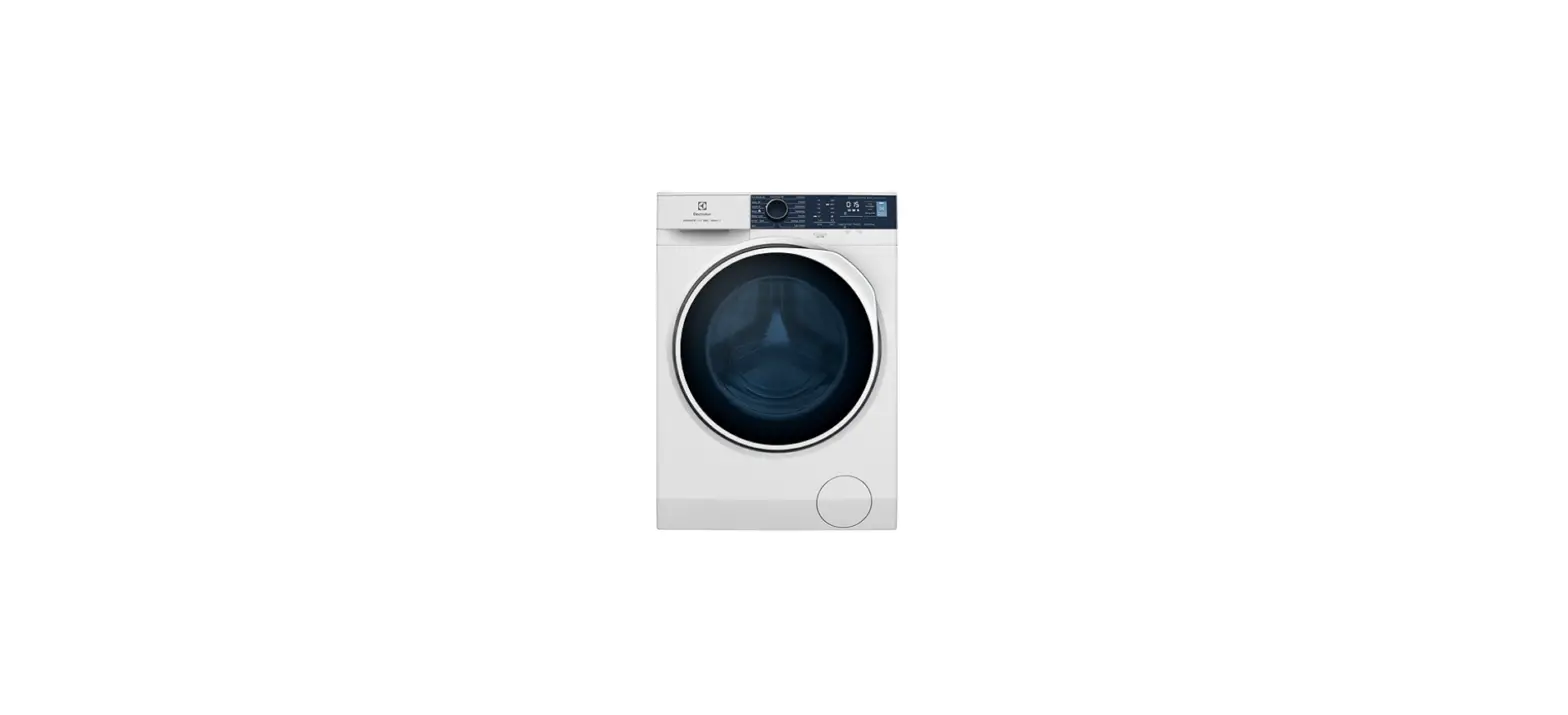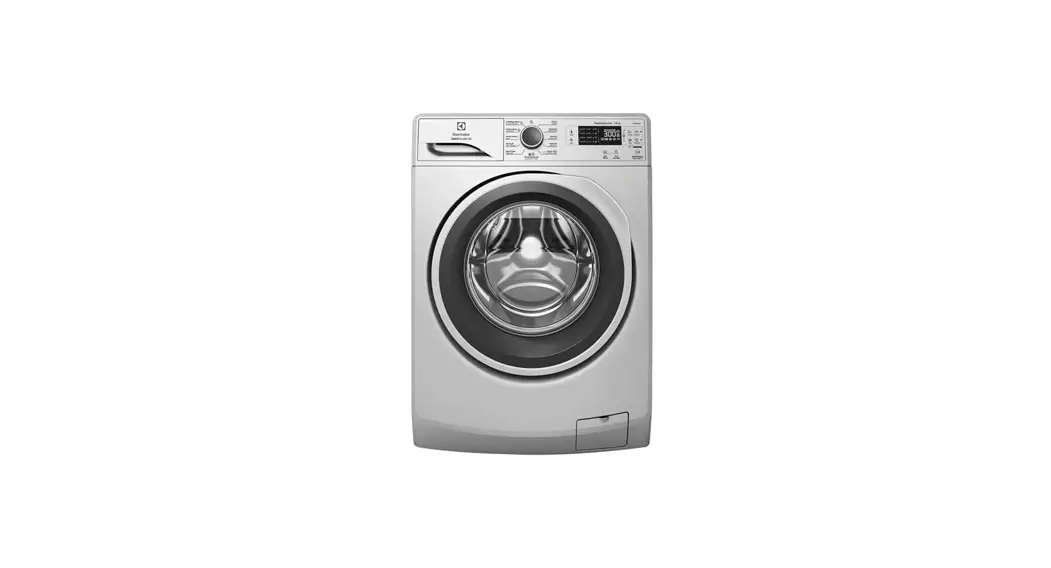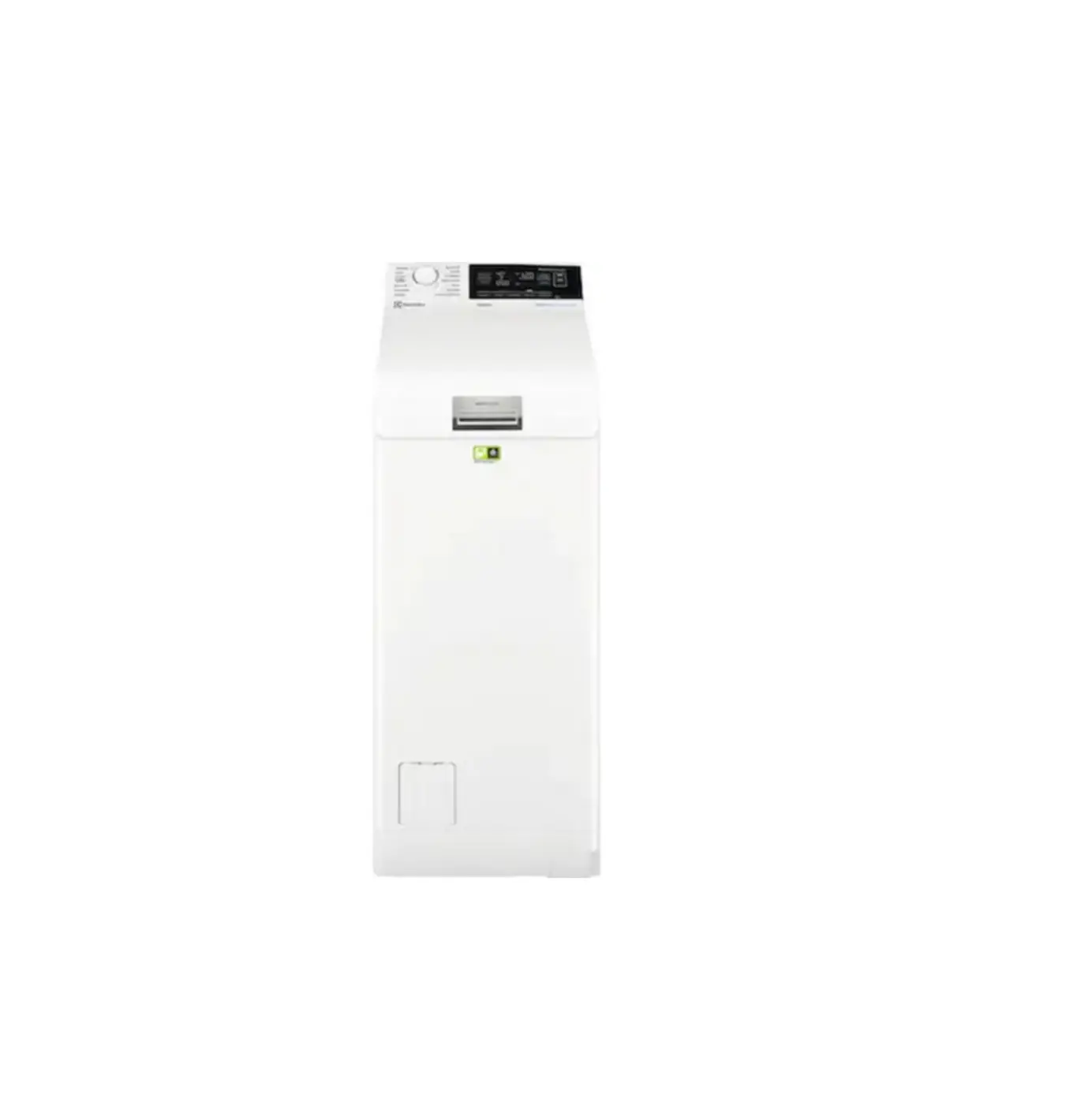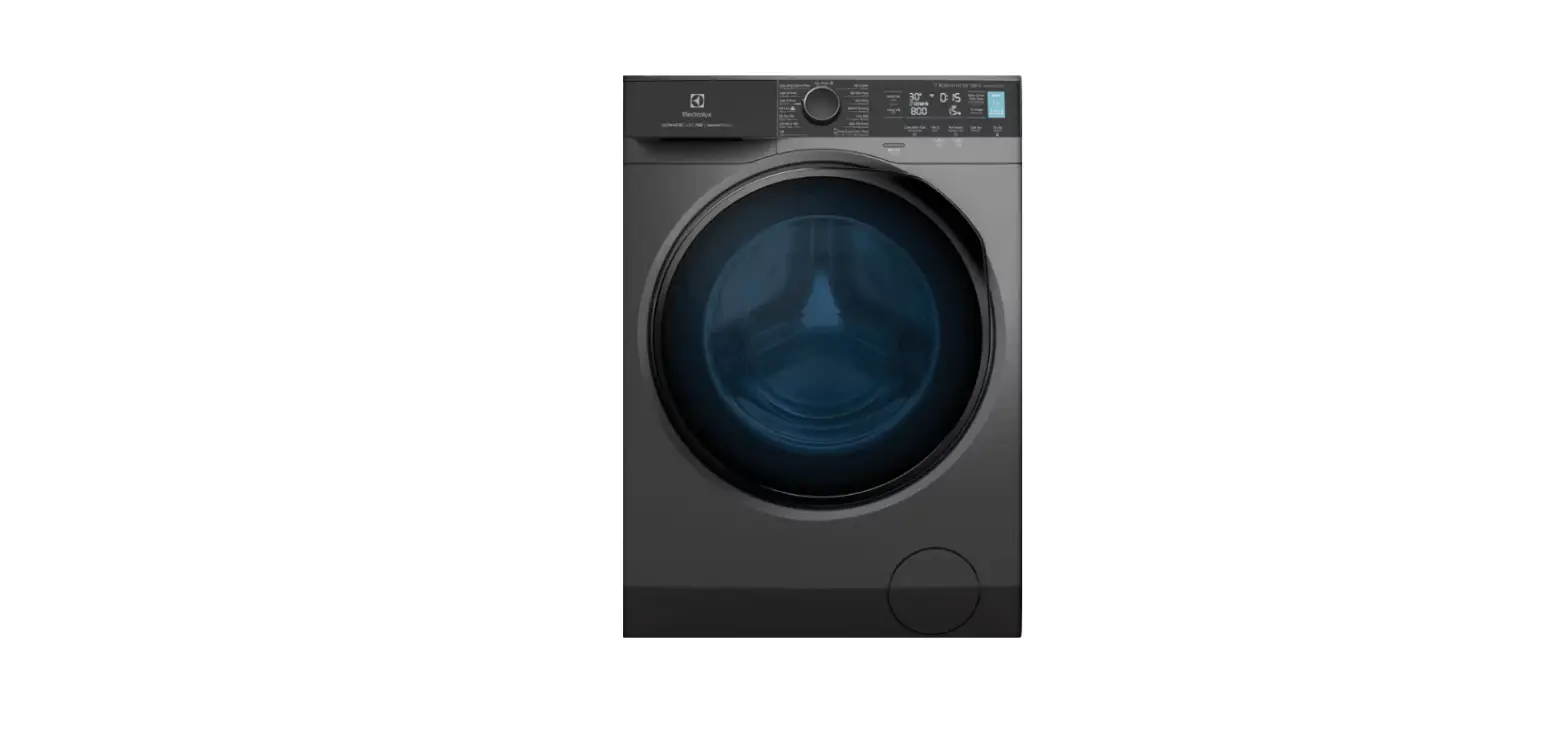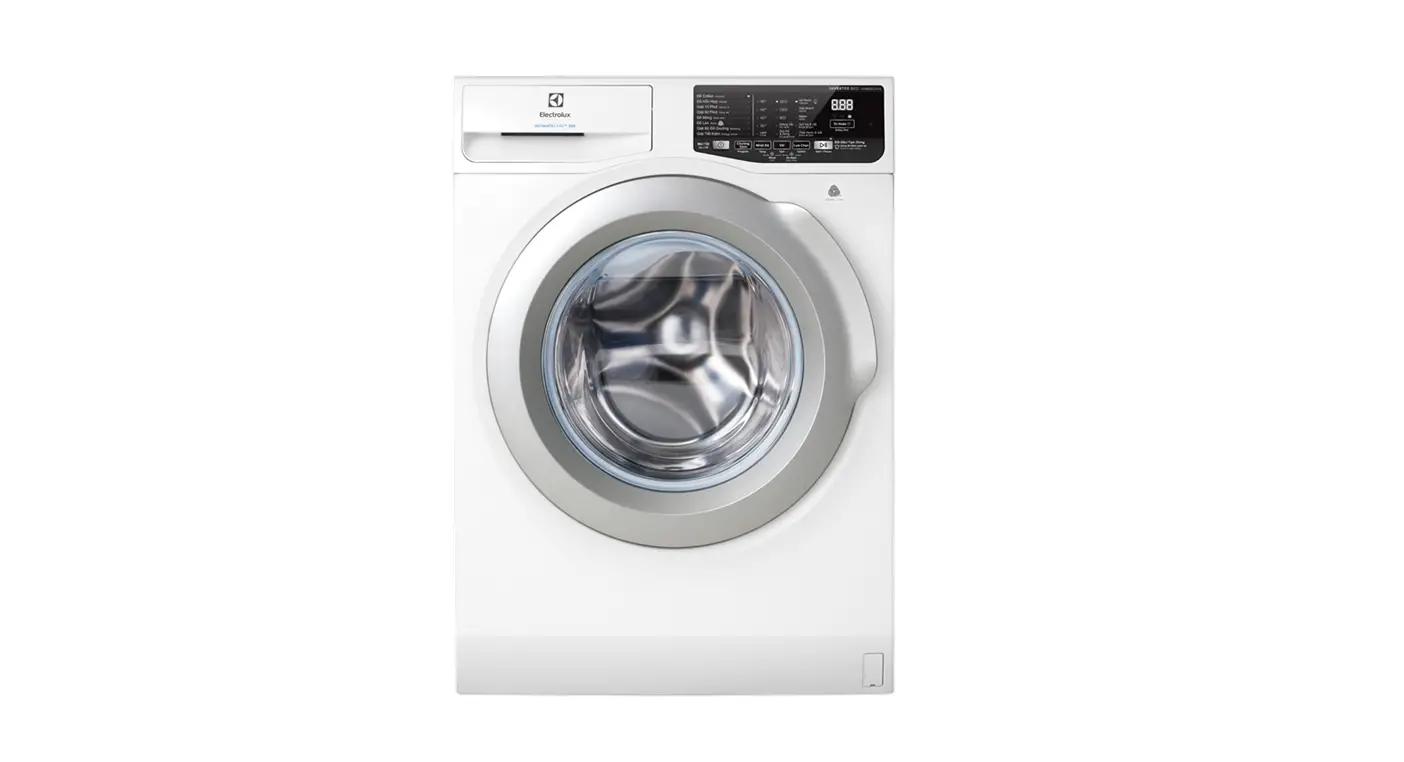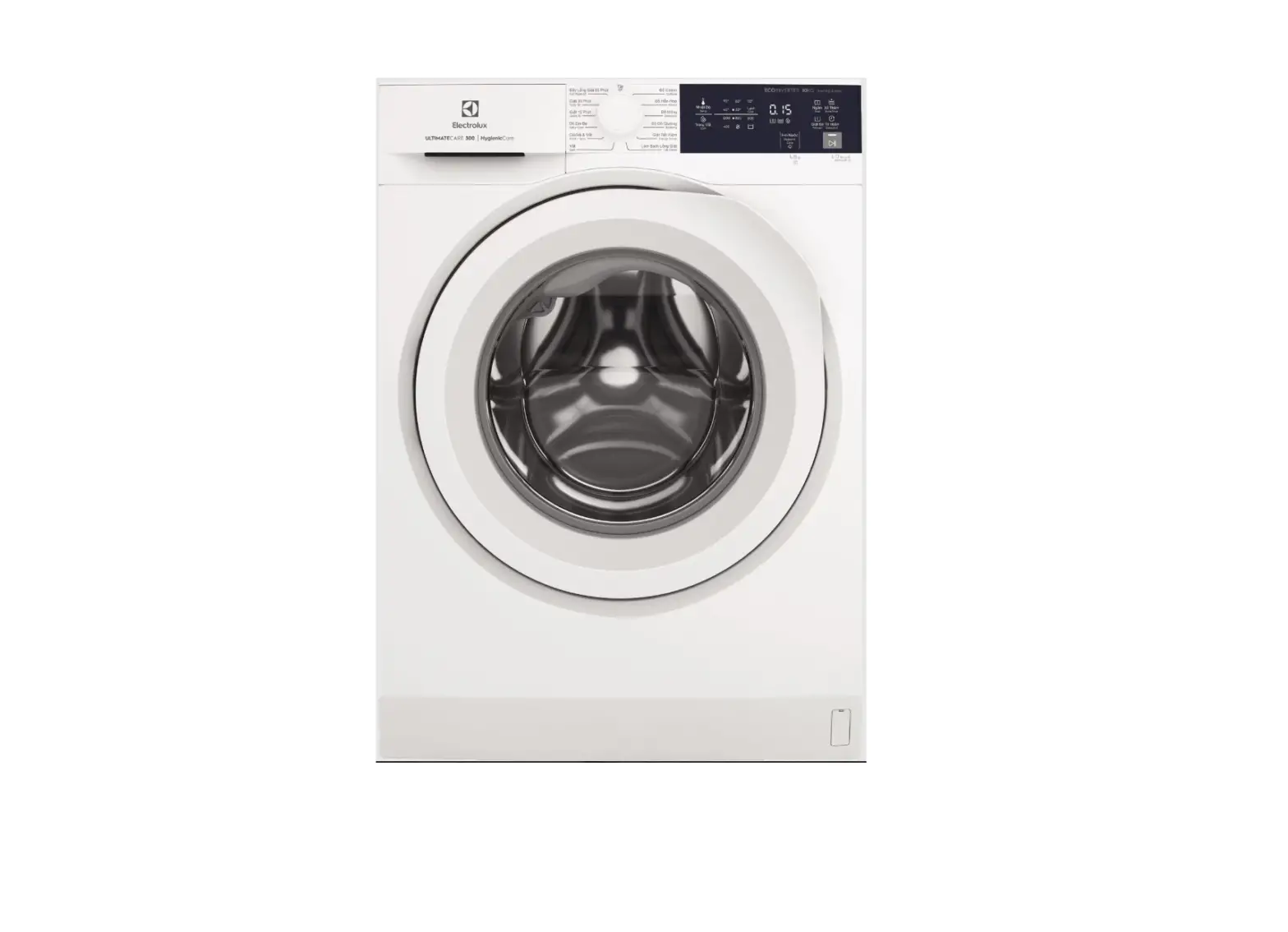
EWF1024D3WB Washing Machine
EWF1024D3WB EWF1024M3SB
EN Washing Machine VN Máy Git
User Manual
2
Tài Liu Hng Dn S Dng
38
2 www.electrolux.vn
IMPORTANT INFORMATION THAT MAY IMPACT YOUR MANUFACTURER’S WARRANTY
Adherence to the directions for use in this manual is extremely important for health and safety. Failure to strictly adhere to the requirements in this manual may result in personal injury, property damage and affect your ability to make a claim under the Electrolux manufacturer’s warranty provided with your product. Products must be used, installed and operated in accordance with this manual. You may not be able to claim on the Electrolux manufacturer’s warranty in the event that your product fault is due to failure to adhere to this manual.
WE’RE THINKING OF YOU Thank you for purchasing an Electrolux appliance. You’ve chosen a product that brings with it decades of professional experience and innovation. Ingenious and stylish, it has been designed with you in mind. So whenever you use it, you can be safe in the knowledge that you’ll get great results every time. Welcome to Electrolux. Visit our website to:
Get usage advice, brochures, trouble shooting, service information, buy accessories & spare parts, online product registration : www.electrolux.vn
CUSTOMER CARE AND SERVICE We recommend the use of original spare parts. When contacting Service, ensure that you have the following data available. The information can be found on the rating plate. Model, PNC, and Serial Number. Warning / Caution-Safety information. General information and tips. Environmental information. Subject to change without notice.
Being ensured permissible content limitation of some toxic chemicals (RoHS compliant)
CONTENTS
1. SAFETY INFORMATION 1.1 Conditions Of Use ………………………………………………………………………………………….. 4 1.2 Child Safety…………………………………………………………………………………………………… 5 1.3 General Safety ………………………………………………………………………………………………. 6 1.4 Installation …………………………………………………………………………………………………….. 6 1.5 Use ……………………………………………………………………………………………………………… 7
2. PRODUCT DESCRIPTION 2.1 Parts ……………………………………………………………………………………………………………. 8 2.2 Accessories ………………………………………………………………………………………………….. 9
3. CONTROL PANEL 3.1 Control Panel Description ………………………………………………………………………………. 10 3.2 Program Chart ………………………………………………………………………………………………. 11 3.3 Program Options Compatibility…………………………………………………………………………. 12 3.4 Options ………………………………………………………………………………………………………… 13 3.5 Settings ………………………………………………………………………………………………………… 15 3.6 Start/Pause ( ) and Add Clothes ( ) Touchpad ……………………………………………. 16
ENGLISH 3
4. BEFORE FIRST USE…………………………………………………………………………………………. 16
5. DAILY USE 5.1 Loading The Laundry………………………………………………………………………………………. 17 5.2 Using Detergent And Additives ………………………………………………………………………… 17 5.3 Options Setting ……………………………………………………………………………………………… 18 5.4 Starting A Cycle ( ) ……………………………………………………………………………………… 19 5.5 Interruption Of A Program ……………………………………………………………………………….. 19 5.6 Changing A Program ……………………………………………………………………………………… 19 5.7 Changing The Options …………………………………………………………………………………… 19 5.8 Opening The Door………………………………………………………………………………………….. 19 5.9 At The End Of The Program ……………………………………………………………………………. 19 5.10 When The Washing Program Is Completed, But There Is Water In The Drum ……… 20 5.11 AUTO Off Mode …………………………………………………………………………………………… 20
6. WASHING HINTS 6.1 Sorting The Laundry ………………………………………………………………………………………. 21 6.2 Temperatures………………………………………………………………………………………………… 21 6.3 Before Loading The Laundry……………………………………………………………………………. 21 6.4 Maximum Loads…………………………………………………………………………………………….. 21 6.5 Removing Stains ……………………………………………………………………………………………. 21 6.6 Detergents Type And Quantity Of Detergent ……………………………………………………… 22
7. INTERNATIONAL WASH CODE SYMBOLS ………………………………………………………. 23
8. CARE AND CLEANING 8.1 External Cleaning ………………………………………………………………………………………….. 24 8.2 Descaling ……………………………………………………………………………………………………… 24 8.3 After Each Wash ……………………………………………………………………………………………. 24 8.4 Maintenance Wash With “Tub Clean” Program ………………………………………………….. 24 8.5 Cleaning The Dispenser Drawer ………………………………………………………………………. 24 8.6 Cleaning The Drawer Recess ………………………………………………………………………….. 25 8.7 Cleaning The Water Inlet Filter ………………………………………………………………………… 25 8.8 Frost Precautions …………………………………………………………………………………………… 26
9. TROUBLESHOOTING 9.1 Possible Failures ………………………………………………………………………………………….. 27 9.2 Emergency Door Opening ………………………………………………………………………………. 30
10. TECHNICAL DATA ……………………………………………………………………………………………. 31
11. INSTALLATION 11.1 Unpacking……………………………………………………………………………………………………. 31 11.2 Positioning…………………………………………………………………………………………………… 33 11.3 Water Inlet…………………………………………………………………………………………………… 34 11.4 Water Drainage …………………………………………………………………………………………… 34 11.5 Electrical Connection ……………………………………………………………………………………. 36
12. ENVIRONMENT CONCERNS 12.1 Packaging Materials …………………………………………………………………………………….. 37 12.2 Old Machine ………………………………………………………………………………………………… 37 12.3 Ecological Hints …………………………………………………………………………………………… 37
4 www.electrolux.vn
1. SAFETY INFORMATION
1.1 Conditions Of Use
This appliance is intended to be used in household and similar applications such as:
staff kitchen areas in shops, offices and other working environment;
farm houses; by clients in hotels, motels, and other residential type
environments; bed and breakfast type environtments; areas for communal use in blocks of flats or in
launderettes.
WARNING! The appliance must not be supplied through an external switching device, such as timer, or connected to a circuit that is regularly switched on and off by utility.
In the interest of your safety and to ensure the correct use, before installing and first using the appliance, read this user manual carefully, including its hints and warnings.
To avoid unnecessary mistakes and accidents, it is important to ensure that all people using the appliance are thoroughly familiar with its operation and safety features.
Save these instructions and make sure that they remain with the appliance if it is moved or sold, so that everyone using it through its life will be properly informed on appliance use and safety.
ENGLISH 5
1.2 Child Safety
This washing machine is not intended for use by young children or infirm persons without supervision.
Young children should be supervised to ensure that they do not play with the appliance.
The packaging components (e.g. plastic film, polystyrene) can be dangerous to children – danger of suffocation! Keep them out of children’s reach.
Keep all detergents in a safe place out of children’s reach.
Make sure that children or pets do not climb into the drum.
This machine is provided with child safety lock option ( ) to prevent children playing with the control panel. (see page 15)
6 www.electrolux.vn
1.3 General Safety
It is dangerous to alter the specifications or attempt to modify this product in any way.
During high temperature wash program the door glass may get hot. Do not touch it!
Make sure that small pets do not climb into the drum. To avoid this, please check inside the drum before using the appliance.
Any objects such as coins, safety pins, nails, screws, stones or any other hard, sharp material can cause extensive damage and must not be placed into the machine.
Wash small items such as socks, laces, washable belts etc in a washing bag or pillow case as it is possible for such items to slip down between the tub and the inner drum.
Only use manufacturer’s recommended quantities of fabric softener and detergent. Damage to the fabric or appliance can occur if you exceed the recommended amount.
Do not use your washing machine to wash articles with whalebones, material without hems or torn material.
Always unplug the appliance and turn off the water supply after use, clean and maintenance.
This appliance is not intended for use by persons (including children) with reduced physical, sensory or mental capabilities, or lack of experience and knowledge, unless they have been given supervision or instruction concerning use of the appliance by a person responsible for their safety.
Under no circumstances should you attempt to repair the machine yourself. Repairs carried out by inexperienced persons may cause injury or serious malfunctioning. Contact your local Service Centre. Always insist on genuine spare parts.
1.4 Installation
This appliance is heavy. Care should be taken when moving it.
When unpacking the appliance, check that it is not damaged. If in doubt, do not use it and contact the Service Centre.
All packing and transit bolts must be removed before use. Serious damage can occur to the product and to property if this is not adhered to. See relevant section in the user manual.
After having installed the appliance, check that it is not standing on the inlet and drain hose and the worktop is not pressing the electrical supply cable.
If the appliance is installed on a carpeted floor, please adjust the feet in order to allow air to circulate freely.
Always be sure, that there is no water leakage from hoses and their connections after the installation.
Any plumbing work required to install this appliance should be carried out by a qualified plumber.
Any electrical work required to install this appliance should be carried out by a qualified electrician.
May cause electric shock! if the machine is not connected to an earthed/ground system. DO NOT touch the wet clothes and metal parts.
For safety reasons do not use double adaptors, extension cords and multi-plug adapters.
1.5 Use
Only wash fabrics which are designed to be machine washed. Follow the instructions on each garment label.
Do not overload the appliance. See the relevant section in the user manual.
Before washing, ensure that all pockets are empty and buttons and zips are fastened. Avoid washing frayed or torn articles and treat stains such as paint, ink, rust, and grass before washing.
Garments which have been in contact with volatile petroleum products should not be machine washed. If volatile cleaning fluids are used, care should be taken to ensure that the fluid is removed from the garment before placing in the machine.
Never pull the power supply cable to remove the plug from the socket; always take hold of the plug itself.
Never use the washing machine if the power supply cable, the control panel, the working surface or the base are damaged so that the inside of the washing machine is accessible.
ENGLISH 7
8 www.electrolux.vn
2. PRODUCT DESCRIPTION
2.1 Parts
Detergent/Softener Dispenser Cabinet Front Panel
Transit Bolts
Water Inlet Hose Water Drain Hose
Worktop Control Panel
Door
Emergency Door Open
Level Adjustment Feet (Front)
Mains Cable Transit Bolts & Hose Support
Level Adjustment Feet (Back)
Detergent/Softener Dispenser (For more informations, see page 17, 24)
Softener Main Wash
Prewash
ENGLISH 9
Transit Bolt (when remove)
Door (when open) (for more informations, see page 17)
Emergency Door Opening
Drum Lifter Stainless Steel Washing Drum
Emergency unlock trigger
Transit bolts must be removed before using the appliance.
2.2 Accessories
Plastic Caps To close the holes on the rear side of the cabinet after the removal of the transit bolts.
Plastic Hose Guide To connect the drain hose on the edge of a sink.
Level Adjustment Feet
10 www.electrolux.vn
3. CONTROL PANEL
3.1 Control Panel Description
DE
F GH I J
A
A Program selector knob B Hygienic Care touchpad C Start/Pause touchpad
(Pause to add clothes option) D Temp touchpad E Spin touchpad F Display
Display
A
AB
AC D
G
F
E
2s
K
B
C
G Prewash touchpad H Soak touchpad I Extra Rinse touchpad J Delay End touchpad K Child Lock Option
A Add Clothes Icon
B Program Duration / Delay End Time / Alarm Code
C Door Lock Icon
D Delay End Icon
E Hygienic Care phase Icon
F Program Phase Indication Icon: Wash Phase, Rinse Phase, Spin Phase
G Soak Phase Icon
ENGLISH 11
3.2 Program Chart
Program;
Max. Max. Load Type of load and soil level
Temperature Spin
(Dry
range
Speed Clothes)
Off
–
– This position to reset program/switching off the
machine.
Cottons; Cold to 90°C
1200 rpm
Max.1) White and coloured cotton.
Mixed; Cold to 60°C
1200 rpm
4 kg Synthetic or mixed fabric items.
Delicates; Cold to 40°C
Bedding; Cold to 40°C
1200 rpm
800 rpm
Energy Saver; 40°C and 60°C 2) Tub Clean; 60°C
Spin
Rinse + Spin
Baby Care; Cold to 40°C Quick 15; Cold to 30°C
Daily 39; 30°C to 40°C
1200 rpm
1200 rpm
1200 rpm
1200 rpm 1200 rpm
1200 rpm
4 kg Delicate fabrics such as acrylics, viscose, polyester items.
3 kg Special program for one synthetic blanket, duvet, bedspread and so on.
Max. 1)
White and colourfast cotton. Set this program to have a good washing results and decrease the energy consumption. The time of the washing program is extended.
For cleaning the tub.
Max. 1) Max. 1)
To spin the laundry and drain the water in the drum.
To rinse and spin the laundry.
4 kg Baby cotton clothes and delicate knitting items with normal soil.
1.5 kg Lightly soiled synthetics or mixed fabrics.
5 kg Daily wear coloured cotton clothes such as shirts, blouses, towels and undergarments. Ideal for low level of soil.
12 www.electrolux.vn
Program;
Max.
Temperature Spin
range
Speed
Full Wash 60; 1200
30°C to 60°C
rpm
Max. Load
(Dry Clothes)
Max. 1)
Type of load and soil level
Daily wear coloured cotton clothes such as shirts, blouses, towels and undergarments. Ideal for normal level of soil.
1) Maximum capacity depended on the model of the Washing Machine (see defined on the control panel) 2) Energy Saver Program with 60degC option selected is recommended for a full load of normally soiled cotton and is the Energy and Water rating label program.
3.3 Program Options Compatibility
Program
Cottons Mixed Delicates Bedding Energy Saver Tub Clean Spin Rinse + Spin Baby Care Quick 15 Daily 39 Full Wash 60
No Rinse Spin Hold
Option
1)
Soak Extra Prewash Delay Hygienic
Rinse
End Care
1) “Hygienic Care ” option can be combined with temperature 40 to 90 °C only.
ENGLISH 13
3.4 Options
Temperature Touchpad
Press this touchpad repeatedly to increase or decrease the wash temperature if you want your laundry to be washed at a temperature different from the one proposed by the washing machine.
Spin Selection Touchpad
Press this touchpad repeatedly to increase or decrease the spin speed or select Rinse Hold, if you want your laundry to be spun at a speed different from the one proposed by the washing machine.
No Spin ( ) No spin option eliminates all the spin phases and increase the number of rinses.
Rinse Hold ( ) By selecting this option the water of the last rinse is not emptied out and the drum turns regularly to prevent the laundry creases.
The door is still locked to indicate that the water must be emptied out.
The door stays locked with the water in the drum. To continue the cycle, you must press (Start/Pause).
Soak
This option allows you to soak heavily soiled clothes and stained items at the beginning of the wash before main washing phase.
This option will increase the duration of the program selected for about 50 minutes. And uses more water from normal wash. The process is as follows.
Add detergent for “Soak” at the “Prewash ” compartment.
1. Fill water and turn the washing drum (this takes about 20 minutes).
After press the Start/Pause touchpad, the machine will start to add water to the washing drum, which will start to rotate slowly to dissolve detergent and evenly distribute clothes.
2. Soak (this takes about 30 minutes). The machine will enter the process of soaking, The washing drum will stop and rotate once in a while in order to distribute clothes.
3. Once the soaking process complete, the machine will check the water level again and will start the selected program and continue by using the same soak water.
NOTE
If you do not wish to use the soak water to wash cloth, please follow the steps below:
1. Press Start/Pause to pause the washing machine. Then rotate the program knob to “Off” to turn off the machine.
2. Add detergent to the main wash compartment and select the program of your choice. Press Start/Pause again to start the selected program. The machine will detect and drain the water in the washing drum out automatically and fill in water once again to be used for washing.
14 www.electrolux.vn
NOTE
Any temperature may be selected, but “Cold” water is recommended with this cycle as hotter water may set some stains.
Use the amount of detergent recommended for a normal wash cycle. If desired, use a bleach or a soaking agent safe for the fabric, by pouring it into the detergent compartment.
Extra Rinse Touchpad
This option is recommended for people who are allergic to detergents, and in areas where the water is very soft. Press this touchpad to add two rinse phases to a program. The indicator of this option will be on.
Prewash ( ) Touchpad
Select this option if you wish your laundry to be pre-washed before the main wash. Use this option for heavy soil. The indicator of this option will be on.
When you set this function, put the detergent into the ” ” compartment.
This function increases the program duration.
Delay End ( ) Touchpad
Before you start the program, this option makes it possible to define the end of the washing program from minimum of 1 hour to maximum of 20 hours.
If program duration is longer than 3 hours, minimum Delay End option starts from 4 hours. Press the Delay End touchpad to choose the end time as you wish. The display shows the number of hours and the indicator beside the touchpad is on.
This option must be selected after choosing the wash program, and before pressing the “Start/Pause” touchpad.
For example, if the program duration of your selected program is 3.20 hours and you define the “Delay End” time to 6 hours. This means your wash program will finish in 6 hours. (See diagram)
“Delay End” Time : 6 hrs.
Countdown Working Cycle
2.40 hrs.
3.20 hrs.
Pressed Start/Pause
Start the Program
End of Cycle
After selecting Delay End time, press Start/Pause touchpad to start the program. Machine will then countdown and update time on the display every hours until it reaches the starting point of the wash cycle.
If you wish to modify or cancel Delay End option after starting the program, follow the steps below:
– set the washing machine to PAUSE by pressing “Start/Pause” touchpad;
– deselect this option by pressing “Delay End” touchpad repeatedly till the display shows delay time ” “;
– press the “Start/Pause” to start the program.
Hygienic Care ( ) Touchpad
Select this option to add approximately 30 minutes of tumbling in vapour after the rinse cycle. The indicator of this option will be on.
Vapour may not necessarily be visible inside the drum during a vapour cycle. Vapour is created below the drum and allowed to naturally rise into the clothes.
Vapour may not be present during the entire vapour cycle.
Vapour function is more effective with half load.
ENGLISH 15
At the end of the Vapour cycle, the clothes will be warmer, softer and detached from the drum.
NOTE
If Vapour option is selected, rinse temperatures will be elevated.
During a vapour cycle, you may notice vapour exiting from the drain hose of the washing machine, this is normal and there is no cause for alarm.
3.5 Settings
Child Safety Lock ( ) Option
Your appliance is provided with CHILD SAFETY LOCK which permits you to leave the appliance unsupervised with the door closed without having to worry that children might be injured by or cause damage to the appliance.
Set this option after pressing the Start/Pause touchpad.
To set “Child Lock” option:
To activate the function, press and
hold “Hygienic Care” touchpad about
2 seconds until the display shows the
icon ”
“.
If you press any touchpad while
Child Lock is activated, the icon
”
” will flash on display
3 times along with buzzer sound.
This function remains enabled even after the appliance is switched off.
To deactivate the function, press and
hold “Hygienic Care” touchpad about
2 seconds until the display shows the
icon ”
“.
Enabling/Disabling End-Of-Wash Buzzer
This setting permits you to either enable or disable the buzzer at the end of the program. As an example, you might wish to disable this buzzer when you start a wash when going to bed, so that when the wash finished approximately 1 hour later, it will not disturb you through the night.
Error warning beeps such as critical faults are not disabled.
To disable the buzzer sound, press
“Temp” and “Spin” touchpads
at the same time about 3 seconds,
the icon ”
” will show on display
along with buzzer sound.
To return to default configuration press
these 2 touchpads at the same time
about 3 seconds, the icon ”
” will
show on display along with buzzer
sound.
16 www.electrolux.vn
3.6 Start/Pause ( ) and Add Clothes ( ) Touchpad
This touchpad has 2 functions:
1. Start/Pause ( )
After you have selected the desired program and options, press this touchpad to start the machine. The Start/Pause pilot light will stop flashing and remain lit. If you have selected a “Delay End” option, the countdown will begin and will be shown on the display.
To interrupt a program which is running, press this touchpad to pause the machine, the Start/Pause pilot light flashes.
To restart the program from the point at which it was interrupted, press this touchpad again, the Start/Pause pilot light will stop flashing.
2. Add Clothes ( )
You can only add clothes when the icon ” ” shown on the display.
To add clothes:
1. Pressing the “Start/Pause” touchpad to pause the program.
2. Wait for the machine to come to a complete stop before opening the door (wait for door lock ” ” icon to turn off).
3. Add clothing and close the door.
4. Resume the program by pressing “Start/Pause” touchpad again.
4. BEFORE FIRST USE
NOTE
During installation or before first use you may observe some water in the machine. This is a residual water left in the machine after a full functional test in the factory to ensure the machine is delivered to customers in perfect working order and is no cause for concern.
1. Ensure that the electrical and water connections comply with the installation instructions.
2. Put 2 litres of water in the detergent compartment for washing phase. This activates the drain system.
3. Select a Cottons cycle at 90 °C, without any laundry in the machine, to remove any manufacturing residue from the drum and tub then start the machine.
5. DAILY USE
ENGLISH 17
5.1 Loading The Laundry
1. Turn the water tap on.
2. Connect the main plug to the main socket.
3. Turn the knob to set a program. The washing machine will propose a temperature and automatically select the spin value provided for the program you have chosen.
The selector knob can be turned either clockwise or anticlockwise.
Position “Off” to reset program/ switching OFF the machine. At the end of the program the selector dial must be turned to position “Off”, to switch the machine off.
4. Check and remove objects (if there are any) that could be trapped in the fold.
5.2 Using Detergent And Additives
Please read “Detergents Type and Quantity of Detergent”on page 22 before use.
1. Detergent Dispenser Drawer The detergent dispenser is divided into three compartments.
Compartment for “Soak”
“Detergent flap”
Compartment “Main Wash”
Compartment “Softener”
5. Place the laundry in the drum, one item at a time, shaking them out as much as possible. (Refer to page 21 “WASHING HINTS”)
6. Close the door.
Make sure that no laundry remains between the seal and the door.
Compartment “PREWASH”
This compartment is only used for detergent when a “Prewash” option is selected.
Compartment “MAIN WASH”
This compartment is used for detergent on all programs.
Detergent flap
Position down: for liquid detergent.
Position up: for powder detergent.
Compartment “SOFTENER”
This compartment is used for fabric conditioner and starching agent.
18 www.electrolux.vn
NOTE: When you use the liquid detergent – Do not use gelatinous or thick liquid detergents. – Do not put more liquid than the maximum level. – Do not set the “Prewash” phase. – Do not set the “Delay End”. 2. Measure out the detergent and the fabric softener; – Pull out the dispenser drawer until it stops. – Measure out the amount of detergent required, pour it into the main wash compartment . – If you wish to carry out the “Prewash” phase, pour it into the compartment marked .
– If required, pour fabric softener into the compartment marked .
NOTE
The softener amount used must not exceed the “MAX” mark in the drawer. If you use thick softeners it is recommended to dilute with water.
– Close the drawer gently.
NOTE
Residues of detergent, softener and water may remain in the dispenser. It is recommended to clean the dispenser regularly to remove any residue.
5.3 Options Setting
1. If you want your laundry to be spun or use temperature different from the one proposed by the washing machine, pess “Spin” and “Temp” touchpads repeatedly to change the spin speed and temperature.
Press the option touchpads, if you want your laundry to be washed with special functions.
NOTE
– Different functions can be combined which is dependent on the program selected.
– If an option is not compatible with
the wash program selected, the
symbol ”
” will flash on display
along with buzzer sound.
2. If you want to define the end of the washing program, press the “Delay End” touchpad repeatedly to choose your washing machine working time.
ENGLISH 19
5.4 Starting A Cycle ( )
To start a program, press the Start/Pause touchpad. The corresponding pilot light will stop flashing and a default program duration will be displayed on the screen. After approx. 15 minutes from the start of a program: – The appliance will automatically adjust
the selected program duration according to the type and size of the load. – The display will show adjusted program duration.
NOTE
If you press any touchpad while a program is operating, the symbol ” ” will flash on display along with buzzer sound.
5.5 Interruption Of A Program
– To pause, press Start/ Pause. The indicator will start flashing.
– Press the Start/Pause again. The program will continue.
5.6 Changing A Program
5.7 Changing The Options
It may be possible to change some of the options after a wash program has started.
1. Press the touchpad Start/Pause. The indicator will start flashing.
2. If available change the options that you wish.
3. Press Start/Pause again. The program will continue.
5.8 Opening The Door
While a program or the Delay End is operating, the appliance door is locked and the display shows the indicator ” “. First, set the machine to PAUSE by pressing the “Start/Pause” touchpad. Wait until the door lock indicator goes off, then the door can be opened.
If the door lock indicator ” ” does not disappear, this means that the machine is already heating and the water level is above the bottom edge of the door or the drum is turning. In this case the door CAN NOT be opened. If you need to open it, you must drain the water to open the door.
In case of emergency please refer to “Emergency door opening” on page 30.
Changing a running program is possible only by resetting it.
– Turn the program selector knob to the position “Off” to cancel the program and to turn off the appliance.
– Turn the program selector knob to the new program position and change any available options. Press Start/Pause to start the new program.
NOTE
The appliance will not drain the water (except programs; Spin, Rinse + Spin, Tub Clean).
5.9 At The End Of The Program
– The appliance stops automatically.
– The acoustic signal will operate.
– The display will show ”
“.
– The indicator of the touchpad Start/Pause goes off.
– The door lock indicator ” ” goes off.
– Remove the laundry from the appliance. Make sure that the drum is empty.
– Keep the door partly open, to prevent the mildew and odours.
– Turn off the water tap.
20 www.electrolux.vn
NOTE
At the end of the program, the time remaining can suddenly decrease from 7 minutes or less to 0 due to the overestimated total program time during the load sensing phase. In some cases (with perfectly balanced load) the program time can be shorter than the time estimated after the load sensing phase is completed. This is a normal behavior of the machine and not a cause for concern as it does not compromise its performance.
5.10 When The Washing Program Is Completed, But There Is Water In The Drum
(Option “Rinse Hold ” is used)
– The drum turns regularly to prevent the creases in the laundry.
– The indicator “Start/Pause” flashes to remind you to drain the water.
– The door lock indicator ” The door stays locked.
” is on.
You must drain the water to open the door.
To drain the water:
1. Press the “Start/Pause ” touchpad. The appliance drains the water and spins with the maximum spin speed for selected program.
Alternatively, before pressing the “Start/Pause” touchpad, you can press the “Spin ” touchpad to change the spin speed. You can select “No Spin ( )”, if you want the machine to only drain the water.
2. When the program is completed and the door lock indicator ” ” goes off, you can open the door.
3. Turn the program selector knob to the position “Off” to turn off the appliance.
NOTE
After approximately 18 hours, if you do not press Start/Pause touchpad, the appliance will drain and spin automatically.
5.11 AUTO Off Mode
5 minutes after the washing program ends, if you do not deactivate the appliance, the energy saving function activates. The energy saving function decreases the energy consumption when the appliance is in the stand by mode.
– All indicators and the display will switch off.
– The indicator of the touchpad Start/Pause will flash slowly.
– Press one of the touchpads to deactivate the energy saving status.
6. WASHING HINTS
ENGLISH 21
6.1 Sorting The Laundry
Follow the wash code symbols on each garment label and the manufacturer’s washing instructions. Sort the laundry as follows: whites, coloureds, synthetics, delicates, woollens.
6.2 Temperatures
Temp Soil level
90°C For normally soiled white cottons and linen (e.g. teacloths,
towels, tablecloths, sheets…).
60°C 50°C
For normally soiled, colourfast garments (e.g. shirts, night dresses, pajamas….) in linen, cotton or synthetic fibres and for lightly soiled white cotton (e.g.underwear).
40°C 30°C Cold
For delicate items (e.g. net curtains), mixed laundry including synthetic fibres and woollens bearing the label pure new wool, machine washable, non-shrink.
6.3 Before Loading The Laundry
Make sure that no metal objects are left in the laundry (e.g. coin, hair clips, safety pins, pins).
Wash bras, pantyhose and other delicates in a mesh laundry bag, which you can purchase from your supermarket.
Make sure that you wash lint collectors separately from lint producers.
Never wash whites and coloured fabrics together. Whites may lose their “whiteness” in the wash.
New coloured items may run in the first wash; they should therefore be washed separately the first time.
Remove persistent stains before washing.
Rub particularly soiled areas with a special detergent or detergent paste. Treat curtains with special care. Remove hooks or tie them up in a bag or a net.
6.4 Maximum Loads
Recommended loads are indicated in the program charts on page 11.
General rules:
Clothes Load Quantity
Cotton, linen
drum full but not too tightly packed;
Synthetics
drum no more than half full;
Delicate fabrics drum no more than and woollens one third full.
Washing a maximum load makes the most efficient use of water and energy. For heavily soiled laundry, reduce the load size.
Button up pillowcases, close zip fasteners, hooks and poppers. Tie any belts or long tapes.
6.5 Removing Stains
Stubborn stains may not be removed by just water and detergent. It is therefore advisable to treat them prior to washing.
Blood: treat fresh stains with cold water. For dried stains, soak overnight in water with a special detergent then rub in the soap and water.
22 www.electrolux.vn
Oil based paint: moisten with benzine stain remover, lay the garment on a soft cloth and dab the stain; treat several times.
Dried grease stains: moisten with turpentine, lay the garment on a soft surface and dab the stain with the fingertips and a cotton cloth.
Rust: oxalic acid dissolved in hot water or a rust removing product used in cold water. Be careful with rust stains which are not recent since the cellulose structure will already have been damaged and the fabric tends to hole.
Mould stains: treat with bleach, rinse well (whites and fast coloureds only).
Grass: soap lightly and treat with bleach (whites and fast coloureds only).
Ball point pen and glue: moisten with acetone (*), lay the garment on a soft cloth and dab the stain.
Lipstick: moisten with acetone (*) as above, then treat stains with methylated spirits. Remove any residual marks from white fabrics with bleach.
Red wine: soak in water and detergent, rinse and treat with acetic or citric acid, then rinse. Treat any residual marks with bleach.
Ink: depending on the type of ink, moisten the fabric first with acetone (*), then with acetic acid; treat any residual marks on white fabrics with bleach and then rinse thoroughly.
Tar stains: first treat with stain remover, methylated spirits or benzine, then rub with detergent paste.
(*) do not use acetone on artificial silk.
6.6 Detergents Type And Quantity Of Detergent
Low sudsing detergent is required for this washing machine to prevent oversudsing problems, unsatisfactory washing result and harm to the machine.
Low sudsing detergents designed for front load washing machines are labelled “Front Loading”, “high efficiency”, “HE”, such as Cold Power for Front Loaders or “Matic”.
Do not use wrong types of detergent, such as Top Loading, Handwash detergent or Soap-Based products in your frontload washing machine. This can result in excessive suds, longer cycle time, low spin speeds, poor rinsing and overloading of the motor.
Quantity of detergent to be used
The choice of detergent and use of correct quantities not only affects your wash performance, but also helps to avoid waste and protect the environment. Although biodegradable detergents contain substances which in large quantities can upset the delicate balance of nature.
The choice and quantity of detergent will depend on ;
type of fabric (delicates, woollens, cottons, etc.) ;
the colour of clothes ;
size of the load ;
degree of soil ;
wash temperature ; and
hardness of the water used.
Water hardness is classified by so-called “degrees” of hardness.
Information on hardness of the water in your area can be obtained from the relevant water supply company, or from your local authority.
You may have to try using the detergent quantity as per manufacturers’ instructions then compare the wash result to the list below and adjust the amount of detergent for your future washes accordingly.
ENGLISH 23
Not enough detergent causes: the washload to turn grey, greasy clothes.
Too much detergent causes: sudsing, reduced washing effect, inadequate rinsing.
Use less detergent if: you are washing a small load, the laundry is lightly soiled, large amounts of foam during washing.
7. INTERNATIONAL WASH CODE SYMBOLS
These symbols appear on fabric labels, in order to help you choose the best way to treat your laundry.
Energetic wash
Max. wash Max. wash Max. wash Max. wash
temperature temperature temperature temperature
95 °C
60 °C
40 °C
30 °C
Hand wash
DO NOT wash at all
Delicate wash
Bleaching
Bleach in cold water
DO NOT bleach
Ironing
Hot iron max. 200 °C
Warm iron max. 150 °C
Lukewarm iron max. 110 °C
DO NOT iron
Dry cleaning Drying
Dry cleaning in all solvents
Dry cleaning in perchlorethylene, petrol, pure alcohol,
R 111 & R 113
Dry cleaning in petrol, pure alcohol
and R 113
High temperature
Low temperature
Flat
On the line On clothes
Tumble dry
hanger
DO NOT dry clean
DO NOT tumble dry
24 www.electrolux.vn
8. CARE AND CLEANING
WARNING!
You must DISCONNECT the appliance from the electricity supply, before you can carry out any cleaning or maintenance work.
To run a maintenance wash: The drum should be empty of laundry. Select the “Tub Clean” program. Press Start/Pause to start the program.
8.1 External Cleaning
Clean the appliance only with soap and warm water. Fully dry all the surfaces.
CAUTION!
Do not use alcohol, solvents or chemical products.
8.5 Cleaning The Dispenser Drawer
The washing powder and additive dispenser drawer should be cleaned regularly.
Remove the drawer by pressing the catch downwards and by pulling it out.
8.2 Descaling
The water we use normally contains lime. It is a good idea to periodically use a water softening powder in the machine.
Do this separately from any laundry washing, and according to the softening powder manufacturer’s instructions.
This will help to prevent the formation of lime deposits.
8.3 After Each Wash
Leave the door open for a while. This helps to prevent mould and stagnant smells forming inside the appliance.
Keeping the door open after a wash will also help to preserve the door seal.
8.4 Maintenance Wash With “Tub Clean” Program
With the use of low temperature washes it is possible to get a build up of residues inside the drum. We recommend to use “Tub Clean” program to clean the drum regularly to remove any residue.
To aid cleaning, the top part of the additive compartment should be removed.
ENGLISH 25
Flush it out under a tap to remove any traces of accumulated powder.
8.6 Cleaning The Drawer Recess
Having removed the drawer, use a small brush to clean the recess, ensuring that all washing powder residue is removed from the upper and lower part of the recess. Replace the drawer and run the rinse program without any clothes in the drum.
8.7 Cleaning The Water Inlet Filter
If your water is very hard or contains traces of lime deposit, the water inlet filter may become clogged. It is therefore a good idea to clean it from time to time. To clean the water inlet filters: 1. Close the water tap. 2. Remove the water inlet hose from
the water tap. 3. Clean the filter in the inlet hose with
a stiff brush.
4. Remove the inlet hose behind the appliance.
26 www.electrolux.vn
5. Clean the filter in the valve with a stiff brush or a towel.
6. Install the inlet hose again. Make sure that the couplings are tight to prevent leakages.
7. Open the water tap.
8.8 Frost Precautions
If the appliance is installed in an area where the temperature can be less than 0 °C, remove the remaining water from the inlet hose and the drain pump.
Emergency Drain
1. Disconnect the main plug from the main socket. Turn off the water tap.
2. Remove the water inlet hose.
3. Remove the drain hose from the rear support and unhook it from sink or spigot.
4. Put the end of the drain and inlet hose in a container. Let the water flow out of the hoses.
5. When no more water flows, install the inlet hose and the drain hose again.
NOTE
Make sure that the temperature is more than 0 °C before you use the appliance again.
9. TROUBLESHOOTING
ENGLISH 27
9.1 Possible Failures
Certain problems are due to lack of simple maintenance or oversights, which can be solved easily without calling out an engineer. Before contacting your local Service Centre, please check troubleshooting below.
Once the problem has been eliminated, press the Start/Pause button to restart the program. If after all checks, the problem persists, contact your local Service Centre.
WARNING! Deactivate the appliance before you do the checks.
Alarm Code:
The appliance does not fill with water properly.
The appliance does not drain the water. The appliance door is open or not closed correctly. Please check the door!
The main supply is unstable. Wait until the main supply is stable.
No communication between electronic elements of the appliance. Switch off and switch on again.
Malfunction
Machine does not start:
Machine does not fill the water:
Machine fills then empties immediately:
Possible cause
The door has not been closed. (Error code: )
The plug is not properly inserted into the power socket.
There is no power at the socket.
The Start/Pause touchpad has not been pressed.
The “Delay End” has been selected.
The Main supply is unstable.
(If
appears on the
display.)
Solution
Close the door firmly.
Insert the plug into the power socket.
Please check your domestic electrical installation.
Press the Start/Pause touchpad.
If the laundry are to be washed immediately, cancel the “Delay End”.
Wait until the main supply is stable. Appliance will start automatically.
The water tap is closed. (Error code: )
Open the water tap.
The inlet hose is squashed or kinked. (Error code: )
Check the inlet hose connection.
The filter in the inlet hose is blocked. (Error code: )
Clean the water inlet hose filter.
The door is not properly closed. Close the door firmly. (Error code: )
The end of the drain hose is too low. (Error code: )
Refer to relevant paragraph in “water drainage” section.
28 www.electrolux.vn
Malfunction
Machine does not empty and/or does not spin:
Possible cause
The drain hose is squashed or kinked. (Error code: )
The drain pump is clogged. (Error code: )
The option “Rinse Hold” has been selected.
The laundry is not evenly distributed in the drum.
Too much detergent or unsuitable detergent (creates too much foam) has been used.
There is water on the floor:
Check whether there are any leaks from one of the inlet hose fittings. It is not always easy to see this as the water runs down the hose; check to see if it is damp.
The drain hose is damaged.
Too little detergent or unsuitable detergent has been used.
Unsatisfactory washing results:
Stubborn stains have not been treated prior to washing.
The correct temperature was not selected.
Excessive laundry load.
The program is still running.
There is water in the drum.
The door will not open:
This problem may be caused by a failure of the appliance.
Machine vibrates or is noisy:
The transit bolts and packing have not been removed.
The support feet have not been adjusted.
Solution
Check the drain hose connection.
Clean the drain filter.
Press Start/Pause touchpad to drain the water or select spin program. Pause the machine and redistribute laundry manually. Reduce detergent quantity and use correct type of detergent (refer page 22).
Check the water inlet hose connection.
Call Service.
Increase detergent quantity or use different detergent (refer page 22).
Use commercial products to treat the stubborn stains.
Check if you have selected the correct temperature.
Reduce load.
Wait until the end of cycle.
You must drain the water to open the door (refer “Opening The Door” on page 19. Contact Service. If you need to open the door, please read carefully “Emergency door opening” on page 30.
Check the correct installation of the appliance.
Check the correct levelling of the appliance.
ENGLISH 29
Malfunction
Machine vibrates or is noisy:
Cycle time longer than displayed:
The cycle is shorter than the time displayed.
Spinning starts late or machine does not spin:
Machine makes an unusual noise:
No water is visible in the drum:
Possible cause The laundry is not evenly distributed in the drum. There is very little laundry in the drum. Unstable floors eg. wooden floors.
Detergent over dose.
Machine unbalance.
Solution
Pause the machine and redistribute laundry manually.
Load more laundry.
Refer to relevant paragraph in “Positioning” section.
Reduce the detergent quantity or use another one. (Refer page 22 “Detergents Type And Quantity Of Detergent”).
Redistribute laundry manually in the drum and start the spin phase again.
The appliance calculated a new time according to the laundry load.
The electronic unbalance detection device has cut in because the laundry is not evenly distributed in the drum. The laundry is redistributed by reverse rotation of the drum.
This may happen several times before the unbalance disappears and normal spinning can resume. If, after 10 minutes, the laundry is still not evenly distributed in the drum, the machine will not spin. In this case, redistribute the load manually and select the spin program.
Pause the machine and redistribute laundry manually.
Machine not installed properly.
Transit bolts or packaging not removed.
Make sure the levelling of the appliance is correct. Refer to “Installation”.
Make sure that the packaging and/or the transit bolts are removed. Refer to “Unpacking”.
The load may be too small.
Add more laundry in the drum.
Machines based on modern technology operate very economically using very little water without affecting performance.
30 www.electrolux.vn
NOTE
If you are unable to identify or solve the problem, contact our service centre. Before calling service centre, make a note of the model, serial number and purchase date of your machine: the Service Centre will require this information.
Scan QR code to register www.electrolux.com
PNC : XXXXXXXXX Mod : S/N :
IPX4
9.2 Emergency Door Opening
In case of power failure or appliance failure, the appliance door remains locked. The wash program continues when power is restored. If the door remains locked in case of failure, it is possible to open it using the emergency unlock feature.
Before opening the door:
WARNING!
Make sure that the water temperature and the laundry are not hot. Wait until they cool down if necessary.
Make sure that the water level inside the drum is not too high. If necessary, perform an Emergency Drain (see page 26).
Make sure that the drum is not rotating. Wait until the drum stops rotating if necessary.
To open the door proceed as follows:
1. Rotate the program knob to “Off” position to switch the appliance off.
2. Disconnect the mains plug from the mains socket.
3. Remove the cover door, as picture below.
4. Using a suitable tool to pulling the emergency unlock strap (red strap) downward twice (you will hear “click” sound) and hold it, at the same time pull the door handle to open the door.
If the door cannot open while holding the strap, try to release it then open the door.
5. Take out the laundry.
6. Re-assemble the cover door.
pulling the emergency unlock downward twice
10. TECHNICAL DATA
ENGLISH 31
Dimensions (Height / Width / Depth) Power supply (Voltage / Frequency) Total power absorbed Water supply pressure (Maximum / Minimum)
Maximum dry clothes capacity
850 x 600 x 659 mm 220-240 V~ / 50 Hz
2000 W
0.8 MPa / 0.05 MPa
Program
Max. Capacity
Off Cottons Mixed Delicates Bedding Energy Saver Tub Clean Spin Rinse + Spin Baby Care Quick 15 Daily 39 Full Wash 60
Max1. ) 4 kg 4 kg 3 kg Max.1)
Max.1) Max.1) 4 kg 1.5 kg 5 kg Max.1)
Spin speed (Maximum / Minimum)
1200 rpm / 400 rpm
1) Maximum capacity depended on the model of the Washing Machine (see defined on the control panel).
11. INSTALLATION
11.1 Unpacking
CAUTION!
All transit bolts and packing must be removed before using the appliance. You are advised to keep all transit devices so that they can be refitted if the machine ever has to be transported again.
1. Use gloves. Cut and remove four cut out straps as shown.
32 www.electrolux.vn
2. Remove the carton box. Remove the polystyrene packaging materials.
Remove the plastic bag which cover the machine.
4. Put one of the polystyrene packaging elements on the floor behind the appliance. Carefully put down the appliance with the rear side on it. Make sure not to damage the hoses.
5. Remove the polystyrene base.
3. Open the door. Remove the polystyrene piece from the door seal and all the items from the drum.
6. Pull up the appliance in vertical position.
7. Remove the power supply cable and the drain and inlet hoses from the hose holders (A) on the rear of the appliance.
ENGLISH 33
A
8. Remove the three transit bolts. 9. Pull out the plastic spacers.
3rd
1st
2nd
11.2 Positioning
It is important that your washing machine stands firm and leveled on the floor to ensure correct operation. The appliance must not be installed behind a lockable door, a sliding door or a door with a hinge on the opposite side to avoid restricting the washing machine door.
Use a spirit level on the top and side of the washing machine to check the levels.
10. Put the plastic caps in the holes (X3). You can find these caps in the user manual bag.
If you do not have a spirit level, as a guide use the edge of a door frame, cupboard or bench to check that the washing machine is leveled.
34 www.electrolux.vn
Loosen or tighten the feet to adjust the level. A correct adjustment of the appliance level prevents vibration, noise and the movement of the appliance when in operation.
clockwise “DOWN”
11.3 Water Inlet
Connect the water inlet hose to a tap with 3/4″ BSP thread. Use the hose supplied with the washing machine. DO NOT USE OLD HOSES.
check
counter clockwise “UP”
When the washing machine is levelled, try to rock it from corner to corner. If it does rock, adjust the legs again until it is levelled and does not rock.
The inlet hose must not be lengthened. If it is too short and you do not wish to move the tap, you will have to purchase a new, longer hose specially designed for this type of use.
Loosen the ring nut to angle the hose to the left or right depending on the position of your water tap. Do not place the inlet hose downwards. After positioning the inlet hose, be sure to tighten the ring nut again to prevent leaks.
Never place cardboard, wood or similar materials under the machine to compensate for any unevenness in the floor. Install the machine on a flat hard floor. Make sure that air circulation around the machine is not impeded by carpets, rugs etc.
Check that the machine does not touch the wall or cupboard units.
35°
45°
11.4 Water Drainage
The end of the drain hose can be positioned in three ways:
Hooked over the edge of a sink, using the plastic hose guide supplied with the machine.
ENGLISH 35
Fitting Hose Guide
1. Pull apart to insert hose.
Hose Guide
bend hose
In a sink, drain pipe branch.
This branch must be above the trap so that the bend is at least 60 cm above the ground.
45 cm approx.
Max.
90 cm
pull hose
Min.
60 cm
2.
Adjust length to suit trough.
Push the drain hose onto the spigot and secure with a clip, ensure a loop is formed in the drain hose to prevent waste from the sink entering the appliance.
Directly into a drain pipe, at a height of not less than 60 cm and not more than 90 cm.
Max. 90 cm Min. 60 cm
In this case, make sure the end cannot come unhooked when the machine will be emptied. This could be done by tying it to the tap with a piece of string or attaching it to the wall.
The end of the drain hose must always be ventilated, i.e. the inside diameter of the drain pipe must be larger than the outside diameter of the drain hose.
The drain hose must not be twisted or curled. Run it along the floor; only the part near the drainage point must be raised.
For the correct functioning of the machine, the drain hose must remain hooked on the proper support piece situated on the top part of back side of the appliance.
36 www.electrolux.vn
11.5 Electrical Connection
This machine is designed to operate on a 220-240 V, single-phase, 50 Hz supply.
“An incorrect power supply may void your warranty.”
Check that your domestic electrical installation can take the maximum load required (2.0 kW), also taking into account any other appliances in use.
CAUTION! Connect the machine to an earthed socket outlet.
The manufacturer declines any responsibility for damage or injury through failure to comply with the above safety precaution.
Should the appliance power supply cable need to be replaced, this shall be carried out by our Service Centre.
When the appliance is installed, the power supply cable must be easily accessible.
12. ENVIRONMENT CONCERNS
ENGLISH 37
12.1 Packaging Materials
The materials marked with the symbol are recyclable.
>PE<=polyethylene >PS<=polystyrene >PP<=polypropylene
This means that they can be recycled by disposing them properly in appropriate collection containers.
12.2 Old Machine
Use authorized disposal sites for your old appliance. Help to keep your country tidy!
The symbol on the product or on its packaging indicates that this product may not be treated as household waste.
Instead it shall be handed over to the applicable collection point for the recycling of electrical and electronic equipment. By ensuring this product is disposed of correctly, you will help prevent potential negative consequences for the environment and human health, which could otherwise be caused by inappropriate waste handling of this product.
For more detailed information about recycling of this product, please contact your local city office, your household waste disposal service or the shop where you purchased the product.
12.3 Ecological Hints
To save water, energy and to help protect the environment, we recommend that you follow these tips:
Normally soiled laundry may be washed without prewashing in order to save detergent, water and time (the environment is protected too!).
The machine works more economically if it is fully loaded.
With adequate pre-treatment, stains and limited soiling can be removed; the laundry can then be washed at a lower temperature.
Measure out detergent according to the water hardness, the degree of soiling and the quantity of laundry being washed.
38 www.electrolux.vn
THÔNG TIN QUAN TRNG CÓ TH NH HNG N CHÍNH
SÁCH BO HÀNH CA SN PHM
Vic tuân th các hng dn s dng trong sách hng dn này là cc k quan trng i vi sc khe và s an toàn. Vic không tuân th nghiêm ngt các yêu cu trong sách hng dn này có th dn n thng tích cá nhân, thit hi v tài sn và nh hng n kh nng khiu ni ca quý v theo chính sách bo hành ca nhà sn xut Electrolux c cung cp cùng vi sn phm ca quý v. Sn phm phi c s dng, cài t và vn hành theo sách hng dn này. Quý v không th khiu ni chính sách bo hành ca nhà sn xut Electrolux trong trng hp li sn phm ca quý v là do không tuân theo sách hng dn này.
CHÚNG TÔI LUÔN NGH V KHÁCH HÀNG
Cm n bn ã mua sn phm ca Electrolux. Bn ã chn mt sn phm c kt tinh bi hàng chc nm kinh nghim và i mi. Tinh t và phong cách, sn phm c thit k dành riêng cho bn. Vì th, bt c khi nào s dng sn phm ca chúng tôi, bn cng có th tin rng bn s luôn có c kt qu tt nht qua mi ln s dng. Chào mng bn n vi Electrolux.
Hãy truy cp trang web ca chúng tôi :
c t vn cách s dng, thông tin sn phm, cách x lý s c và thông tin dch v ti: www.electrolux.vn
DCH V VÀ CHM SÓC KHÁCH HÀNG
Chúng tôi khuyên bn bn s dng ph tùng thay th chính hãng. Khi liên h vi b phn Dch V, m bo là bn có sn d liu sau ây. Có th tìm thy thông tin trên bin thông s. Model, PNC, S Sê-ri.
Cnh Báo / Thông Tin Quan Trng V An Toàn. Thông tin tng quan và các li khuyên.
Thông tin v môi trng.
Thông tin có th thay i mà không cn thông báo.
RoHS Phù hp qui nh v gii hn hàm lng hóa cht c hi (áp ng êu chun RoHS)
Compliant (Theo Thông t s 30/2011/TT-BCT, Vit Nam, ngày 10/08/2011)
NI DUNG
1. THÔNG TIN V AN TOÀN
1.1 Các iu Kin S Dng ………………………………………………………………………………… 40 1.2 An Toàn Cho Tr Em …………………………………………………………………………………….. 41 1.3 An Toàn Chung …………………………………………………………………………………………….. 41 1.4 Lp t……………………………………………………………………………………………………….. 42 1.5 S Dng ……………………………………………………………………………………………………… 42
2. MÔ T SN PHM
2.1 Các B Phn ………………………………………………………………………………………………… 43 2.2 Ph Kin ……………………………………………………………………………………………………… 44
3. BNG IU KHIN
3.1 Mô T Bng iu Khin …………………………………………………………………………………. 45 3.2 S Chng Trình ……………………………………………………………………………………… 46 3.3 Mc Tng Thích Gia Các Chng Trình Git Và Các Chc Nng Tu Chn ……. 48 3.4 Chc Nng Tu Chn …………………………………………………………………………………….. 49 3.5 Cài t ………………………………………………………………………………………………………… 51 3.6 Bt u/Tm Dng ( ), Thêm Qun Áo ( )…………………………………………………. 52
TING VIT 39
4. TRC KHI S DNG LN U ……………………………………………………………………… 53
5. S DNG HÀNG NGÀY 5.1 B Git Vào Máy……………………………………………………………………………………….. 53 5.2 S Dng Các Cht Git Ty ……………………………………………………………………………. 54 5.3 Cài t Tùy Chn ………………………………………………………………………………………….. 55 5.4 Bt u Chng Trình ( ) ………………………………………………………………………….. 55 5.5 Gián on Chng Trình ……………………………………………………………………………….. 55 5.6 Thay i Chng Trình ………………………………………………………………………………….. 55 5.7 Thay i Tùy Chn ………………………………………………………………………………………… 55 5.8 M Ca………………………………………………………………………………………………………… 56 5.9 Cui Chng Trình ………………………………………………………………………………………… 56 5.10 Khi Hoàn Thành Chng Trình Git, Nhng Có Nc Trong Lng git………………. 56 5.11 Ch Tm Dng Hot ng ………………………………………………………………………. 57
6. GI Ý GIT 6.1 Phân Loi Git …………………………………………………………………………………………. 57 6.2 Nhit ……………………………………………………………………………………………………….. 57 6.3 Trc Khi B Git Vào Máy ……………………………………………………………………….. 57 6.4 Khi Lng Ti a ………………………………………………………………………………………… 57 6.5 Loi B Vt Bn …………………………………………………………………………………………….. 58 6.6 Cht Git Ty Và Lng Cht Git Ty ……………………………………………………… 58
7. CÁC BIU TNG MÃ GIT QUC T…………………………………………………………….. 59
8. BO TRÌ VÀ V SINH 8.1 V Sinh Bên Ngoài…………………………………………………………………………………………. 60 8.2 Kh Cn……………………………………………………………………………………………………….. 60 8.3 Sau Mi Ln Git …………………………………………………………………………………………… 60 8.4 Git Bo Trì Vi Chng Trình “Tub Clean”………………………………………………………. 60 8.5 V Sinh Ngn ng Cht Git Ty…………………………………………………………………… 60 8.6 V Sinh Hc Ngn………………………………………………………………………………………….. 61 8.7 V Sinh B Lc Np Nc ……………………………………………………………………………… 61 8.8 Các Bin Pháp Phòng Nga óng Bng…………………………………………………………… 62
9. KHC PHC S C 9.1 Nguyên Nhân Có Th Có………………………………………………………………………………… 63 9.2 M Ca Khn Cp…………………………………………………………………………………………. 66
10. D LIU K THUT ………………………………………………………………………………………….. 67
11. LP T 11.1 M Gói Thit B ……………………………………………………………………………………………. 68 11.2 V Trí Lp t ……………………………………………………………………………………………… 70 11.3 u Np Nc ……………………………………………………………………………………………. 70 11.4 X Nc……………………………………………………………………………………………………… 71 11.5 Ni in ……………………………………………………………………………………………………… 72
12. CÁC VN V MÔI TRNG 12.1 Vt Liu óng Gói………………………………………………………………………………………… 73 12.2 Máy C……………………………………………………………………………………………………….. 73 12.3 Gi Ý v H Sinh Thái ………………………………………………………………………………….. 73
40 www.electrolux.vn
1. THÔNG TIN V AN TOÀN
1.1 Các iu Kin S Dng
Thit b này nhm mc ích s dng trong h các ng dng gia dng và tng t nh:
Khu vc nhà bp ca nhân viên trong các ca hàng, vn phòng và các môi trng làm vic khác;
Các trang tri; Dành cho khách trong khách sn, nhà tr, và các khu
vc nhà cùng loi; Cho khu vc ng và n sáng; Khu vc s dng chung trong các tòa nhà cn h,
hoc các khu vc git ly ngay.
CNH BÁO! Không c ni thit b bng mt dng c bt tt bên ngoài ví d b t gi, hoc kt ni vi mt ng dây thng xuyên b bt tt.
Vì s an toàn ca bn và m bo s dng phù hp, trc khi cài t và s dng ln u thit b này, hãy c tài liu hng dn s dng này, gm các gi ý và cnh báo.
tránh sai sót và tai nn không cn thit, iu quan trng là cn m bo rng tt c nhng ngi s dng thit b hoàn toàn quen vi vi hot ng và các tính nng an toàn ca thit b.
Gi li các hng dn này và m bo rng chúng vn i kèm thit b nu thit b c di chuyn hoc bán tt c nhng ai s dng thit b n ht thi hn s dng s c thông báo phù hp v vic s dng và an toàn ca thit b.
TING VIT 41
1.2 An Toàn Cho Tr Em
Máy git này c thit k không phi tr em hoc ngi khuyt tt s dng mà không có s giám sát.
Tr nh phi c giám sát m bo chúng không nghch thit b.
Các bao bì óng gói (ví d nh các tm nha, xp) có th gây nguy him cho tr em nguy him nght th! xa tm vi ca tr em.
Gi tt c Cht git ty ni an toàn ngoài tm tay tr.
Hãy m bo rng tr em hoc vt nuôi không leo vào bên trong lng git.
Máy này c cung cp tùy chn Khóa Tr Em ( ) nhm tránh trng hp tr em nghch phá bng iu khin (vui lòng xem trang 51).
1.3 An Toàn Chung
Vic thay i thông s hay tìm cách iu chnh sn phm này di bt k hình thc nào s gây nguy him.
Trong sut chng trình git nhit cao, tm kính ca có th tr nên nóng. ng chm vào ó !
Hãy m bo rng vt nuôi nh không leo vào bên trong lng git. tránh tình hung này, hãy kim tra lng git trc khi s dng thit b.
Bt k vt nào chng hn nh ng xu, ghim an toàn , inh, c vít, á hay bt k vt nào cng, sc u có th gây ra h hng ln và không c b vào máy.
Git nhng vt nh chng hn nh v, dây buc, dây lng git c, v.v. trong túi git hoc bao gi vì nhng vt ó có th trôi xung gia lng git và khong bên trong.
Ch s dng liu lng nc x mm vi và cht git ty theo khuyn ngh. Nu bn cho quá nhiu các cht này, vi hoc thit có th b hng. Hãy tham kho khuyn ngh s lng ca hãng sn xut.
Không c s dng máy git git nhng th có cha xng cá voi, vi không có vin hoc vi b rách.
42 www.electrolux.vn
Luôn rút phích cm ca thit b và tt ngun nc sau khi s dng, v sinh và bo trì.
Thit b này không dành cho s dng bi nhng ngi (k c tr em) có th lc, kh nng giác quan hoc tâm thn yu, hoc thiu kinh nghim và kin thc, tr khi h c giám sát hoc hng dn v cách s dng thit b bi ngi chu trách nhim v s an toàn ca h.
Bn không c tìm cách t sa máy trong bt k trng hp nào. Công vic sa cha do nhng ngi thiu kinh nghim thc hin có th gây ra thng tích hoc h hng nghiêm trng. Liên h Trung Tâm Dch V a phng ca bn. Luôn yêu cu s dng linh kin thay th chính hãng.
1.4 Lp t
Thit b này có trng lng ln. Cn phi cn thn khi di chuyn thit b.
Khi m gói thit b, hãy kim tra xem nó có b h hng không. Nu có nghi ng, không c s dng thit b và liên h Trung Tâm Dch V.
Tt c bulông óng gói và vn chuyn phi c tháo ra trc khi s dng. Sn phm và tài sn có th b h hng nng nu không tuân theo hng dn này. Xem mc liên quan trong tài liu hng dn s dng.
Sau khi lp t thit b, hãy kim tra m bo thit b không ép lên ng np và ng x và mt bàn không è lên dây in.
Nu máy c t trên sàn tri thm, hãy iu chnh các chân cho không khí lu thông t do.
Hãy luôn m bo rng không có nc rò r t các ng dây và các u ni sau khi lp t.
Bt k công vic lp ng nào cn lp t thit b cng phi c tin hành bi mt th ng nc có nng lc.
Bt k công vic in nào cn lp t thit b này cng phi c tin hành bi th in có iu kin.
Có th b in git! nu máy không c tip t. KHÔNG chm vào qun áo t và phn kim loi.
Vì lý do an toàn, không s dng b chuyn i kép, dây ni dài và b chuyn i a phích cm.
1.5 S Dng
Ch git các loi vi cho phép git bng máy git. Tuân th các hng dn trên tng nhãn qun áo.
Không cho quá nhiu vào thit b. Xem mc liên quan trong tài liu hng dn s dng .
Trc khi git, hãy m bo rng tt c các túi qun áo u rng và các nút áo, khóa kéo ã c kéo. Tránh git các món b sn hay rách và x lý các vt chng hn nh sn, mc, g và c trc khi git.
Không c git qun áo ã tip xúc vi các sn phm xng du d bay hi bng máy. Nu dùng nc ty d bay hi, phi cn thn m bo rng nc ty ã c loi b khi qun áo trc khi b vào máy.
Không c kéo dây in rút phích cm ra khi cm; hãy luôn cm vào phích cm.
Không c s dng máy git nu dây ngun, bng iu khin, b mt làm vic hay b máy b h hng có th tip cn phía bên trong ca máy git.
2. MÔ T SN PHM
2.1 Các B Phn
Ngn ng Cht Git Ty/Cht Làm Mm Vi
V Máy Tm Mt Trc
Bulông Vn Chuyn
ng Np Nc ng X
TING VIT 43
Np Máy Bng iu Khin
Ca
M Ca Khn Cp
iu Chnh Mc Chân Trc
Dây in Bulông Vn Chuyn +
Giá ng
iu Chnh Mc Chân ng Sau
44 www.electrolux.vn
Ngn ng Cht Git Ty/Cht Làm Mm Vi (Tham kho trang 54, 60)
Cht Làm Mm Vi Git Chính Git S
Bulông Vn Chuyn
Ca Máy Git (Khi M) (Tham kho trang 53)
M Ca Khn Cp
Thanh Hình Chiêc Lá
Lng Git Bng Thép Không G
M Ca Khn Cp cò súng
CHÚ Ý! Phi tháo tt c các bulông vn chuyn (3 Cái) trc khi s dng thit b.
2.2 Ph Kin
Np nha
óng các l trên mt sau ca máy sau khi tháo các bulông vn chuyn.
Thanh treo ng nha
treo ng x trên mép bn.
iu Chnh Mc Chân
3. BNG IU KHIN
3.1 Mô T Bng iu Khin
DE
TING VIT 45 F GH I J
A
A Núm Chn Chng Trình B Phím Chn Chc Nng Hi Nc C Bt u/Tm Dng
(Dng Thêm Qun Áo) D Phím Cài t Nhit E Phím Chn Vòng Vt F Màn Hình Hin Th
2s
K
B
C
G Nút Cm ng Chc Nng Git S H Phím Chn Chc nng Ngâm I Phím Chn Chc nng X Thêm J Nút Cm ng Nng Trì Hoãn K Tùy Chn “Khóa / Lu Tr Em”
Màn Hình Hin Th
A
AB
AC D
G
F
E
A Biu Tng Dng Thêm Qun Áo
B Thi Gian Chu K Git C Biu Tng Khóa Ca D Biu Tng Trì Hoãn E Biu Tng Hi Nc F Biu Tng Giai on Git:
Biu Tng Git, Biu Tng X, Biu Tng Vt G Biu Tng Giai on Ngâm
46 www.electrolux.vn
3.2 S Chng Trình
Chng Trình; Nhit
Off (Tt)
Tc Vt Ti
a
Trng Lng Loi Qun Áo Cho Vào Và Bn Ca Qun Áo Ti Qun Áo a (Qun Áo
Khô)
nh v Off t li chng trình/Off (TT)
máy.
Cottons ( Cotton);
Lnh n 90°C
1200 vòng/ phút
Max.1) Áp dng cho trng và vi cotton.
Mixed ( Tng Hp);
Lnh n 60°C
1200 vòng/ phút
4 kg Vi tng hp hoc hn hp.
Delicates ( Mng);
Lnh n 40°C
1200 vòng/ phút
Bedding (B Ging);
Lnh n 40°C
800 vòng/ phút
Energy Saver (Git Tit Kim); 40°C và 60°C 2)
Tub Clean (Làm Sch Lng Git); 60°C
Spin (Vt)
Rinse + Spin (Gi/X & Vt)
Baby Care ( Em Bé); Lnh n 40°C
1200 vòng/ phút
1200 vòng/ phút
1200 vòng/ phút 1200 vòng/ phút
4 kg Vi mng nh hàng dt acrylic, si vitcô, các mt hàng bng vi polieste.
3 kg Chng trình c bit cho chn tng hp, chn lông, tm tri ging, v.
Max.1) trng và bn màu, vi bông b bn thông thng. t chng trình này có kt qu git tt và gim in nng tiêu th. Thi gian ca chng trình git c lâu hn.
v sinh lng git.
Max.1) vt git và x nc trong thùng git.
Max.1) x và vt git.
4 kg Qun áo cotton ca tr nh và hàng dt mng b bn thông thng.
TING VIT 47
Chng Trình; Nhit
Tc Trng Lng Loi Qun Áo Cho Vào Và Bn Vt Ti Qun Áo Ti a Ca Qun Áo
a (Qun Áo Khô)
Quick 15 (Git 15 Phút); Lnh n 30°C
1200 vòng/ phút
1.5 kg Vi tng hp và hn hp. Vt bn sáng màu và các cn làm mi.
Daily 39 (Git 39 Phút);
30°C n 40°C
1200 vòng/ phút
5 kg Qun áo cotton màu mc hàng ngày nh áo s mi, áo cánh, khn tm và áo lót. Lý tng cho mc bn nh.
Full Wash 60 (y Lng Git 60 Phút);
30°C n 60°C
1200 vòng/ phút
Max.1) Qun áo cotton màu mc hàng ngày nh áo s mi, áo cánh, khn tm và áo lót. Lý tng cho mc bn bình thng.
1) Công sut ti a tùy thuc vào model.
2) Chng trình “Energy Saver” vi tùy chn Nc 60°C ã chn c khuyn ngh cho khi lng y vi bông bn thông thng và là chng trình ghi nhãn thông s nng lng.
48 www.electrolux.vn
3.3 Mc Tng Thích Gia Các Chng Trình Git Và Các Chc Nng Tu Chn
Chng Trình
Cotton Tng Hp Mng B Ging Git Tit Kim Làm Sch Lng Git Vt Gi/X & Vt Em Bé Git 15 Phút Git 39 Phút y Lng Git 60 Phút
Tùy Chn
Không Ngng Ngâm X Git
Vt X
Thêm S
1)
Trì Hi Hoãn Nc
1) Chc nng Hygienic Care (Hi Nc) ch có th c kt hp vi nhit 40 ti 90 °C.
TING VIT 49
3.4 Chc Nng Tu Chn
Phím Cài t Nhit
Nhn phím iu khin này lp i lp li tng hoc gim nhit git nu bn mun git ti nhit khác vi nhit máy git gi ý.
Phím Chn Vòng Vt
Nhn phím iu khin này lp i lp li tng hoc gim tc vòng vt nu bn mun vt tc khác tc mà máy git xut.
No Spin (Không Vt)
Tùy chn không vt loi b tt c các giai on vt và tng s ln x.
Rinse Hold
(Ngng X)
Bng cách chn chc nng này, nc trong ln x cui không b rút sch và lng git xoay liên tc ngn git b nhn. Ca vn khóa cho bit nc phi c x ht ra.
Ca vn khóa vi nc trong thùng git. tip tc chu k bn phi nhn (Bt u/Tm Dng).
Soak (Ngâm)
Tùy chn này cho phép bn ngâm qun áo rt bn và dùng màu lúc bt u git trc giai on git chính.
iu này s làm tng thi gian ca chng trình ã la chn thêm khong 60 phút và s s dng lng nc nhiu hn c. Quá trình hot ng nh sau :
Nu bn mun thc hin giai on Soak (Ngâm), hãy cht git ty vào ngn c ánh du ” “.
1. Sau khi nhn nút Start/Pause máy s bt u bm nc vào lng git và xoay lng git nh nhàng sp xp li qun áo và hòa tan bt git. (Mt khong 20 phút)
2. Máy s bt u quá trình ngâm qun áo, lng git s ng yên và quay vài ln sp xp li qun áo. (Mt khong 30 phút)
3. Sau khi ch ngâm qun áo kt thúc, máy s kim tra li mc nc và bt u chu kì git ã c la chn trc ó vi lng nc ang có trong lng git.
Nu bn không mun s dng nc c t ch ngâm qun áo git hãy làm theo các bc nh sau :
1. Nhn nút Start/Pause máy git dng hot ng, sau ó nhn ON/OFF tt máy.
2. Nhn nút ON/OFF ln na m máy, thêm bt git, sau ó chn ch git mà bn mun. Nhn nút Start/Pause ln na bt u ch git mi ã chn, máy s kim tra và t ng x nc trong lng git ra ngoài và thêm nc mi ln na s dng trong quá trình git.
CHÚ THÍCH
Có th chn bt k nhit nào, nhng khuyn ngh dùng nc COLD (LNH) vi chu k này vì nc nóng có th to nên mt s vt bn.
S dng lng cht ty ra c khuyn ngh cho mt chu k git bình thng. Nu mun, hãy s dng cht ty hoc cht ngâm an toàn cho vi, bng cách chúng vào ngn cht ty.
50 www.electrolux.vn
Phím Chn Chc Nng X Thêm
Chc nng này c khuyn ngh cho nhng ngi b d ng vi cht ty ra, và nhng ch nc rt mm.
Chn chc nng này s tng thêm 2 ln x cho chng trinh. Ch báo tùy chn này phát sáng.
Phím Chn Chc Nng Git S ( )
Chn tùy chn này nu bn mun x lý s git ca mình trc khi git chính. S dng tùy chn này i vi rt bn. Ch báo ca tùy chn này phát sáng.
Khi bn t chc nng này, hãy cho cht git ty vào ngn ” ” . Chc nng này làm tng thi gian ca chng trình.
Phím Chn Chc Nng Trì hoãn ( )
Trc khi quý v bt u chng trình, chc nng này cho phép xác nh vic kt thúc chng trình git t ti thiu 1 ting n ti a 20 ting.
LU Ý: Nu thi gian chng trình dài hn 3 ting, tùy chn Trì Hoãn Kt Thúc ti thiu bt u t 4 ting.
Nhn bàn phím cm ng Delay End (Trì Hoãn Kt Thúc) la chn thi gian kt thúc nh mong mun. Màn hình hin th s ting ng h và ch báo trên màn hình cm ng bt.
Phi chn tùy chn này sau khi chn chng trình git và trc khi nhn bàn phím cm ng “Start/Pause”.
Ví d: nu thi gian chng trình ca chng trình quý v chn là 3.20 ting và quý v xác nh thi gian “Delay End” (Trì Hoãn Kt Thúc) là 6 ting. iu này có ngha là chng trình git ca quý v s hoàn thành trong 6 ting. (Xem s bên di)
Thi gian “Delay End”: 6 ting
m ngc Chu K Hot ng
2.80 ting
3.20 ting
ã nhn
Bt u
Start/Pause Chng Trình
Kt Thúc Chu K
Sau khi chn thi gian Delay End (Trì Hoãn Kt Thúc), nhn bàn phím cm ng Start/Pause bt u chng trình. Máy sau ó s m ngc và cp nht thi gian trên màn hình mi gi mt ln cho n khi t n im khi u ca chu k git.
Nu quý v mun sa i hoc hy tùy chn Delay End sau khi bt u chng trình, hãy làm theo các bc di ây:
cài t máy git v PAUSE bng cách nhn bàn phím cm ng Start/Pause;
b chn tùy chn này bng cách nhn nút cm ng “Kt Thúc Trì Hoãn” liên tc cho n khi màn hình hin th thi gian trì hoãn ” “;
nhn Start/Pause bt u chng trình.
Phím Chn Chc Nng Hi Nc ( )
Chn chc nng này s tng thêm thi gian khong 30 phút xoay trong hi nc trong sut chu k git. Hi nc giúp si vi n ra các cht ph gia git ánh bong vt bn khó git. Ch báo ca chc nng này s phát sáng.
LU Ý:
Hi nc không nht thit thy c bên trong thùng git trong chu k git bng hi nc. Hi nc c to ra bên di thùng git và qua các l lng git thm thu t nhiên vào trong qun áo.
Hi nc có th không xut hin trong toàn chu k git hi nc.
Chc nng Vapour (Hi Nc) hiu qu hn khi lng cho vào là mt na ti.
TING VIT 51
Cui chu k Vapour (Hi Nc) qun áo s m hn, mm hn và tách ra khi lng git.
Nu chc nng Vapour (Hi Nc) c chn, nhit x s tng lên.
Trong chu k hi nc bn có th nhn thy hi nc thoát ra t ng x ca máy git, iu này là bình thng và không cn quan ngi.
3.5 Cài t
Tính Nng Child Lock (Khóa Tr Em)
Thit b ca bn c cung cp KHÓA AN TOÀN CHO TR EM cho phép bn không giám sát thit b khi óng ca mà không phi lo lng rng tr có th b thng hoc làm hng thit b.
t tùy chn này sau khi nhn nút cm ng Khi ng/Tm Dng.
t tùy chn Child Lock (Khóa Tr Em):
kích hot chc nng, nhn và gi
nút cm ng “Hygienic Care (Hi
Nc)” khong 2 giây cho n khi màn
hình hin th biu tng ”
“.
Nu quý v nhn bt k nút cm
ng nào trong khi Khóa Tr Em
ang c kích hot, biu
tng ”
” s nhp nháy trên
màn hình hin th 3 ln cùng vi
ting còi báo.
Chc nng này vn còn bt ngay c sau khi tt thit b gia dng.
hy kích hot chc nng, nhn và
gi nút cm ng “Hygienic Care (Hi
Nc)” khong 2 giây cho n khi
màn hình hin th biu tng ”
“.
Bt/Tt âm báo M Máy và Git Xong
Cài t này cho phép bn bt hoc tt âm báo khi m máy và khi kt thúc chng trình. Ví d nh, bn có th mun tt âm báo này khi bn khi ng mt chu k git lúc chun b i ng, khi máy git xong khong 1 gi sau, nó s không làm phin bn c êm.
Ting bíp cnh báo li chng hn nh các li nghiêm trng s không c tt.
tt ting còi báo, nhn các nút cm
ng “Nhit ” và “Vòng Vt” ng
thi trong khong 3 giây, biu tng
”
” s hin th trên màn hình cùng
vi ting còi báo.
quay li cu hình mc nh nhn
hai nút cm ng này ng thi khong
3 giây, biu tng ”
” s hin th
trên màn hình cùng vi ting còi báo.
52 www.electrolux.vn
3.6 Bt u/Tm Dng ( ), Thêm Qun Áo ( )
Phím này có 2 chc nng:
Bt u/Tm Dng ( )
Sau khi bn chn chng trình và các tùy chn mong mun, nhn phím này máy bt u chy. èn hiu Bt u/Dng s ngng nhp nháy và vn sáng. Nu bn ã chn tùy chn “Hn Gi Kt Thúc”, ng h s bt u m ngc và s hin th lên màn hình.
dng chng trình ang chy, nhn phím này dng máy, èn hiu “Bt u/Tm Dng” s nhp nháy.
khi ng li chng trình t thi im b dng, nhn li phím này, èn hiu “Bt u/Tm Dng” s ngng nhp nháy.
Thêm Qun Áo ( )
Bn ch có th thêm qun áo nu èn ” ” sáng.
Bn có th thêm qun áo bng cách:
1. Nhn phím “Start/Pause” dng chng trình.
2. i máy dng hoàn toàn trc khi m ca (i biu tng khóa ca ” ” tt i).
3. Thêm qun áo và óng ca.
4. Tip tc chng trình bng cách nhn li phím “Start/Pause”.
4. TRC KHI S DNG LN U
TING VIT 53
Trong lúc cài t hoc trc khi ln u s dng bn có th nhn thy mt s nc trong máy. ây là nc còn sót li bên trong máy git sau khi c th nghim y ti nhà máy m bo rng máy c giao cho khách hàng trong tình trng hoàn ho và không có gì phi lo lng.
1. m bo rng các kt ni in và nc phù hp vi các hng dn lp t.
2. Cho 2 lít nc vào ngn bt git cho giai on git. Vic này kích hot h thng x.
3. Chn chu k Cotton ti 90 °C, mà không có bt k git nào trong máy loi b tt c cn bn sinh ra t lng git sau ó bt u chy máy.
5. S DNG HÀNG NGÀY
5.1 B Git Vào Máy
1. M vòi nc.
2. Cm phích cm vào cm in.
3. Xoay núm này t chng trình. Máy git s a ra mt nhit và t ng chn s vòng vt c cung cp cho chng trình bn ã chn.
Có th xoay núm chn theo chiu kim ng h hoc ngc chiu kim ng h.
nh v “Off” t li chng trình/ OFF (TT) máy.
Cui chng trình, núm chn phi c xoay sang v trí “Off”, tt máy.
4. M ca bng cách kéo cn thn tay cm ca ra phía ngoài.
Kim tra và loi b các vt th (nu có) có th b mc kt trong hc.
5. Cho git vào thùng git, tng chic mt, r chúng ra càng nhiu càng tt. (Tham kho trang 57 “GI Ý GIT”)
6. óng ca li.
Chc chn rng không còn git gia ming m và ca.
54 www.electrolux.vn
5.2 S Dng Các Cht Git Ty
QUAN TRNG: Xin vui lòng c hng dn s dng cht git ty trong trang 58 trc khi s dng.
1. Ngn ng cht git ty
Ngn ng cht git ty c chia thành ba ngn.
Compartment for “Soak”
“Detergent flap”
Compartment “Main Wash”
Compartment “Softener”
Khi s dng nc git ty:
– Không s dng bt git dng gel hoc c.
– Không cho dung dch nc git ty nhiu hn mc ti a.
– Không t giai on GIT S. – Không t TRÌ HOÃN.
2. o lng bt git và cht làm mm vi;
– Kéo ngn nh lng ra cho n khi nó dng li.
– o lng bt git cn thit, vào ngn git chính.
– Nu bn mun thc hin giai on “Prewash” (Git S), hãy vào ngn c ánh du ” “.
Ngn “PREWASH” (GIT S)
Ngn này ch c s dng cho bt git/nc git khi chn Prewash (Git S).
Ngn “MAIN WASH” (GIT CHÍNH) Ngn này c s dng cho bt git/nc git tt c các chng trình.
Ca np cht ty ra
– Nu cn, cht làm mm vi vào ngn c ánh du ” “.
t xung: i t lên: i vi vi nc git. bt git.
Ngn “SOFTENER” (CHT LÀM MM VI) Ngn này c s dng cho cht làm mm vi.
TING VIT 55
Lng c s dng không c vt du “MAX” (ti a) trong ngn.
Nu s dng nc x vi dng c, bn nên pha loãng vi nc.
– óng ngn li mt cách nh nhàng.
Sau khi hoàn thành chu trình git, cn bt git, nc x và nc có th vn còn trong các ngn ca máy git. Bn nên v sinh các ngn ca máy git thng xuyên loi b ht cn.
5.3 Cài t Tùy Chn
1. Nu bn mun git ca mình c vt hoc s dng nhit khác vi nhit mà máy git gi ý, nhn các phím iu khin “Spin (Vòng Vt)” và “Nhit ” lp i lp li thay i tc vt và nhit .
Nhn các phím iu khin tùy chn, nu bn mun git vi các chc nng c bit.
CHÚ Ý
– Có th kt hp các chc nng khác nhau tùy thuc vào chng trình ã chn.
– Nu bn chn mt tùy chn không tng thích vi chng trình git ã thit lp, thông báo ” ” s nhp nháy và máy phát ra ting bíp.
2. Nu bn mun trì hoãn chng trình git, hãy nhn phím iu khin tùy chn “Delay End” (trì hoãn) lp i lp li chn thi gian trì hoãn máy git ca bn.
– Thit b s t ng iu chnh thi gian chy chng trình ã chn theo loi và kích c khi lng.
– Màn hình hin th s hin th thi gian chy chng trình ã iu chnh.
CHÚ Ý
Nu bn nhn vào bt k phím nào khi chng trình ang vn hành, màn hình s hin th thông báo ” ” và máy phát ra ting bíp. (ngoi tr phím Bt u/Tm Dng và On/Off)
5.5 Gián on Chng Trình
– tm dng, hãy nhn Start/Pause. Ch báo s bt u nhp nháy.
– Nhn li Start/Pause. Chng trình s tip tc.
5.6 Thay i Chng Trình
Ch có th thay i chng trình ang chy bng cách tt thit b. – Xoay nút chn chng trình v v trí
“Off” hy chng trình và tt thit b.
– Xoay nút chn chng trình v v trí chng trình mi và t tùy chn mi, sau ó nhn li phím iu khin `Start/Pause’ (Bt u/Tm Dng).
Thit b s không x ht nc (ngoi tr chng trình: Spin, Rinse + Spin, Tub Clean).
5.4 Bt u Chng Trình ( )
bt u mt chng trình, nhn phím iu khin Start/Pause ( ), èn hng dn tng ng s bt sáng và thi gian mc nh chng trình s c hin th trên màn hình.
Sau xp x 15 phút k t lúc bt u chng trình:
5.7 Thay i Tùy Chn
Có th thay i ch mt tùy chn nào ó sau khi ã bt u chng trình.
1. Nhn phím iu khin “Bt u/Tm Dng”. Ch báo s bt u nhp nháy.
2. Thay i tùy chn. 3. Nhn li “Bt u/Tm Dng”.
Chng trình s tip tc.
56 www.electrolux.vn
5.8 M Ca
Trong khi chng trình hoc chc nng Trì hoãn ang hot ng thì ca thit b óng và màn hình hin th ch báo ” “. Trc ht t máy thành TM DNG bng cách nhn phím iu khin “Start/Pause” (Bt u/Tm Dng). i cho n khi ch báo khóa ca ” ” tt, sau ó có th m ca.
Nu ch báo khóa ca ” ” không tt, iu này có ngha là máy ang nóng lên và mc nc trên mép áy ca hoc Lng git ang xoay. Trong trng hp này, KHÔNG TH m ca. Nu bn cn phi m nó, bn phi thoát nc m ca.
Nu trng hp khn cp cn phi m ca ngay lp tc. Xin vui lòng c “M ca khn cp” trên trang 66.
5.9 Cui Chng Trình
– Thit b t ng dng.
– Tín hiu âm thanh s vang lên.
– Màn hình hin th s hin th ”
“.
– Ch báo ca phím iu khin Start/Pause (Bt u/Tm Dng) tt.
– Ch báo khóa ca ” ” tt.
– Ly git ra khi thit b. m bo rng không còn gì trong Lng git.
– ca khép h, ngn nm mc và mùi hôi.
– Tt vòi nc.
CHÚ Ý
Khi gn kt thúc chng trình, thi gian còn li có th t nhiên gim t 7 phút xung n 0 do tng thi gian chng trình vt quá d tính trong giai on cm bin ti trng. Trong mt vài trng hp (vi ti cân bng tuyt i) thi gian chng trình có th ngn hn thi gian d tính sau khi ã hoàn tt giai on cm bin ti trng. ây là mt hot ng bình thng ca máy và không áng lo vì nó không nh hng n hot ng ca máy.
5.10 Khi Hoàn Thành Chng Trình Git, Nhng Có Nc Trong Lng git
(s dng tùy chn “Rinse Hold “)
– Lng git xoay thng xuyên ngn b nhn.
– Ch s “Start/Pause” nhp nháy nhc nh bn ráo nc.
– Ch báo khóa ca ” ” phát sáng. Ca vn khóa.
Bn phi x ht nc m ca.
x ht nc :
1. Nhn bàn phím cm ng “Bt u/Tm Dng “. Thit b x ht nc và quay vi tc quay ti a cho chng trình c chn.
Nu không, trc khi nhn bàn phím cm ng “Bt u/Tm Dng”, quý v có th nhn bàn phím cm ng “Spin” thay i tc quay. Quý v có th chn “No Spin ( )” nu mun máy git ch x nc, sau ó nhn bàn phím cm ng Start/Pause.
2. Khi chng trình c hoàn thành và ch báo khóa ca ” ” tt, bn có th m ca.
3. Xoay núm b chn thit lp chng trình ra.
CHÚ Ý
Sau khong 18 ting, nu quý v không nhn bàn phím cm ng Start/Pause (Bt u/Tm Dng), thit b s x ht nc và quay t ng (tr chng trình “Git len”.
TING VIT 57
5.11 Ch Tm Dng Hot ng
5 phút sau khi kt thúc chng trình git, nu bn không vô hiu hóa thit b thì chc nng tit kim nng lng s kích hot.
Chc nng tit kim nng lng làm gim lng in nng tiêu th khi thit b ch ch.
Tt c các ch báo và màn hình hin th s tt.
Ch báo ca phím iu khin Start/Pause (Bt u/Tm Dng) s nhp nháy t t.
Nhn mt trong s các phím iu khin vô hiu hóa trng thái tit kim nng lng.
6. GI Ý GIT
6.1 Phân Loi Git
Tuân theo các biu tng mã git trên nhãn qun áo và hng dn git ca nhà sn xut. Phân loi git nh sau: trng, nhum màu, si tng hp, d hng, len.
6.2 Nhit
i vi vi bông trng và vi
90°C
linen b bn thông thng (chng hn nh khn tri bàn trà, khn
tm, khn tri bàn, ga ging…).
i vi qun áo b bn bình thng, bn màu (chng hn áo 60°C s mi, váy ng, b ng….) 50°C bng linen, cotton hoc si tng hp và i vi vi cotton trng b bn nh (chng hn qun lót).
i vi d hng (chng hn 40°C nh màn ca dng li), git 30°C hn hp gm si tng hp và Lnh len dán nhãn len mi nguyên
cht, có th git máy, không co.
6.3 Trc Khi B Git Vào
Máy
m bo rng không có bt c vt kim loi nào còn li trong git (ví d: kp tóc, cht an toàn, ghim).
óng nút bao gi, kéo khóa kéo, móc và khuy bm. Buc dây lng hay bng dài.
Git áo ngc, ng qun và các chuyên dng khác bng túi git li mà bn có th mua trong siêu th.
m bo rng bn git tích bi vi riêng bit vi sinh bi vi.
Không bao gi git trng và màu cùng nhau. trng có th mt i ” trng” trong quá trình git.
Các màu mi có th ra màu trong ln u tiên; do ó chúng cn c git riêng.
Loi b vt khó git trc khi git.
Chà nhng ch b bn c bit bng cht git ty chuyên dng hoc bt git. X lý cn thn vi màn ca. Tháo móc hoc buc chúng cht li trong túi hoc li.
6.4 Khi Lng Ti a
Khi lng khuyn ngh c nêu trong bng chng trình. Các quy tc chung:
Vi cotton và vi lanh: Vi tng hp:
Vi d hng và len:
y lng git nhng không nén quá cht;
không y quá mt na lng git;
không y quá mt phn ba lng git.
Vic git khi lng ti a giúp s dng nc và nng lng hiu qu nht. i vi git rt bn, gim bt khi lng.
58 www.electrolux.vn
6.5 Loi B Vt Bn
Các vt bn cng u không th loi b ch bng nc và bt git. Do vy nên x lý các vt bn trc khi git.
Vt máu: x lý vt máu ti bng nc lnh. i vi vt máu khô, ngâm qua êm trong nc vi bt git chuyên dng sau ó chà trong xà phòng và nc.
Sn du: làm m vt bn bng xng, t qun áo trên tm vi mm và thoa lên vt bn; làm mt vài ln nh th.
Vt bn du m khô: làm m bng nha thông, t qun áo trên b mt mm và thoa lên vt bn bng u ngón tay và tm vi bông.
G st: axit oxalic hòa tan trong nc nóng hoc sn phm loi b g st c s dng trong nc lnh. Chú ý các vt g st ã c bi vì cu trúc xenlulo ã b phá hng và vi có xu hng b thng l.
Vt mc: x lý bng thuc ty, ri x sch (ch trng và nhum bn màu).
Nha cây: xoa nh xà phòng và x lý bng thuc ty (ch trng và nhum bn màu).
Vt bút bi và keo dán: làm m bng axeton (*), t qun áo trên tm vi mm và thoa lên vt bn.
Vt son: làm m bng axeton (*) nh trên ri sau ó x lý vt bn bng cn methylate hóa. Loi b bt k vt còn li nào khi vi trng bng thuc ty.
Ru vang : ngâm trong nc và bt git, x và x lý bng axit axetic hoc xitric ri sau ó x sch. X lý bt k vt còn li nào bng thuc ty.
Vt mc: tùy thuc vào loi mc, trc tiên làm t vi bng axeton (*), ri bng axit axetic; x lý bt k vt còn li nào trên vi trng bng thuc ty ri sau ó x sch hoàn toàn.
Vt nha ng: trc tiên x lý bng cht ty bn, cn methylate hóa hoc benzen, sau ó chà vi bt git.
(*) không s dng axeton trên la nhân to.
6.6 Cht Git Ty Và Lng Cht Git Ty
Cn s dng bt git có ít bt xà phòng tránh vn quá nhiu bt, kt qu git không t yêu cu và gây hi cho máy.
Bt git có ít bt xà phòng c thit k cho máy git ca trc c dán nhãn “Ca Trc”, “hiu qu cao”, “HE”, chng hn nh bt git Cold Power cho Máy Git Ca Trc hoc “Matic”.
Không s dng sai loi bt git, chng hn nh bt git cho Máy Git Ca Trên, bt Git Tay hoc các sn phm Gc Xà Phòng tm trong máy git ca trc. iu này có th gây ra quá nhiu bt, thi gian chu k dài hn, tc v thp, gi kém và quá ti ng c.
Lng Cht Git Ty c S Dng
La chn loi cht git ty và s dng úng nh lng không ch nh hng n nng sut git mà còn giúp tránh c lãng phí và bo v môi trng. Mc dù có kh nng t phân hy, cht git ty có cha mt lng ln các cht có th phá v s cân bng tinh t ca t nhiên.
La chn và nh lng cht git ty s ph thuc vào;
loi vi (vi mng, vi cotton, vi len, v.v); màu sc qun áo;
khi lng; mc qun áo bn; nhit git;
cng ca nc c s dng.
cng ca nc c phân loi da theo “” cng.
Bn có th ly thông tin v cng ca nc trong khu vc mình t công ty cung cp nc tng ng hoc chính quyn a phng bn.
TING VIT 59
Bn có th th s dng lng cht git ty theo úng hng dn ca nhà sn xut sn phm sau ó so sánh kt qu git theo danh sách bên di và iu chnh tng ng lng cht git ty c s dng cho ln git ti.
Không cht git ty gây ra:
qun áo trong lng git chuyn sang màu xám,
qun áo vn b nhn m.
Quá nhiu cht git ty gây ra: nhiu bt, gim hiu qu git, x/gi không sch.
S dng ít cht git ty hn nu: bn git ít hn, qun áo c git ít b bn, nhiu bt trong quá trình git.
7. CÁC BIU TNG MÃ GIT QUC T
Biu tng này xut hin trên nhãn vi giúp bn la chn cách tt nht x lý git ca mình.
Git mnh
Nhit git ti a
95 °C
Nhit git ti a
60 °C
Nhit git ti a
40 °C
Nhit git ti a
30 °C
Git tay
KHÔNG git ti tt c các trng hp
Git nh
Ty trng
Ty trng trong nc lnh
KHÔNG ty trng
Là
Là/i nhit ti a Là/i nhit ti a Là/i nhit ti
KHÔNG là/i
200 °C
150 °C
a 110 °C
Git khô Sy
Git khô trong tt c dung môi
Git khô trong tetracloetylen, du, cn nguyên cht,
R 111 & R 113
Git khô trong du, cn nguyên cht và
R 113
KHÔNG Git khô
Nhit cao
Làm Phng
Trên dây
Trên mc treo qun áo
Nhit thp Sy Khô
KHÔNG sy khô
60 www.electrolux.vn
8. BO TRÌ VÀ V SINH
CNH BÁO! Bn phi NGT thit b khi ngun in, trc khi bn có th thc hin bt k công vic v sinh hoc bo trì nào.
8.1 V Sinh Bên Ngoài
Ch v sinh thit b bng xà phòng và nc m. Làm khô hoàn toàn tt c các b mt. THN TRNG! Không s dng cn, dung môi hoc sn phm hóa cht.
8.2 Kh Cn
Nc chúng ta thng dùng u cha vôi. Nên s dng bt làm mm nc theo nh k trong máy.
Không làm iu này chung vi bt k vic git nào và theo các hng dn ca nhà sn xut bt làm mm nc.
iu này s giúp ngn vic hình thành cn vôi.
8.3 Sau Mi Ln Git
ca m trong mt lúc. iu này giúp ngn chn nm mc và mùi ng li hình thành bên trong thit b.
ca m sau khi git cng s giúp bo qun giong ca.
8.4 Git Bo Trì Vi Chng Trình “Tub Clean”
Vi vic s dng ch git nhit thp, có th cn s tích t bên trong lng git. Chúng tôi khuyên bn nên s dng chng trình “Tub Clean” (V Sinh Lng Git) v sinh lng git thng xuyên loi b sch cn.
chy ch git bo trì:
Cn lng git trng. Chn chng trình “Tub Clean”. Nhn Start/Pause bt u chng trình.
8.5 V Sinh Ngn ng Cht Git Ty
Ngn nh lng bt git và ph gia cn c v sinh thng xuyên. Tháo ngn bng cách nhn cht xung và kéo ra. Ra sch ngn di vòi nc loi b bt k vt xà phòng b óng cn nào.
h tr vic làm sch, phn trên cùng ca ngn cht cn c tháo ra.
TING VIT 61
Làm sch ngn cha bng bàn chi ánh rng c di vòi nc.
3. V sinh b lc trong ng np nc bng bàn chi cng.
4. Tháo ng np nc ng sau thit b.
8.6 V Sinh Hc Ngn
Sau khi ã tháo ngn ra, s dng bàn chi nh v sinh hc, m bo rng tt c cn lng bt git c loi b khi phn trên và phn di ca hc. Cho ngn vào li và chy chng trình x mà không có qun áo nào trong lng git.
5. V sinh b lc trong van bng bàn chi cng hoc khn.
8.7 V Sinh B Lc Np Nc
Nu nc rt cng hoc cha các vt cn vôi thì b lc np nc có th b tc nghn. Do ó thnh thong nên v sinh b lc.
v sinh b lc np nc:
1. óng vòi nc li. 2. Tháo ng np nc khi vòi nc.
6. Lp li ng np nc.m bo rng các khp ni u cht ngn rò r.
7. M vòi nc.
62 www.electrolux.vn
8.8 Các Bin Pháp Phòng Nga óng Bng
Nu thit b c lp t khu vc có nhit có th xung di 0 °C, tháo b nc còn li khi ng dn nc vào và bm thoát nc.
Thoát Nc Khn Cp
1. Rút phích in chính ra khi in chính. Tt vòi nc.
2. Tháo nc khi ng dn nc vào. 3. Tháo ng x khi giá phía sau và
tháo móc ra khi bn hoc u vòi.
4. Kéo u ca ng x và ng np vào trong thau t trên sàn nhà và cho phép nc chy ra.
5. Khi nc không chy ra na, lp li ng np và ng x. CHÚ Ý
Khi bn có ý nh khi ng li máy,chc chn rng nhit phòng trên 0 °C.
9. KHC PHC S C
TING VIT 63
9.1 Nguyên Nhân Có Th Có
Mt s vn là do thiu bo trì n gin hoc s sut mà có th c gii quyt d dàng mà không cn gi nhân viên k thut. Trc khi liên h vi Trung Tâm Dch V a phng ca bn, vui lòng thc hin vic kim tra nêu bên di.
Mt khi ã loi b c vn , nhn nút Start/Pause (Bt u/Tm Dng) khi ng li chng trình. Nu sau khi thc hin tt c các kim tra này, vn vn còn, hãy liên h vi Trung Tâm Dch V a phng ca bn.
CNH BÁO! Hy kích hot thit b trc khi làm kim tra.
Mã Báo ng
Máy không c y nc.
Máy không th x nc.
Ca không c óng hoc ca không c óng úng cách. Vui lòng kim tra các ca !
Ngun in không n nh. Ch cho ti khi ngun in n nh thì máy s t ng vn hành li.
Không có giao tip gia các b phn in t ca thit b gia dng. Tt i và bt li.
S c
Nguyên nhân có th có
Ca không c óng.
(Mã li:
)
Gii pháp óng ca li mt cách chc chn.
Phích cm không c cm Cm phích cm vào cm in. úng vào cm in.
Máy git không khi ng :
Máy không c y nc :
Không có in ti cm.
Cha nhn nút Start/Pause (Bt u/Tm Dng).
ã chn “Delay End”.
Ngun cp Chính không n
nh. (Nu
xut hin
trên màn hình hin th).
Vòi nc óng.
(Mã li:
)
ng np b è hoc xon li.
(Mã li:
)
B lc trong ng np nc
b tc. (Mã li:
)
Ca không c óng úng
cách. (Mã li:
)
Vui lòng kim tra vic lp t cm in trong nhà ca bn. Nhn nút Start/Pause (Bt u/Tm Dng). Nu git cn c git ngay, hãy hy lnh “Delay End”. i cho n khi ngun cp chính n nh. Thit b gia dng s t ng khi ng. M vòi nc.
Kim tra u ni ng np.
V sinh b lc ng np nc.
óng ca li mt cách chc chn.
Máy c y
sau ó rút sch u ng x quá thp.
ngay lp tc :
(Mã li:
)
Tham kho on liên quan trong mc “x nc”.
64 www.electrolux.vn
S c
Máy không th x hoc vt :
Có nc trên sàn :
Kt qu git không tha mãn :
Ca không m c :
Máy rung hoc gây ra ting n :
Nguyên nhân có th có
Gii pháp
ng x b è hoc b xon li.
(Mã li:
)
Bm x b tc nghn.
(Mã li:
)
Tùy chn “Rinse Hold” (Ngng X) ã c chn.
Kim tra u ni ng x.
V sinh b lc tách nc.
Nhn Start/Pause ráo nc hoc Chn chng trình vt.
git không c phân b u trong lng git.
Tm dng máy và dùng tay phân b li git.
S dng quá nhiu bt git hoc bt git không thích hp (to ra quá nhiu bt).
Gim khi lng bt git hoc s dng bt git khác. (Tham kho trang 58).
Kim tra xem có bt k rò r nào Kim tra ch ni ng np nc. t mt trong s các khp ni ca ng np. Không phi lúc nào cng d bit c iu này trong khi nc chy xung ng; kim tra xem nó có b t hay không.
ng x b hng.
Hãy liên h vi trung tâm dch v.
S dng quá ít bt git hoc bt Tng khi lng bt git hoc s dng
git không thích hp.
bt git khác. (Tham kho trang 58).
Các vt bn cng u cha c x lý trc khi git.
S dng các sn phm thng mi x lý các vt bn cng u.
ã không chn nhit phù hp.
Kim tra xem liu bn ã chn nhit phù hp cha.
Khi lng git quá nhiu. Gim khi lng.
Chng trình vn ang hot ng. i cho n khi kt thúc chu k git.
Cha m khóa ca.
Nhn nút “On/Off” bt thit b.
Có nc trong lng git.
Vn này có th gây ra bi li ca thit b.
Bulông vn chuyn và v cha c tháo ra. Các chân cha c iu chnh. git không c phân b u trong lng git. Có rt ít git trong lng git. Sàn nhà bp bênh nh sàn g.
Bn phi x nc m ca (tham kho phn “M Ca” trên trang 56). Liên h vi Trung tâm bo hành. Nu bn cn m ca, vui lòng c k iu khon “M ca khn cp” trên trang 66.
Kim tra vic lp t thit b phù hp.
Kim tra mc bng phù hp ca thit b.
Tm dng máy và dùng tay phân b li git.
Cho thêm git vào máy.
Tham kho on liên quan trong mc “V trí lp t”.
TING VIT 65
S c
Nguyên nhân có th có S dng quá nhiu bt git.
Thi gian chu k lâu hn c hin th :
Mt cân bng máy.
Gii pháp
Gim khi lng bt git hoc s dng bt git khác. (tham kho trang 58 “Loi cht git ty và Lng cht git ty”).
Dùng tay phân b li git trong lng git và bt u li giai on vt. Tham kho on liên quan trong mc “V trí lp t”.
Các chu k ngn hn so vi thi Các thit b tính toán thi gian mi theo ti git. gian hin th.
Bt u vt mun hoc máy không vt :
Máy phát ra ting n bt thng:
Thit b in t phát hin s mt cân bng b phát tín hiu bi vì git không c phân b u trong lng git. git c phân b li bng cách xoay ngc lng git li.
Tm dng máy và dùng tay phân b li git.
iu này có th xy ra vài ln trc khi qun áo c cân bàng và máy tip tc vt bình thng. Nu sau 10 phút, git vn không c phân b u trong lng git, máy s không vt. Trong trng hp này, dùng tay phân b li khi lng và chn chng trình vt.
Máy không c lp t phù m bo rng mc bng ca thit b ã
hp.
phù hp. Tham kho mc `Lp t’.
TraBulông vn chuyn hoc v m bo rng v và/hoc bu lông vn
không c tháo ra.
chuyn ã c tháo ra. Tham kho
mc `M gói thit b’.
Khi lng có th quá nh.
Thêm git vào trong lng git.
Không thy nc trong lng git:
Máy da trên công ngh hin i hot ng rt tit kim bng cách s dng rt ít nc mà không tác ng n hiu sut.
66 www.electrolux.vn
CHÚ Ý
Nu bn không th xác nh hoc gii quyt c vn , hãy liên h vi trung tâm dch v ca chúng tôi. Trc khi gi in, hãy ghi li model, s sê-ri và ngày mua máy: Trung Tâm Dch V s yêu cu thông tin này.
Scan QR code to register www.electrolux.com
PNC : XXXXXXXXX Mod : S/N :
IPX4
9.2 M Ca Khn Cp
Trong trng hp li ca ngun in hoc li ca thit b ca s b khoá li. Chng trình git vn tip tc hot ng khi có in tr li. Nu ca vn b khoá trong trng hp b li, chúng ta vn có th m ca bng cách s dng m khoá khn cp.
Trc khi m ca :
CNH BÁO!
Bo m rng nhit nc và git không nhit quá nóng. Hãy ch cho ti khi nc ngui bt.
Bo m rng mc nc trong lng git không quá cao. Hãy s dng tính nng thoát nc khn cp (tham kho “Thoát Nc Khn Cp” trên trang 62).
Bo m rng lng git không còn quay. Ch cho ti khi lng git ng yên.
m ca, vui lòng thao tác nh sau:
1. Xoay núm chng trình sang v trí “Tt” tt thit b.
2. Rút in ra khi ngun.
3. Tháo ca np nh hình di.
4. S dng công c thích hp kéo ai m khóa khn cp (ai màu ) xung hai ln (bn s nghe thy ting “tách”) và gi nguyên nh th, ng thi kéo tay cm ca m ca ra.
Nu không th m ca trong khi kéo ai, th th ra sau ó m ca.
5. Ly trong lng git ra.
6. óng ca b lc.
Kéo m khóa khn cp xung phía di hai ln.
10. D LIU K THUT
TING VIT 67
Các Kích Thc (Chiu Cao / Chiu Rng / Chiu Sâu) Ngun in (in áp / Tn sut) Tng in hp th Áp lc ngun nc (Ti a / Ti thiu)
Khi lng ti a (qun áo khô)
Tc vt (Ti a / Ti thiu) 1) Công sut ti a tùy thuc vào model.
850 x 600 x 659 mm
220-240 V~ / 50 Hz 2000 W
0.8 MPa / 0.05 MPa
Chng Trình
Off Cottons Mixed Delicates Bedding Energy Saver Tub Clean Spin Rinse + Spin Baby Care Quick 15 Daily 39 Full Wash 60
Ti a Dung tích
Max1. ) 4 kg 4 kg 3 kg Max.1)
Max.1) Max.1) 4 kg 1.5 kg 5 kg Max.1)
1200vòng/phút / 400vòng/phút
68 www.electrolux.vn
11. LP T
11.1 M Gói Thit B
THN TRNG : Phi tháo tt c các bulông vn chuyn và v trc khi s dng thit b. Bn nên gi tt c các thit b vn chuyn sao cho có th lp li trong trng hp máy cn tip tc di chuyn.
1. S dng gng tay. S dng dao ct b bn dây ai thùng nh hình v.
3. M ca. G các ming xp khi giong ca và ly các vt ra khi lng git.
2. Tháo thùng các-tông. Tháo các ming xp. Tháo b túi nha bc máy.
4. t mt trong s các ming xp trên sàn sau thit b. t cn thn thit b xung sao cho mt sau nm trên nó. m bo không làm hng các ng.
5. Tháo ming lót bng xp phía di.
TING VIT 69
3rd
1st
2nd
6. Kéo thit b lên v trí thng ng.
7. Tháo dây in và ng x và ng np khi giá ng (A) phía sau thit b.
10. t các np nha vào l. Bn có th tìm thy các np này trong túi tài liu hng dn s dng.
A
8. Tháo ba bulông ra. 9. Kéo ming m nha ra.
70 www.electrolux.vn
11.2 V Trí Lp t
iu quan trng là máy git ca bn cn ng vng chc và nm trên sàn nhà m bo vn hành úng cách. Không c t thit b v trí sau ca b khóa, ca trt hoc ca có bn l tránh vic m ca thit b b hn ch.
S dng thc o cân bng mt trên cùng và mt bên ca máy git kim tra các mc bng.
Khi máy git c t bng phng, hãy lc t góc này qua góc kia. Nu máy lc, hãy iu chnh li các chân cho n khi máy c t bng phng và không lc.
Nu bn không có thc ó cân bng nh trong hình, hãy s dng mép khung ca, t hoc bng gh kim tra xem máy git có ang c t bng phng không.
Ni lng hoc tht cht các chân iu chnh mc bng. Vic iu chnh phù hp mc bng ca thit b ngn chn ting rung, ting n và chuyn ng ca thit b khi ang vn hành.
chiu kim ng h “XUNG”
Không bao gi t bìa các-tông, g hoc các vt liu tng t di máy bù cho bt k ch không bng phng nào trên sàn. Lp t máy trên sàn phng, cng. Chc chn rng lu thông khí quanh máy không b cn tr bi tm thm, thm tri, v.v… Kim tra máy không chm vào tng hoc b t búp phê.
11.3 u Np Nc
Ni ng np nc vi vòi có ren BSP 3/4″. S dng ng c cung cp kèm theo máy git. KHÔNG S DNG CÁC NG C.
kim tra
ngc chiu kim ng h “LÊN”
u kia ca ng np ni vi máy có th xoay c theo bt k hng nào.
Ch vic ni lng các khp ni, xoay ng và sit cht li khp ni, m bo không có bt k s rò r nc nào.
ng np không c kéo dài. Nu ng quá ngn và bn không mun di chuyn vòi nc, bn s phi mua ng mi dài hn, c thit k riêng cho mc ích s dng này.
35°
45°
TING VIT 71
11.4 X Nc
Có th t u ca ng x mm theo ba cách:
Móc vào cnh ca bn ra bng cách s dng ng nha mm i kèm vi máy.
Cách Lp ng Mm
1. Kéo ra hai bên lp ng mm vào
ng mm
un cong ng mm
Trong trng hp này, m bo rng u ng không b tut ra khi máy c x. Có th thc hin iu này bng cách buc u ng vào vòi bng mt on dây hoc gn vào tng.
Trong bn ra, on ng thoát nc.
on ng này phi cao hn by nc on un cong cao hn nn ít nht 60 cm.
Xp x 45 cm
kéo ng mm
Ti a 90 cm
Ti thiu
2.
60 cm
iu chnh dài cho phù hp vi máng.
y ng x mm vào u vòi và gi cht bng kp, m bo to thành mt vòng lp trong ng x mm tránh cht thi t bn ra chui vào thit b gia dng.
72 www.electrolux.vn
Trc tip vào ng thoát nc, cao không thp hn 60 cm và không cao quá 90 cm.
Ti a 90cm Ti thiu 60cm
u ca ng x mm phi luôn c thông hi, tc là ng kính bên trong ca ng thoát nc phi ln hn ng kính bên ngoài ca ng x mm. Không c xon hoc cun tròn ng x mm. Chy ng dc theo sàn; ch có phn gn im thoát nc là phi nâng lên. máy hot ng úng cách, ng x mm phi luôn mc trên on giá thích hp t phn trên mt sau ca thit b gia dng.
11.5 Ni in
Máy này c thit k hot ng trên ngun mt pha 220-240 V, 50 Hz.
“Ngun in không thích hp có th vô hiu hóa bo hành ca bn.”
Kim tra vic lp t in gia dng có th chu c ti a theo yêu cu (2.0 kW), vì th nên xem xét bt k thit b nào khác ang s dng.
CHÚ Ý!
Ni máy vi cm in tip t.
Nhà sn xut t chi bt k trách nhim nào i vi h hi hoc chn thng qua vic không tuân th theo bin pháp phòng nga an toàn nêu trên.
Nu dây ngun in ca thit b cn c thay th, iu này cn do Trung Tâm Dch V ca chúng tôi thc hin.
Khi thit b c lp t dây ngun in phi c tip cn d dàng.
12. CÁC VN V MÔI TRNG
TING VIT 73
12.1 Vt Liu óng Gói
Vt liu có ánh du biu tng có th tái ch c.
>PE<=polyethylene >PS<=polystyrene >PP<=polypropylene
iu này có ngha là chúng có th c tái ch bng cách x lý chúng phù hp trong cha thu thp thích hp.
12.2 Máy C
S dng các a im vt b c phép vt b thit b c.
Biu tng
trên sn phm hoc
trên bao bì cho thy rng sn phm có
th không c x lý nh cht thi gia
ình. Thay vào ó nó cn c chuyn
ti im thu gom thit b tái ch thit
b in và in t.
Bng cách chc chn sn phm này c thi b úng cách, bn s giúp ngn các hu qu tim n i vi môi trng và sc khe con ngi, mà vic x lý cht thi sai quy cách gây ra.
bit thêm thông tin chi titv vic tái ch sn phm này, vui lòng liên h vn phòng thành ph a phng ca bn , c quan ph trách vt b rác thi sinh hot hoc ca hàng ni bn mua sn phm.
12.3 Gi Ý v H Sinh Thái
tit kim nc, nng lng và giúp bo v môi trng, chúng tôi khuyn ngh rng bn nên làm theo các li khuyên sau ây:
git bn thông thng có th c git mà không cn git s tit kim cht ty ra, nc và thi gian (môi trng cng c bo v!).
Máy làm vic tit kim hn nu c cho y .
Bng vic x lý thích hp trc khi git, vt bn có th b loi b ; thì git có th c git nhit thp.
ong o cht git ty theo cng ca nc , bn và lng ang git.
74 www.electrolux.vn
NOTE / GHI CHÚ
NOTE / GHI CHÚ
TING VIT 75
www.electrolux.vn
G0038302-001-A24308946
 Electrolux Thailand | เครื่องใช้ไฟฟ้าภายในบ้าน | ซื้อสินค้าผ่านทางออนไลน์ได้แล้ววันนี้
 Electrolux
 Electrolux Việt Nam | Đồ Điện Gia Dụng | Mua Hàng Online