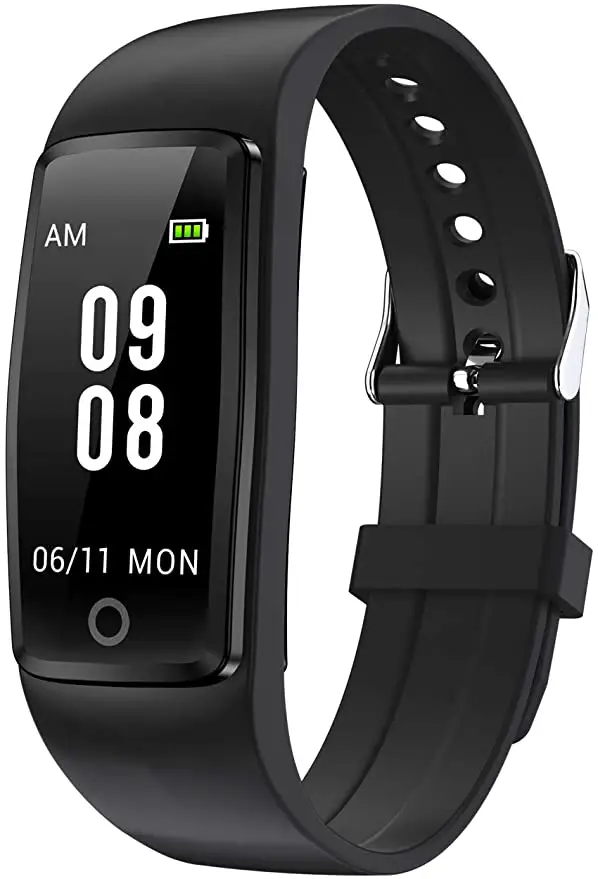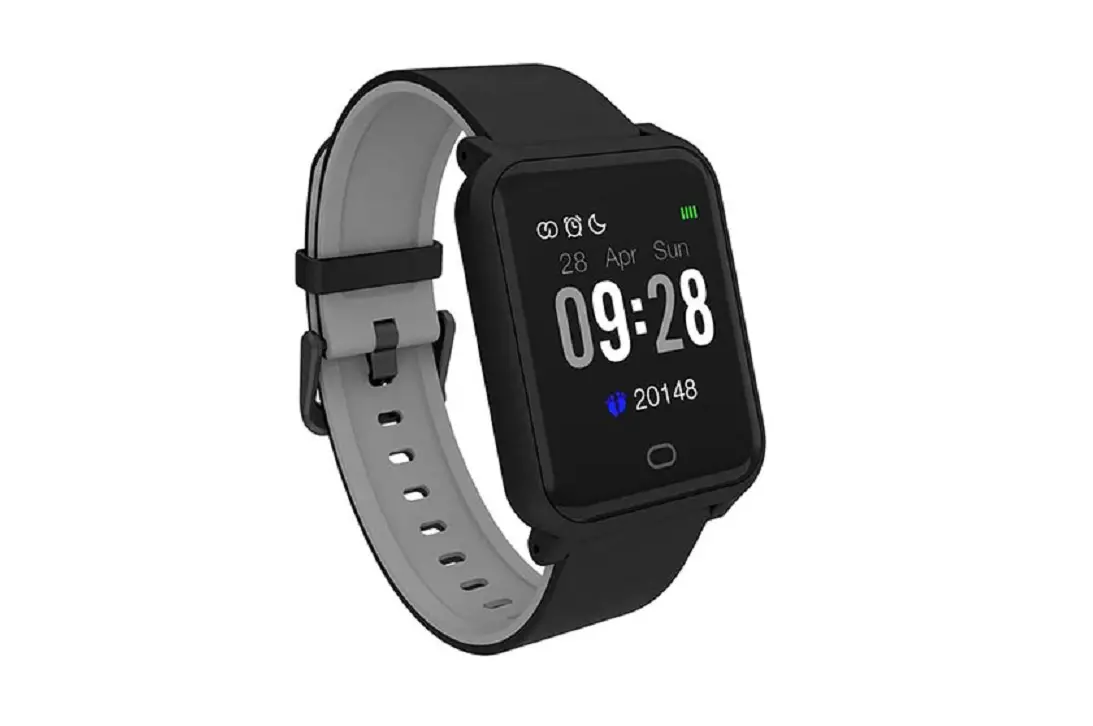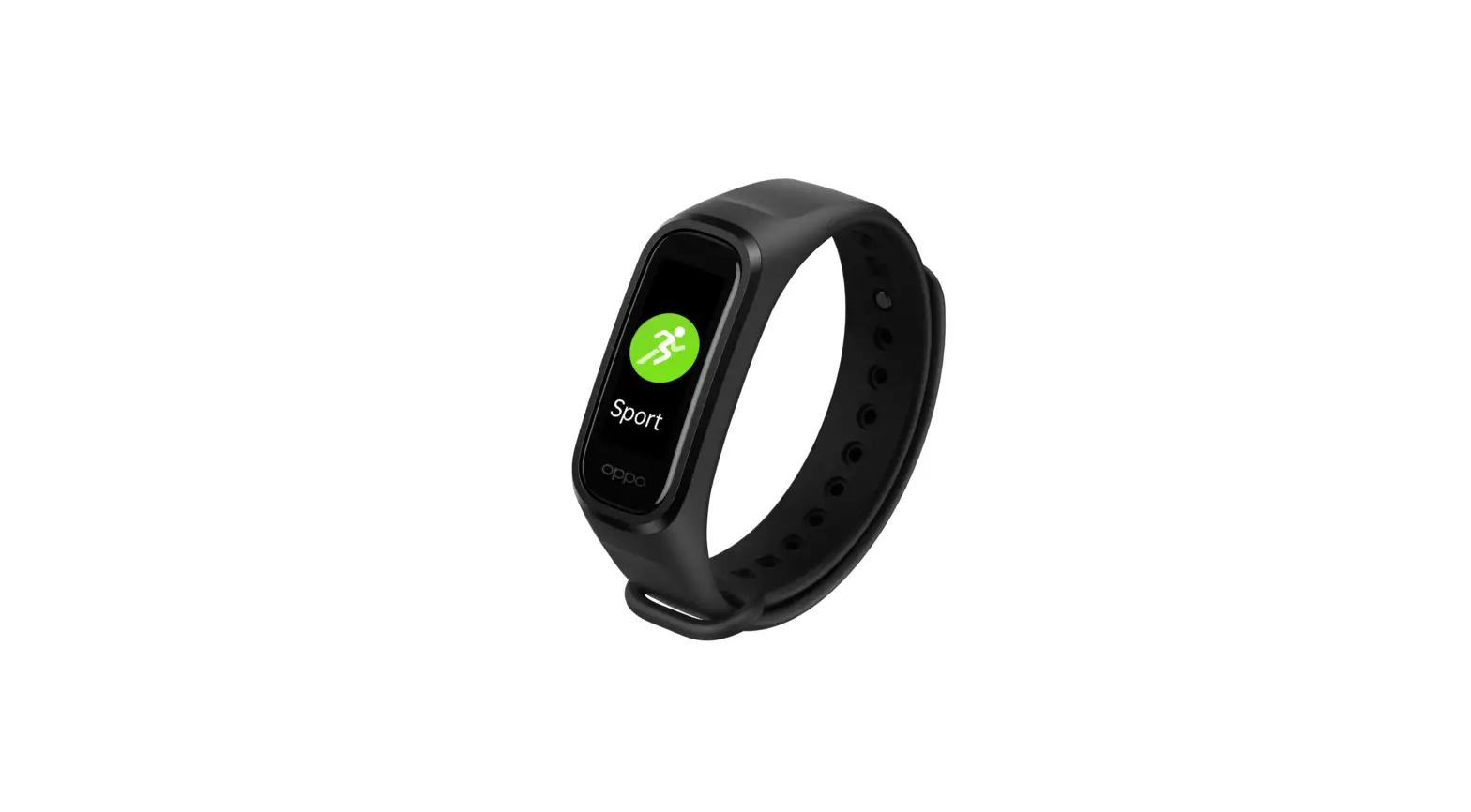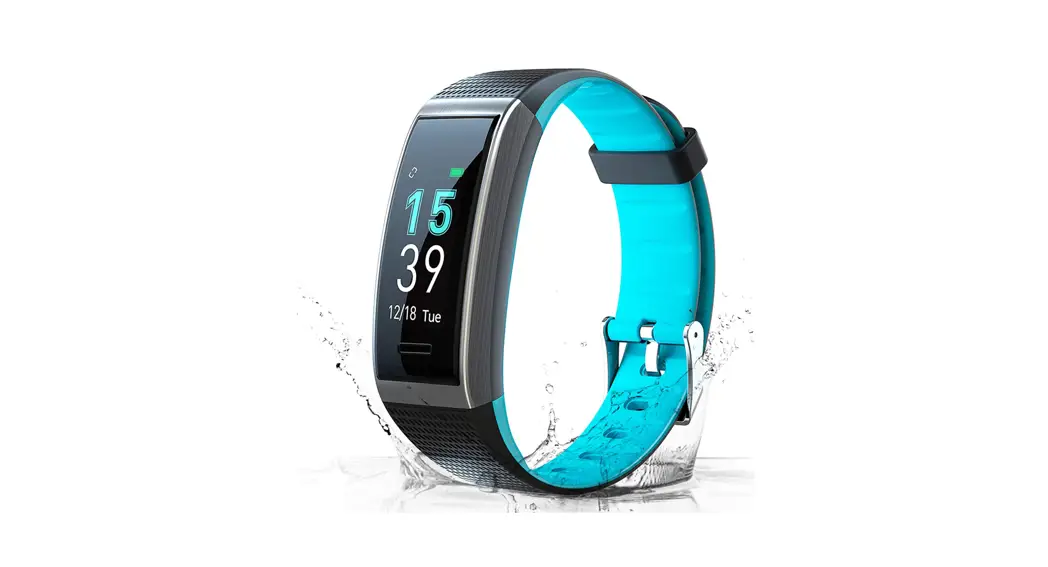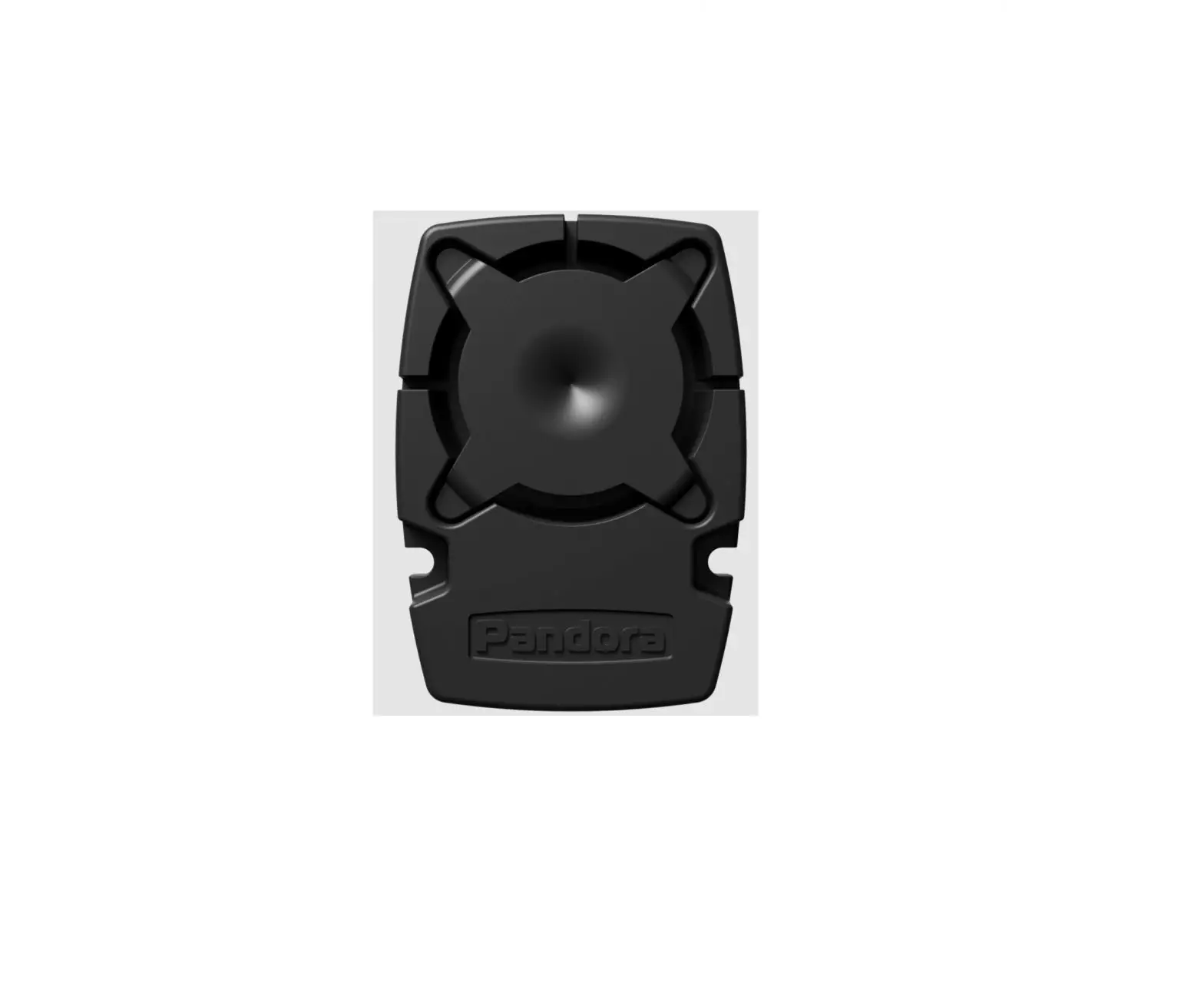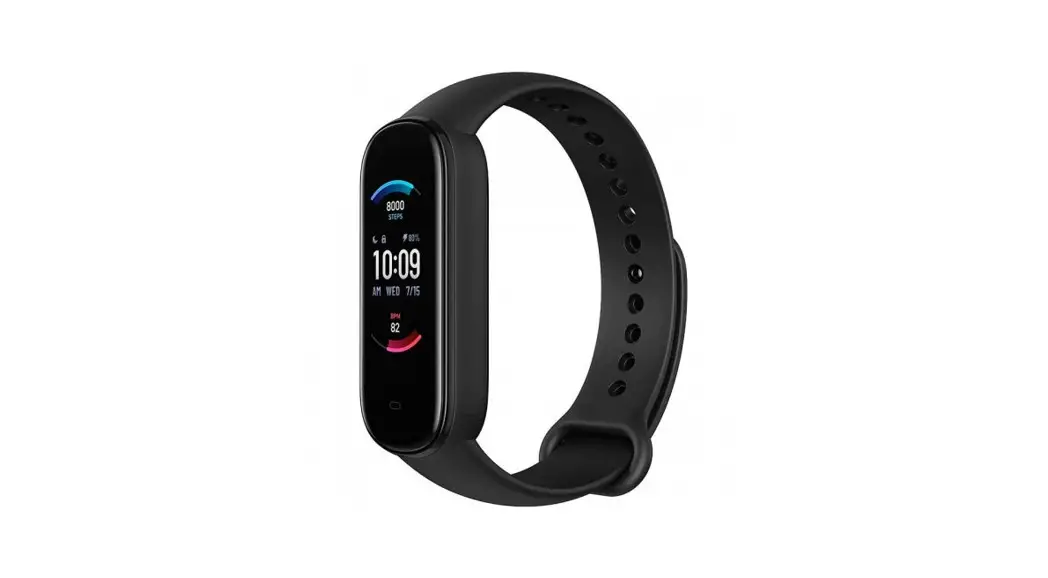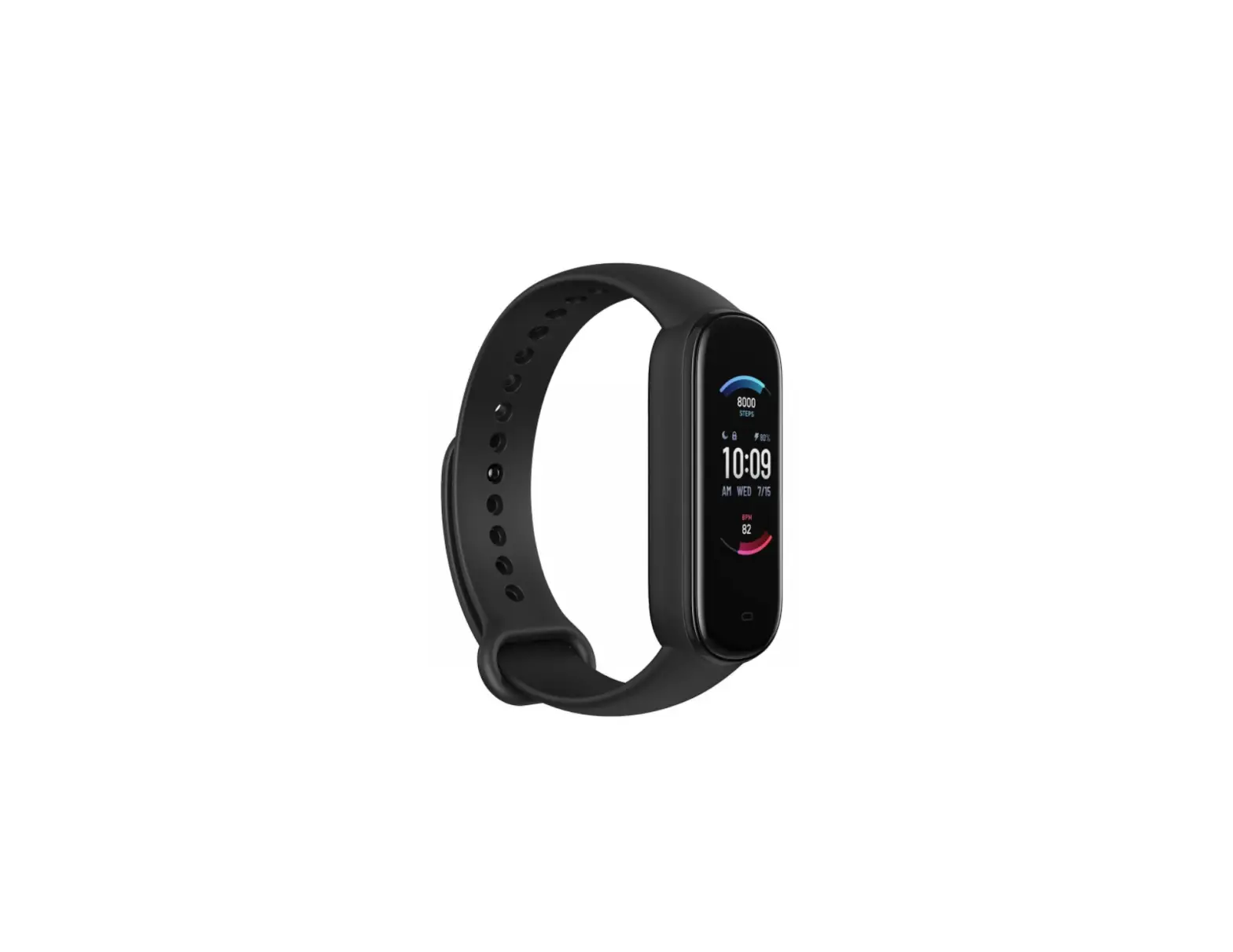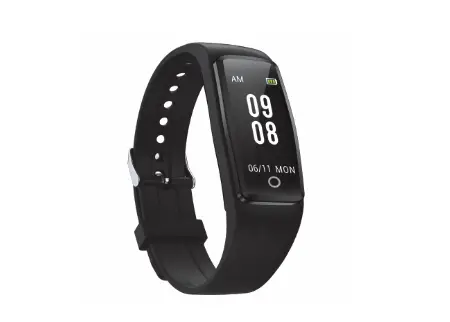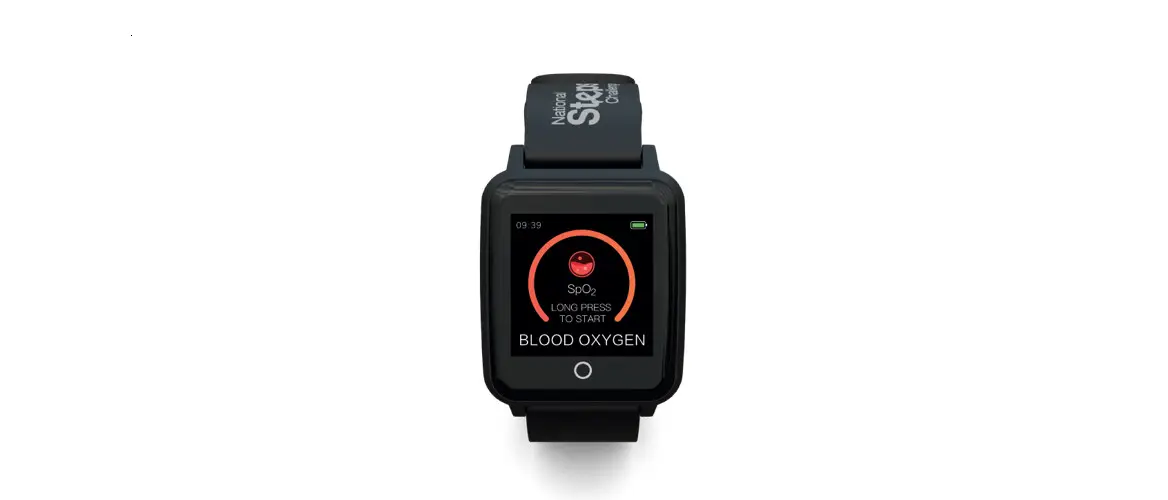
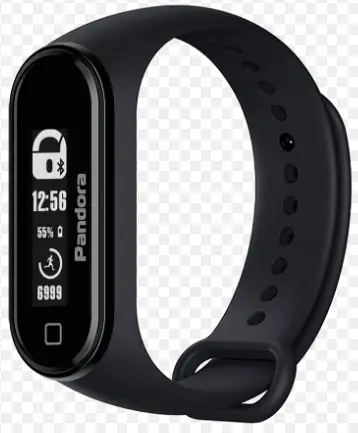
Pandora Band Fitness Tracker
Our web-site: pandorainfo.com
Customer support: [email protected]
SET
- Quick guide 1 pc.
- Capsule 1 pc.
- Band (black) 1 pc.
- Charging cable (USB – micro USB) 1 pc.
- Packaging 1 pc.
THE MANUFACTURER RESERVES THE RIGHT TO CHANGE THE SET AND CONSTRUCTION OF THE PRODUCT TO IMPROVE ITS TECHNOLOGICAL AND OPERATIONAL PARAMETERS WITHOUT A NOTIFICATION.
GENERAL INFORMATION
Wrist-wearable band designed to conveniently control vehicle equipped with Pandora Bluetooth system (BT5.0, BT5.2).
PANDORA BAND IS A UNIFIED CONTROL DEVICE ITS OPERATION DEPENDS OF THE SECURITY SYSTEM FUNCTIONAL. IT IS NECCESSARY TO ENABLE USE D030 AS A RADIO TAG OPTION TO USE BAND AS AN OWNER’S AUTHORIZATION DEVICE.
DISPLAY: OLED, 128 X 32
INTERFACE: Bluetooth 5.0
SENSORS: accelerometer
ACCU: Li-Po, 85 mAh
CHARGING INPUT: microUSB
ADDITIONALLY:
CONTROL BUTTON
OPERATING RANGE:
from –10°C to +40°C
COMPATIBILITY
Pandora: Pandora Elite / Pandora Smart Pro V3 / Pandora Camper Pro V2 / Pandora Camper Mini
SWITCH ON/OFF THE BAND
Press and hold the button for 3 sec to switch ON, 8 sec to switch OFF.
CHARGING THE BAND
There is a battery charge indicator on the display. Charge the battery if the device does not turn on or the charge indicator shows low level (10%).
- remove capsule from the band;
- connect the micro-USB connector of the cable to the capsule;
- connect the USB connector of the cable to the charger (not included in the set);
- charge the battery until the indicator is full (100%);
- disconnect the cable and insert the capsule into the band – device is ready for use.
| PRESS | FUNCTION |
| briefly (ignition off) | Arming/disarming the security system |
| 1 sec (engine running) | Switch on «Hold On» mode |
| 2 sec (system disarmed) | Change the «Main owner’s phone number» |
| 3 sec (ignition on) | Activate/deactivate Service mode |
| 3 sec (band is switched off) | Switch on the BAND |
| 6 sec (programming) | Pair the BAND with a base unit |
| 8 sec (band is switched on) | Switch off the BAND |
| 10 sec | Firmware update |
INFORMATION ICONS
| Security system status | Connection state |
| 12 48 Current time* | Charge indicator |
| Process scale | 6699 Counter* |
PANDORA BAND AUTOMATICALLY SYNCHRONIZES THE TIME WITH THE SYSTEM BASE UNIT AND DISPLAYS COUNTED STEPS THE COUNTER IS RESET BY TIME 0:00 AM.
FIRMWARE UPDATE
Install «Pandora BT» (Android/iOS) or «Pandora Specialist» Apps on a smartphone or a tablet, equipped with Bluetooth 4.0 or higher.
- open mobile App, search for a device;
- press and hold control button for 10 sec or connect micro USB cable while holding control button;
- choose the BAND in the mobile App and start the update: «INTERNET» – software will be downloaded from a server; «FILE MANAGER» – select previously downloaded software (Android only).
PAIRING THE BAND
- Enter the programming level 1 «Pairing remote controls» in accordance with a security system manual;
- Press and hold control button for 6 sec;
- The security system will confirm pairing with a beep. Finish pairing in accordance with the security system manual.
ACCEPTANCE CERTIFICATE
Serial number_______________ Date of production___________
Responsible person’s signature (stamp)_____________________
Packager ______________________
Signature (Personal stamp)
WARRANTY CARD
Model Pandora Band
Serial number_________________________________________
Date of purchase «_______»__________________20________y
_____________________________________________________
Seller’s (installer’s) stamp
Seller’s signature________________________ _ _ _____________

 Pandora International