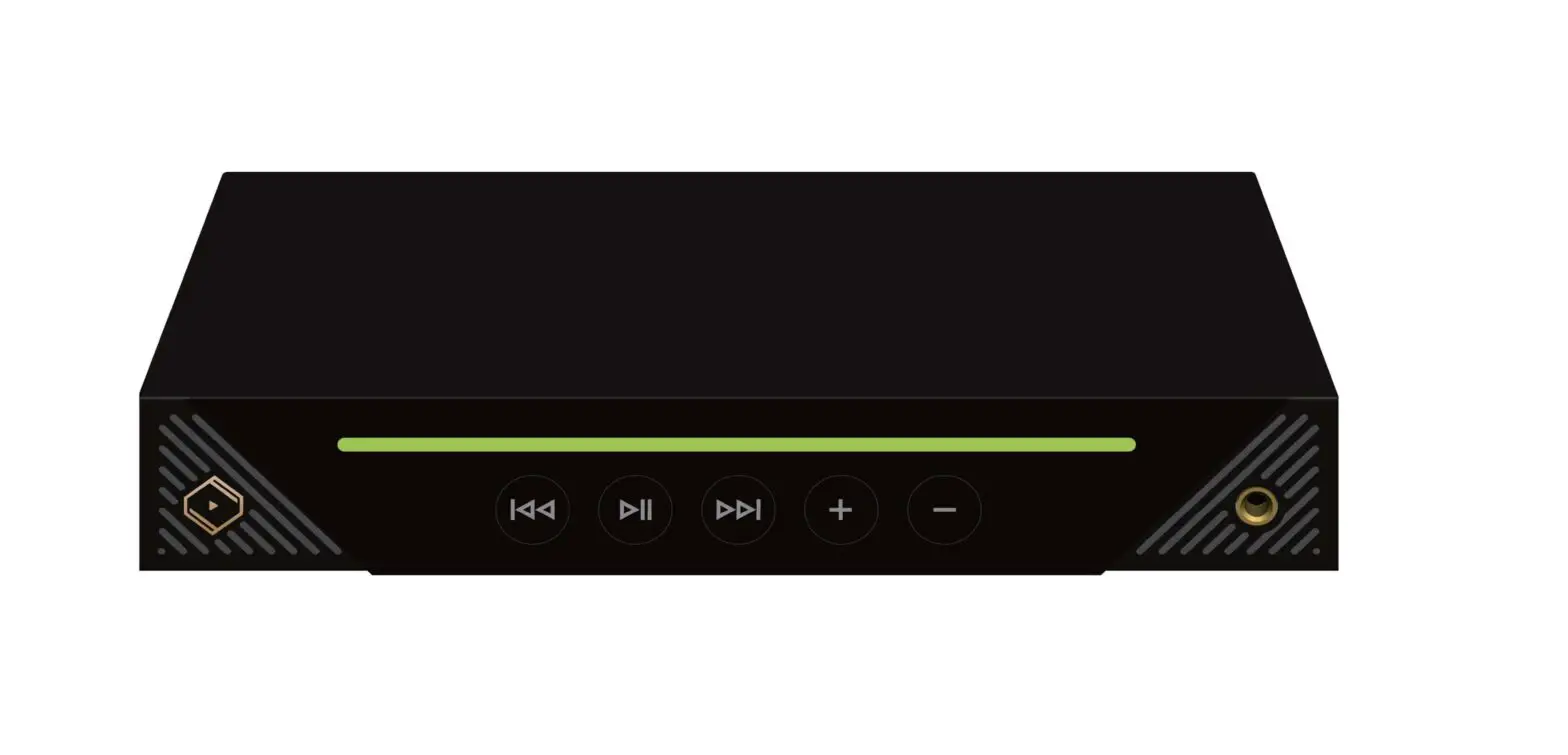
Xstream Multi-Point
Hellberg Xstream Multi-Point
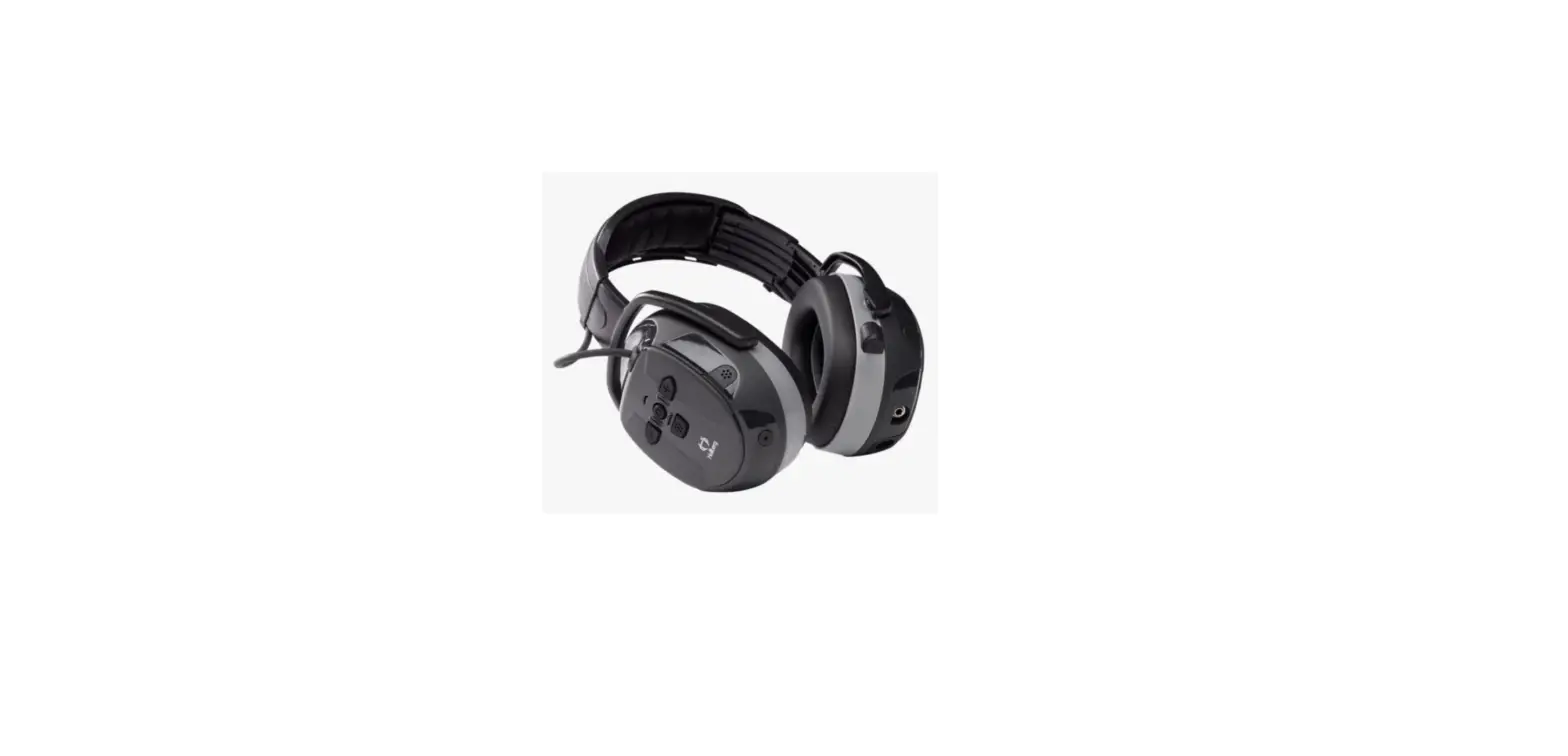
The Hellberg Xstream Multi-Point is a wireless headset that can
be connected to multiple devices simultaneously. It has Bluetooth
connectivity and can be charged using a USB cable.
Product Usage Instructions:
- Charging: Charge the headset prior to first
use. Plug the charging cable into the headset and plug the USB
connector into a USB power source. - Power On/Off: To turn on the headset, hold
down the button until the LED flashes BLUE. The headset will
automatically connect to the paired phone after the first pairing.
To turn off the headset, press and hold the button for 4
seconds. - Pairing: To pair the headset with another
device, press and hold the button for 2 seconds. Keep holding down
the buttons until the LED flashes RED/BLUE. Note that the first
paired unit will be temporarily disconnected during pairing with
the second unit. Reactivate the connection in phone number 1’s BT
menu. - Adjust Volume/Next/Previous Track: Press the
button to adjust the volume. Press and hold for 2 seconds to change
tracks. - Play/Pause Music/Answer Phone Calls: Press the
button to play/pause music. Press to answer/hang-up a phone
call. - Active Listening: Press and hold for 2 seconds
to switch the function On/Off.
Note: The volume is adjustable in 5 steps:
1-2-3-4-5-1-2-3…
Print no: 17275_rev0_22/01
QUICK GUIDE
to Hellberg Xstream Multi-Point
Charging
Charge prior to first use. Plug the charging cable in to the headset, and plug the USB connetor in to a USB power source.
ON – Hold down the button
until the LED flashes BLUE. (automatic connection to the paired phone after 1st pairing) OFF – Press and hold for 4 sec.
Pairing*
Press and hold for 2 sec. Keep holding down the buttons until the LED flashes RED/BLUE.
*The first paired unit is temporarily disconnected during paring with the second unit, reactivate connection in phone no 1 BT menu.
Bluetooth volume Press to adjust volume
Next/Previous track Press and hold 2 sec. to change track
Play/Pause music Answer phone calls
Press to play/pause music.
Press to answer/hang-up a phone call.
Active Listening
Press and hold 2 sec. to switch the function On/Off.
Volume Press to adjust the volume. Adjustable in 5 steps. 1-2-3-4-5-1-2-3…
Print no: 17275_rev0_22/01