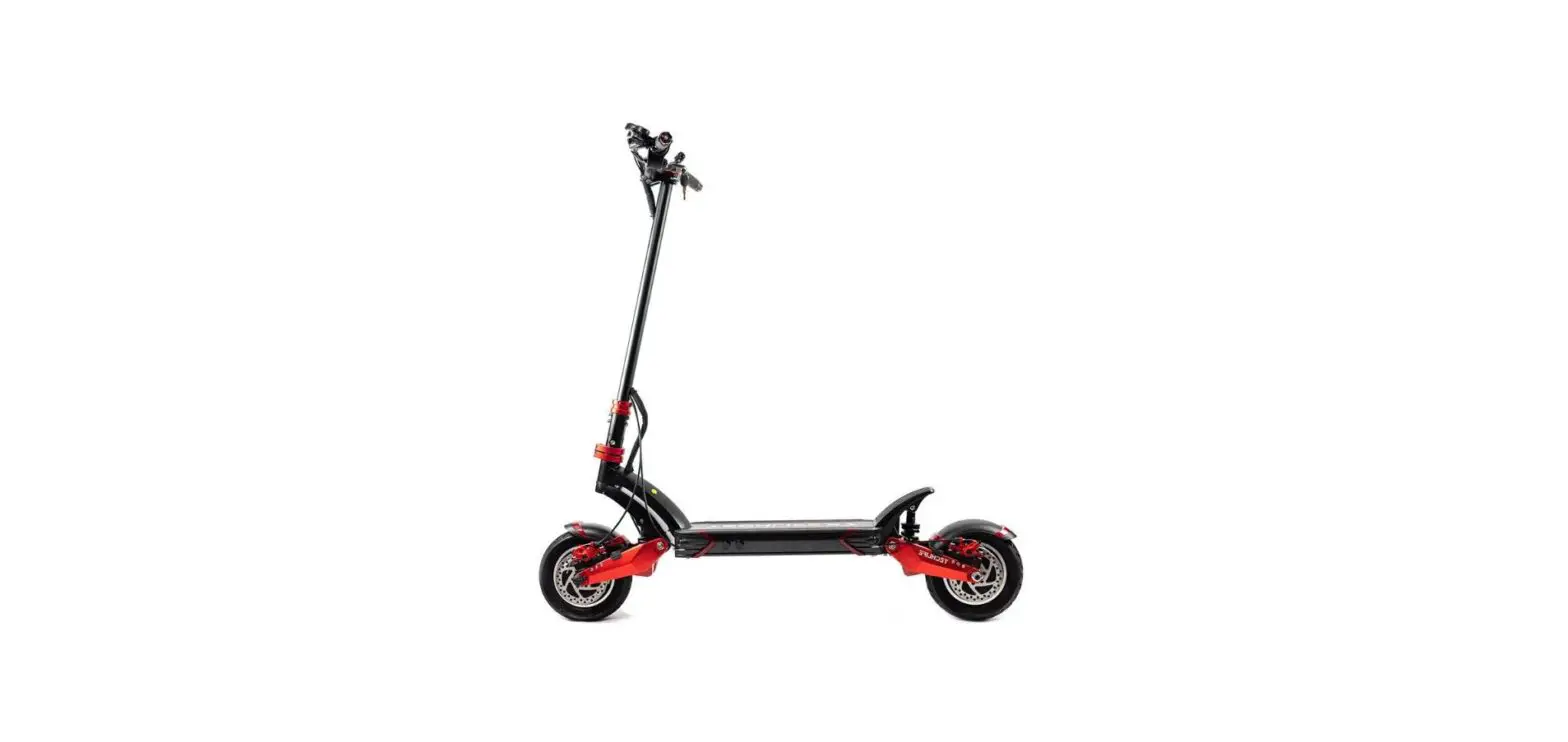
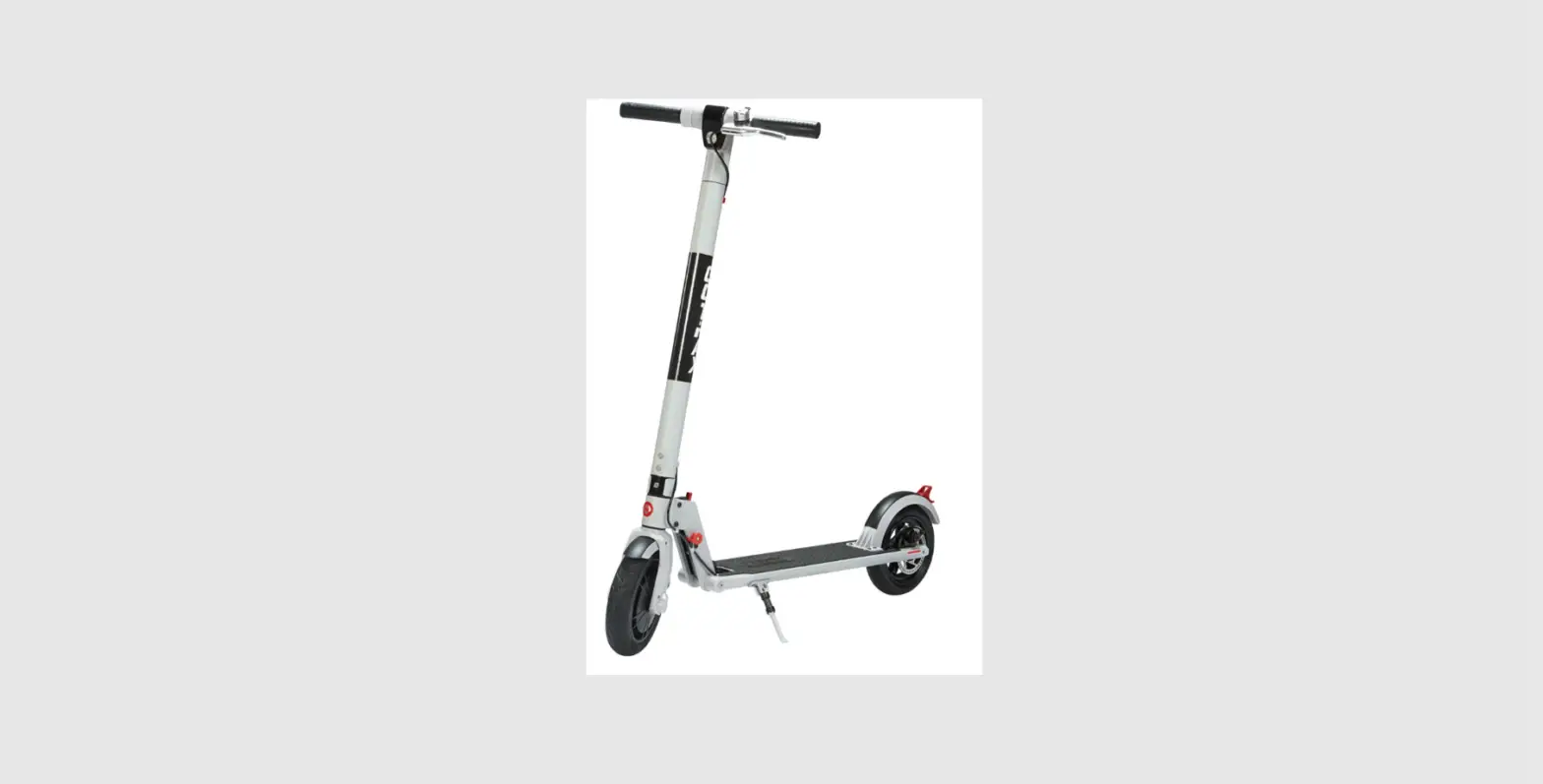
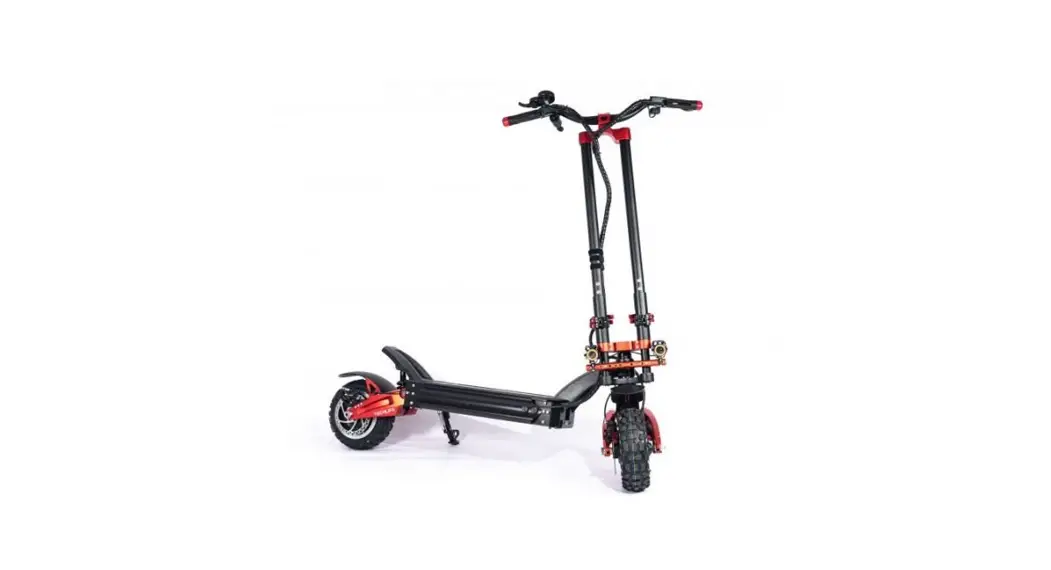
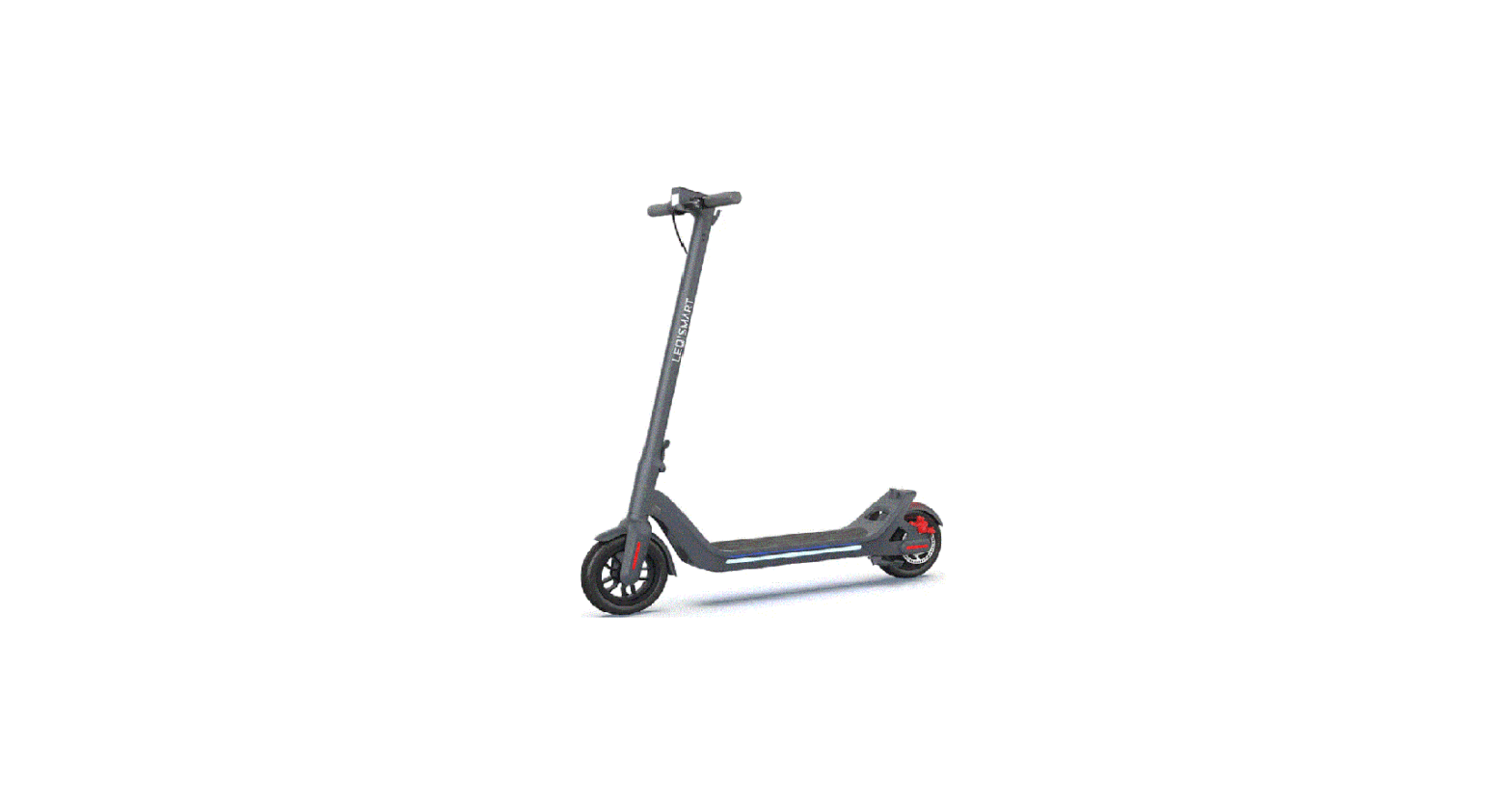
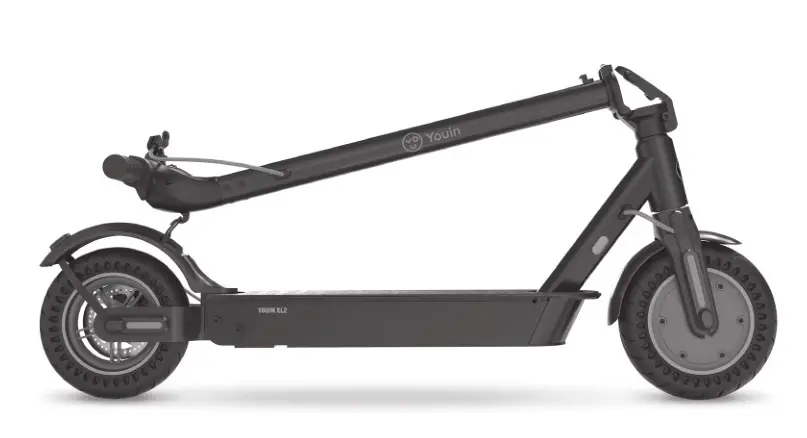
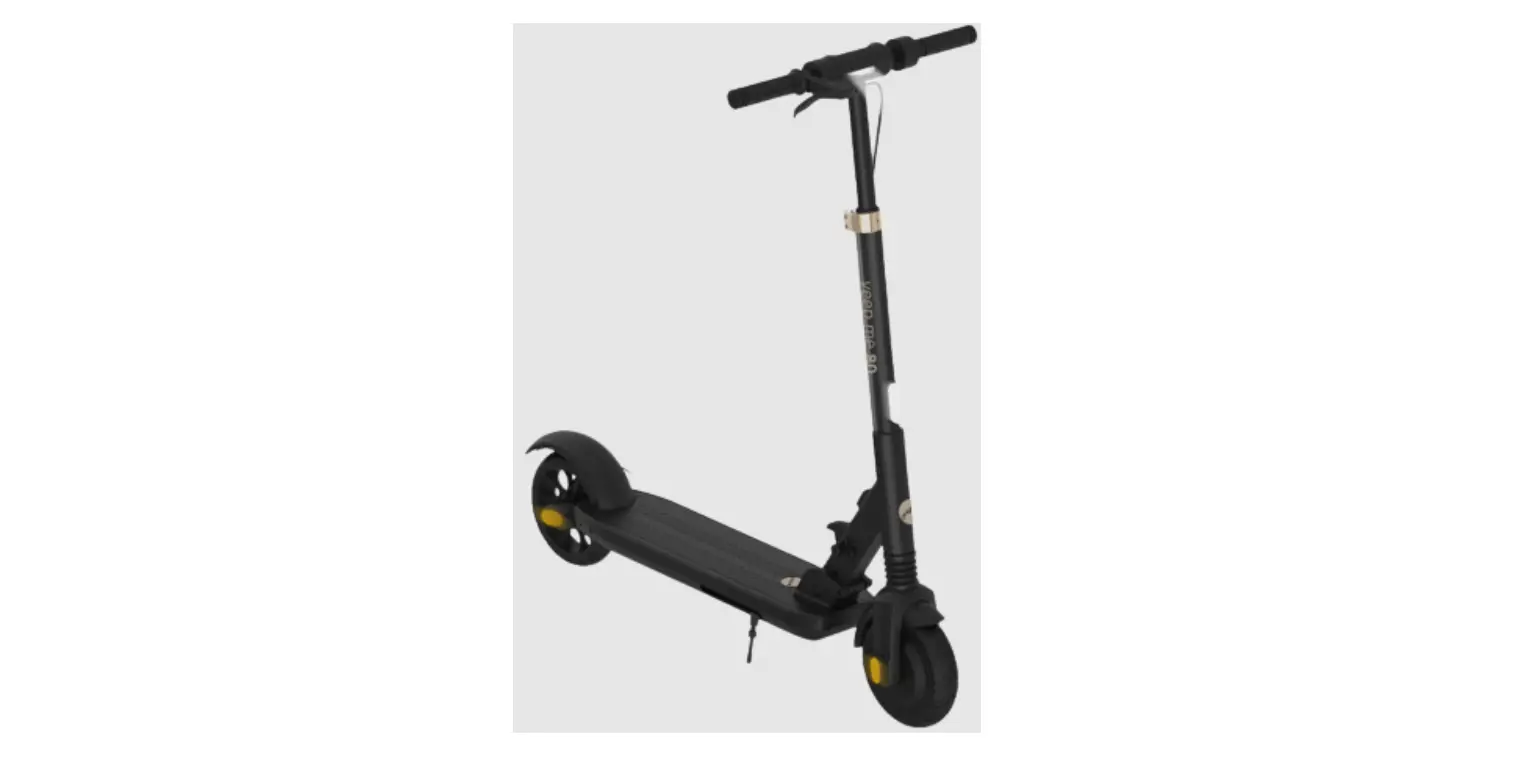
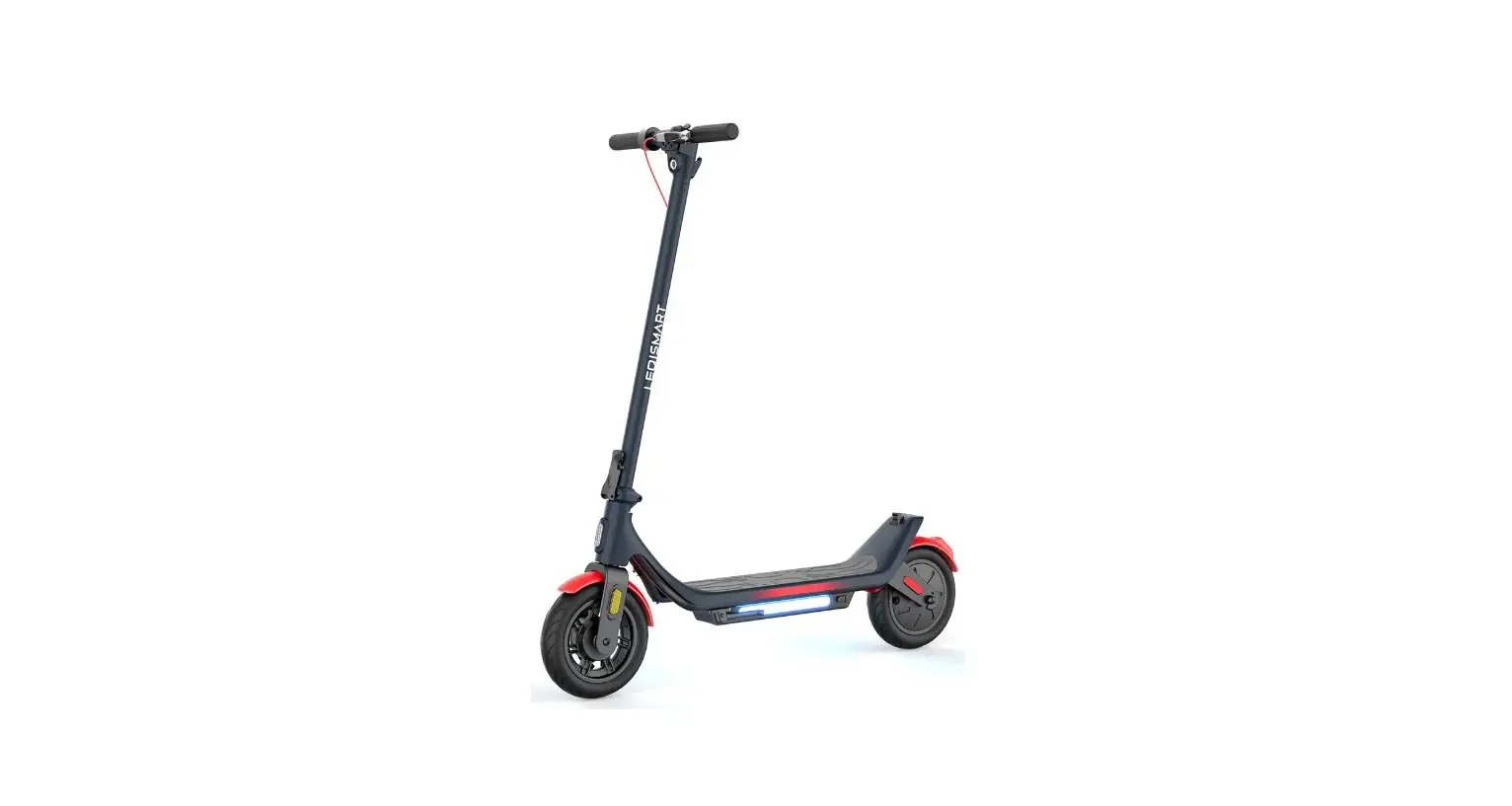
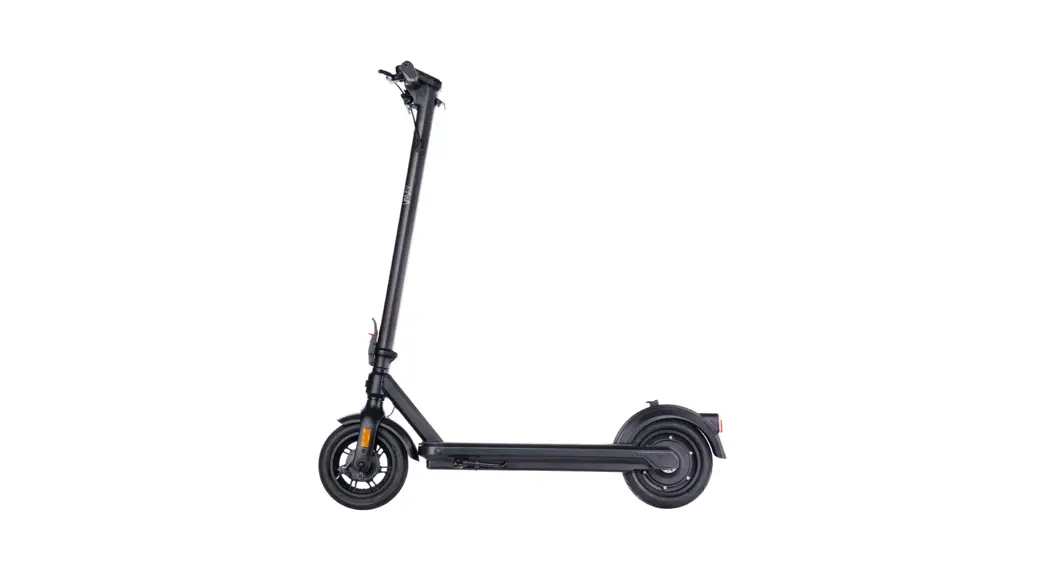
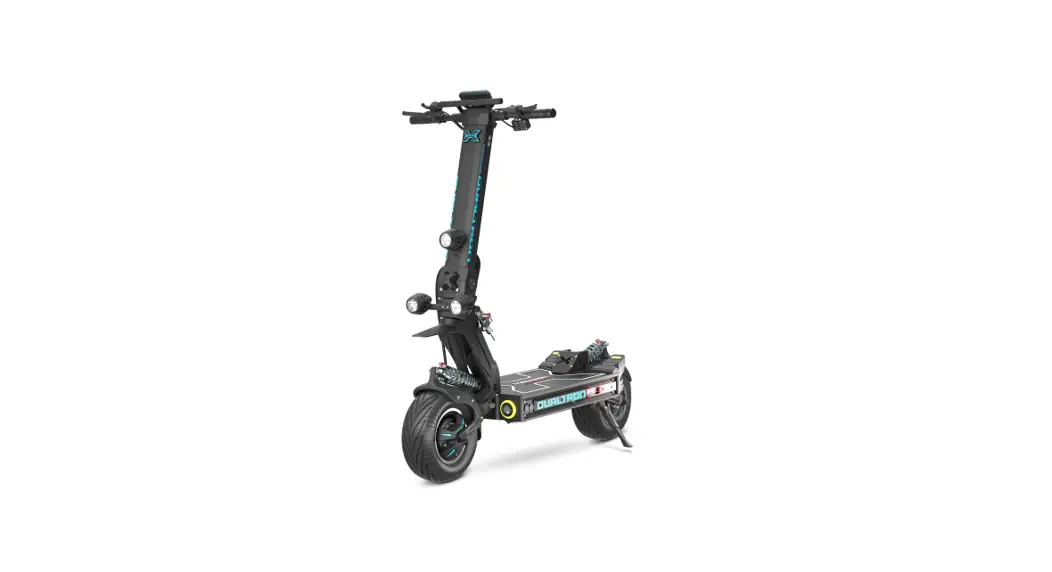
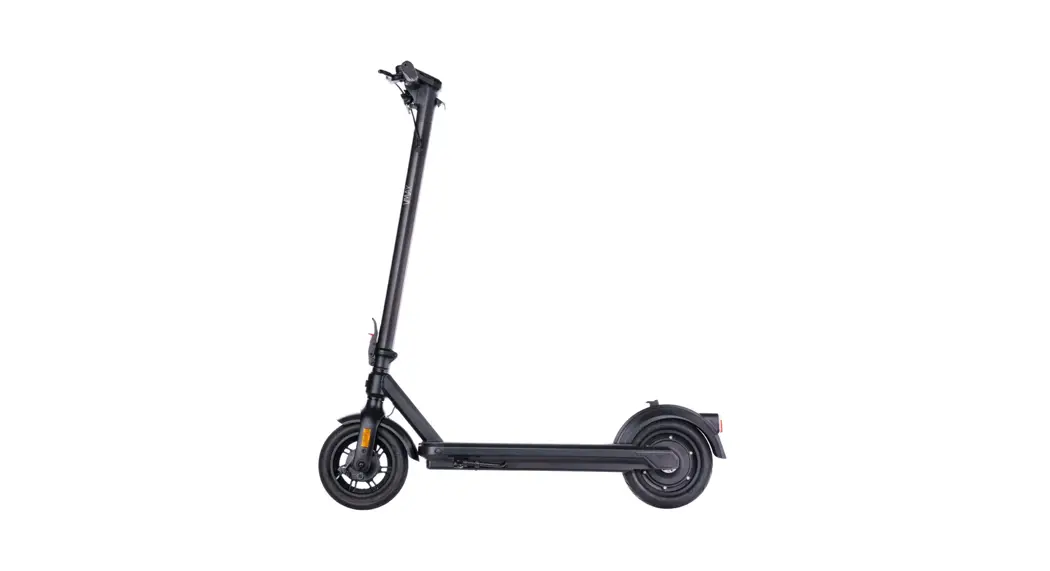
X7-1-VN1229 High Powered Scooter
OBARTER X7 14inch Dual Motor E Scooter
Product Information
The OBARTER X7 is a 14inch Dual Motor E Scooter that is designed
for personal transportation. It has a maximum speed of about
80-100km/h, which depends on the scooter’s motor or voltage. The
scooter has a maximum mileage of 80-250km, which depends on the
battery capacity. It can carry a maximum load of about 180kg and
weighs around 65-75kg, which depends on the model and battery. The
scooter features a brushless motor of 4000W x 2pcs and a battery
voltage of 60v/60AH. The scooter has a multifunctional LCD
instrument, LED headlights with a horn, and front and rear wheels
with inflatable 14inch tires. The plastic parts of the scooter are
made of environmentally friendly high-strength materials.
Disclaimer: Please abide by the relevant laws and regulations of
the local bike ride. The Company is not responsible for all the
consequences of speeding up for personal reasons.
Product Usage Instructions
1. To turn on the scooter, long press the power button when the
meter is off. After power on, short press the power button, and the
interface will switch between ODO, TRIP, VOL.
2. The scooter features an accelerator, ECO/turbo button, turn
signal button, front light button, and horn button.
3. The multifunctional LCD instrument displays total mileage
ODO, single TRIP, digital voltage display VOL, and fault code
ERR.
4. The fault code decimal system indicates different fault
states such as normal state, unused, brake, power sensor fault
(cycling mark), 6 km/h cruise, real-time cruise, battery under
voltage, motor fault, handlebar fault, controller fault,
communication receiving fault, communication sending fault, BMS
communication fault, headlight fault, and parameter setting.
5. The scooter has different settings such as backlight
brightness, mileage unit, battery voltage grade, sleep time, power
assist system gear, wheel diameter, speed measurement magnetic
steel number, speed limit, zero start/non-zero start setting, drive
mode setting, power assist sensitivity setting, start power type
setting of booster magnetic steel disc, and controller’s current
limiting value.
6. Always abide by the relevant laws and regulations of the
local bike ride while using the scooter.
OBARTER
X7
14inch Dual Motor E Scooter Manual
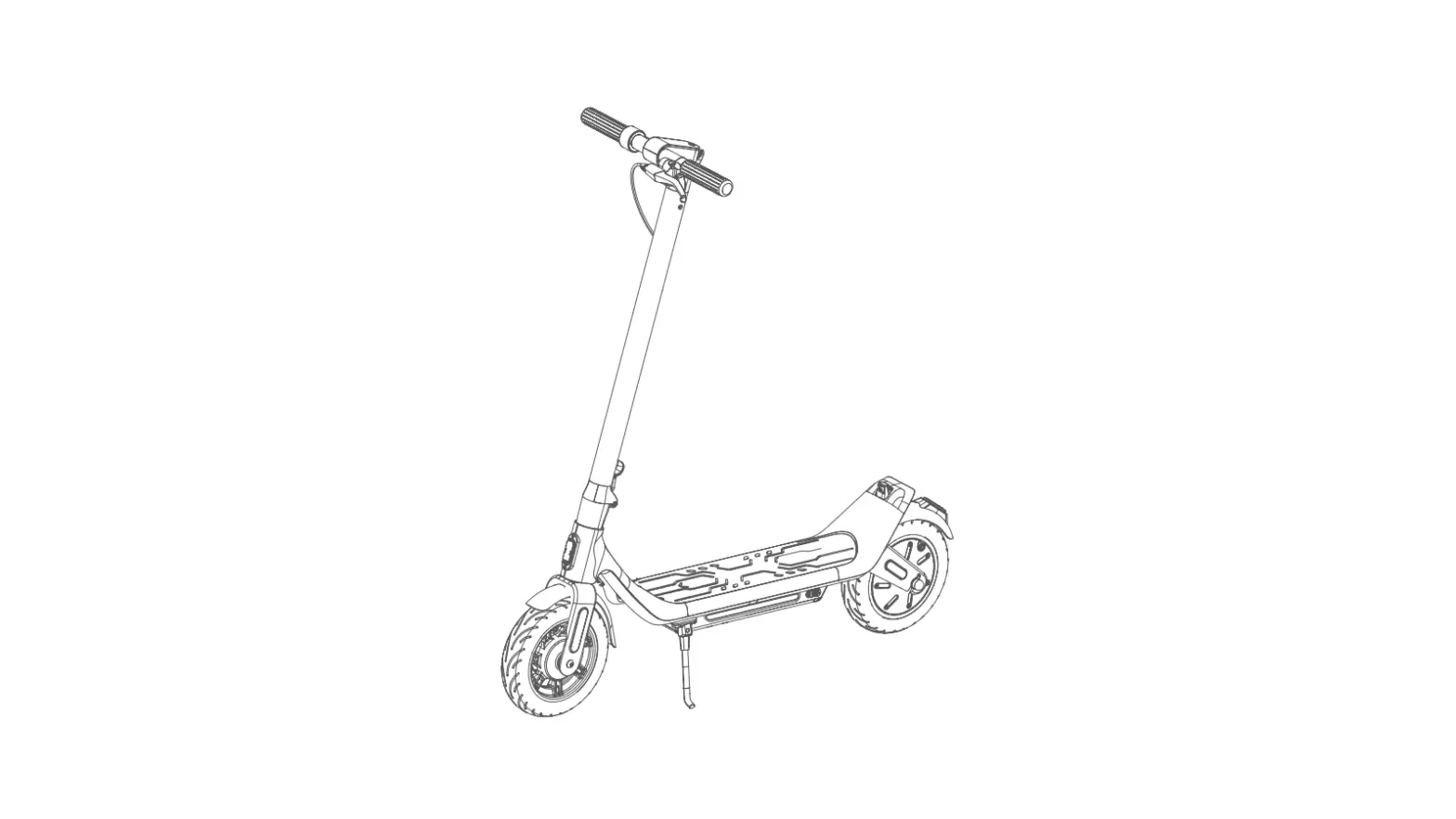
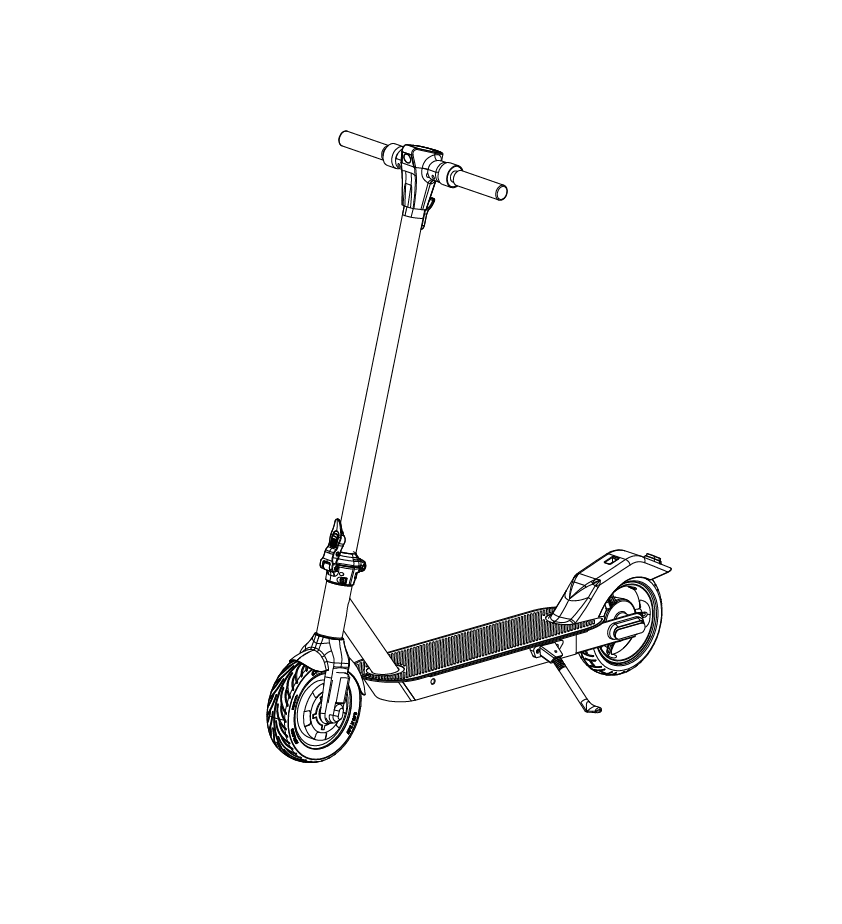
1.The main components
2.The main technical parameters
Parameters
Maximum speed Maximum mileage
About 80-100km/h (depend on scooter Motor or Voltage )
80-250km(depend on Battery Capacity)
Performance Maximum Load and
specifications Scooter weight A
About 180kg bout 65-75kg(depend on model & battery)
size Start form
153x66x135cm (Open Size) 156x66x70cm (Folded Size) Factory default zero start
Motor (brushless motor) 4 0 0 0 W x 2pcs
Battery Voltage
60v/6 0 AH
assembly unit
Instrument Headlight
Multifunctional LCD instrument LED Headlights (with Horn)
Breaker Break Handgrip Front and rear wheels
Plastic parts
Front and rear Brake by Fluid
Power brake Inflatable ( 14inch )
Environmentally friendly high-strength plastic parts
Disclaimer: Please abide by the relevant laws and regulations of the local bike ride The Company are not responsible to all the consequences of speeding up for personal reasons.
3. Scooter Detail
1
10 11
9 87
2
3
4 65
1 Big srceen 2 Display
5 Signal button 6 ECO /turbo
9
Turn Signal button
Front Light 10 button
3 Accelerator 7 ECO /turbo 11 Brake Bar
4 Handle Bar 8 Horn button
4.Display Manual
Total mileage ODO, single TRIP, digital voltage display VOL, fault code ERR.
Faultcode (decimal system
Fault state
Normal state
unused
Brake
note
Power sensor fault (cycling mark) Not implemented here
6 km/h cruise
Real-time cruise
Battery under voltage
Motor fault
Handlebar fault
Controller fault
Communication receiving fault
Communication sending fault
BMS communication fault
Headlight fault
Parameter setting
Faultcode (decimal system
Pd0 P02 P03 P04 P05 P06 P07 P08
P09
P10
Description
note
Backlight brightness, level 1 is the
001
darkest, level 3 is the brightest;
Mileage unit, 0: KM; 1: the MILE;
000
Battery voltage grade:
the default 60V;
060
Sleep time: 0, no sleep; Other
Numbers are sleep time, range:
010
1-60; Per minute;
Power assist system gear: 0-3;
Wheel diameter: unit, inch; Accuracy: 0.1; If speed is not accurate, change this value.
003 13.1
Speed measurement magnetic
steel number: range: 0-255;
030
Speed limit: range 0-100km/h, not open
Zero start, non-zero start setting, 0: zero start: 1: non-zero start. Power output is available when the vehicle speed reaches 5km/h:
Drive mode setting 0: power drive (determine how much power is output through the power gear, at this point the handlebar is invalid.
1:Electric drive (by turning the drive handle, the power gear is invalid).
2:Both power-assisted drive and electric drive coexist at the same time (under zero starting state of electric drive is invalid).
100 000
002
P11
Power assist sensitivity setting.
002
P12
Start power
005
Type setting of booster
P13
magnetic steel disc.
005
The controller’s current limiting
value is set as the default 12A
P14
range: 1-20a
012
P15
Motor speed limite setting for P08
100
0; Not to be able to cruise,
P16
1; Enable cruising; Automatic
000
cruise after 8s(valid for Second
protocol only)
P99
Useless
099
Buttons and interface.
4.1 Long press “Power” button when the meter is off: After power on, short press “Power” button, interface switch between ODO, TRIP, VOL
4.2 Long press “Power” button to power off. Press “Mode” button to switch GEAR
4.3 long press “Power” button +”Mode”button to enter the boot password and menu Settings selection interface (SO interface),in SO Interface, short press “Power” button Key toggle password number, short press”Mode”button Key changes current item value;
5.The operating instructions for folding First
take out the Unlock button first;
Then Press the fold button to fold it.
6.Pedal Lock Password Reset
Pedal Lock Reset Passward Steps. (Original Passward is 000)
1. Use tool sets to take out the handle of the pedal. 2. Turn on the Pedal Lock (with original passward). 3. Use tool to insert the small hole of the lock. Then reset the new Pass ward that you want
(such as 123). 4. Take out the tool, then reset passward “123” finished. 5. Reinstall the pedal handle . Notes Pls do not forget the new passward if you have reseted the passpard.
7.The procedure for removing the battery
Step
Step
Step
1
2
3
8.Announcements
(1) Safe driving
In the acceleration or deceleration time, be aware to avoid the body’s gravity in the hand, to avoid the body forward. The standing posture should be keeping your feet one after the other, thus lead to more secure and stable riding.
A.When turning, the body is parallel to the handle. Please pay attention to the road condition before turning. Be sure it is safe and then turn.
B. When the brakes, the gravity center of body backwards. It is better to learn to control the center of gravity when braking. Otherwise it will cause two situations: the car tilted forward, as well as brake and steering system damage.
(2) Charging Steps.
Very importand, pls as below steps to charging
1. Connect the charger to the scooter first. 2. Insert Plug the Electric City (110V -240V or OK). 3. the charger with green light is full charged, Red light is on charging. 1. When charging, please put safe place where children can not touch. 2. The red light indicates charging and the green light indicates charging is complete. 3. If you do not use it for a long time, charge it every 2 months. 4. Do not charge in a damp place. 5. Do not run the motor while charging. 6. Avoid contact with the material leak out of the battery accidentally. 7. Failure to store or recharge in accordance with the correct method may result in
damage to the battery and no charge.
9.The warranty reference for Electric Scooter
Product name Pole
Footboard Folding Handgrip
Battery Motor Multifunction instrument Others
Warranty year A year A year A year Half year A year A year none
Warranty coverage
none
Note: Damage caused by human factors is not covered by the warranty. In the free warranty period, we do not charge maintenance fees. (Note: not include material costs) But the resulting transport costs borne by both parties. The company has the final interpretation.
User warranty card
User name Tel
Product name
Purchasing date Address Model
Purchasing store
Breakdown description
Note: Due to the company’s product upgrades, may part of the display of the product content you get will be different from the instructions, but will not affect your normal use.