
viatom PO2 Wearable Oximeter O2 Ring
Introduction
Intended use
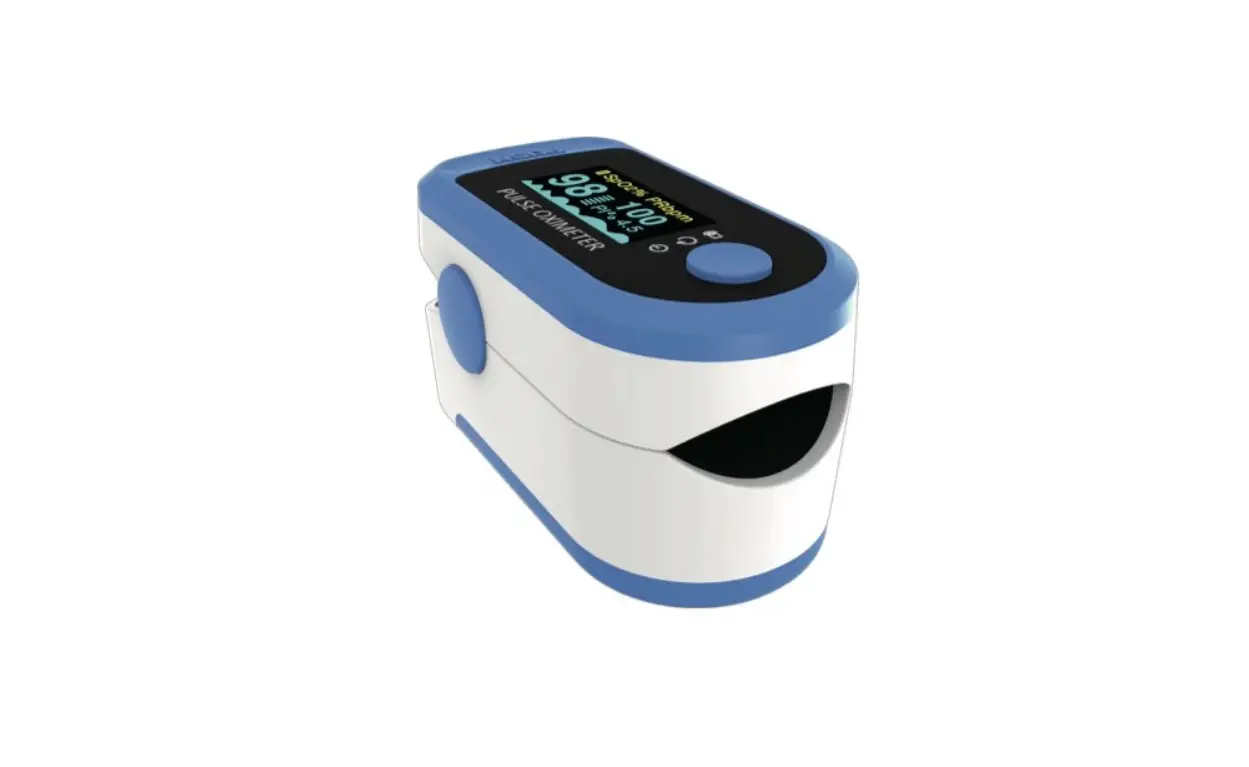
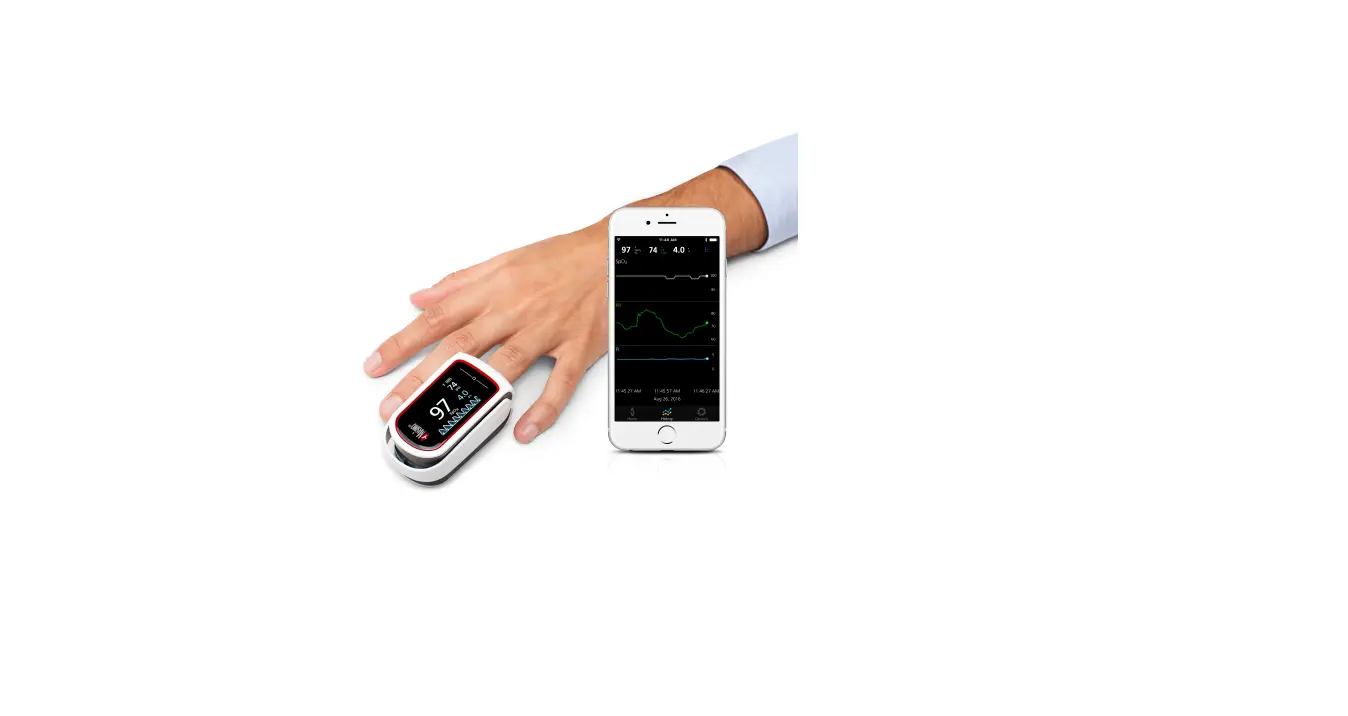
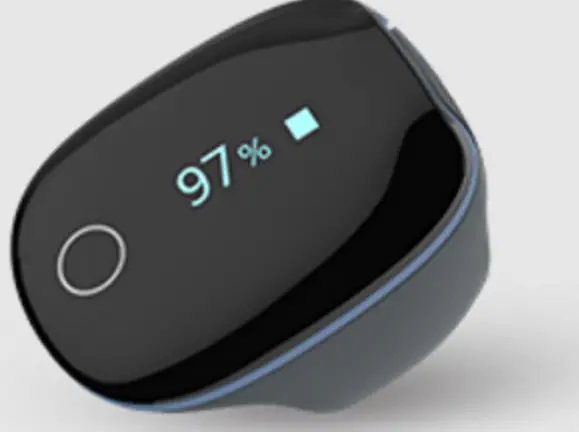
This Pulse Oximeter is intended to be used for measuring, displaying and storing of pulse oxygen saturation (SpO2), pulse rate of adults in home or healthcare facilities environment.
Contraindications
No contraindications.
Warnings and Cautions.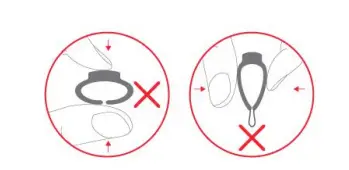
- DO NOT squeeze the sensor part or apply excessive force on it.
- Do not use this device during MRI examination.
- Do not use this device with a defibrillator.
- Do not store the device in the following locations: locations in which the device is exposed to direct sunlight, high temperatures or levels of moisture, or heavy contamination; locations near to sources of water or fire; or locations that are subject to strong electromagnetic influences.
- Do not use the device in a combustible environment (i.e., an oxygen-enriched environment).
- Never submerge the device in water or other liquids.
- Do not clean the device with acetone or other volatile
- Do not drop this device or subject it to strong impact.
- The device and accessories are provided non-sterile.
- Do not place this device in pressure vessels or gas sterilization device.
- Do not dismantle the device, as this could cause damage or malfunctions or impede the operation of the device.
- Consult your doctor immediately if you experience symptoms that could indicate acute disease.
- Do not self-diagnose or self-medicate on the basis of this device without consulting your doctor. In particular, do not start taking any new medication or change the type and/or dosage of any existing medication without prior approval.
- Use only cables, sensors and other accessories specified in this manual.
- Prolonged continuous monitoring may increase the risk of undesirable changes in skin characteristics, such as irritation, reddening, blistering or burns.
- Do not open the device cover without authorization. The cover should only be opened by qualified service personnel.
- The biocompatibility testing has been performed on the materials in contact with the person in accordance with ISO10993.
- Do not place the SpO2 probe on a finger with edema or fragile tissue.
- Check the SpO2 sensor and cable before use. Do not use a damaged SpO2 sensor.
- Check the SpO2 sensor application site every 6-8 hours to determine the positioning of the sensor and the circulation and skin sensitivity of the patient. Patient sensitivity varies depending on medical status or skin condition. For patients with poor peripheral blood circulation or sensitive skin, inspect the sensor site more frequently.
- The functional tester cannot be used to assess the accuracy of the SpO2 sensor or a device.
- The device has no alarm system.
- Continuous use for a long time may cause allergies, redness, blistering or burns. Check the wearing position every 6-8 hours.
- The local laws and regulations should be followed when disposing of the device and accessories.
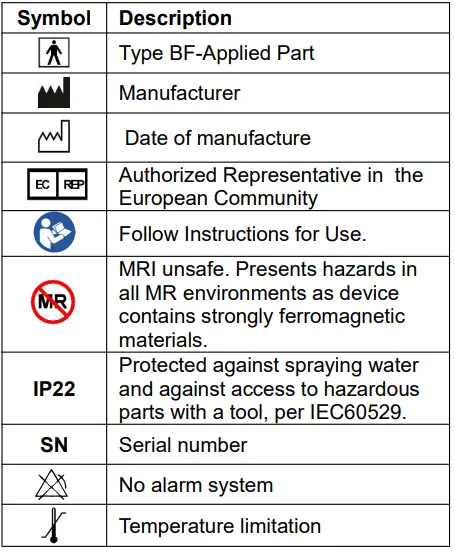
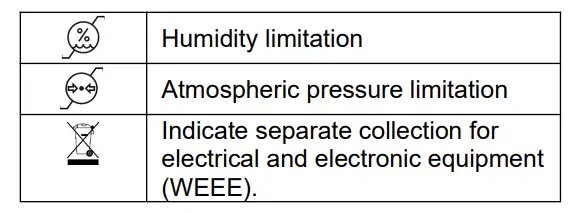
Guide to Symbols

Unpacking
- Device
- User Manual
- Data/ Charging Cable
Overview
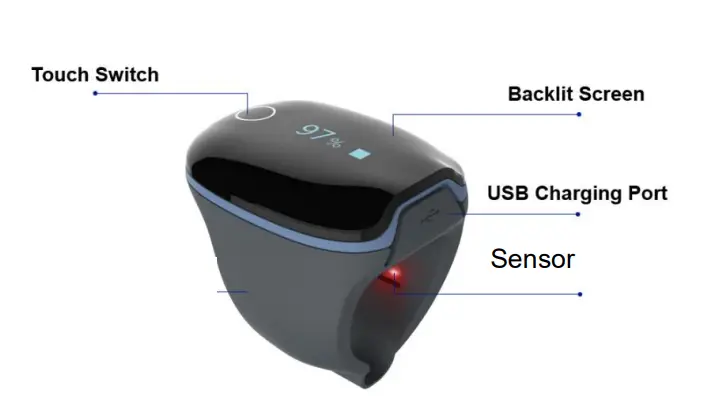
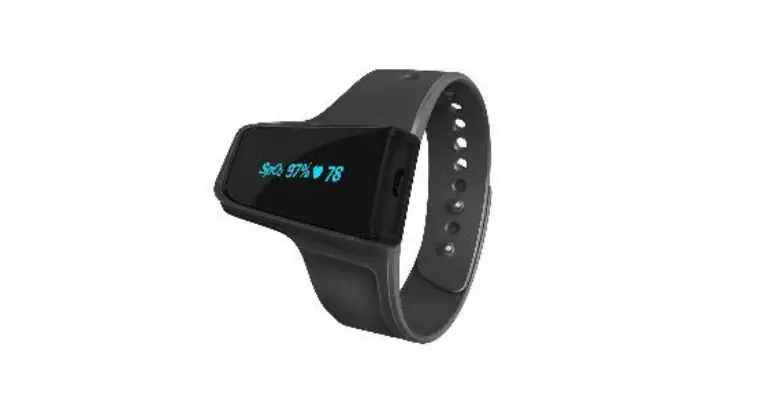
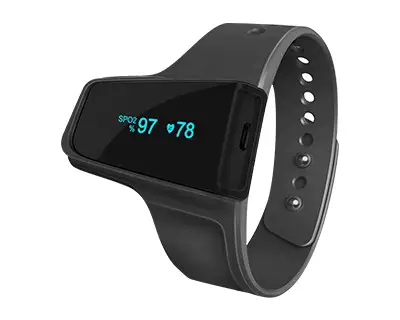
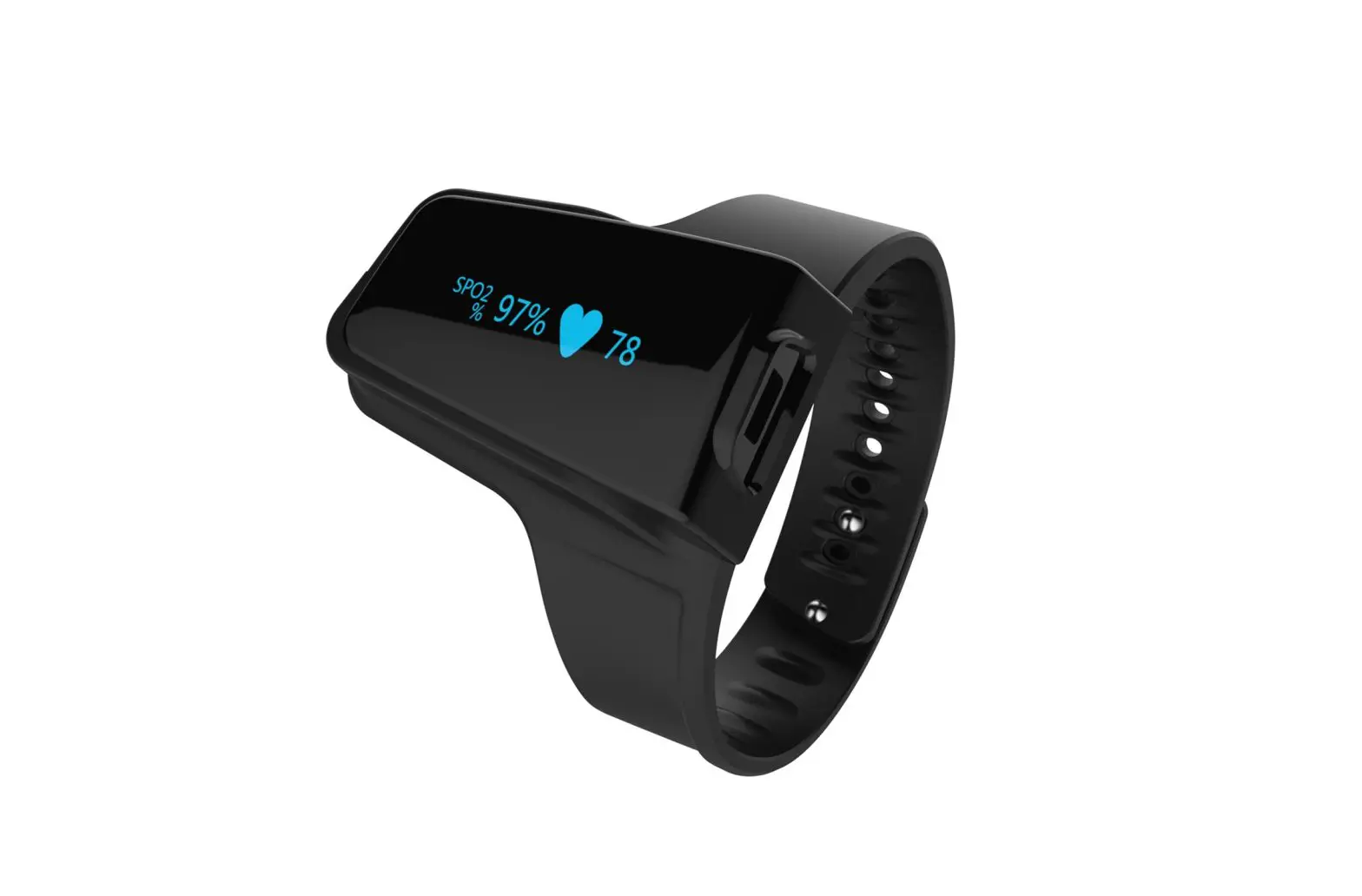
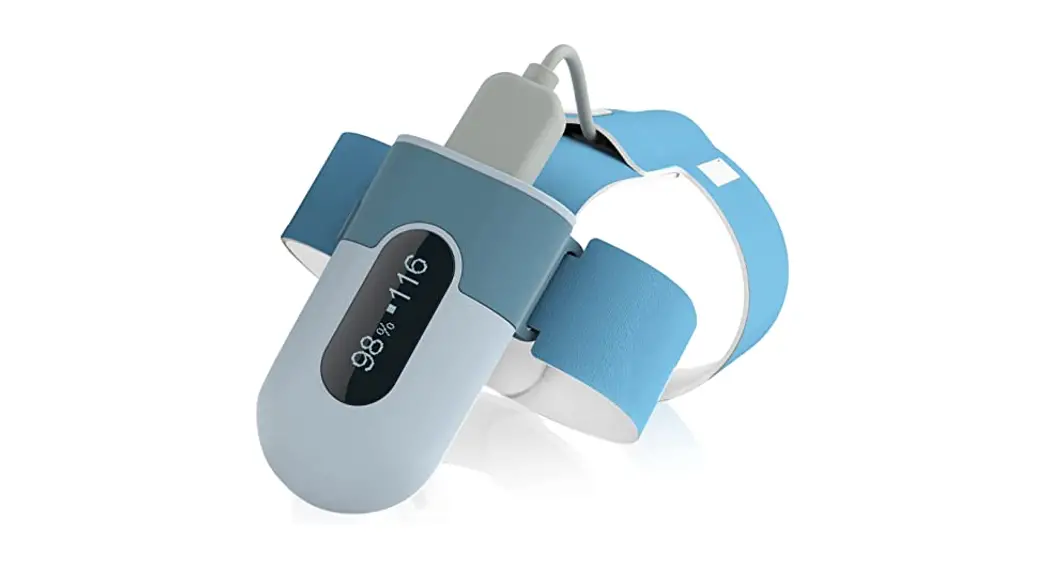
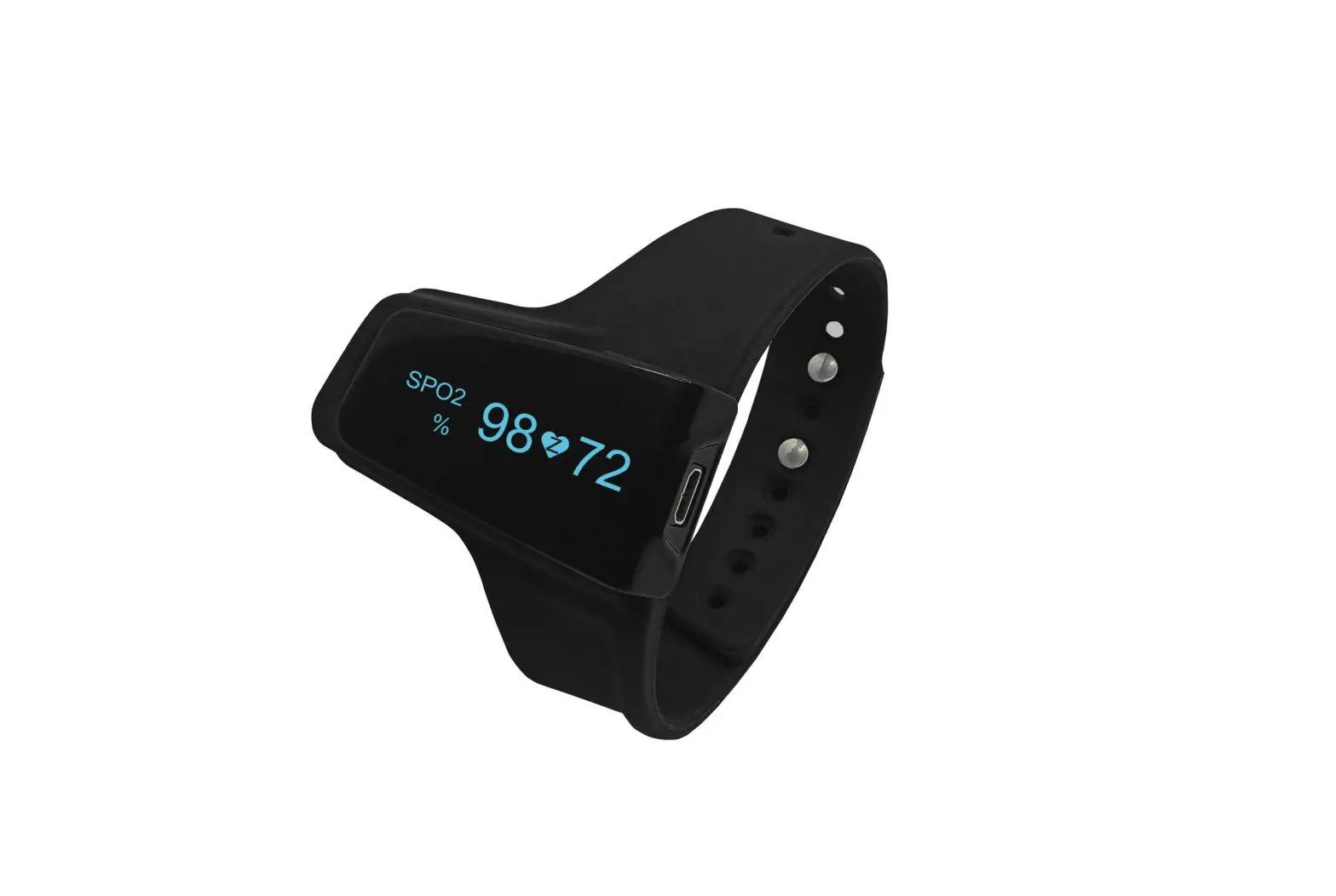
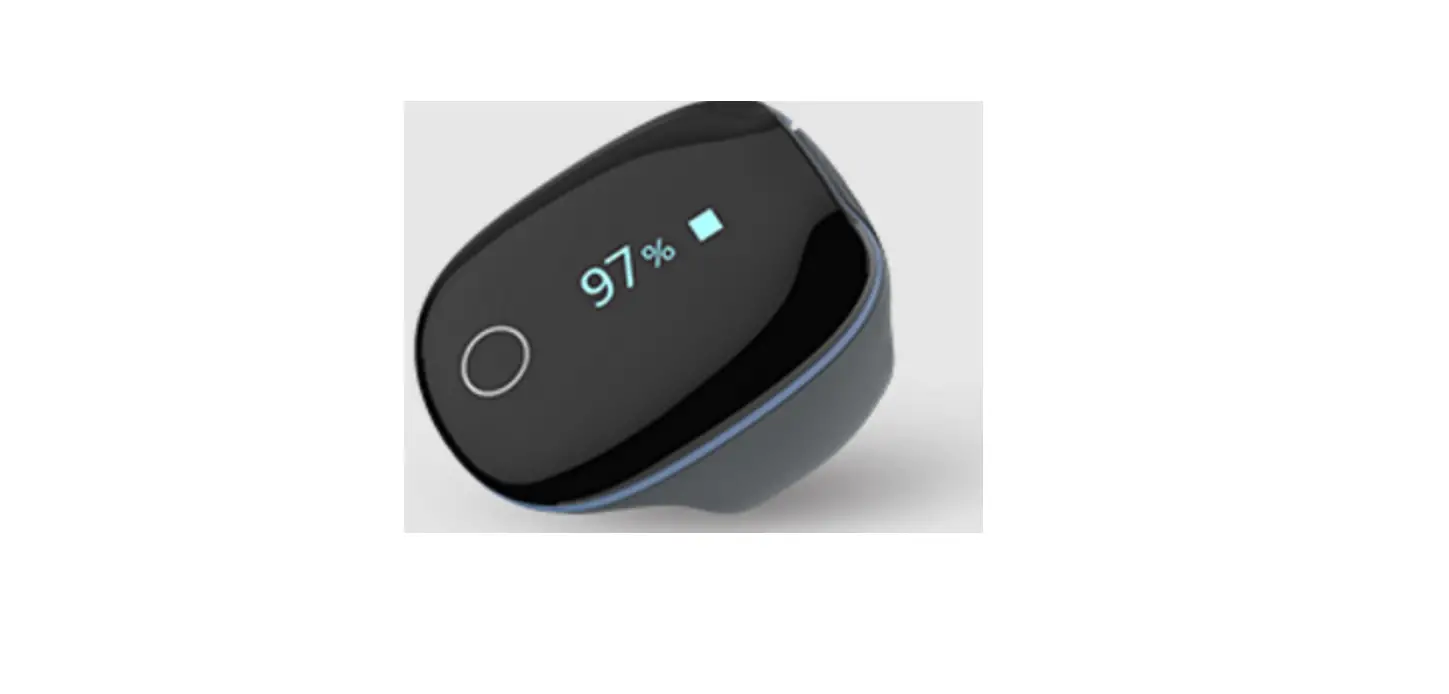
Name: Pulse Oximeter Model: PO2
Touch Switch:
Wake up the screen and switch the interface. Backlit Screen:
Show SpO2 value and pulse rate value .
USB Charging Port:
Can be charged and data transmission.
Sensor:
The device turns on/off automatically in a moment after you take on/off the sensor.
Using the Device
Charging
Use the USB cable to charge the product. Connect the USB cable to a USB charger or to the PC. There will be a battery logo flash on the device when charging.
A fully charge will need 2-3 hours. After fully charged, the device will power off automatically.
Note: The device cannot be used during charging, and if choosing a third party charging adaptor (Class II), select one that complies with IEC60950 or IEC60601-1.
POWER ON/OFF
- POWER ON:
Wear the device, it will turn on automatically. - POWER OFF:
The device turns off automatically in a moment after you take off the sensor.
Typical steps
- STOP. Take off the device, the recording will be over after the countdown.
- DATA Uploading. Run your phone to download data.
Start working
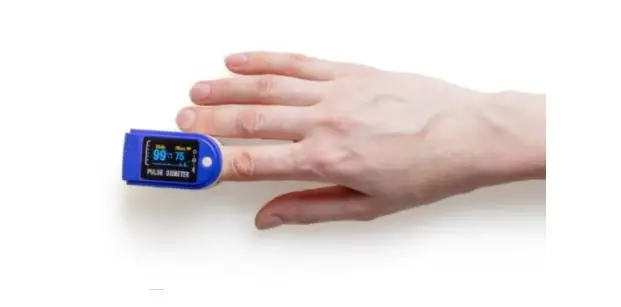
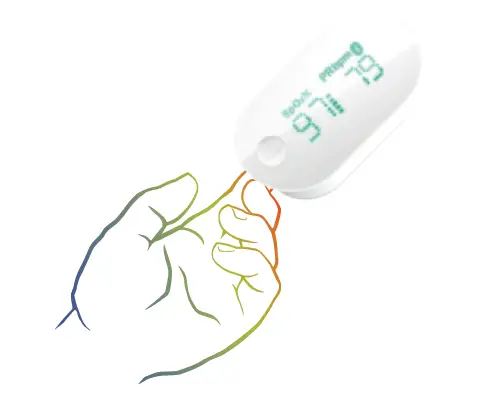
- Wear the device on index finger. Try to move the device along the forefinger to find out a best fit. Avoid being loose. Loose wearing causes inaccurate measure.
- Device will turn on automatically. After a few seconds, the device will begin to work.
Notice:
- If the working time is less than 2 minute, the data will not be saved.
- Please avoid excessive motion.
- Please avoid strong ambient light condition. SpO2 measurement principle:
The Pulse Oxiemter is a lightweight, portable health oximeter for use in the home or in healthcare facilities. SpO2 measurement technology is based on developed photoelectron method, the circuit design and calculation software was developed by Shenzhen Viatom Technology Co., Ltd. The SpO2 sensor receives the optical signal from the red light and infra-red light through the finger. Insert the finger into the oximeter, there are two emitting tube (red light diodes and infrared diodes) located on the inner upside of the sensor and they can emit red light and infrared; There is the receiving end located on the inner downside of the sensor, and it can transmit the red light and infrared into the pulse signal through finger. The MCU receives the pulse signal, gets the frequency signal by counting, processes its digital signal, and finally gets the measured SpO2 value. The PR is averagely calculated by above peak intervals of PR waveform.
Stop working & Upload data
Take off the device, the countdown will begin.
(If the working time is less than 2 minute, there will be no countdown)
During the countdown, if you wear the device again, the record will be resumed.
After the countdown, the data will be ready for uploading.
Notice: The built-in memory can store 4 records. The oldest will be overwritten by the 5th. Please upload data to your phone in time.
Screen Wake up
The screen will go off automatically for saving power in Standard Mode; you can touch the key on top to wake up the screen.
How to Check Battery
Touch the key on top, you can switch display between readings and battery.
Unavailable Symbol
When this symbol displays on device screen, it indicates the readings is unavailable right now. It may caused by:
- Excessive movement;
- Poor signal, finger is too cold;
Usually, the readings will recover in a few seconds when at rest.
Bluetooth Connection
| Problem | Possible Cause | Possible Solution |
| Device | Battery may be low. | Charge battery and try |
| does not | again. | |
| turn on | Device might be | Please contact your |
| or no | damaged. | local distributor. |
| response | Software exception | Keep device in |
| charging, touch the | ||
| key for 8 seconds. |
The device Bluetooth will be enabled automatically after it’s turned on.
To establish a Bluetooth connection,
- keep the device Bluetooth enabled.
- Make sure the phone Bluetooth is enabled.
Notice:
DO NOT PAIR in the settings of your phone.
Add a New Device
For the initial use, you need to add a new device. 1) Turn on device, run phone, select <O2Ring>; Touch the key on top of device.
Smart Vibration by SpO2
The vibrator in the sensor will be activated when the SpO2 fall below the pre-set value (Threshold). The vibration will stop when the SpO2 recover.
Smart Vibration by Pulse Rate
When your pulse rate is above the Upper Threshold or below the Lower Threshold, vibration will be activated.
Maintenance
Time & Date
After connection with phone, device time will upload from your phone time automatically.
Cleaning
The device can be repeatedly used. Please clean
before reuse as follow:
- Clean the device with a soft, dry cloth with 70%alcohol.
- Do not use petrol, thinners or similar solvent.
- Clean the cuff carefully with cloth soaked 70%alcohol.
- The cuff must not be washed!
- Clean on the monitor and the arm cuff, and then let it air dry.
Note: The device is a non-sterile medical device and does not contain any sterile or degradable component thus the device is not subject to the shelf-life requirements.
Specifications
| Environmental | Operating | Storage |
| Temperature | 5 to 40°C | -25 to 70°C |
| Relative humidity (noncondensing) | 10% to 95% | 10% to 95% |
| Barometric | 700 to 1060hPa | 700 to 1060hPa |
| Protection against electric shock | Internally powered equipment | |
| Degree protection against electrical shock | Type BF | |
| Electro-magnetic compatibility | Group I, Class B | |
| Degree of dust & water resistance | IP22 | |
| Weight | 15 g | |
| Size | 38×30×38 mm | |
| Battery | 3.7Vdc, Rechargeable Lithium- polymer | |
| Charge requirement | 5VDC, Max. 40mA | |
| Charge time | 2-3 hours | |
| Battery life | 12-16 hours for typical use | |
| Wireless | Bluetooth 4.2 BLE | |
| Oxygen level range | 70% to 100% | |
| SpO2 Accuracy (Arms) | 80-100%:±2%, 70-79%:±3% | |
| A functional tester or SpO2 simulator can be used to determine the pulse rate accuracy. | ||
| Pulse Rate range | 30 to 250 bpm | |
| Pulse Rate accuracy | ±2 bpm or ±2%, whichever is greater | |
| Wavelength / Max emission power | 660nm/940nm, 0.8mW/1.2mW |
| SpO2 data averaging time | 8s |
| SpO2 data update period | 1s |
| Vibration source | low oxygen level; high/low pulse rate |
| Recorded parameters | Oxygen level, Pulse Rate |
| Record interval | 4s |
| Data storage | 4 records, up to 10 hours for each |
| Frequency range | 2.402 – 2.480 GHz |
| Max RF power | -10 dBm |
| Expected service life | 3 years |
FCC Warning:
Any Changes or modifications not expressly approved by the party responsible for compliance could void the user’s authority to operate the equipment.
This device complies with part 15 of the FCC Rules. Operation is subject to the following two conditions:
- This device may not cause harmful interference, and
- this device must accept any interference received, including interference that may cause undesired operation.
Note: This equipment has been tested and found to comply with the limits for a Class B digital device, pursuant to part 15 of the FCC Rules. These limits are designed to provide reasonable protection against harmful interference in a residential installation. This equipment generates uses and can radiate radio frequency energy and, if not installed and used in accordance with the instructions, may cause harmful interference to radio communications. However, there is no guarantee that interference will not occur in a particular installation. If this equipment does cause harmful interference to radio or television reception, which can be determined by turning the equipment off and on, the user is encouraged to try to correct the interference by one or more of the following measures: - Reorient or relocate the receiving antenna.
- Increase the separation between the equipment and receiver.
- Connect the equipment into an outlet on a circuit different from that to which the receiver is connected.
- Consult the dealer or an experienced radio/TV technician for help.
The device has been evaluated to meet general RF exposure requirement. The device can be used in portable exposure condition without restriction.