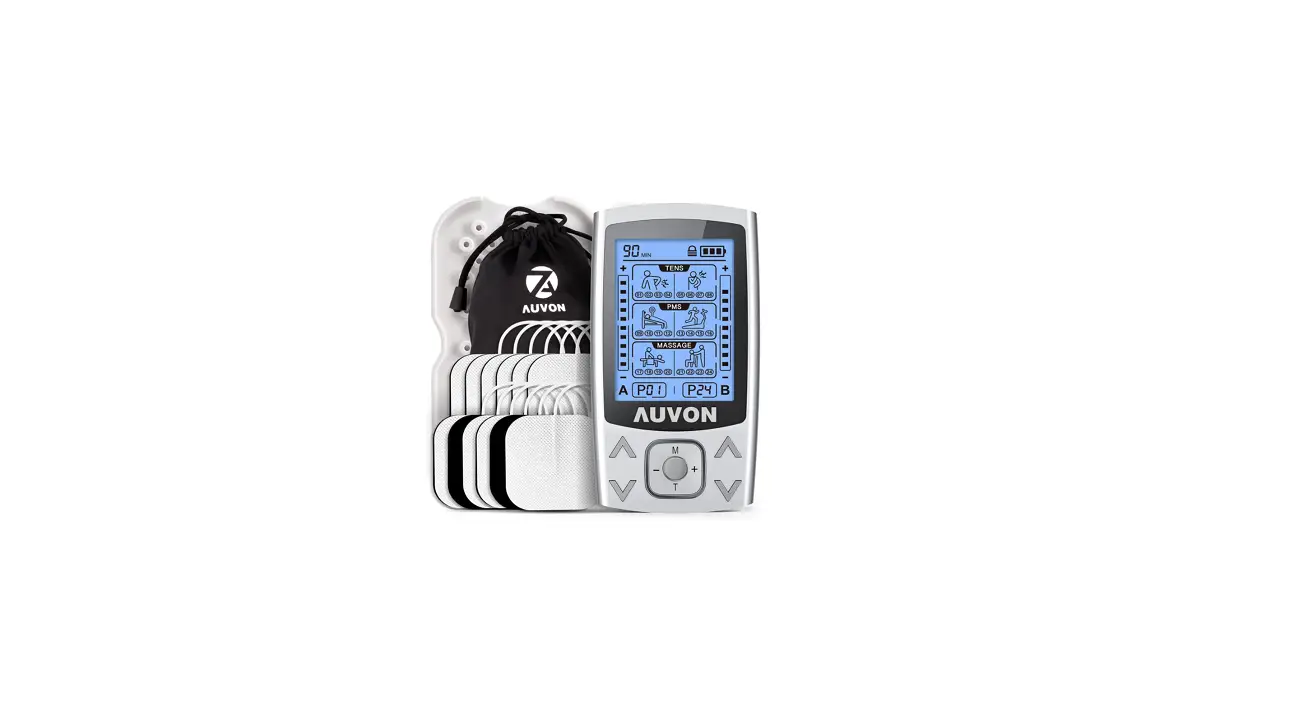
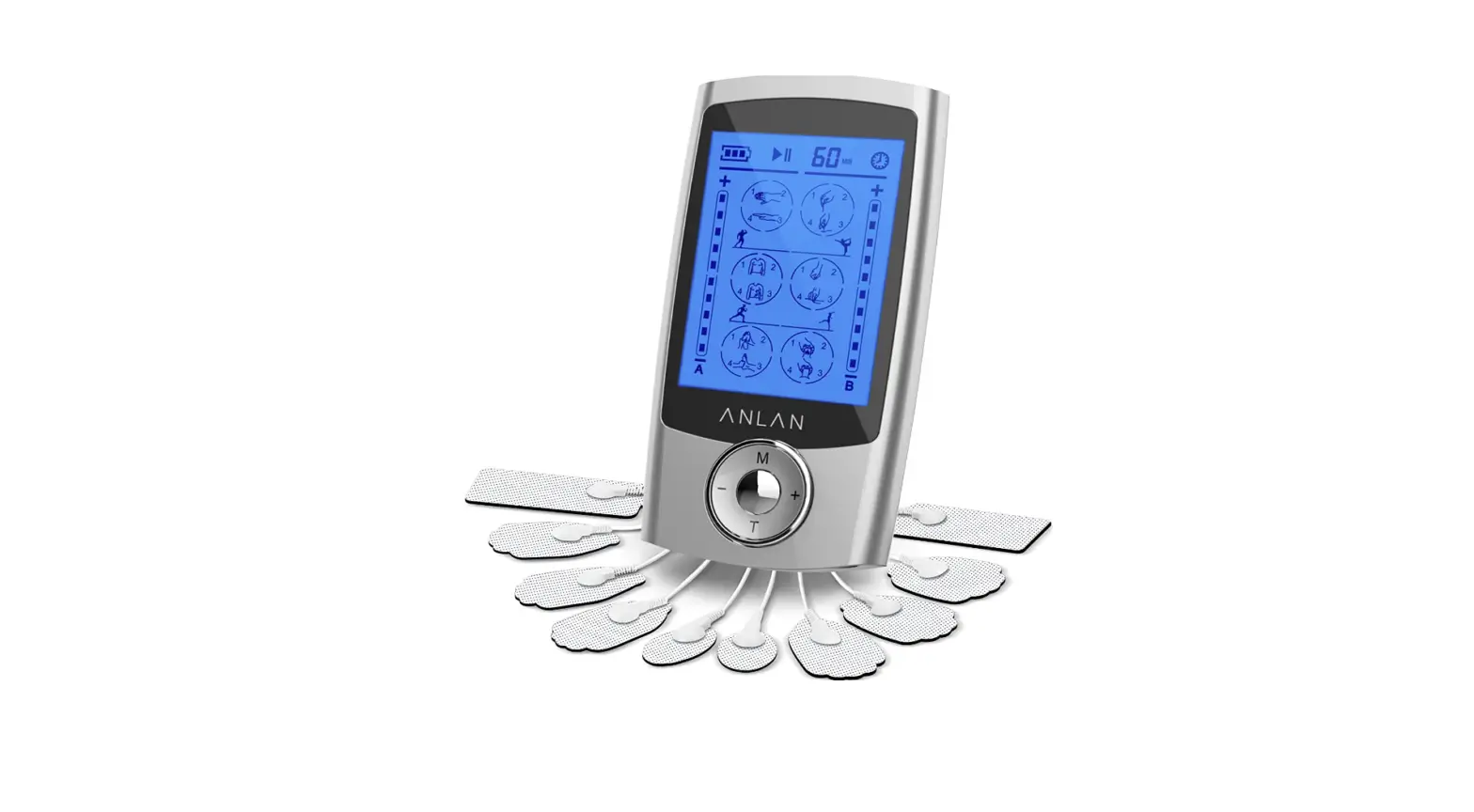
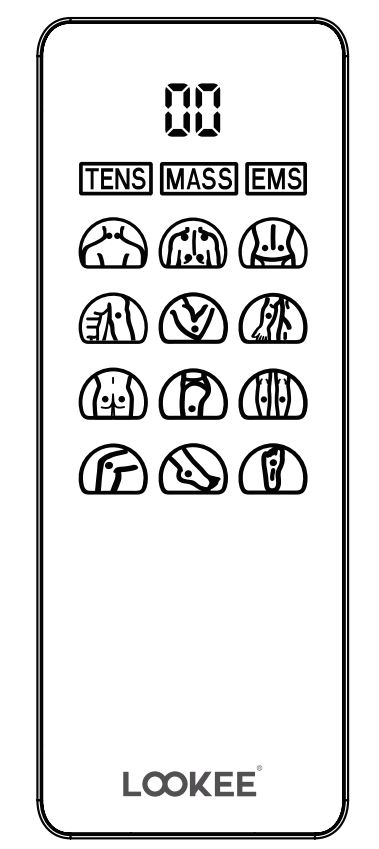
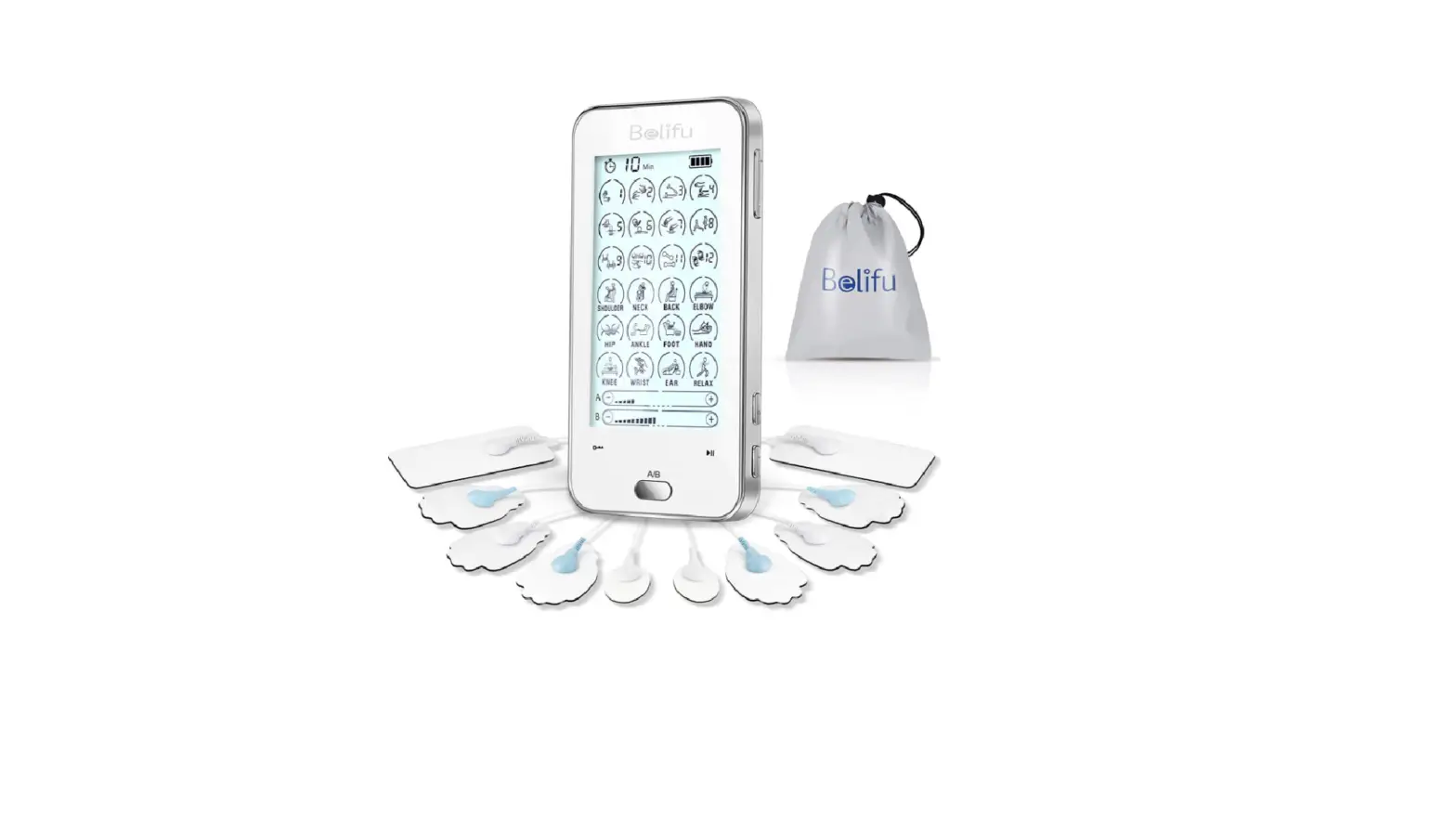
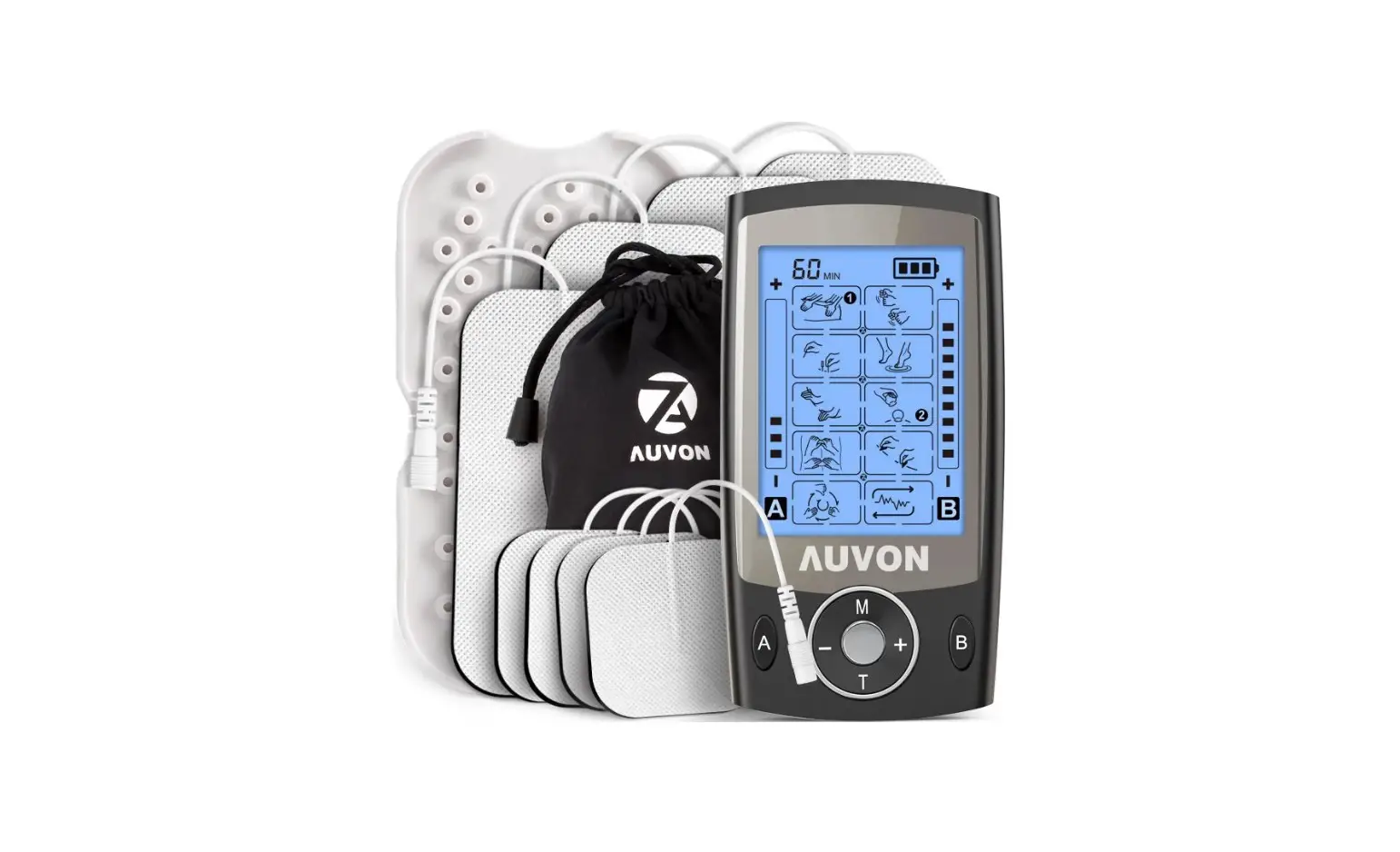
AUVON B09VT42CX9 4 Outputs H1 TENS Unit 24 Modes Muscle Stimulator for Pain Relief User Guide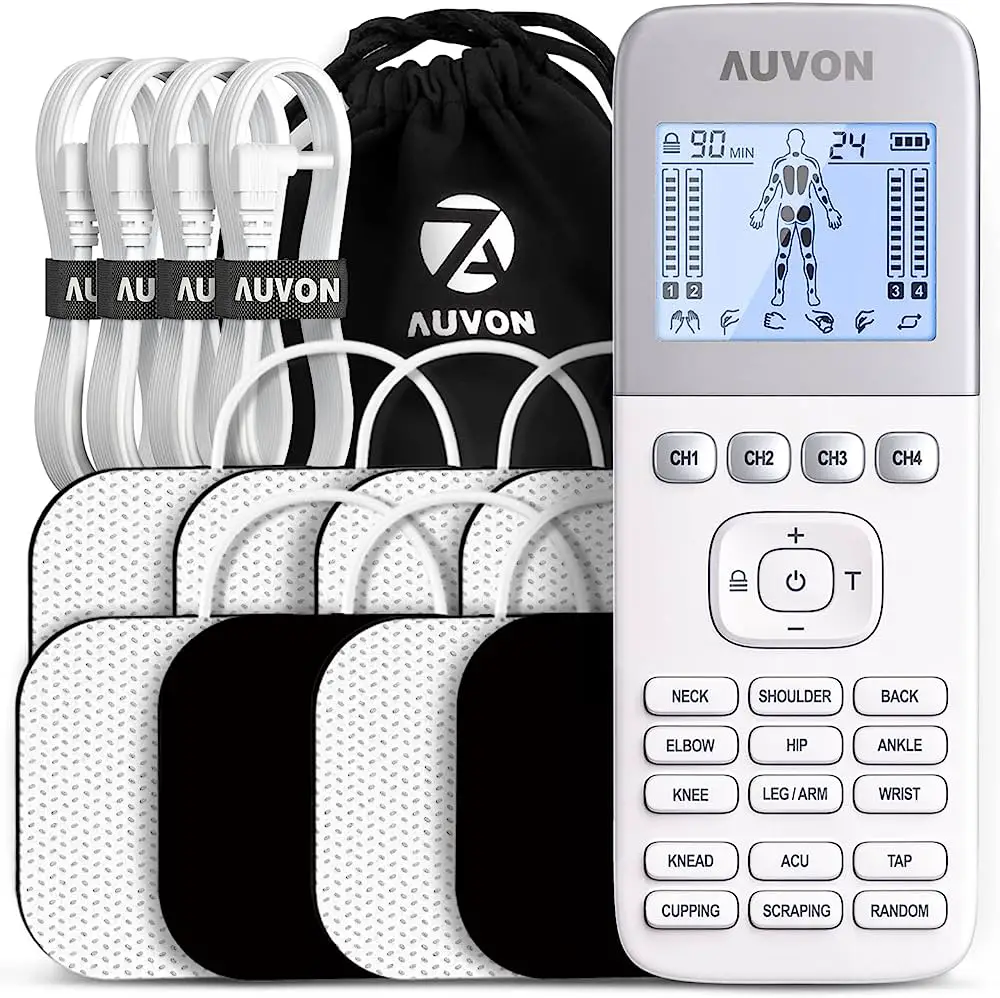
Attention
This Quick Guide only provides some basic operation information on how to use the TENS device and how to attach the pads to different body parts, so the contents of this Quick Guide are not a substitute for the user manual. This device is not suited for everyone, if you’re- un sure whether you can use this device, please read the user manual carefully to understand the contraindications and warnings or consult your doctor before use.
Operation Instruction
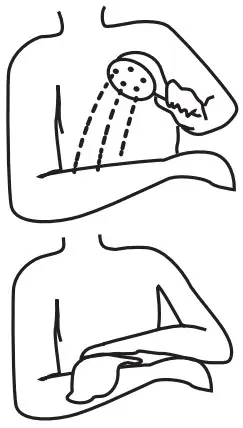
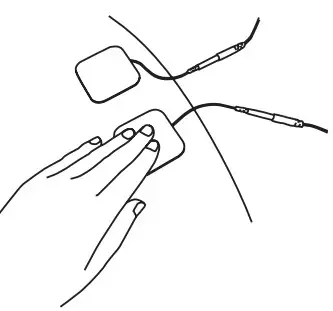
- Clean your skin, no hair.

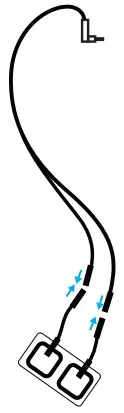
- Connect the lead wire with a pair of pads.

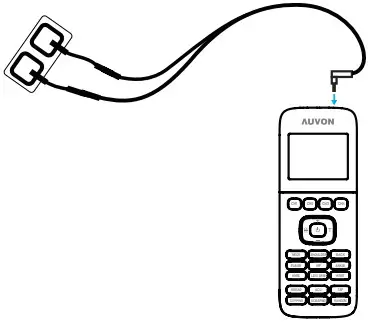
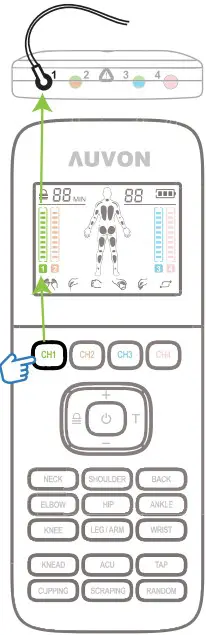
- Connect the lead wire with the device.

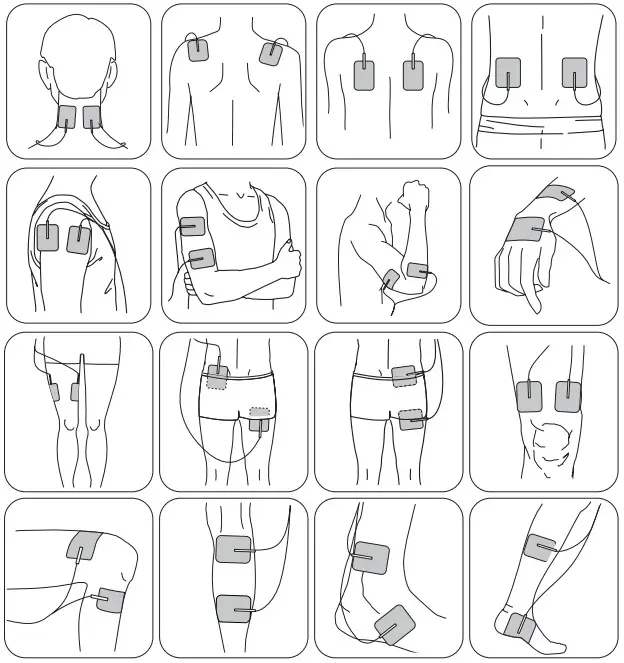
- Attach the pads to your skin in pairs.
NOTE: The device must be off.
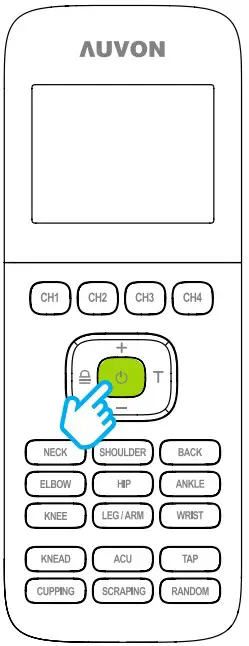
- Turn on the device.

- Choose the connected channel.

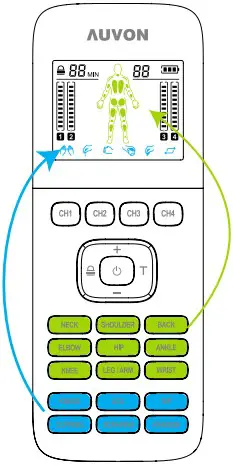
- Select mode.
NOTE: “Body Part” buttons and “Massage Technique” buttons control different modes, see “Mode Description” in the user manual for more information.
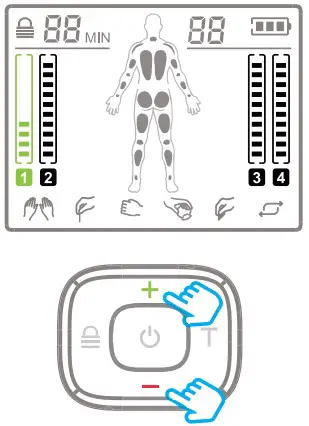
- Adjust intensity.
NOTE: Each time you change the mode or massage area, it is recommended to increase the intensity slowly from 0 and experience each level of intensity for a few minutes.
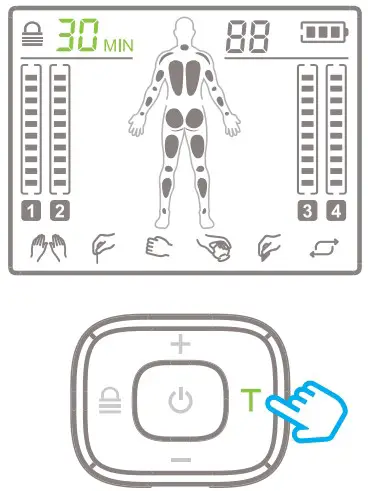
- Set time.
NOTE: Do not use the pads for too long, 30 minutes is optimal.
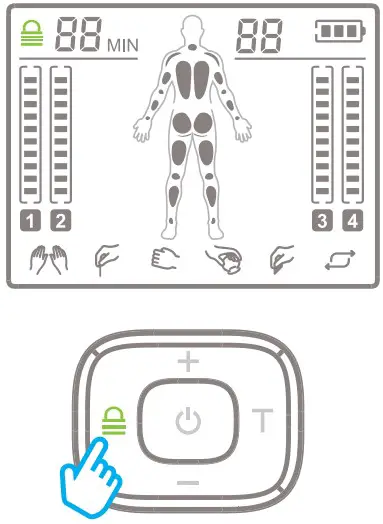
- Lock the screen.
NOTE: The mode, intensity, and time can only be adjusted in the unlocked state.
Pad Attachment Guidance
Notice
For more details, please read the user manual, and if you encounter any problem during the use, please check the user manual for “Trouble Shooting”.