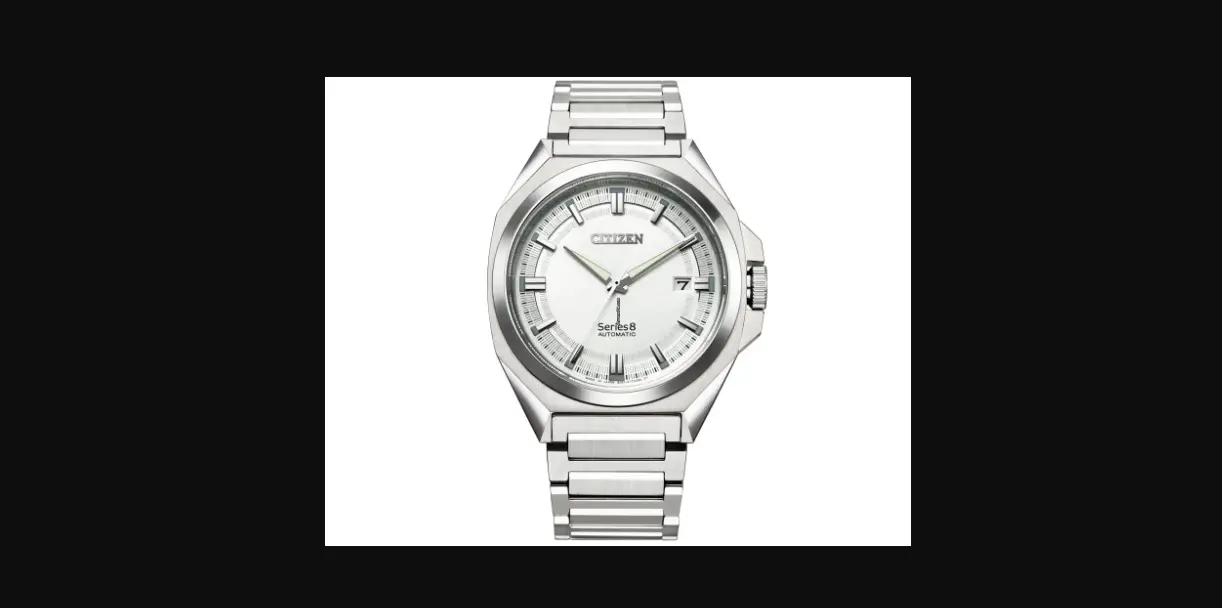
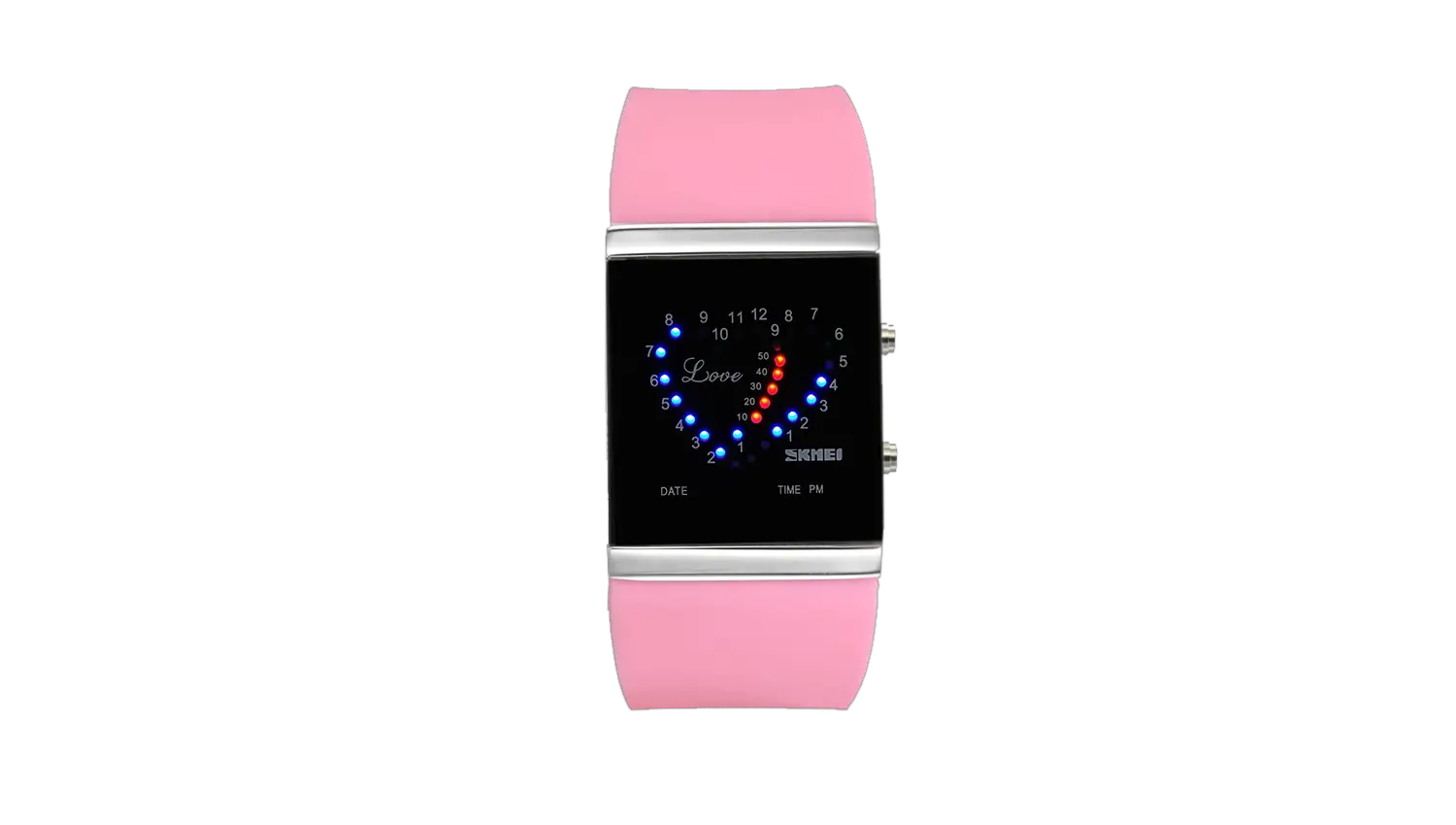
507-517 Watches
Product Information:
The product is a watch with various features and functions. It
is water-resistant up to specific depths, as indicated on the
caseback. The watch can withstand accidental splashes, swimming in
shallow water, swimming, and snorkeling depending on the water
resistance level.
Water Resistance Guidelines:
- 30 M/3 ATM/100 Ft. – Accidental splashes. Not suitable for
swimming - 50 M/5 ATM/165 Ft. – Suitable for swimming in shallow
water - 100 M/10 ATM/330 Ft. – Suitable for swimming and
snorkeling
Product Usage Instructions:
Simple Time & Mini Sweep:
To set the time:
- Pull out the crown to position 2.
- Turn the crown either way to correct the time.
- Push back the crown to position 1.
Simple Time & Simple Day/Date:
To set the time:
- Pull out the crown to position 3.
- Turn the crown either way to correct the time.
- Push back the crown to position 1.
To set the date:
- Pull out the crown to position 2.
- Turn the crown clockwise to correct the date.
- Push in the crown to position 1.
To set the day:
- Pull out the crown to position 2.
- Turn the crown anti-clockwise to correct the day.
- Push in the crown to position 1.
Multifunction Two-Eye Day Date:
To set the time:
- Pull out the crown to position 2.
- Turn the crown clockwise to correct the time. The day and date
will also change. - Push back the crown to position 1.
To set the date:
- Pull out the crown to position 2.
- Turn the crown clockwise to correct the date.
- Push in the crown to position 1.
Note: Press inset pusher A with a pointy object to quickly
change the date. Do not use this pusher between 11:30 p.m. and 5:30
a.m.
To set the day:
- Pull out the crown to position 2.
- Advance time 24 hours to change the day.
- Push back the crown to position 1.
Note: Press inset pusher B with a pointy object to quickly
change the day.
Three-Eye Day/Date/Second Time Zone:
To set the time:
- Pull out the crown to position 2.
- Turn the crown clockwise to correct the time. The day and date
will also change. - Push back the crown to position 1.
To set the second time zone:
- Set the crown to position 1.
- Press pusher B step by step to advance the hour hand of the
second time zone until the desired time is set. - Stop pressing the button after finishing the setting.
Note: When using pusher B to set the second time zone hour, the
center minute hand must be set between the 55th minute and 5th
minute at any hour.
To set the day and date:
- Pull out the crown to position 2.
- Turn the crown clockwise to correct the day or date. The day
hand will advance one day when 4:30 in the morning is reached. - Push back the crown to position 1.
Note: To quickly change the date, set the crown at position 1
and then press pusher A.
Three-Eye Day/Date with 24H Counter:
To set the time:
- Pull out the crown to position 3.
- Turn the crown until you reach the correct time.
- Push the crown back to position 1.
Note: To set the time to the exact second, the crown must be
pulled out to position 3 when the second hand is in position 60.
Once the hour and minute hands have been set, the crown must be
pushed back to position 1 at the exact second.
INSTRUCTION MANUAL
Gc combines the very best in Swiss precision with the sophistication of French style to produce bold statement timepieces. Urbane, distinct and alluring, Gc watches are crafted to be as striking and unique as the individuals who wear them. Our dedication to bold style and elevated quality is a mark of true distinction in the watch industry and set the brand apart. Gc believes in empowering people to find their own style and to lead where others follow. Reflecting a European heritage that encourages self-expression, Gc designs watches that embrace and celebrate your personal style.
“La Précision du Style” defines our passion for the best of Swiss Precision and French style.
WATCH FEATURES:
SCREW DOWN CROWN (WHERE APPLICABLE) Screw down crowns are used to ensure water resistance. Do NOT pull crown unless it is unscrewed first. ·UNSCREW the crown counter-clockwise (towards you) until it turns freely without tension. ·GENTLY pull the crown out to desired position for watch setting (see specific operating instructions on following pages). ·When finished setting the watch, GENTLY push the crown in towards the watch. ·While pushing in on the crown, begin to turn clockwise (away from you) until it is SECURELY screwed down. NOTE: Failure to securely screw down the crown after setting the watch may affect its water resistance.
4
WATER RESISTANCE Your watch is water resistant to the depth noted on the caseback. If exposed to salt or chemical water, please rinse the watch with fresh water and wipe with a soft, dry cloth. Guidelines: 30 M/3 ATM/100 Ft. – Accidental splashes. Not suitable for swimming 50 M/5 ATM/165 Ft. – Suitable for swimming in shallow water 100 M/10 ATM/330 Ft. – Suitable for swimming and snorkelling
INSTRUCTIONS
SIMPLE TIME & MINI SWEEP
crown position
SECONDS
To set the time: 1. PULL out crown to position 2. 2. TURN crown either way to correct time. 3. PUSH back crown to position 1.
5
SIMPLE TIME & SIMPLE DAY/DATE
I II III
I II III
To set the time:
1. PULL out crown to position 3. 2. TURN crown either way to correct time. 3. PUSH back crown to position 1. To set the date:
1. PULL out the crown to position 2. 2. TURN crown clockwise to correct date. 3. PUSH in crown to position 1. To set the day:
1. PULL out the crown to position 2. 2. TURN crown anti-clockwise to correct the day. 3. PUSH in crown to position 1.
6
IF YOUR WATCH COMES WITH A MOVEMENT WITH TWO LANGUAGES (ENGLISH/FRENCH)
I II III
Quick change correction for day of the week: · The blocking time for the day of the week quick-change correction
is from approximately 10 pm and midnight. · The second language always first appears around 24.00 hours for
about 2 hours, until the display changes to the required language. · Pull the crown out to position II (watch still running). · Turn crown anticlockwise until the desired day of the week
apprears in the required language. · Push the crown back to position.
7
MULTIFUNCTION TWO- EYE DAY DATE
INSET PUSHER B
crown position
INSET PUSHER A
DAY
DATE
To set the time:
1. PULL out crown to position 2.
2. TURN crown clockwise to correct time. Day and date will
also change.
3. PUSH back crown to position 1.
To set the date:
1. PULL out the crown to position 2.
2. TURN crown clockwise to correct date.
3. PUSH in crown to position 1.
NOTE: Press inset pusher A with a pointy object to “quick change”
date. Do not use this pusher between 11:30 p.m. and 5:30 a.m.
To set the day:
1. PULL out the crown to position 2.
2. Advance time 24 hours to change the day.
3. PUSH back crown to position 1.
NOTE: Press inset pusher B with a pointy object to “quick change”.
8
THREE-EYE DAY/DATE/SECOND TIME ZONE
HOUR HAND
DAY SECOND HAND
MINUTE HAND PUSHER A crown position PUSHER B
DATE
24 HR/SECOND TIME ZONE
To set the time:
1. PULL out crown to position 2. 2. TURN crown clockwise to correct time. Day and date will also
change.
3. PUSH back crown to position 1. To set the second time zone:
1. SET the crown to position 1. 2. PRESS pusher B step by step to advance the hour hand of the
second time zone until the desired time is set.
3. Stop pressing the button after finishing the setting. NOTE: when using pusher B to set the second time zone hour, the centre minute hand must be set to between 55th minute and 5th
minute at any hour.
9
To set the day and date: 1. PULL out the crown to position 2. 2. TURN crown clockwise to correct day or date. The day hand will advance one day when 4:30 in the morning is reached. 3. PUSH back crown to position 1.
NOTE: to “quick change” the date set the crown at position 1 then press pusher A.
10
3.6.9 THREE-EYE DAY/DATE WITH 24H COUNTER
MINUTE
TIME CORRECTION To set the time:
1. PULL out crown to position 3. 2. TURN crown until you reach the correct time. 3.PUSH the crown back to position 1. NOTE: To set the time to the exact second, crown must be pulled out to position 3 when the second hand is in position “60”. Once the hour and minute hands have been set the crown must be pushed back to position 1 at the exact second.
11
SETTING THE DATE (quick mode): 1. PULL crown to position 2 (the watch continues to run). 2. TURN the crown anticlockwise until the correct date appears. 3. PUSH the crown back to position 1.
NOTE: During the date-changing phase between approx. 9:45 PM and 12 PM the date must be set to the date of the following day. SETTING THE DATE, DAY OF THE WEEK AND TIME
1. PULL the crown to position 3 (the watch stops). 2. TURN the crown anticlockwise until yesterday’s day of the week
appears. 3. PUSH the crown to position 2. 4. TURN the crown until yesterday’s date appears. 5. PULL the crown to position 3 (the watch stops). 6. TURN the crown anticlockwise until the correct time appears. 7. PUSH the crown back into position 1.
12
GMT
I II III
To set the time: 1. PULL out crown to position III (watch stopped) 2. TURN crown until the current time is displayed (remember the 24 hour cycle) 3. PUSH the crown back to position I.
To set the date: The date can also be corrected during the day-changing phase between 10pm and midnight. The date of the following day has to be set, because no automatic date change takes place at midnight.
1. PULL crown to position II (watch still running). 2. TURN the crown anticlockwise until the required date appears. 3. PUSH the crown back to position I.
24H display: 1. PULL the crown to position II (watch still running). 2. TURN the crown anticlockwise until the desired time appears. 3. PUSH the crown back into position I.
13
CHRONOGRAPH 12,6,9 THREE-EYE CHRONO 1/10 SEC
MINUTE
crown position
3,6,9 THREE-EYE CHRONO
MINUTE
crown position
2,6,10 THREE-EYE CHRONO 1/5 SEC 3,6,9 THREE-EYE CHRONO 1/10 SEC
MINUTE
MINUTE
crown position
crown position
14
These chronograph watches have 3 functions: TIME: To set the time:
1. PULL crown to position 3. 2. TURN crown either way to correct time (same for Day when this
function is available). 3. PUSH back crown to position 1. CALENDAR: 1. PULL crown to position 2. 2. TURN crown clockwise to correct calendar. 3. PUSH back crown to position 1. NOTE: do not use “quick change” correction for the calendar between 09:00 p.m. and 00:30 a.m. STOPWATCH: The stopwatch is capable of measuring: 1. One minute elapsed up to 30 minutes. 2. Chronograph hand 1/10 or 1/5 second.
STANDARD STOPWATCH MEASUREMENT: 1. PRESS pusher A to start timing 2. PRESS pusher A to stop timing 3. PRESS pusher B to reset
15
ACCUMULATED ELAPSED TIME MEASUREMENT: 1. PRESS pusher A to start timing 2. PRESS pusher A to stop timing 3. PRESS pusher A to restart timing 4. PRESS pusher A to stop 2nd timing 5. PRESS pusher B to reset
SPLIT TIME MEASUREMENT: 1. PRESS pusher A to start timing 2. PRESS pusher B to `split’ 3. PRESS pusher B to begin again 4. PRESS pusher A to stop 5. PRESS pusher B to reset
TIMING 2 COMPETITORS:* 1. PRESS pusher A to start timing of 1st event 2. PRESS pusher B to stop timing of 1st event; stopwatch continues to run internally 3. PRESS pusher A to start timing of 2nd event 4. PRESS pusher B to view time of 2nd event 5. PRESS pusher B to reset
* NOTE : not available for 2,6,10 THREE-EYE CHRONO 1/5 SEC
16
CORRECTIVE MODE FOR STOPWATCH CHRONO HANDS On all Chrono movements, if the largest hands do not reset perfectly back to the 12 o’clock or zero position:
1. PULL crown to position 3. 2. If center stopwatch second hand or Chrono hands do not
reset to the 12 o’clock or zero position, press pusher A and B simultaneously for at least 2 seconds. 3. The center stopwatch second hand will rotate by 360 degrees to activate corrective mode. 4. If center stopwatch second hand or Chrono hands are not located at `12′ or `0′ position, either press pusher A continuously or repeatedly until the center stop second hand moves by each interval and returns to `12′ and `0′ position. Press pusher B once to activate corrective move of next minute Chrono hand, hour Chrono hand, or 1/10 second Chrono hand. Press pusher A continuously or repeatedly until the minute Chrono hand and hour Chrono hand or 1/10 second Chrono hand moves by each interval and returns to `12′ and `0′ position. 5. PUSH back crown to position 1 to activate the adjustment.
17
2.6.10 THREE-EYE CHRONO 1/20 SEC
CHRONOGRAPH 1/20 SEC
CHRONOGRAPH MINUTE
HOUR HAND
CHRONOGRAPH SECOND
MINUTE HAND
PUSHER A crown position
PUSHER B
SECOND
DATE
TIME: To set the time:
1. PULL crown to position 3. 2. TURN crown either way until you reach the correct time. 3. PUSH the crown back to position 1. CALENDAR: 1. PULL crown to position 2. 2. TURN the crown either way to move hour hand. Two complete
revolutions relative to the 12 o’clock position will move the date forward or backward. 3. PUSH the crown back to position 1. NOTE: The date changes automatically every 24 hours.
18
STOPWATCH: The stopwatch is capable of measuring:
1. 1/20 seconds elapsed up to 1 second. 2. Seconds elapsed up to 1 minute. 3. Minutes elapsed up to 30 minutes. NOTE: Chronograph will operate continuously for 4 hours after which it will automatically stop and reset. The 1/20th of a second hand does not move during chronograph function. The 1/20th seconds are indicated when chronograph is stopped and not yet reset. Before using the Chronograph, adjust all the chronograph hands to the “0” or 12-hour positions.
STANDARD STOPWATCH MEASUREMENT 1. PRESS pusher A to start timing. 2. PRESS pusher A to stop timing. 3. PRESS pusher B to reset.
SPLIT TIME MEASUREMENT 1. PRESS pusher A to start timing. 2. PRESS pusher B to split. 3. PRESS pusher b to resume timing. 4. PRESS pusher A to stop timing. 5. PRESS pusher B to reset.
19
CORRECTIVE MODE 1. PULL crown out to position 2. 2. PRESS pusher B until the hand at 10 o’clock eye resets to the “30” position. 3. PULL crown out to position 3. 4. PRESS pusher A until the chronograph second hand resets to the “0” or “60” or 12-hour position. 5. PRESS pusher B until the hand at the 2 o’clock eye resets to the “0” position. 6. PUSH in crown to position 1.
NOTE: If Stopwatch hands do not return to “0 position when reset: 1. PULL crown out to position 2. 2. PRESS pushers A and B repeatedly to move hands to “0” position. 3. PUSH in crown to position 1.
INDIGLO® NIGHT-LIGHT: Push on the crown while in position 1. Entire dial will be illuminated. Electroluminescent technology used in INDIGLO® night-light illuminates entire watch face at night and in low light conditions.
To use NIGHT-MODE® FEATURE: 1. PUSH and HOLD Crown in position 1 for 4 seconds to activate NIGHT-MODE® feature. PRESSING any pusher will cause the INDIGLO® night-light to stay on for 3 seconds. 2. NIGHT-MODE® feature will last for 8 hours. 3. Or PUSH and HOLD Crown while in position 1 for 4 seconds to deactivate NIGHT-MODE® feature.
20
BATTERY CARE & SAFETY MEASURES The battery contains a small amount of mercury. Please recycle or dispose of properly. Visit www.watchbatteryrecycle.org for more information.
WARRANTY Your Gc watch is covered by an international guarantee against any manufacturing defects for a period of 24 months from the date of purchase indicated on the guarantee card. Any part found to be defective within this period will be repaired or replaced at no charge. In order to benefit from this guarantee, you will be required to present the Gc Watches international guarantee certificate, duly completed, dated, stamped and signed by an authorized Gc Watches retailer. THE Gc WATCHES INTERNATIONAL GUARANTEE CERTIFICATE DOES NOT COVER: – Defects arising from damage, mishandling, incorrect or abusive
use (knocks, crushing, moisture in the case of non water resistant watches), alteration or repairs not performed by an authorized Gc Watches retailer – Leather straps or bracelets – Batteries – Normal wear of base metal, surface-coated watches – Theft or loss of the complete watch or components
21
For more information please visit Gcwatches.com
MAY 2023
 Gc Watches | Guess Watches