
Homelife
Installation instructions for 4G power adapter
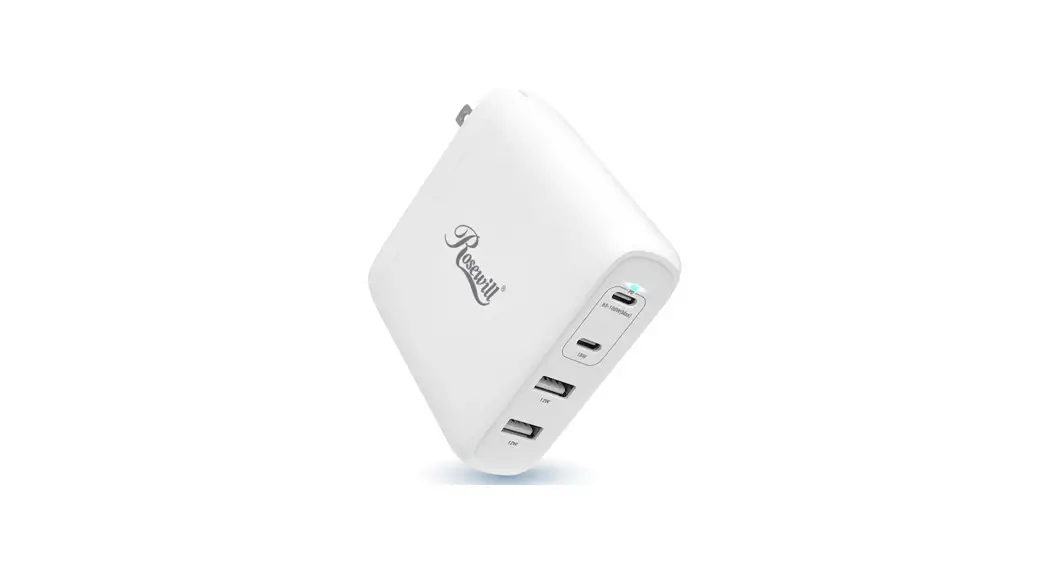
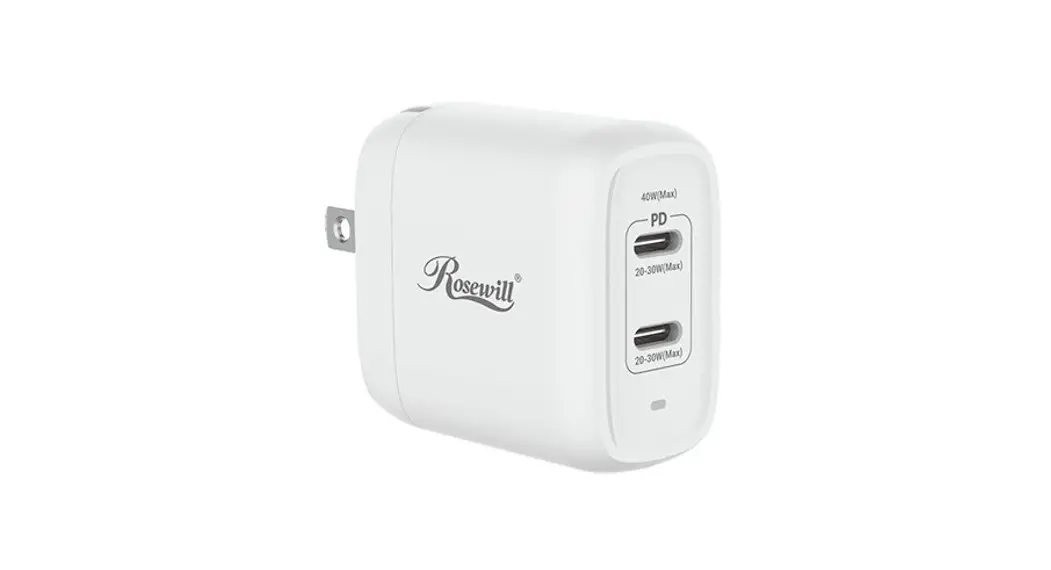
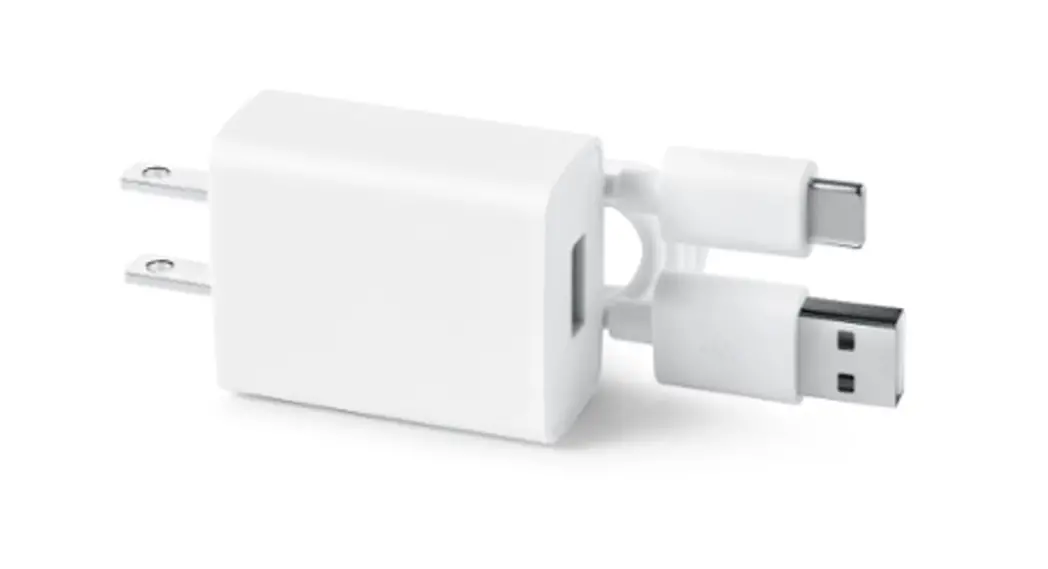
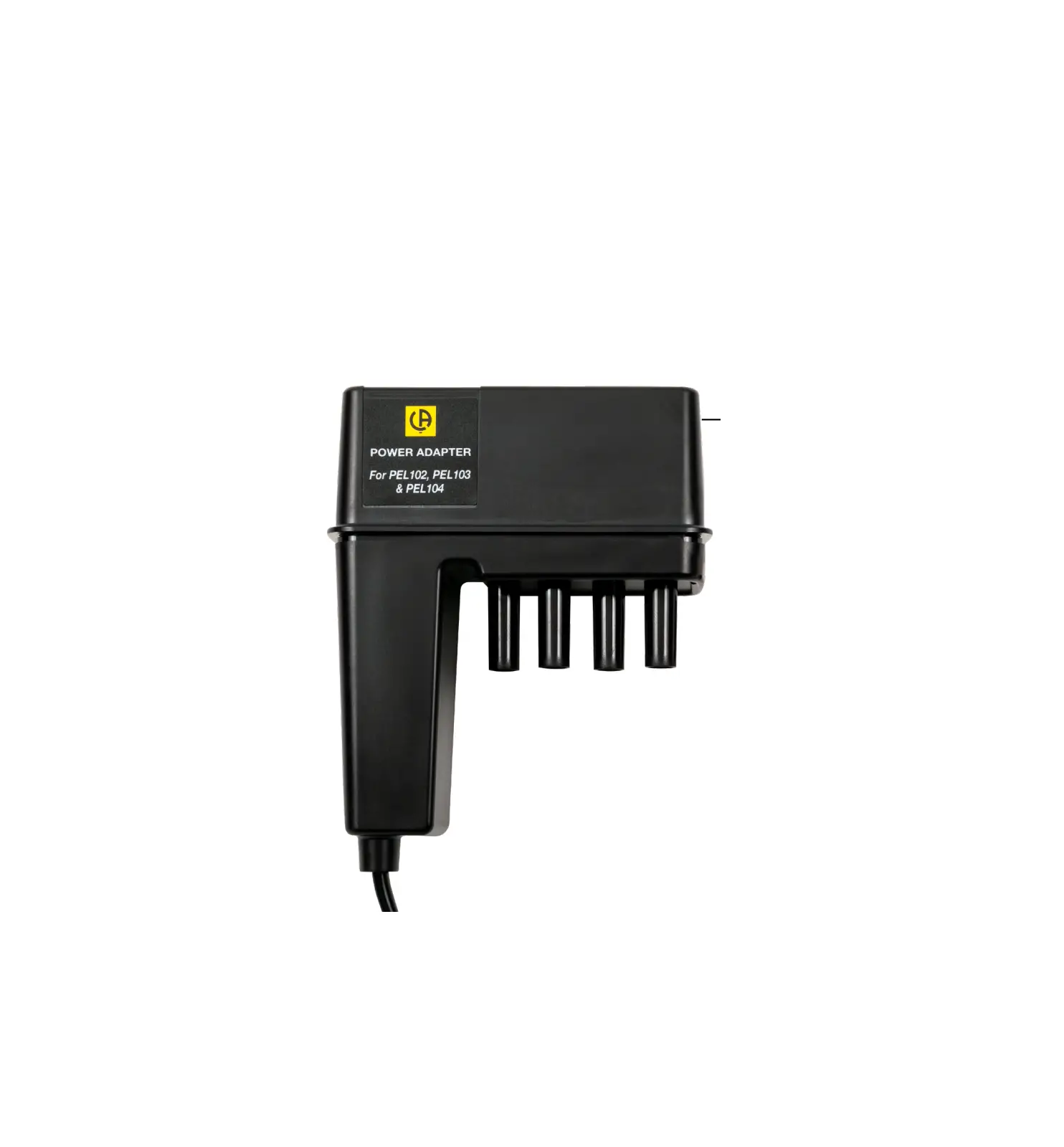
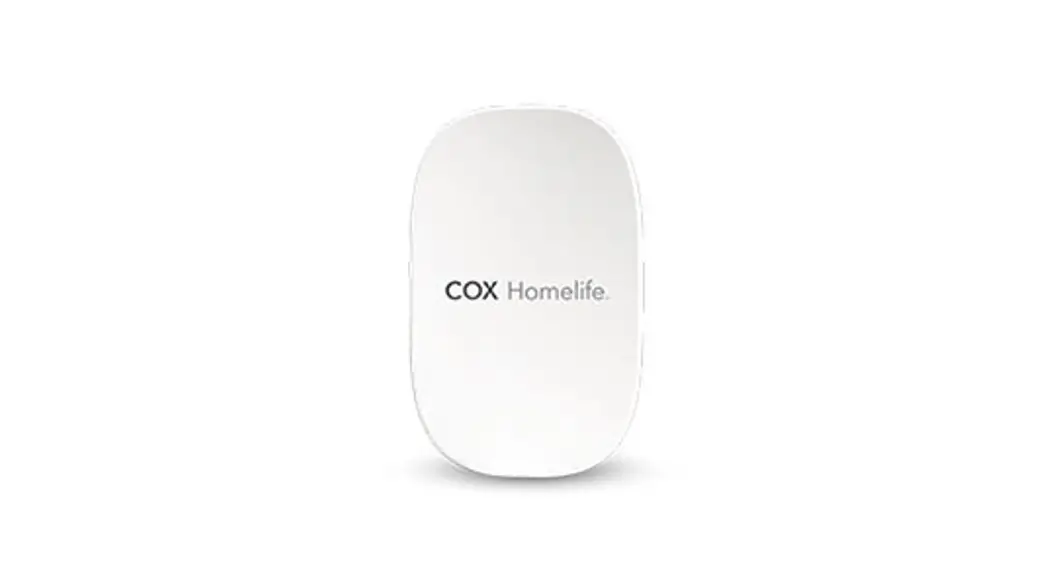
Congratulations! The power adapter you hold in your hand will allow you to upgrade from 3G to our current 4G technology. Ready to get up to speed? Let’s go.
- IMPORTANT:
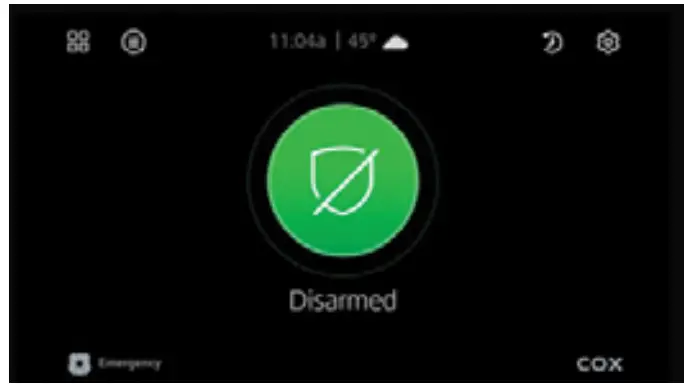
Before installation, make sure that your Homelife Security system is disarmed. Call the Central Monitoring Station at 800-633-2677 to put the system into “test” mode so a tamper alert will not cause an alarm.
Now you’re ready to begin.
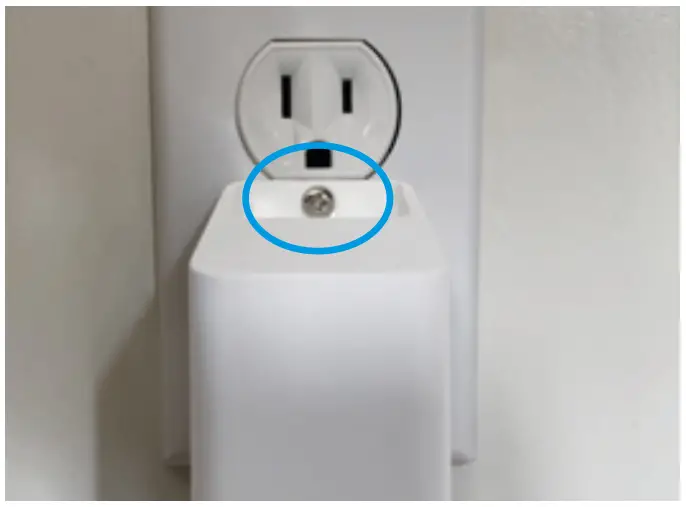
- Remove the existing power adapter from the wall. If a special security screw is used, use the Torx screwdriver (included in the box) to remove it. If a security screw was not used, a regular screwdriver will work. In the example above a standard Philips, the screw is shown where the security screw would be used.

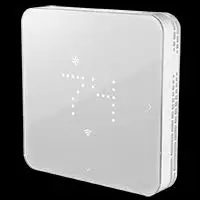
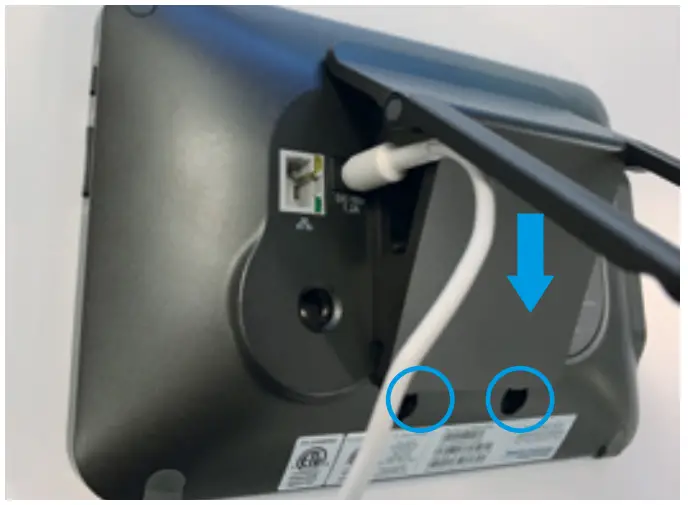
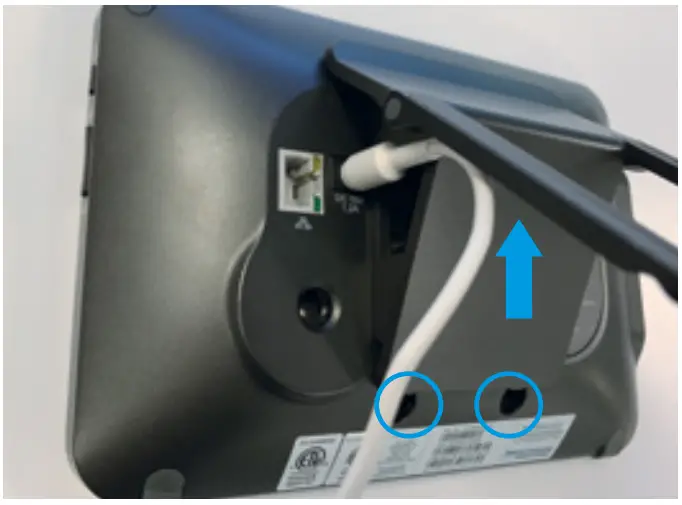
- Remove the stand on the back of the touchscreen by unscrewing the 2 small Phillips screws and sliding the stand up and separating it from the touchscreen.

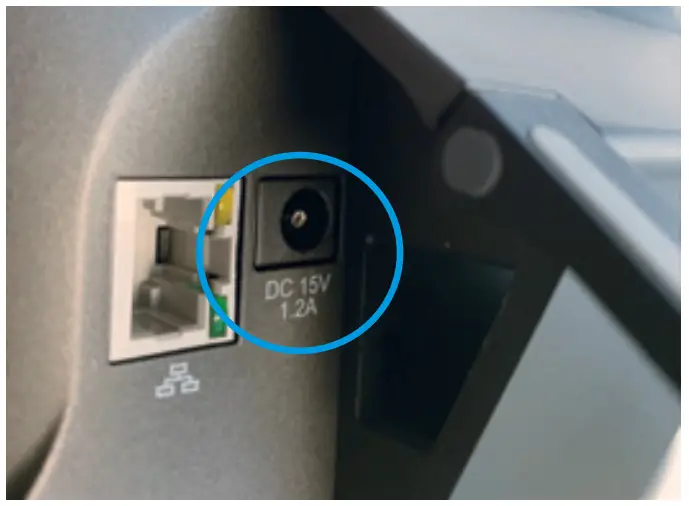
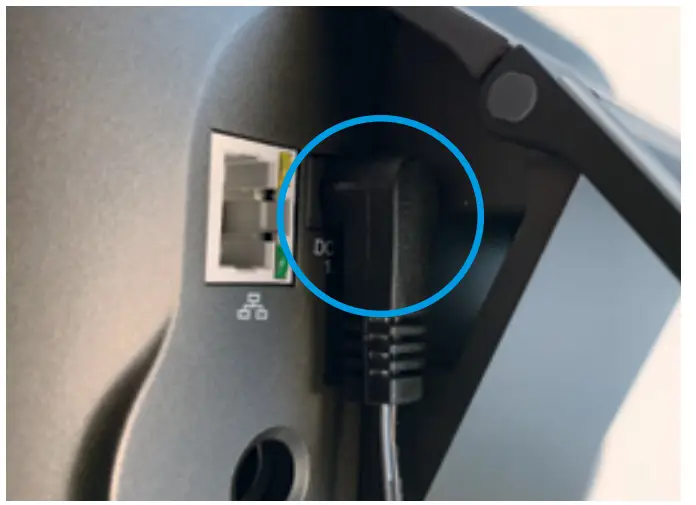
- Remove the existing power cord from the back of the touchscreen by unplugging it and routing it through the stand.

- Route the 4G power adapter cord back through the stand in the opposite direction of the existing power adapter that was removed, and plug it into the back of the touchscreen.

- Replace the stand on the back of your touchscreen, slide it down, and screw the two small Philips screws back on the bottom of the touchscreen under the stand.

- Plug the 4G power adapter into the same outlet the previous power adapter was removed from and screw the 4G power adapter into the wall outlet with the screw that came with the new adapter.

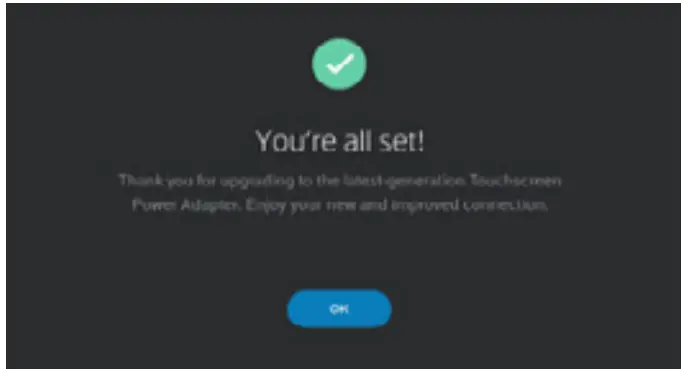
- Look at the front of the touchscreen. There should be a message acknowledging that the 4G power adapter is active.
 Call the Central Monitoring Station at 800-633-2677 to put the system into “test” mode so a tamper alert will not cause an alarm.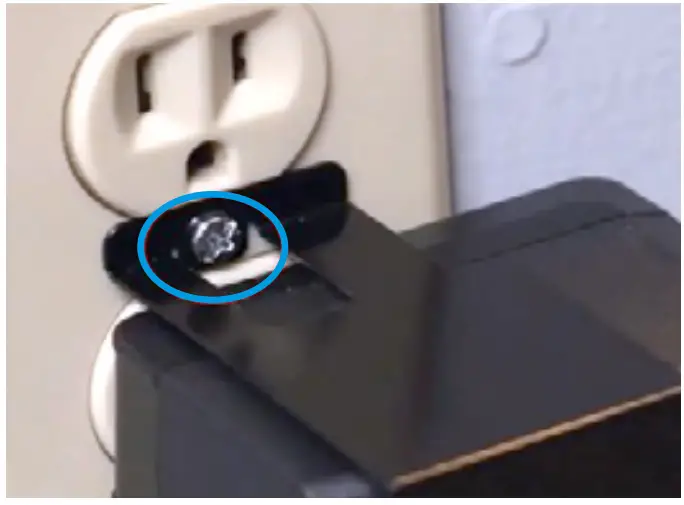
Call the Central Monitoring Station at
800-633-2677 to remove the system from “test”
mode if you would like to restore the system
before the “test” timeframe has elapsed.
FINALLY—Please recycle your old adapter or return
it to a Cox Solutions store.
That’s it. You’re all set. Welcome to the world of
4G cellular backup.
©2021 Cox Communications, Inc. All rights reserved.