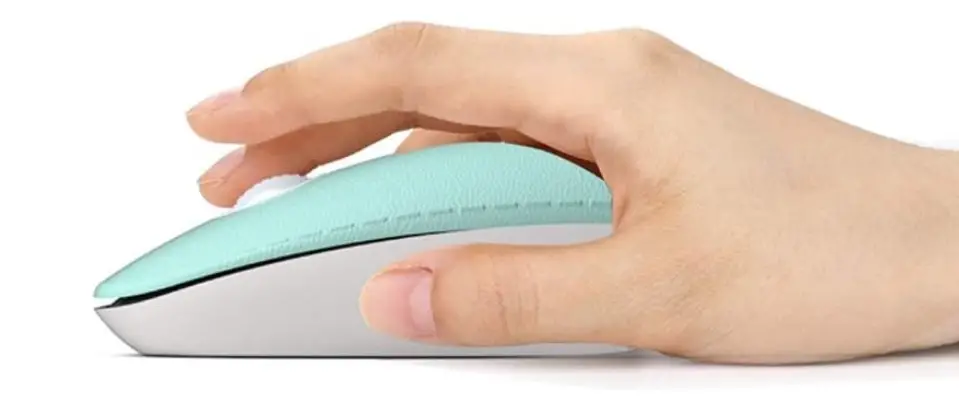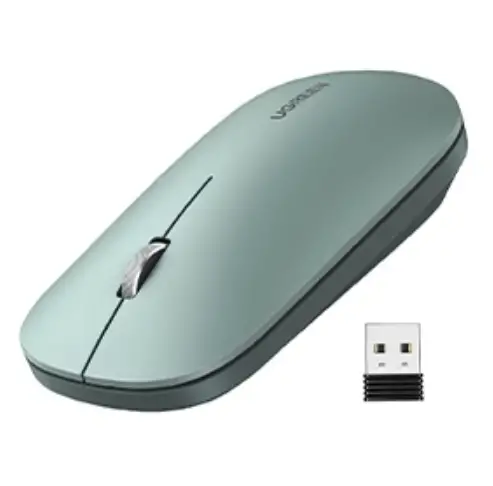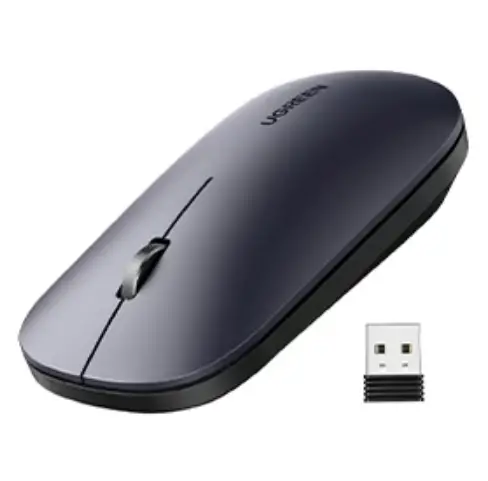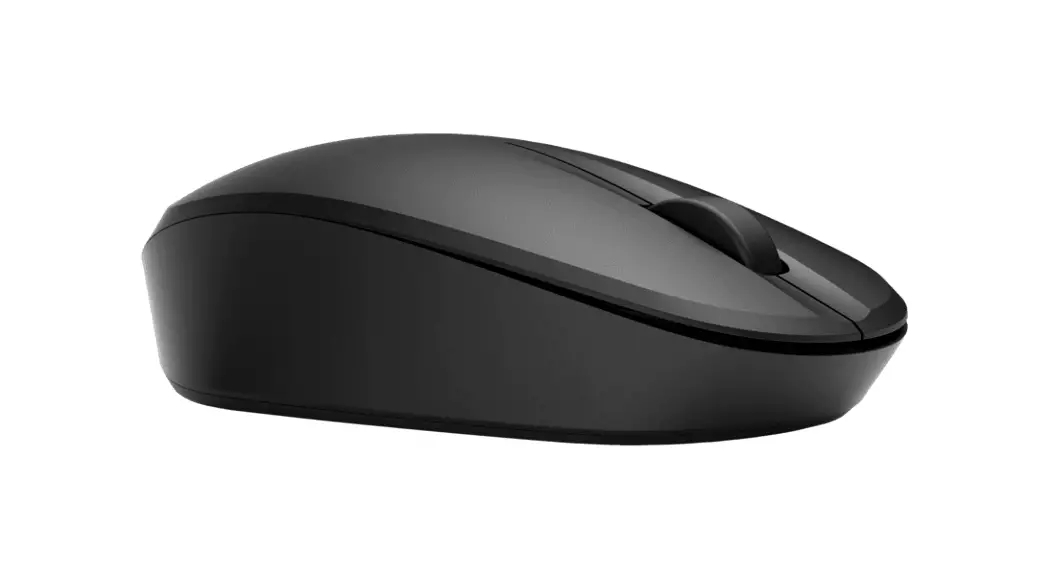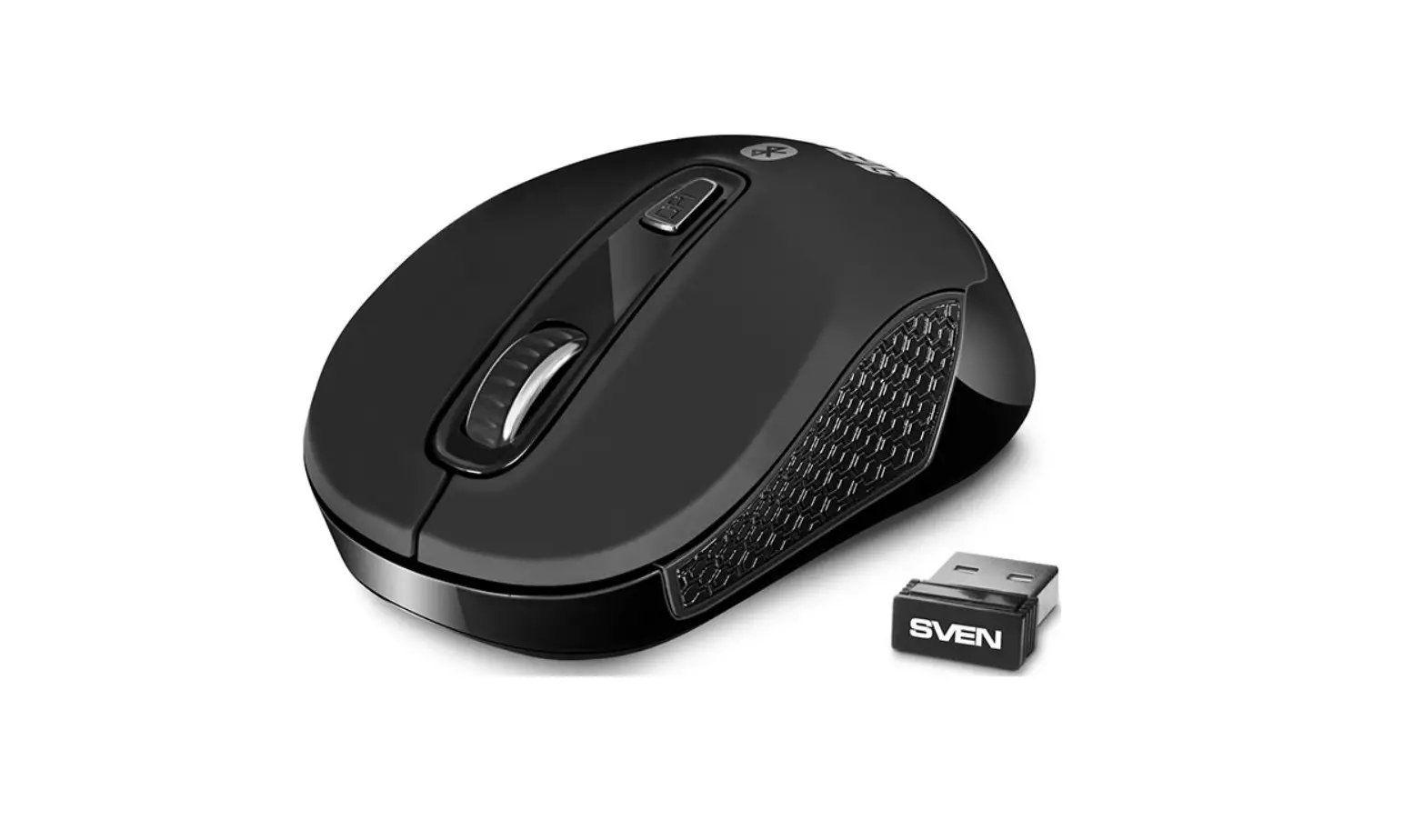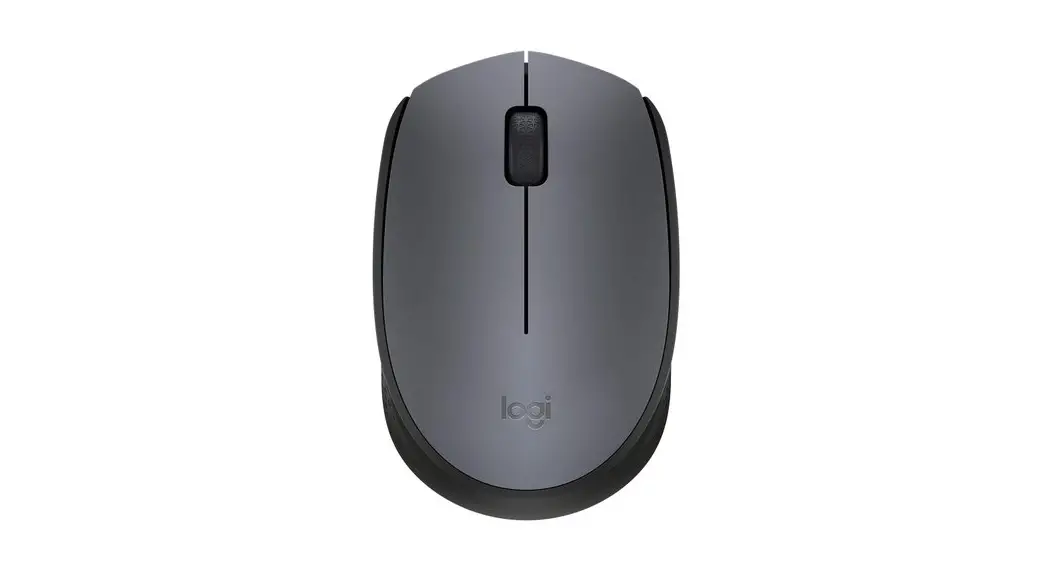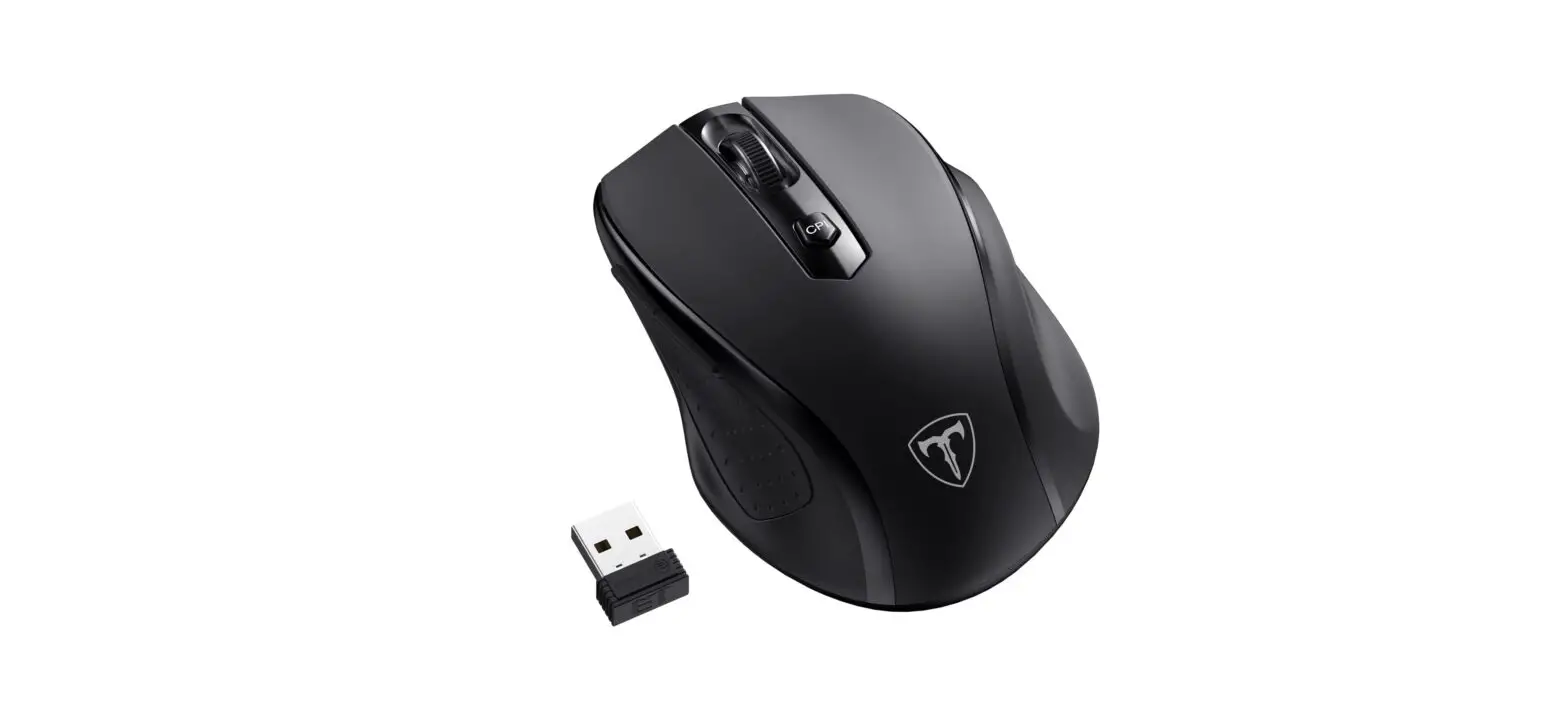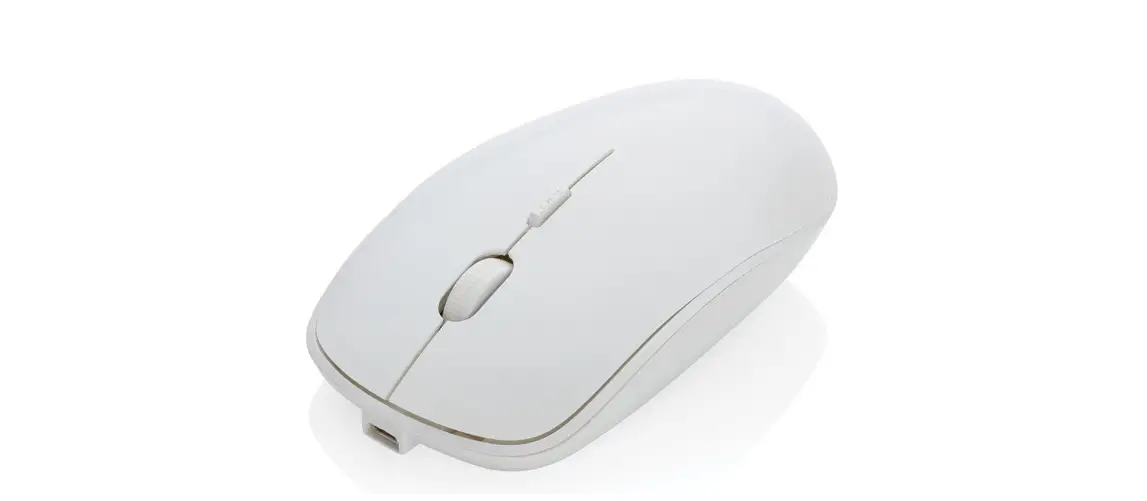

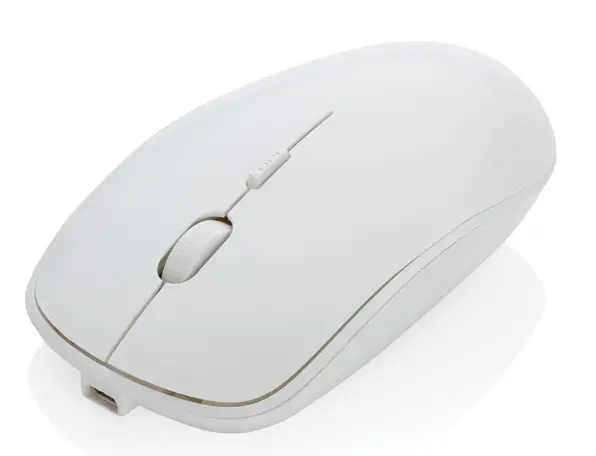
XINDAO XD Collection Antimicrobial Wireless Mouse
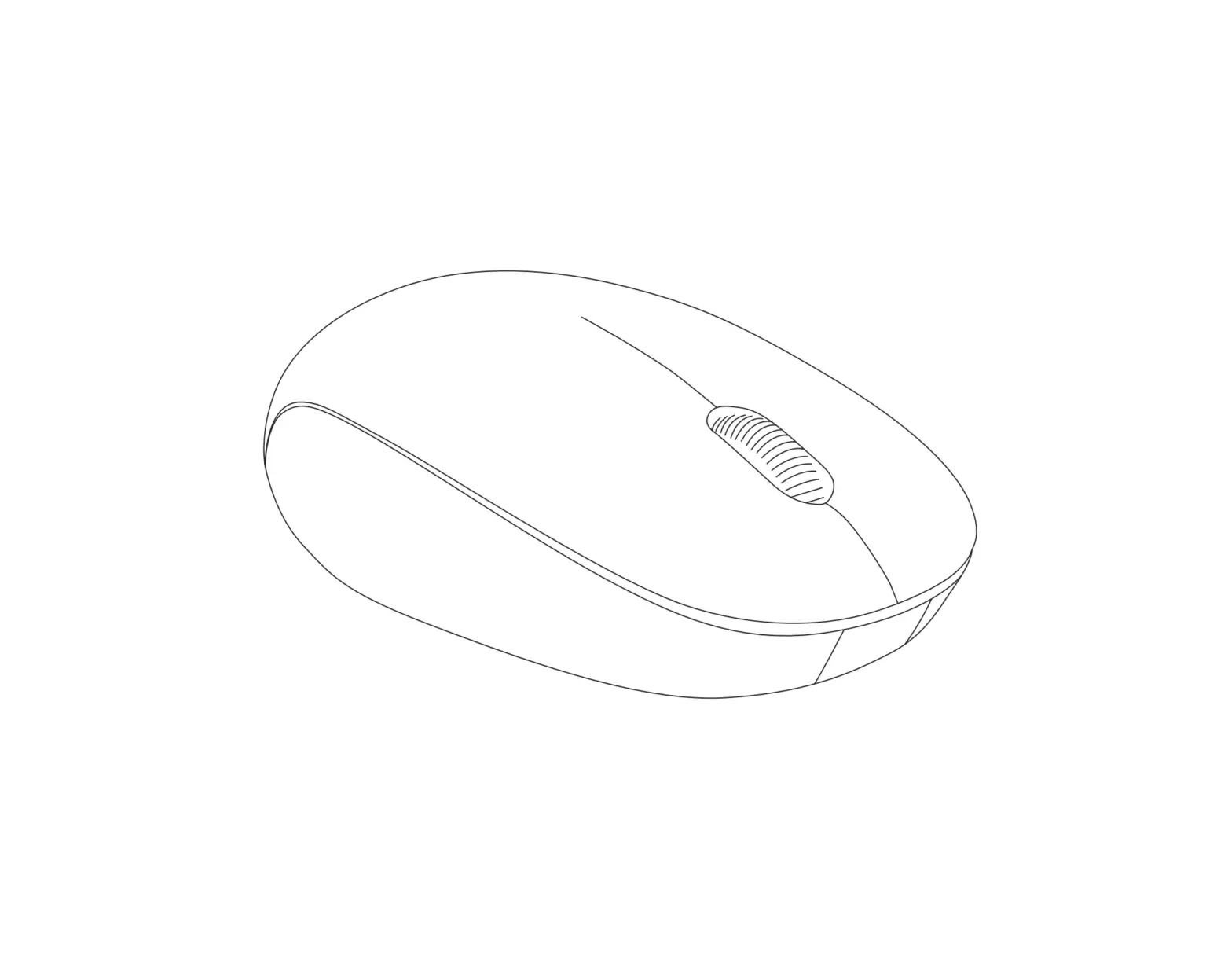
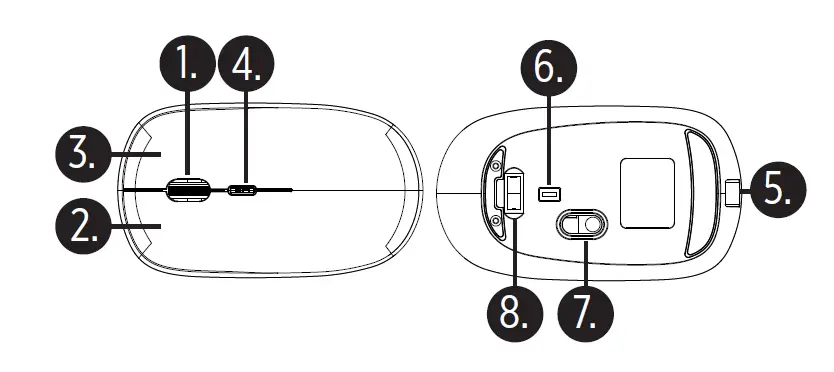
- Scroll Wheel
- Left Button
- Right Button
- DPI Button
- Micro-USB Input port
- ON/OFF Switch
- Optical Sensor
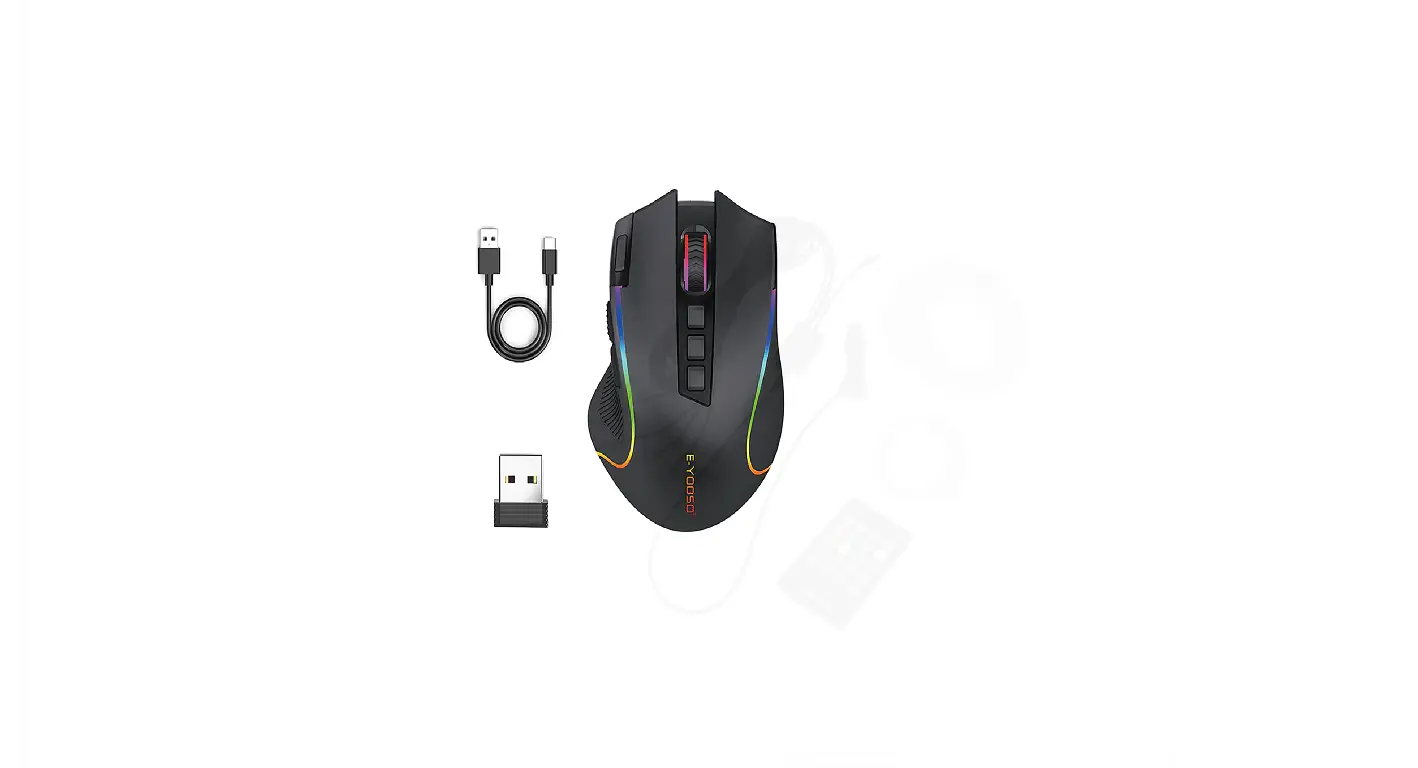
- USB Wireless Receiver
TECHNICAL SPECIFICATIONS
- Interface: USB 1.1/2.0
- Operating System: Windows 98/ME/2000/ XP/VISTA//Win7/Win8/Win10/Mac
- Built-in 400mAh Li-Polymer Battery
TO CHARGE THE MOUSE
- Charge the mouse fully before usage.
- Connect the provided charging cable to a power source and to the Micro USB port on the mouse.
- Once connected the LED Indicator will begin to glow red when charging, once fully charged LED will turn OFF.
TURNING OFF / ON / LIGHT UP FUNCTION
- Turn ON the mouse by moving the ON/OFF switch to the middle position.
- Move to the far right position to turn ON the mouse with light up function.
- Move to the far left to turn OFF the mouse.
- When the mouse is not being used for a long time, it will switch to energy saving mode. It can be woken up by moving it.
- The mouse will not work smoothly on a very smooth desk, on a glass or reflecting surface or on a 3D mouse pad.
WIRELESS RECEIVER INSTALLATION
- Remove USB Receiver from the USB Receiver Port underneath the mouse.
- Once removed, take USB Receiver and insert into the USB port of the notebook or PC.
- Computer will identify the receiver automatically, Wireless mouse will begin installation instructions. Once fully installed mouse will be ready for uses.
NOTE: THE WORKING DISTANCE BETWEEN THE MOUSE AND RECEIVER CAN BE BETWEEN 0.6 AND 1.5M. IF USING A DESKTOP PC, THE DISTANCE FROM WORKSPACE TO COMPUTER COULD CAUSE CONNECTION ISSUES TO THE RECEIVER. SUGGESTION WOULD BE TO USE AN EXTENDED USB CABLE
- DPI Function enables you to adjust the mouse sensitivity to a faster or slower pointer speed. Press the DPI Button to switch between 800 – 1200 – 1600 DPI WARNING!
- Do not place or use the product at high temperature or in a humid environment.
- Keep the product out of reach of children.
- Do not vigorously shake, hit or throw the product.
- If the mouse is not used for long time, please charge/discharge it once every three months to ensure the service life of the product.
- Risk of Fire and Burns, don’t open, crush, disassemble and dispose in fire. Hold or touch accessible surfaces only for a short time. Don’t heat above 45 degrees or incinerate.
- Do not expose power bank to rain or snow.
- Not suitable for children.
- Do not use the mouse that is damaged or modified. Damaged or modified batteries may exhibit unpredictable behaviour resulting in fire, explosion or risk of injury.
- Do not charge the mouse for more than 4-6 hours and do not leave it unattended.
 Home
Home