Play audiobooks on Apple Watch
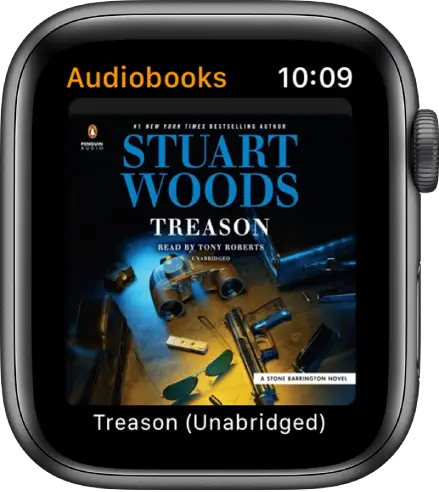
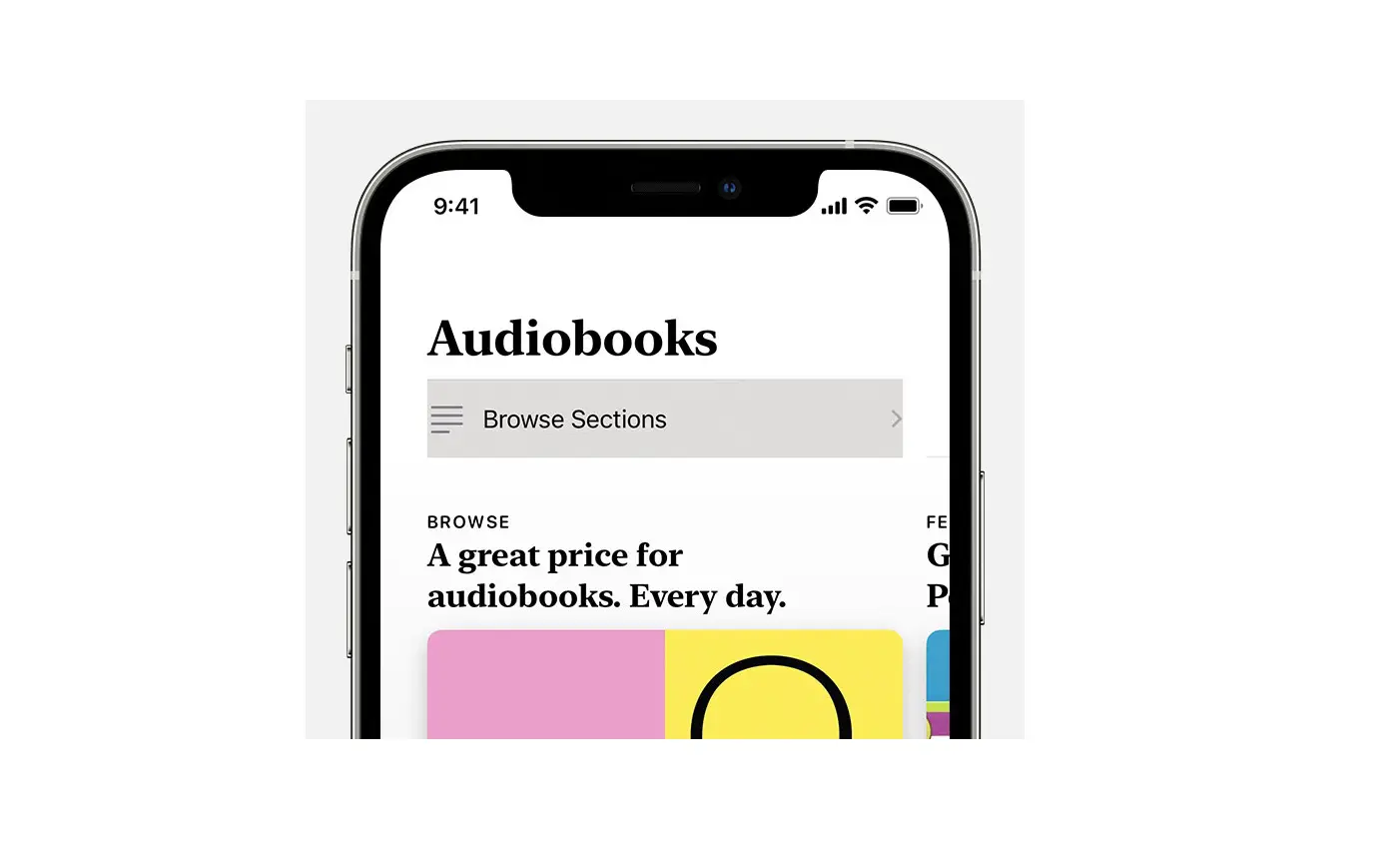
You can use the Audiobooks app  to play audiobooks from the Book Store on your Apple Watch.
Play audiobooks stored on Apple Watch
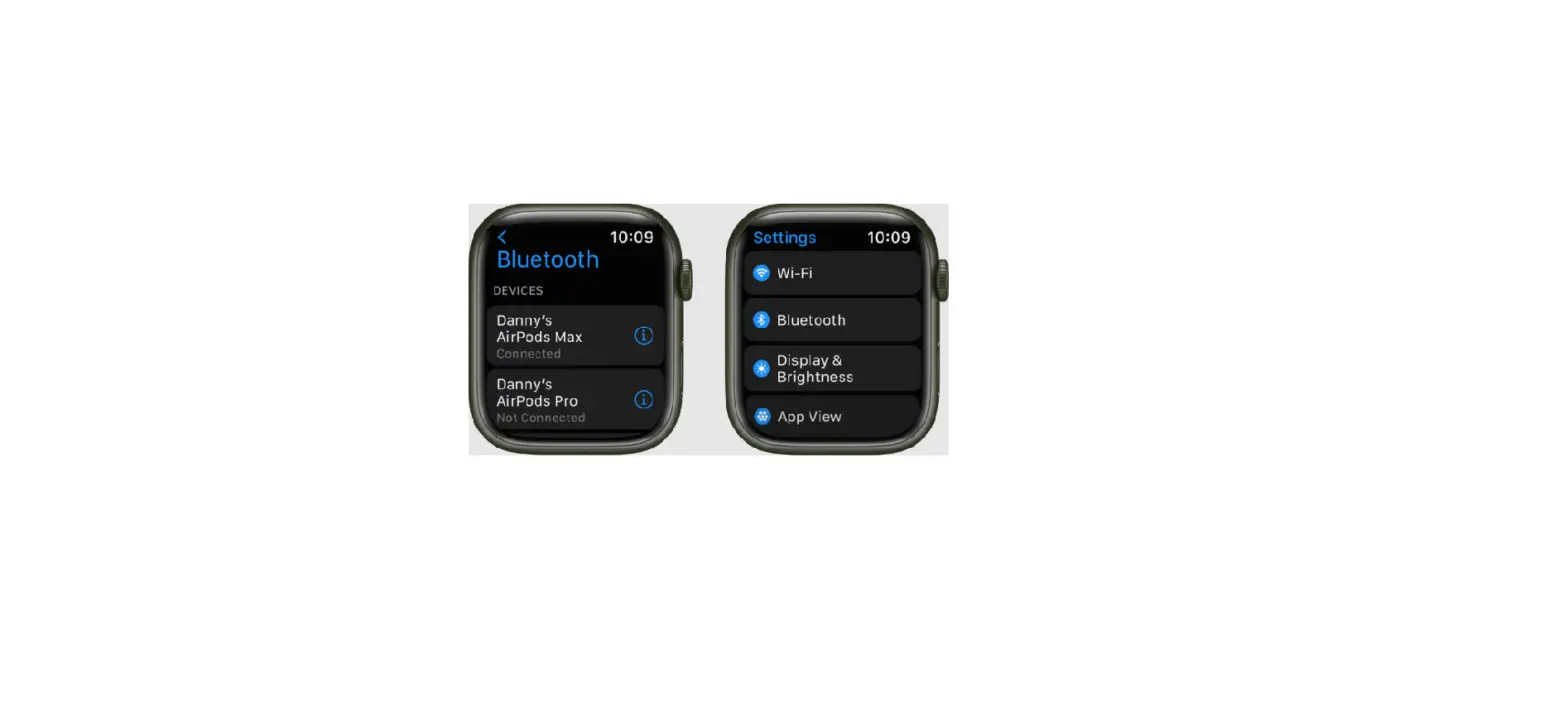
- After you connect Apple Watch to Bluetooth headphones or speakers, open the Audiobooks app
 on your Apple Watch.
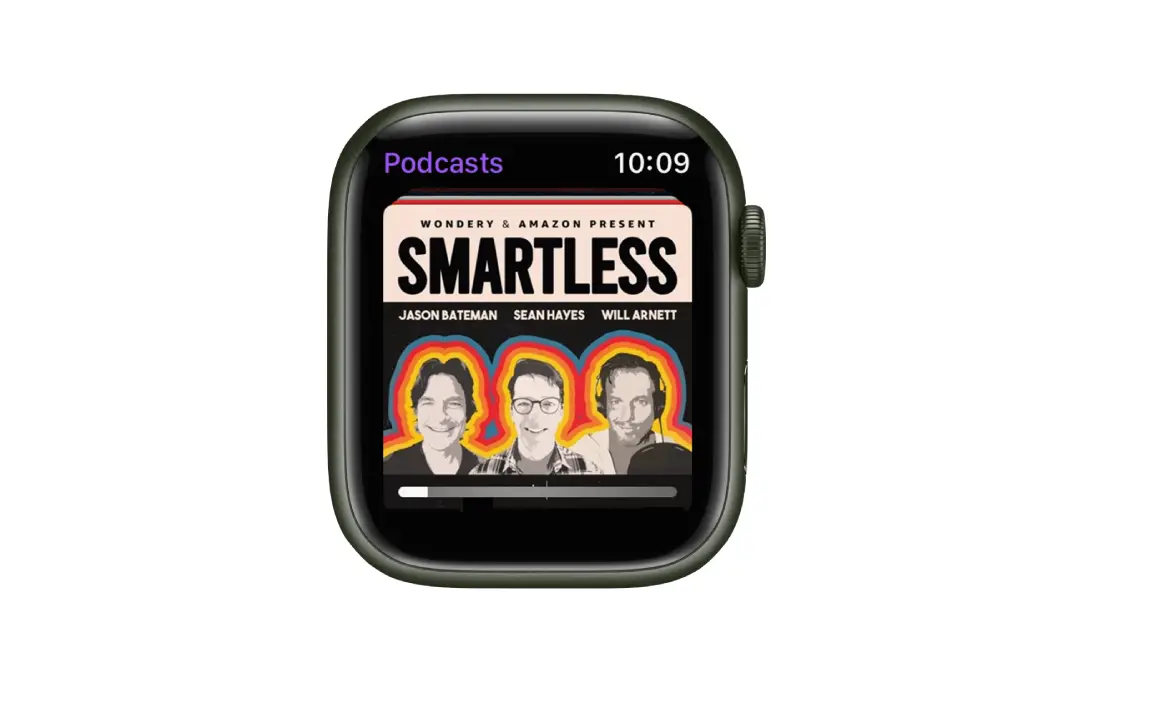
 - Turn the Digital Crown to scroll through the artwork.
- Tap an audiobook to play it.
Play audiobooks on iPhone
- Open the Audiobooks app on your Apple Watch.
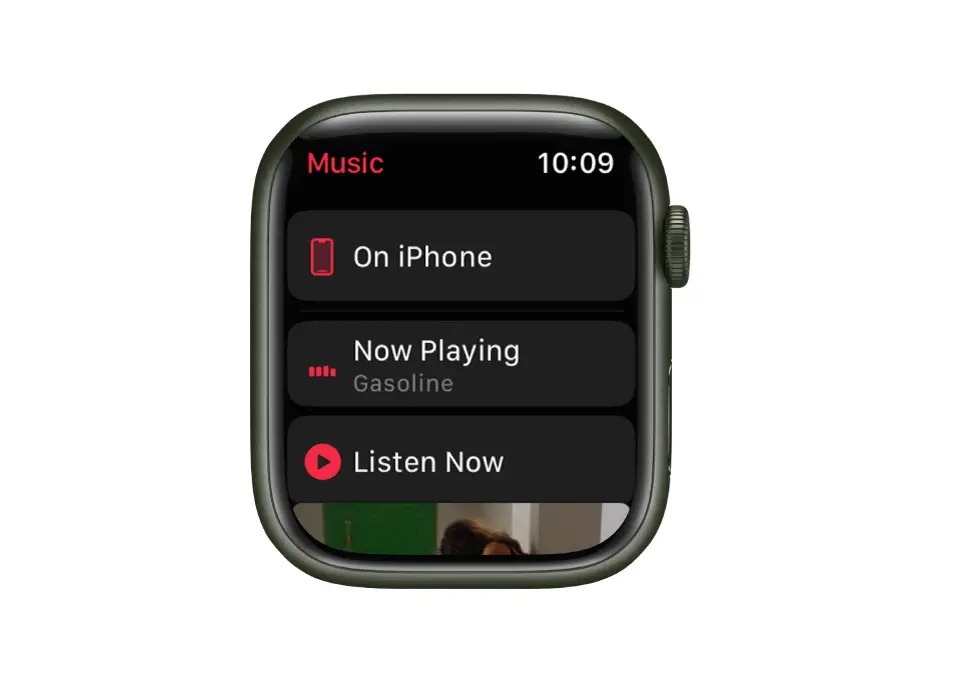
- Tap On iPhone.
- Tap an audiobook to play it on your iPhone.
Play audiobooks from your library
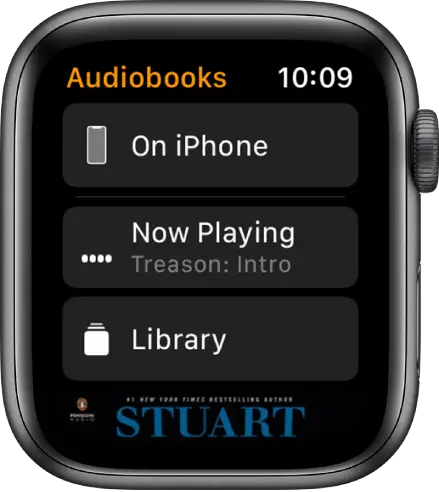
If your Apple Watch is near your iPhone or connected to a Wi-Fi network (or a cellular network, for Apple Watch models with cellular), you can stream audiobooks from your audiobooks library to your Apple Watch.
- Open the Audiobooks app on your Apple Watch.
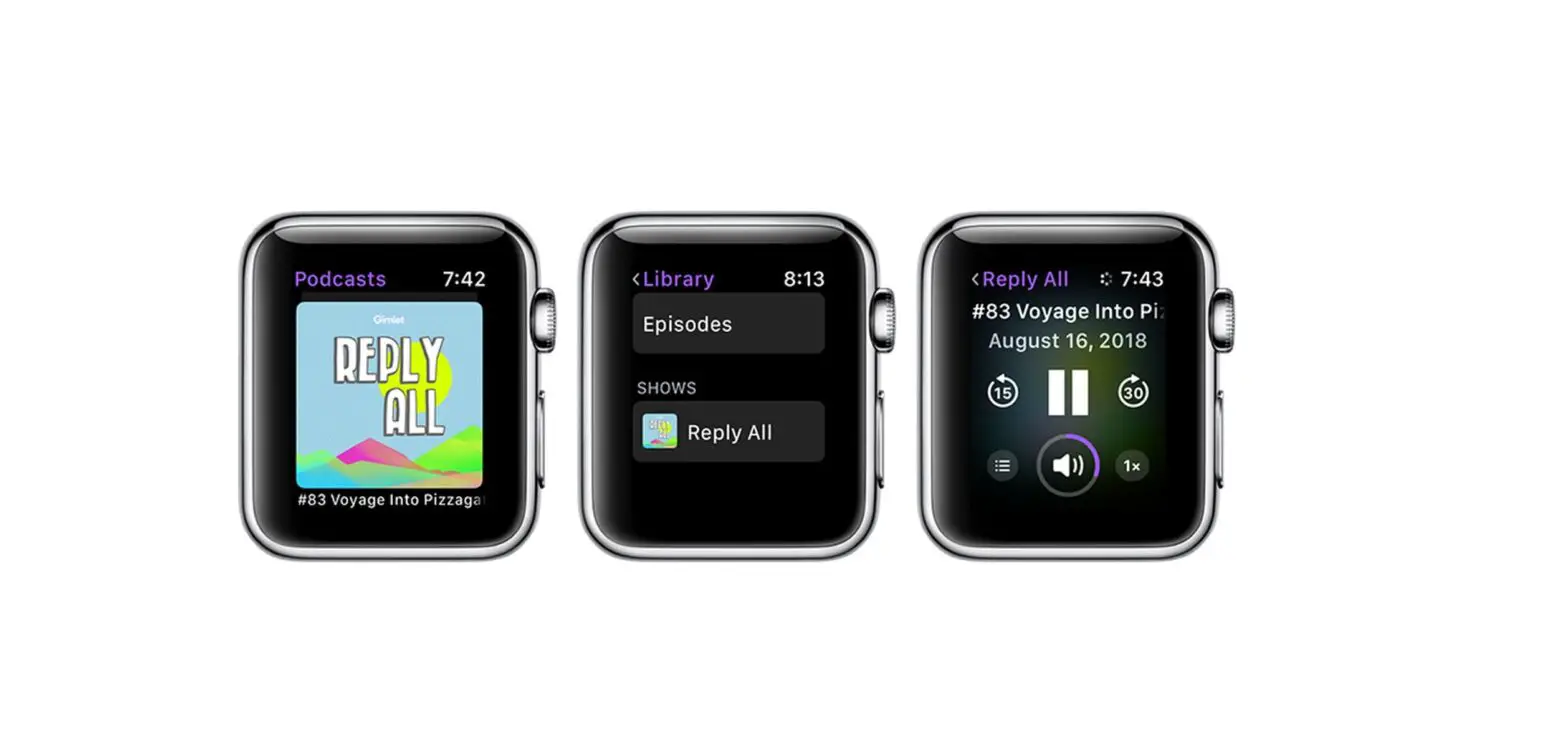
- Tap Library, then tap an audiobook to play it.
You can also play audiobooks purchased from the Book Store by members of your Family Sharing group. Just tap My Family on the Audiobooks screen, then tap an audiobook. See the iPhone User Guide for information about Family Sharing.
Play audiobooks with Siri
Ask Siri to play an audiobook in your library.
“Play the audiobook ‘Treason.’”
Control playback
Turn the Digital Crown to adjust volume. Use these controls to play audiobooks:
 | Play the audiobook. | ||||||||||
 | Pause playback. | ||||||||||
 | Skip ahead 15 seconds. | ||||||||||
 | Skip back 15 seconds. | ||||||||||
 | Playback speed. Options include 1x, 1 1/4x, 1 1/2x, 1 3/4x, 2x, and 3/4x. | ||||||||||
 | Choose a track or chapter. | ||||||||||