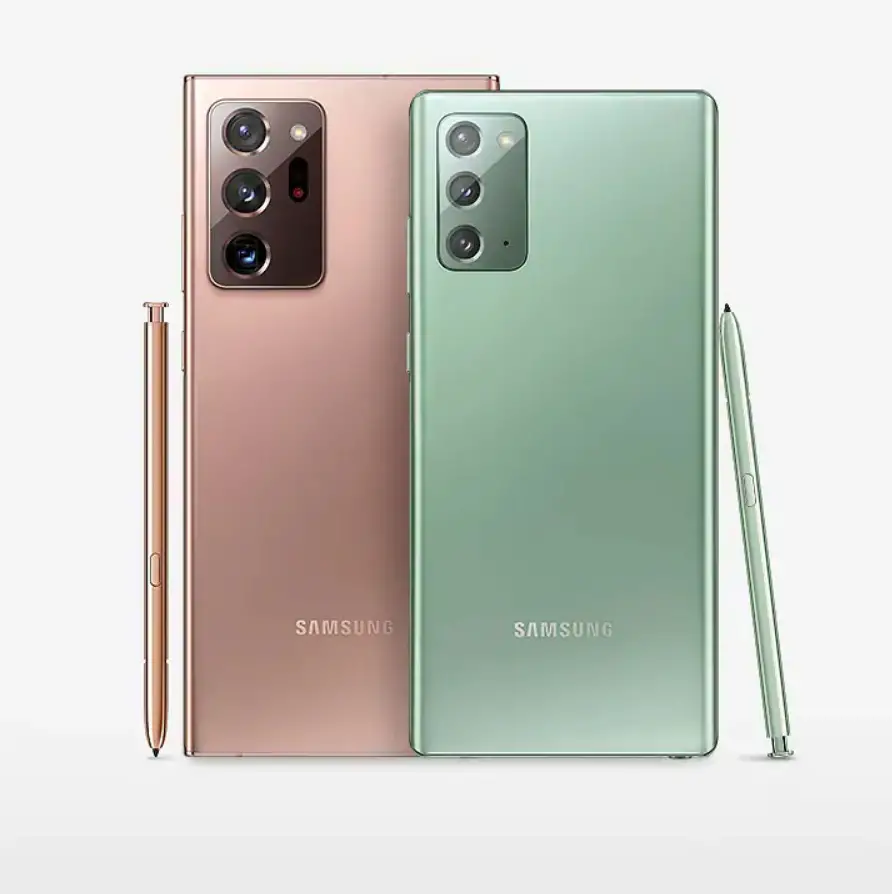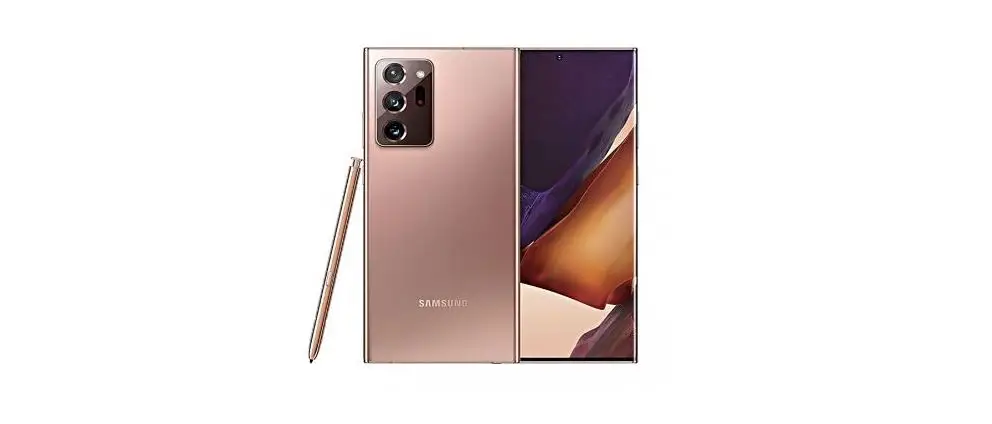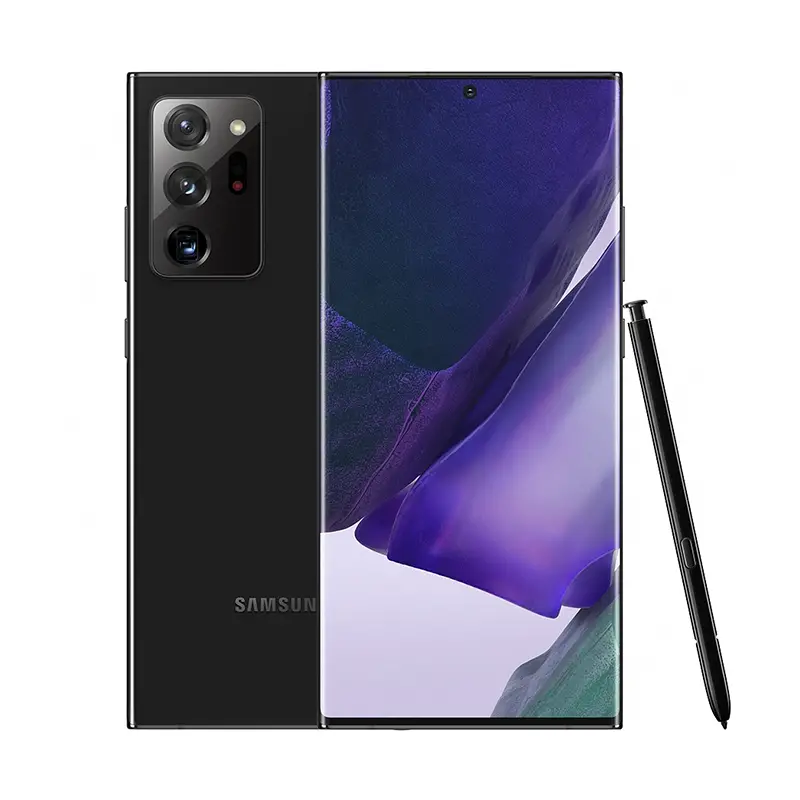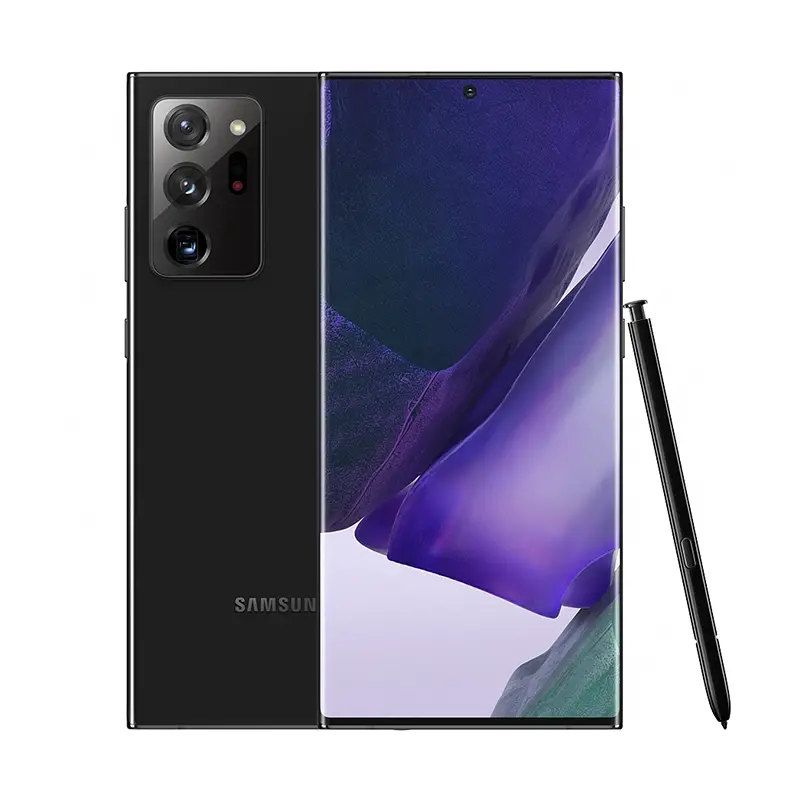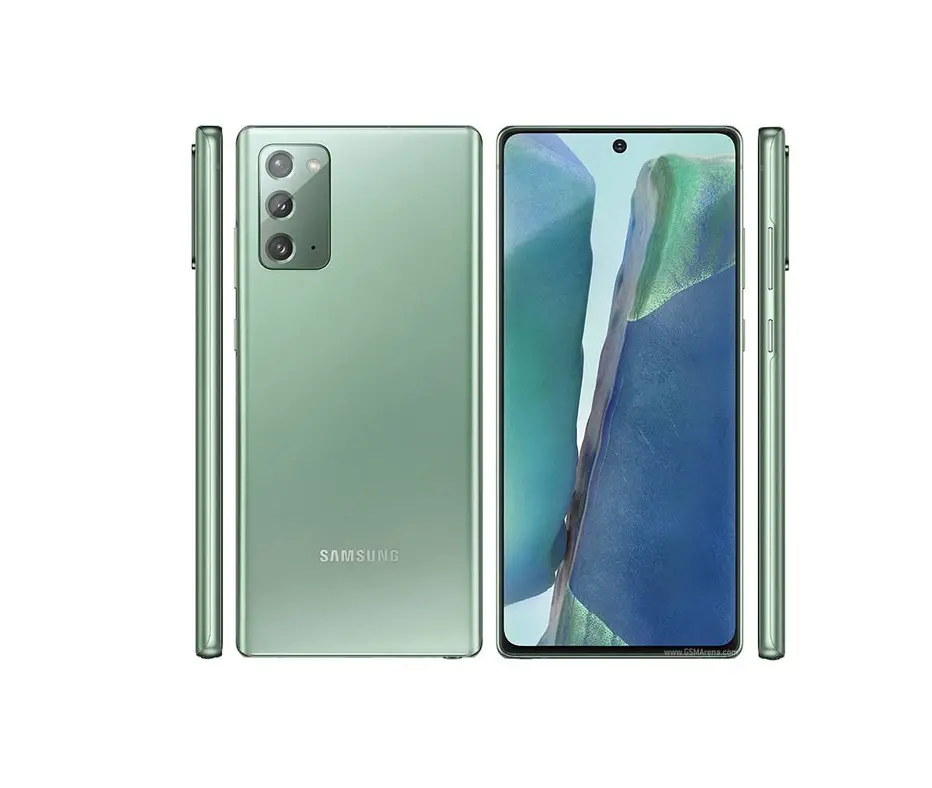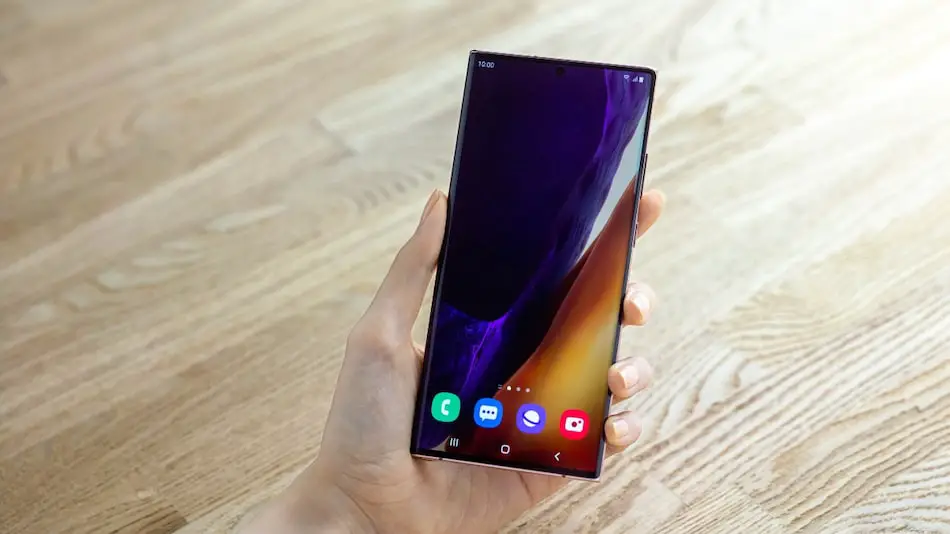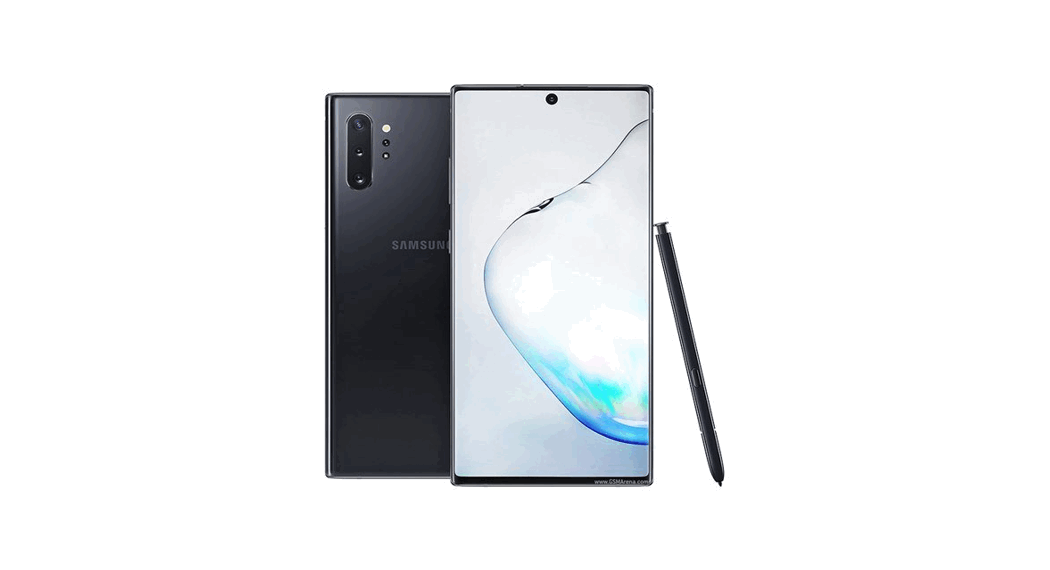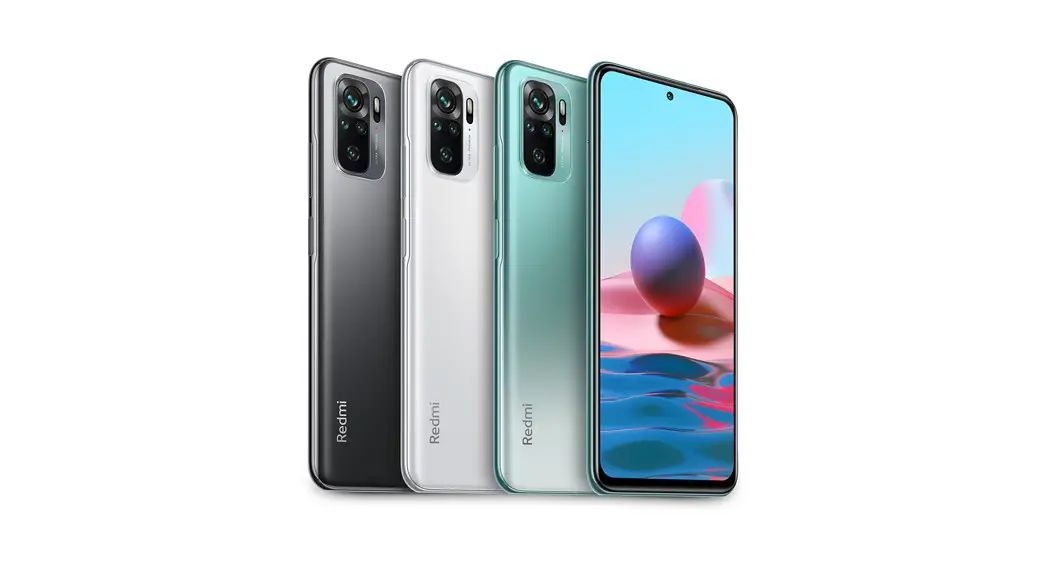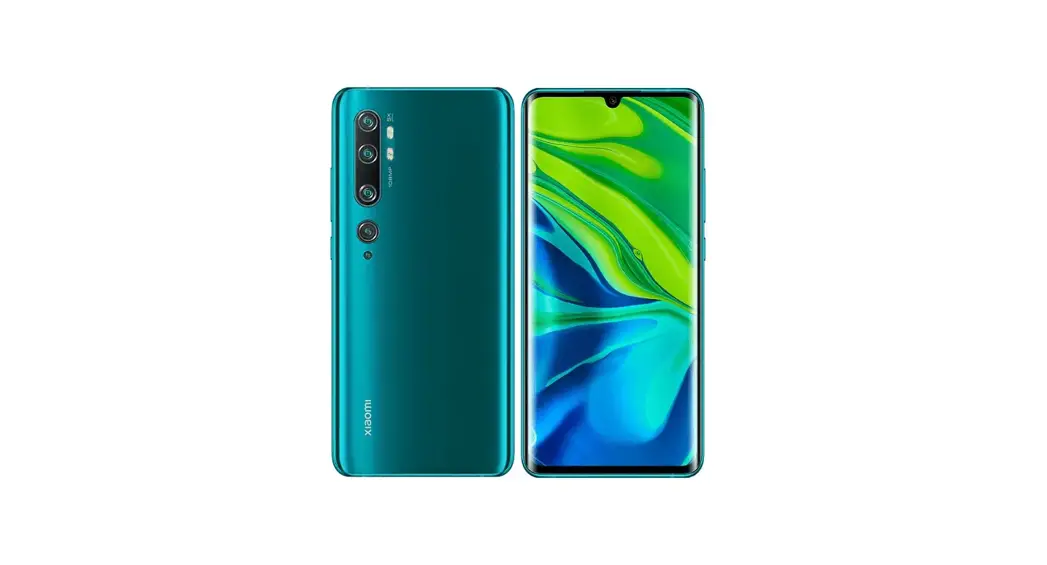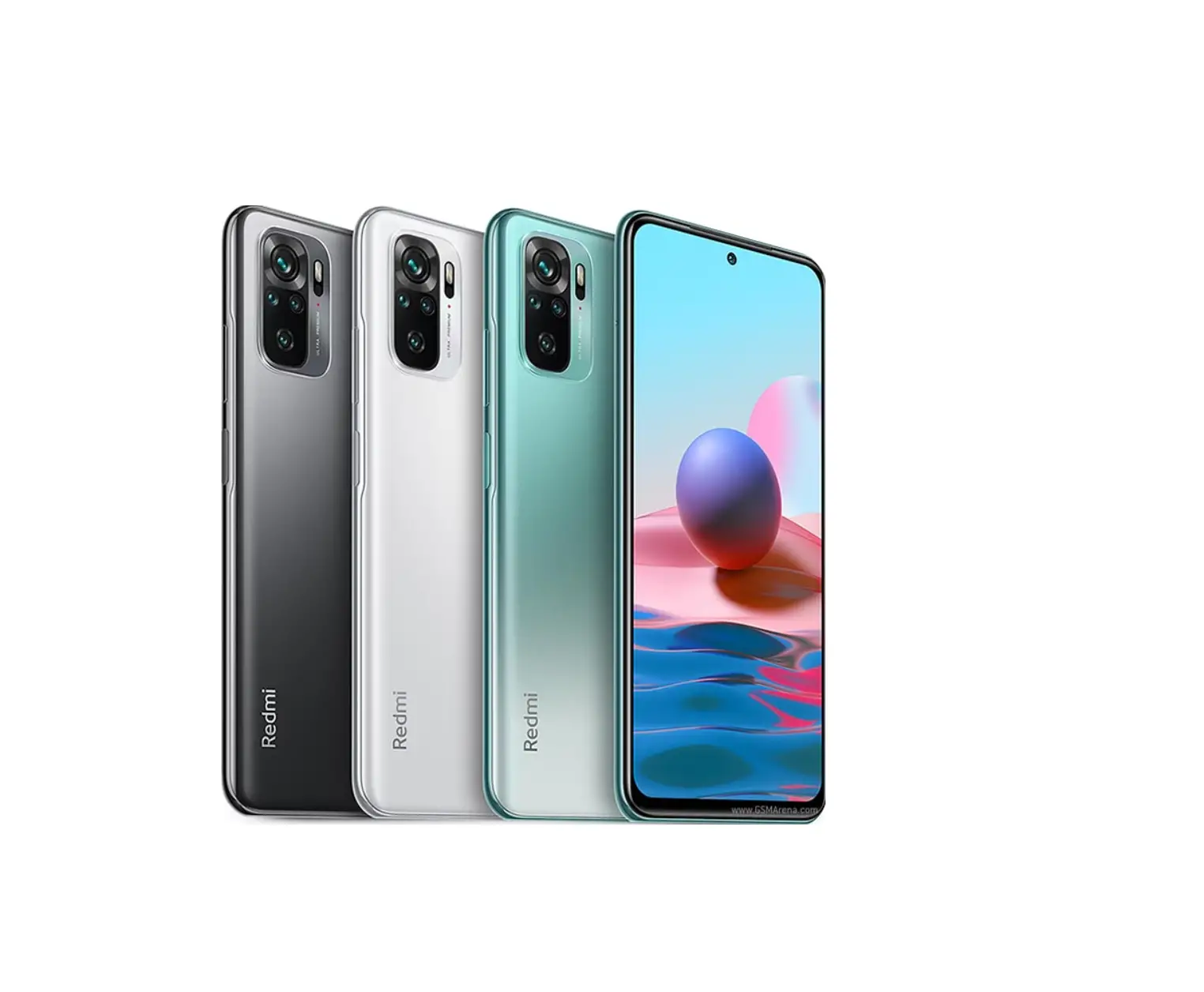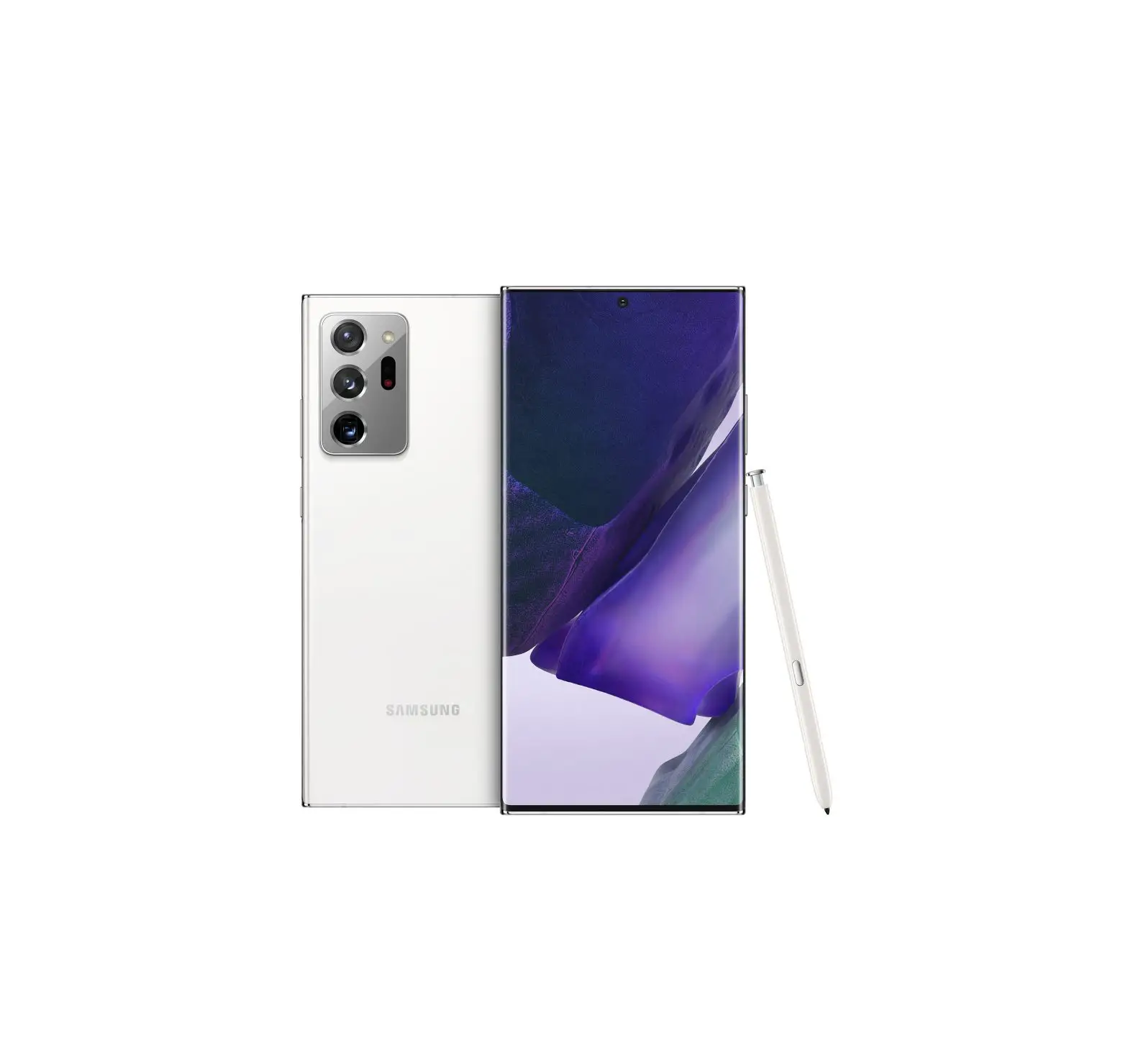
SAMSUNG Galaxy Note 20 Ultra
About your phone
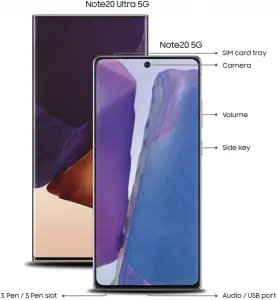
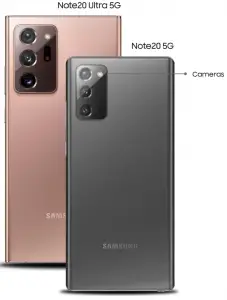
Samsung account
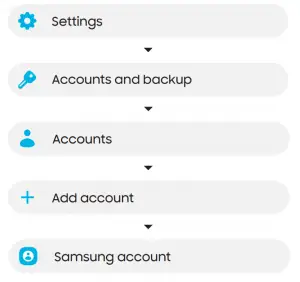
Get the most out of your phone by setting up your Samsung account.
You can sign in to an existing Samsung account, create an account, or sign up with an existing Google account.
Once your account is set up, you can
Use Samsung Pay
Schedule repairs
Back up your phone
Restore your phone and more
Switching made simple
Whether you are coming from an iOS or Android platform, you can easily transfer your data with Smart Switch.
Back up your old phone
Back up your old phone using your favorite back-up app.
Samsung Smart Switch
1. From your new Galaxy device, tap Settings > Accounts and backup > Smart Switch.
2. Tap Receive data.
3. Select your old device type.
4. Tap Cable (Android) or Wireless (Android and iOS) and follow the prompts to connect your phones.
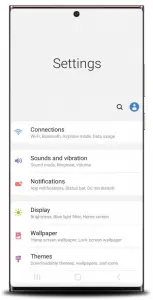
Customize
Tap Settings to personalize your phone
Essential apps

Introducing a better way to pay.

Say goodbye to forgotten passwords.

Simple, high quality video calling for smartphones, tablets, computers and smart displays

Store and back up your photos and videos automatically to your Google Account with Google Photos™.

Store, share and access your files from any device
Samsung Care
Samsung Premium Care
Pick the time and place and a team member will meet you to set up, troubleshoot, repair, or replace your product.
Visit Samsung.com/us/support/premium-care to enroll.
Get to know your product
Visit Samsung.com/us/support or
download the Samsung Members app
Contact us
Questions?
Visit us.community.samsung.com
Get Support
Call 1.800.SAMSUNG
Service locations
Find a service location near you at Samsung.com/us/support/service/locations
Learn more Learn more

For more information
Google Duo: duo.google.com
Google Photos: support.google.com/photos
Google Drive: support.google.com/drive
1 Wireless voice, data and messaging services compatible with most major U.S. GSM and CDMA networks. Visit www.samsung.com for more information on your device. Support for certain features and services such as VoWiFi and Hotspot, vary by wireless service provider. See provider for compatibility details.
©2020 Samsung Electronics America, Inc. Samsung and Galaxy Note are both trademarks of Samsung Electronics Co., Ltd. Other company and product names mentioned herein may be trademarks of their respective owners. Screen images simulated. Appearance of phone may vary. Images shown are for reference only

References
 Google Duo - Free High-Quality Video Calling App
-
Samsung Smart Switch: Transfer Contacts, Music and More I Samsung US
-
Support Home | Official Samsung Support US
-
Samsung My Account | Samsung US
-
Samsung Care+: Support 24/7, Protection & Warranty | Samsung US Close Close
-
Service Locator | Samsung
 Samsung Community - Samsung Community
-
Samsung US | Mobile | TV | Home Electronics | Home Appliances | Samsung US
 Google Duo - Free High-Quality Video Calling App
 Samsung Smart Switch: Transfer Contacts, Music and More I Samsung US
 Samsung Community - Samsung Community
 Samsung US | Mobile | TV | Home Electronics | Home Appliances | Samsung US