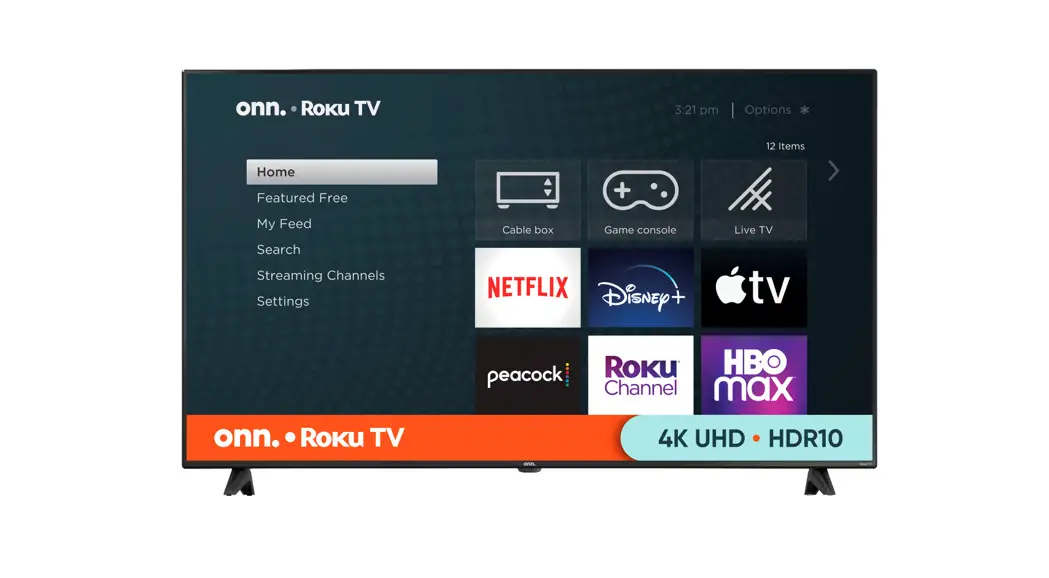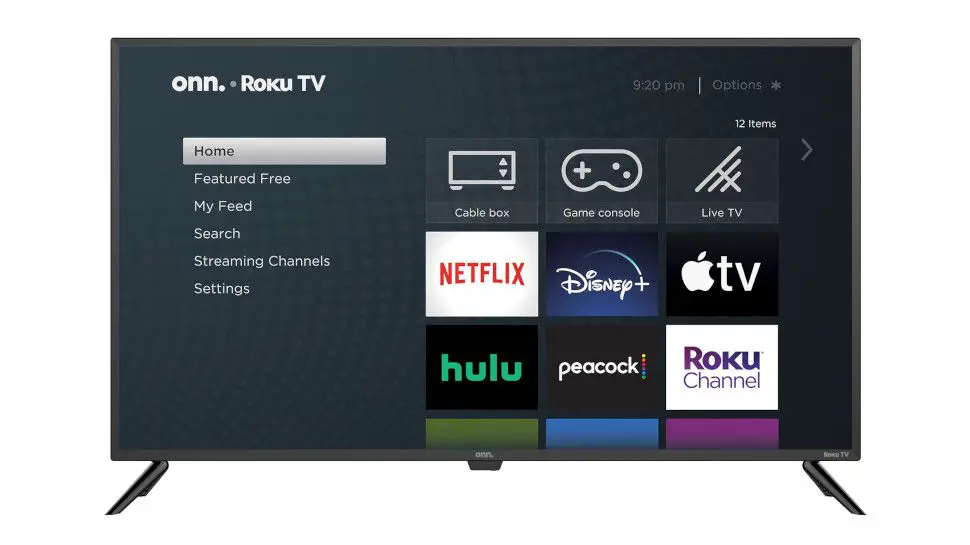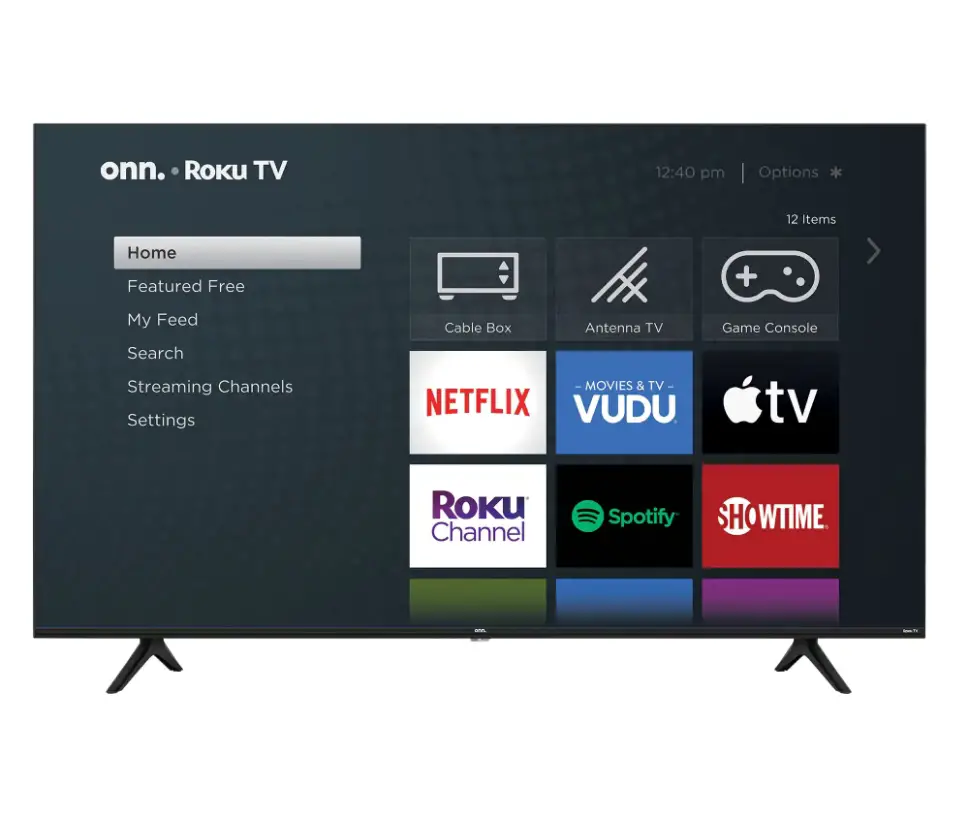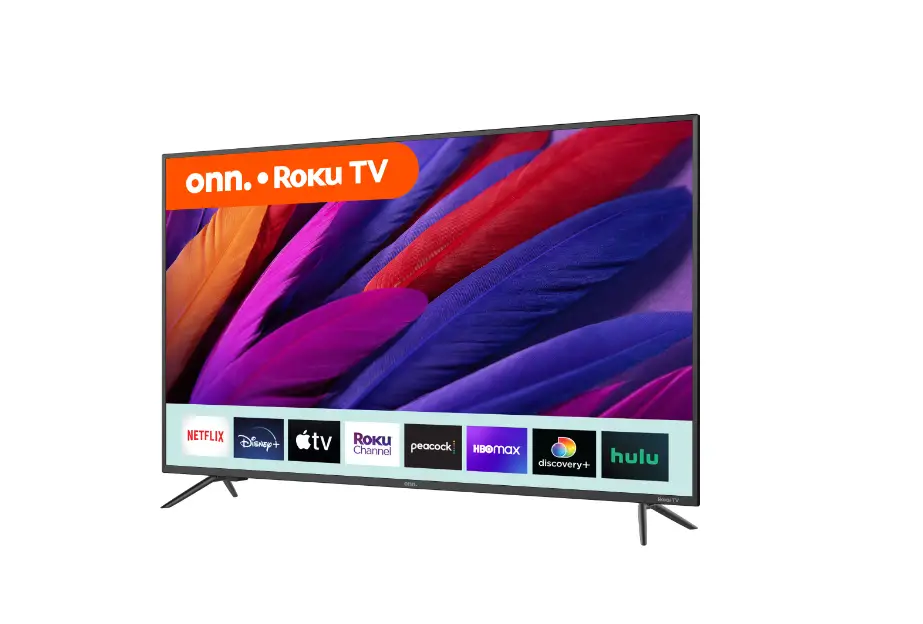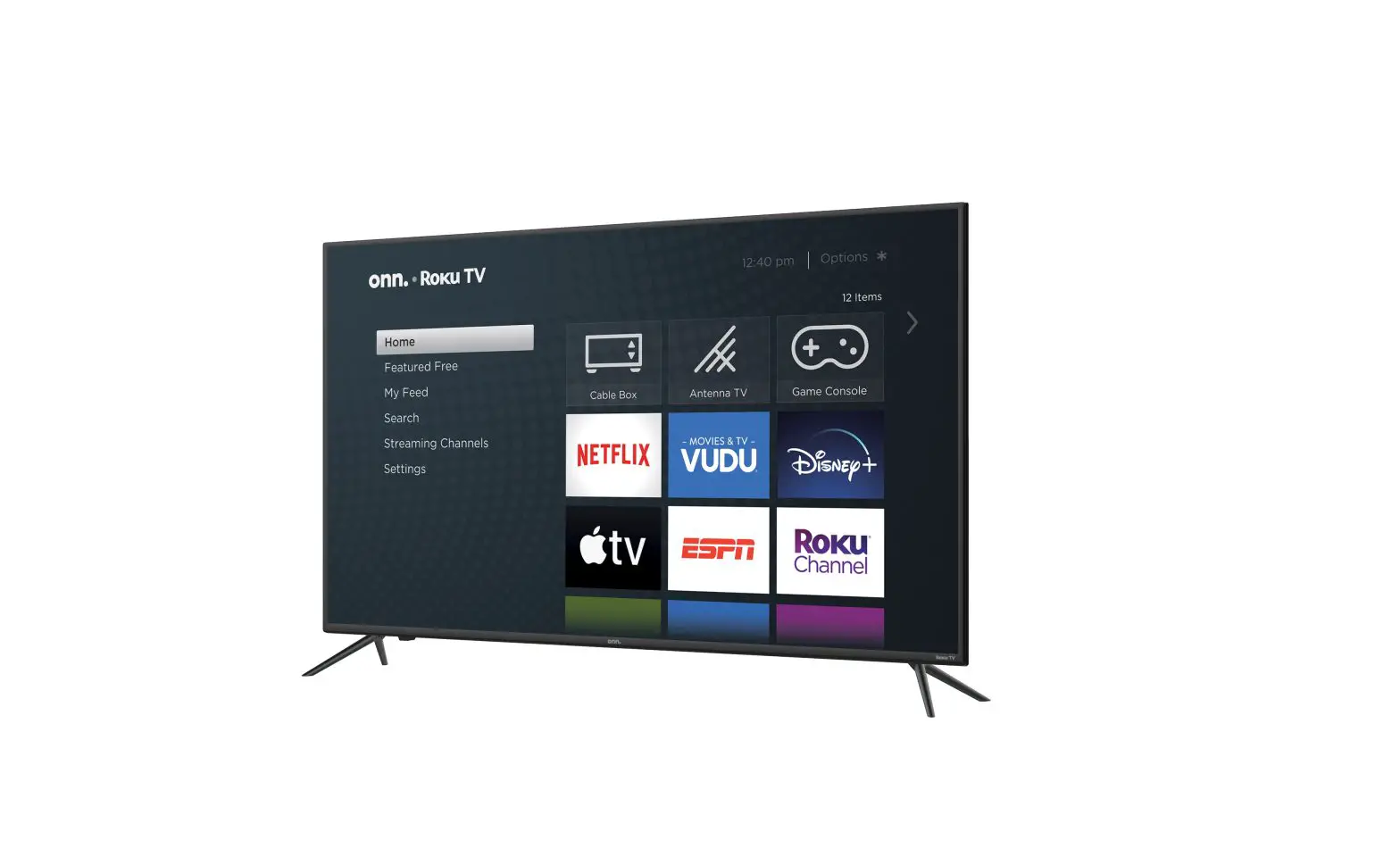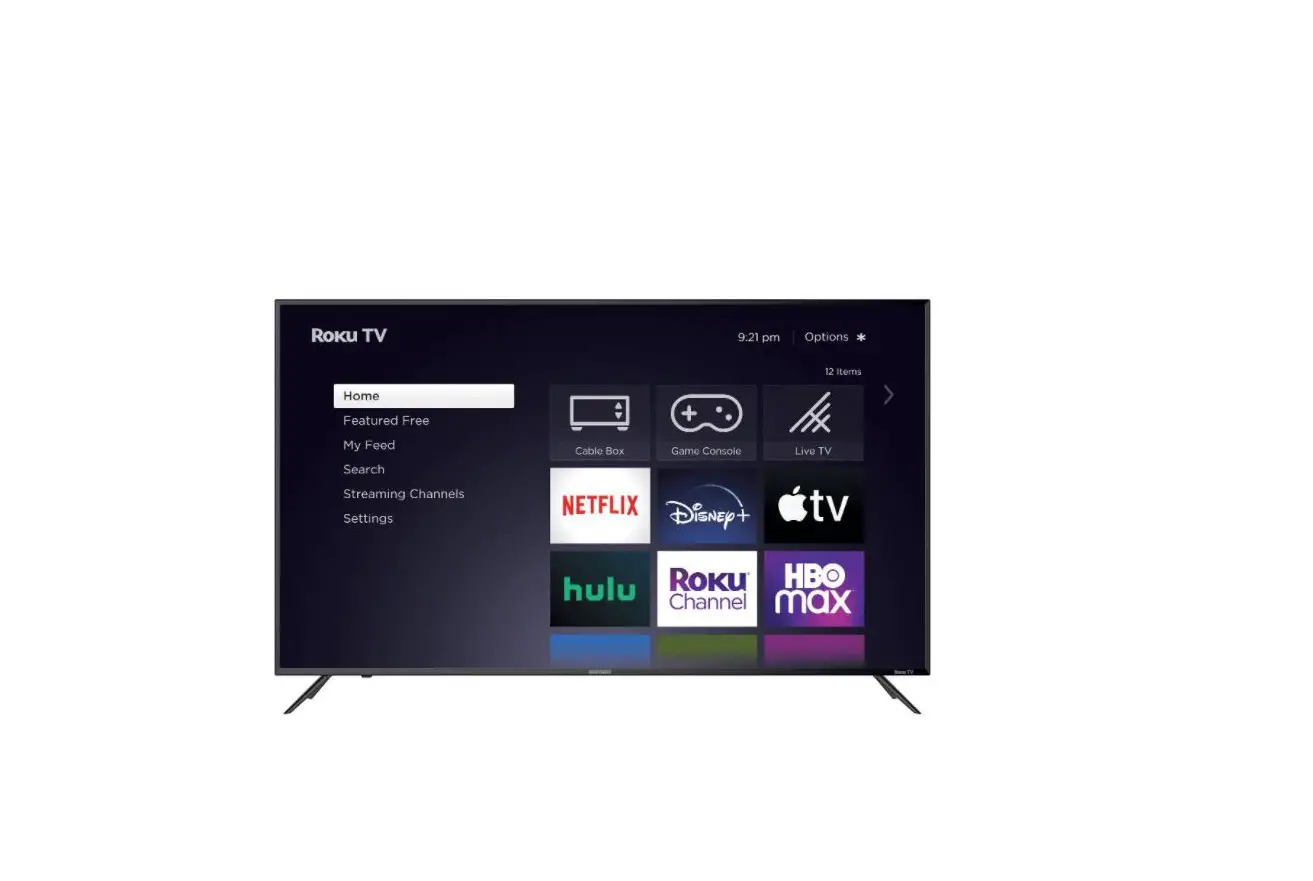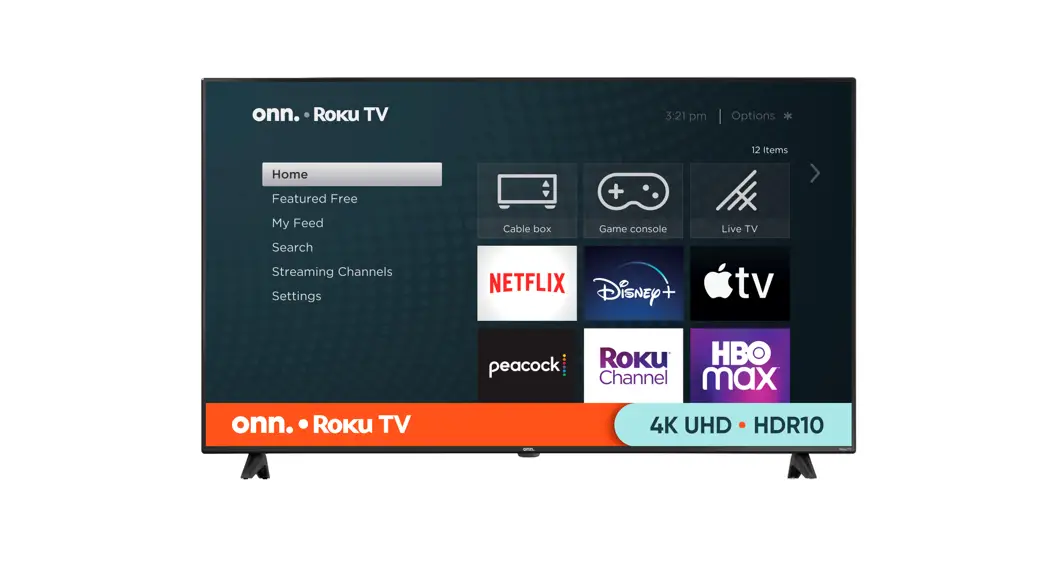

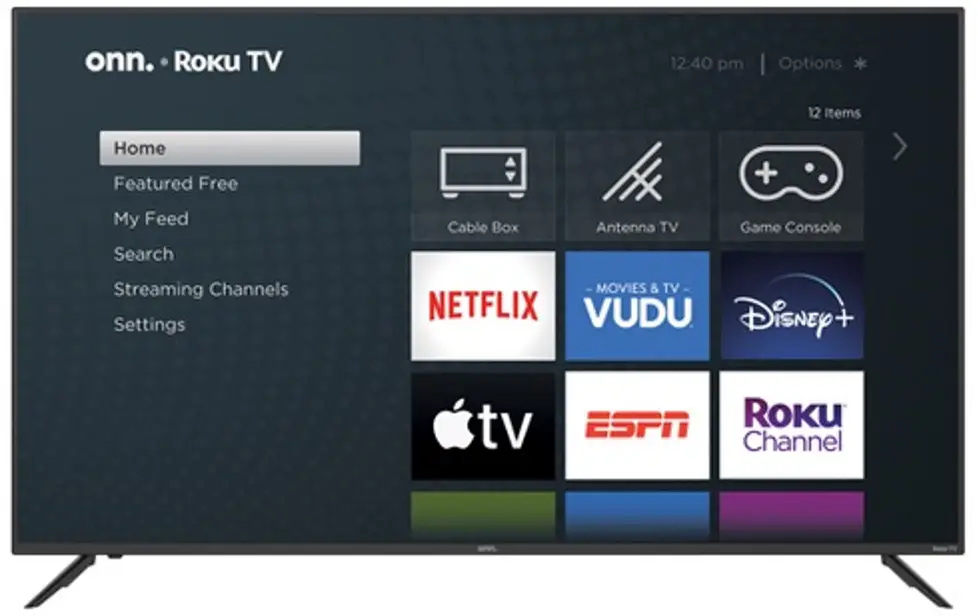
70″ 4K UHD TV
Model: 100012588
Quick Start Guide
*ROKU, ROKU TV, and the ROKU logo are the trademarks of Roku, Inc. All other trademarks and logos herein are the property of their respective owners.
What’s in the Box?
 |
|
|
|
|
 TV Stand
 4 Screws
 TV Remote
 2 x AAA Batteries for Remote
What you need:
|
|
|
|
 Phillips Head
 Wireless Router
 Computer, Tablet, or Smartphone
 Internet Connection
Installing the Stands
Do not install the stands if you want to wall mount your TV. See your wall mount instructions or chat live at www.onntvsupport.com.
You will need: Phillips screwdriver (not included)
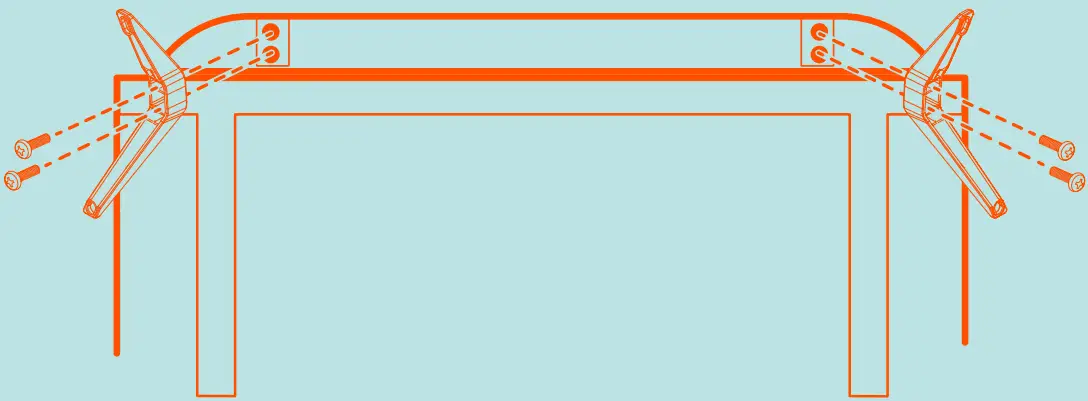
- Place the TV screen-down on a clean, flat, soft surface (e.g.: blanket) to prevent scratches or damage to the screen.
- Use a Phillips screwdriver to attach each strand with the provided screws.
- Place the TV upright on a stable, level surface.
Grab your remote
Power your TV remote by inserting the included batteries carefully matching (+) and (-) indicated inside the battery compartment.
| A Power B Back C Directional keypad D Channel recall E Rewind F Sleep G Home H Volume I View more options J Fast forward K Play/Pause | 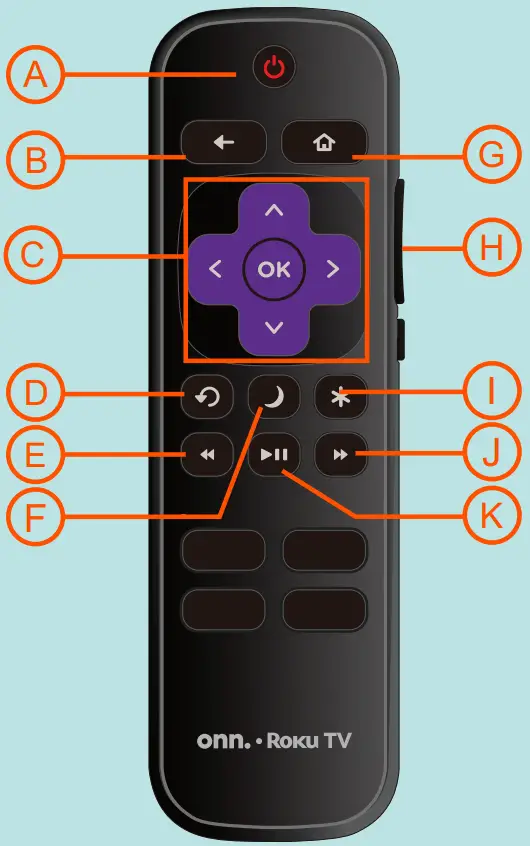 |
Visit go.roku.com/tvmanual for the complete Roku User Guide.
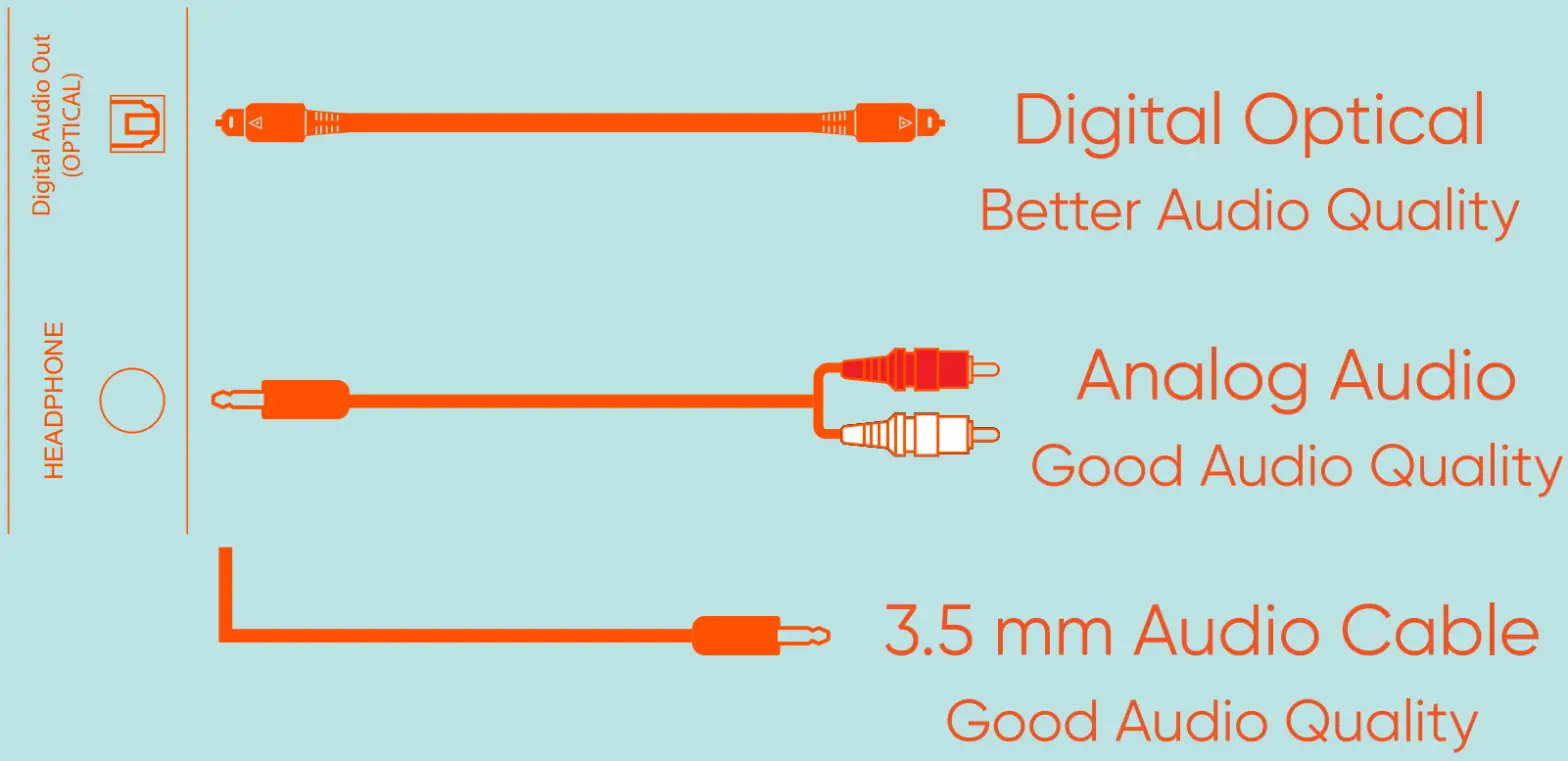
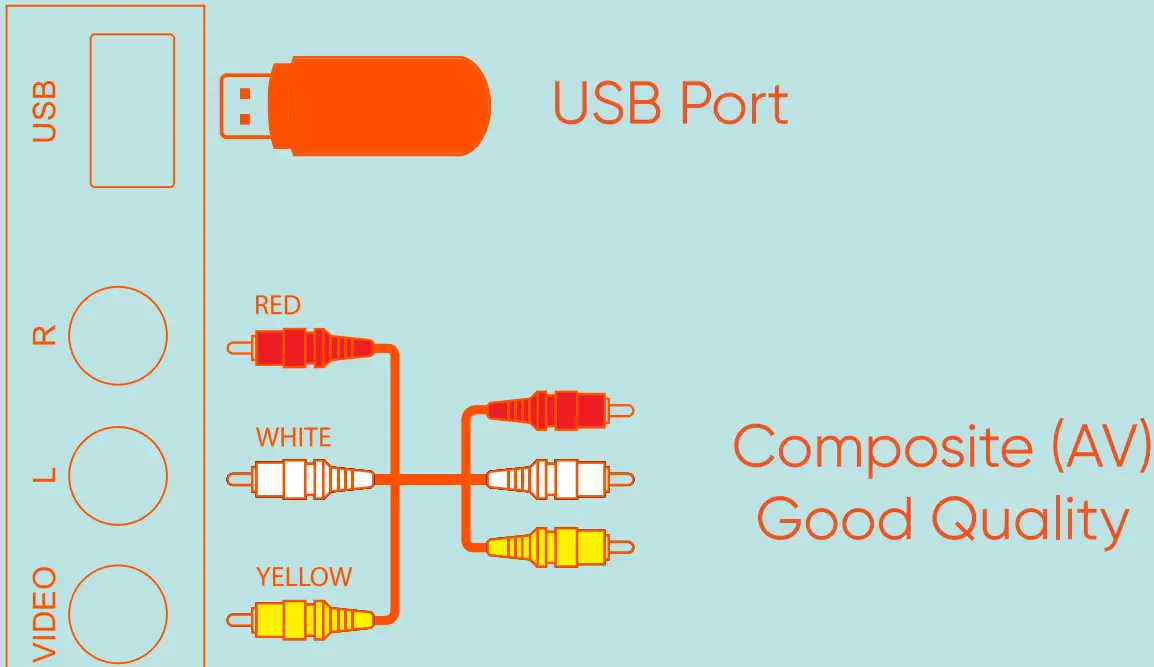
Connecting Devices
HDMI (AV)
Best Quality
Coaxial
Good Quality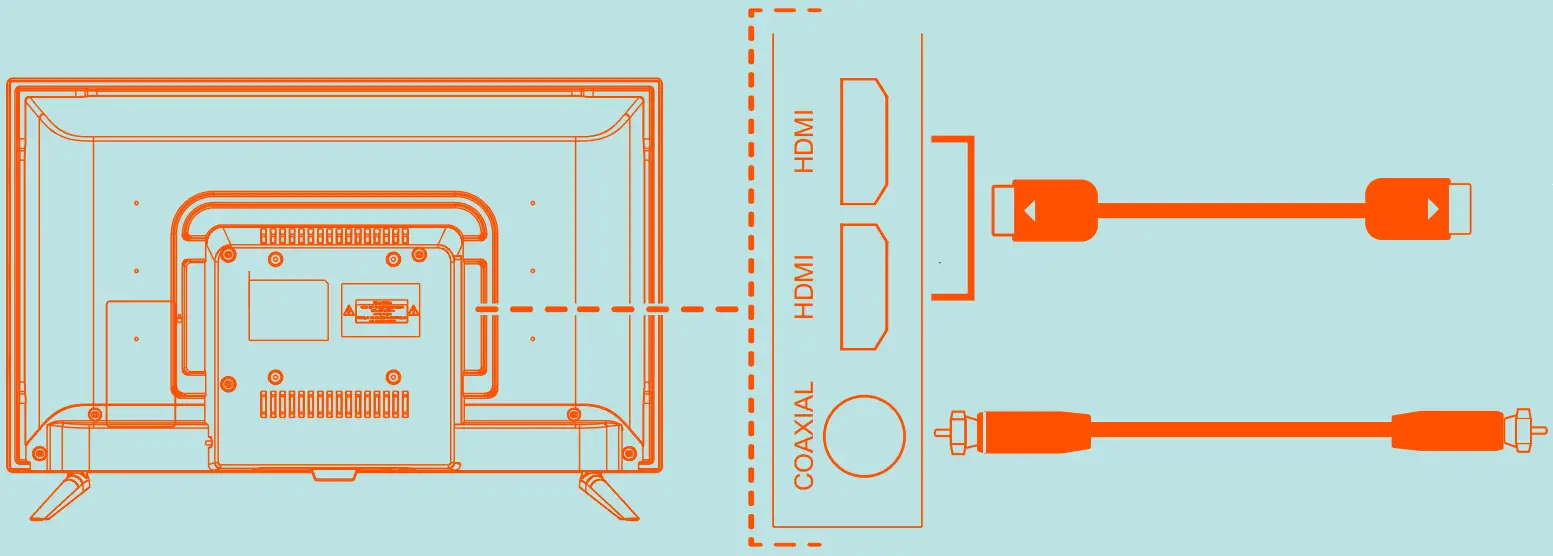
 Connecting to Power
After connecting all your devices, connect the power cord to a power outlet. The TV enters standby mode and its indicator light turns red.
*Actual placement of TV ports may vary by model.
Tip: Have your wireless network name and password handy.
Follow the on-screen instructions on your own.™· Roku TV. If you aren’t ready to connect your TV to a wireless network, you can still use it as a regular TV.
Activate your own.™· Roku TV using your computer, smartphone, or tablet to link to a Roku account. You need a Roku account to activate your own.™ · Roku TV and access entertainment across thousands of streaming channels.
Note: Roku doesn’t charge for activation support – beware of scams.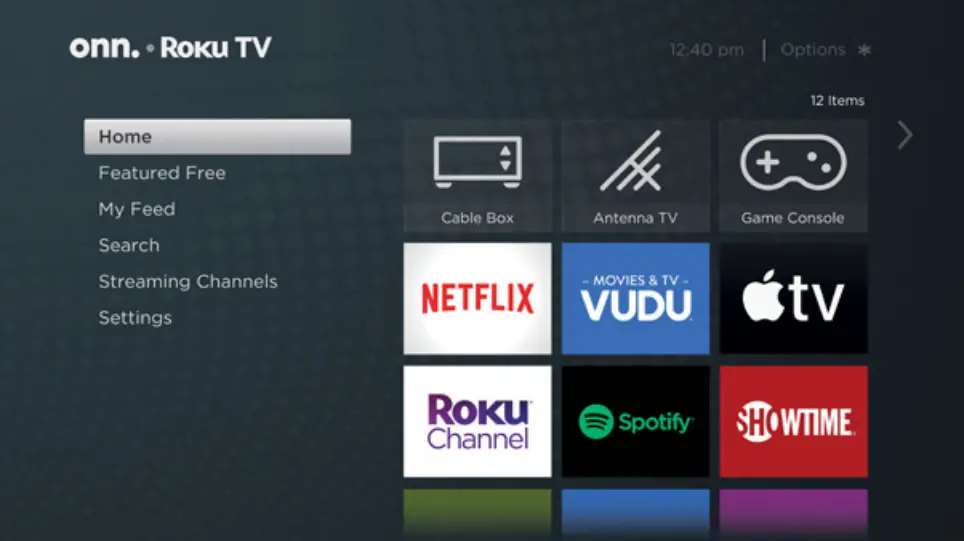
Endless Entertainment
Stream what you love, including free TV, live news, sports, and more. Never miss the most talked-about events, award-winning shows, latest blockbuster hits, and more. It’s easy to stream what you love and cut back on cable bills with access to 500,000+ movies and TV episodes across thousands of free and paid channels.*
*Payment required for some channels and content. 4K and HDR require 4K and HDR content is not available on all channels and is subject to channel provider bandwidth. Channels are subject to change and vary by region.
Customer Support & Warranty
Online Chat: www.onntvsupport.com
Email: [email protected]
Customer Support:
844-334-2355
9 am -9pm EST daily
Visit go.roku.com/tvmanual for the complete Roku User Guide.
We recommend keeping your TV box for the duration of your warranty. See your product warranty for details.
© 2020 Walmart on. is a trademark of Walmart
All Rights Reserved.
2 YEAR WARRANTY*
Text “ONN REGISTER” to “888111”
* 1-year manufacturer warranty with the purchase or 2-year warranty with product registration. Message and data rates may apply. We’d love to hear from you. Scan with your Walmart app and let us know what you think. 100012588 6 81131 30830 4
 How to set up your Roku TV|Set up your Roku TV
 Customer support | onn.